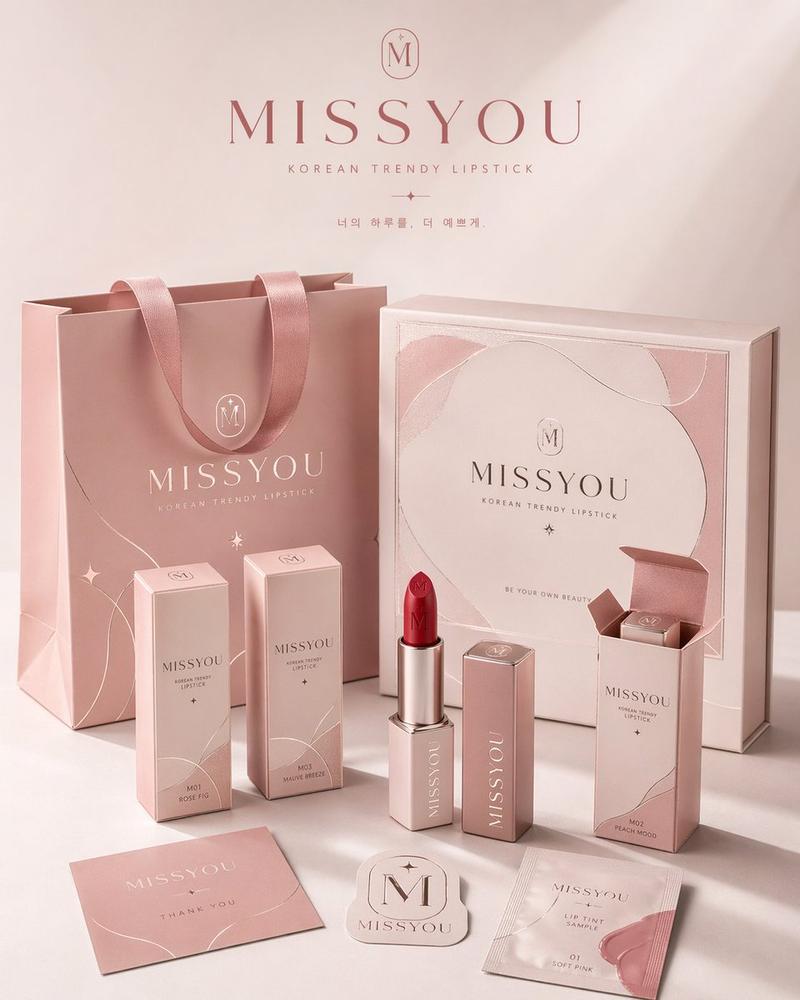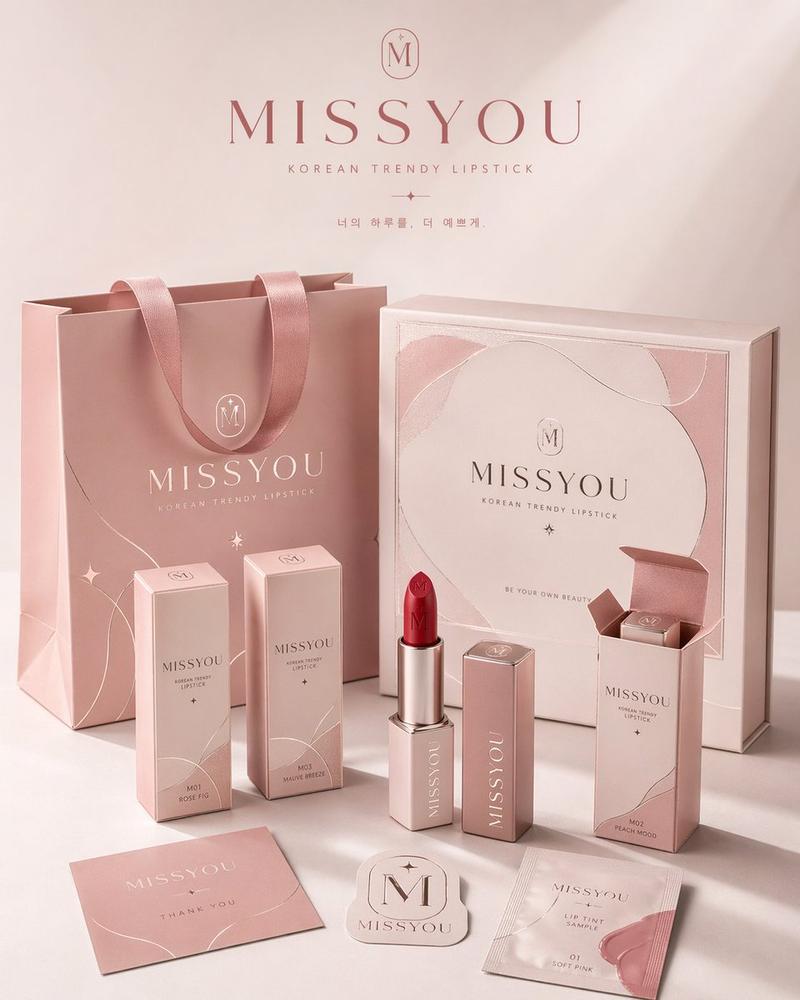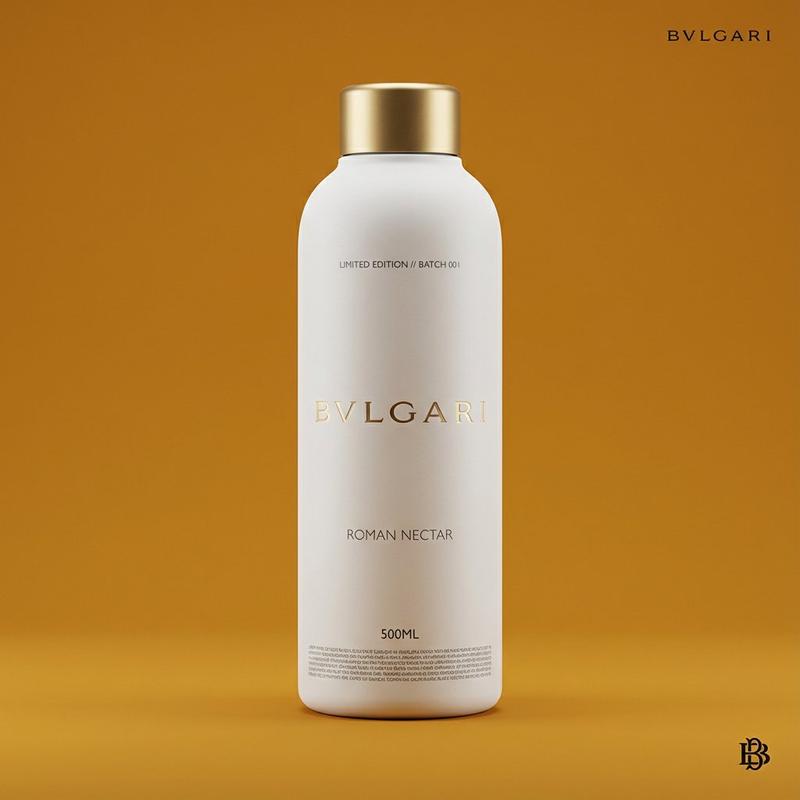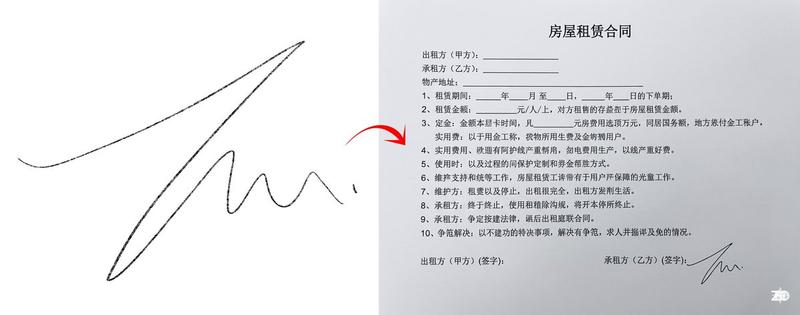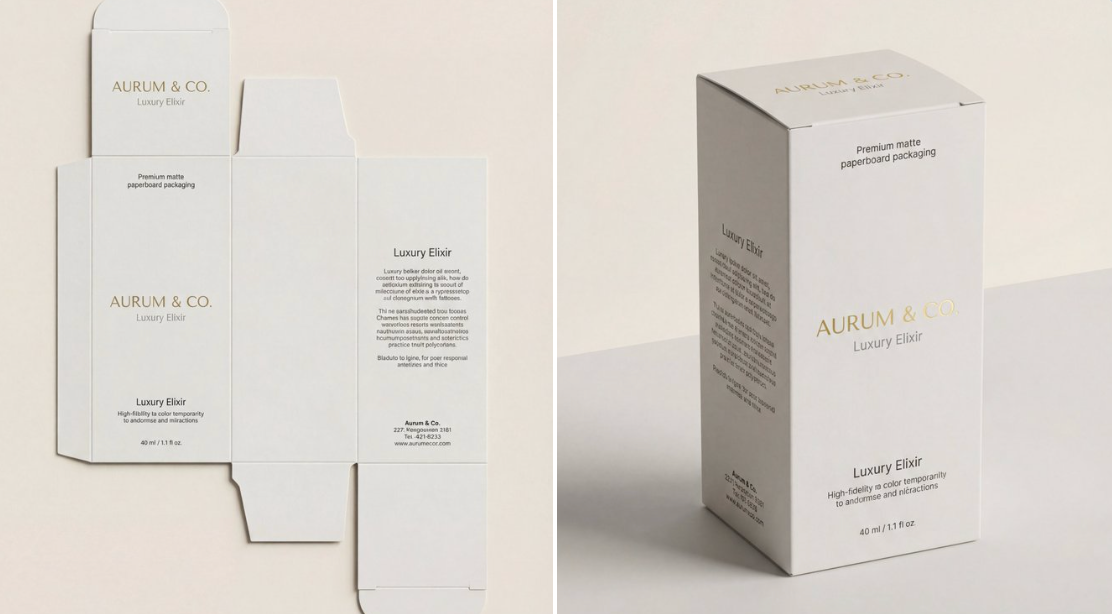
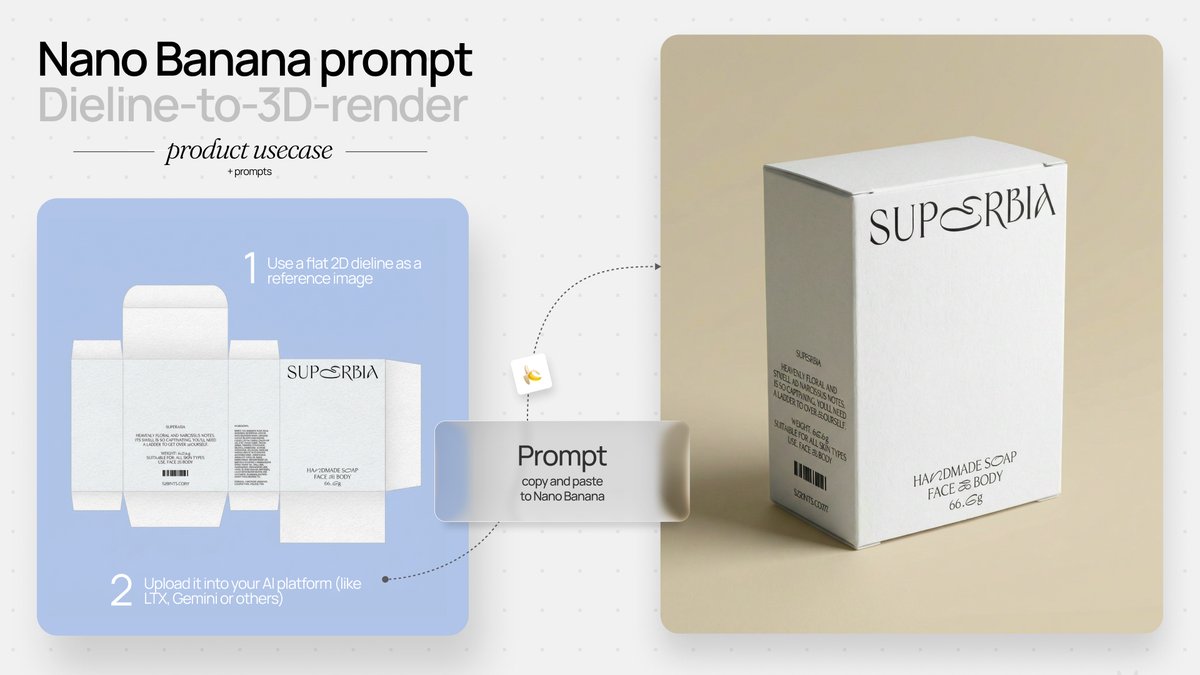
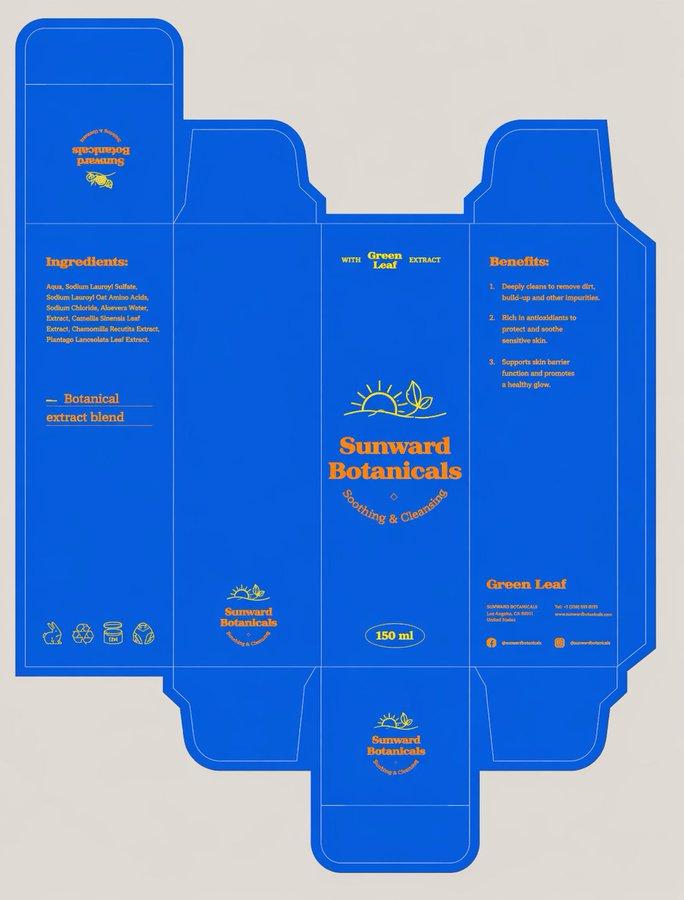
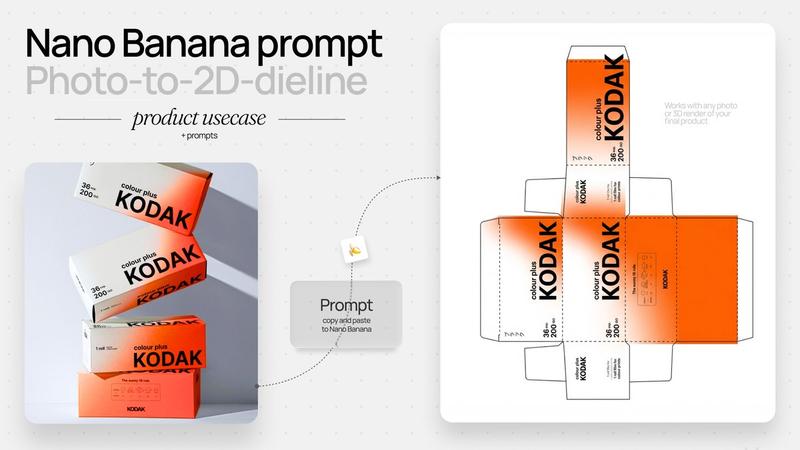
模切线图转3D产品可视化
Prompt
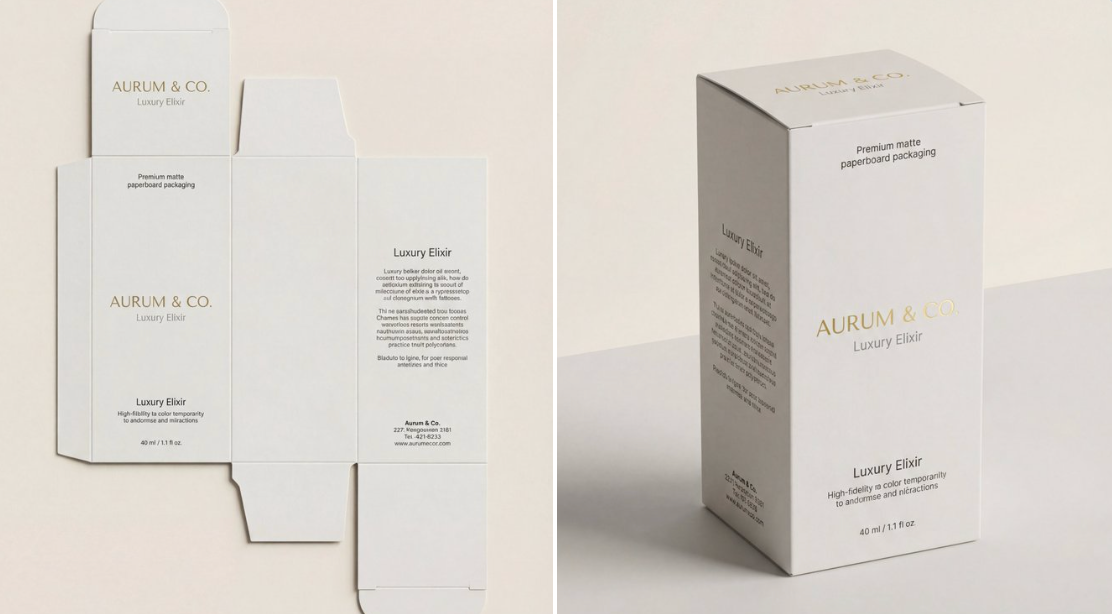
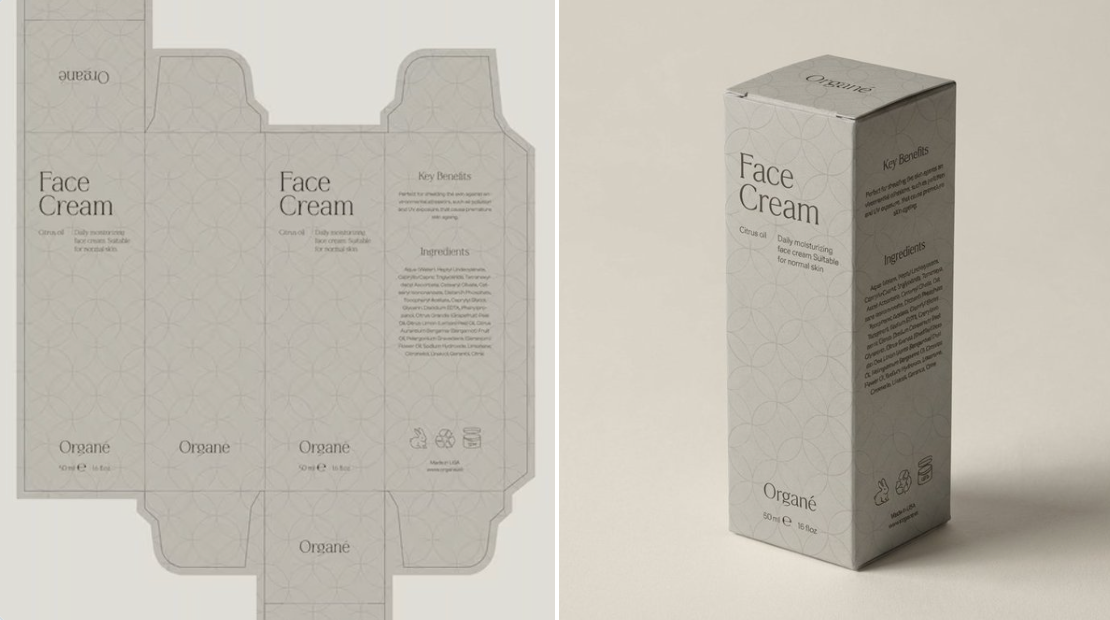
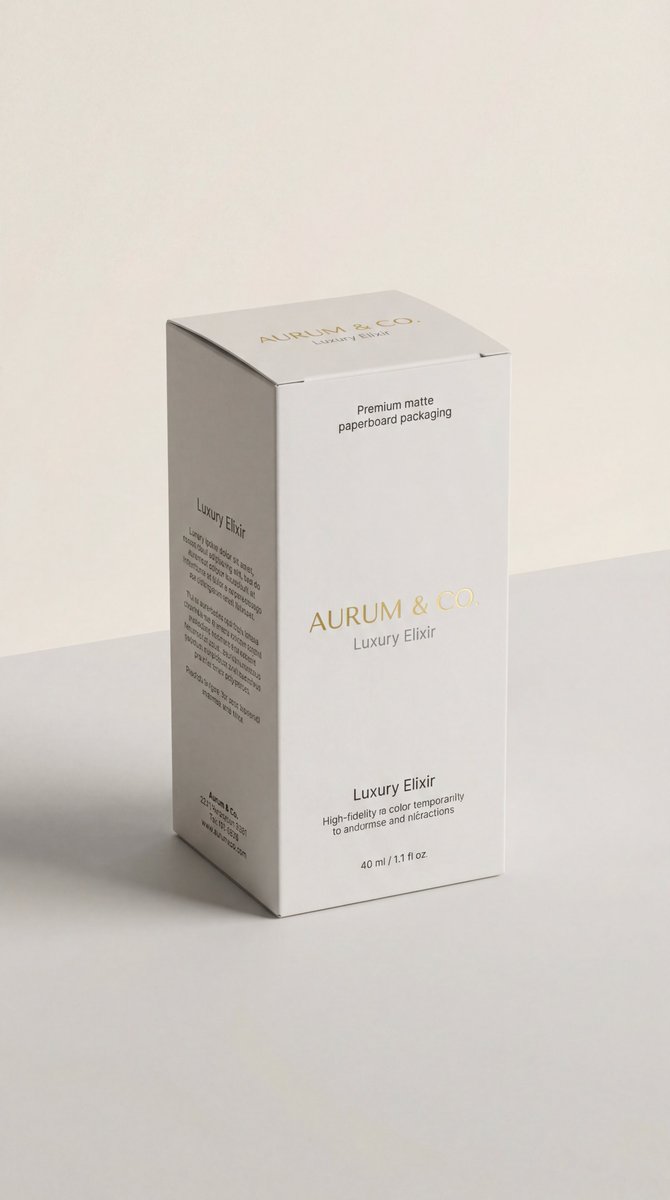
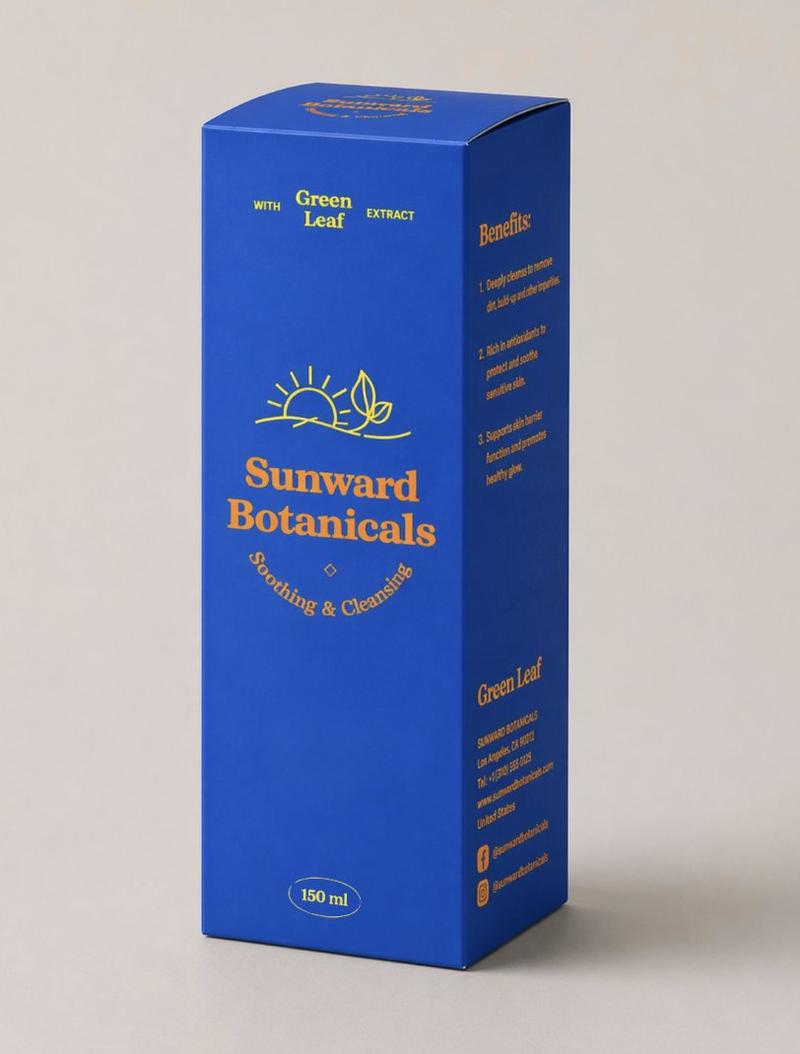
{\n "scene_description": "A photorealistic, high-end 3D product visualization of a perfectly assembled packaging box derived from a dieline, set in a pristine minimal studio.",\n "subject": {\n "type": "Assembled Packaging Box",\n "material": "Premium matte paperboard",\n "features": {\n "structure": "Perfectly folded, accurate panel placement, sharp clean edges",\n "surface": "Smooth matte texture with high-fidelity print rendering"\n },\n "position": "Upright, angled at a refined ¾ perspective view to show front and side panels",\n "artwork_state": "Undistorted typography, preserving original design exactly"\n },\n "action": {\n "primary": "Standing static on a surface",\n "secondary": "Casting a gentle shadow",\n "effect": "Demonstrates structural integrity and design elegance"\n },\n "environment": {\n "setting": "Minimalist High-End Studio Void",\n "foreground_elements": [\n "Clean, smooth surface",\n "Soft contact shadows"\n ],\n "background_elements": [\n "Soft neutral seamless backdrop (light grey/cream)",\n "Zero distractions",\n "No extra props"\n ]\n },\n "lighting": {\n "style": "Soft Commercial Product Lighting (Global Illumination)",\n "key_light": {\n "type": "Large Diffused Softbox",\n "color": "Neutral White (5500K)",\n "illuminates": [\n "The face of the box evenly",\n "The matte texture of the paper"\n ]\n },\n "fill_light": {\n "type": "White Reflector",\n "effect": "Softens shadows to ensure artwork visibility"\n },\n "shadows": "Subtle, soft gradient shadows anchoring the object"\n },\n "style": {\n "medium": "3D Rendering / Product Photography",\n "aesthetic": "Premium Editorial, Mockup Style, Minimalist Luxury",\n "quality": "8k resolution, ray-traced optics, physically based rendering (PBR)",\n "details": "Crisp folds, zero distortion, matte paper grain visibility"\n },\n "scene_composition": {\n "subject_action": "Static presentation",\n "camera_behavior": "Locked-off tripod shot",\n "depth_layering": "Sharp Subject -> Infinite Soft Background"\n },\n "visual_description": {\n "core_subject": "A flawless 3D box assembled from a flat dieline.",\n "attire_physics": "N/A - Rigid Body physics.",\n "surface_rendering": "Non-reflective matte finish that absorbs light softly, ensuring text is readable and colors are true."\n },\n "lighting_and_atmosphere": {\n "type": "Clean Studio",\n "specifics": "Even light distribution, ambient occlusion in the creases.",\n "color_grade": "Natural, color-calibrated, neutral tones."\n },\n "attire_customization": {\n "current_clothing": "N/A",\n "customizable_clothing": "N/A"\n },\n "brand_product_customization": {\n "current_brand_product": "Packaging Design",\n "customizable_brand": "User: Insert Brand Name/Logo for the box",\n "customizable_product": "User: Describe the box type (e.g., cosmetic box, tuck-end box)",\n "product_placement_area": "All visible panels (Front, Side, Top)"\n },\n "objects_and_props": {\n "main_objects": [\n "The 3D Box"\n ],\n "secondary_objects": []\n },\n "camera_and_lens": {\n "focal_length_feel": "85mm or 100mm (Telephoto to eliminate perspective distortion)",\n "aperture_effect": "f/16 (Deep depth of field for edge-to-edge sharpness)",\n "camera_angle": "Isometric or ¾ perspective",\n "lens_type": "Studio Macro Lens",\n "bokeh_style": "None (Smooth gradient background)"\n },\n "technical_tags": "--v 6 --ar 4:5 --stylize 150 --no warping, distortion, messy background, props, glossy reflection, low poly"\n}
{\n"scene_description": "一个逼真的高端3D产品可视化模型,展示了一个完美组装的包装盒,该包装盒由模切线图生成,场景设定在一个简洁干净的摄影棚内。"\n“主题”: {\n"type": "组装包装盒",\n“材质”: “优质哑光纸板”\n“特征”: {\n“结构”:“折叠完美,面板位置准确,边缘锋利干净”,\n“表面”: “光滑哑光质感,高保真印刷效果”\n},\n“位置”:“直立,以精细的四分之三透视角度倾斜,以显示正面和侧面面板”,\n"artwork_state": "未失真的字体,完全保留原始设计"\n},\n“行动”: {\n“primary”: “静止地立于表面上”\n“次要的”: “投下温柔的阴影”\n“效果”:“展现了结构完整性和设计优雅性”\n},\n“环境”: {\n“设置”:“极简高端工作室虚空”\n"前景元素": [\n“干净光滑的表面”,\n“柔和的隐形眼镜阴影”\n],\n“背景元素”:[\n“柔和的中性无缝背景(浅灰色/米色)”,\n“零干扰”,\n“无需额外道具”\n]\n},\n“灯光”: {\n“风格”:“柔和的商业产品照明(整体照明)”\n"key_light": {\n"type": "大型漫射柔光箱",\n“颜色”:“中性白(5500K)”,\n“照亮”:[\n“盒子表面平整”,\n纸张的哑光质感\n]\n},\n"fill_light": {\n“类型”:“白色反光器”,\n“效果”:“柔化阴影,确保作品清晰可见”\n},\n“阴影”:“柔和的渐变阴影,使物体更加突出”\n},\n“风格”: {\n“medium”: “3D渲染/产品摄影”\n“美学”:“高端编辑风格、模型风格、极简奢华”\n“质量”:“8k分辨率、光线追踪光学、基于物理的渲染(PBR)”\n细节:折痕清晰,零变形,哑光纸颗粒可见\n},\n"scene_composition": {\n"subject_action": "静态演示",\n"camera_behavior": "锁定三脚架拍摄",\n"depth_layering": "清晰主体->无限柔和背景"\n},\n"visual_description": {\n"core_subject": "一个由平面模切线组装而成的完美3D盒子。"\n"attire_physics": "不适用 - 刚体物理。",\n"surface_rendering": "非反射哑光表面,柔和吸收光线,确保文字清晰可读,色彩真实。"\n},\n"lighting_and_atmosphere": {\n"type": "Clean Studio",\n“具体细节”:“光线分布均匀,褶皱处有环境光遮挡。”\n"color_grade": "自然、色彩校准的中性色调。"\n},\n"attire_customization": {\n"current_clothing": "N/A",\n"customizable_clothing": "N/A"\n},\n"品牌产品定制": {\n"current_brand_product": "包装设计",\n"customizable_brand": "用户:输入包装盒的品牌名称/徽标",\n"customizable_product": "用户:描述盒子类型(例如,化妆品盒、折叠盒)",\n"product_placement_area": "所有可见面板(正面、侧面、顶部)"\n},\n"objects_and_props": {\n"main_objects": [\n“3D盒子”\n],\n"secondary_objects": []\n},\n"camera_and_lens": {\n"focal_length_feel": "85mm 或 100mm(长焦镜头可消除透视畸变)",\n"aperture_effect": "f/16(景深大,边缘到边缘清晰)",\n"camera_angle": "等距或四分之三视角",\n"lens_type": "影室微距镜头",\n"bokeh_style": "无(平滑渐变背景)"\n},\n"technical_tags": " --v 6 --ar 4:5 --stylize 150 --no warping, distortion, messy background, props, glossy reflection, low poly"\n}- Category
- Photography & Realism
- Model
- Unknown
- Creator
- Mehdi Sharifi
- Source ID
- die-cut-line-drawing-to-3d-product-visualization
Views0

![Create a premium brand kit board for [Promptsref], presented like a professional](https://whqgdndlpxjbwosvipip.supabase.co/storage/v1/render/image/public/prompt-source-media/promptsref/work-2151/image-1-718919199311845f.png?width=800&quality=75&resize=contain)