Creative Use CasesXCbotaiart.picsNano Banana Pro图片
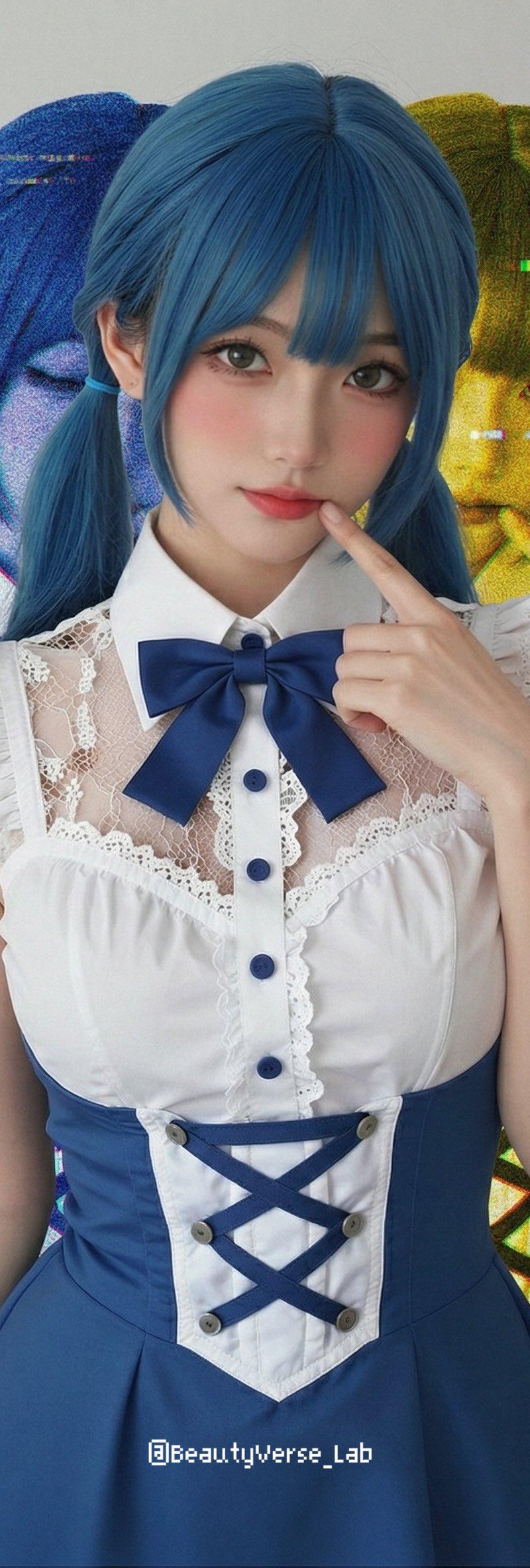
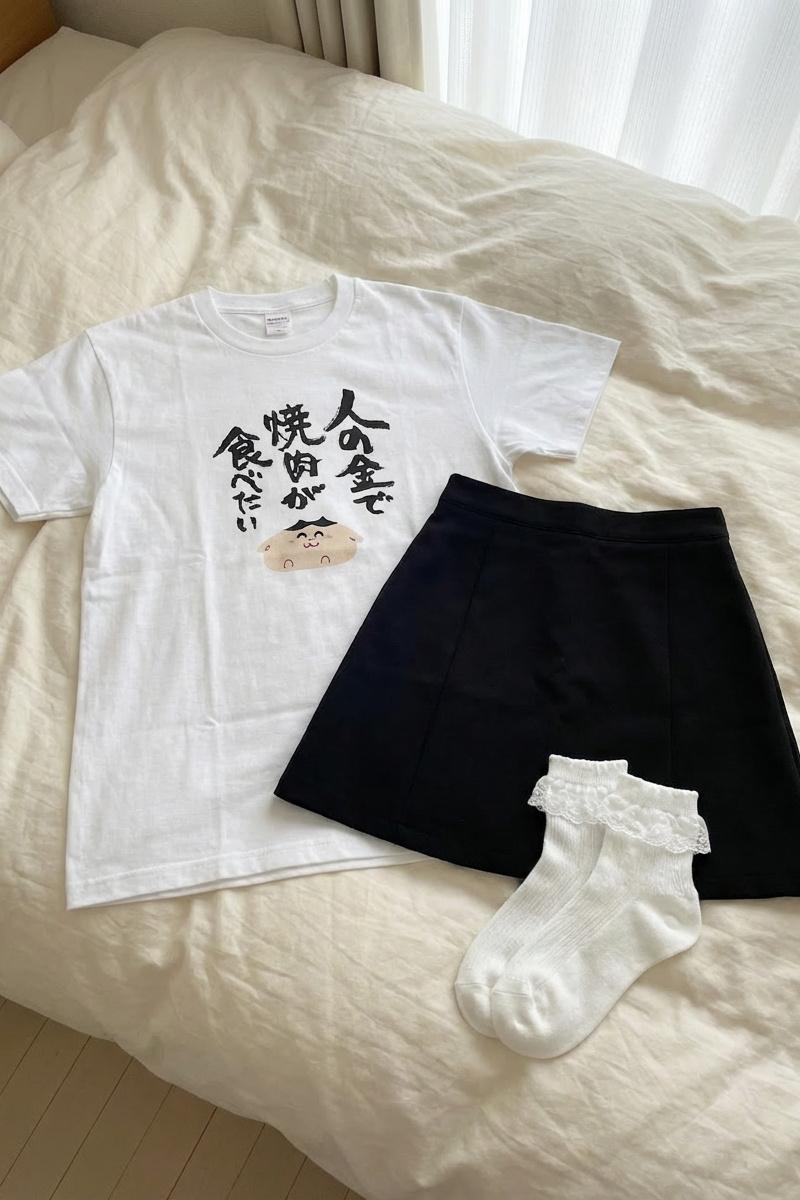
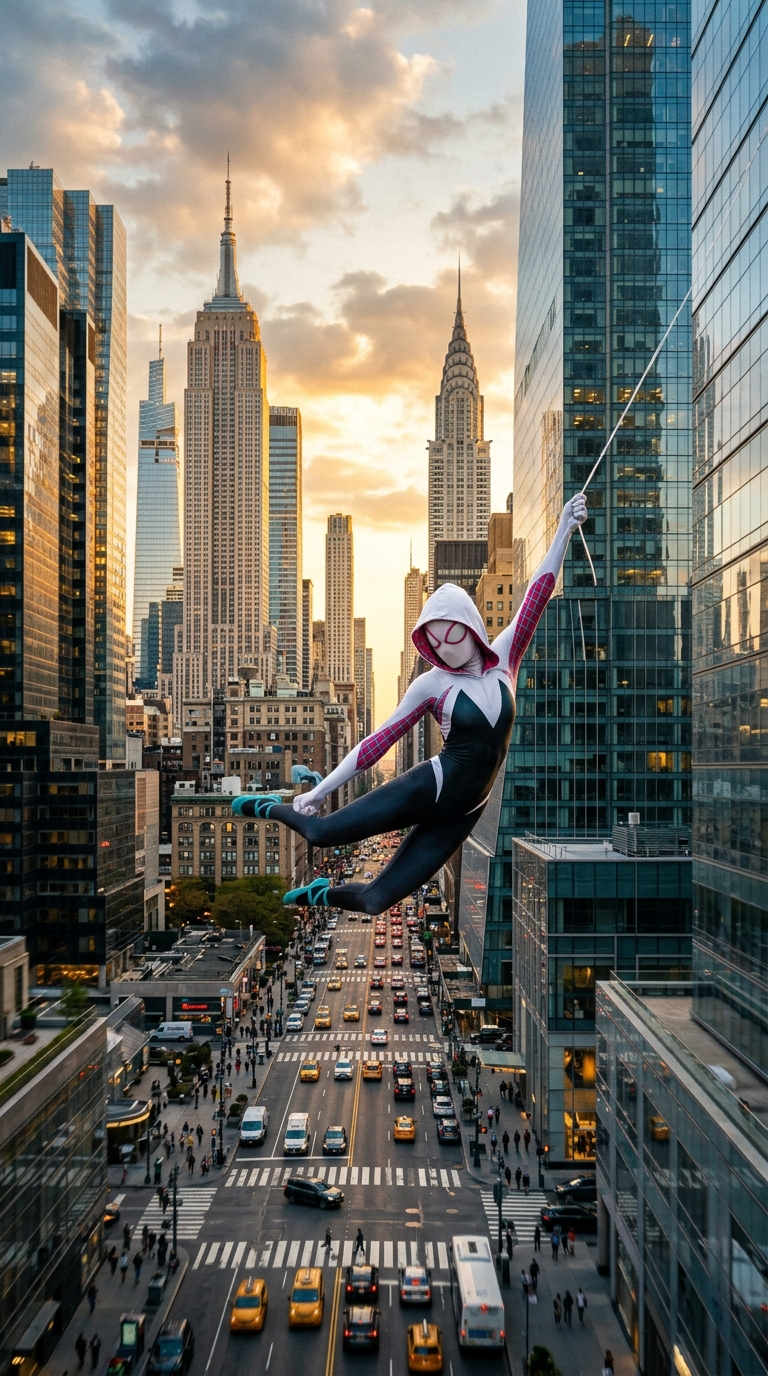
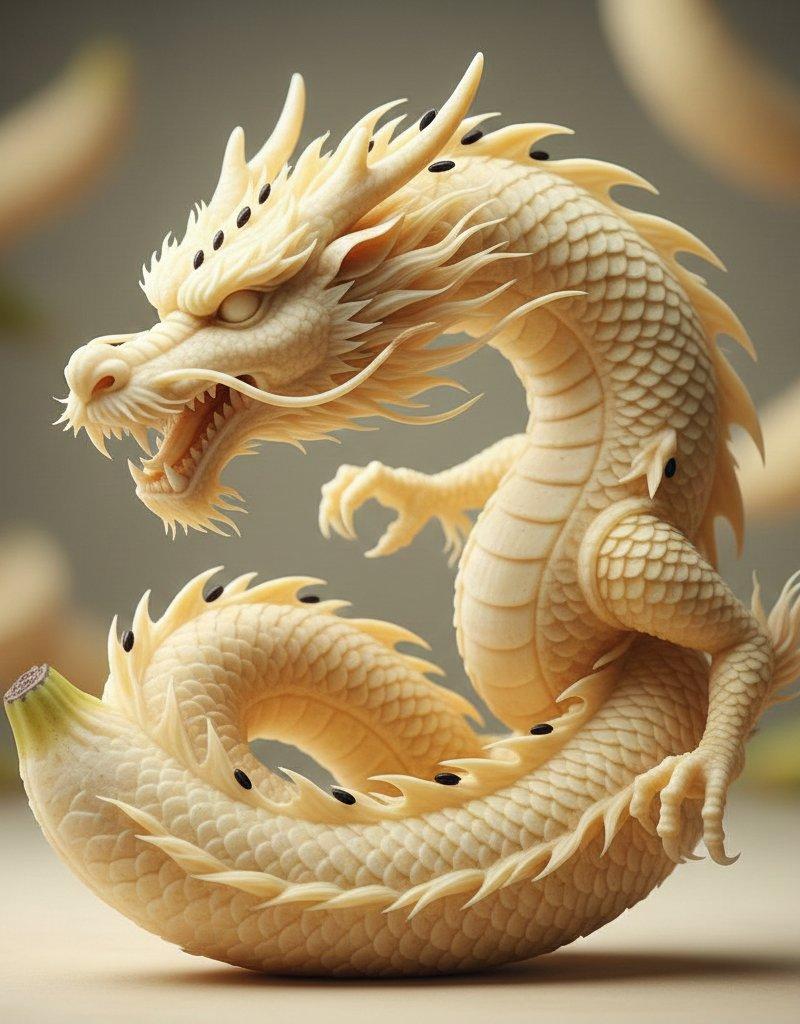
填充图像2缺失的白色空间
Step 3) Make a selection that is 500 x 500 pixels on one of the sides with the white missing content. Copy and paste this back into Nano Banana PRO (with your source image from step 1 as a reference too)
prompt: "Fill in the missing white space on the side of image2"
See image 2 for the output
- Category
- Creative Use Cases
- Model
- Nano Banana Pro
- Creator
- A.I.Warper
- Source language
- zh-CN
- Source ID
- fill-missing-white-space-image-2
Views0
Full prompt
Step 3) Make a selection that is 500 x 500 pixels on one of the sides with the white missing content. Copy and paste this back into Nano Banana PRO (with your source image from step 1 as a reference too) prompt: "Fill in the missing white space on the side of image2" See image 2 for the output
Translations1
填充图像2缺失的白色空间
zh-CNStep 3) Make a selection that is 500 x 500 pixels on one of the sides with the white missing content. Copy and paste this back into Nano Banana PRO (with your source image from step 1 as a reference too) prompt: "Fill in the missing white space on the side of image2" See image 2 for the output