15

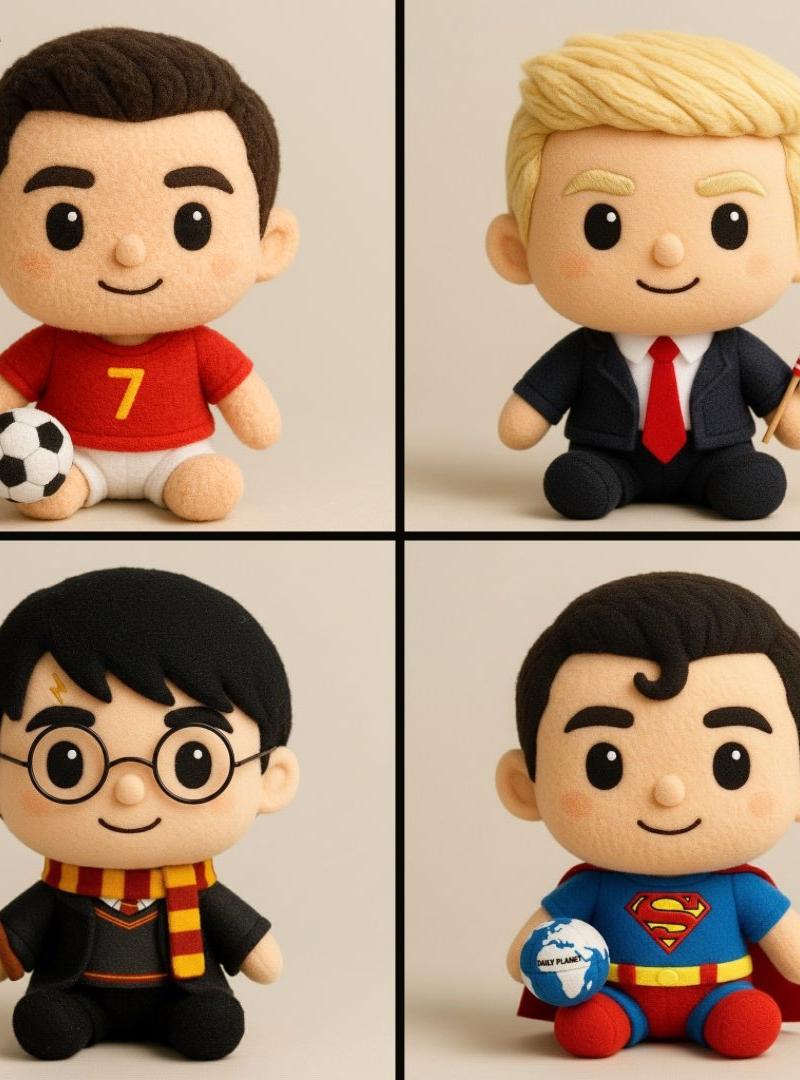
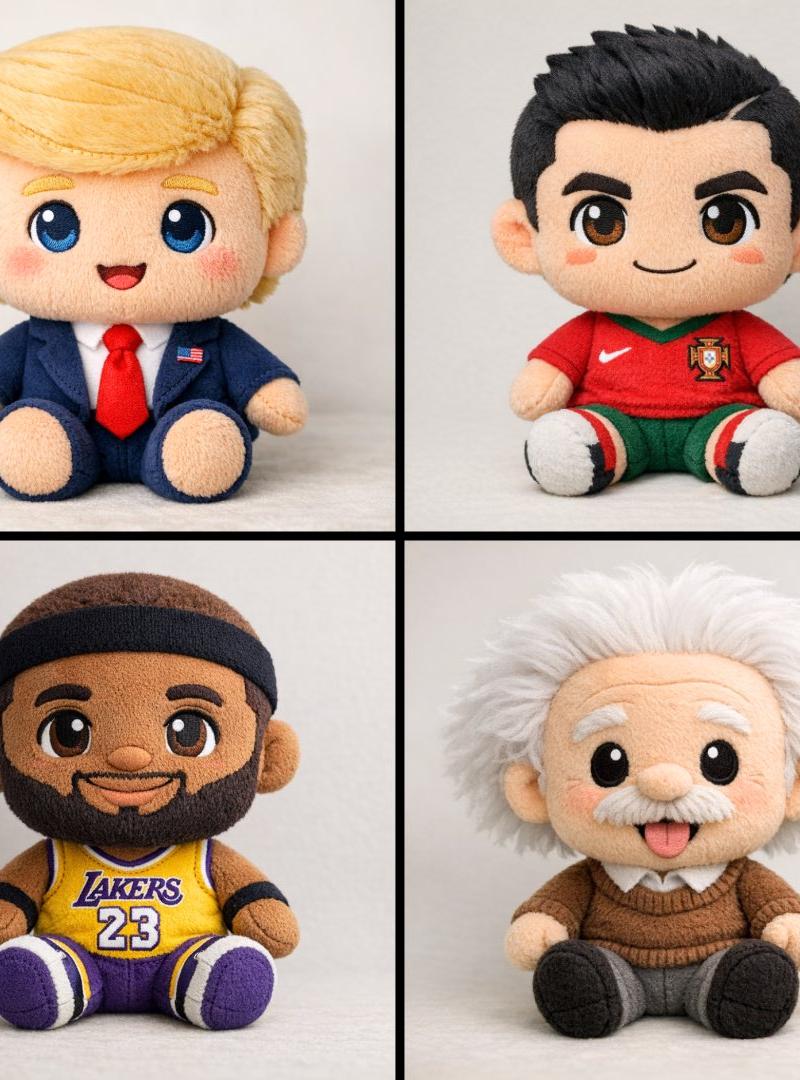
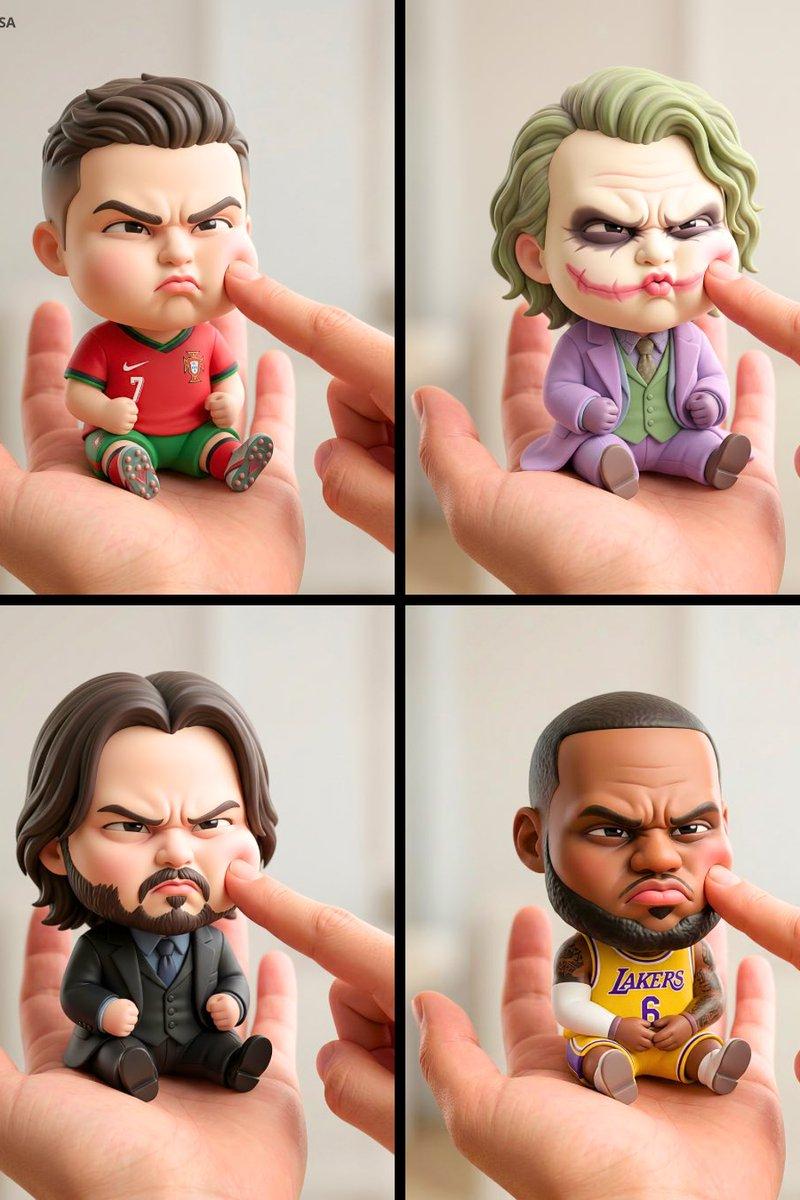
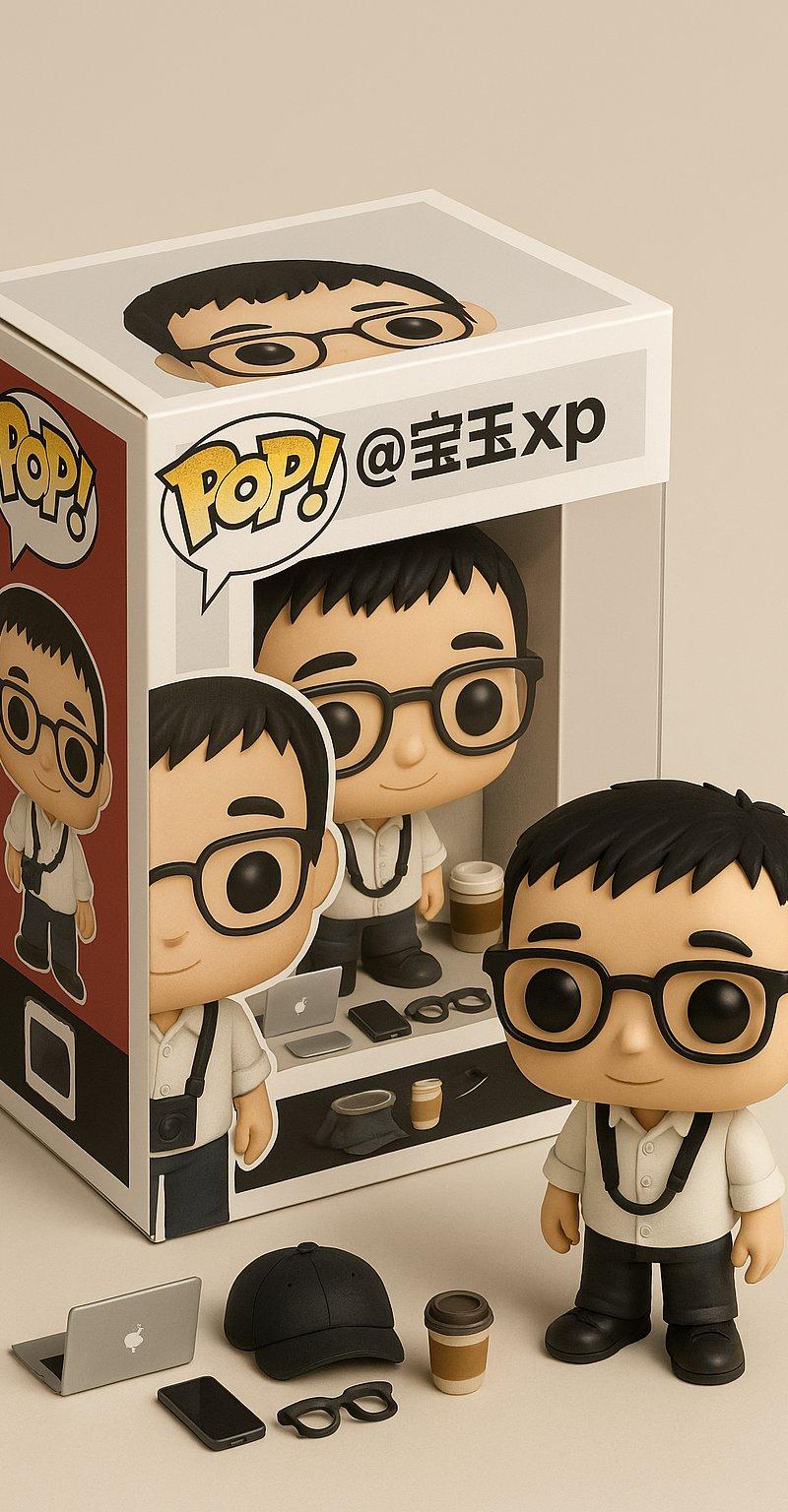
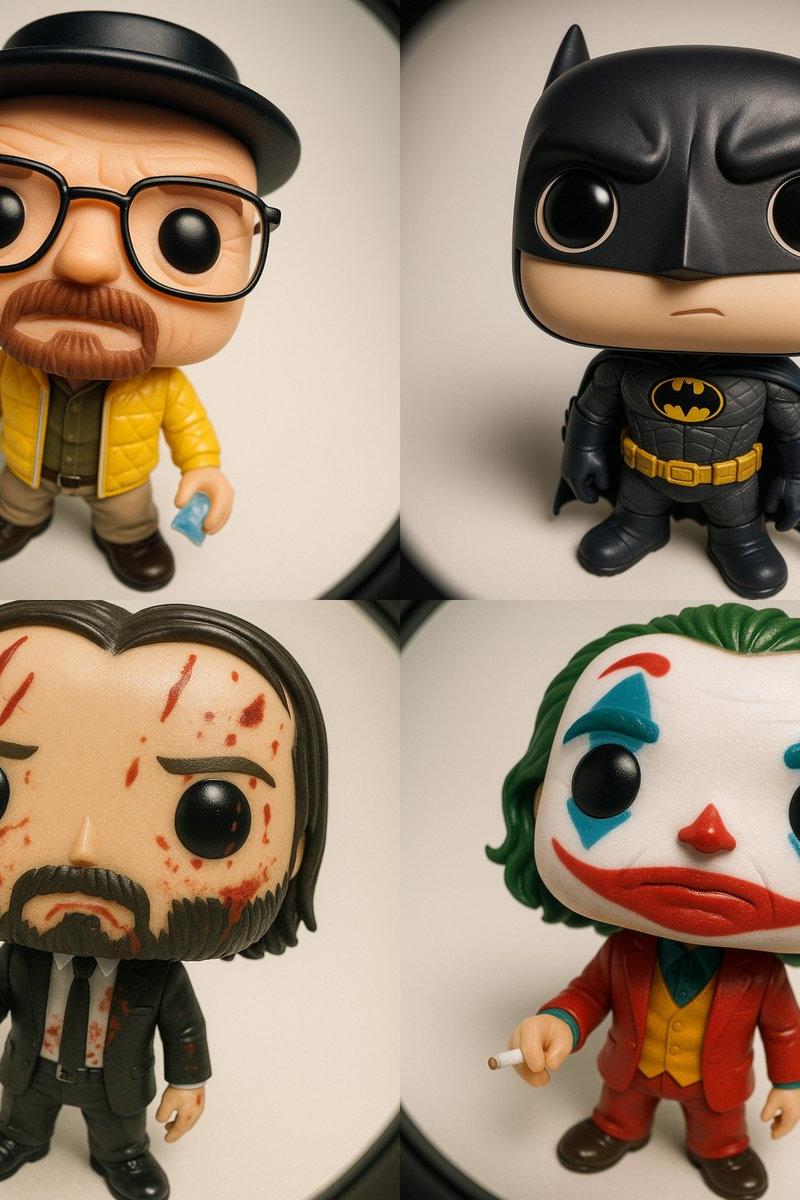
Funko Pop风格乙烯基公仔
Enlarge

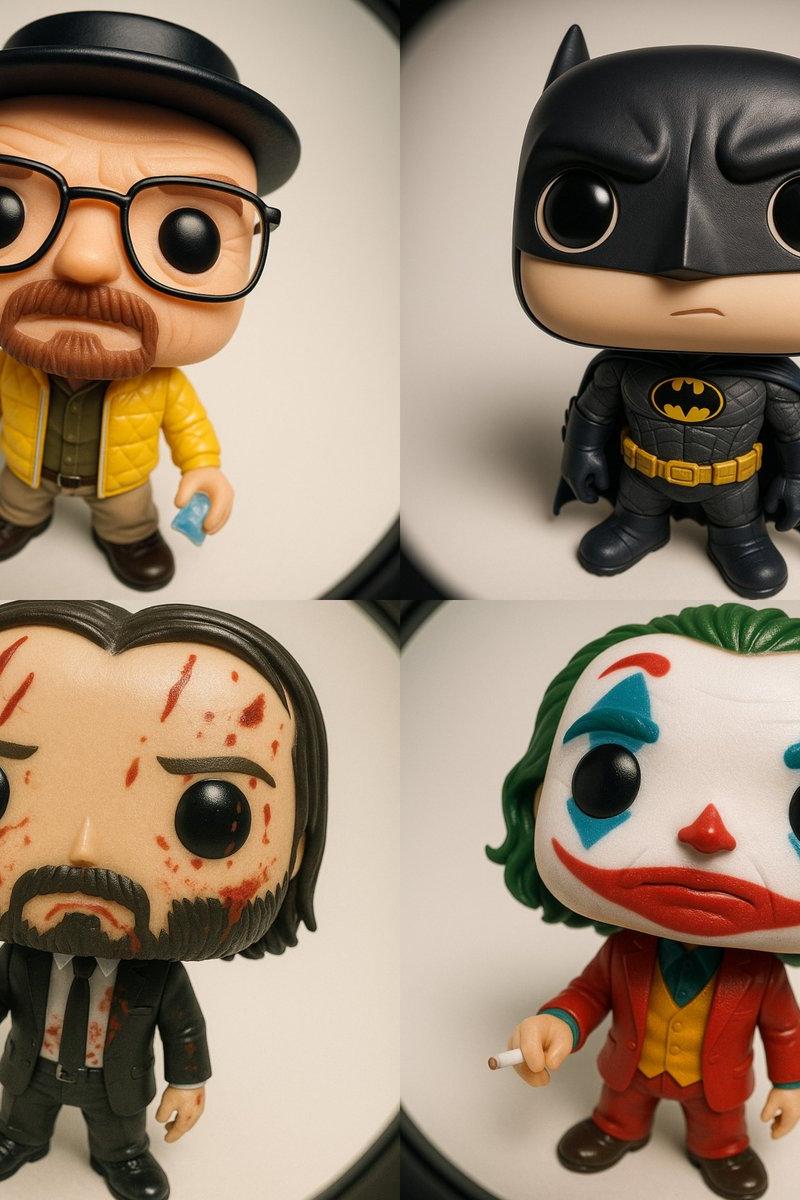
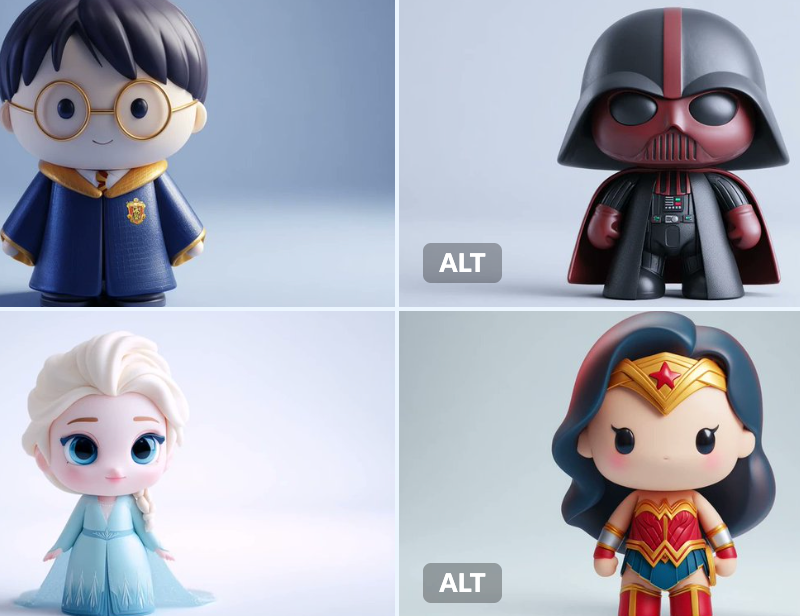
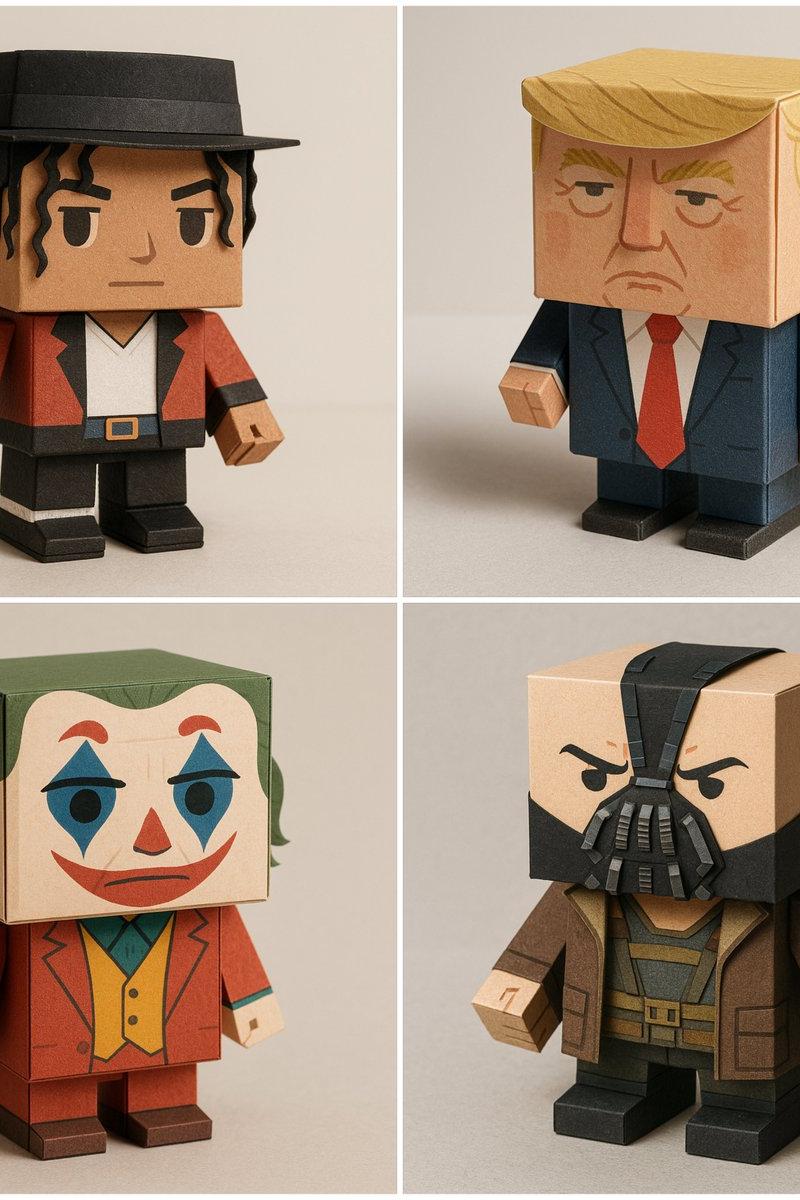
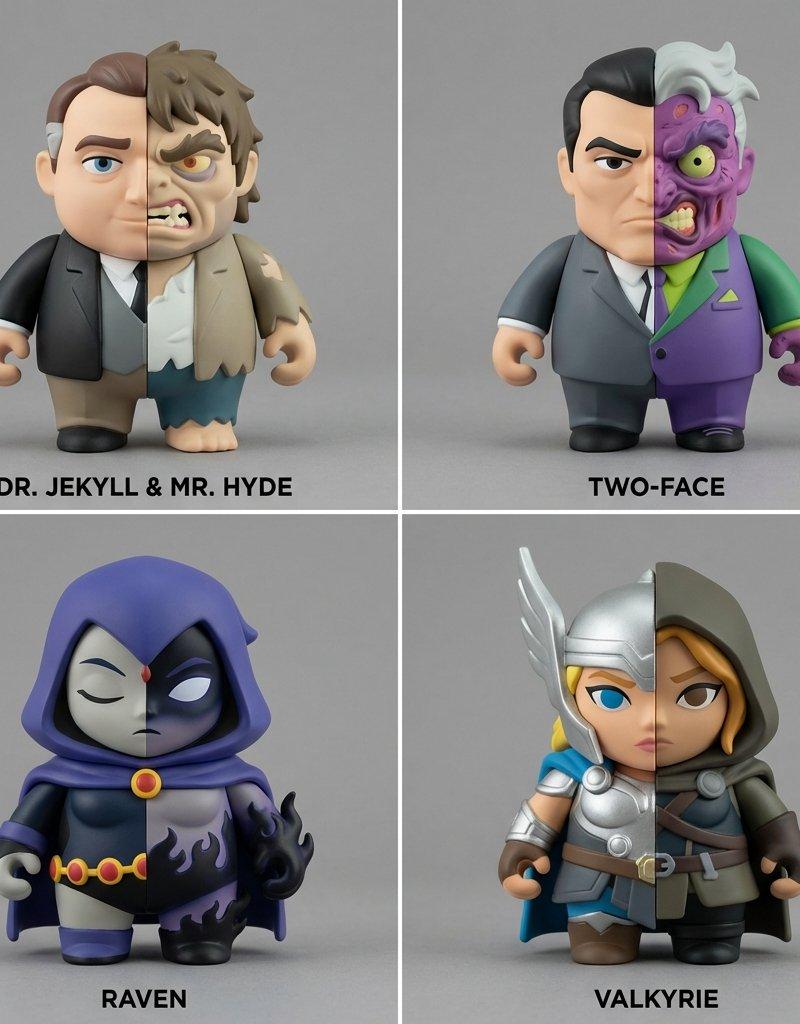
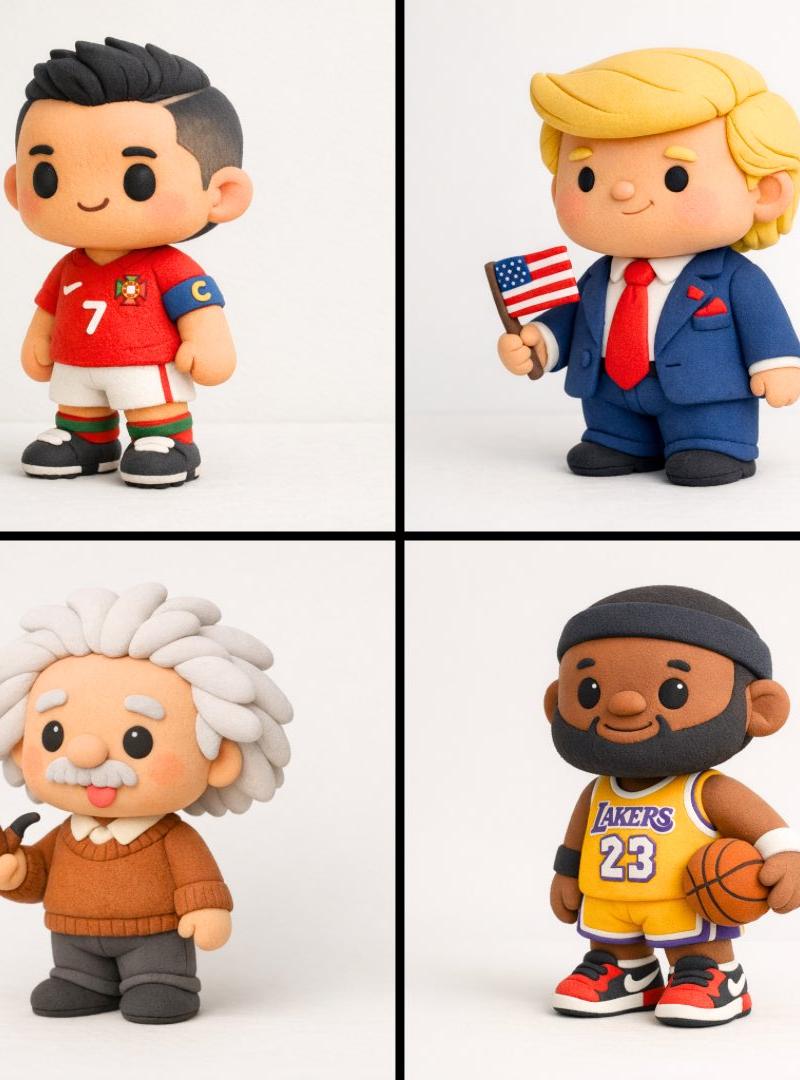
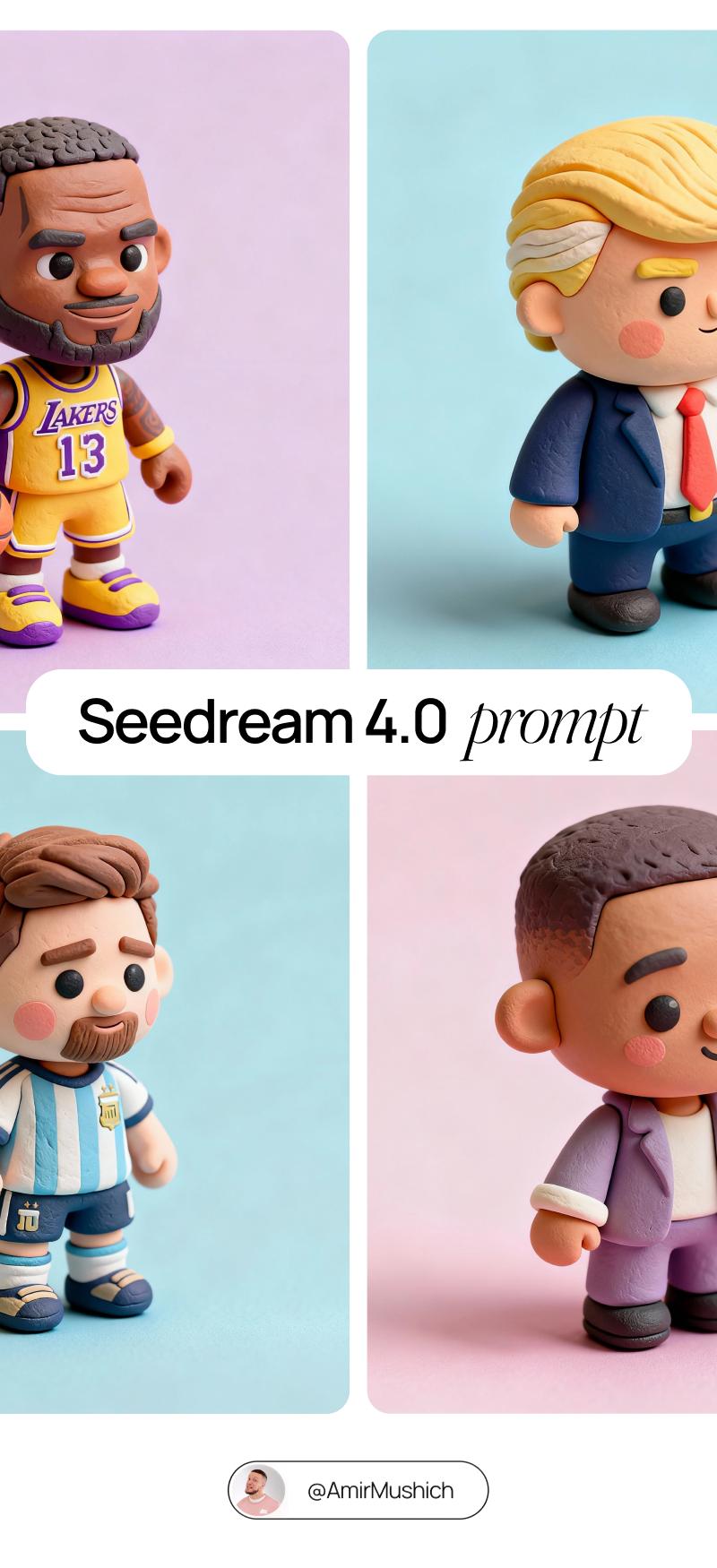
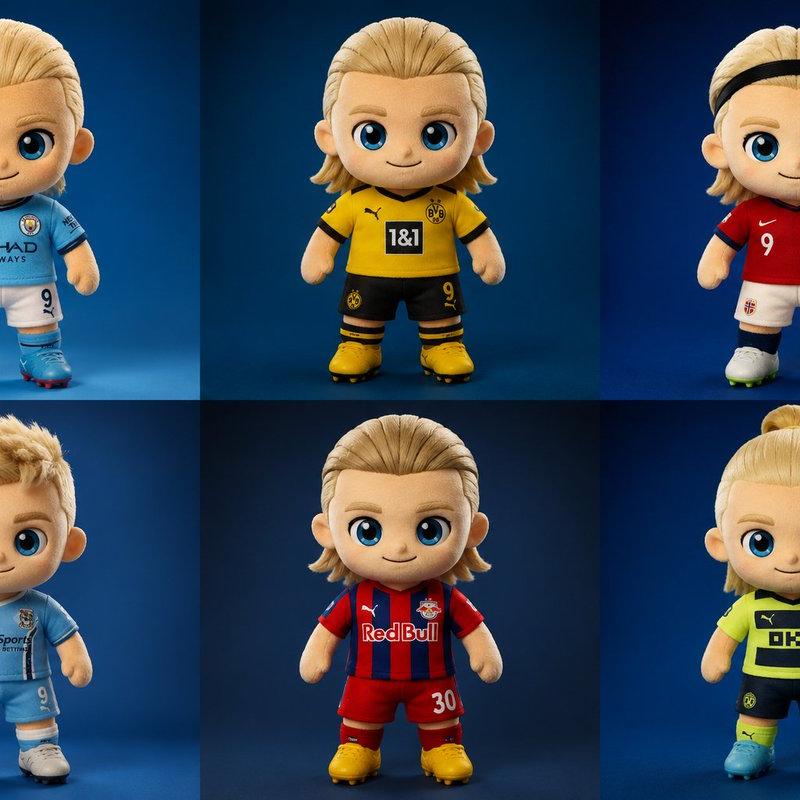
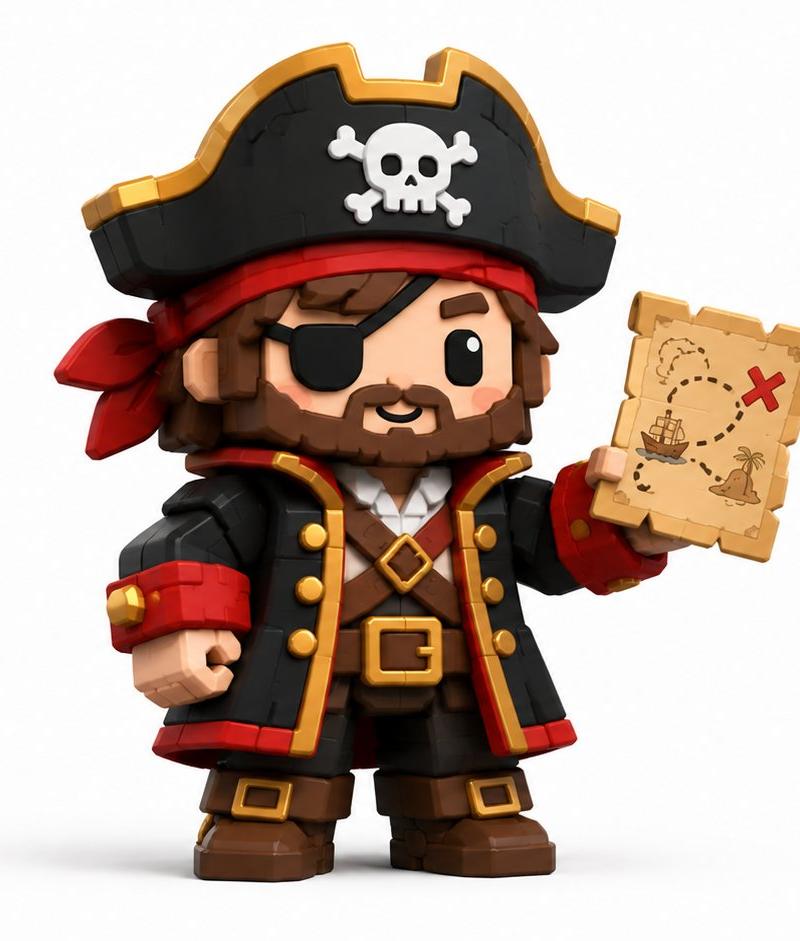
Example images

Funko Pop风格乙烯基公仔

Prompt
Funko Pop–style vinyl figure of [CHARACTER NAME] \nWearing the iconic outfit and accessories typically associated with [CHARACTER], automatically matching their signature style and details. \n\nPose/Expression:\n- Standing, looking upward toward the camera \n- Expression: curious yet slightly nonchalant \n\nCAMERA & LENS:\n- Camera positioned directly above, very close \n- Ultra-wide fisheye lens for dramatic perspective distortion \n- Gentle rounded frame edges \n\nLIGHTING & MATERIALS:\n- Soft studio lighting with gentle shadows \n- Glossy vinyl figure texture for skin and hair \n- Outfit materials accentuated (e.g. quilted, shiny, matte, etc.) depending on [CHARACTER]’s clothing \n\nRENDER STYLE:\n- High-resolution 3D render \n- Clean neutral background (solid or gradient) \n- Ultra sharp, collectible toy aesthetic
[角色名称] 的 Funko Pop 风格乙烯基公仔\n身着通常与 [角色] 相关联的标志性服装及配饰,其标志性风格与细节特征均自然呈现。\n姿势 / 表情\n站姿,抬头望向镜头\n表情:好奇中略带漫不经心\n相机与镜头\n相机直接置于正上方,距离极近\n超宽鱼眼镜头,营造极具张力的透视畸变效果\n柔和的圆角画框边缘\n光线与材质\n柔和的工作室灯光,搭配自然阴影\n公仔皮肤与头发采用亮面乙烯基材质质感\n服装材质细节突出(如绗缝、亮面、哑光等),具体依 [角色] 的服饰特点而定\n渲染风格\n高分辨率 3D 渲染\n简洁的中性背景(纯色或渐变色)\n极致清晰的收藏级玩具美学风格
Category
Photography & Realism
Model
Unknown
Creator
ΛRMIN | AI
Source language
zh-CN
Views0
Source ID
funko-pop-style-vinyl-figure
Studio

Guide

About "Funko Pop风格乙烯基公仔"

What is this prompt for?

"Funko Pop风格乙烯基公仔" AI image prompt for Unknown (Photography & Realism). Funko Pop–style vinyl figure of [CHARACTER NAME] \nWearing the iconic outfit and access…

The full copyable prompt and example visuals above are ready for AI image generation or one-click recreate in Picva.

How to use this prompt

  1. Step 1

    Open the prompt detail

    Review the example visuals, category, and full prompt text for "Funko Pop风格乙烯基公仔".

  2. Step 2

    Copy the prompt

    Copy the prompt body from this page, or load it directly in Studio.

  3. Step 3

    Pick a model (Unknown)

    Prefer Unknown. If you switch models, keep subject and composition and tweak style terms.

  4. Step 4

    Generate and export

    Recreate the look in Picva, or export into your workflow for editing and publishing.

FAQ

What is the "Funko Pop风格乙烯基公仔" prompt?
It is an AI image-generation prompt for Unknown in the Photography & Realism category. This page includes the full prompt text, example visuals, and a one-click recreate path in Picva.
How do I use this prompt to generate an image?
Copy the prompt from this page, or use Generate / Studio. Paste it into a compatible image model, or recreate the look in Picva with optional reference images.
Which model is this prompt for?
This page lists Unknown. Most descriptive prompts also transfer to nearby image models such as GPT Image, Flux, or Midjourney with light style tweaks.
Can I use the result commercially?
You can usually copy the prompt for creation, but commercial use of the final image depends on the model terms, reference-image rights, and the generated content. Follow the source author and platform rules.