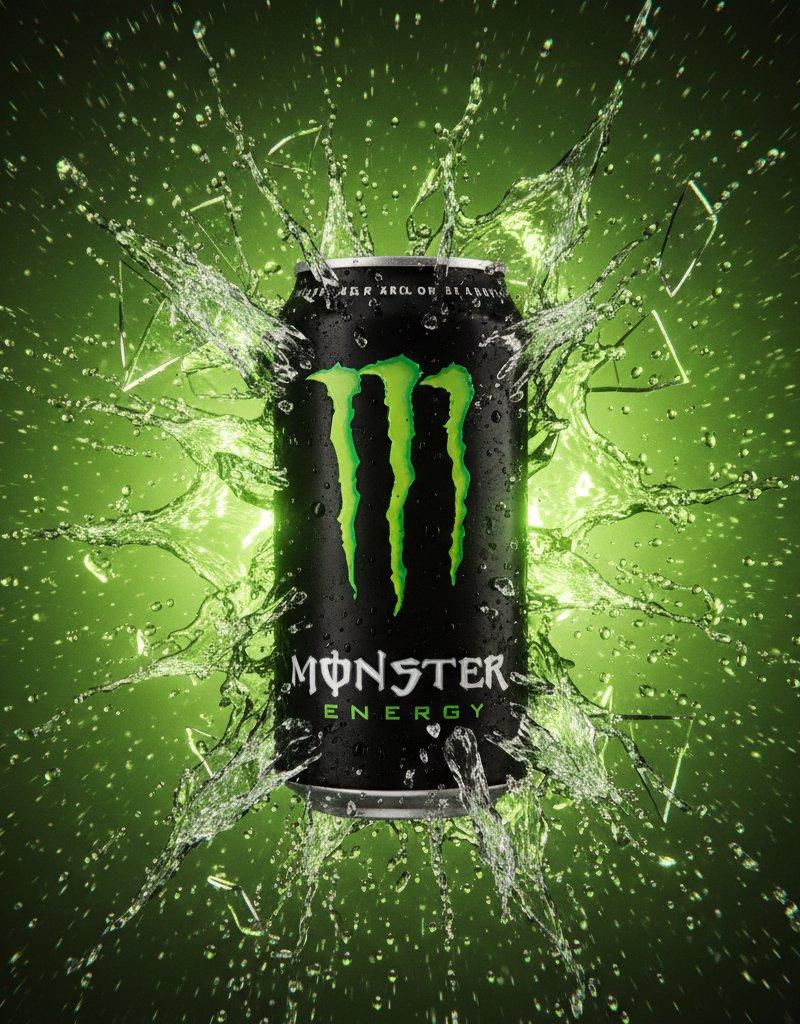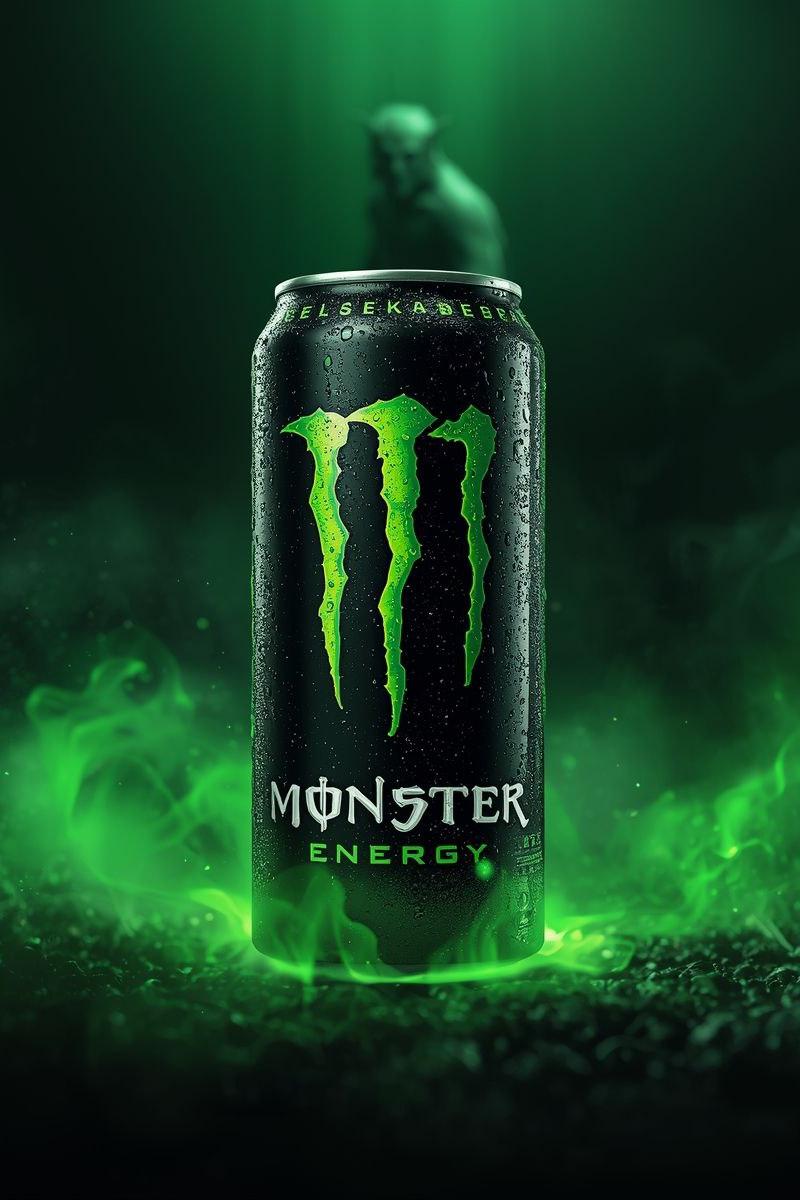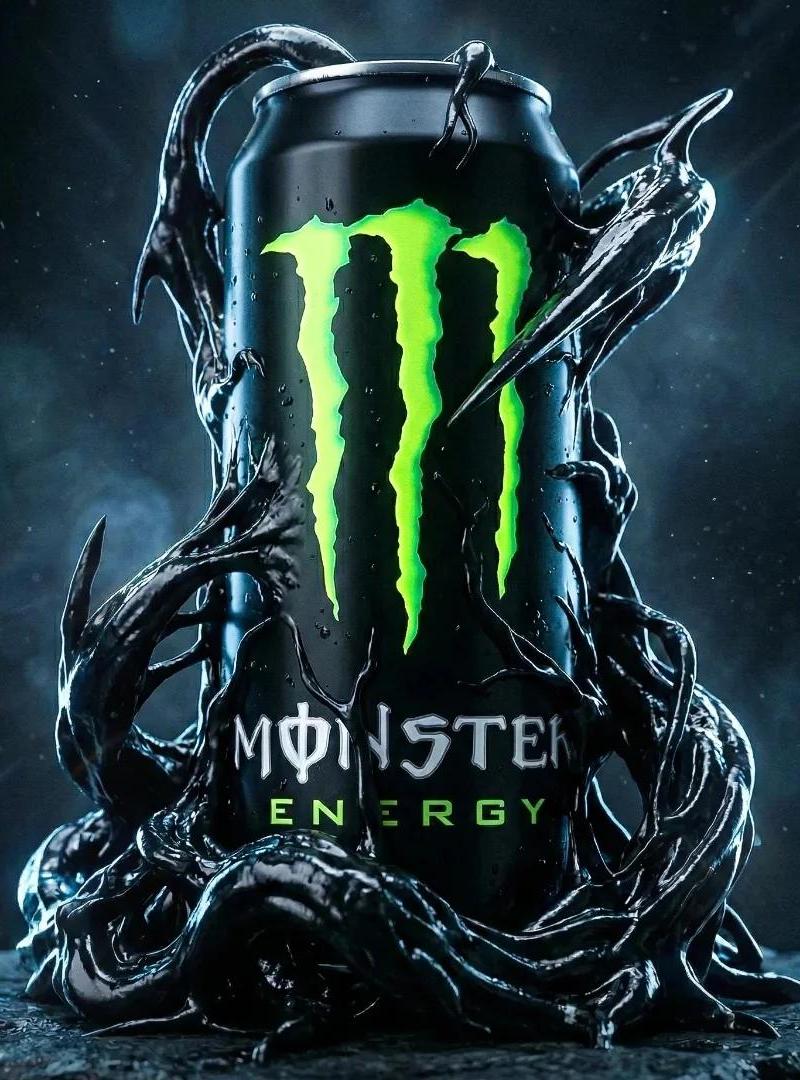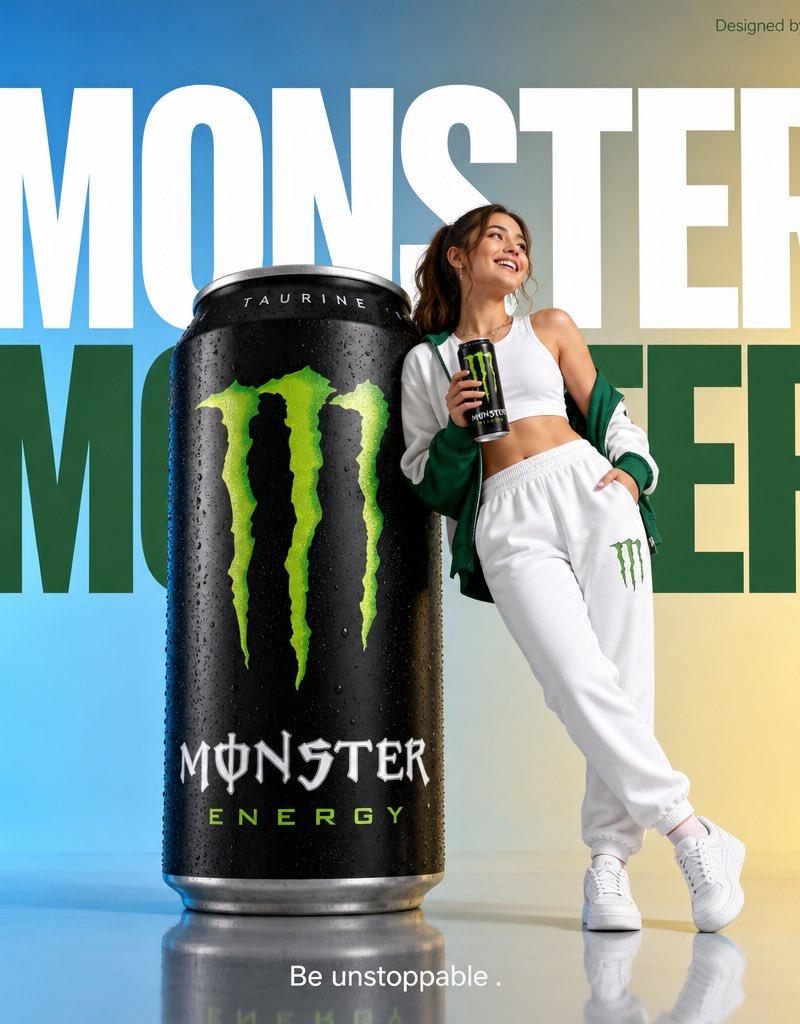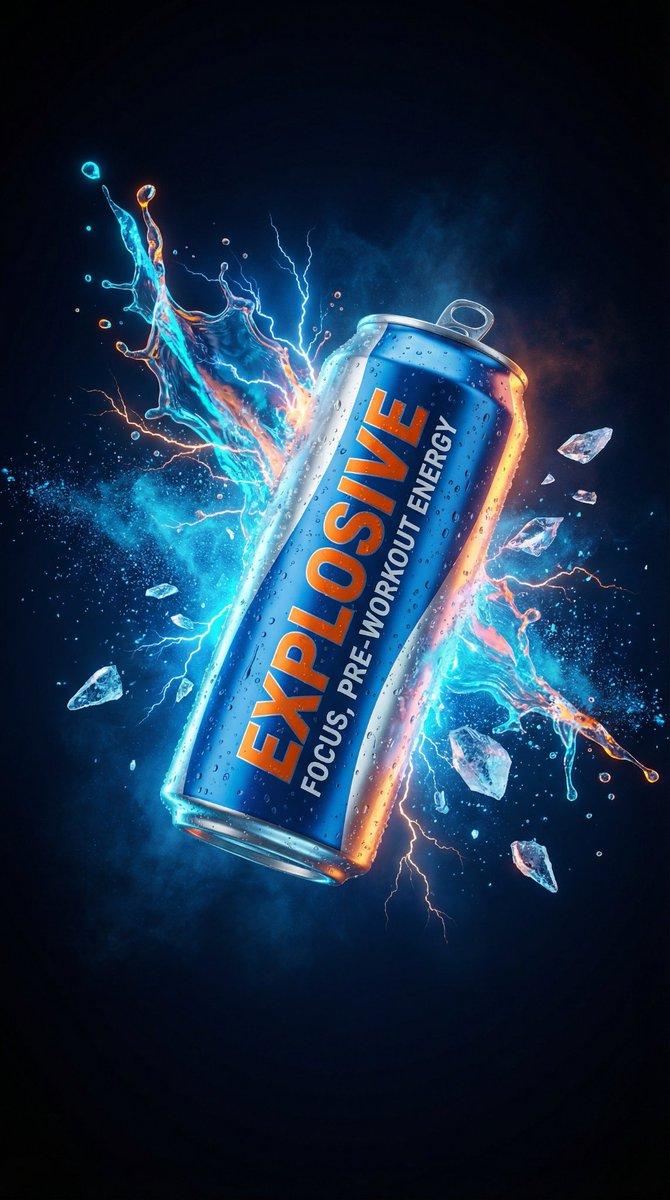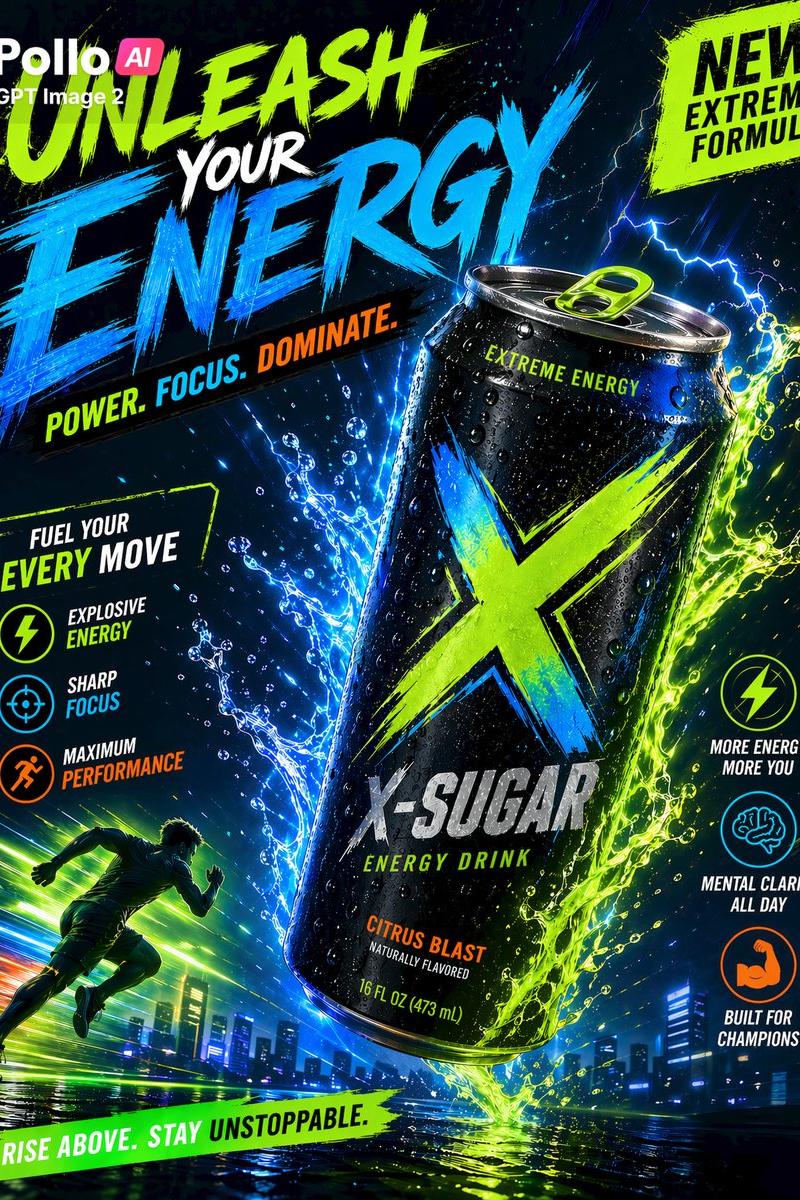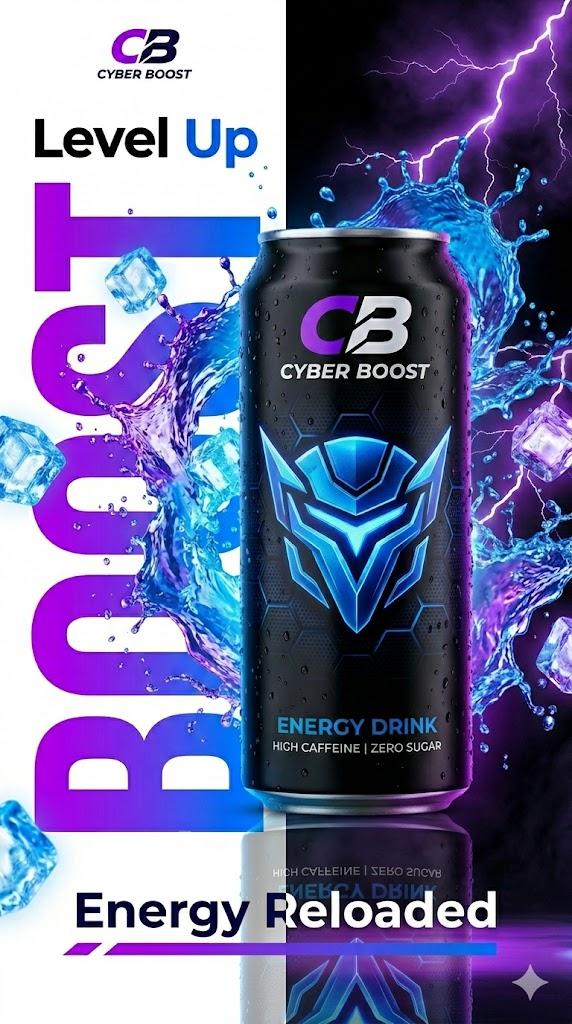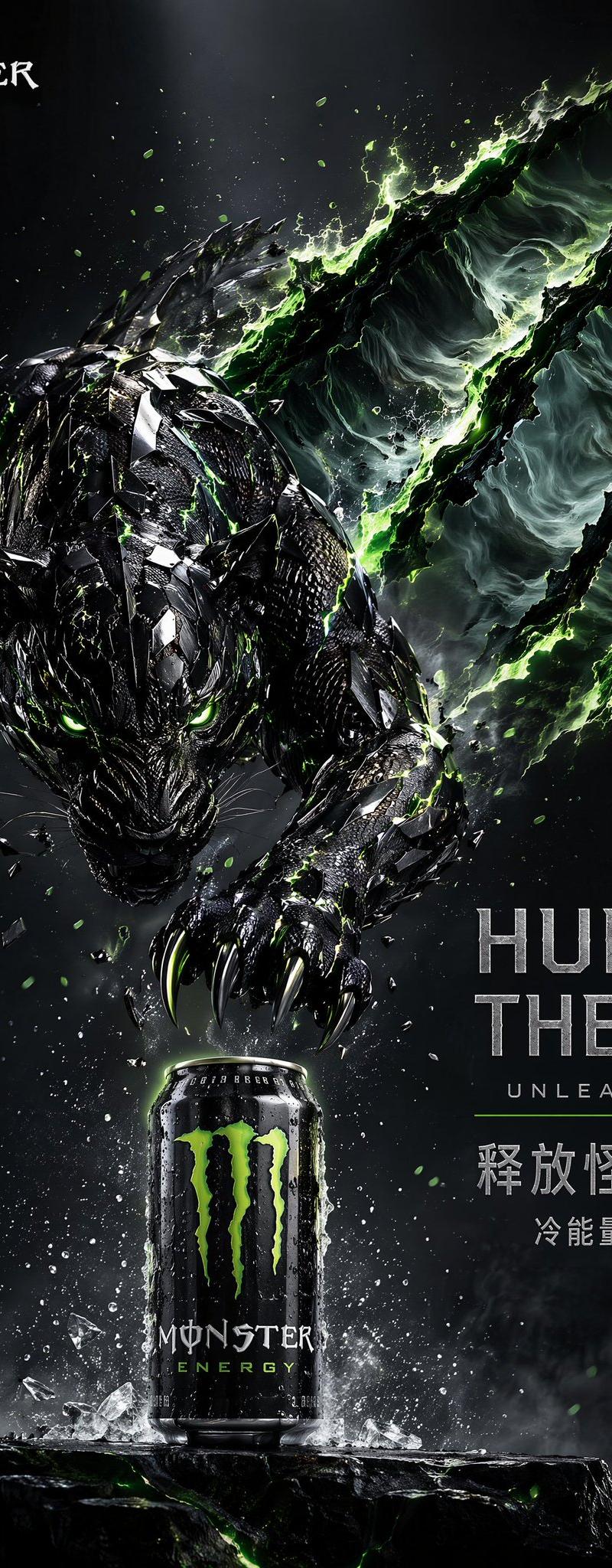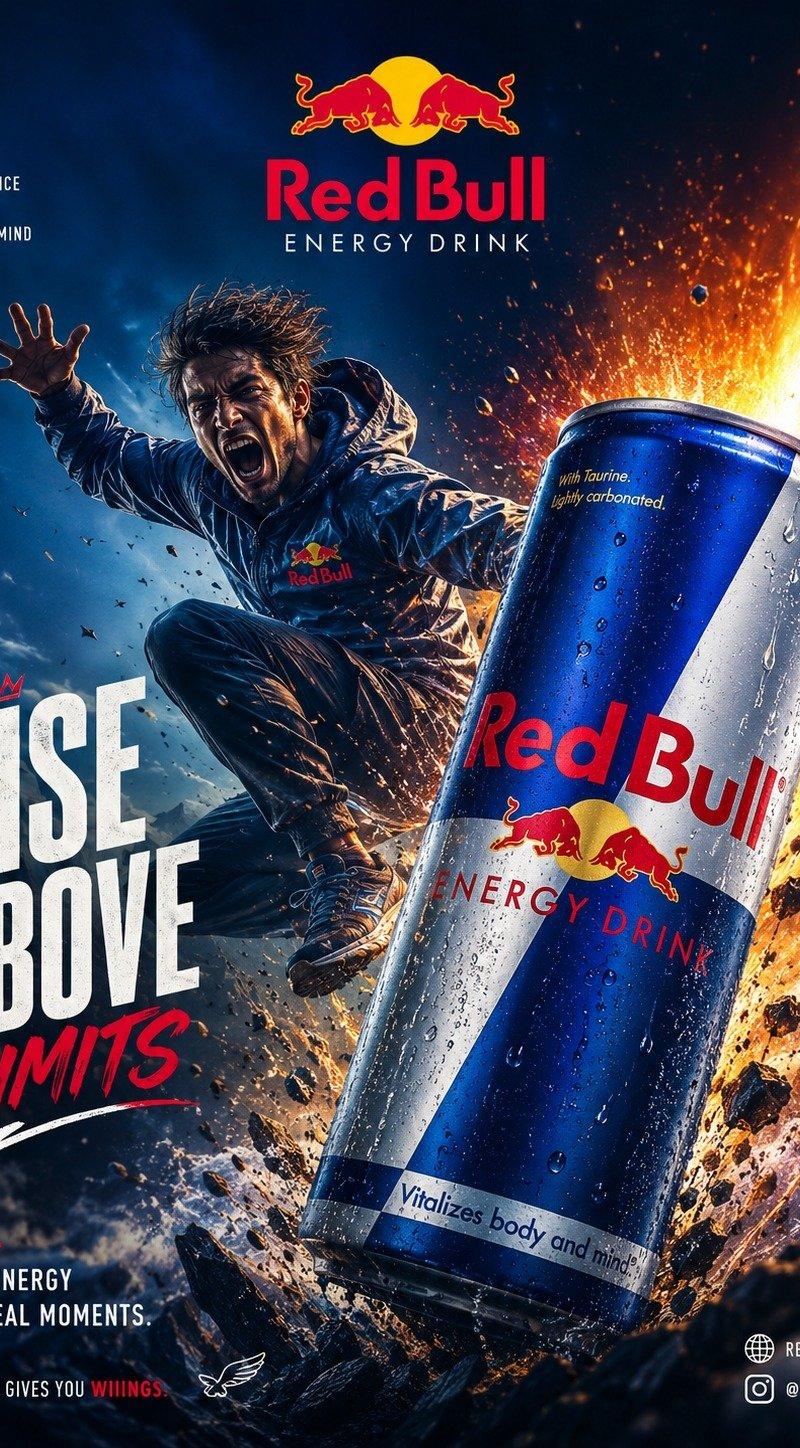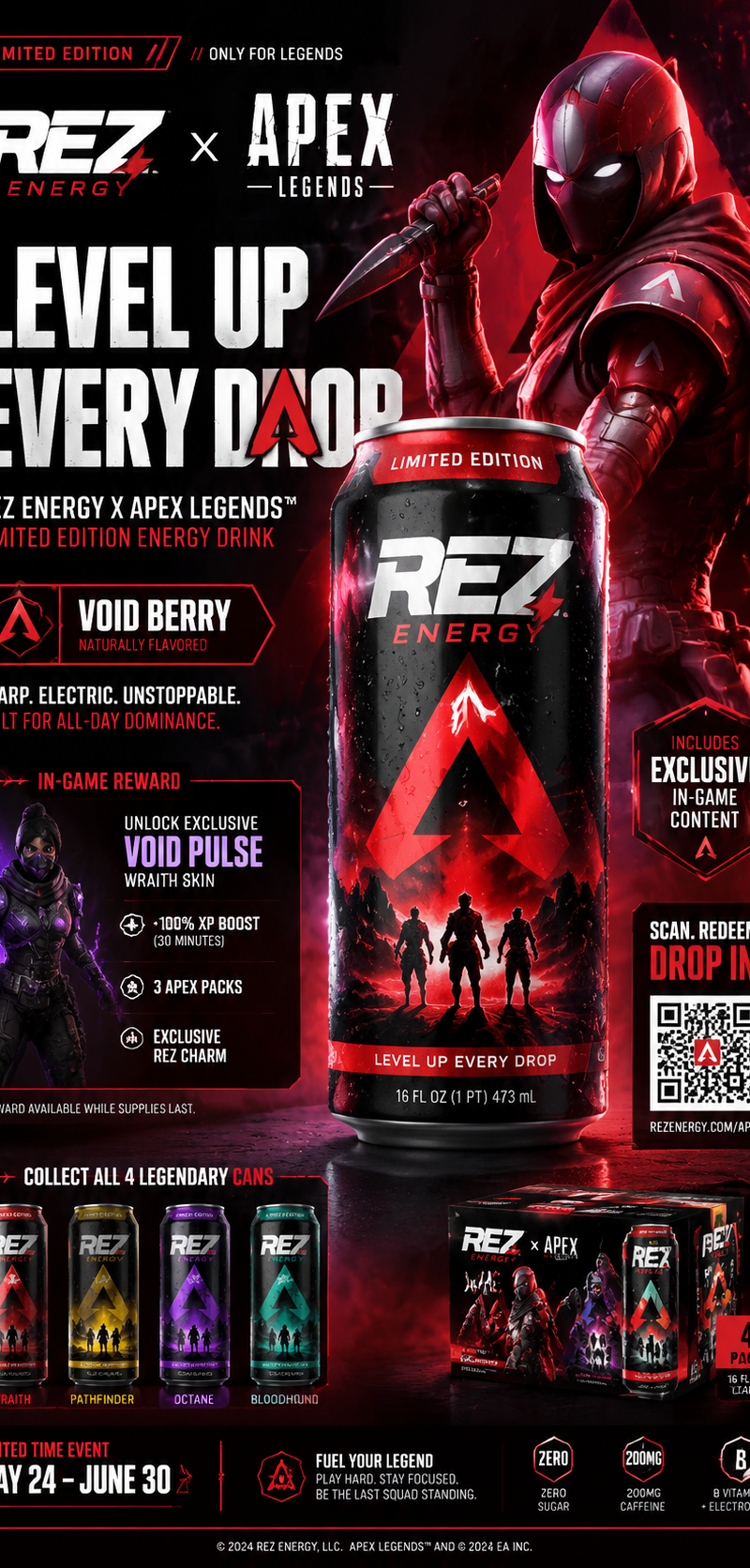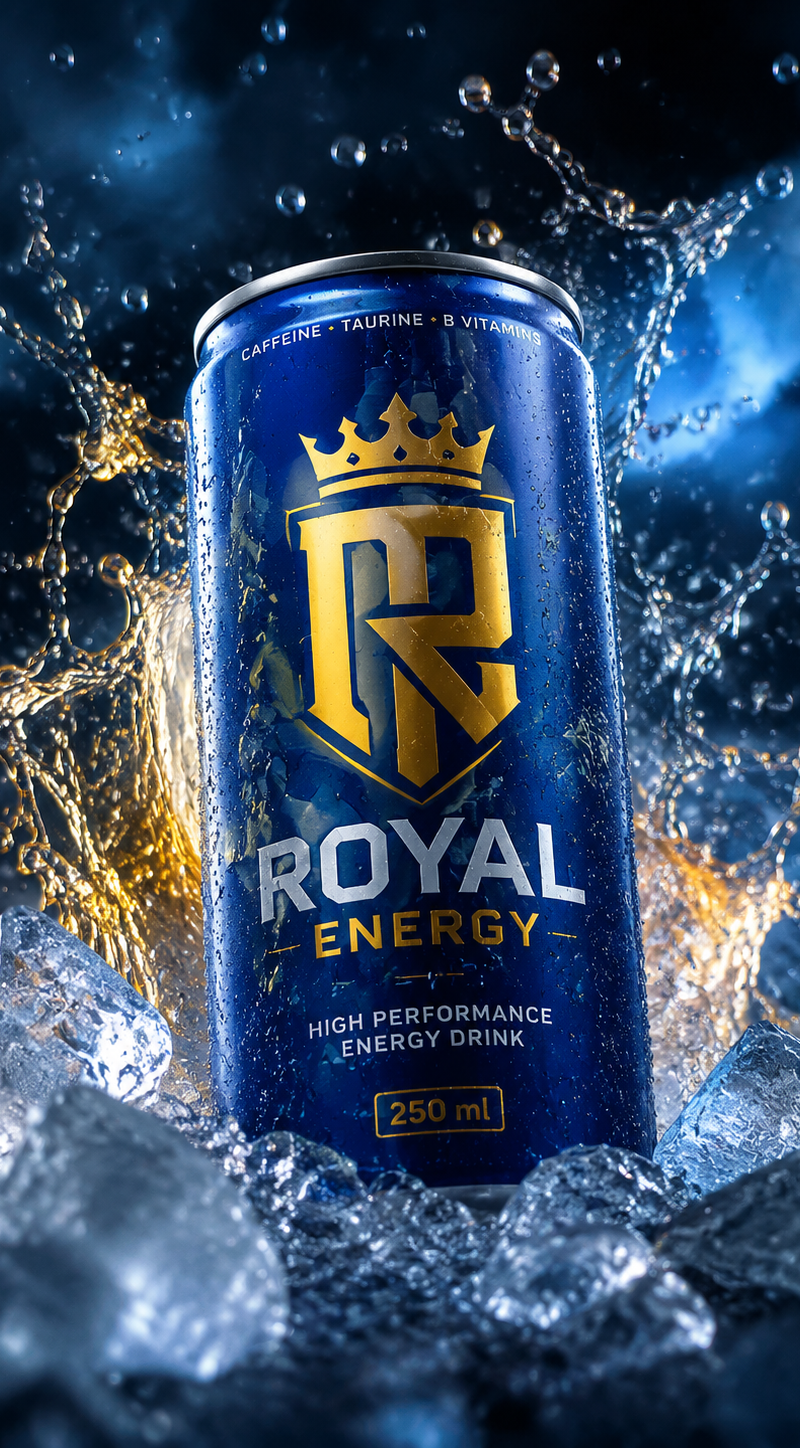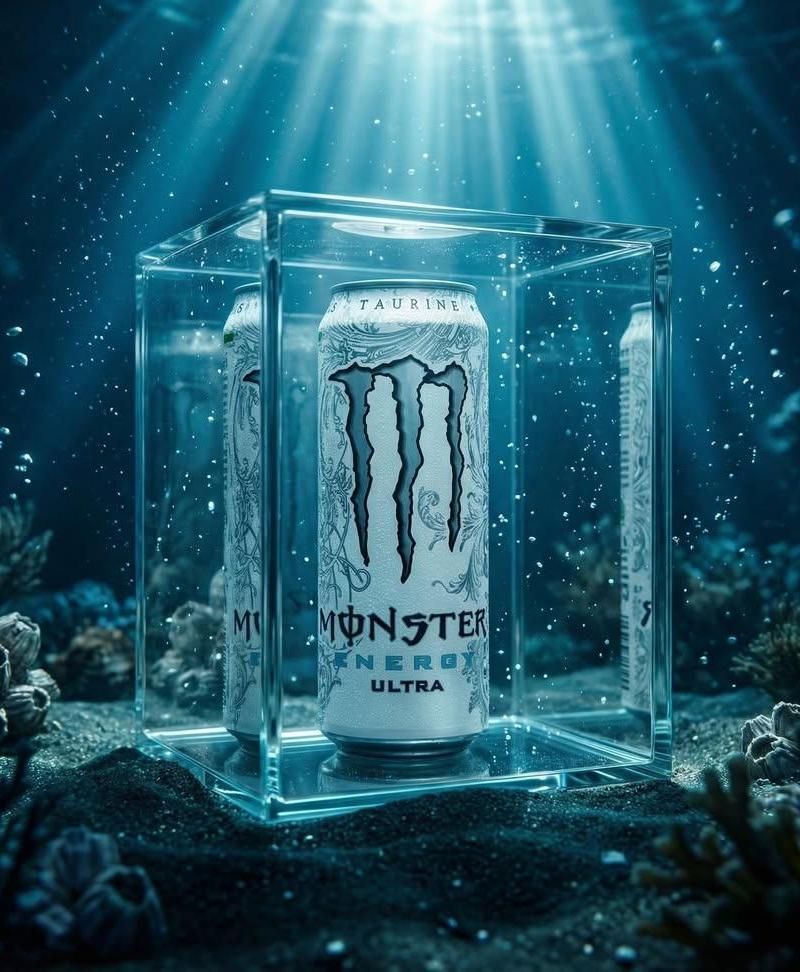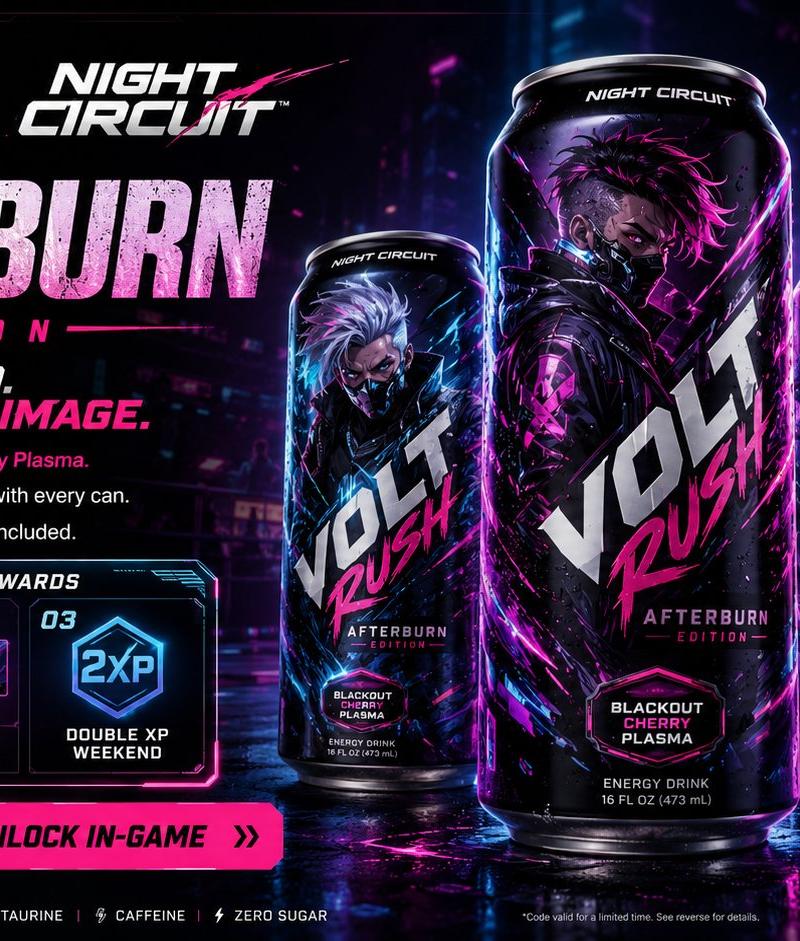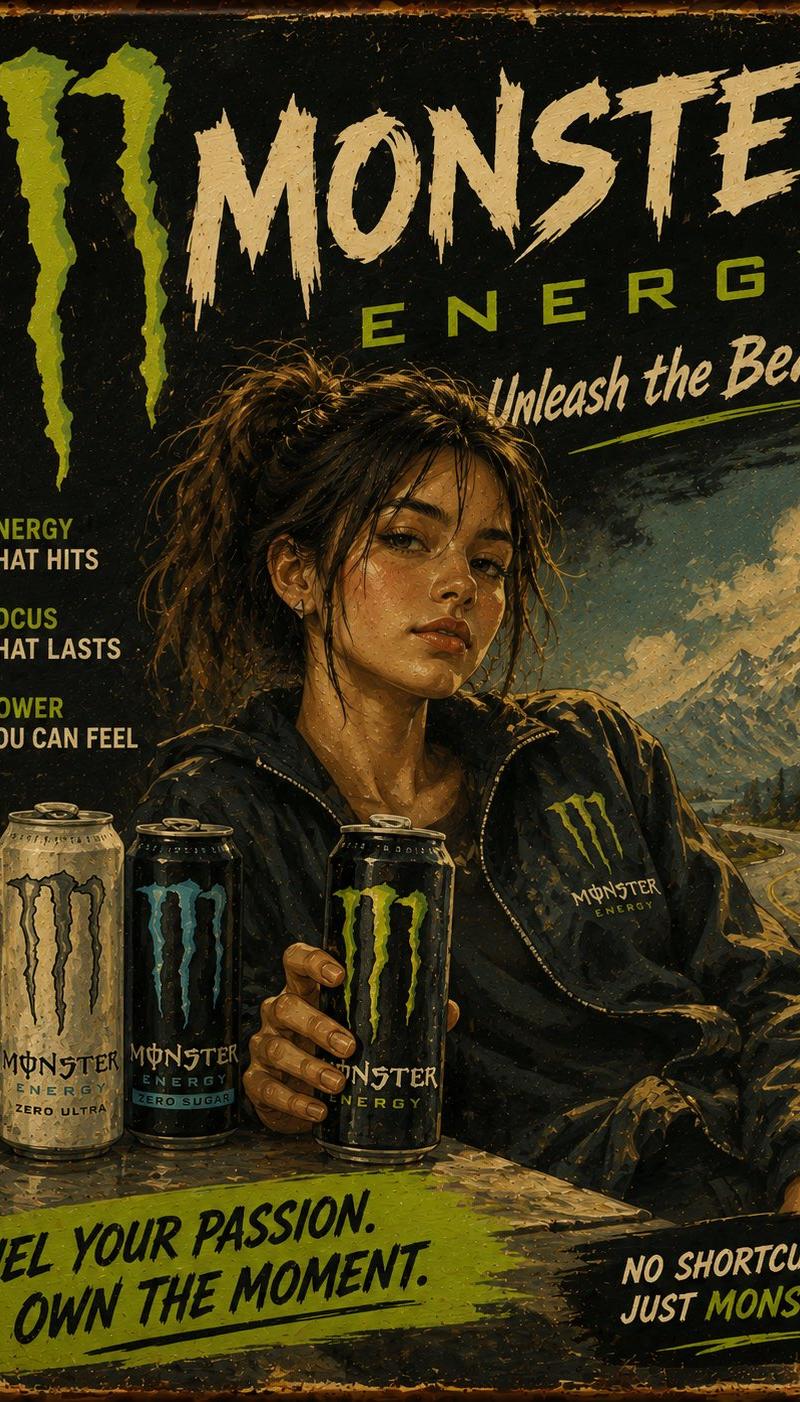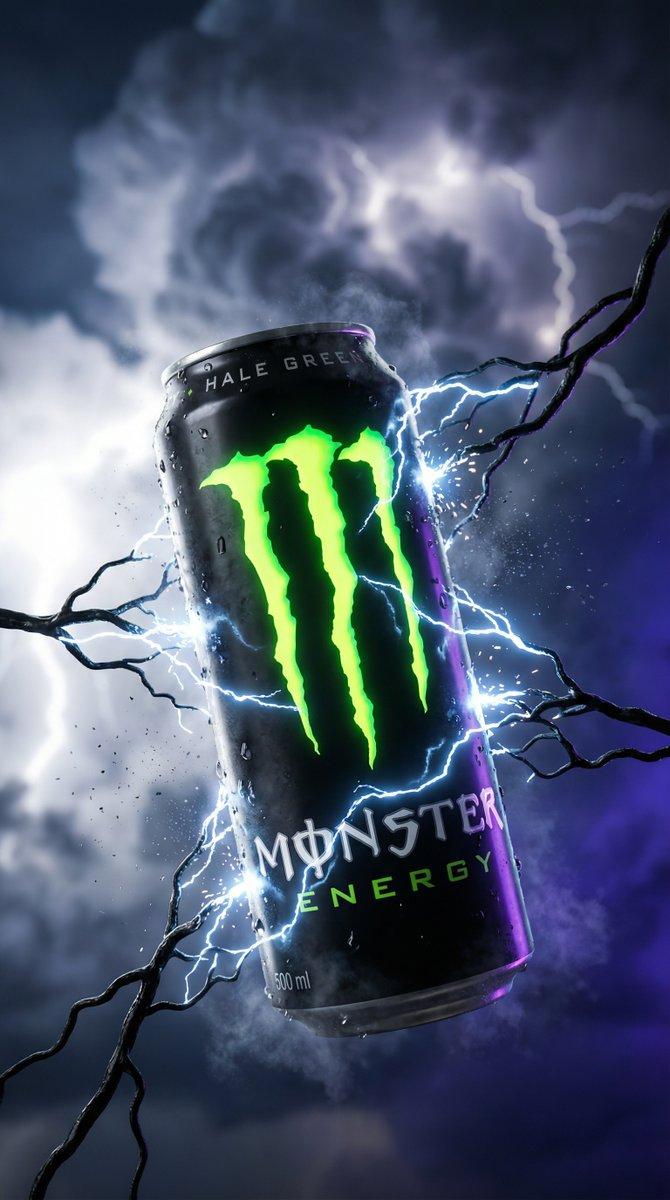
Gemini 3.0 | Nano Banana Pro
Prompt
Gemini 3.0 | Nano Banana Pro
- Platform: @eachlabs
{
 "image_generation_manifest": {
 "meta_directives": {
 "visual_target": {
 "instruction": "Exact replication of the provided reference image style and composition.",
 "priority": "Highest"
 },
 "output_format": {
 "aspect_ratio": "9:16 (Vertical)",
 "resolution": "4K",
 "aesthetic": "Hyper-realistic cinematic product photography."
 }
 },
 "primary_subject": {
 "product_identity": {
 "brand": "[Brand Name - e.g., Coca-Cola]",
 "flavor": "[Product Flavor - e.g., Classic]",
 "container": "Classic 330 ml aluminum can",
 "finish": "[Can Material Finish - e.g., Matte, Glossy, Textured]"
 },
 "positional_state": {
 "physics": "Suspended in mid-air, weightless, central focus.",
 "orientation": "Logo centered and sharp, aligned with camera."
 },
 "condition_details": {
 "temperature": "[Apparent Temperature - e.g., Ice-cold, Ambient, Burning]",
 "surface_effects": {
 "condensation": "[Description of surface state - e.g., frozen frost, heavy water droplets, dry with static]",
 "atmosphere": "[Atmospheric interaction at edges - e.g., exhaling cold vapor, glowing aura, heat haze]"
 }
 }
 },
 "dynamic_environment": {
 "foreground_activity": {
 "organic_elements": "[Main environmental elements rising from bottom - e.g., roots, ice shards, corals, rocks]",
 "moisture_dynamics": "[Behavior of particles/liquid - e.g., dripping water, floating spores, rising bubbles, sparks]",
 "light_dynamics": [
 "[How light interacts with elements - e.g., internal bioluminescence, sharp reflections, subsurface scattering]"
 ]
 },
 "background_context": {
 "scenery": "[Description of blurred backdrop - e.g., dark forest, ice cave, deep sea, storm clouds]",
 "atmospheric_conditions": "[Weather/Air conditions - e.g., thick fog, blizzard, suspended dust, ozone haze]",
 "mood_indicators": "[Overall Mood - e.g., dramatic, serene, dangerous, energetic]"
 }
 },
 "cinematography_specs": {
 "optical_configuration": {
 "lens": "100 mm Macro (or similar telephoto macro)",
 "aperture": "f/8 (for sufficient depth on the product)",
 "depth_of_field": "Shallow (Background heavily blurred)"
 },
 "focus_map": {
 "sharp_plane": [
 "Brand Logo",
 "Can Surface Details",
 "Tips of closest foreground elements"
 ],
 "blur_plane": [
 "Deep background environment"
 ]
 },
 "composition_rules": {
 "framing": "Frontal cinematic close-up.",
 "layout": "Negative space below supports environmental elements rising towards the floating product.",
 "intent": "Emphasize product texture and immersion in its thematic world."
 }
 },
 "lighting_design": {
 "scheme": "Dramatic dual-tone setup (Key + Rim)",
 "sources": {
 "key_left": {
 "color_temp": "[Key Light Color - usually neutral white or complementary to the theme]",
 "purpose": "Main illumination to define product shape and metallic texture."
 },
 "rim_right": {
 "color_tone": "[Rim Light Color - The primary color of the environment/theme]",
 "purpose": "Create dramatic edge separation and highlight the environmental elements."
 }
 }
 }
 }
}- Category
- Photography & Realism
- Model
- Nano Banana Pro
- Creator
- Mehdi Sharifi
- Source language
- en
- Source ID
- gemini-3-0-nano-banana-pro-4
Views0