20

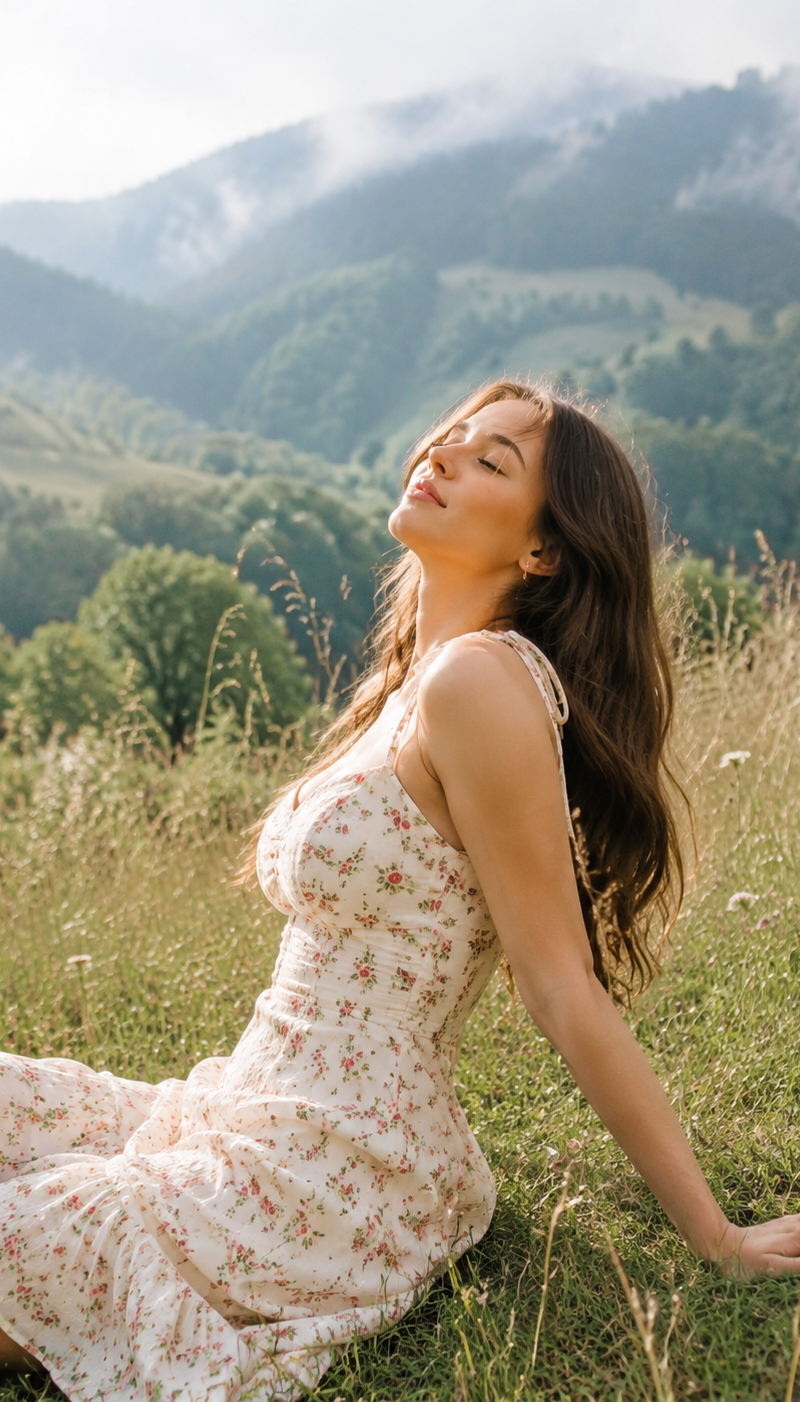
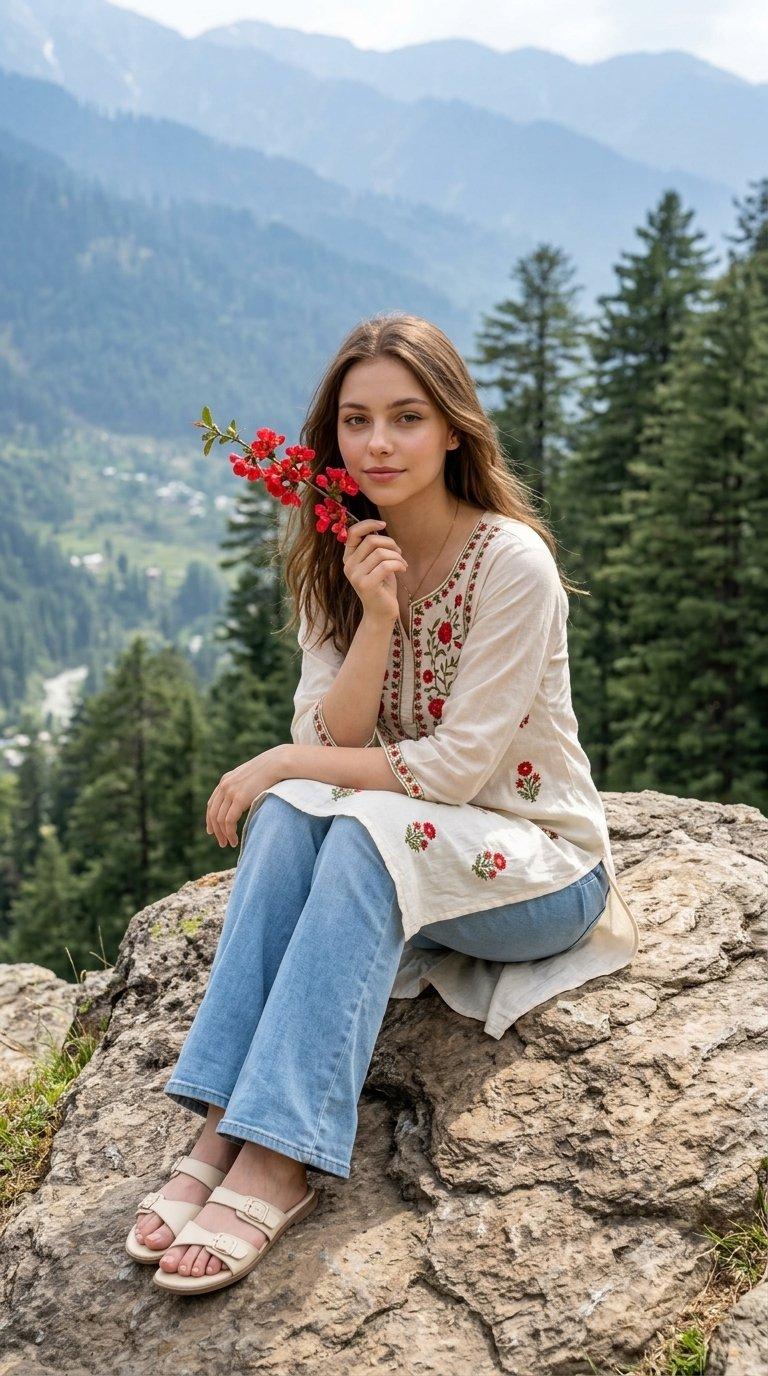
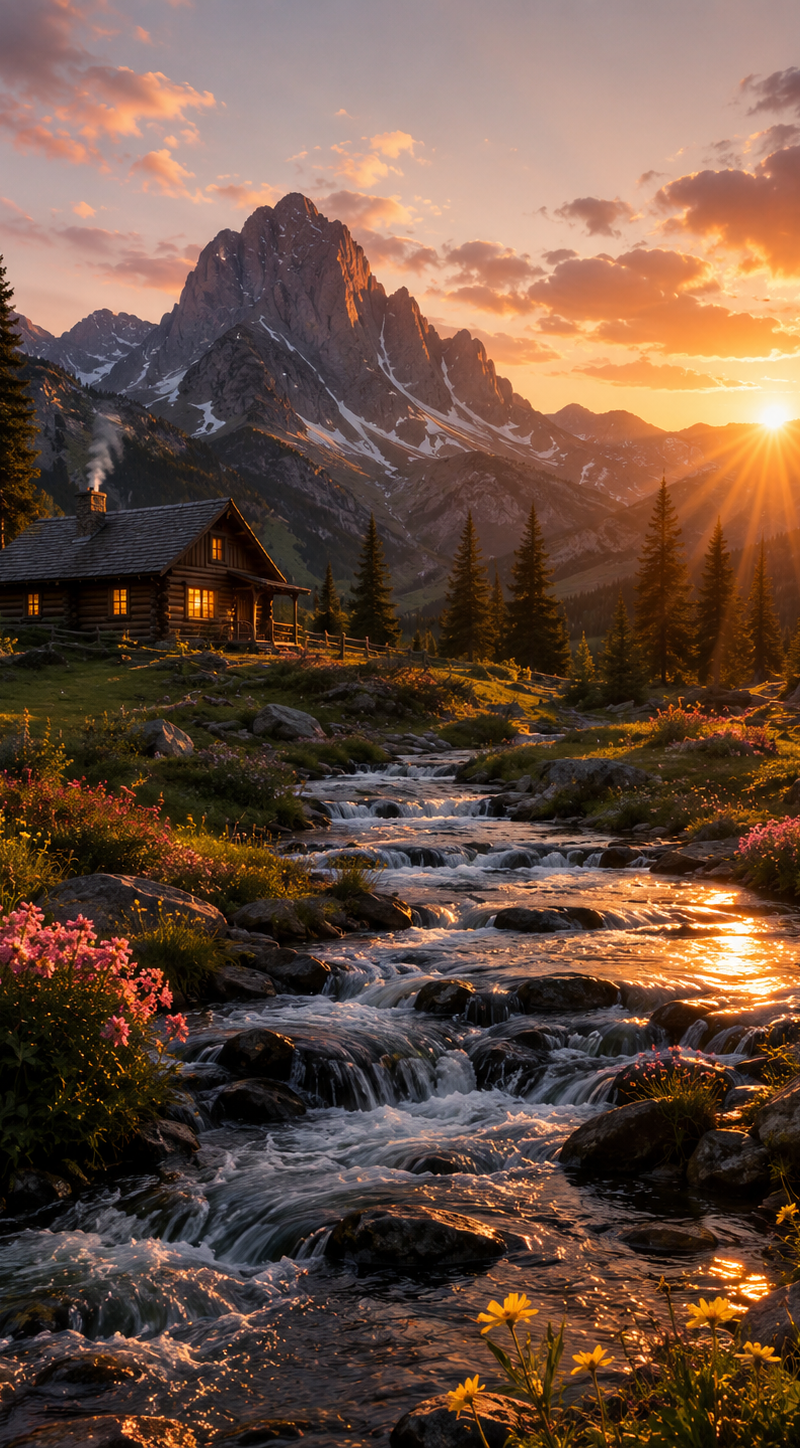
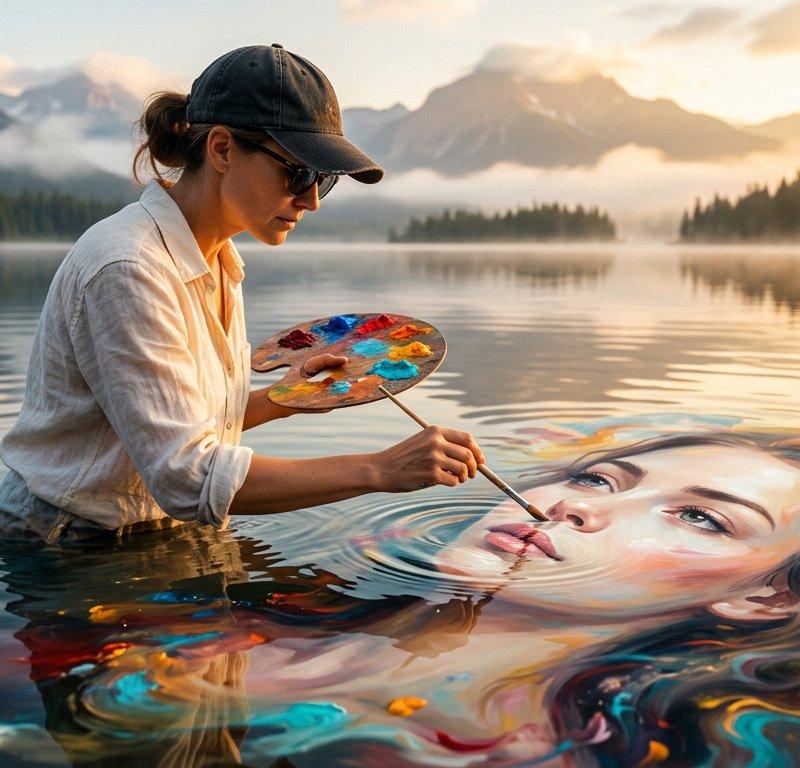
Gemini AI 3 Pro:阳光山丘下的HDR电影场景
Enlarge

Example images

Gemini AI 3 Pro:阳光山丘下的HDR电影场景

Prompt
Gemini ai 3 Pro. 🪄
Prompt ⤵️
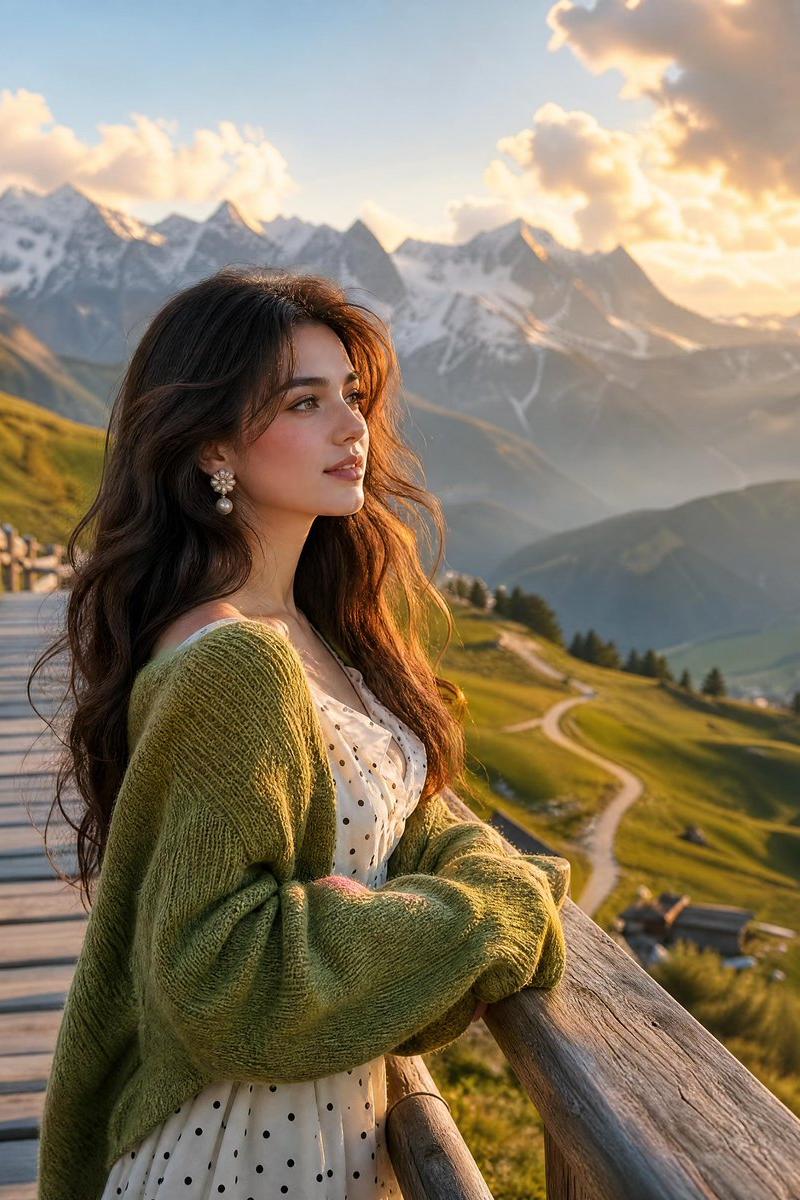
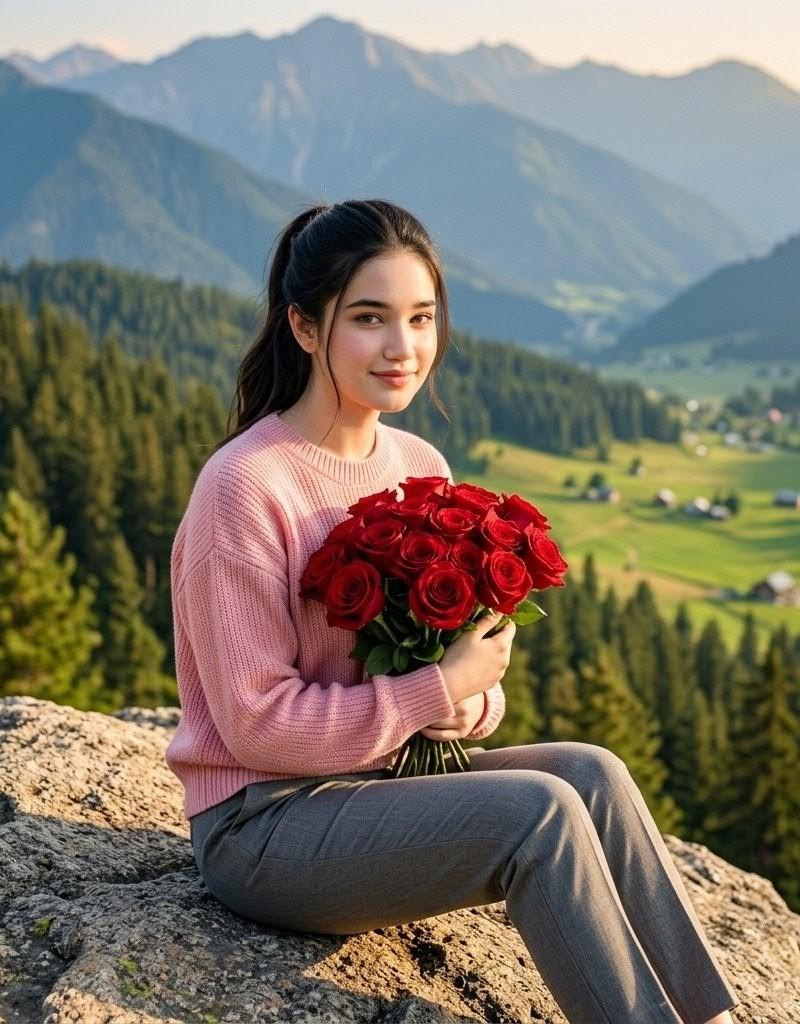
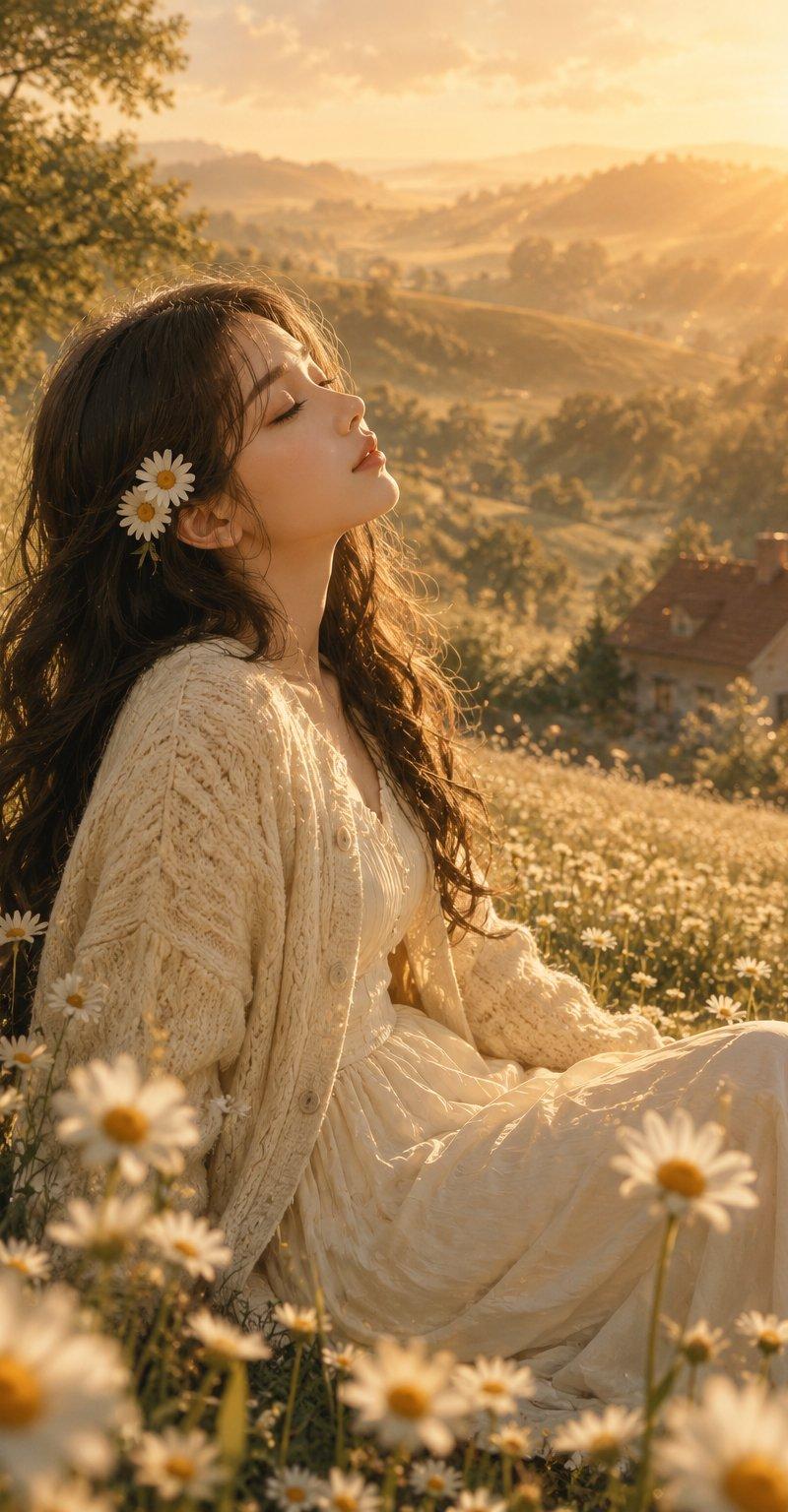
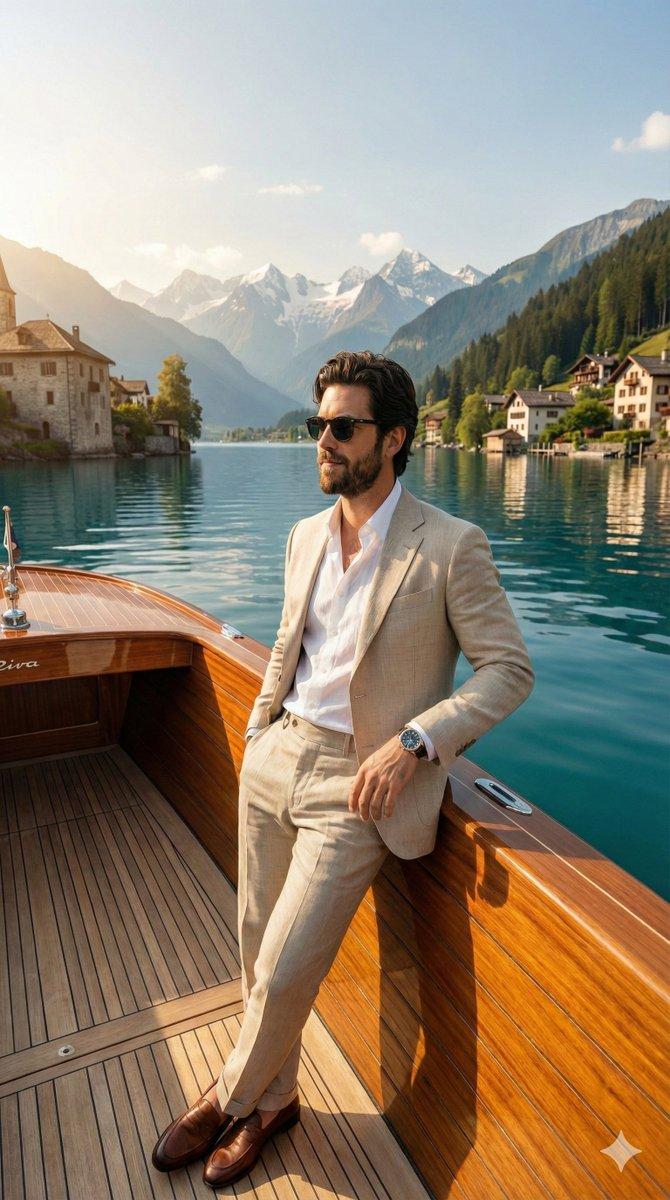
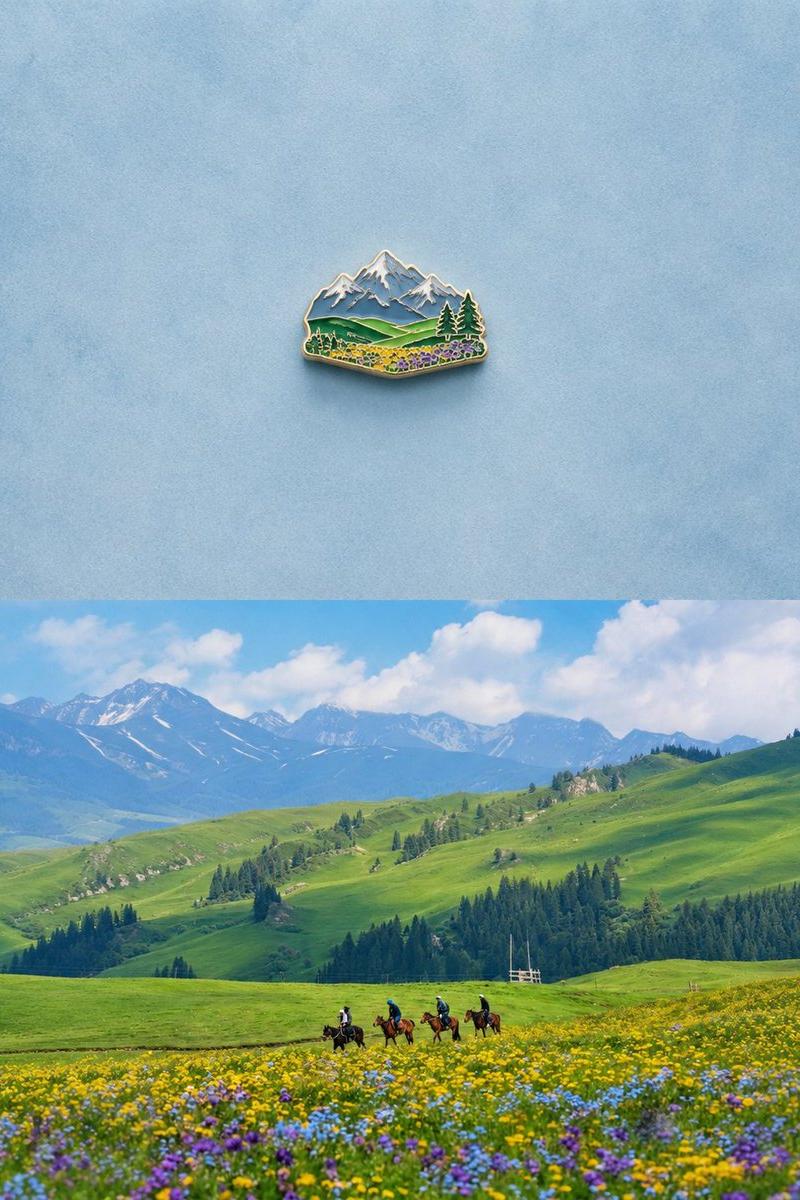
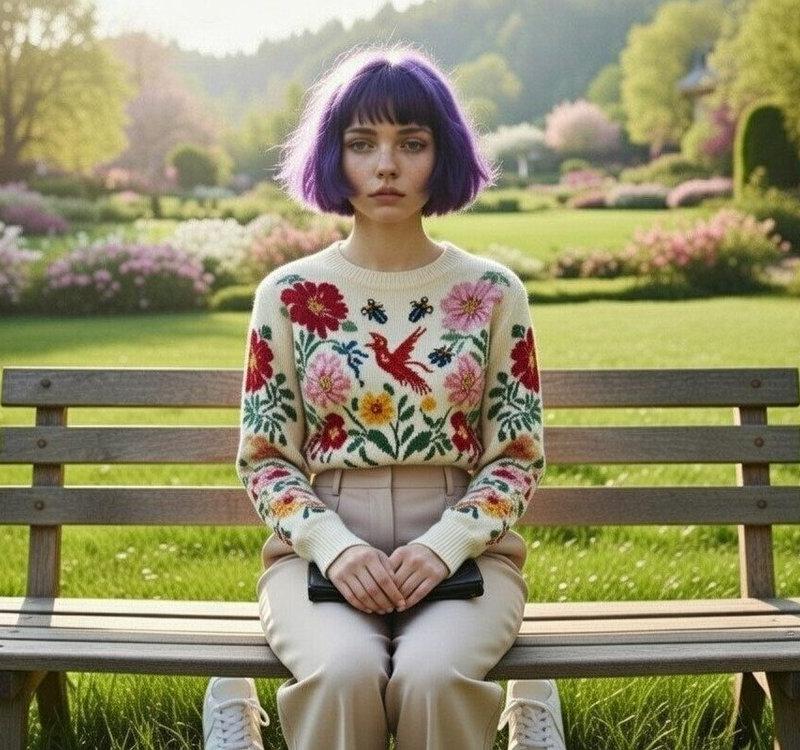
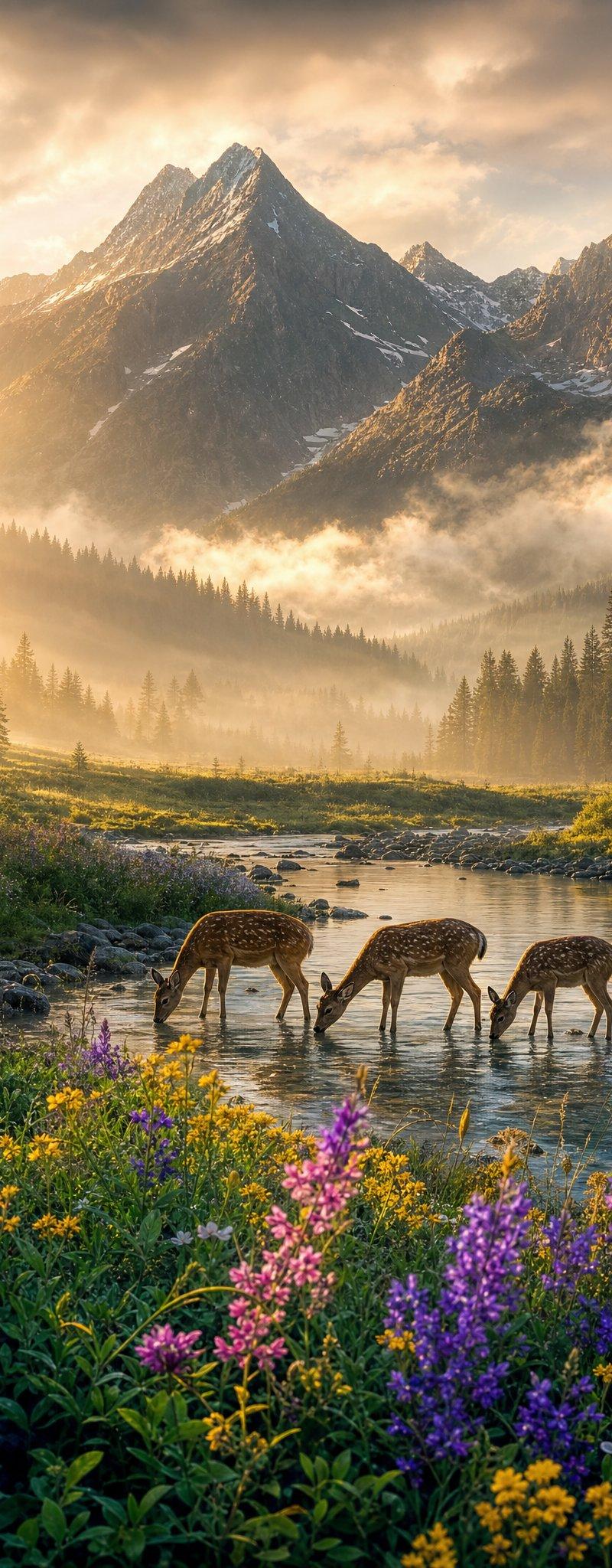
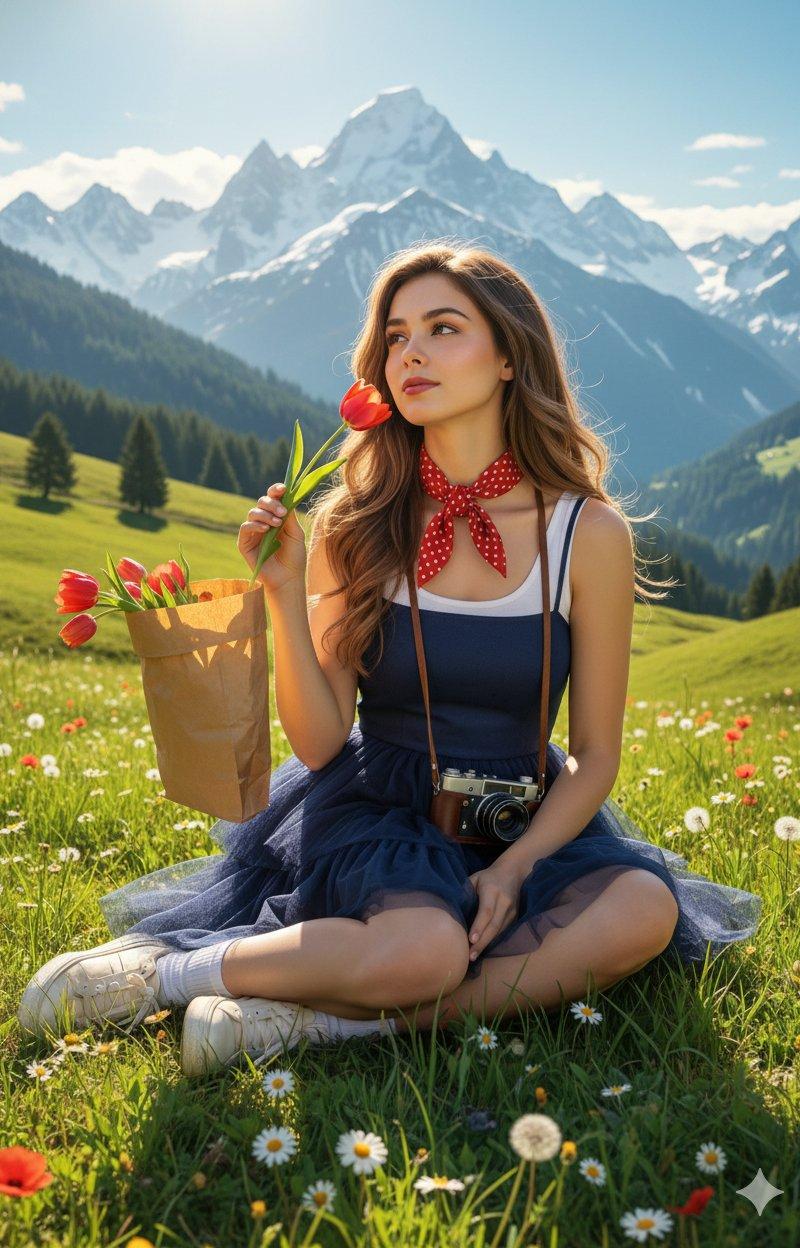
Create a realistic HDR movie shot using the uploaded image as a reference. A sunny mountain meadow with lush green hills and towering alpine peaks in the background. A gentle breeze blows through the meadows; the air is fresh and radiant under a blue sky. The bright sunlight casts warm reflections on her skin and hair. She sits comfortably amid flowers and sunlight — looking youthful, calm, and full of freedom. A navy tulle minidress with a tiered skirt creates soft, cloud-like volume. A white sleeveless top with a cherry red polka dot bow scarf around her neck. White ankle socks and cream sneakers. A vintage camera is slung over her body and a paper bag filled with red tulips. Long, loose curls fall naturally; sunlight hits warm, brown highlights. The makeup is fresh and natural: pink blush, lip gloss, glowing skin with soft highlights. A tulip is lifted to smell; a gentle breeze blows through her hair. HDR sunlight, pastel blues and vibrant greens; the subject has a dreamy, cinematic glow.
Category
Photography & Realism
Model
Unknown
Creator
Shreya Yadav
Source language
zh-CN
Views0
Source ID
gemini-ai-3-pro-hdr-movie-shot-sunny-mountain-meadow
Studio

Guide

About "Gemini AI 3 Pro:阳光山丘下的HDR电影场景"

What is this prompt for?

"Gemini AI 3 Pro:阳光山丘下的HDR电影场景" AI image prompt for Unknown (Photography & Realism). Gemini ai 3 Pro. 🪄 Prompt ⤵️ Create a realistic HDR movie shot using the…

The full copyable prompt and example visuals above are ready for AI image generation or one-click recreate in Picva.

How to use this prompt

  1. Step 1

    Open the prompt detail

    Review the example visuals, category, and full prompt text for "Gemini AI 3 Pro:阳光山丘下的HDR电影场景".

  2. Step 2

    Copy the prompt

    Copy the prompt body from this page, or load it directly in Studio.

  3. Step 3

    Pick a model (Unknown)

    Prefer Unknown. If you switch models, keep subject and composition and tweak style terms.

  4. Step 4

    Generate and export

    Recreate the look in Picva, or export into your workflow for editing and publishing.

FAQ

What is the "Gemini AI 3 Pro:阳光山丘下的HDR电影场景" prompt?
It is an AI image-generation prompt for Unknown in the Photography & Realism category. This page includes the full prompt text, example visuals, and a one-click recreate path in Picva.
How do I use this prompt to generate an image?
Copy the prompt from this page, or use Generate / Studio. Paste it into a compatible image model, or recreate the look in Picva with optional reference images.
Which model is this prompt for?
This page lists Unknown. Most descriptive prompts also transfer to nearby image models such as GPT Image, Flux, or Midjourney with light style tweaks.
Can I use the result commercially?
You can usually copy the prompt for creation, but commercial use of the final image depends on the model terms, reference-image rights, and the generated content. Follow the source author and platform rules.