18

Glitch 矢量徽标样式
Enlarge

Example images

Glitch 矢量徽标样式

Prompt
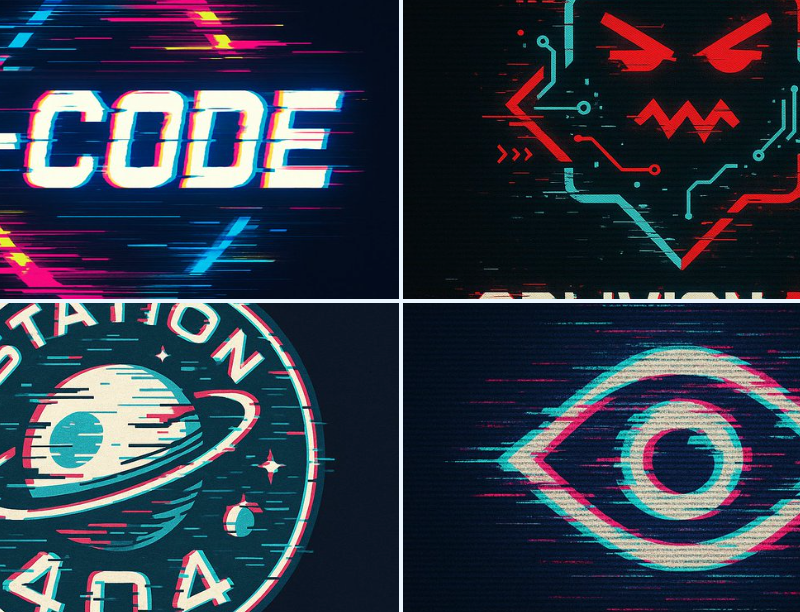
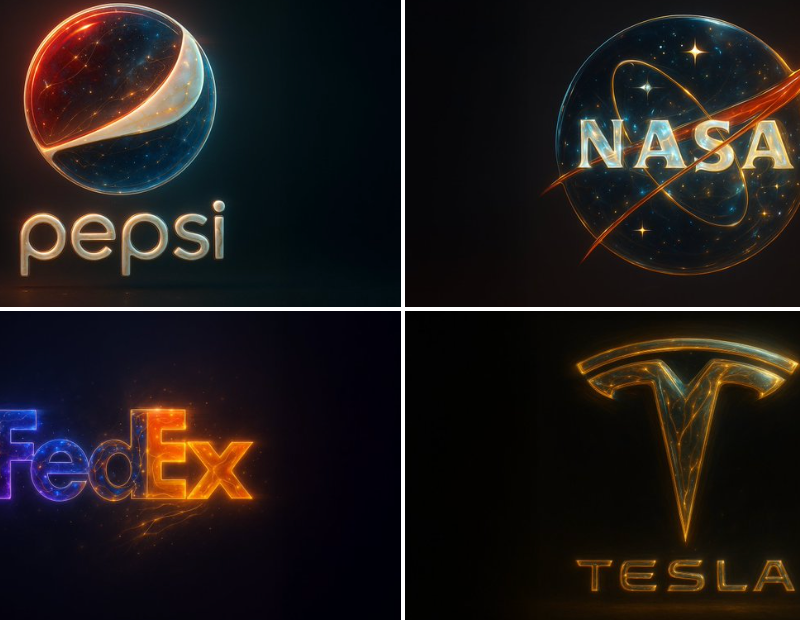
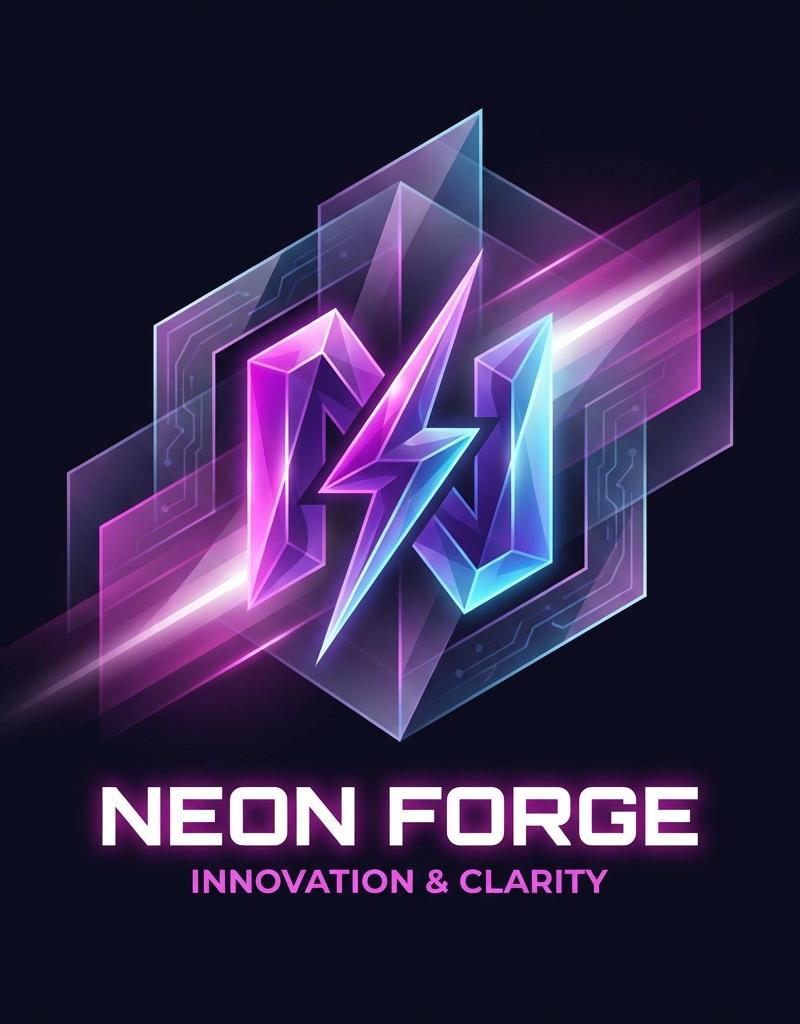
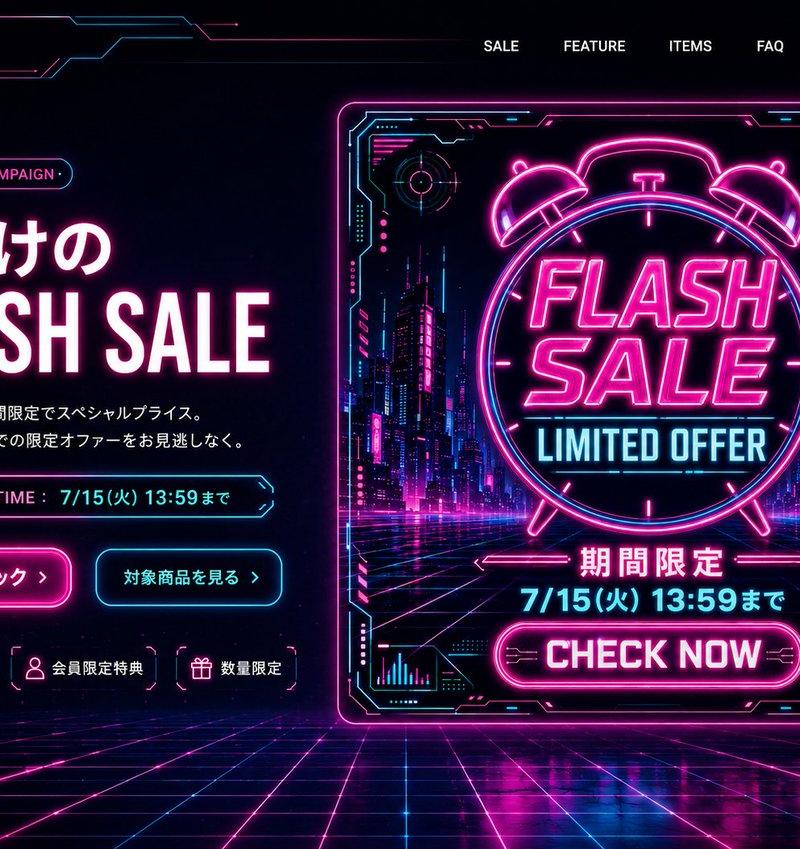
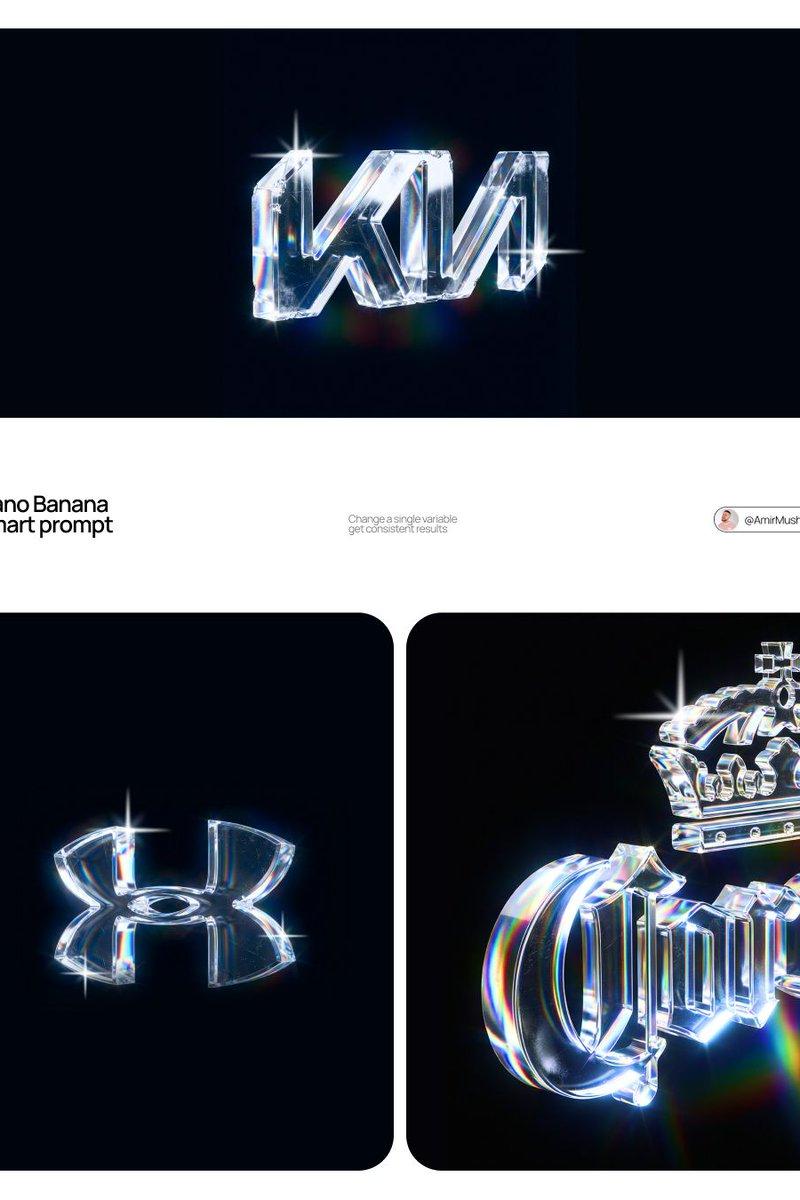
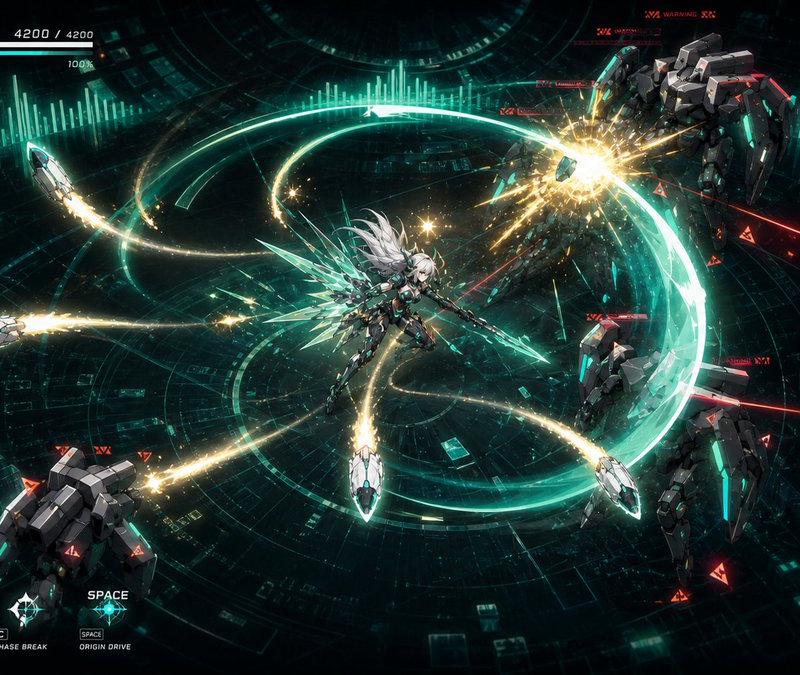
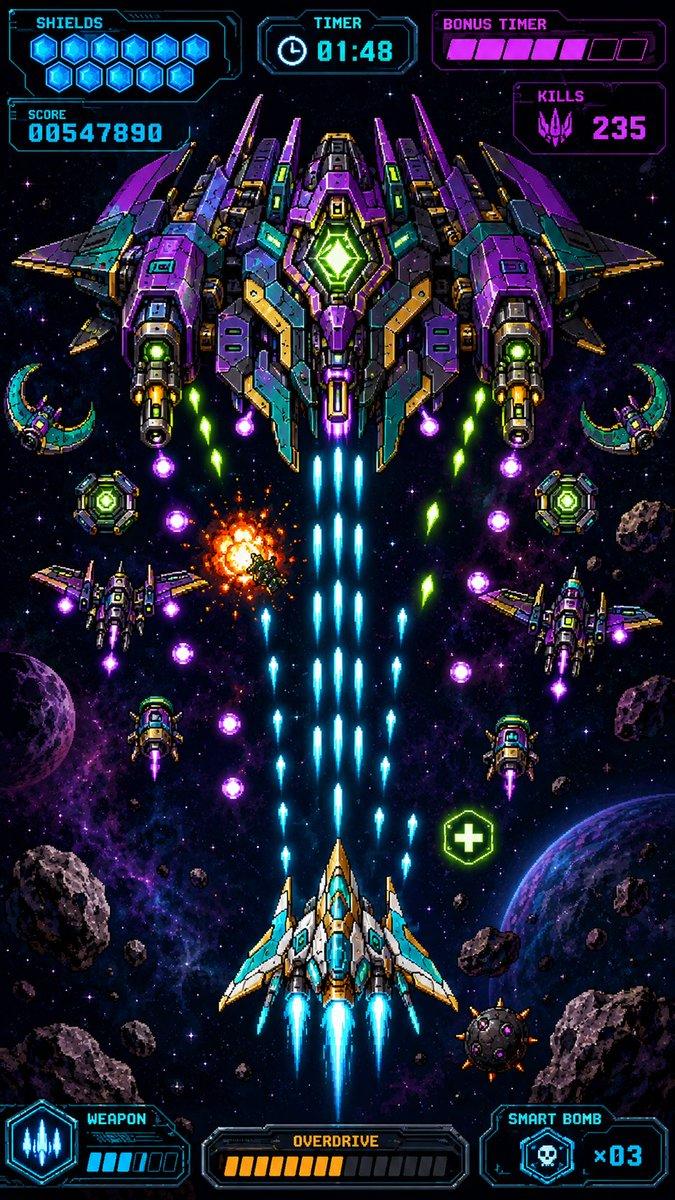
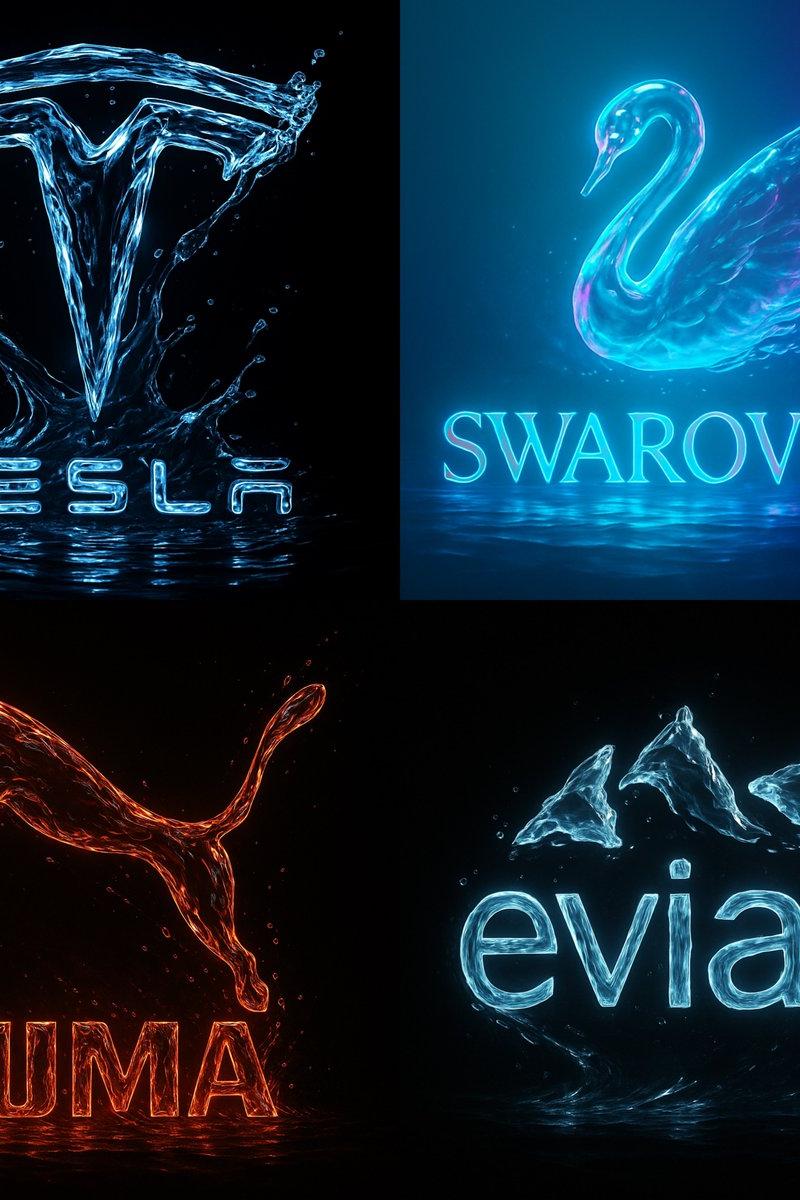
A bold vector logo design in glitch art style, featuring distorted typography with RGB color channel shifts, fragmented lines, misaligned edges, digital noise effects, and a cyberpunk aesthetic. The logo appears corrupted or hacked, as if captured from a malfunctioning screen. Use a black or dark background for contrast, neon or high-saturation color palette, and sharp angular forms.
1、"X-CODE" in futuristic glitch style, with pixel breakups and neon overlays\n2、A glitch vector logo for a rogue AI named “OBLIVION.EXE”, with red error overlays and corrupted circuitry\n3、A circular emblem for “Station 404”, a hacked orbital base with broken planetary symbols and static flicker\n4、A surveillance eye logo, distorted with chromatic aberration, layered static, and flickering digital interference
Category
UI & Interfaces
Model
Unknown
Creator
Artedeingenio
Source language
zh-CN
Views0
Source ID
glitch-vector-logo-style
Studio

Guide

About "Glitch 矢量徽标样式"

What is this prompt for?

"Glitch 矢量徽标样式" AI image prompt for Unknown (UI & Interfaces). A bold vector logo design in glitch art style, featuring distorted typography with RGB color cha…

The full copyable prompt and example visuals above are ready for AI image generation or one-click recreate in Picva.

How to use this prompt

  1. Step 1

    Open the prompt detail

    Review the example visuals, category, and full prompt text for "Glitch 矢量徽标样式".

  2. Step 2

    Copy the prompt

    Copy the prompt body from this page, or load it directly in Studio.

  3. Step 3

    Pick a model (Unknown)

    Prefer Unknown. If you switch models, keep subject and composition and tweak style terms.

  4. Step 4

    Generate and export

    Recreate the look in Picva, or export into your workflow for editing and publishing.

FAQ

What is the "Glitch 矢量徽标样式" prompt?
It is an AI image-generation prompt for Unknown in the UI & Interfaces category. This page includes the full prompt text, example visuals, and a one-click recreate path in Picva.
How do I use this prompt to generate an image?
Copy the prompt from this page, or use Generate / Studio. Paste it into a compatible image model, or recreate the look in Picva with optional reference images.
Which model is this prompt for?
This page lists Unknown. Most descriptive prompts also transfer to nearby image models such as GPT Image, Flux, or Midjourney with light style tweaks.
Can I use the result commercially?
You can usually copy the prompt for creation, but commercial use of the final image depends on the model terms, reference-image rights, and the generated content. Follow the source author and platform rules.