14

谷歌纳米香蕉专业版摄影
Enlarge

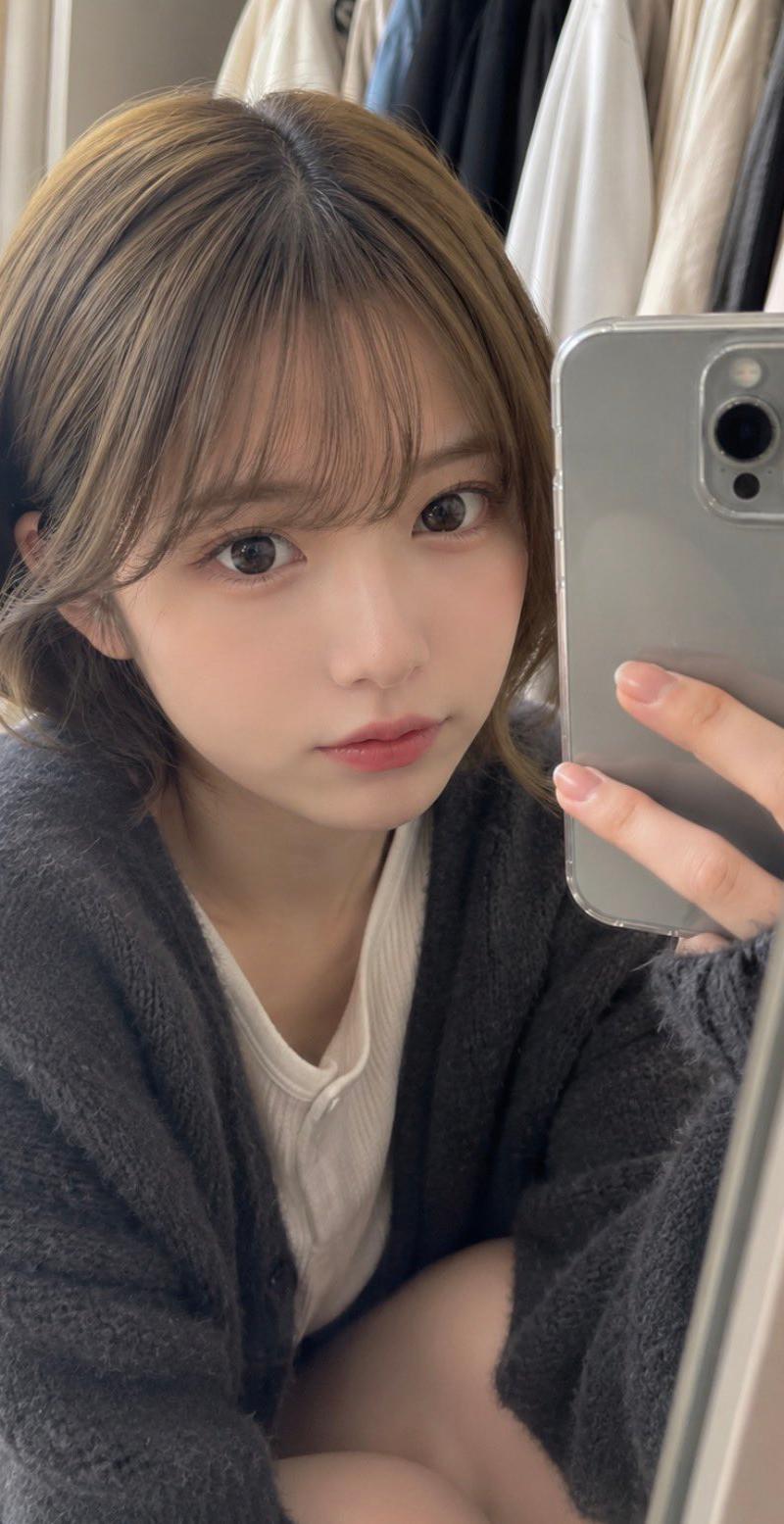
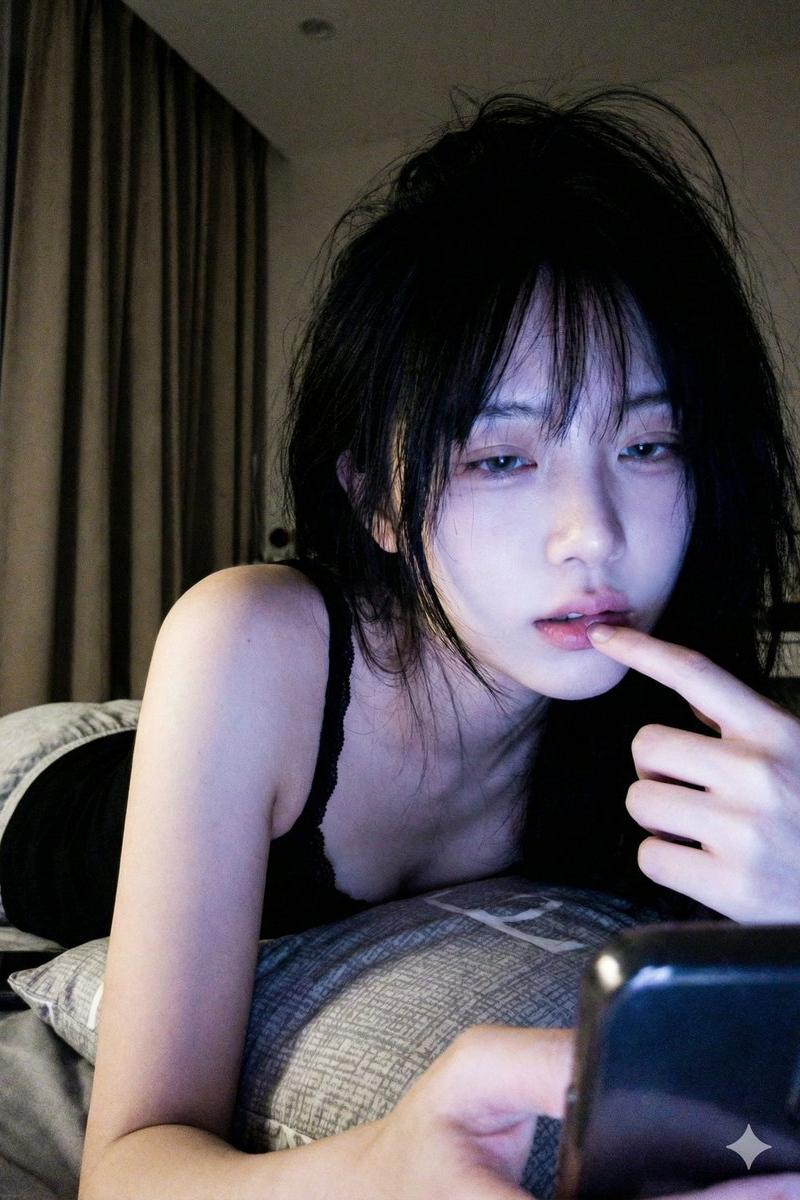
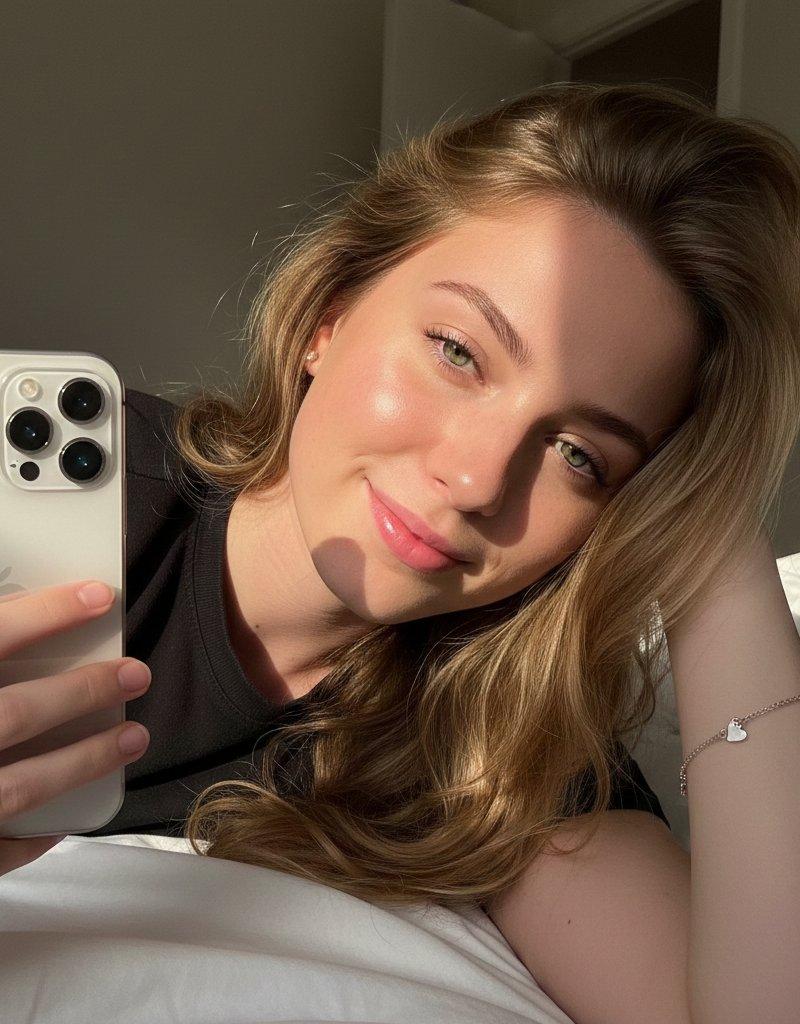
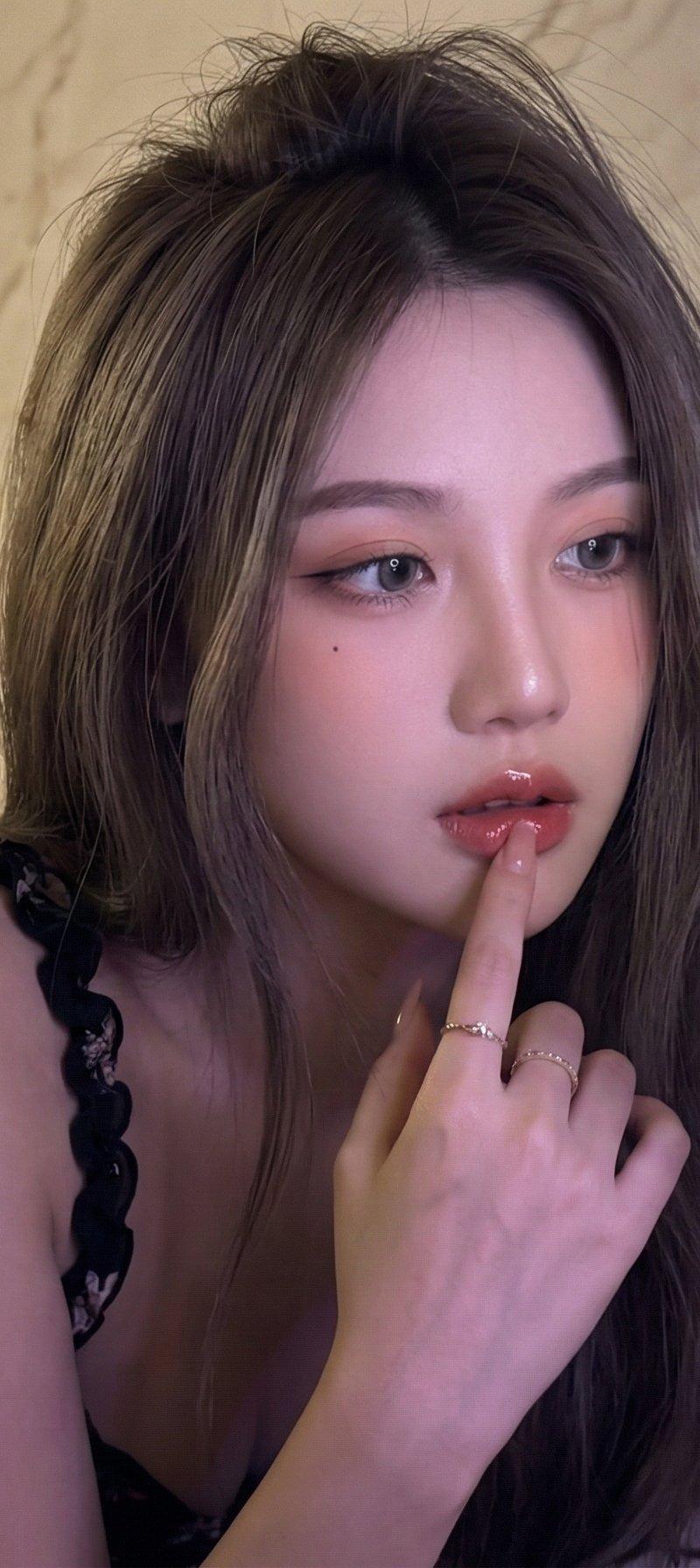
Example images

谷歌纳米香蕉专业版摄影

Prompt
Google Nano Banana Pro
{
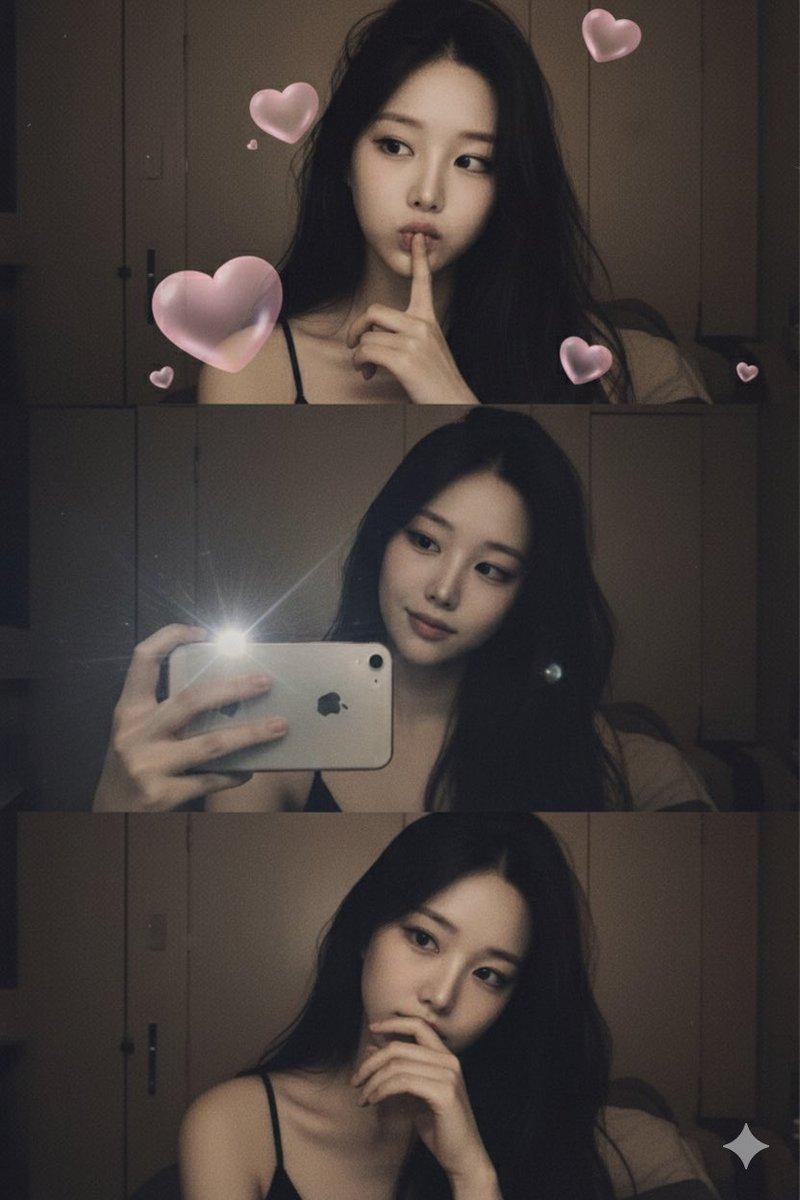
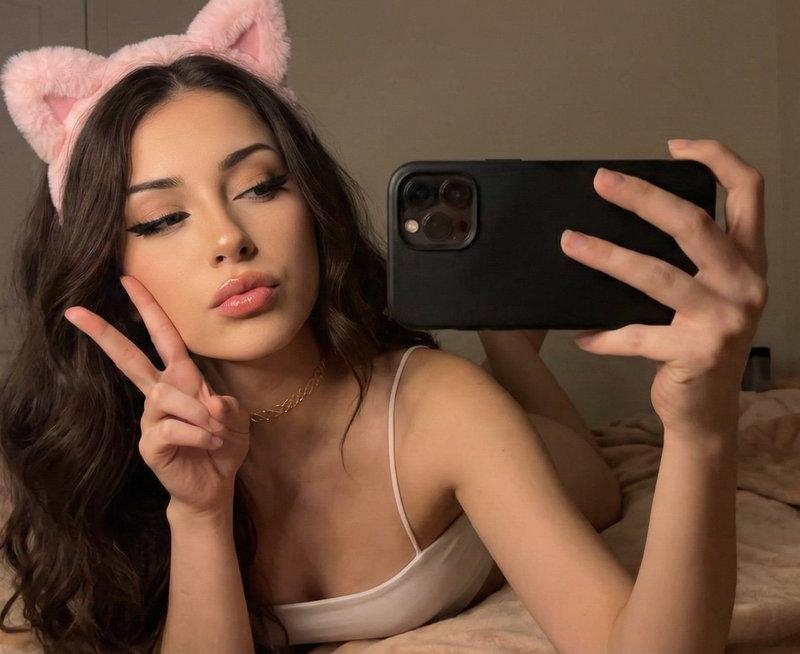
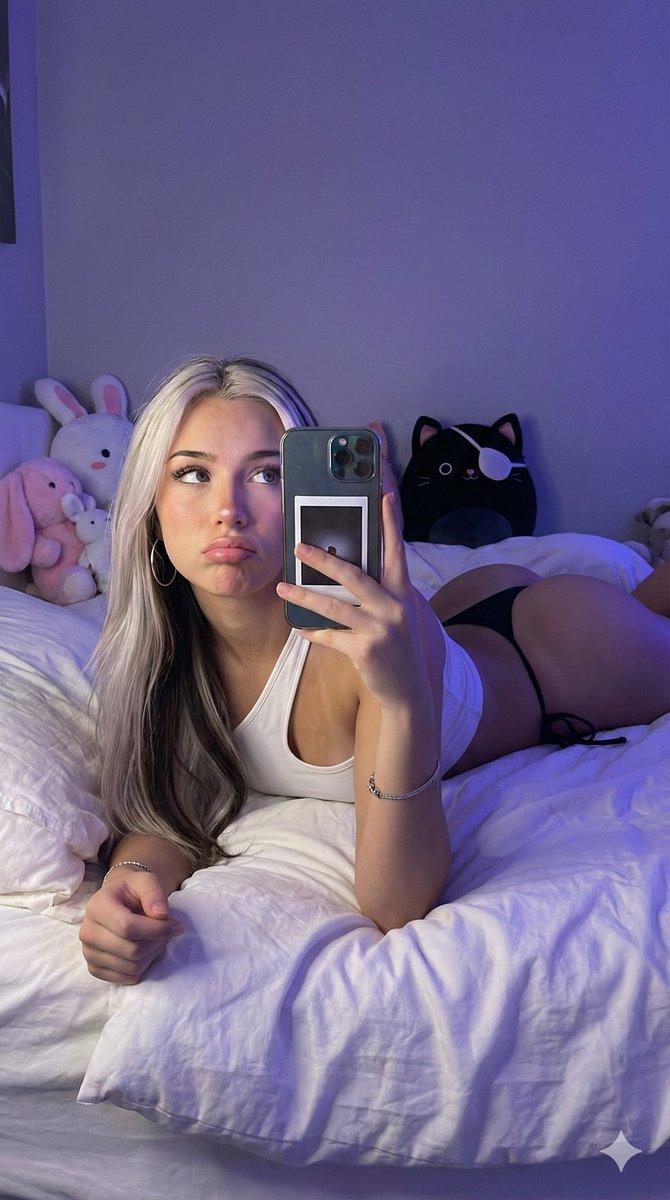
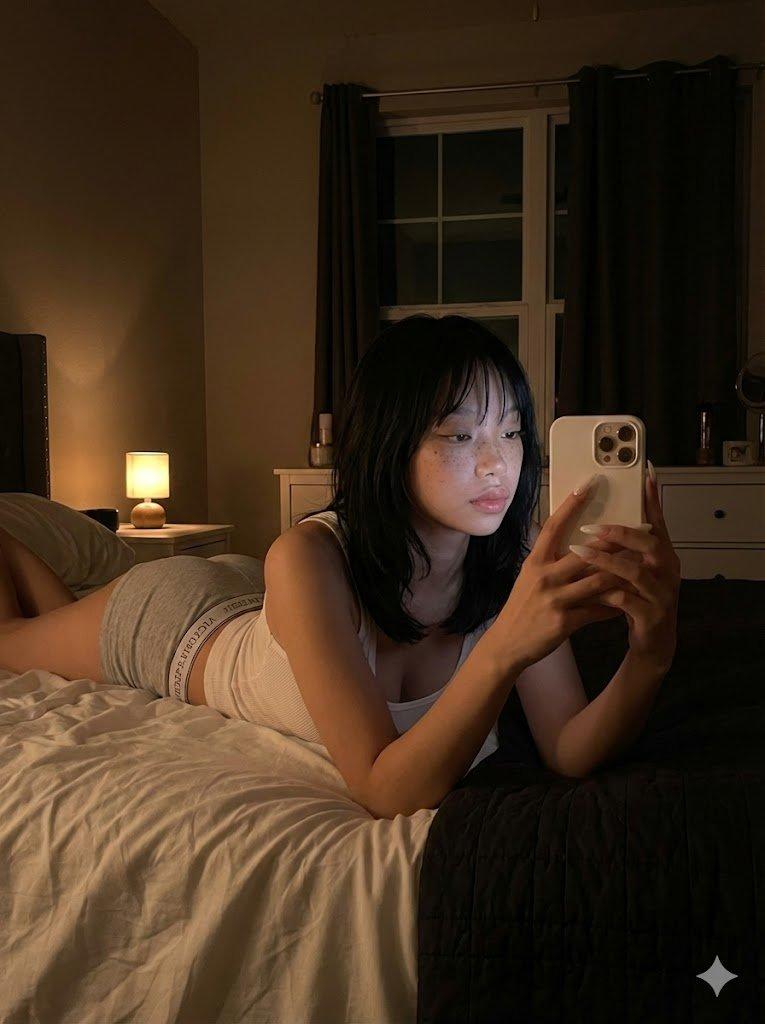
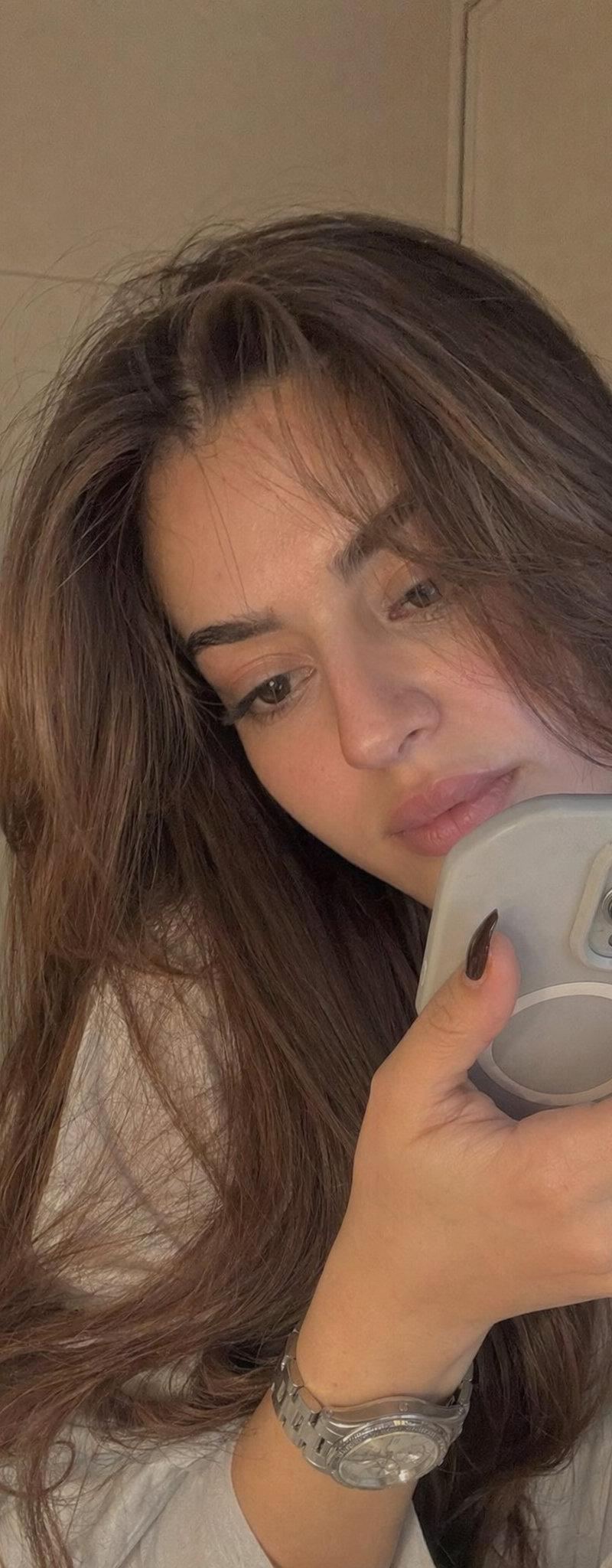
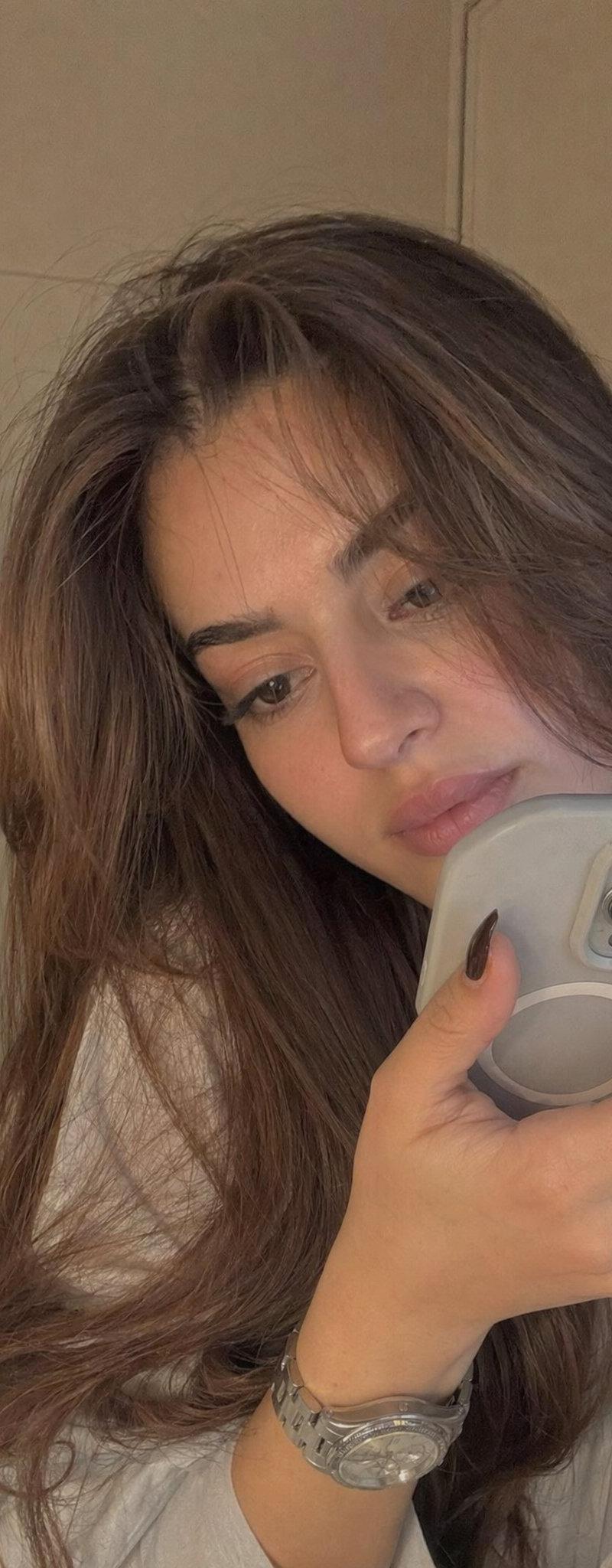
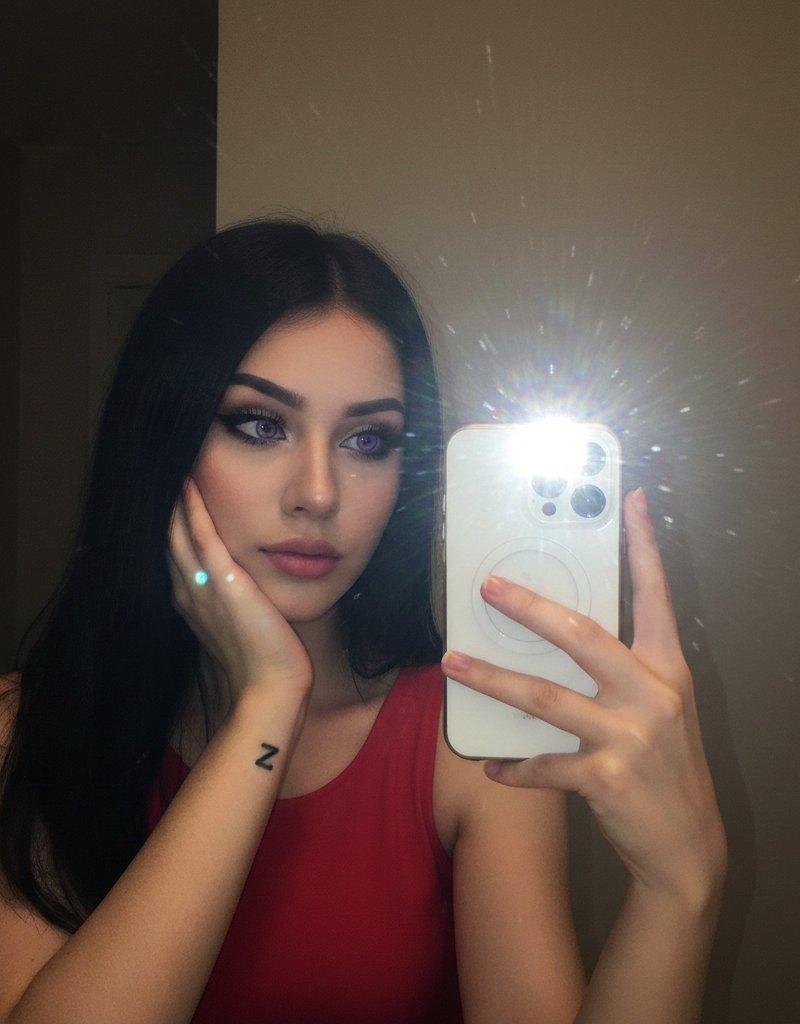
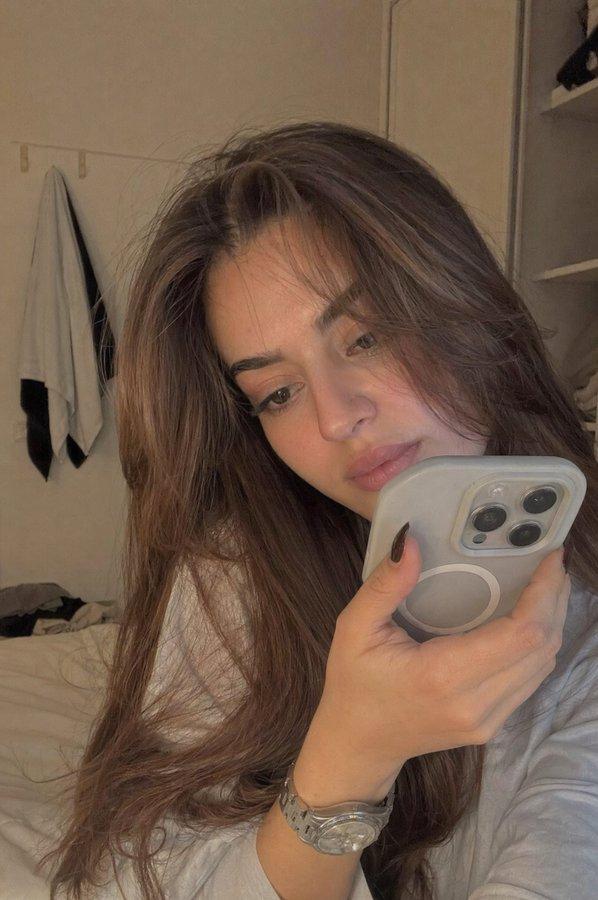
"prompt": "Edit the photo in ultra-realistic 16K resolution. A young girl is taking a selfie inside a room. Her hair is long, layered ash brown, slightly messy at the top, falling forward naturally. She is wearing a black curly-strapped floral dress. Pose: She is lying face down on a blanket, with her right hand touching her lips, head tilted sideways, looking forward, appearing to be daydreaming. Her makeup is flawless, Korean-inspired with a modern touch: neatly shaped eyebrows, soft peach eyeshadow, thin eyeliner emphasizing her eyes, and soft gray contact lenses giving a captivating gaze. Her cheeks have a natural peach blush, and her lips are glossy, with a nude base lip color ombre\'d into red, creating a soft yet striking contrast. The background is a cream marble wall. Photo is taken up-close at eye-level. Lighting: Cinematic and editorial, dim and dark to make the selfie look realistic. Retro purple contrast enhances skin glow. Photo captured with an iPhone 17 Pro Max. Do not alter her face in any way."
}
Category
Photography & Realism
Model
Nano Banana Pro
Creator
Edward Lu
Source language
zh-CN
Views0
Source ID
google-nano-banana-pro-photography
Studio

Guide

About "谷歌纳米香蕉专业版摄影"

What is this prompt for?

"谷歌纳米香蕉专业版摄影" AI image prompt for Nano Banana Pro (Photography & Realism). Google Nano Banana Pro { "prompt": "Edit the photo in ultra-realistic 16K resolution…

The full copyable prompt and example visuals above are ready for AI image generation or one-click recreate in Picva.

How to use this prompt

  1. Step 1

    Open the prompt detail

    Review the example visuals, category, and full prompt text for "谷歌纳米香蕉专业版摄影".

  2. Step 2

    Copy the prompt

    Copy the prompt body from this page, or load it directly in Studio.

  3. Step 3

    Pick a model (Nano Banana Pro)

    Prefer Nano Banana Pro. If you switch models, keep subject and composition and tweak style terms.

  4. Step 4

    Generate and export

    Recreate the look in Picva, or export into your workflow for editing and publishing.

FAQ

What is the "谷歌纳米香蕉专业版摄影" prompt?
It is an AI image-generation prompt for Nano Banana Pro in the Photography & Realism category. This page includes the full prompt text, example visuals, and a one-click recreate path in Picva.
How do I use this prompt to generate an image?
Copy the prompt from this page, or use Generate / Studio. Paste it into a compatible image model, or recreate the look in Picva with optional reference images.
Which model is this prompt for?
This page lists Nano Banana Pro. Most descriptive prompts also transfer to nearby image models such as GPT Image, Flux, or Midjourney with light style tweaks.
Can I use the result commercially?
You can usually copy the prompt for creation, but commercial use of the final image depends on the model terms, reference-image rights, and the generated content. Follow the source author and platform rules.