19

高清杂志跨页
Enlarge

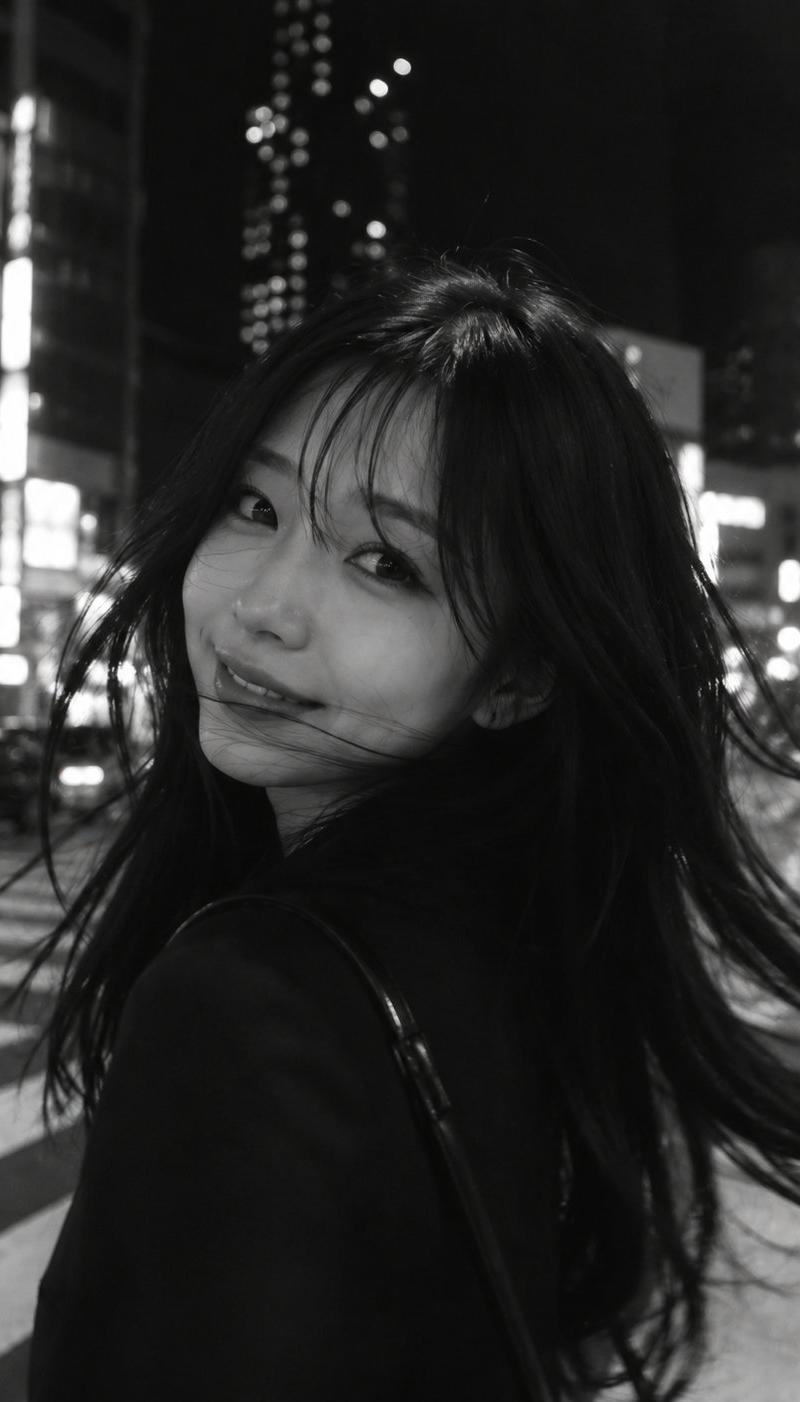
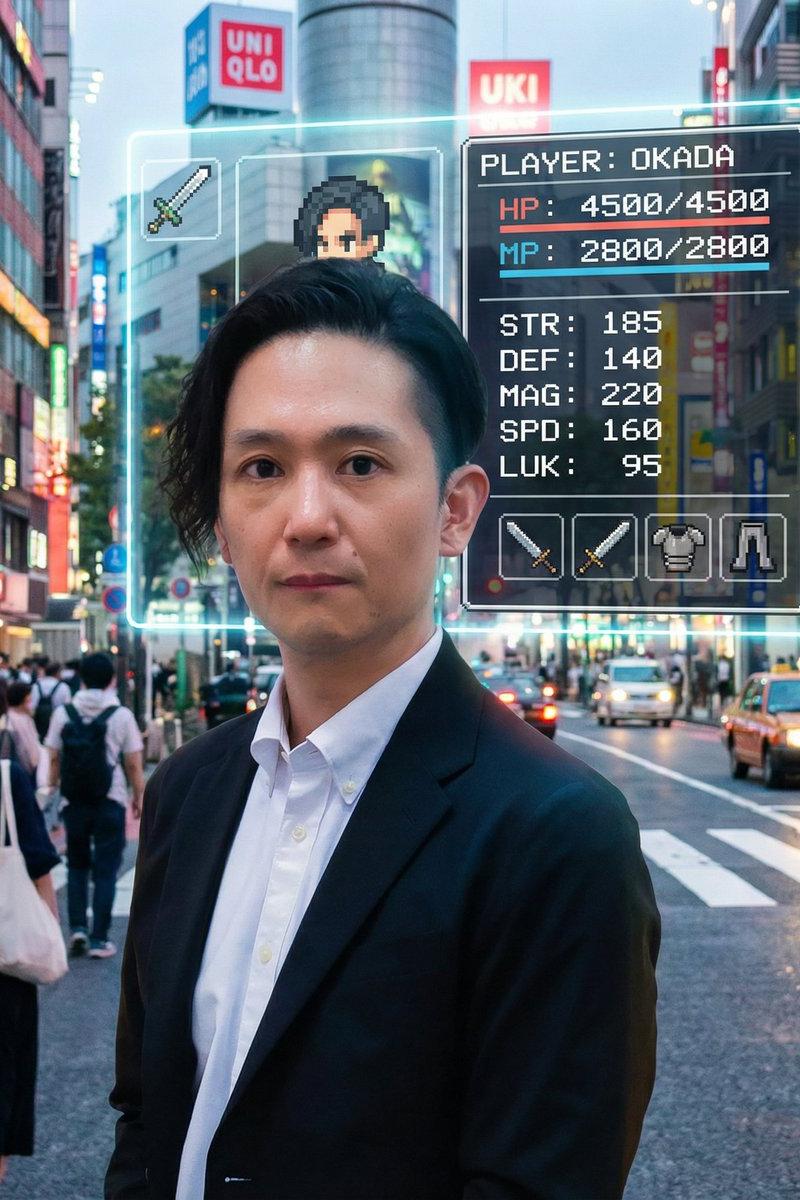
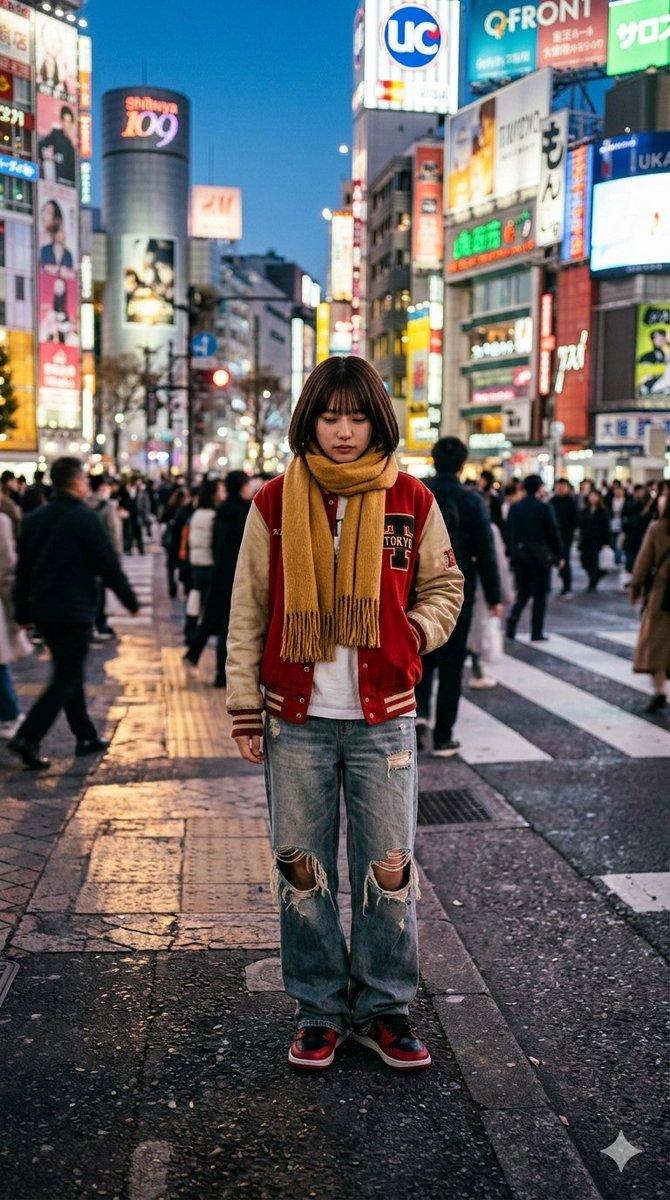
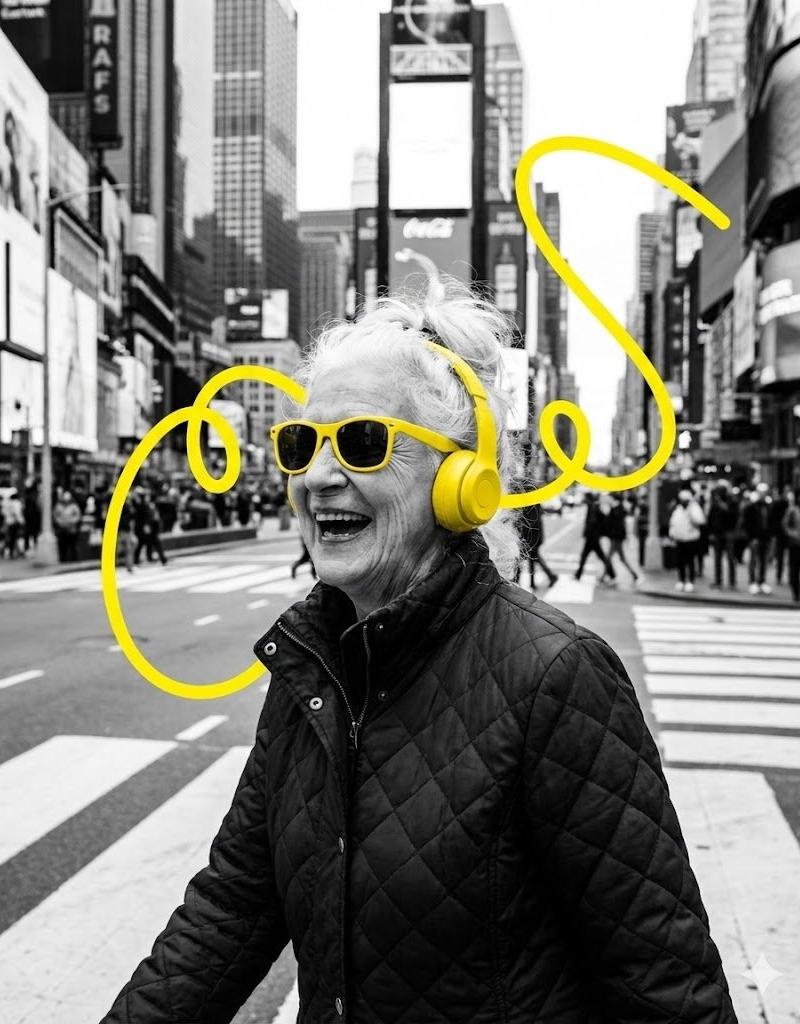
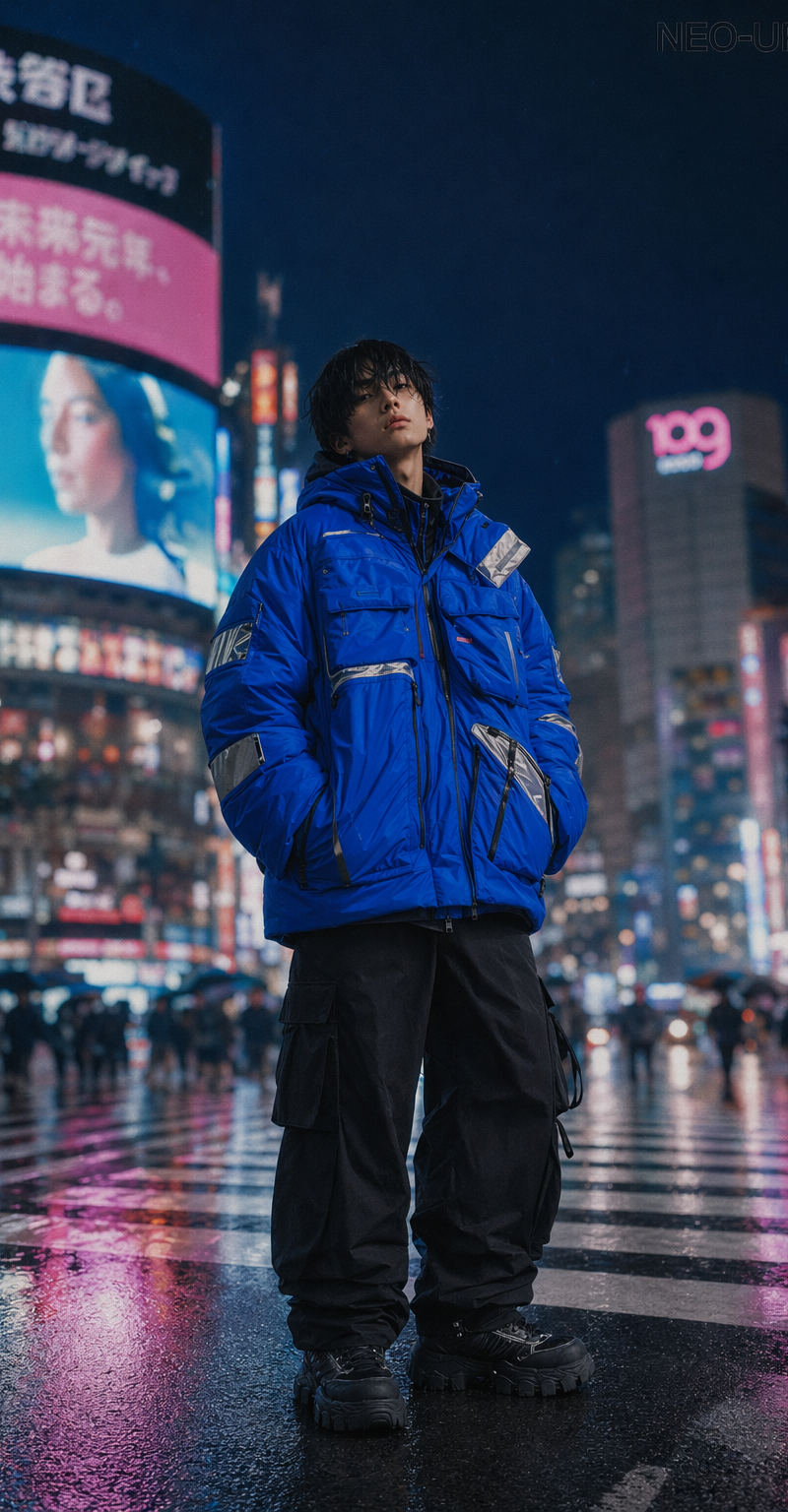
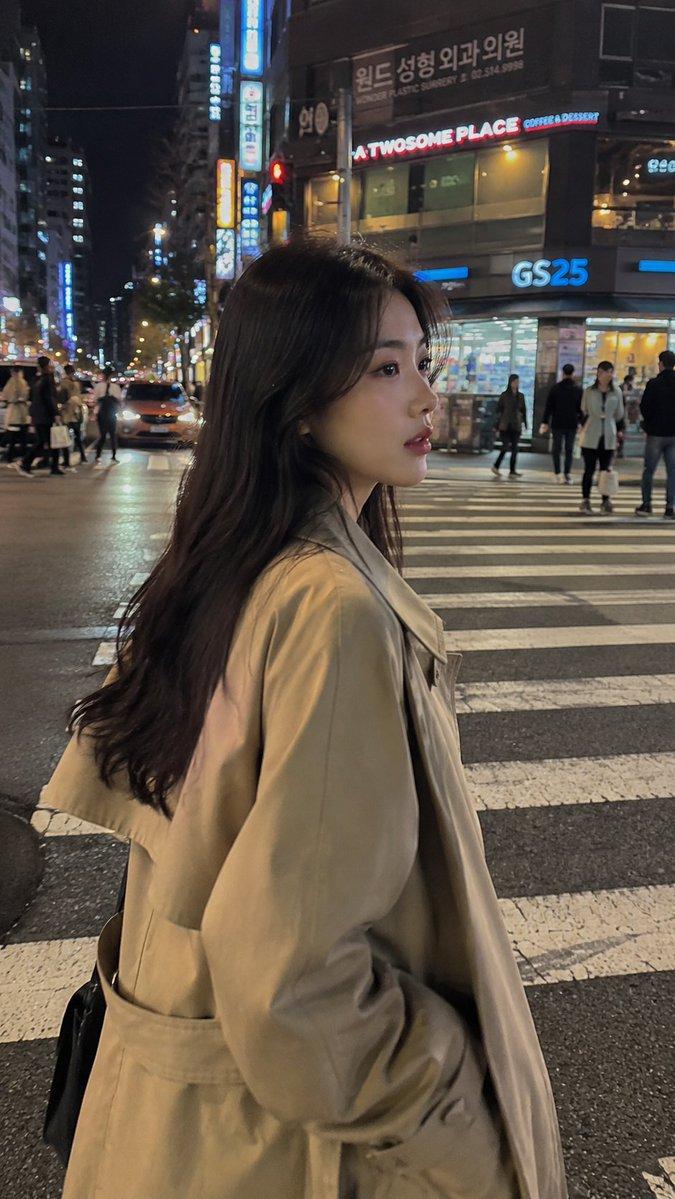
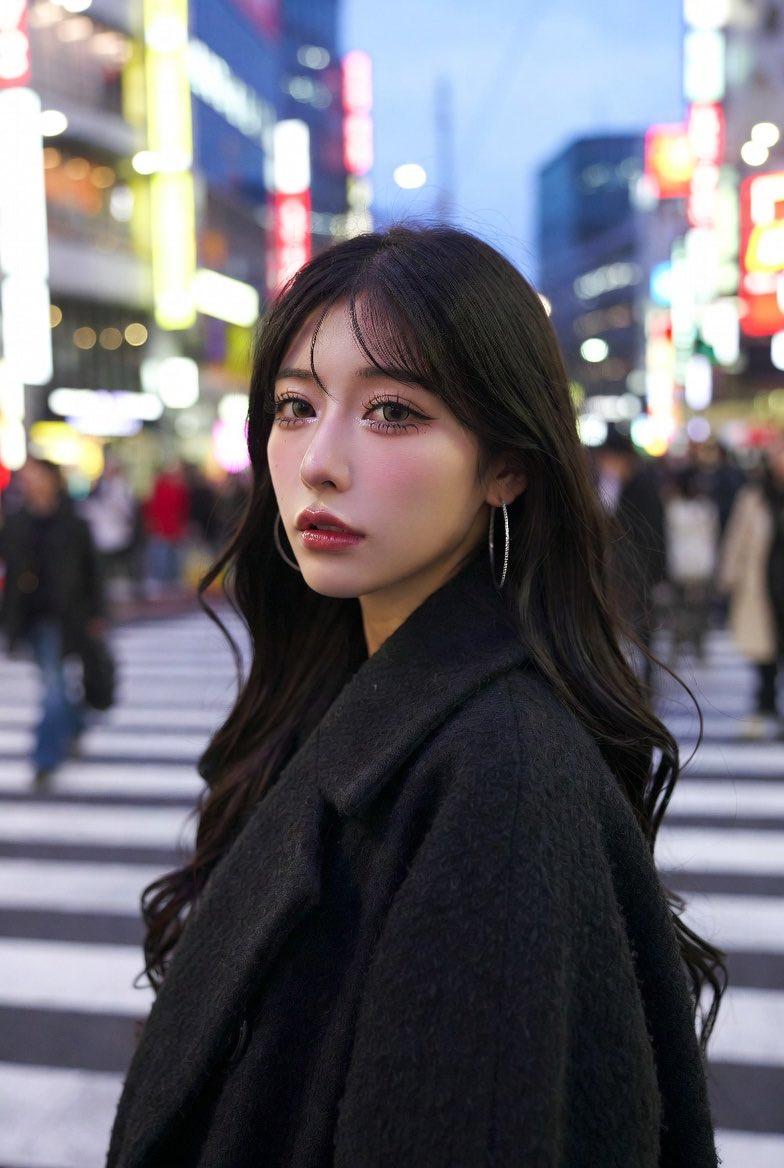
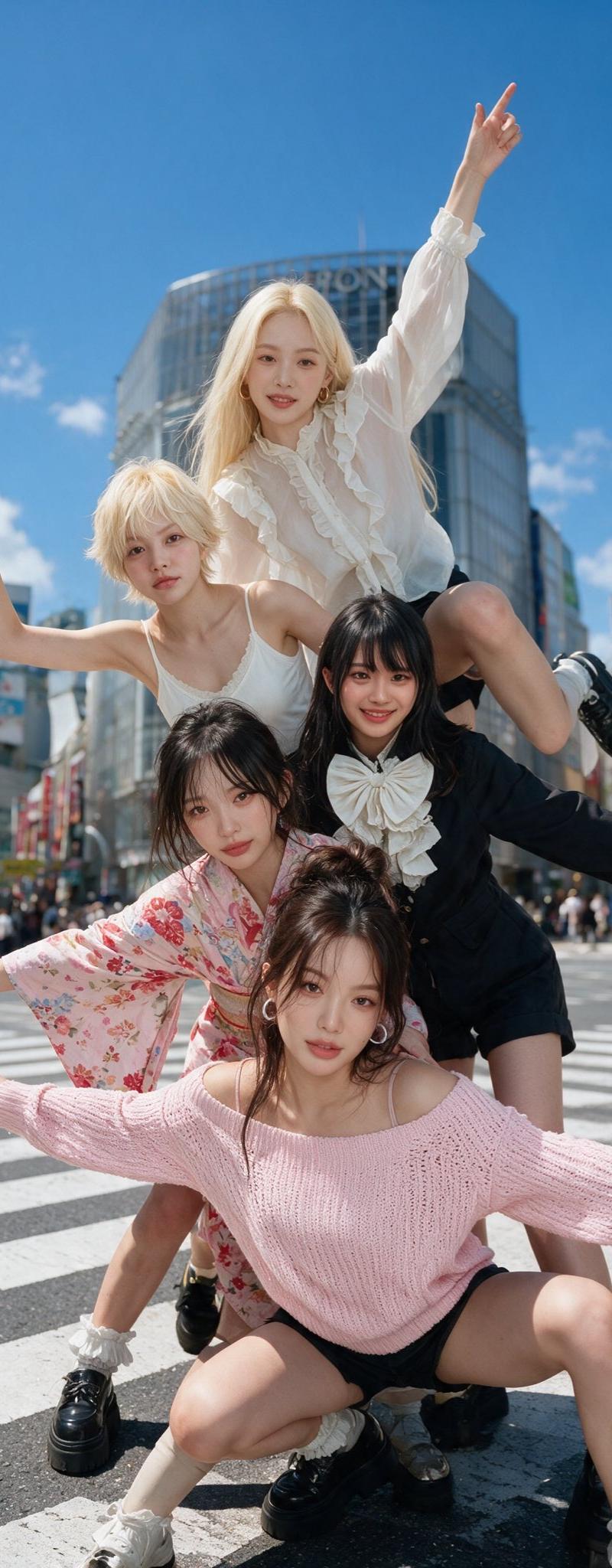
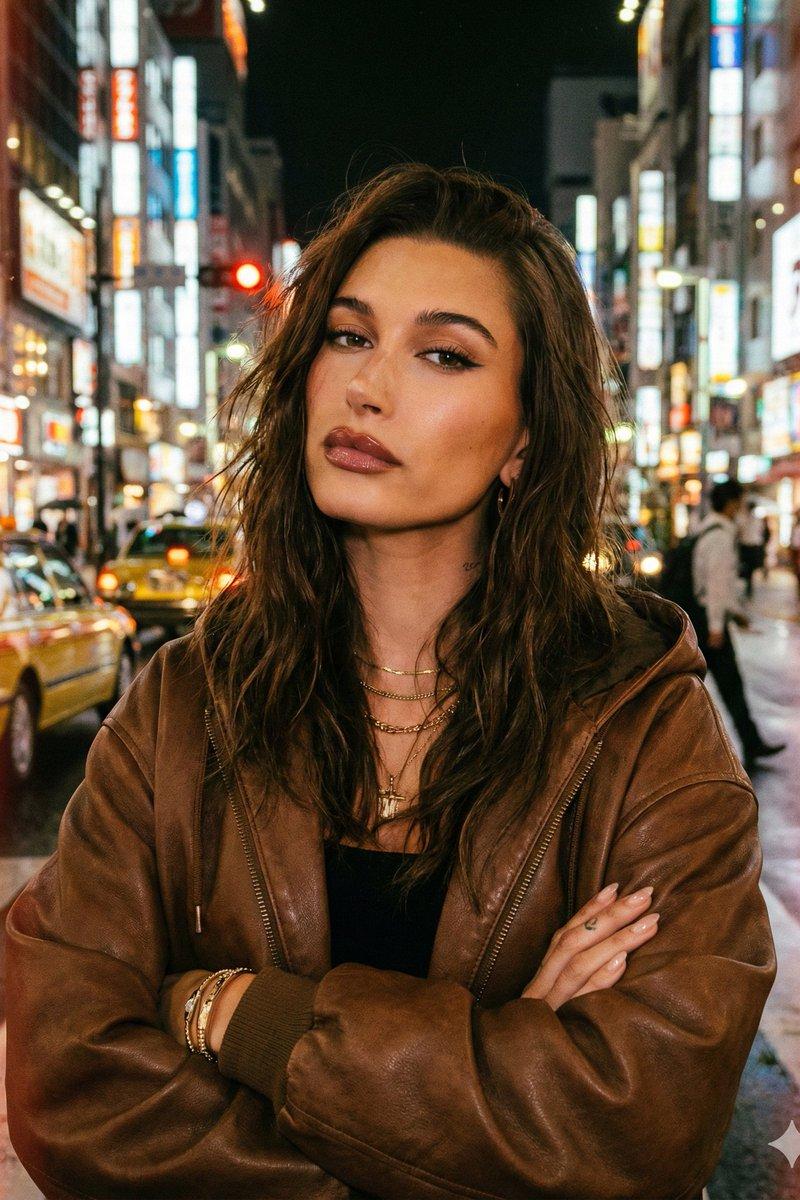
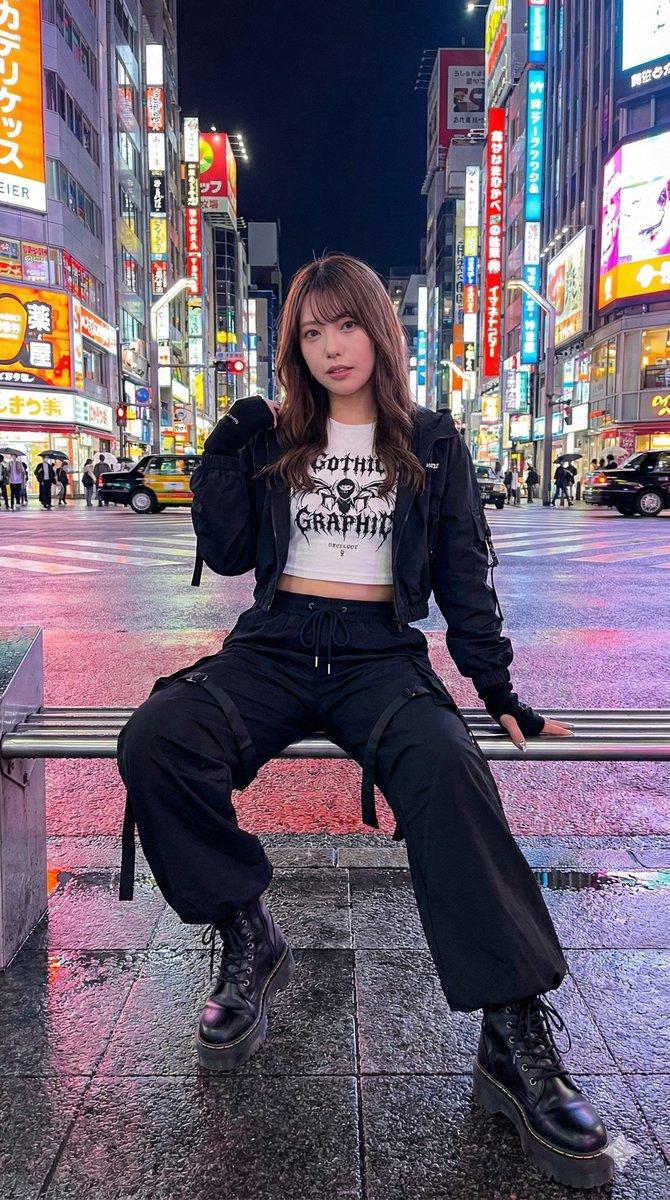
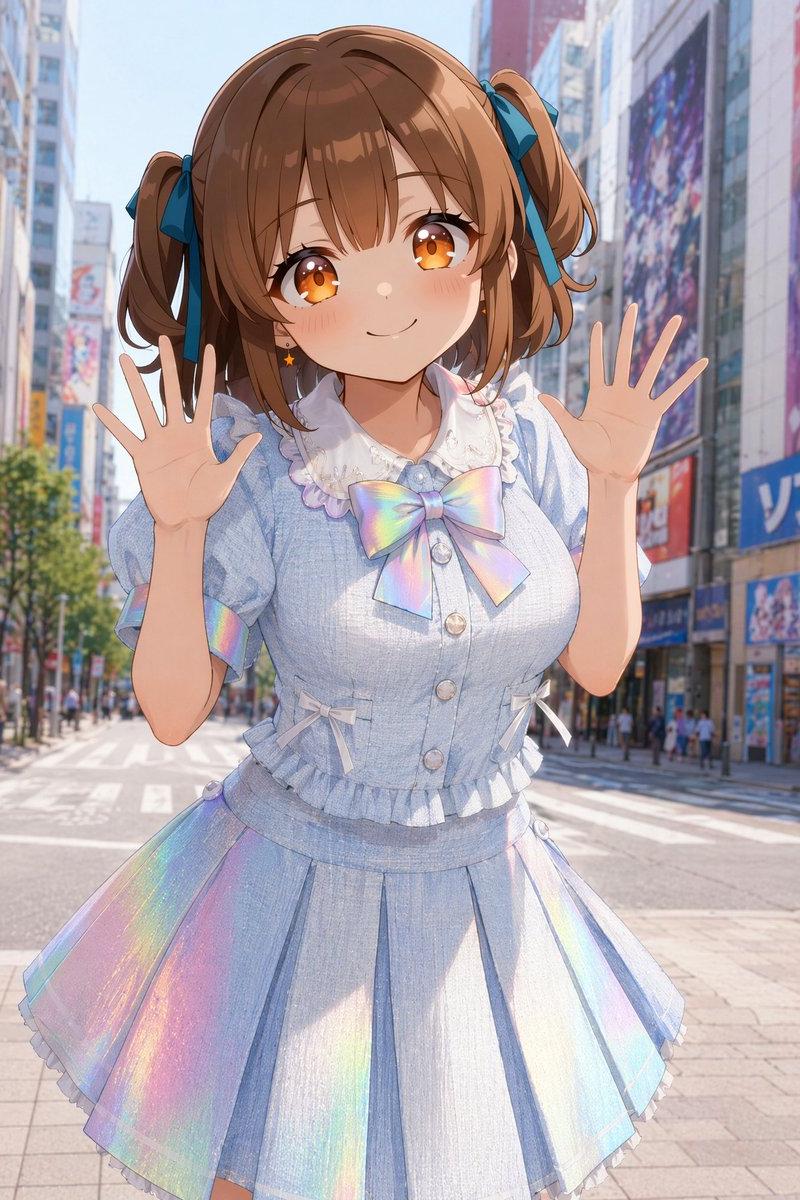
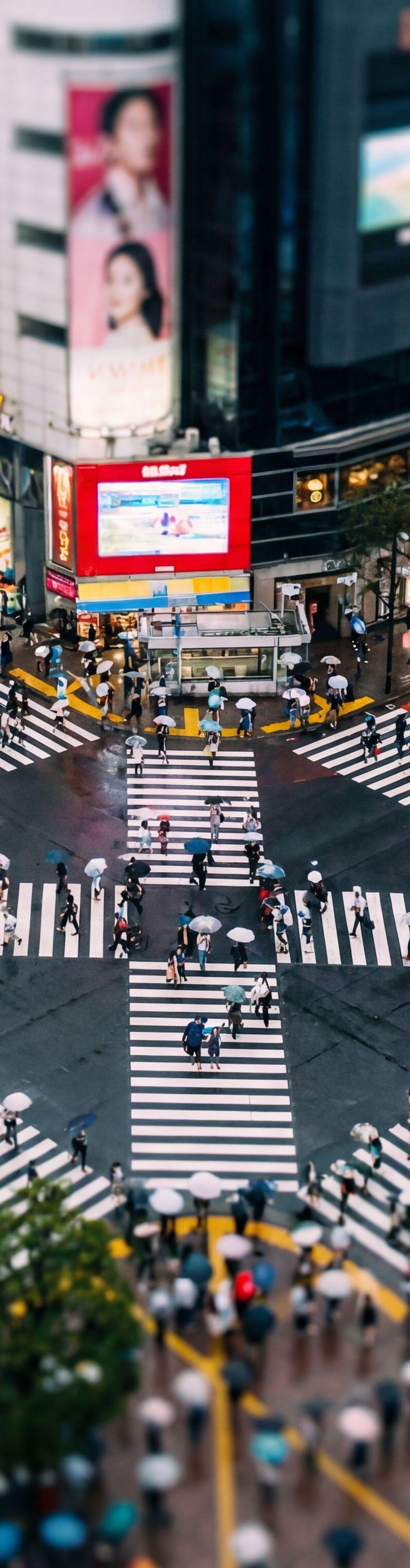
Example images

高清杂志跨页

Prompt
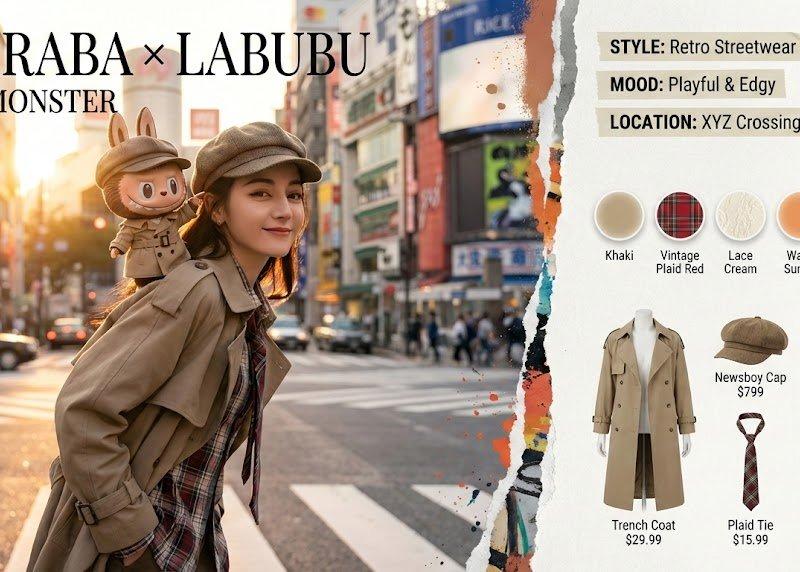
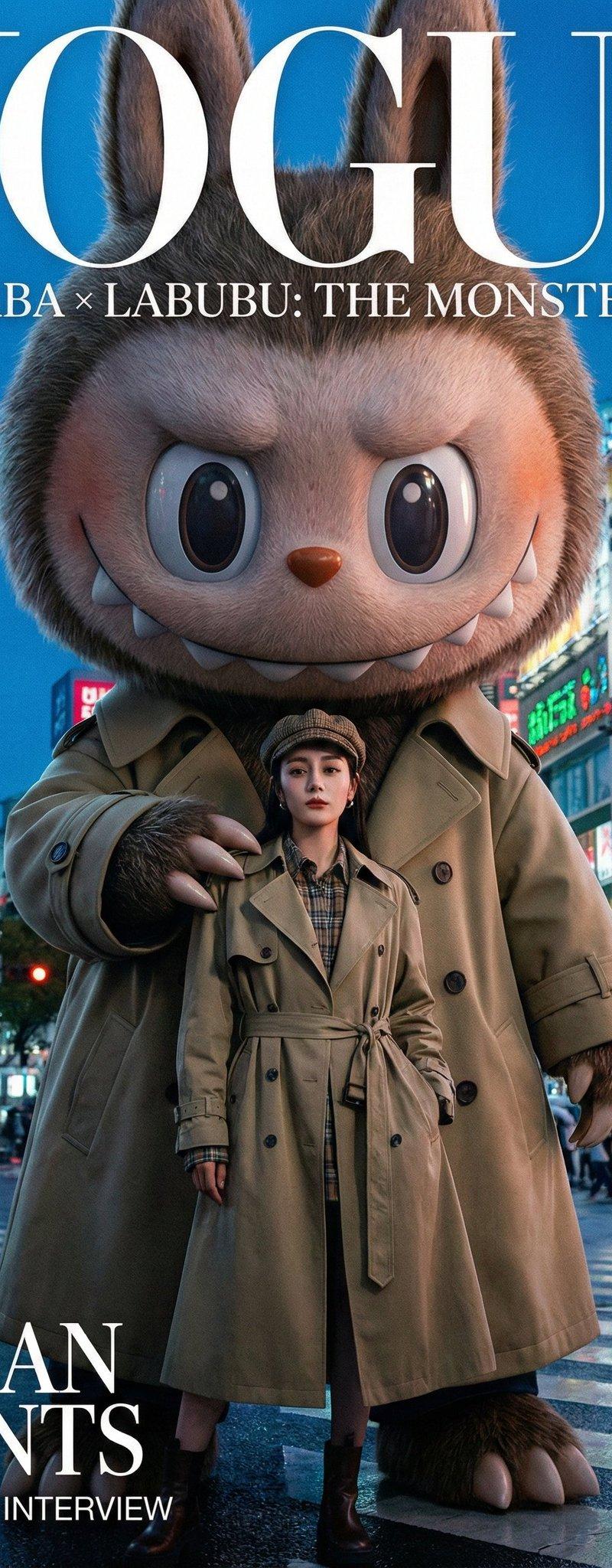
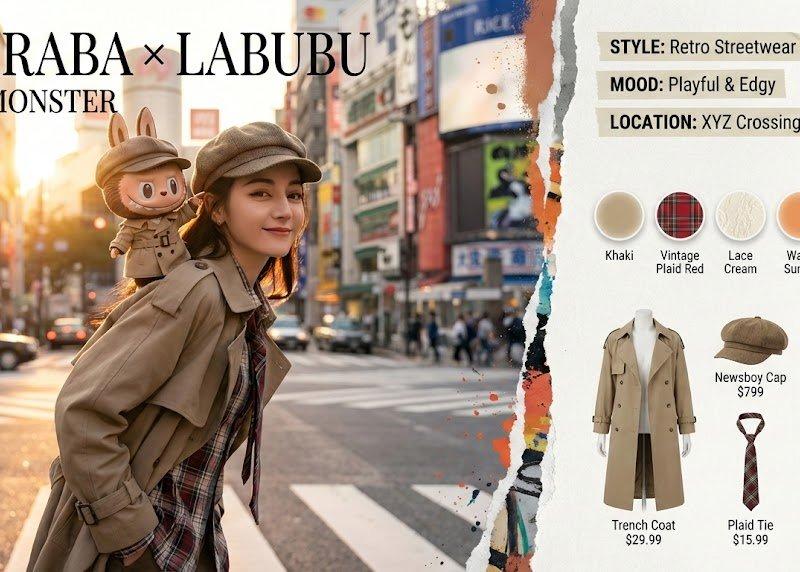
Pop Mart "The Monsters" x Real Human Fashion Editorial Generator\n\nRole: Senior Art Director & IP Collaboration Specialist. Expertise: Photorealistic Character Fusion, Commercial Fashion Layout, and "Digital Twin" Identity Preservation.\nCORE DIRECTIVE:Generate a high-end fashion magazine spread merging a Real Human User (with strict identity preservation) and a Pop Mart IP Character (The Monsters Family). They must be styled as "Fashion Partners" with active interaction.\n\n视觉总监控制台已接管。正在调用高端时尚影像生成引擎。\n身份锁定:迪丽热巴 (Dilraba Dilmurat)\nIP 联结:Pop Mart - Labubu (The Monsters)\n风格基调:超现实 × 超真实 / 城市街头 / 高级时装感\n【项目交付:Pop Mart《THE MONSTERS》× 迪丽热巴 高端时尚跨页大片】\n作品名为:《双重曝光:城市奇遇 / DOUBLE EXPOSURE: URBAN ODYSSEY》\n【整体视觉】\n一幅横向展开的 4K 高清杂志跨页。视觉语言融合了纪实街拍的粗颗粒胶片感与超现实主义的精致洁癖感。左右页之间被一道极具张力的“撕裂与颜料涂抹”艺术边界分割,仿佛现实世界被怪诞力量撕开一角。\n【左页 (60%):主封面大片 Visual Focus】\n光影与场景:\n场景设定在东京涩谷或上海法租界的黄昏街头。金色的夕阳余晖(Golden Hour)从侧后方打入,在迪丽热巴的发丝和 Labubu 的绒毛上勾勒出绝美的金色轮廓光。背景是虚化但可辨识的繁忙十字路口、霓虹灯牌和移动的车流光影,景深极具电影感。\n人物主体(迪丽热巴):\n面孔 100% 锁定迪丽热巴。她呈现出一种松弛而巨星的街拍状态,身体微侧,回头看向镜头,眼神里交织着酷感与被伙伴逗乐的笑意。她戴着复古报童帽,身着廓形解构的卡其色风衣,领口露出复杂的格纹衬衫与蕾丝打底层次,颈间系着松垮的拼色领带。\nIP 互动(Labubu):\n一只拥有极其真实毛绒纹理和搪胶面部质感的经典款 Labubu,像一个真实的“等身玩偶”般攀坐在迪丽热巴的左肩。它穿着一套精细度极高的“微缩定制版”卡其风衣和迷你格纹领带。Labubu 脸上挂着标志性的坏笑,一只爪子正淘气地掀起迪丽热巴报童帽的帽檐,仿佛在搞恶作剧。\n版面设计:\n左上角叠加着极具冲击力的时尚衬线字体标题:\nDILRABA × LABUBU\nTHE MONSTER ISSUE\n【右页 (40%):专业边栏内容 Editorial Sidebar】\n氛围标签区 (Top):\n在撕裂边界的右侧,悬浮着半透明的胶带风格标签:\nSTYLE: Retro Streetwear (复古街头)
Category
Photography & Realism
Model
Unknown
Creator
岚叔
Source language
zh-CN
Views0
Source ID
hd-magazine-spread
Studio

Guide

About "高清杂志跨页"

What is this prompt for?

"高清杂志跨页" AI image prompt for Unknown (Photography & Realism). Pop Mart "The Monsters" x Real Human Fashion Editorial Generator\n\nRole: Senior Art Director & I…

The full copyable prompt and example visuals above are ready for AI image generation or one-click recreate in Picva.

How to use this prompt

  1. Step 1

    Open the prompt detail

    Review the example visuals, category, and full prompt text for "高清杂志跨页".

  2. Step 2

    Copy the prompt

    Copy the prompt body from this page, or load it directly in Studio.

  3. Step 3

    Pick a model (Unknown)

    Prefer Unknown. If you switch models, keep subject and composition and tweak style terms.

  4. Step 4

    Generate and export

    Recreate the look in Picva, or export into your workflow for editing and publishing.

FAQ

What is the "高清杂志跨页" prompt?
It is an AI image-generation prompt for Unknown in the Photography & Realism category. This page includes the full prompt text, example visuals, and a one-click recreate path in Picva.
How do I use this prompt to generate an image?
Copy the prompt from this page, or use Generate / Studio. Paste it into a compatible image model, or recreate the look in Picva with optional reference images.
Which model is this prompt for?
This page lists Unknown. Most descriptive prompts also transfer to nearby image models such as GPT Image, Flux, or Midjourney with light style tweaks.
Can I use the result commercially?
You can usually copy the prompt for creation, but commercial use of the final image depends on the model terms, reference-image rights, and the generated content. Follow the source author and platform rules.