15

电影场景高清晰度分析
Enlarge

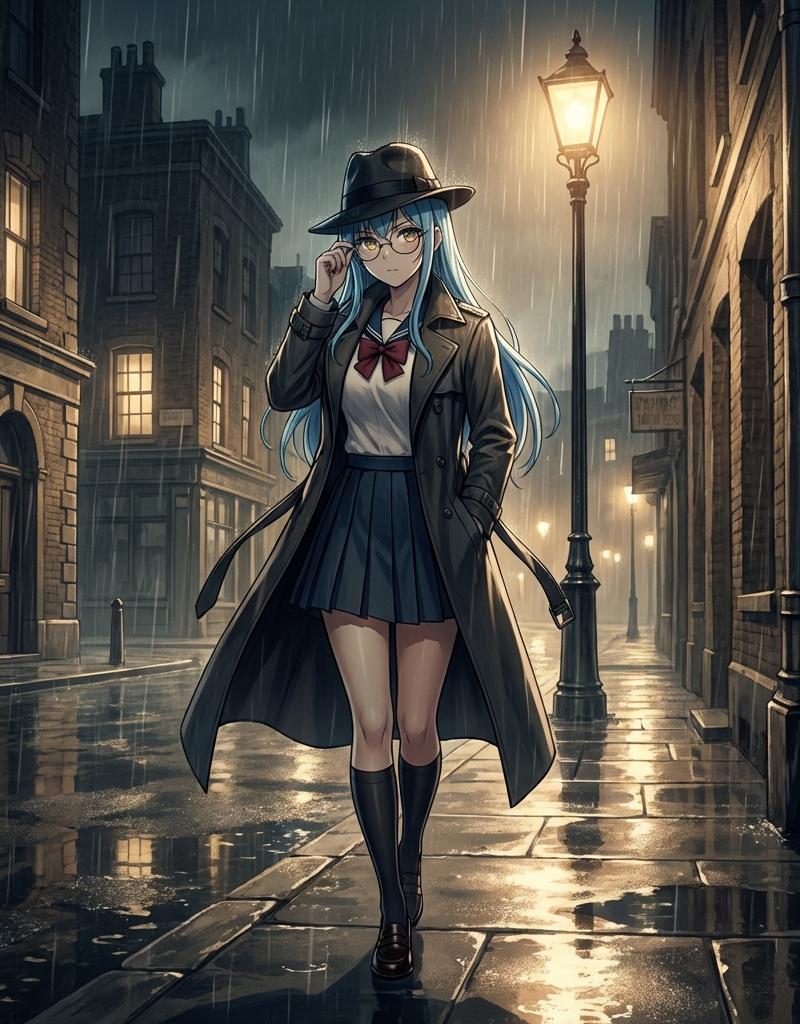
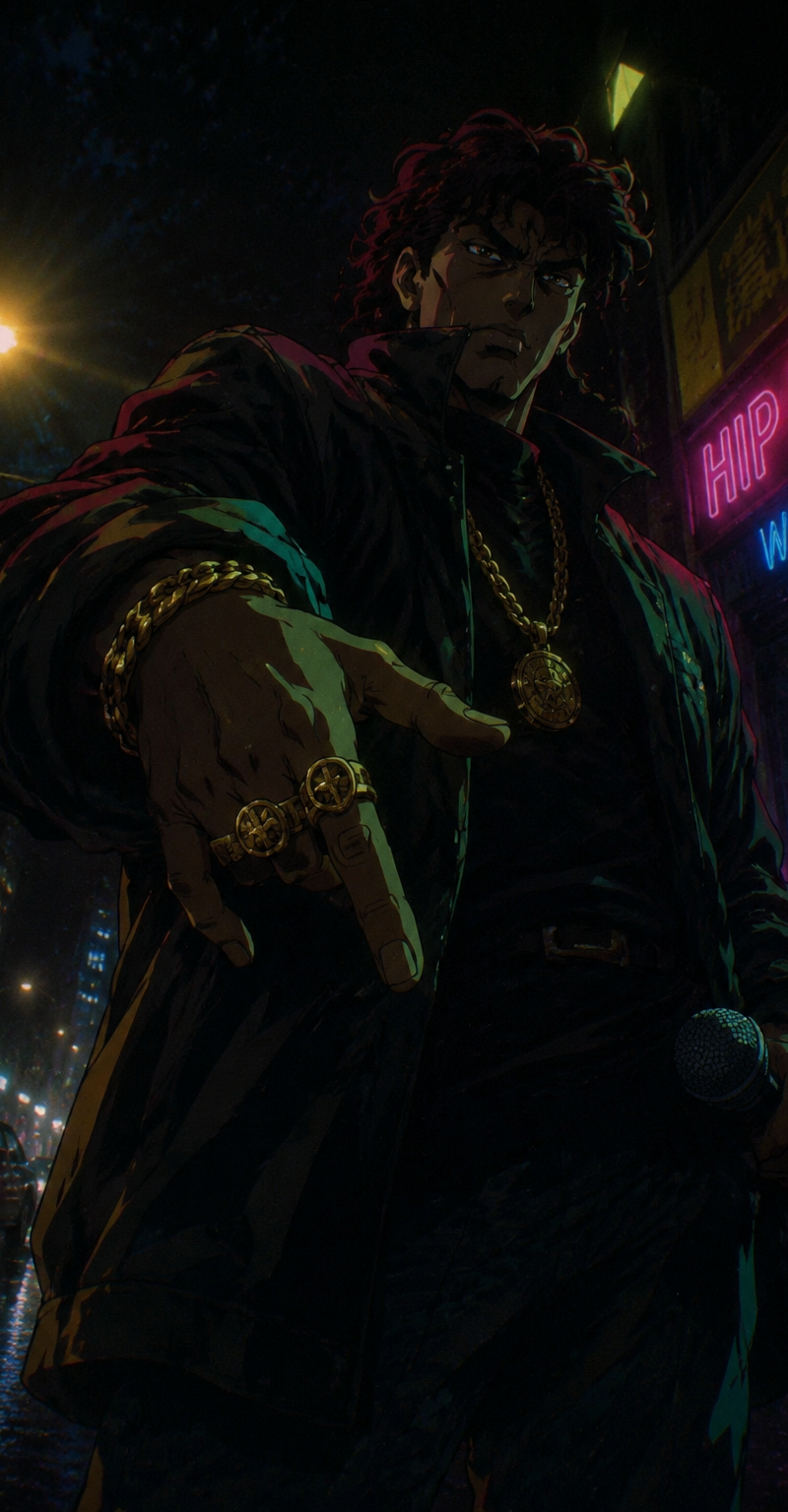
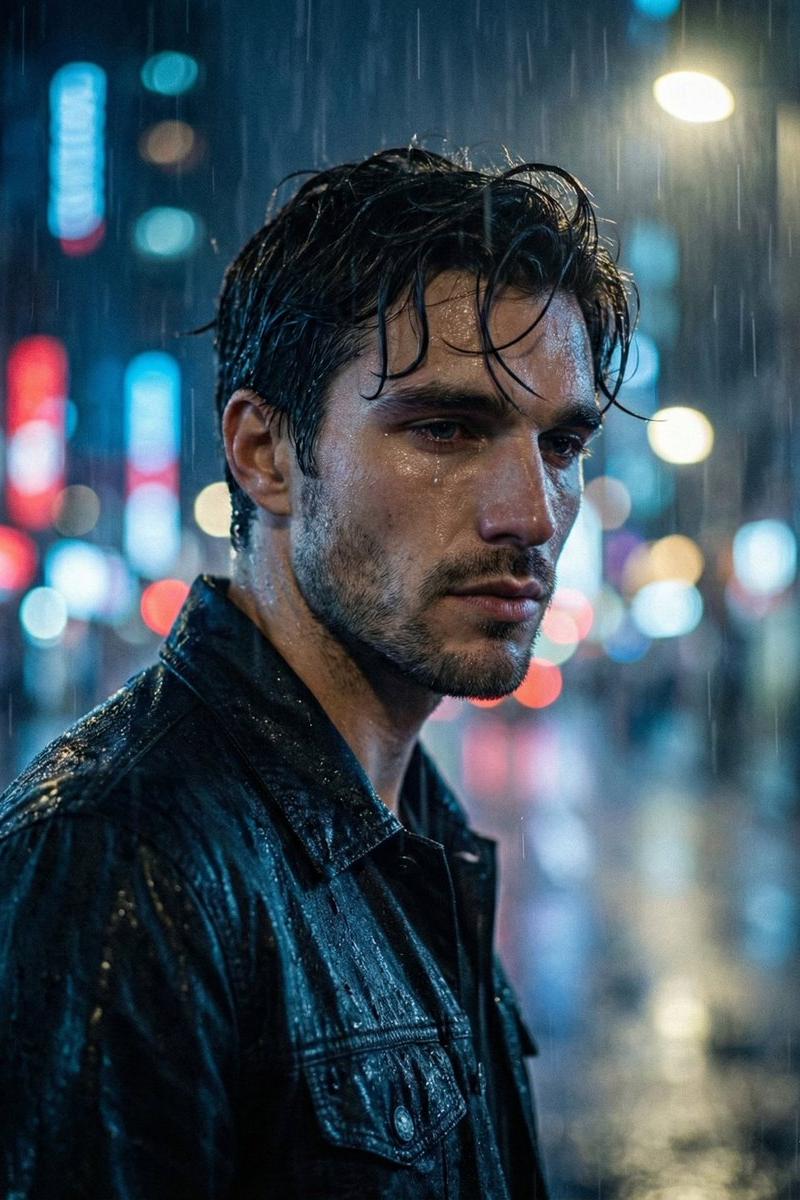
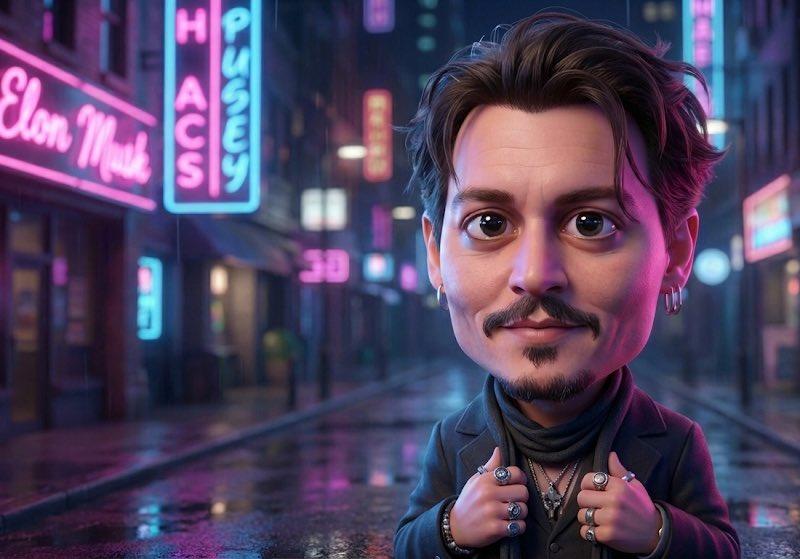
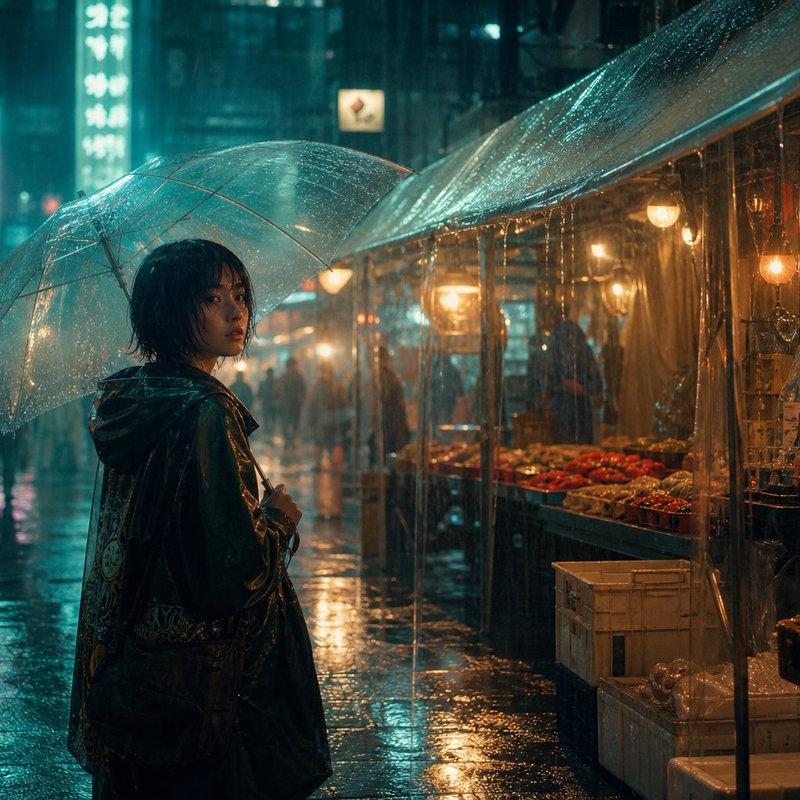
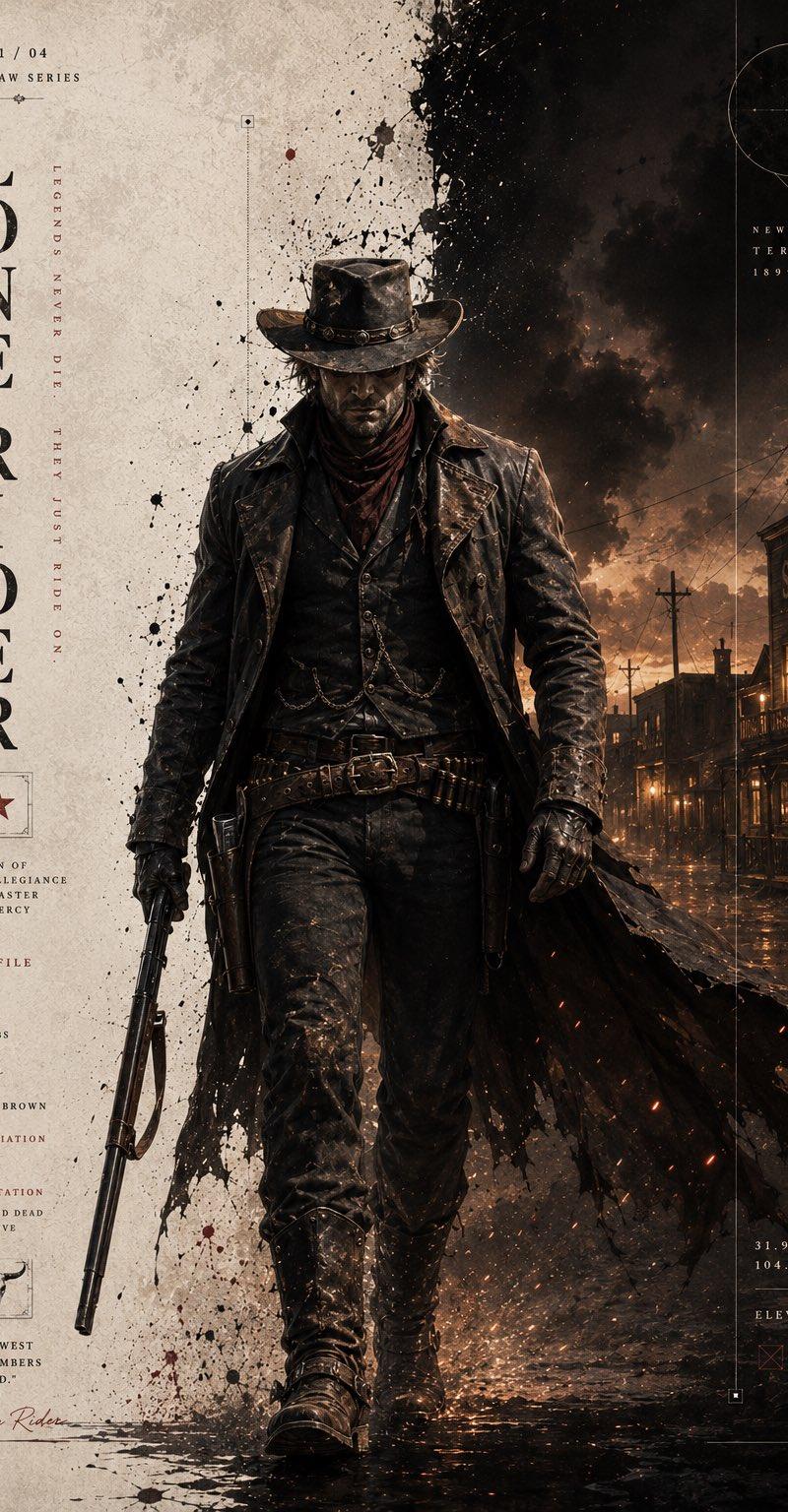
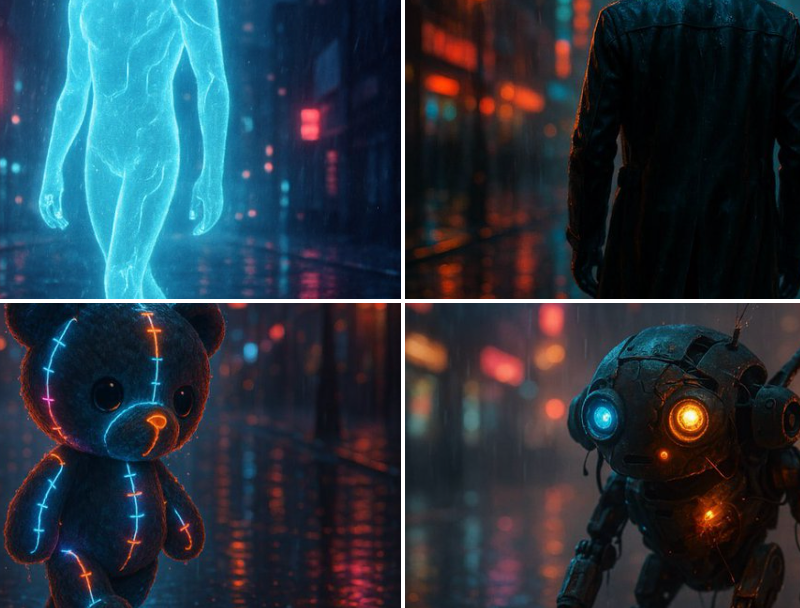
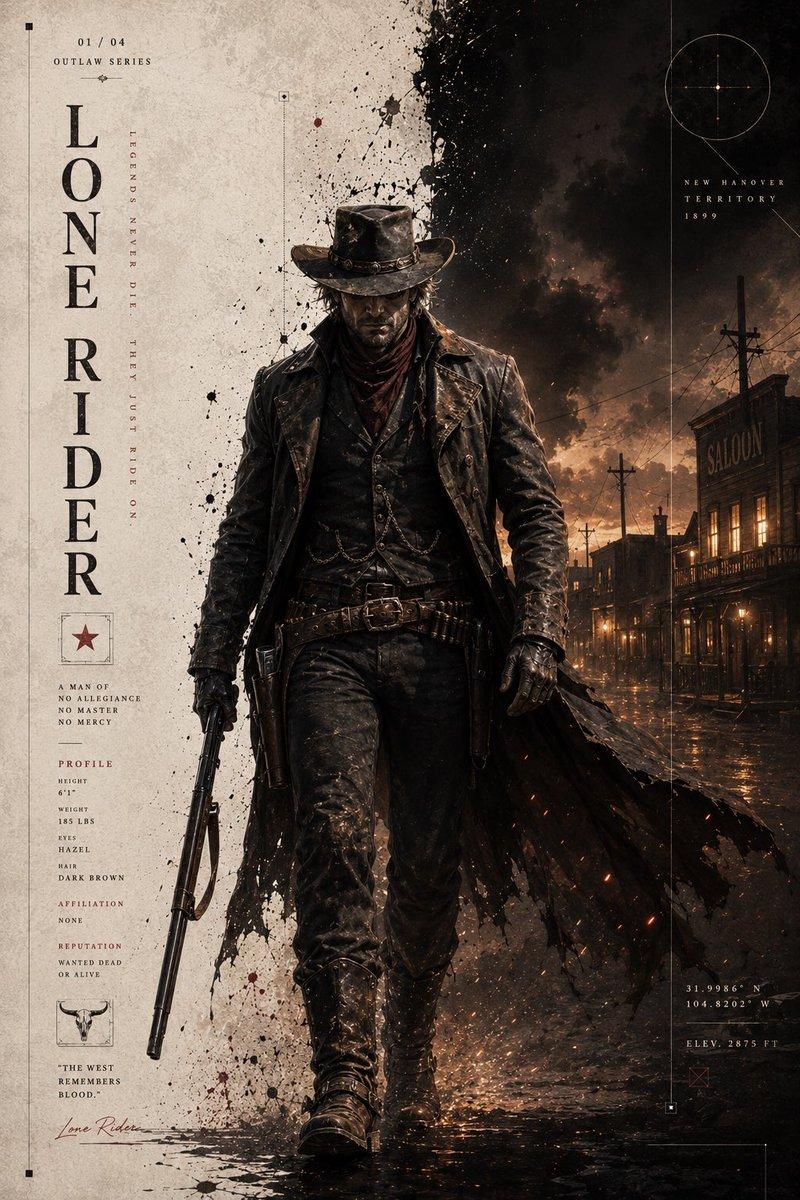
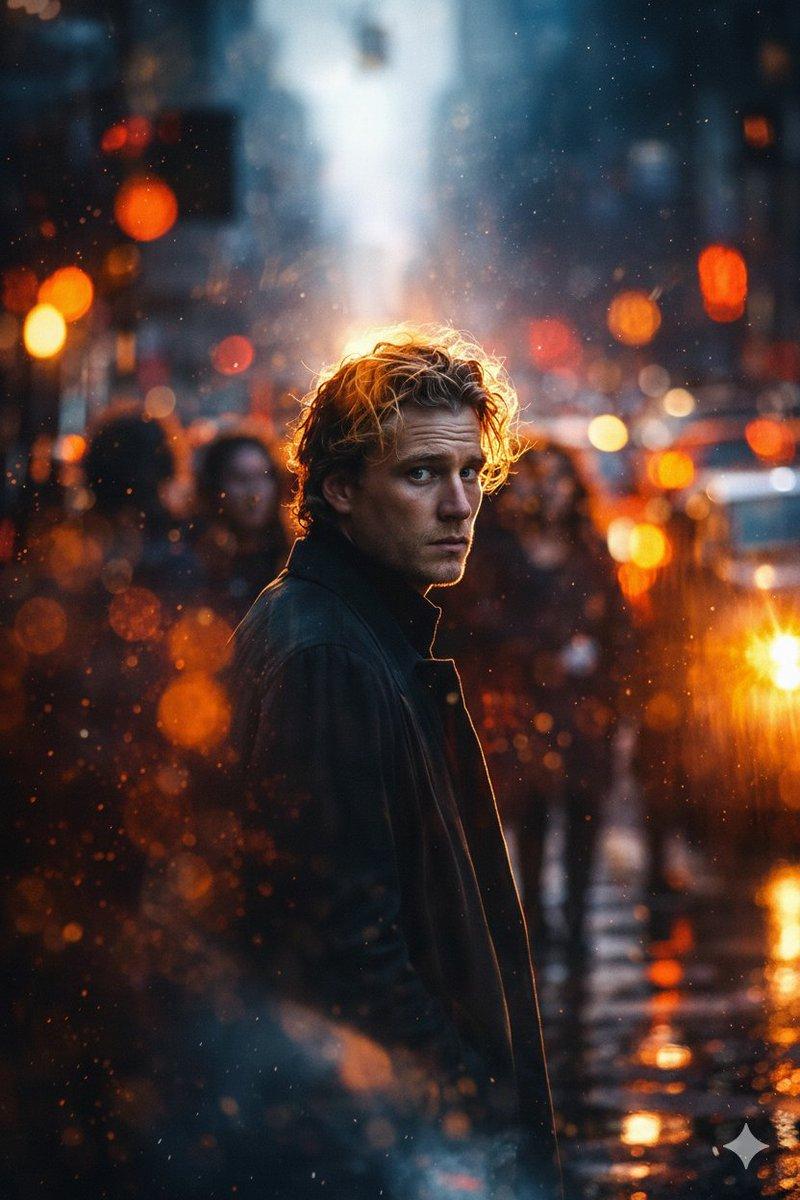
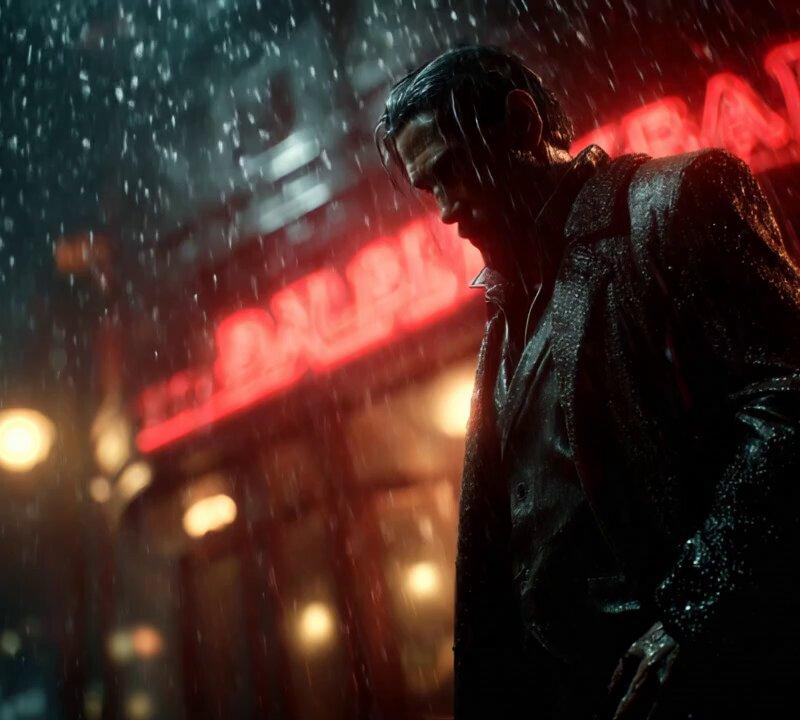
Example images

电影场景高清晰度分析

Prompt
GOLDEN PROMPT FOR MOVIES
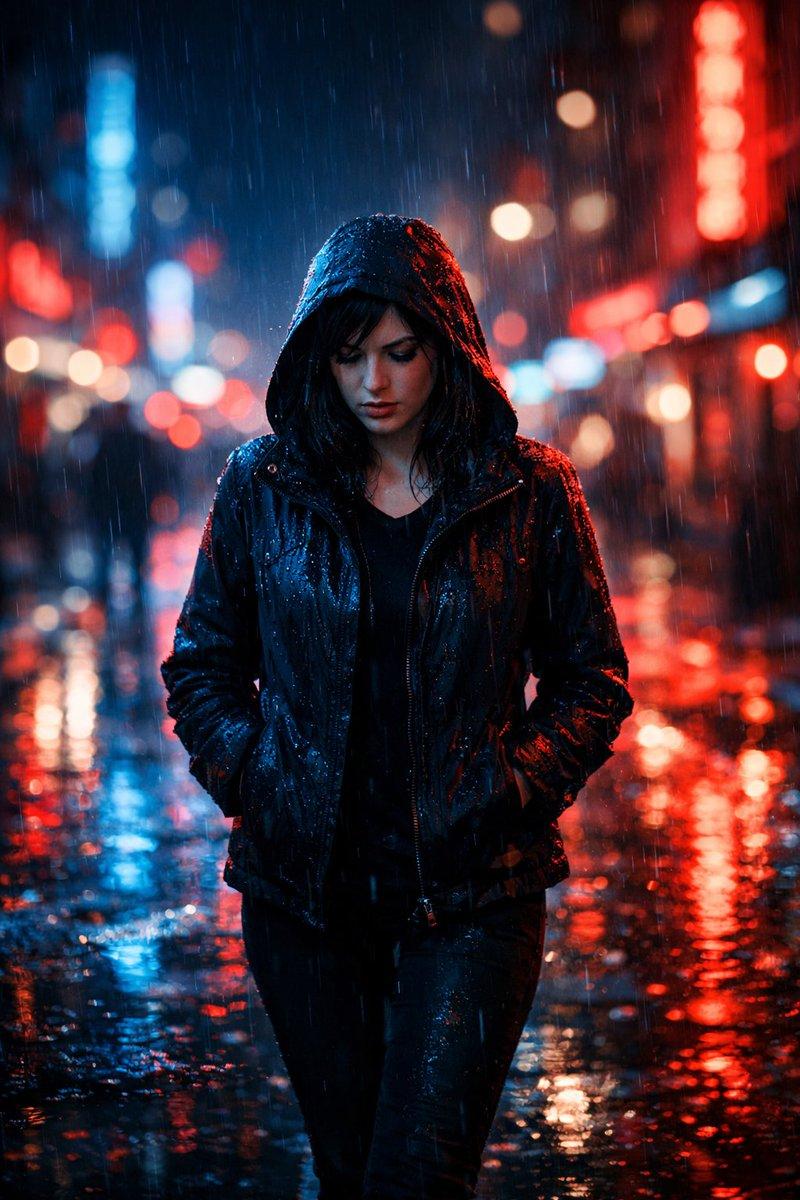
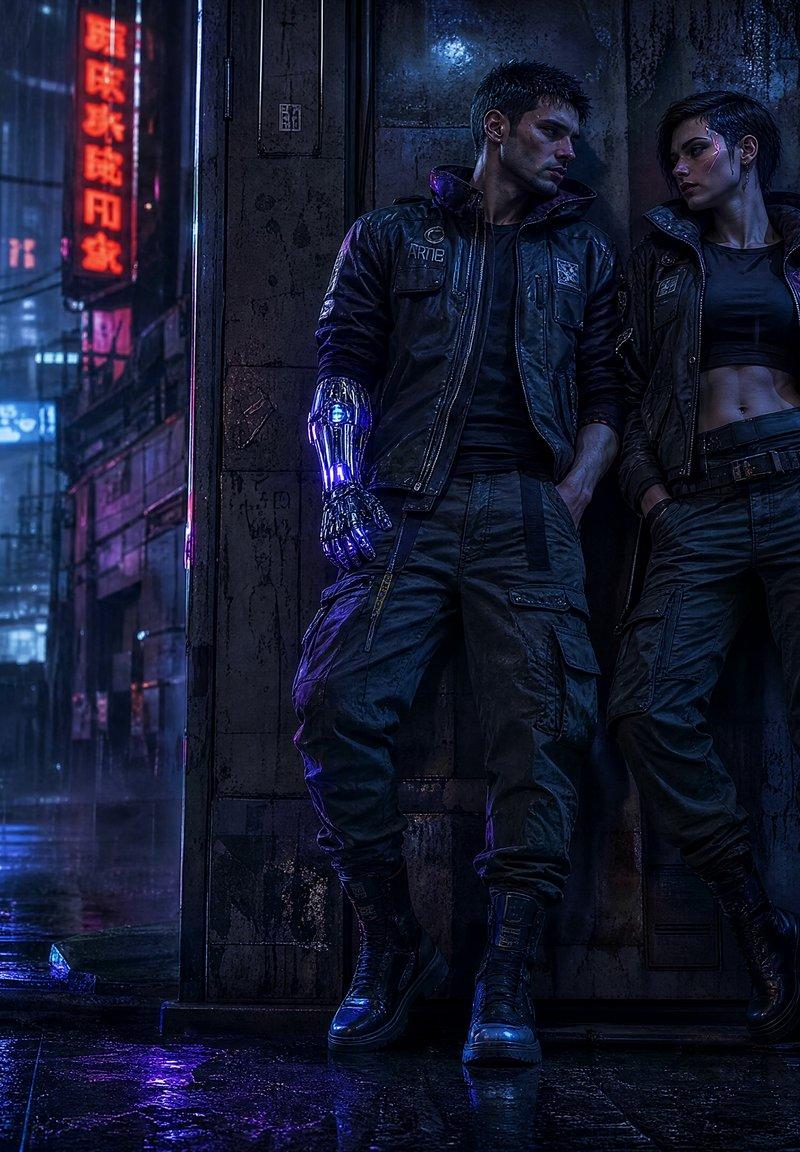
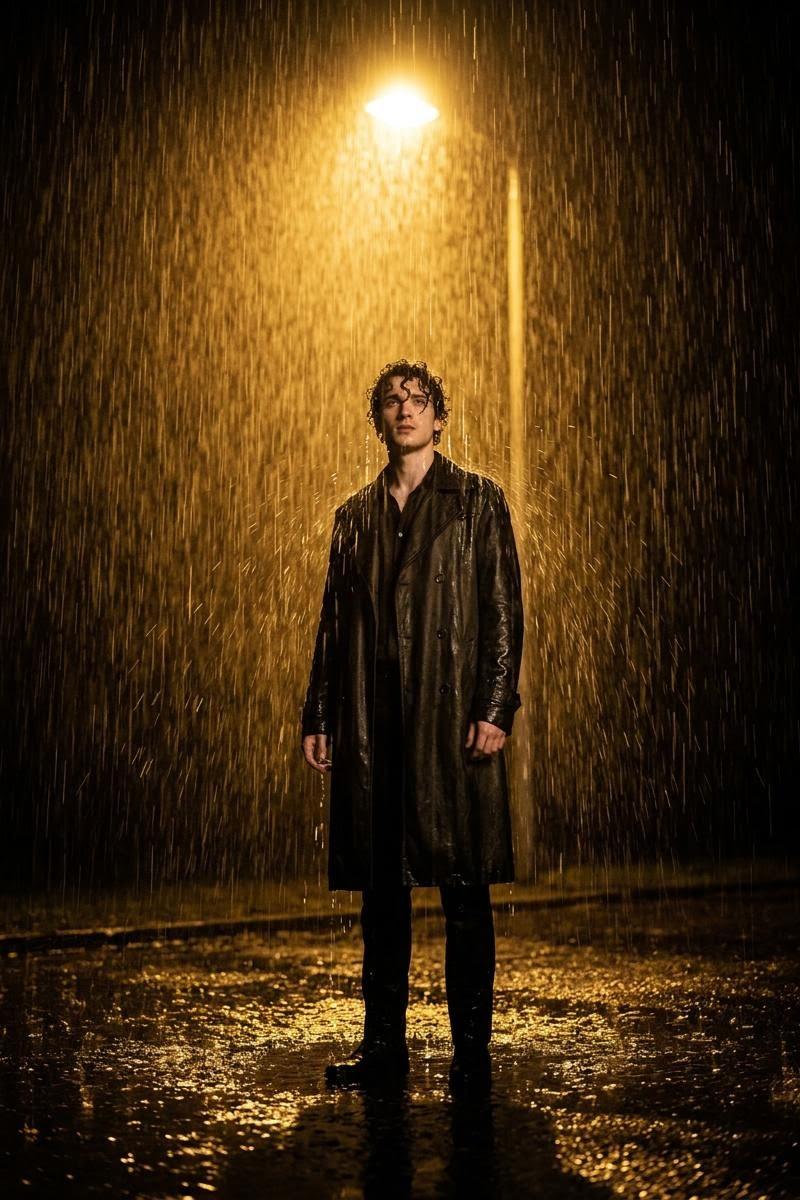
[subject] portrayed in a high-end cinematic realism masterpiece, physically accurate PBR lighting and shading workflow, volumetric fog layers interacting dynamically with rim light and key light, extreme clarity micro-surface details with tactile realism, cinematic depth of field emphasizing subject presence, smooth organic bokeh bloom in background highlights, controlled motion blur simulating real shutter behavior, subtle analog film grain texture, realistic lens artifacts from professional cinema optics, ray-traced reflections and refractions enhancing depth and realism, atmospheric dust and particles suspended in the air, dramatic chiaroscuro lighting composition, HDR filmic exposure with rich shadow detail, premium film camera style capture
Real movie scene https://t.co/dWaupO2d6a
Real movie scene https://t.co/lqGL8nycvK
Real movie scene https://t.co/xYf9CSTyp6
Real movie scene https://t.co/KQe1QDgDdQ
Save it!
Try it!😍🥰
Category
Photography & Realism
Model
Unknown
Creator
Skipper
Source language
zh-CN
Views0
Source ID
high-definition-movie-scene-analysis
Studio

Guide

About "电影场景高清晰度分析"

What is this prompt for?

"电影场景高清晰度分析" AI image prompt for Unknown (Photography & Realism). GOLDEN PROMPT FOR MOVIES [subject] portrayed in a high-end cinematic realism masterpiece, phy…

The full copyable prompt and example visuals above are ready for AI image generation or one-click recreate in Picva.

How to use this prompt

  1. Step 1

    Open the prompt detail

    Review the example visuals, category, and full prompt text for "电影场景高清晰度分析".

  2. Step 2

    Copy the prompt

    Copy the prompt body from this page, or load it directly in Studio.

  3. Step 3

    Pick a model (Unknown)

    Prefer Unknown. If you switch models, keep subject and composition and tweak style terms.

  4. Step 4

    Generate and export

    Recreate the look in Picva, or export into your workflow for editing and publishing.

FAQ

What is the "电影场景高清晰度分析" prompt?
It is an AI image-generation prompt for Unknown in the Photography & Realism category. This page includes the full prompt text, example visuals, and a one-click recreate path in Picva.
How do I use this prompt to generate an image?
Copy the prompt from this page, or use Generate / Studio. Paste it into a compatible image model, or recreate the look in Picva with optional reference images.
Which model is this prompt for?
This page lists Unknown. Most descriptive prompts also transfer to nearby image models such as GPT Image, Flux, or Midjourney with light style tweaks.
Can I use the result commercially?
You can usually copy the prompt for creation, but commercial use of the final image depends on the model terms, reference-image rights, and the generated content. Follow the source author and platform rules.