14

高时尚黑白摄影风格帕奥罗·罗维西
Enlarge

Example images

高时尚黑白摄影风格帕奥罗·罗维西

Prompt
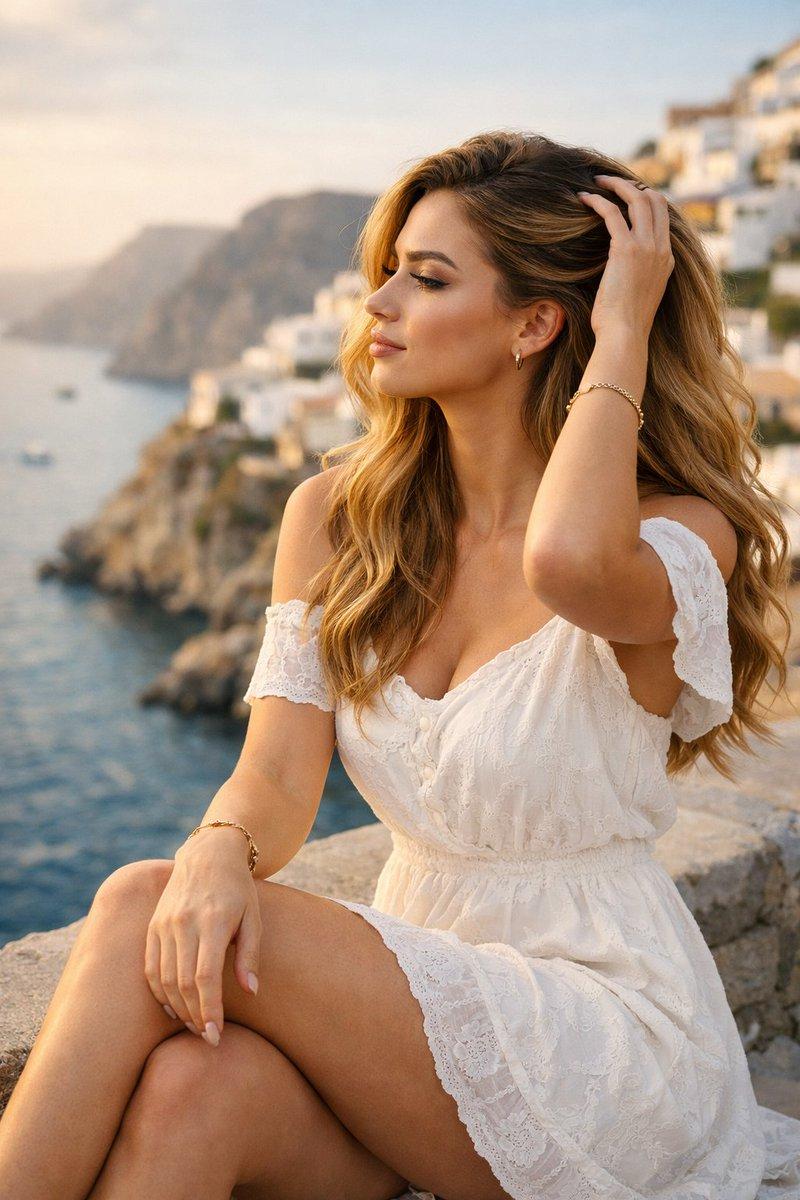
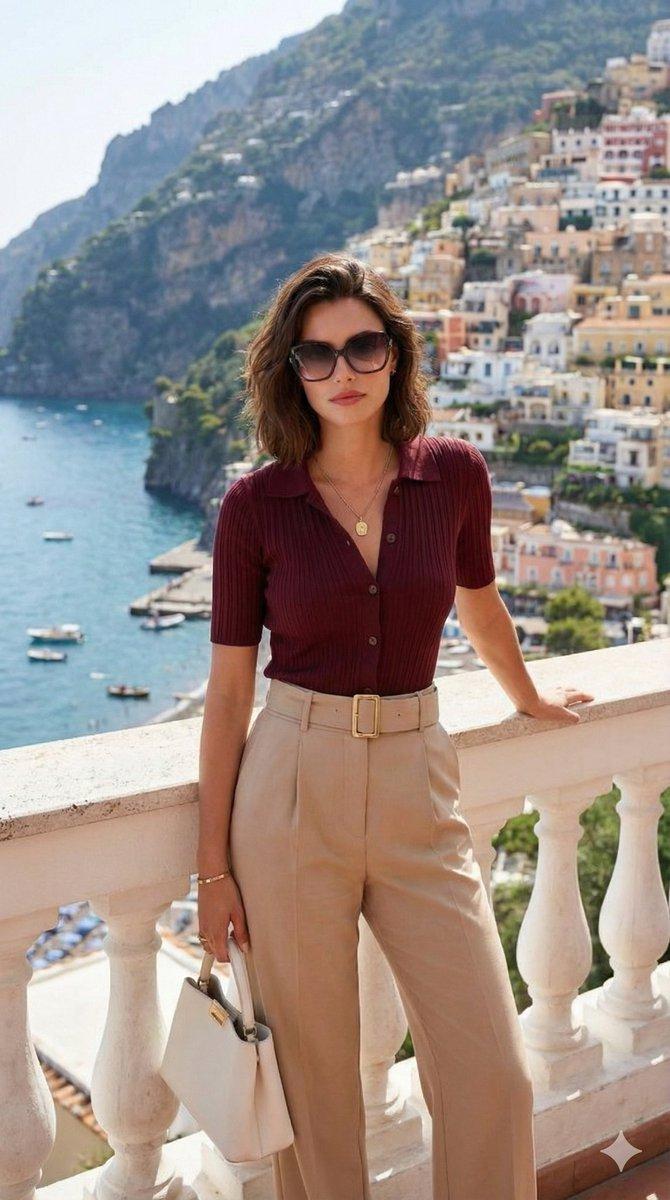
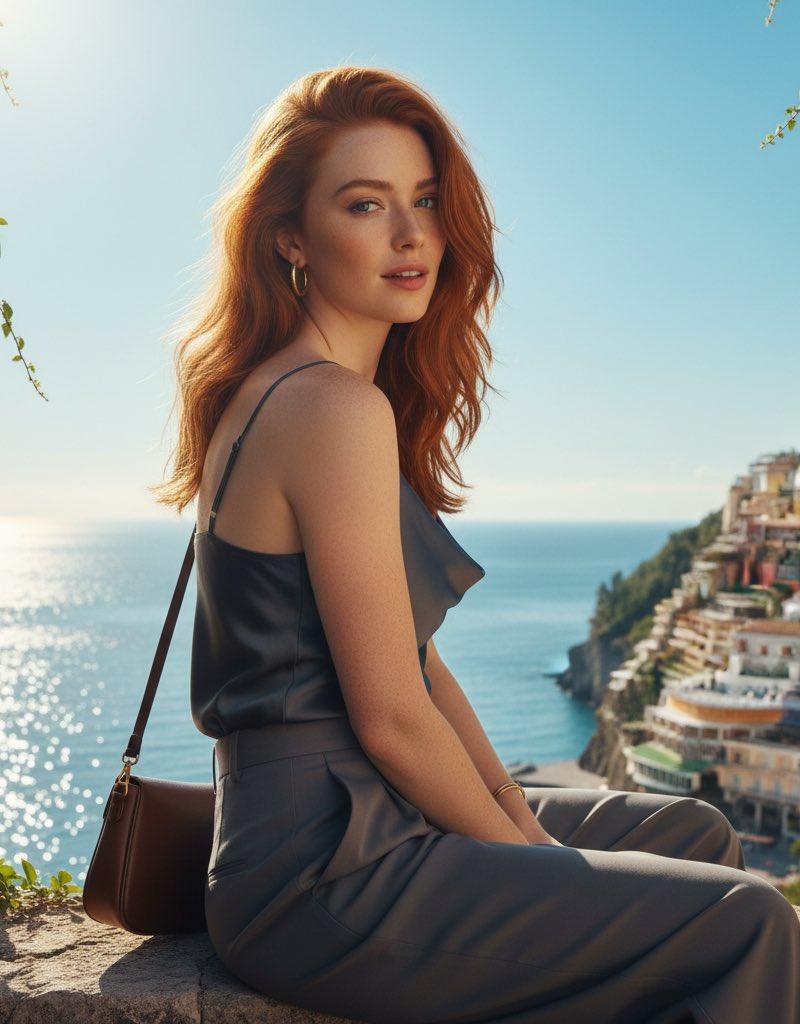
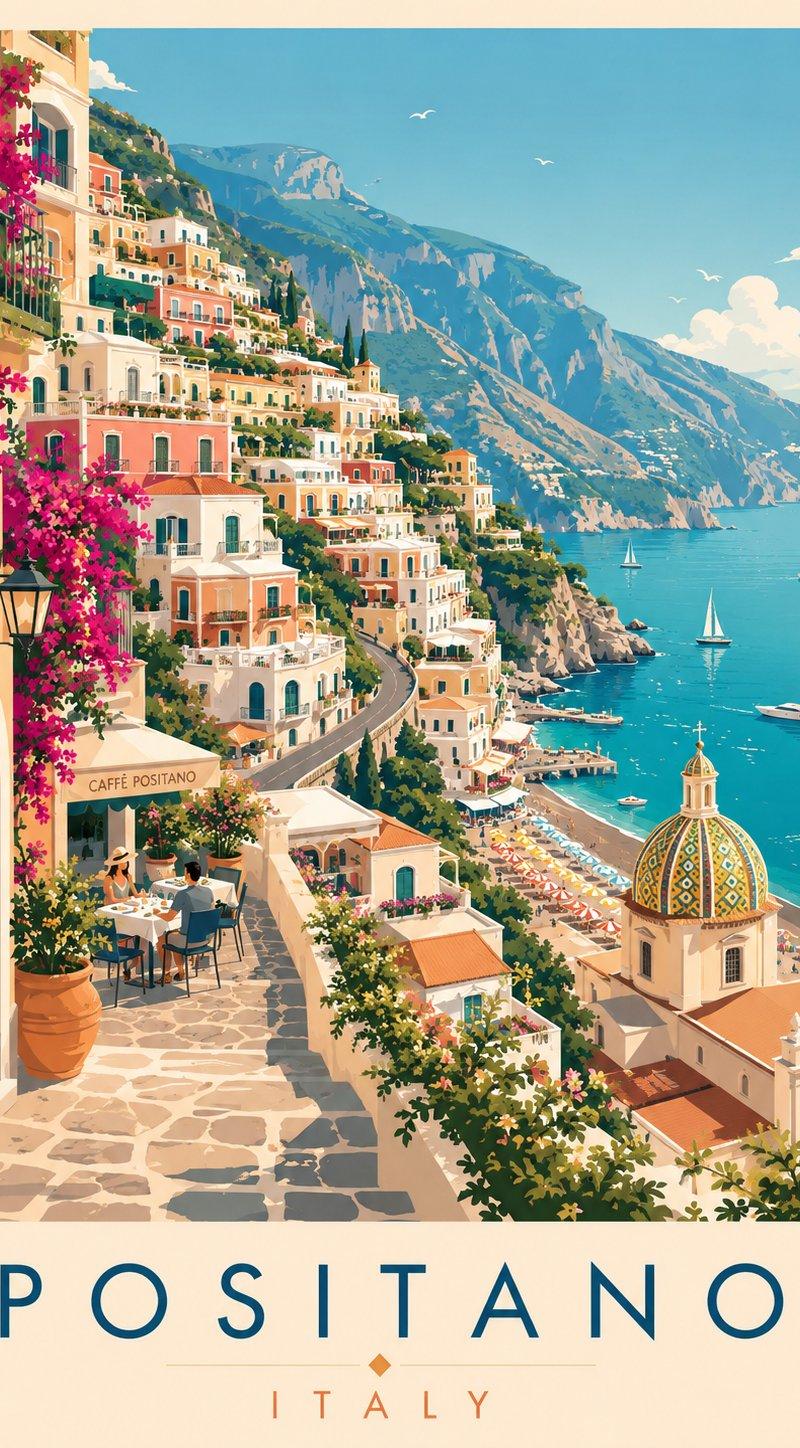
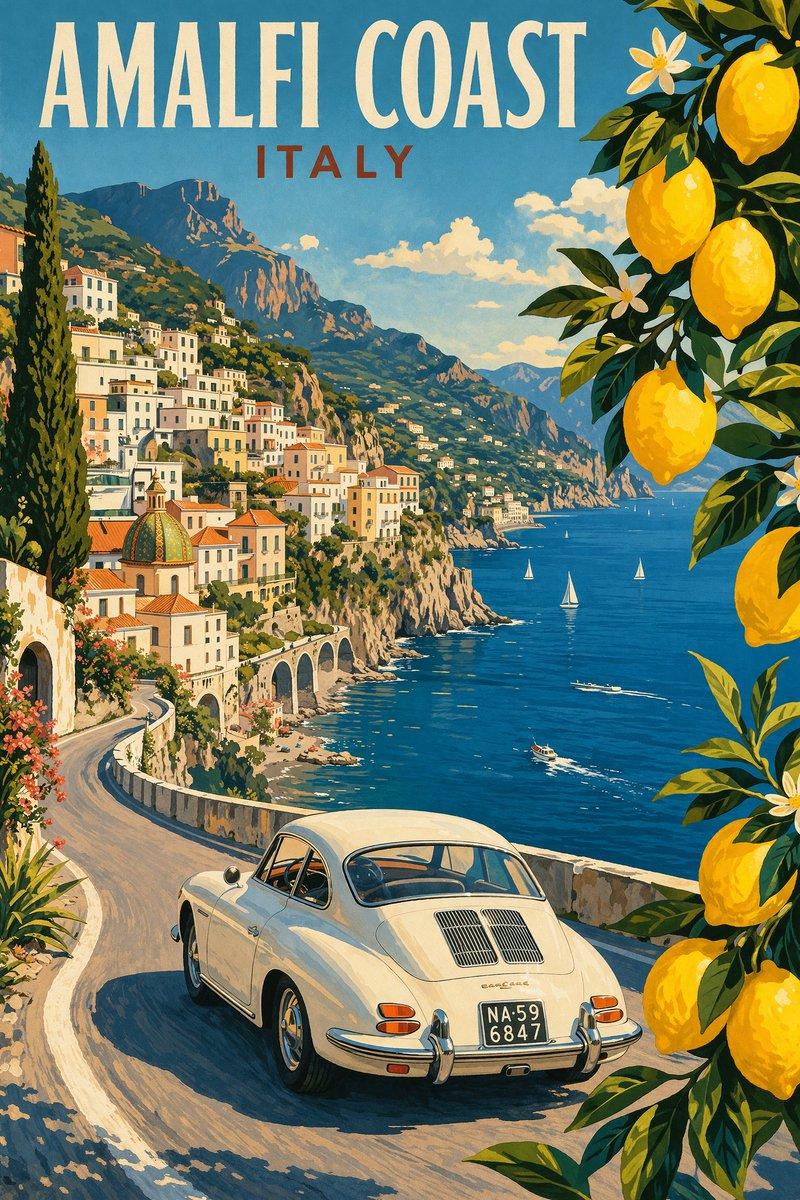
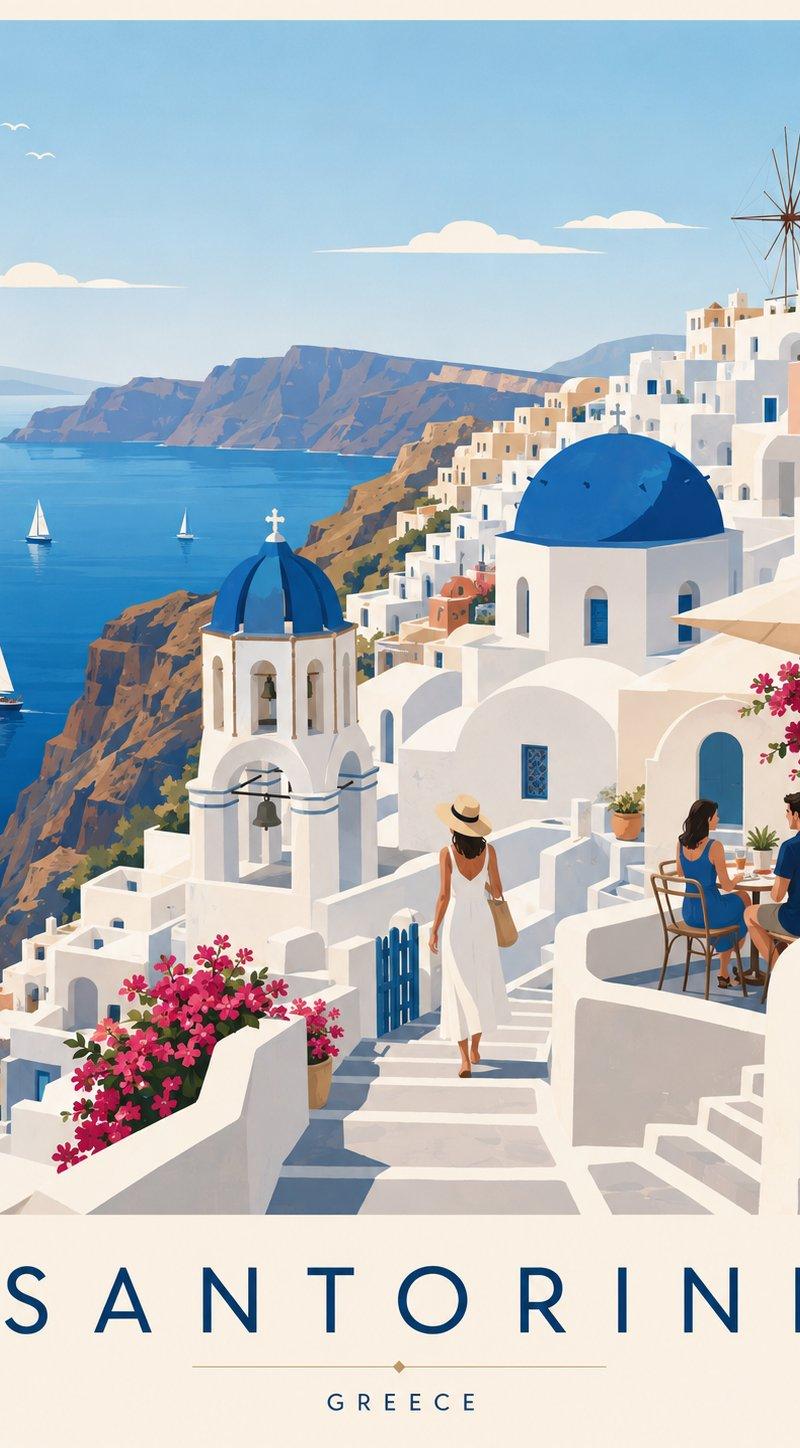
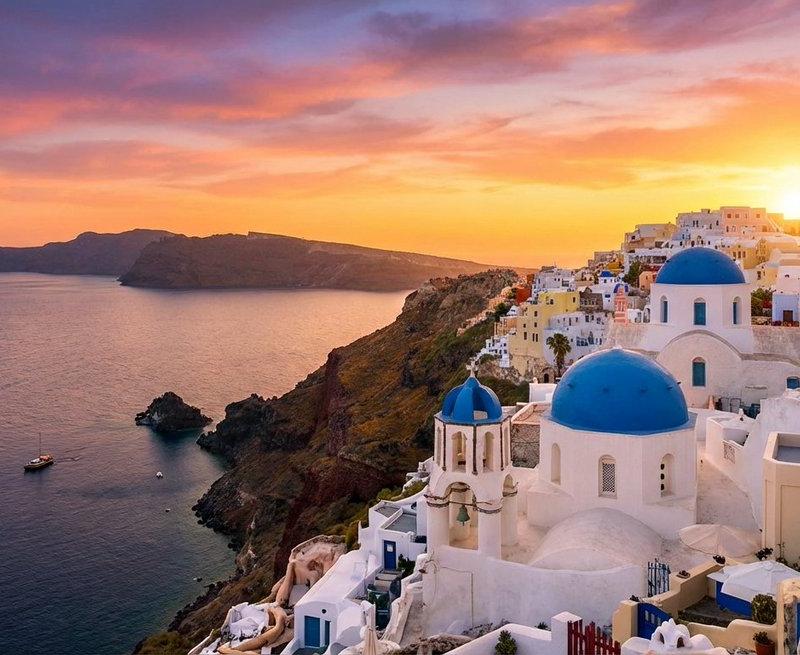
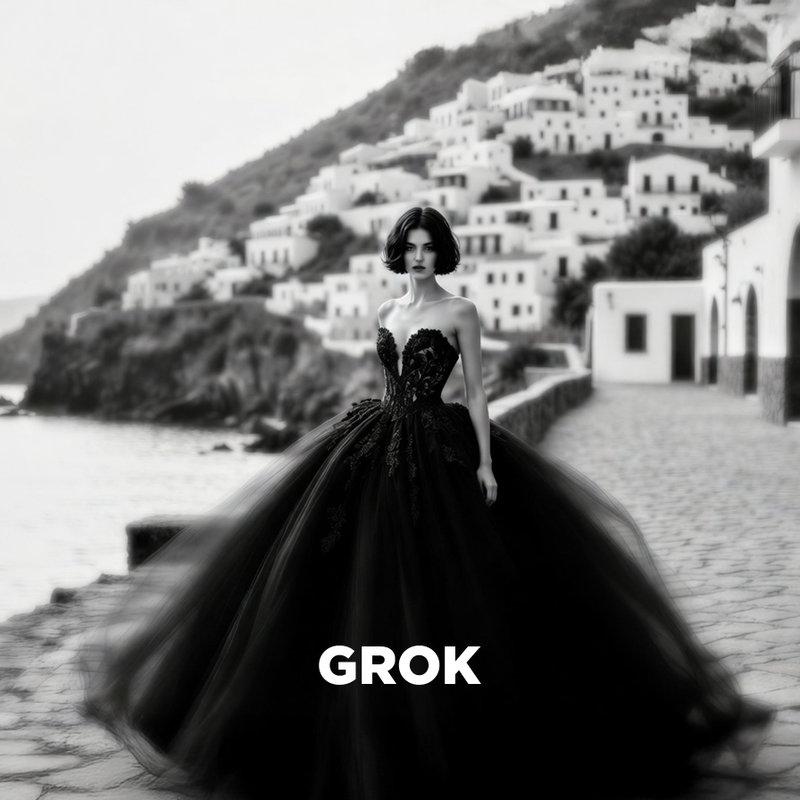
I tested my prompt on Grok, Nano Banana Pro, Midjourney, and Sora. The 4 image result are attached. Which one do you prefer?
Try my prompt anywhere:
A high-fashion black and white photograph in the style of Paolo Roversi. A young woman with a short dark bob haircut stands on a cobblestone promenade. She is wearing a voluminous, strapless black haute couture ball gown. The image uses a long exposure technique, creating a dreamy motion blur on the dress and her movements, while her face remains relatively sharp. The background features a blurred, whitewashed Mediterranean coastal village stacked on a hillside, with a calm sea to the left. Heavy film grain, ethereal atmosphere, soft lighting, melancholic mood.
Midjourney settings:
--ar 3:2 --raw --s 150 --v 7
Category
Photography & Realism
Model
Nano Banana Pro
Creator
Michael Rabone
Source language
zh-CN
Views0
Source ID
high-fashion-black-and-white-photograph-style-paolo-roversi
Studio

Guide

About "高时尚黑白摄影风格帕奥罗·罗维西"

What is this prompt for?

"高时尚黑白摄影风格帕奥罗·罗维西" AI image prompt for Nano Banana Pro (Photography & Realism). I tested my prompt on Grok, Nano Banana Pro, Midjourney, and Sora. The 4 image…

The full copyable prompt and example visuals above are ready for AI image generation or one-click recreate in Picva.

How to use this prompt

  1. Step 1

    Open the prompt detail

    Review the example visuals, category, and full prompt text for "高时尚黑白摄影风格帕奥罗·罗维西".

  2. Step 2

    Copy the prompt

    Copy the prompt body from this page, or load it directly in Studio.

  3. Step 3

    Pick a model (Nano Banana Pro)

    Prefer Nano Banana Pro. If you switch models, keep subject and composition and tweak style terms.

  4. Step 4

    Generate and export

    Recreate the look in Picva, or export into your workflow for editing and publishing.

FAQ

What is the "高时尚黑白摄影风格帕奥罗·罗维西" prompt?
It is an AI image-generation prompt for Nano Banana Pro in the Photography & Realism category. This page includes the full prompt text, example visuals, and a one-click recreate path in Picva.
How do I use this prompt to generate an image?
Copy the prompt from this page, or use Generate / Studio. Paste it into a compatible image model, or recreate the look in Picva with optional reference images.
Which model is this prompt for?
This page lists Nano Banana Pro. Most descriptive prompts also transfer to nearby image models such as GPT Image, Flux, or Midjourney with light style tweaks.
Can I use the result commercially?
You can usually copy the prompt for creation, but commercial use of the final image depends on the model terms, reference-image rights, and the generated content. Follow the source author and platform rules.