16

画像生成の未来とチャンス
Enlarge

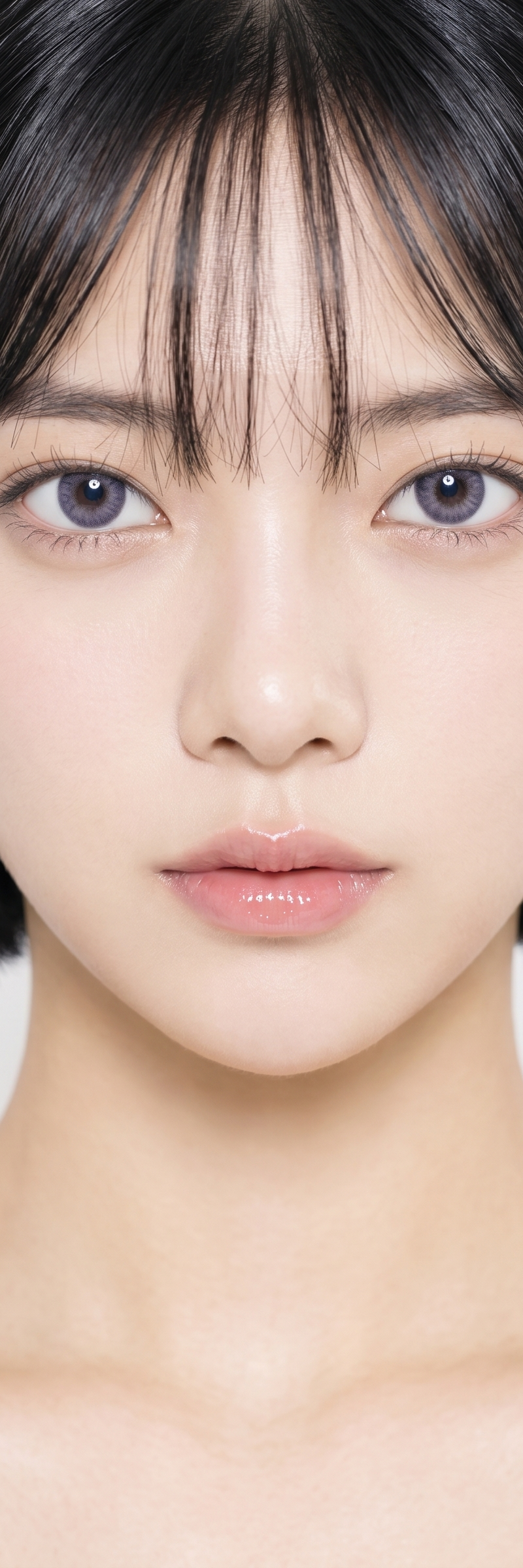
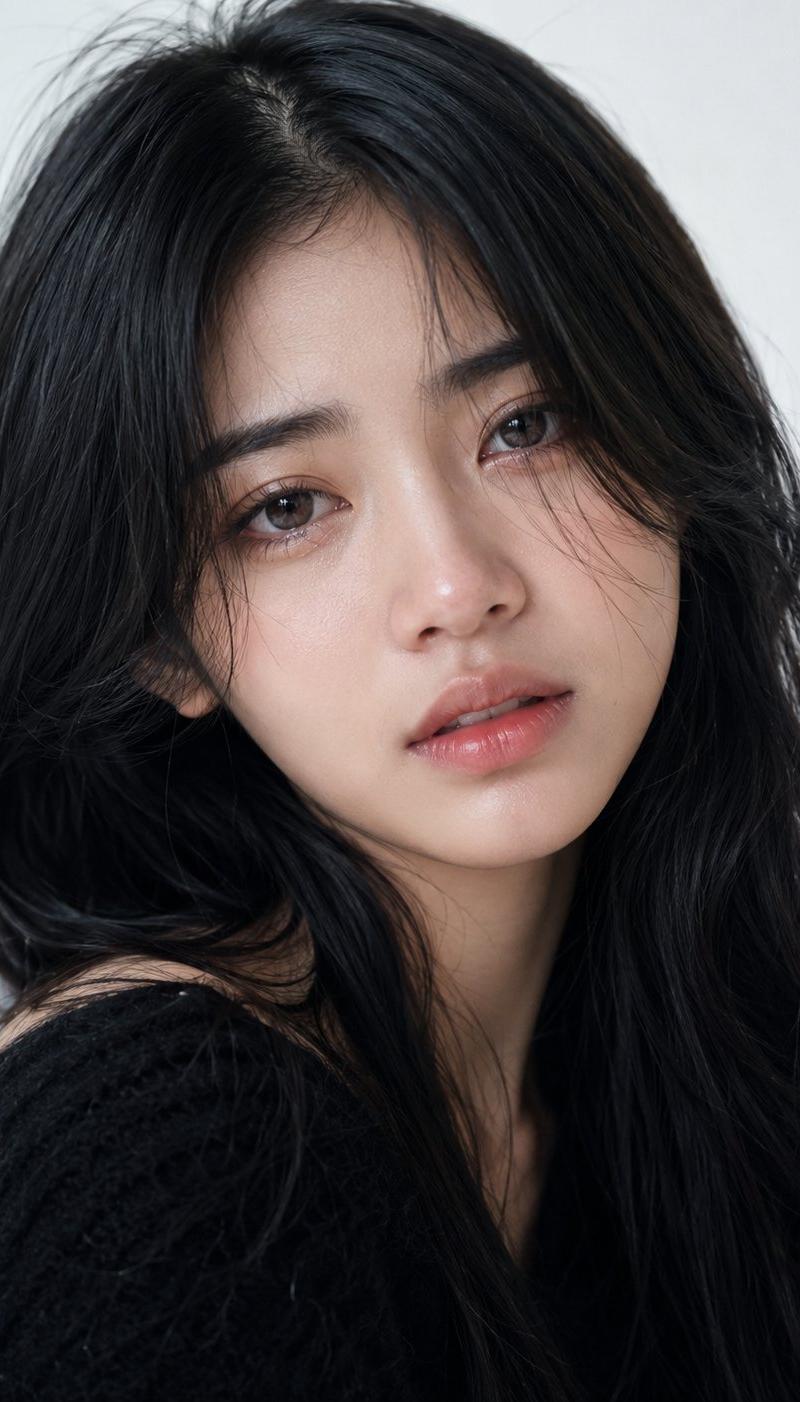
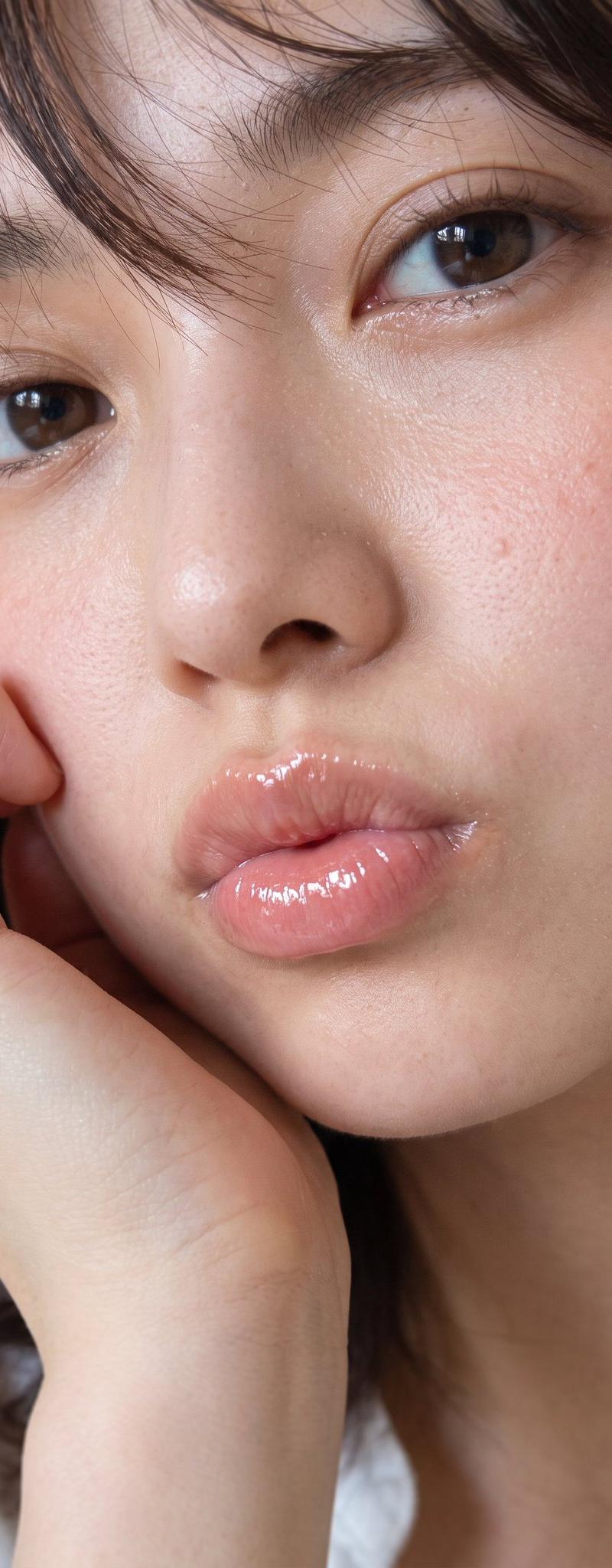
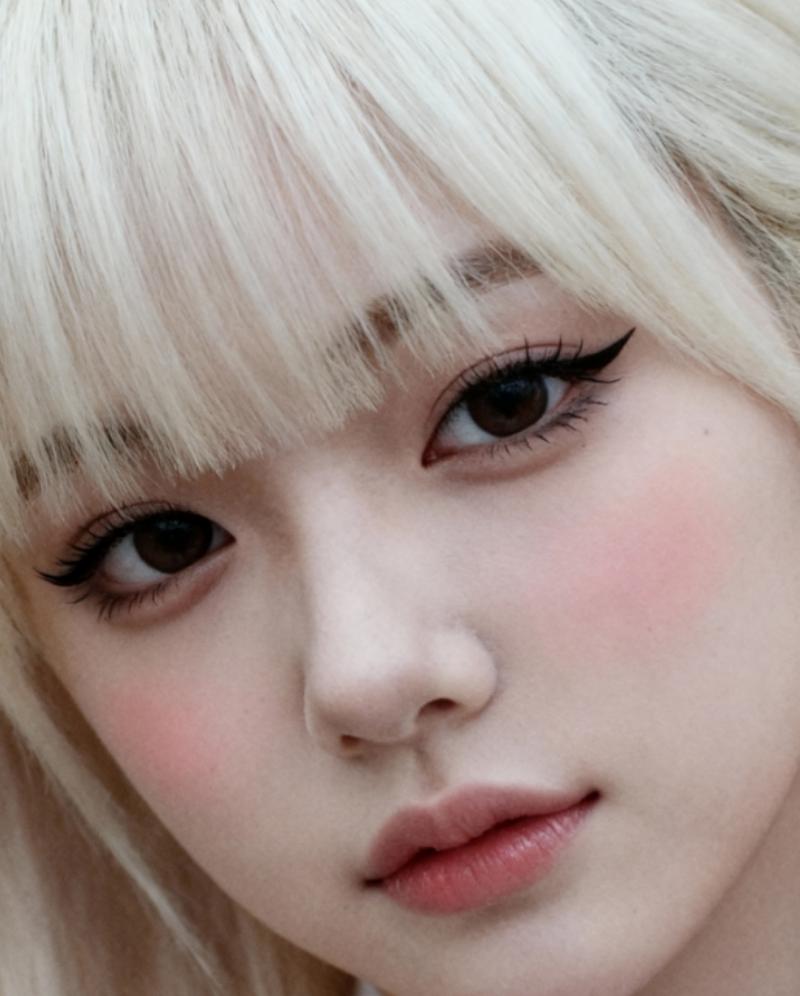
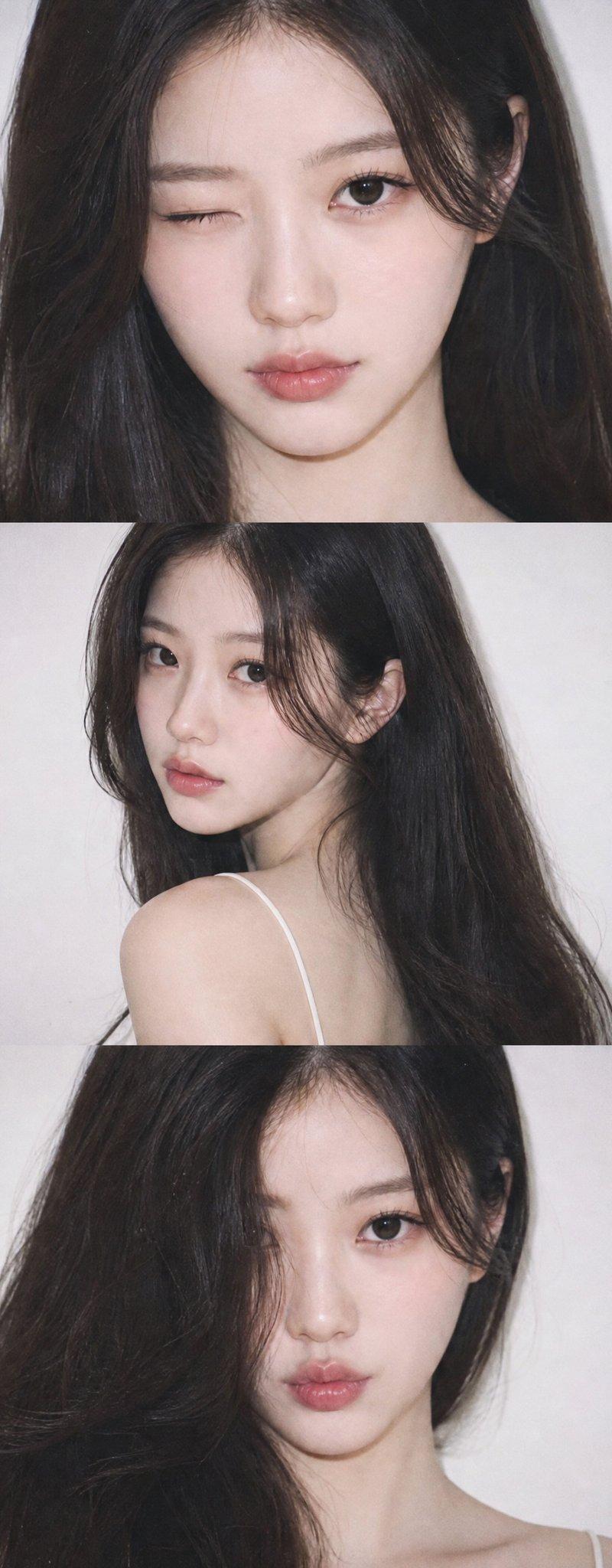
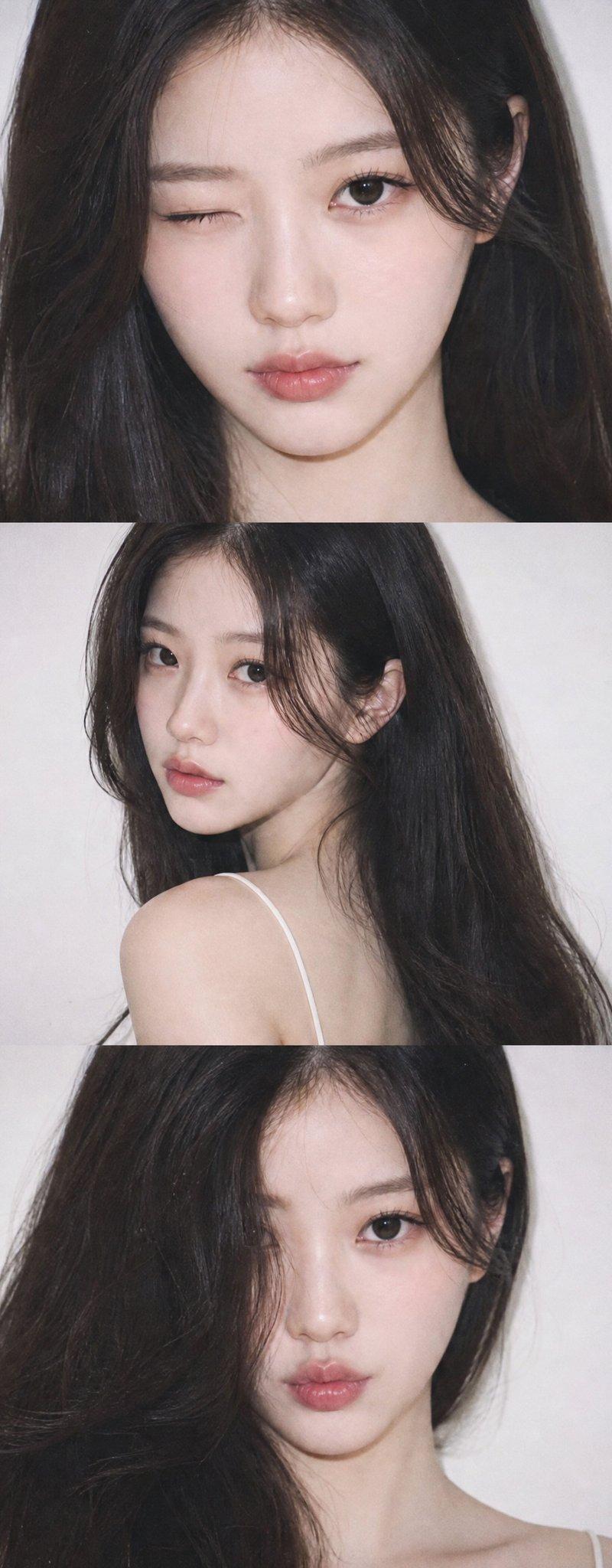
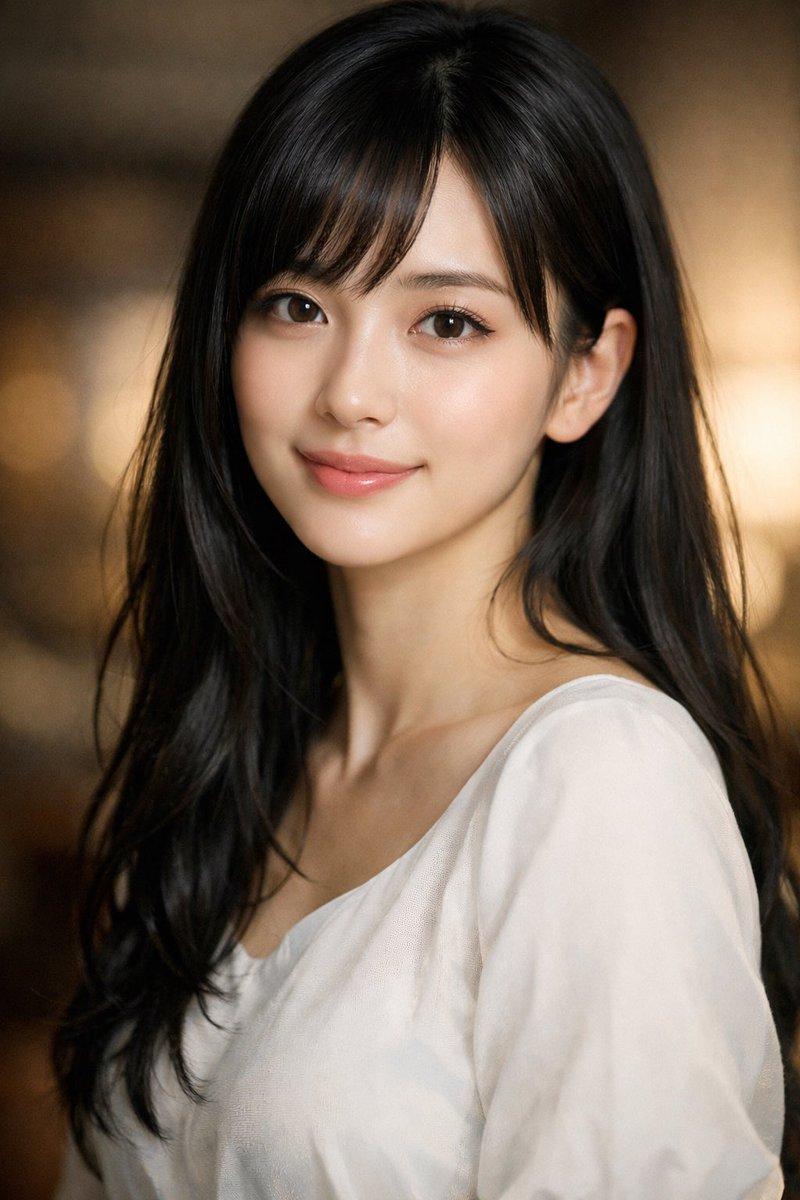
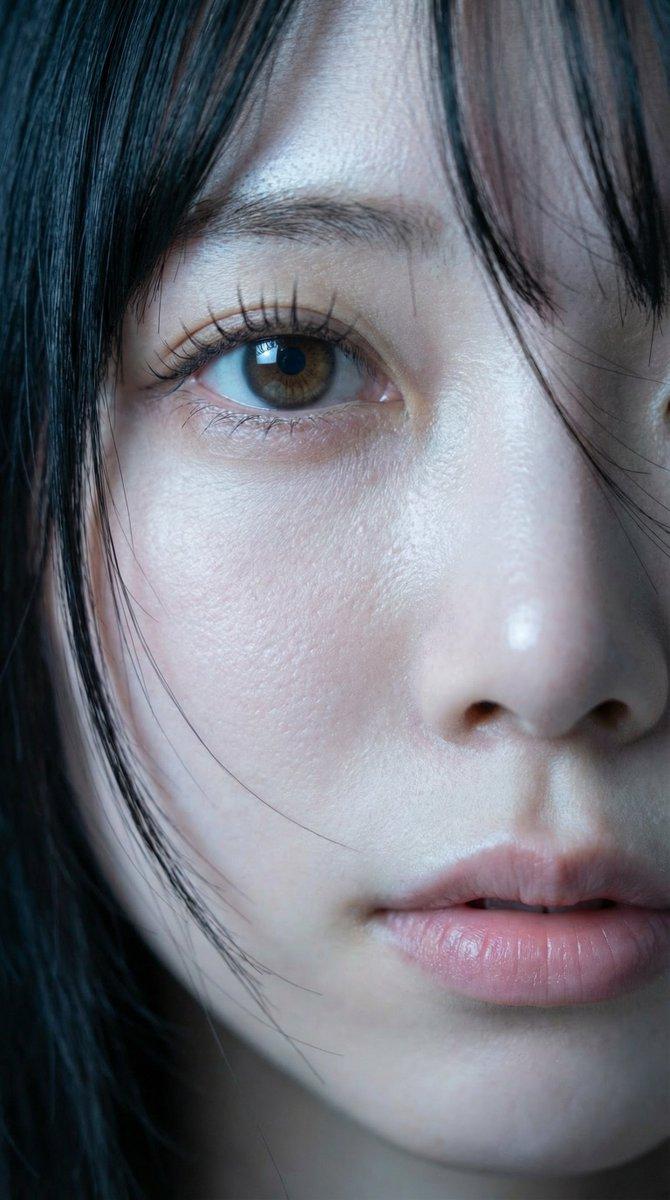
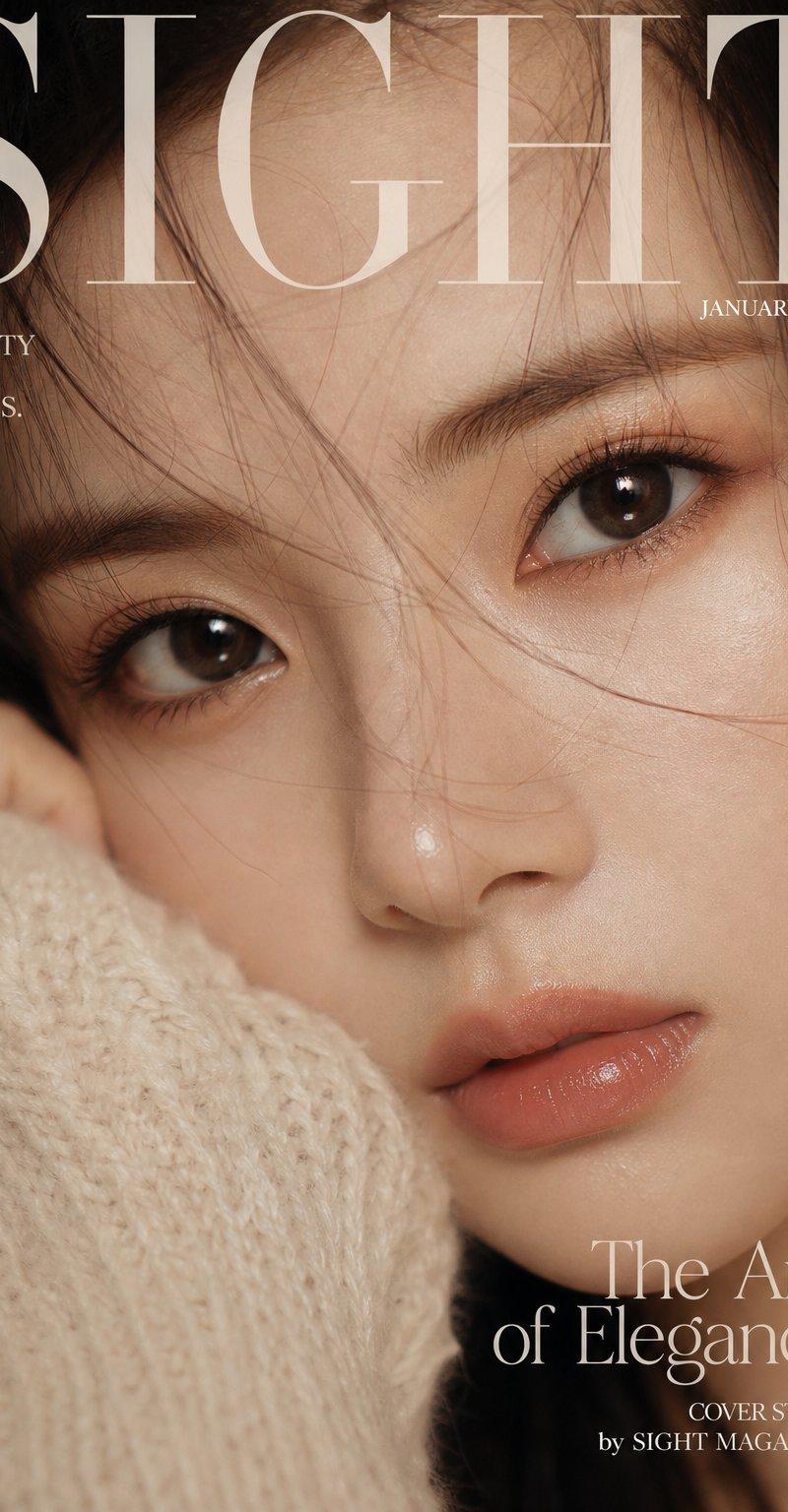
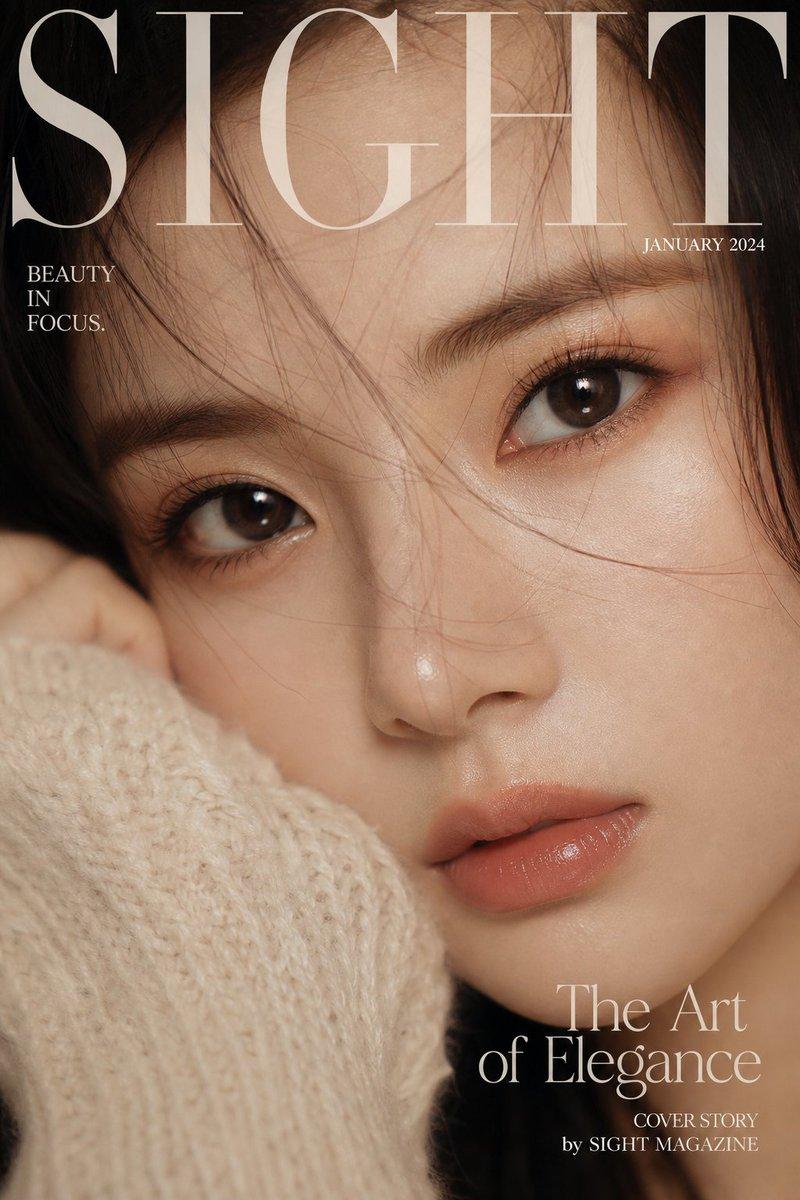
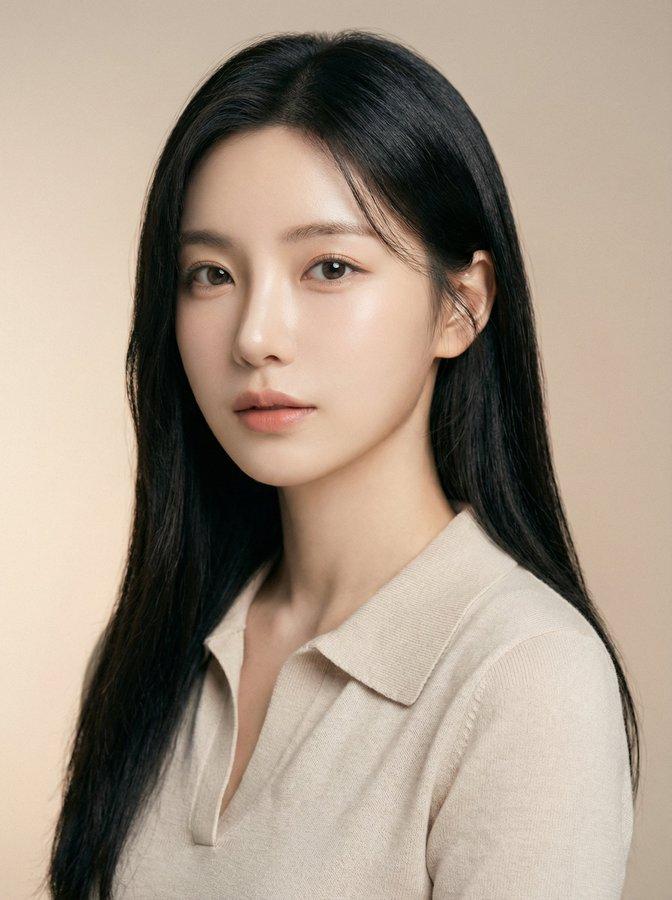
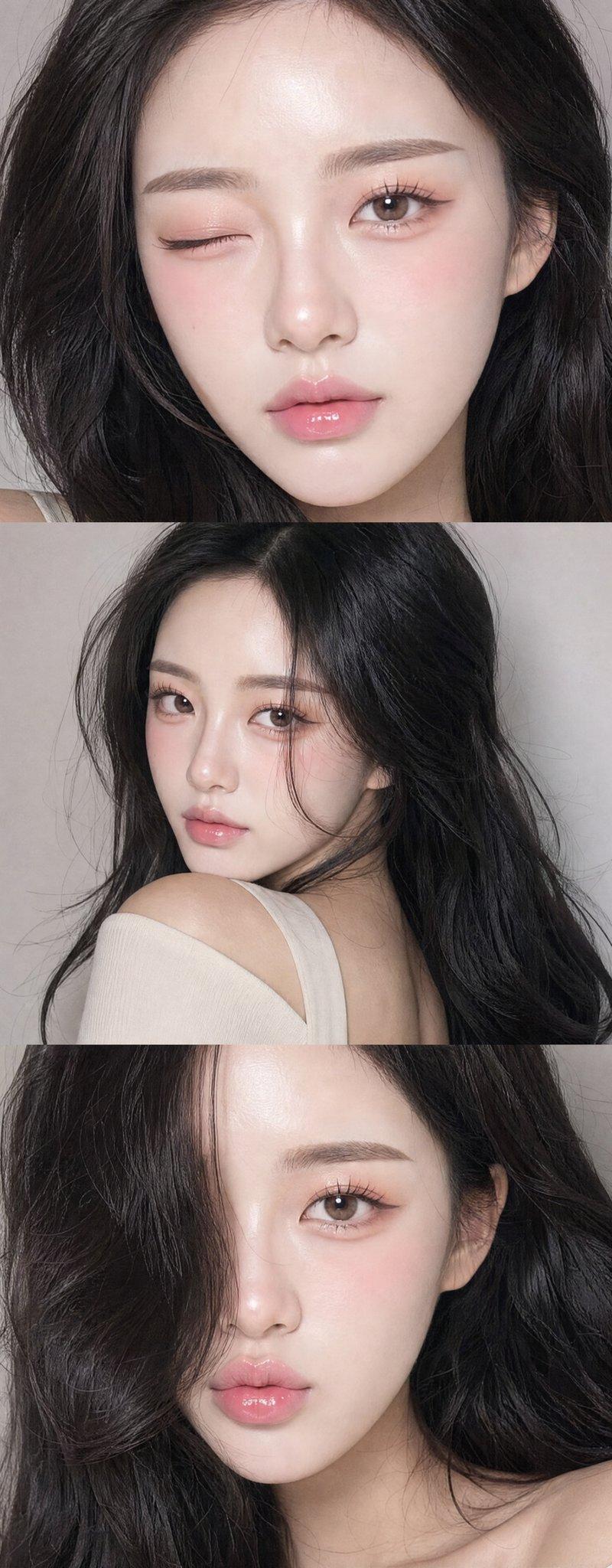
Example images

画像生成の未来とチャンス

Prompt
画像生成はどうせすぐ飽和する。
参入障壁が低いから、誰でも出来るし、競争もすぐ激化する。
っていう未来はたぶん正しい。
でも逆に言えば、誰でも出来る今ってめちゃくちゃチャンスでもある。
「画像生成で稼ごう」とか「マネタイズしよう」とか、いきなり考えなくて良い。
ガチの初心者なら、まずは何も考えず遊んでみるのが一番。
日本語でもそれっぽいの出るし、英語でも中国語でもプロンプト次第でどんどん面白くなる。
いちいち正解探さなくて良い。ただ触ってみる。それだけで十分。
無料で使えて、生成制限もないGoogleのImageFXとかから始めるのがオススメ。
ツールもプロンプトも、まずは触ることから全部始まる。
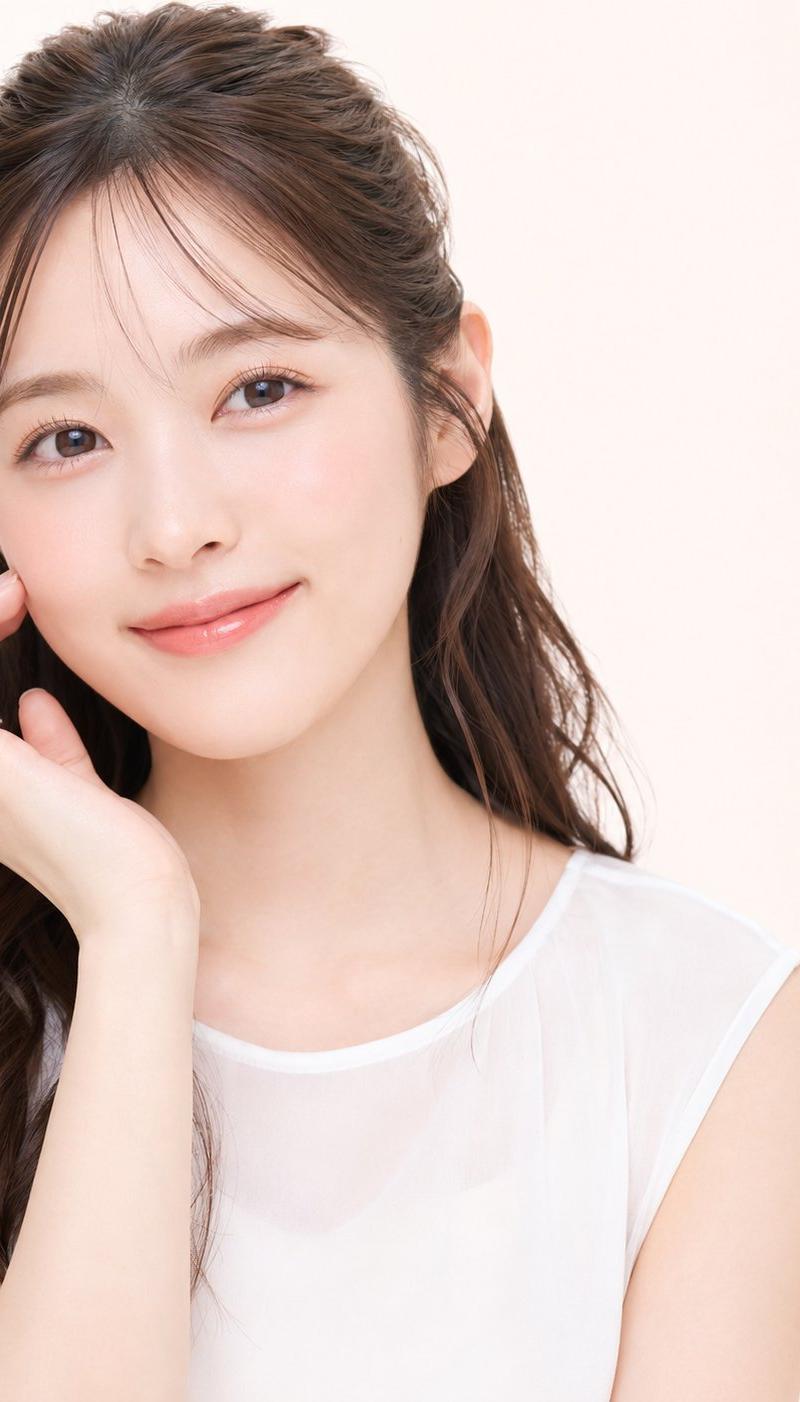
ちな、このポストの画像で使ったプロンプトはリプ欄に貼っとく👇
■プロンプト(必要に応じて変えてください)
{
 "image_size": {
 "width": 1152,
 "height": 2048,
 "aspect_ratio": "9:16",
 "orientation": "portrait"
 },
 "prompt": {
 "subject": "若い日本人成人女性のクローズアップポートレート",
 "composition": {
 "framing": "顔のアップ、額から顎までを中心にした構図",
 "angle": "やや斜めからの視線、カメラ目線に近い",
 "crop": "肩は一部のみ写り、背景は最小限"
 },
 "facial_features": {
 "eyes": "大きめで丸みのあるダークブラウンの瞳、自然なまつ毛",
 "skin": "滑らかで明るい肌質、薄いそばかすや小さな肌の点がわずかに見える",
 "lips": "自然なボリューム感、赤みのあるツヤ感リップ",
 "nose": "小ぶりで自然な形"
 },
 "hair": {
 "color": "ダークブラウン〜ブラック",
 "style": "前髪あり、自然に下ろしたストレート寄りの髪",
 "texture": "やや柔らかく、細めの毛束感"
 },
 "makeup": {
 "style": "ナチュラルメイク",
 "details": "薄いアイメイク、肌になじむチーク、控えめなハイライト"
 },
 "lighting": {
 "type": "ソフトライト",
 "direction": "正面〜やや横から",
 "effect": "影が少なく、肌の質感をきれいに見せる"
 },
 "background": {
 "color": "白〜淡いグレー",
 "texture": "無地、ボケ感あり",
 "distraction": "なし"
 },
 "style": {
 "realism": "高い写実性、写真風",
 "mood": "落ち着きがあり清潔感のある印象",
 "quality": "高解像度、肌や目のディテールが明瞭"
 }
 },
 "negative_prompt": [
 "イラスト",
 "過度なメイク",
 "不自然な肌加工",
 "強い影",
 "派手な背景",
 "イラスト風",
 "低解像度",
 "ぼやけ"
 ]
}
Category
Photography & Realism
Model
Unknown
Creator
バナーナ
Source language
zh-CN
Views0
Source ID
image-generation-future-and-opportunities
Studio

Guide

About "画像生成の未来とチャンス"

What is this prompt for?

"画像生成の未来とチャンス" AI image prompt for Unknown (Photography & Realism). 画像生成はどうせすぐ飽和する。 参入障壁が低いから、誰でも出来るし、競争もすぐ激化する。 っていう未来はたぶん正しい。 でも逆に言えば、誰でも出来る今ってめちゃくちゃチャンスでもある…

The full copyable prompt and example visuals above are ready for AI image generation or one-click recreate in Picva.

How to use this prompt

  1. Step 1

    Open the prompt detail

    Review the example visuals, category, and full prompt text for "画像生成の未来とチャンス".

  2. Step 2

    Copy the prompt

    Copy the prompt body from this page, or load it directly in Studio.

  3. Step 3

    Pick a model (Unknown)

    Prefer Unknown. If you switch models, keep subject and composition and tweak style terms.

  4. Step 4

    Generate and export

    Recreate the look in Picva, or export into your workflow for editing and publishing.

FAQ

What is the "画像生成の未来とチャンス" prompt?
It is an AI image-generation prompt for Unknown in the Photography & Realism category. This page includes the full prompt text, example visuals, and a one-click recreate path in Picva.
How do I use this prompt to generate an image?
Copy the prompt from this page, or use Generate / Studio. Paste it into a compatible image model, or recreate the look in Picva with optional reference images.
Which model is this prompt for?
This page lists Unknown. Most descriptive prompts also transfer to nearby image models such as GPT Image, Flux, or Midjourney with light style tweaks.
Can I use the result commercially?
You can usually copy the prompt for creation, but commercial use of the final image depends on the model terms, reference-image rights, and the generated content. Follow the source author and platform rules.