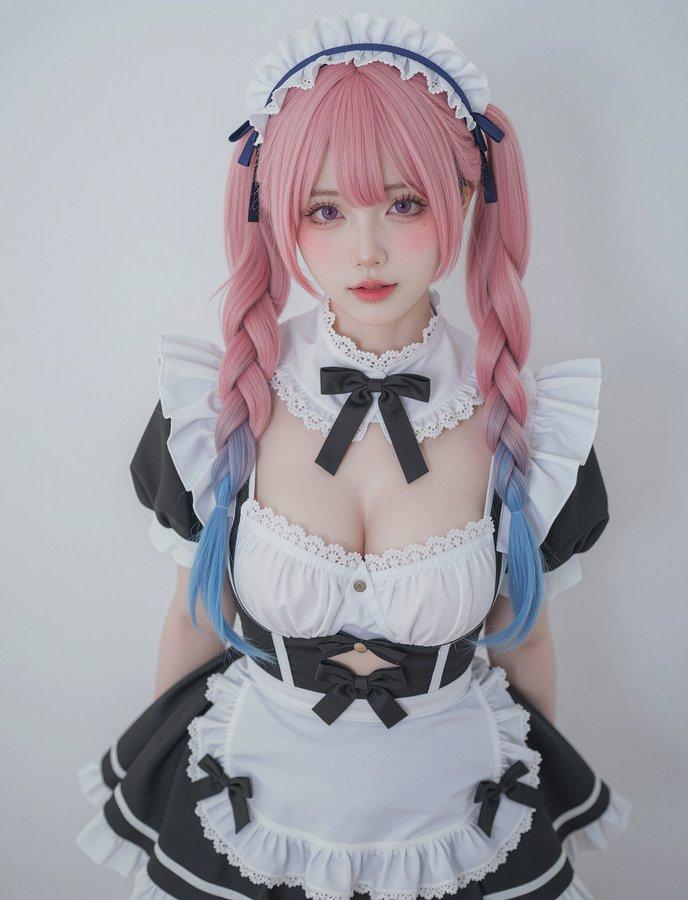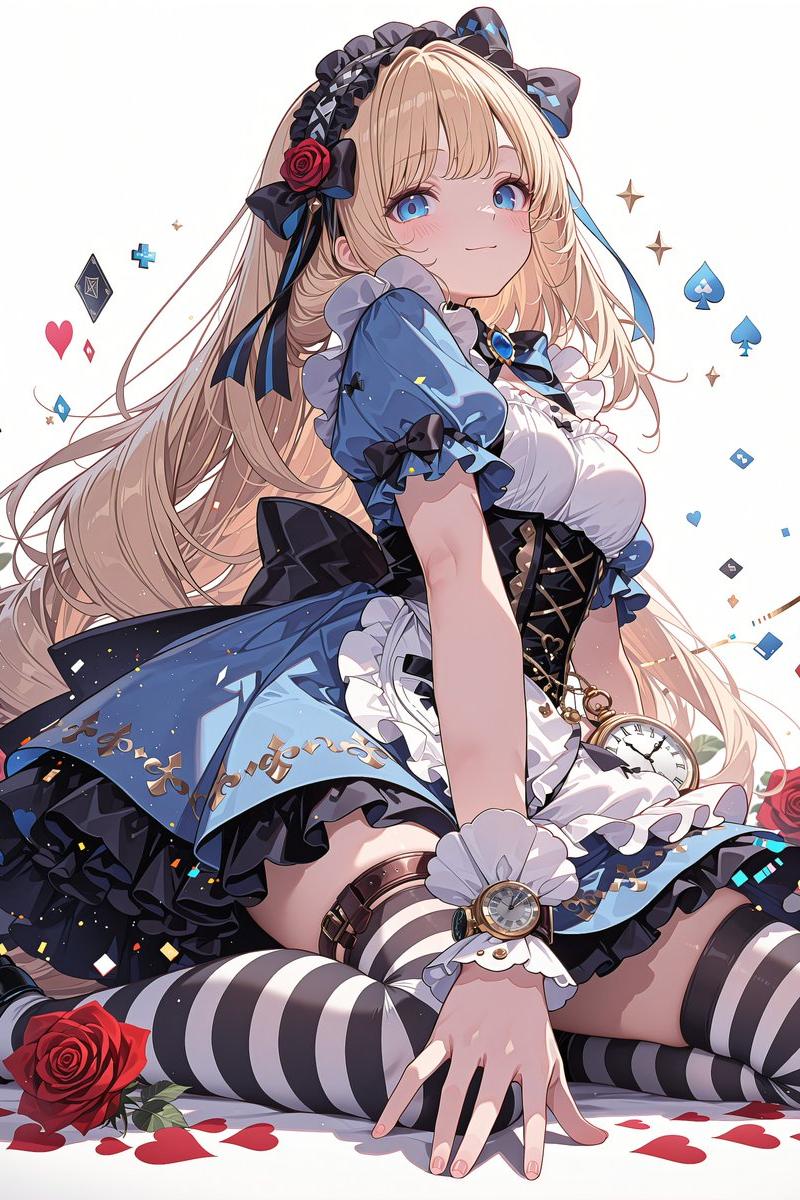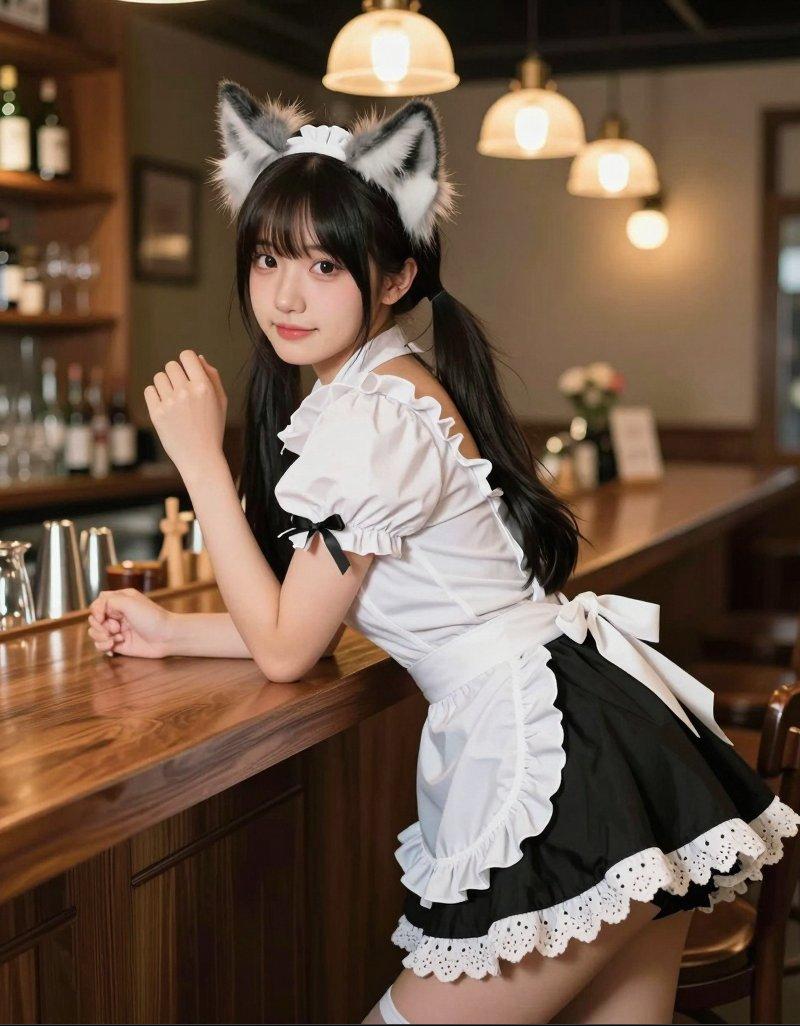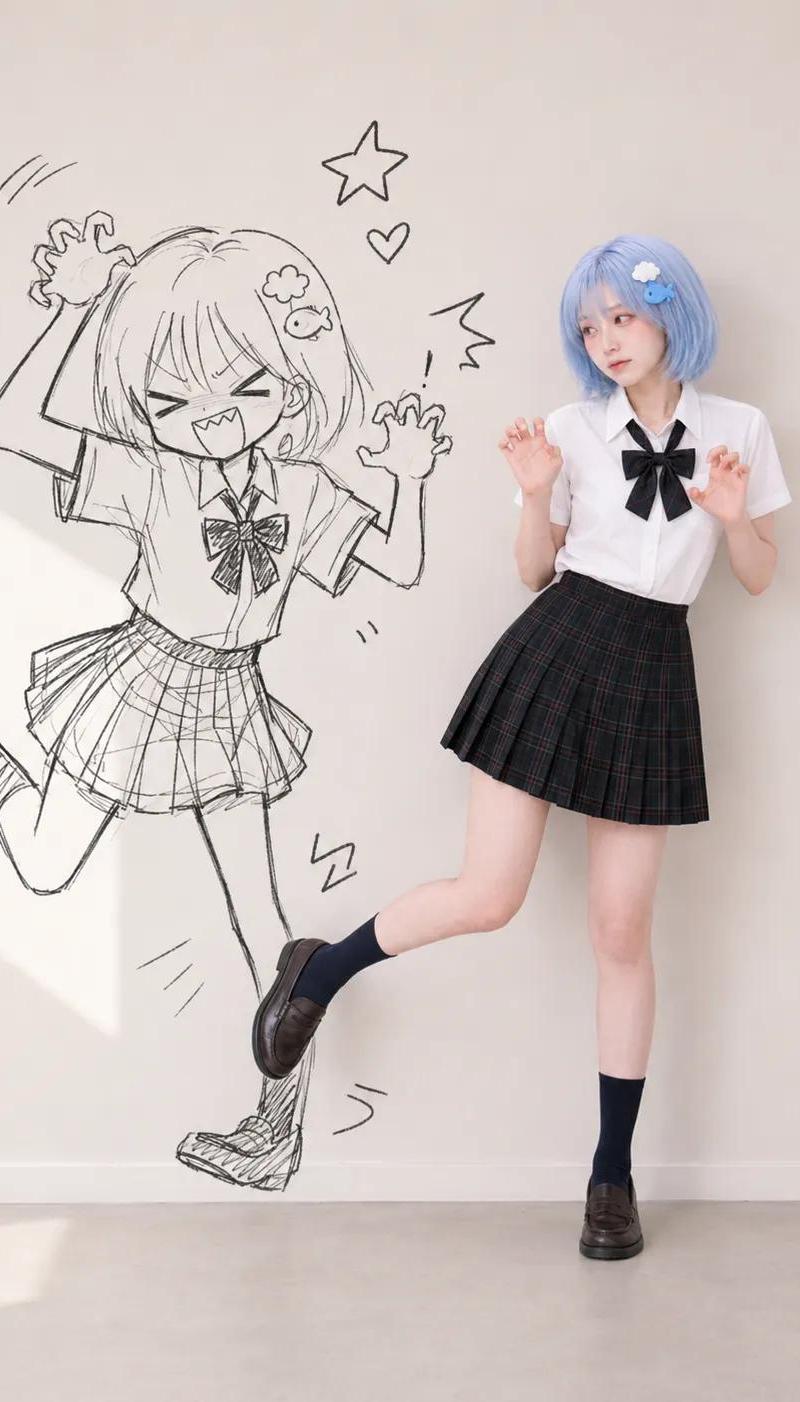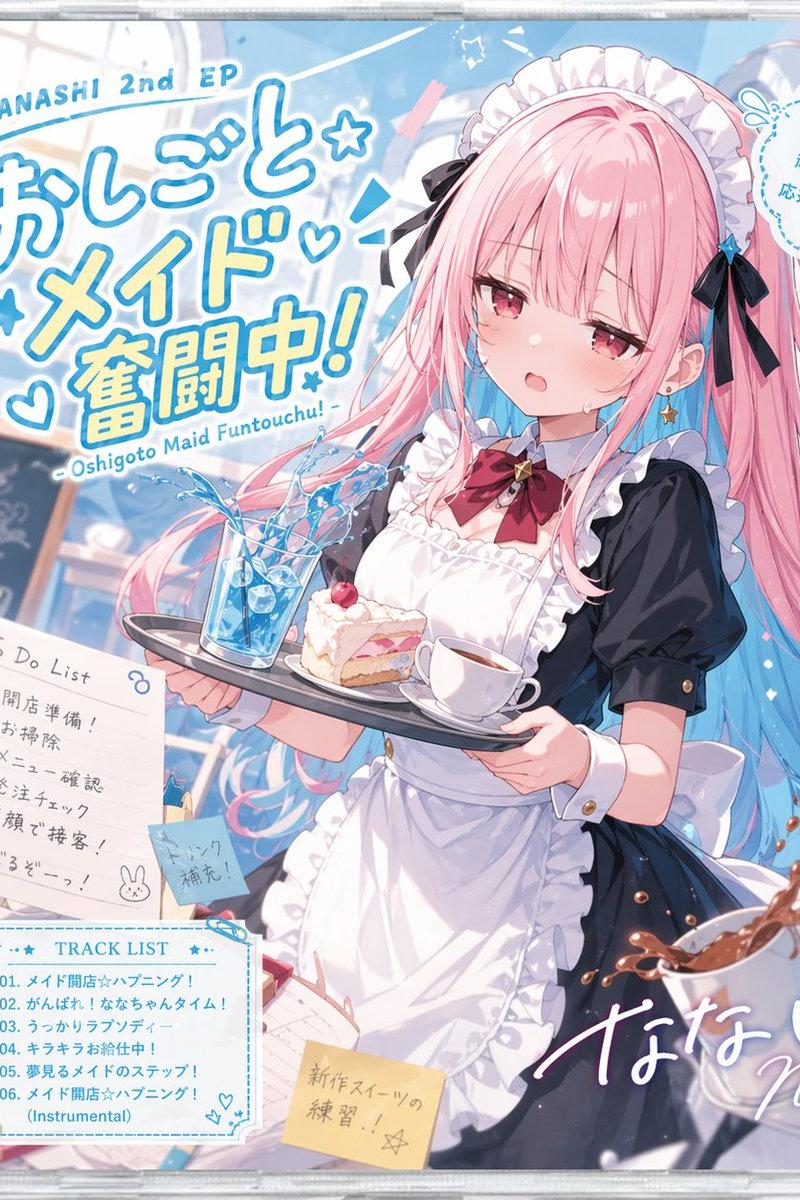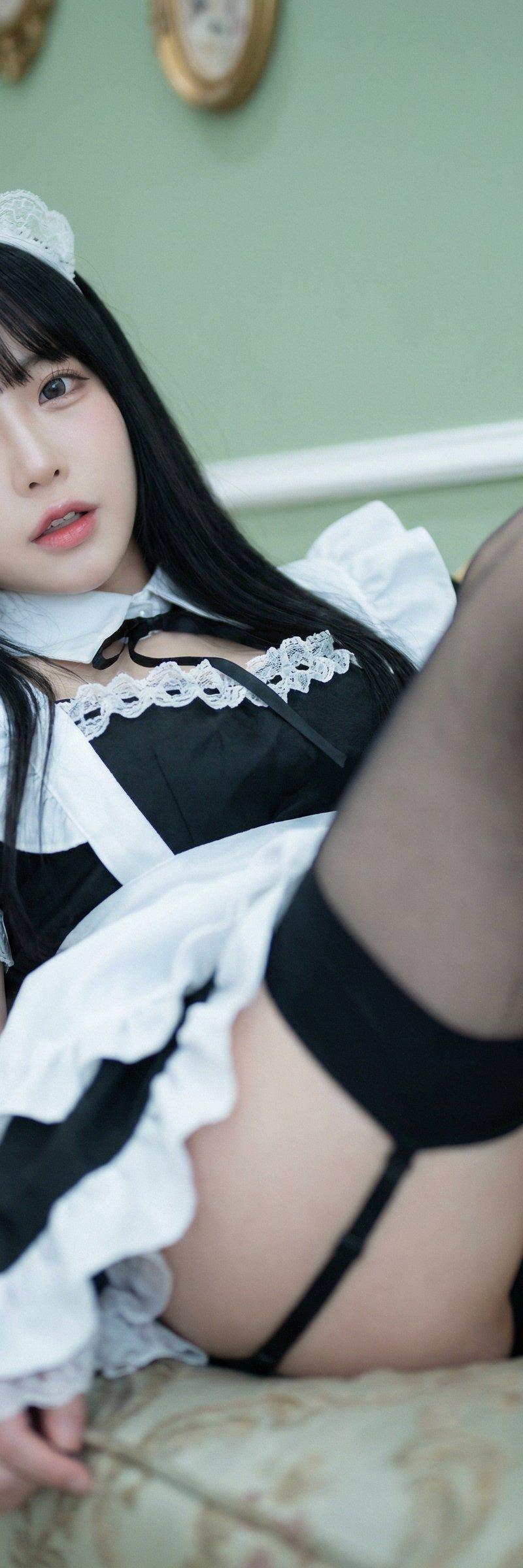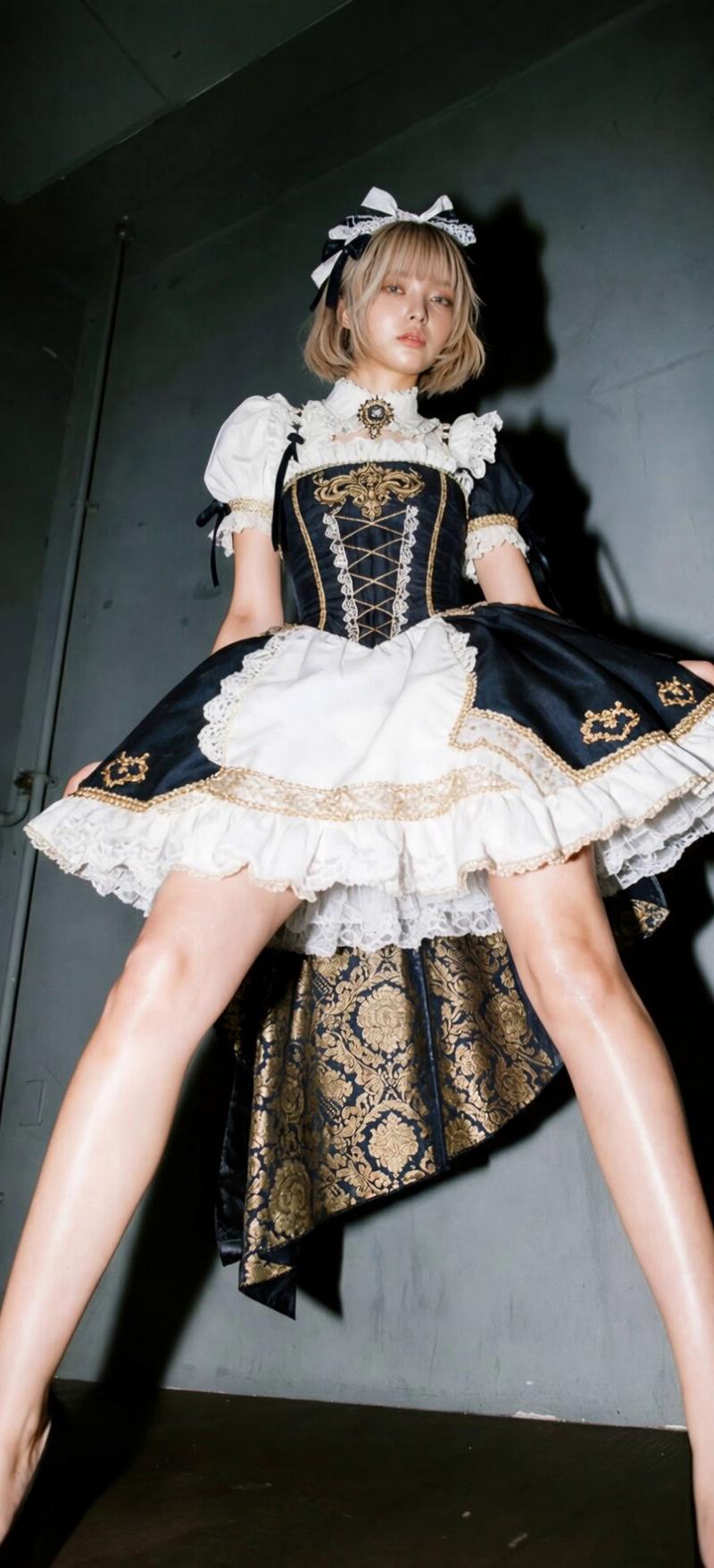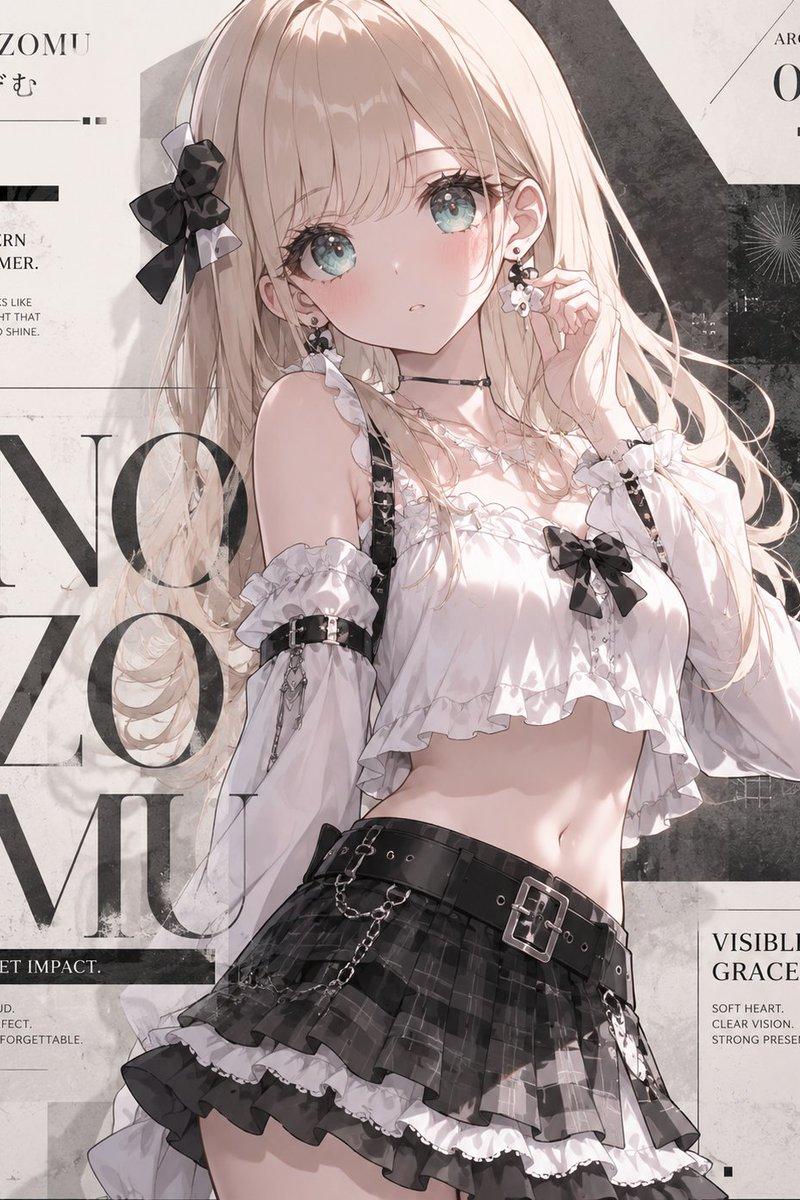
神启新玩法:创意产品摄影
Prompt
受神佬启发,来一套新玩法:
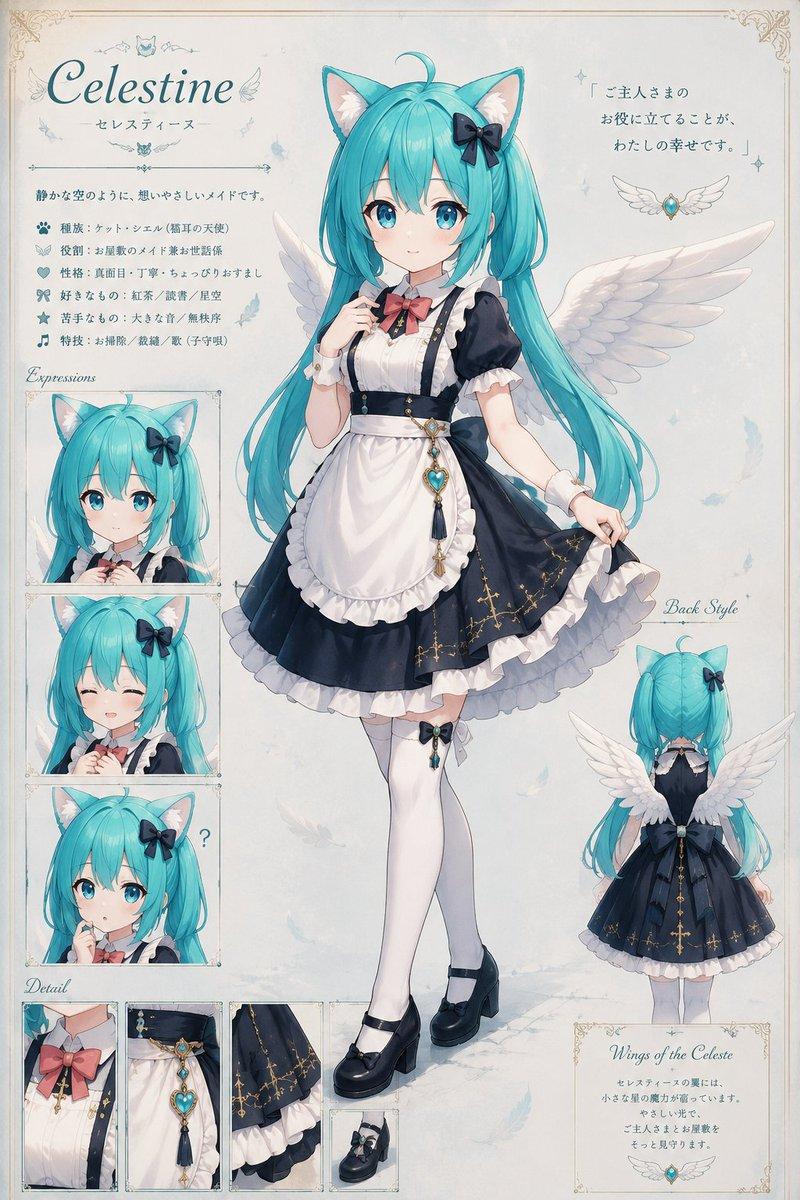
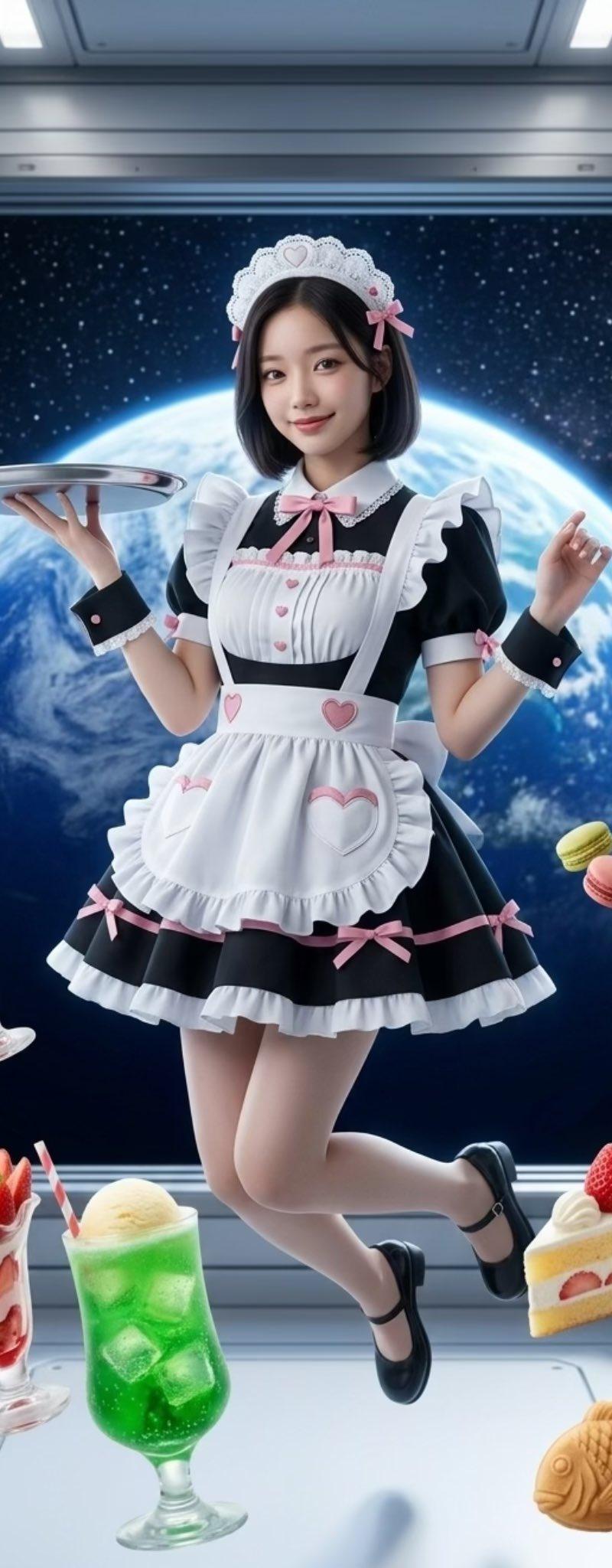
简单玩法就是替换最后一句话,可控性很高
另外有三种玩法需替换一些词:
✅ 玩法 1:纯文字生成(Text-to-Image)
✅ 玩法 2:有服装图,生成模特上身效果(Image-to-Image + ControlNet)
✅ 玩法 3:有人物图,生成展示背景(Face Swap / IP-Adapter)
提示词如下:
Prompt:
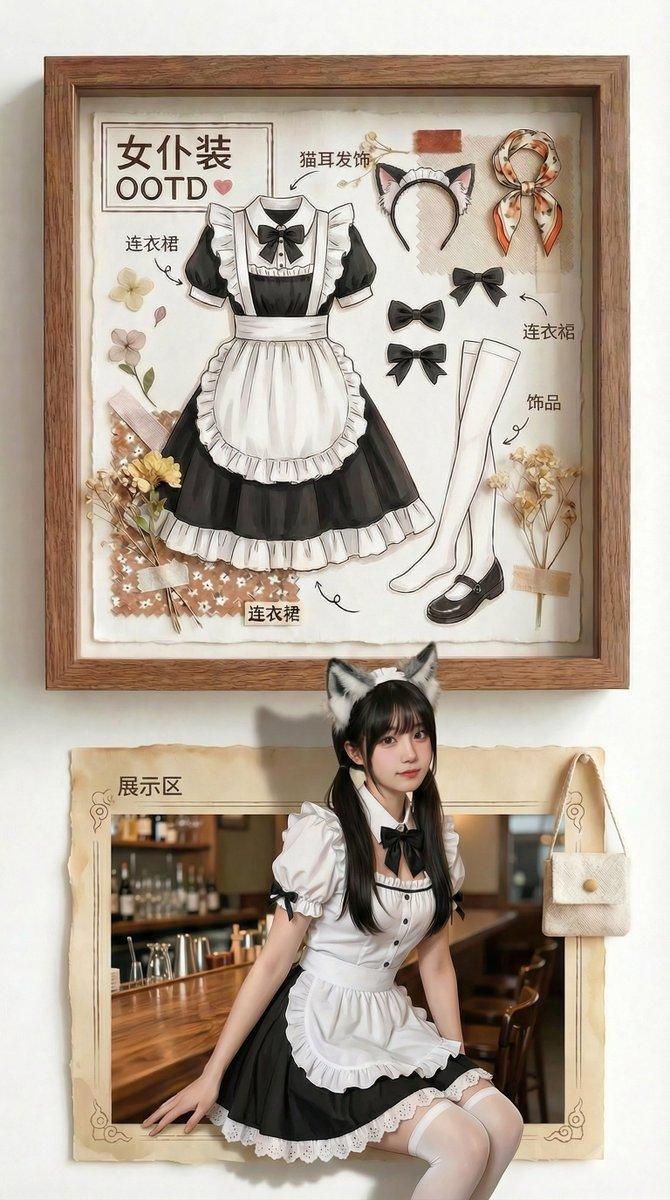
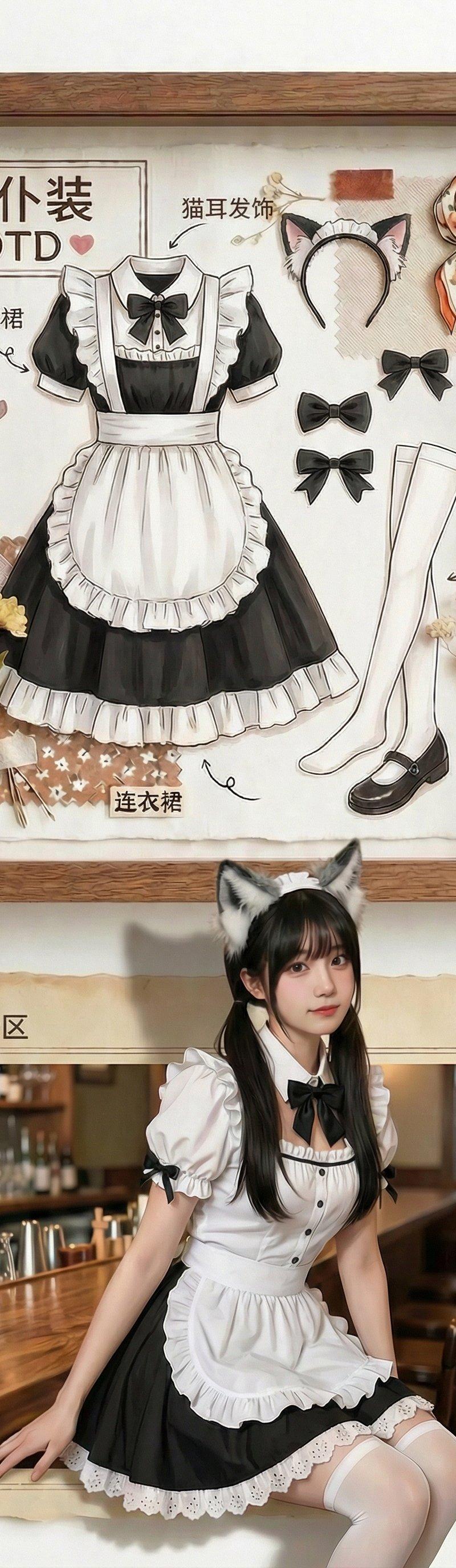
A vertical split-screen creative product photography composition on a clean white wall background. High-resolution, photorealistic, commercial advertisement quality.
Top Section: The Specimen Box
The upper half features an exquisite light oak wooden shadow box frame mounted on the wall. Inside, a specific outfit is displayed as an artistic flat-lay museum specimen: [Insert Clothing Details Here, e.g., a sleek black satin slip dress with delicate lace trim and thin spaghetti straps]. The garments are neatly pinned in place. Surrounding them are small thematic decorative props: [Insert Props, e.g., dried roses, vintage perfume bottles, silk ribbon]. Elegant calligraphy on the matte paper backdrop reads: [Insert Text, e.g., "Midnight Elegance" or "Silk & Secrets"]. Soft studio lighting accentuates the rich texture and drape of the fabric.
Bottom Section: Naked-Eye 3D Reality
The lower half creates a hyperrealistic "naked-eye 3D" illusion. A rectangular picture-frame border sits directly beneath the top box. A stunningly realistic young woman [Insert Model Description, e.g., a poised East Asian model with long wavy black hair, subtle smoky eyes, and a confident gaze] wears the exact same outfit as shown above.
She lounges casually on the bottom edge of the frame—one leg bent with foot resting inside the frame, the other leg elegantly dangling out into the viewer’s space. Her torso leans back slightly, elbow resting on her raised knee, fingers lightly grazing the fabric near her collarbone. Her body forms a soft, sensual S-curve that highlights the garment’s silhouette without overt exposure. She looks directly at the camera with a calm, knowing smile—inviting yet enigmatic. This dynamic, lifelike pose contrasts powerfully with the static, archival display above, creating visual tension between reality and presentation.
Technical Specs:
Soft natural shadows, ambient occlusion, bright and airy yet cinematic lighting, 8K resolution, Octane Render, vivid but refined color palette, ultra-detailed fabric textures (satin sheen, lace transparency, stitching), shallow depth of field, Vogue editorial style, filmic grain, professional fashion photography.
Negative Prompt (recommended):
blurry, low-res, distorted anatomy, extra limbs, deformed hands, cartoon, anime, doll-like, plastic skin, overexposed, cluttered background, text errors, mismatched clothing, floating objects, unrealistic proportions.
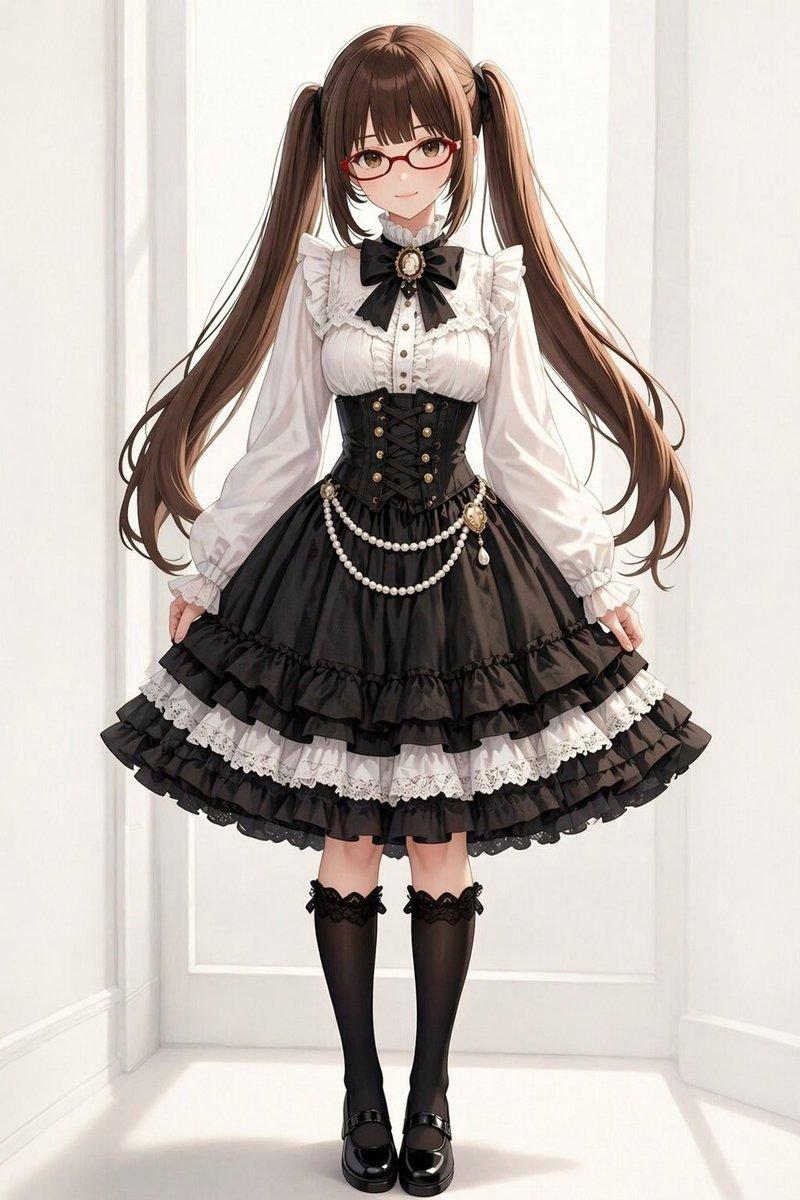
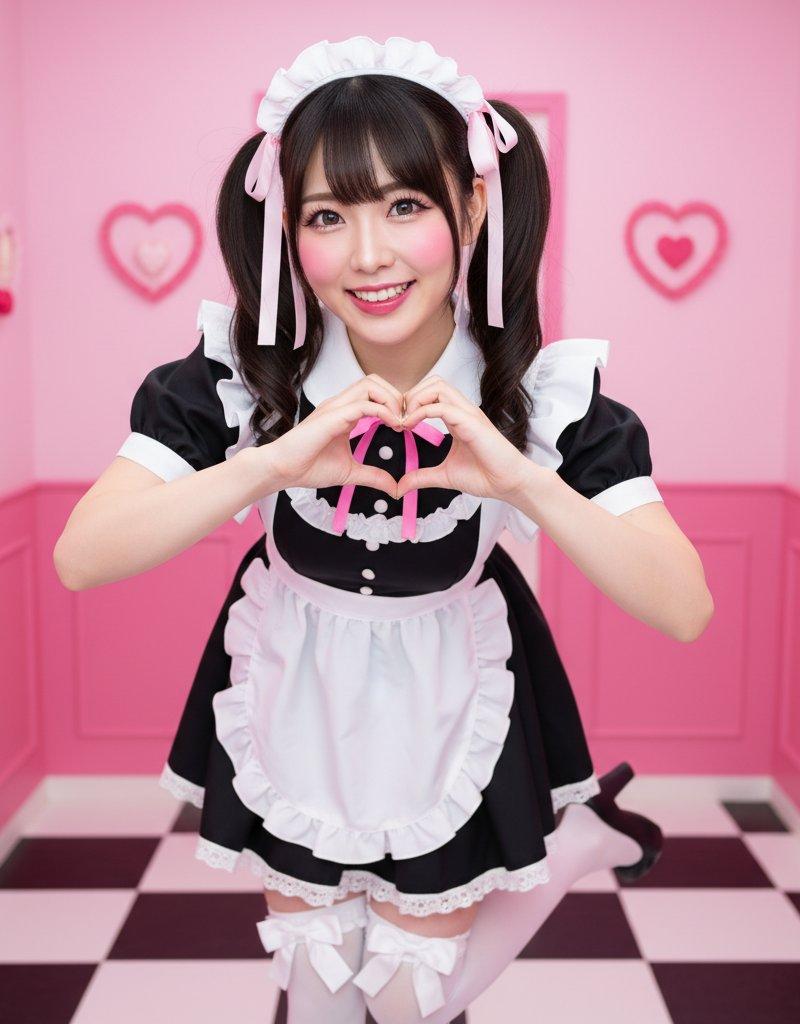
参考人物,想看老师制服
欢迎来评论区交作业 https://t.co/x2H6jku783
- Category
- Photography & Realism
- Model
- Unknown
- Creator
- 岚叔
- Source language
- zh-CN
- Source ID
- inspired-new-gameplay-creative-product-photography
Views0