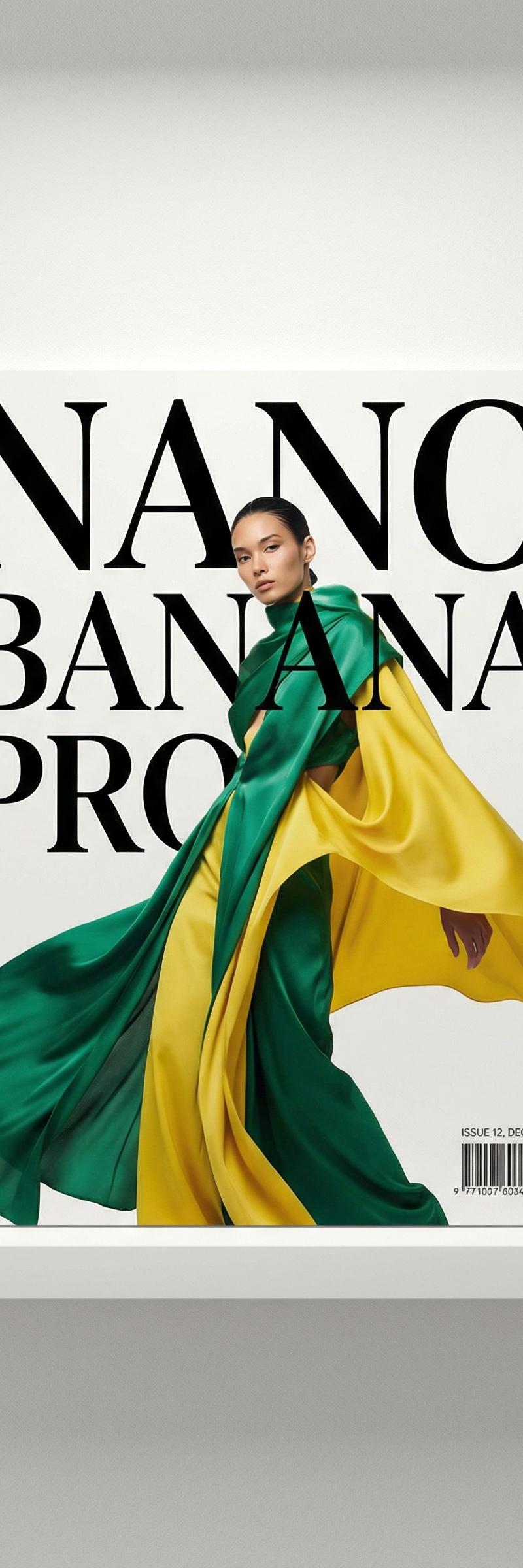
Photography & RealismXCbotaiart.picsNano Banana图片
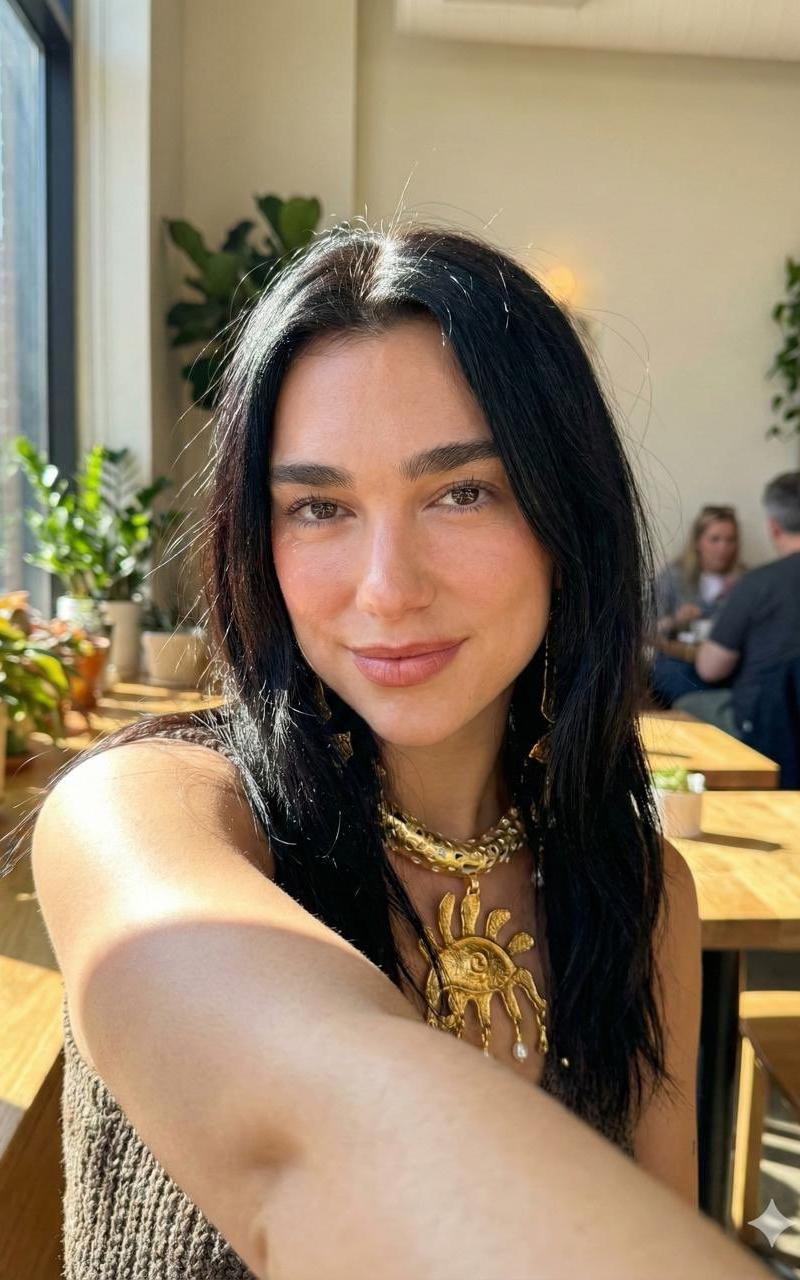
模仿iPhone 17 Pro拍摄的自拍
Prompt
Steal my prompt that makes Nano Banana create selfies that look exactly like you shot them on an iPhone 17 Pro.
{
"metadata": {
"device_simulation": "iPhone 17 Pro front camera",
"goal": "Generate hyper realistic selfies that look authentically captured on an iPhone 17 Pro",
"output_type": "photograph",
"confidence_level": "high"
},
"camera_system": {
"lens": {
"focal_length": "26mm equivalent",
"aperture": "f1.8",
"distortion_profile": "subtle barrel distortion consistent with iPhone front lens",
"depth_estimation": "TrueDepth engine simulation for accurate facial depth mapping",
"flare_behavior": "natural micro lens flare on bright edges"
},
"sensor": {
"resolution": "24MP fused sensor output",
"hdr_engine": "Smart HDR 7 tone mapping with multi-frame fusion",
"noise_profile": {
"shadows": "mild natural noise typical of iPhone front camera",
"midtones": "clean but not plastic",
"highlights": "subtle highlight rolloff without clipping"
},
"color_filter_array": "Apple proprietary wide-gamut color CFA simulation",
"dynamic_range": "high with realistic Apple-style tone balancing"
}
},
"lighting_simulation": {
"source_type": "natural or artificial depending on user request",
"lighting_quality": "soft directional with realistic shadow gradients",
"shadow_properties": {
"edge_quality": "soft, feathered edges",
"density": "medium natural density consistent with indoor or outdoor lighting",
"placement": "accurate to chosen selfie angle"
},
"highlight_properties": {
"treatment": "preserved highlights with gentle rolloff",
"skin_reflectance": "micro specular highlights on nose, forehead, and cheekbones"
},
"ambient_fill": "subtle fill typical of iPhone image signal processing",
"temperature": "neutral to warm depending on environment"
},
"subject_rendering": {
"face": {
"skin_texture": {
"pores": "visible but naturally soft",
"imperfections": "micro blemishes, subtle unevenness, soft facial hair",
"realism_requirements": "no glam smoothing, no plastic look, no AI-perfect surfaces"
},
"facial_contours": "accurate TrueDepth mapped curvature with natural shadow falloff",
"expression": "user chosen mood (confident, relaxed, candid, playful)",
"eye_detail": {
"reflections": "micro reflections consistent with light direction",
"sharpness": "high fidelity with natural contrast"
}
},
"hair": {
"strand_detail": "fine strand rendering with natural irregularities",
"flyaways": "slight but realistic",
"volume": "natural density based on reference",
"lighting_interaction": "soft sheen with natural specular highlights"
},
"hands_and_arms": {
"selfie_arm_position": "natural arm extension consistent with front-camera selfies",
"perspective_distortion": "slight widening from front lens physics"
},
"body_framing": {
"angle": "natural selfie composition such as 3/4 angle, direct front, or slight overhead",
"crop_style": "shoulders and head centered or user-selected framing"
}
},
"environment_simulation": {
"setting_type": "user-defined (car, gym, bedroom, outdoors, travel)",
"depth_layers": {
"foreground": "the subject",
"midground": "environmentally relevant elements",
"background": "iPhone-style background blur or realistic environment depending on mode"
},
"background_blur": {
"enabled": true,
"type": "Apple portrait mode simulation",
"falloff": "gradual, natural, based on TrueDepth depth map"
},
"color_profile": {
"dominant_tones": "true-to-life Apple color science",
"temperature_adjustment": "smart auto white balance system"
}
}- Category
- Photography & Realism
- Model
- Nano Banana
- Creator
- Alex Sorin
- Source language
- zh-CN
- Source ID
- iphone-17-pro-selfie-simulation
Views0