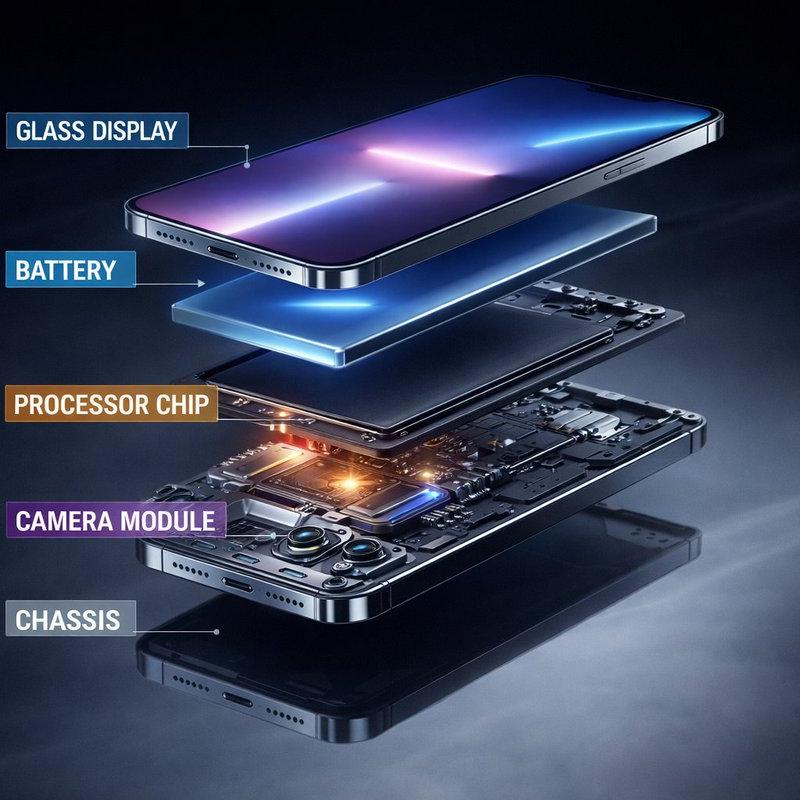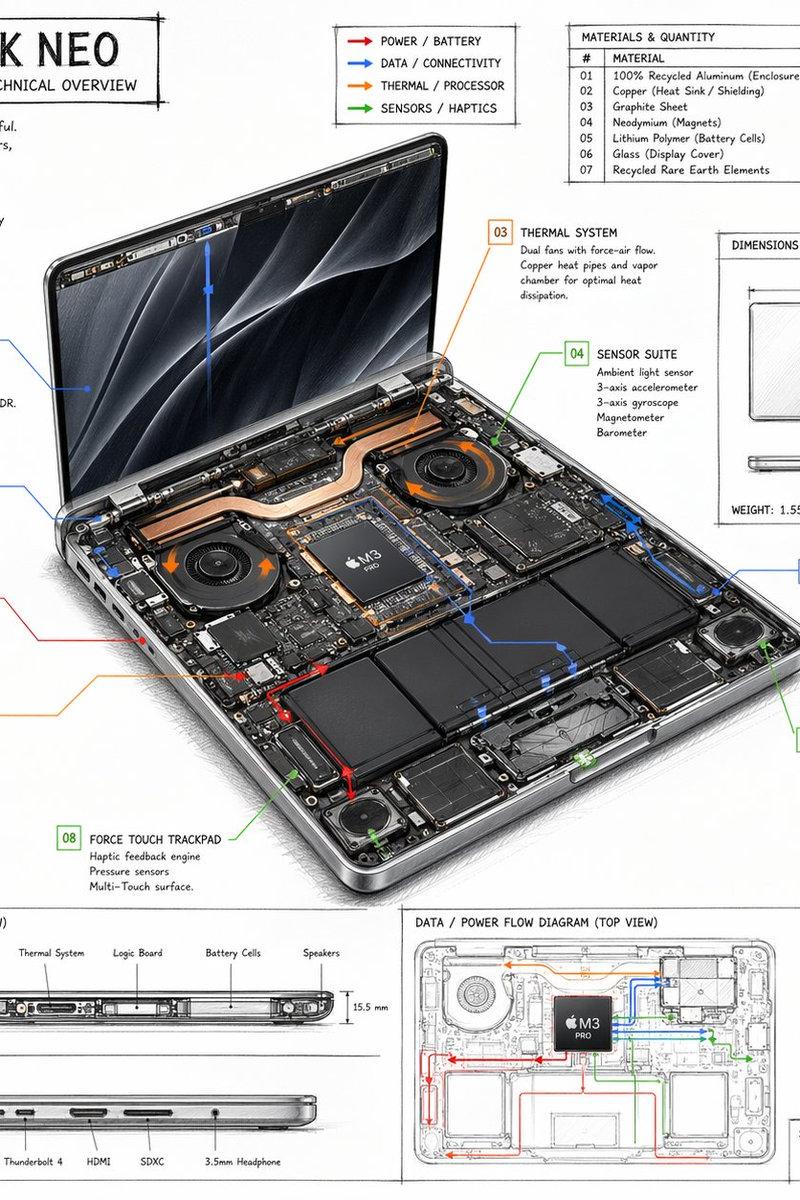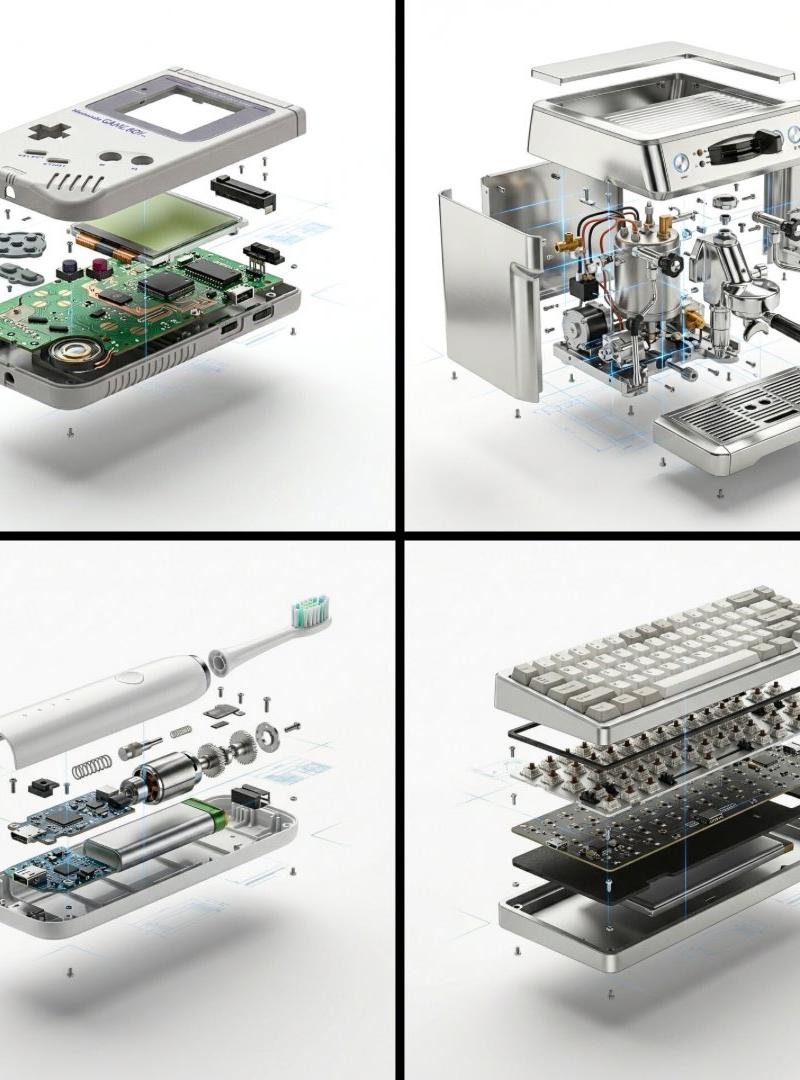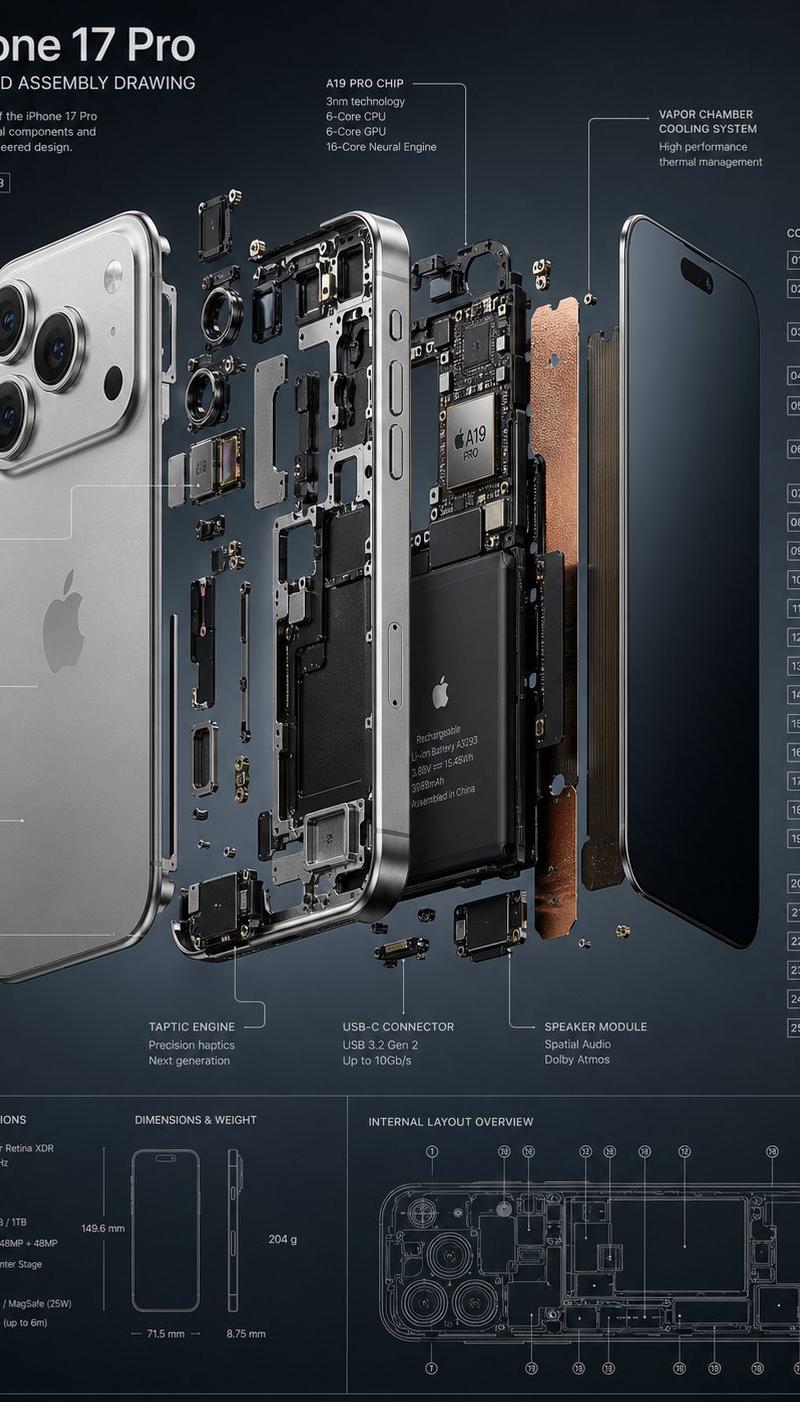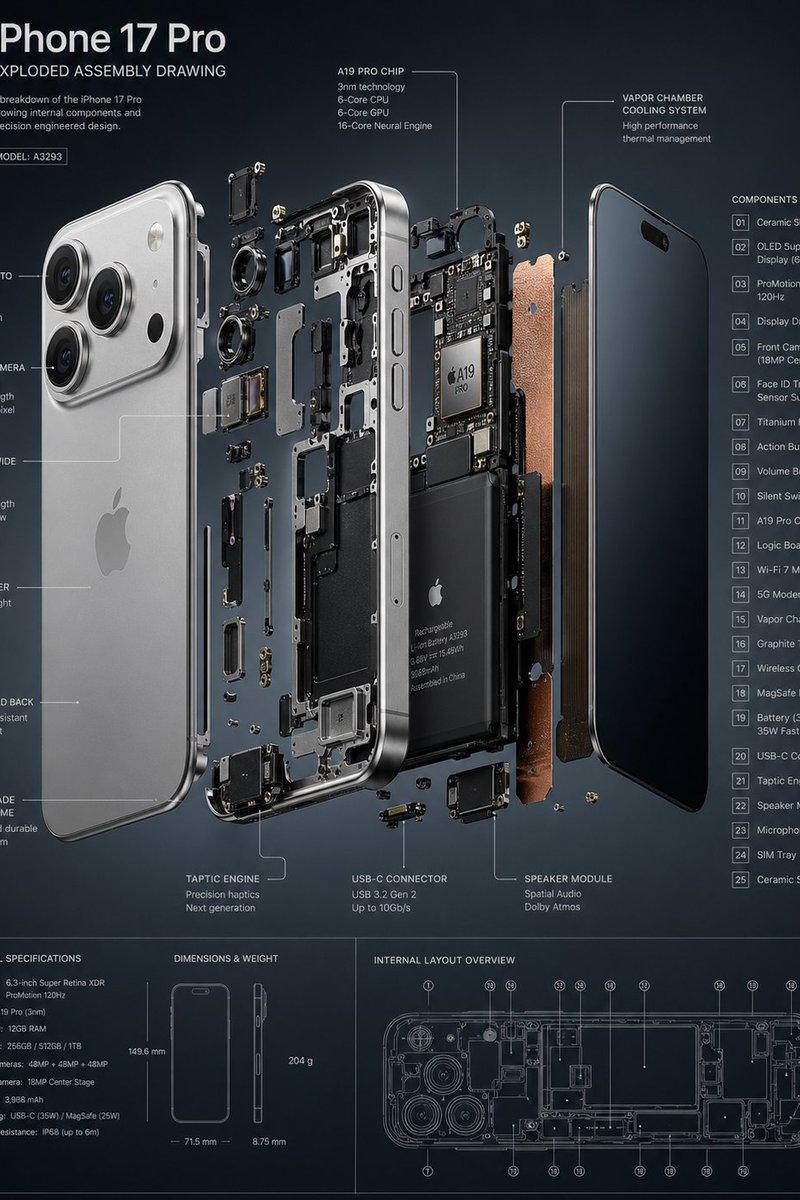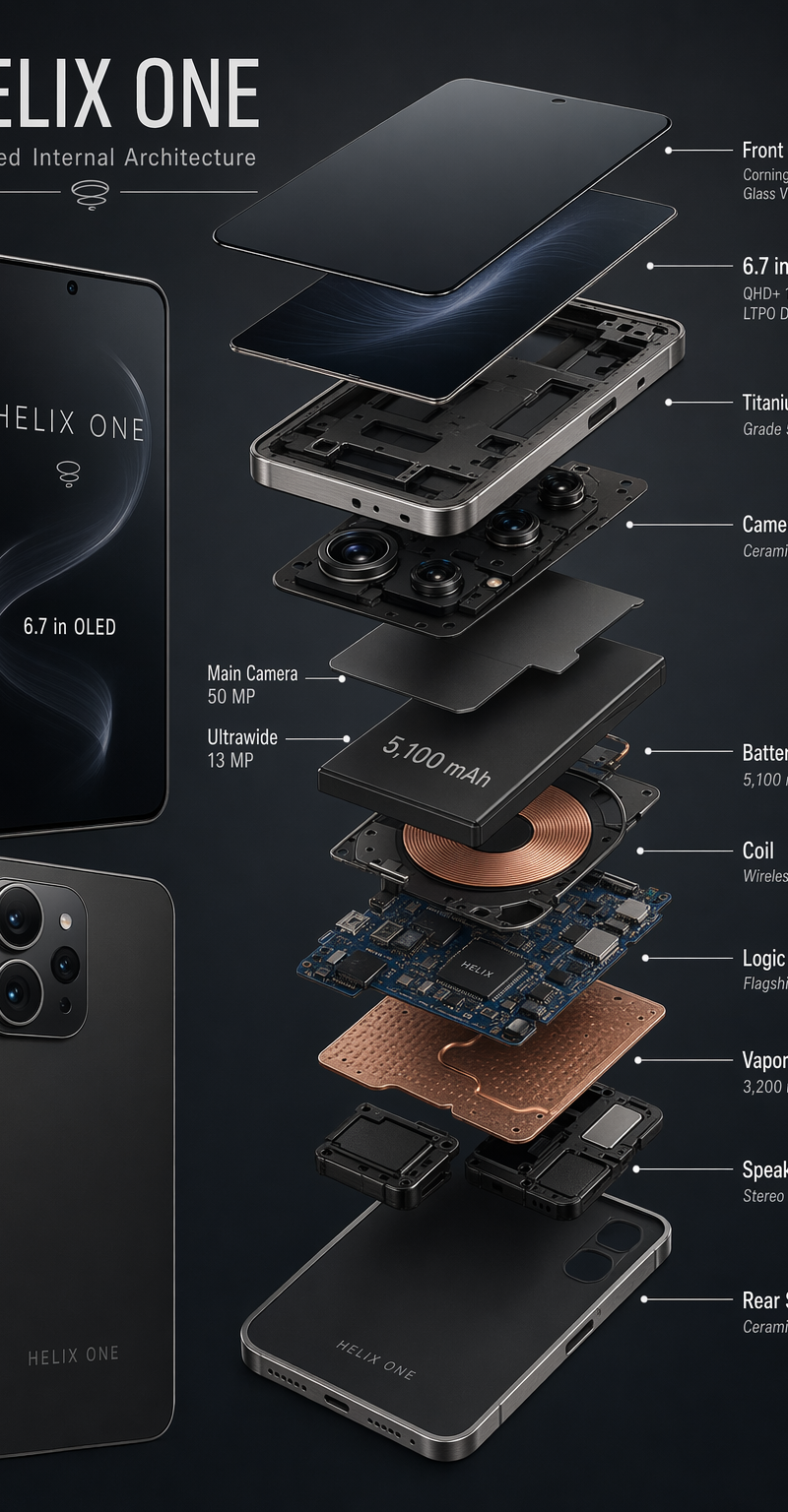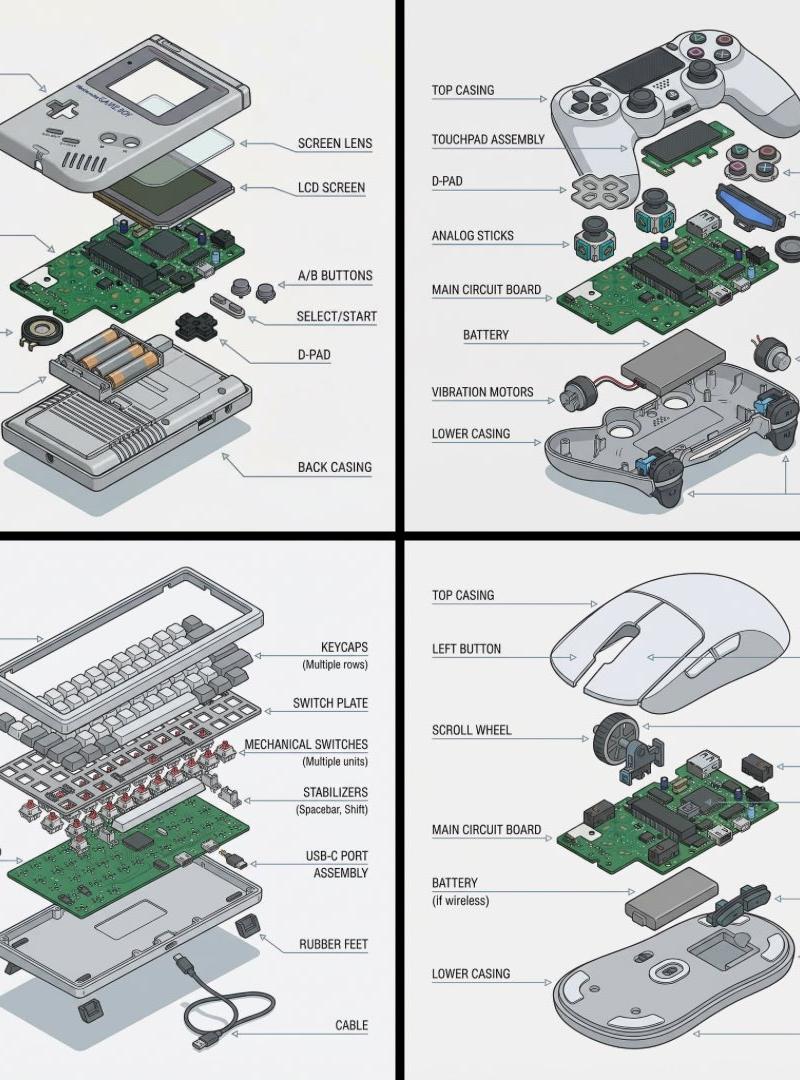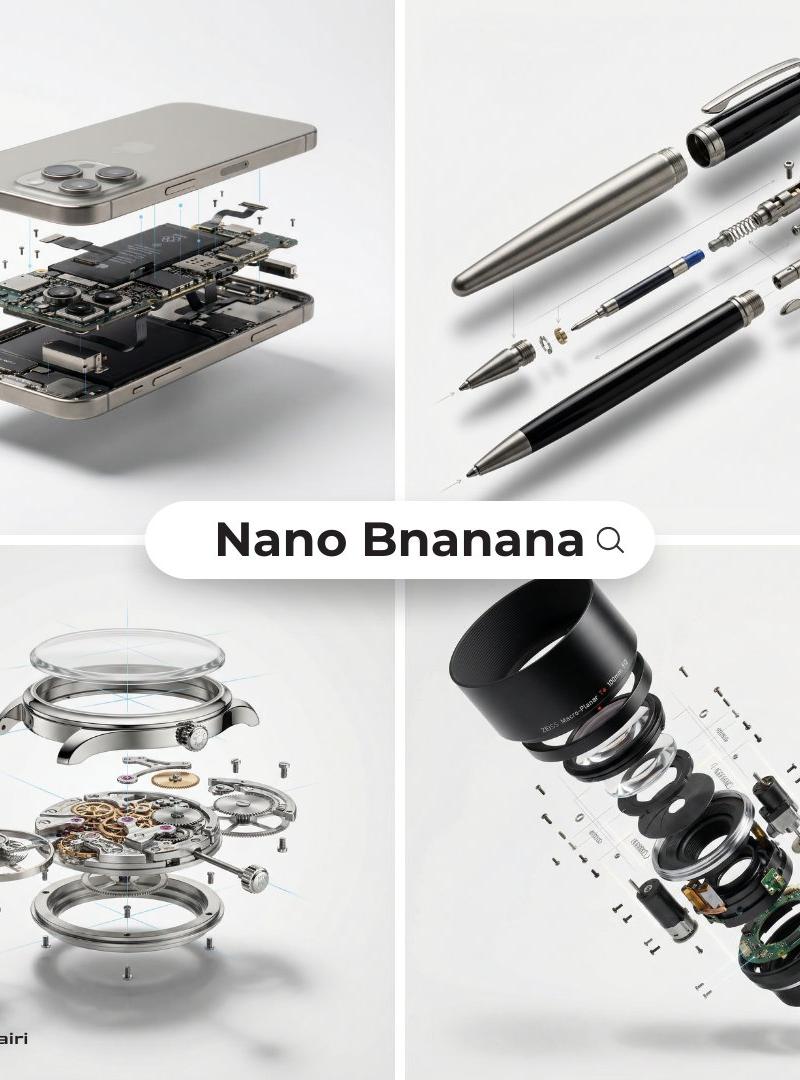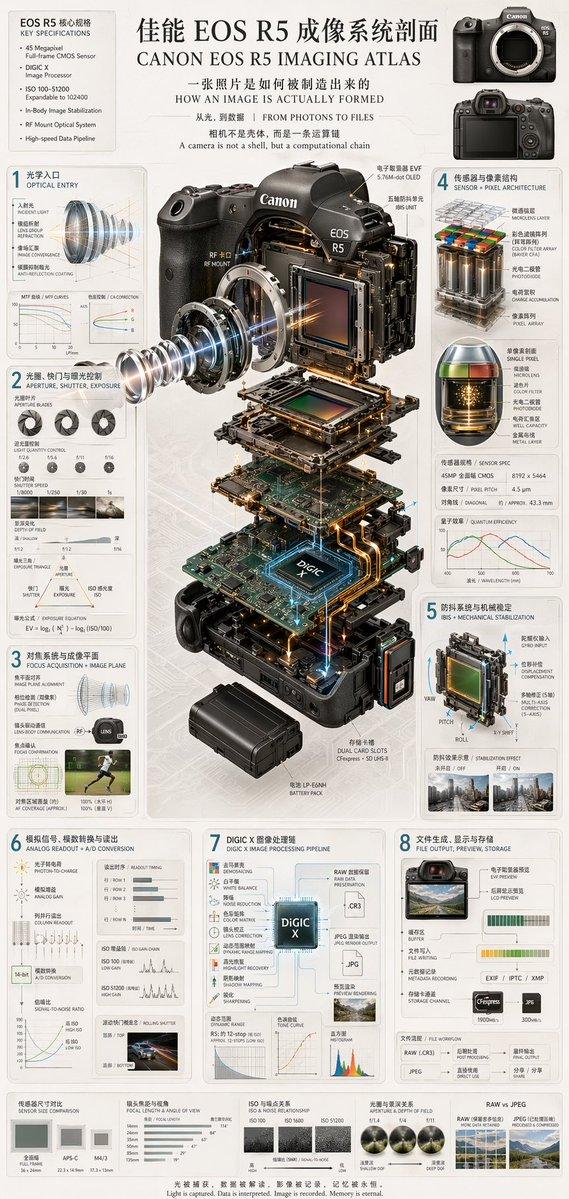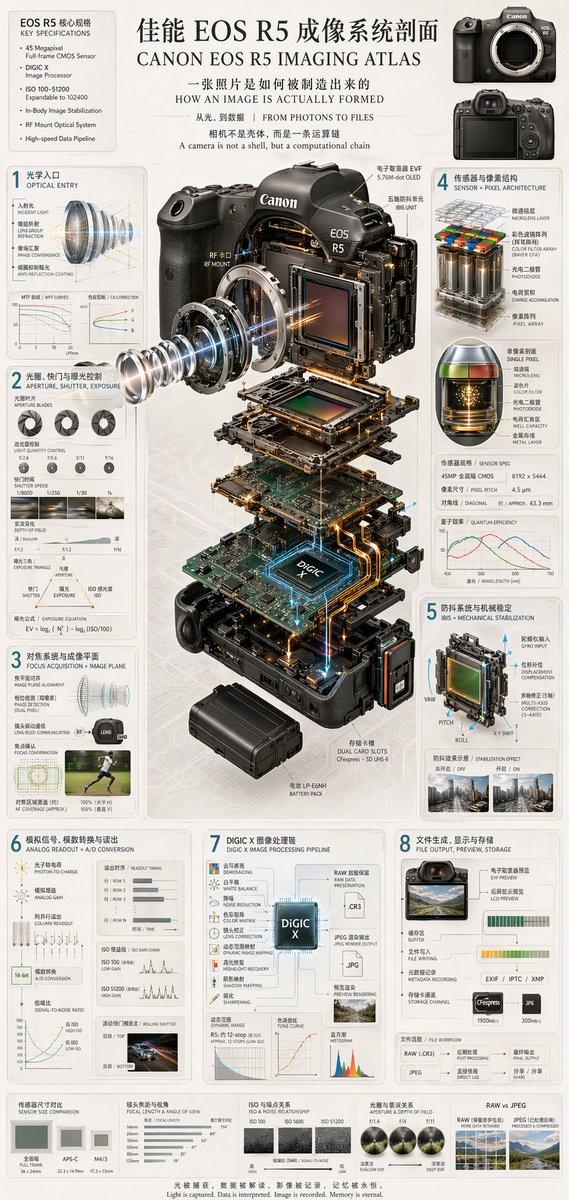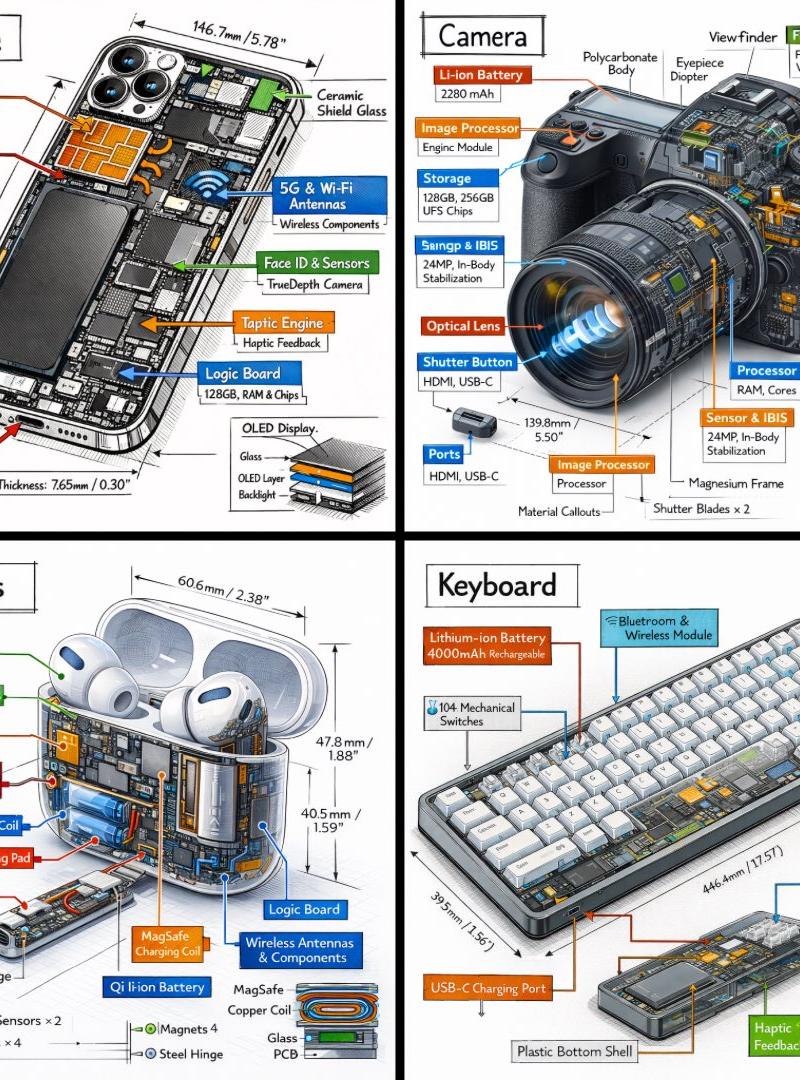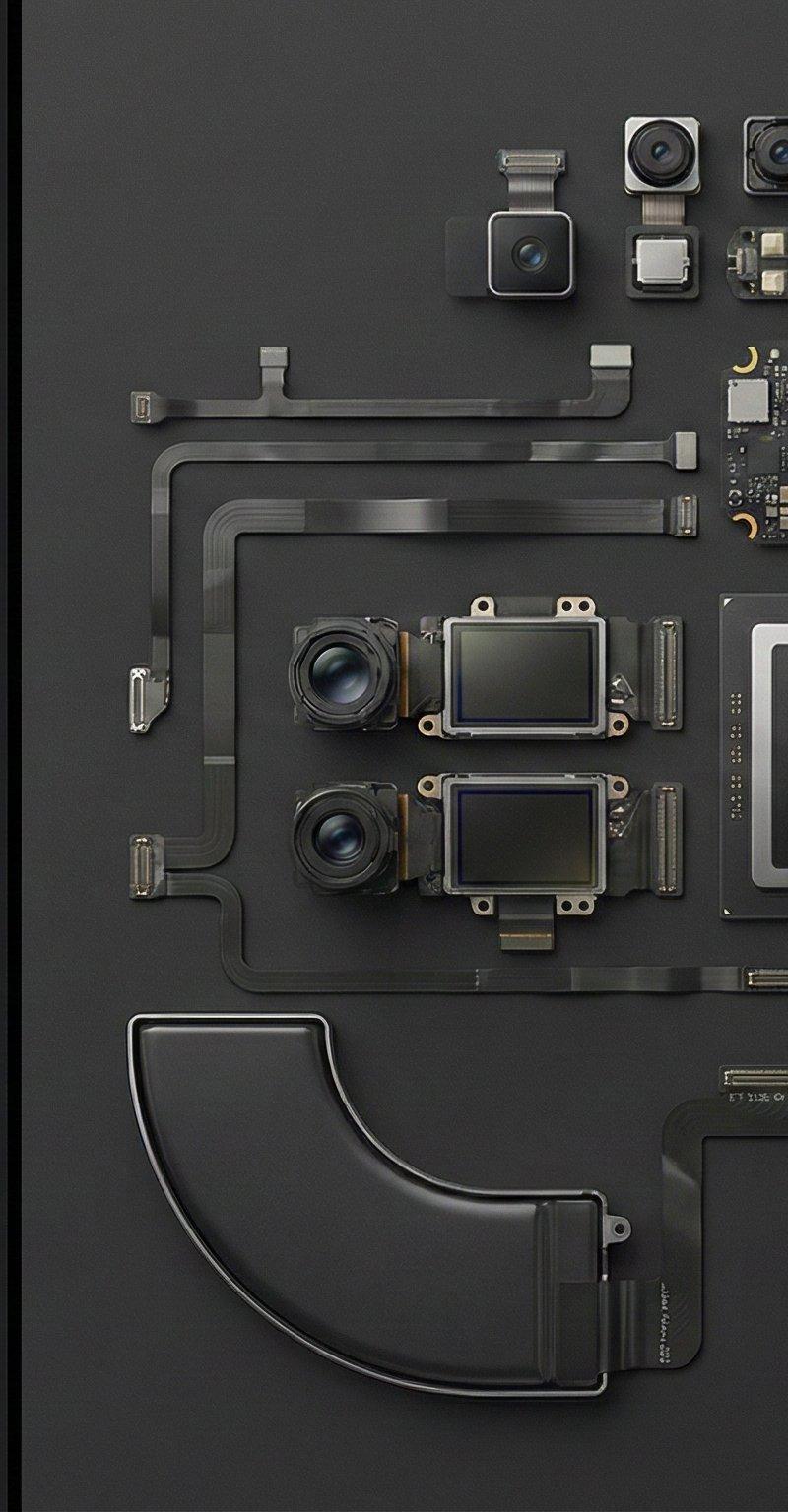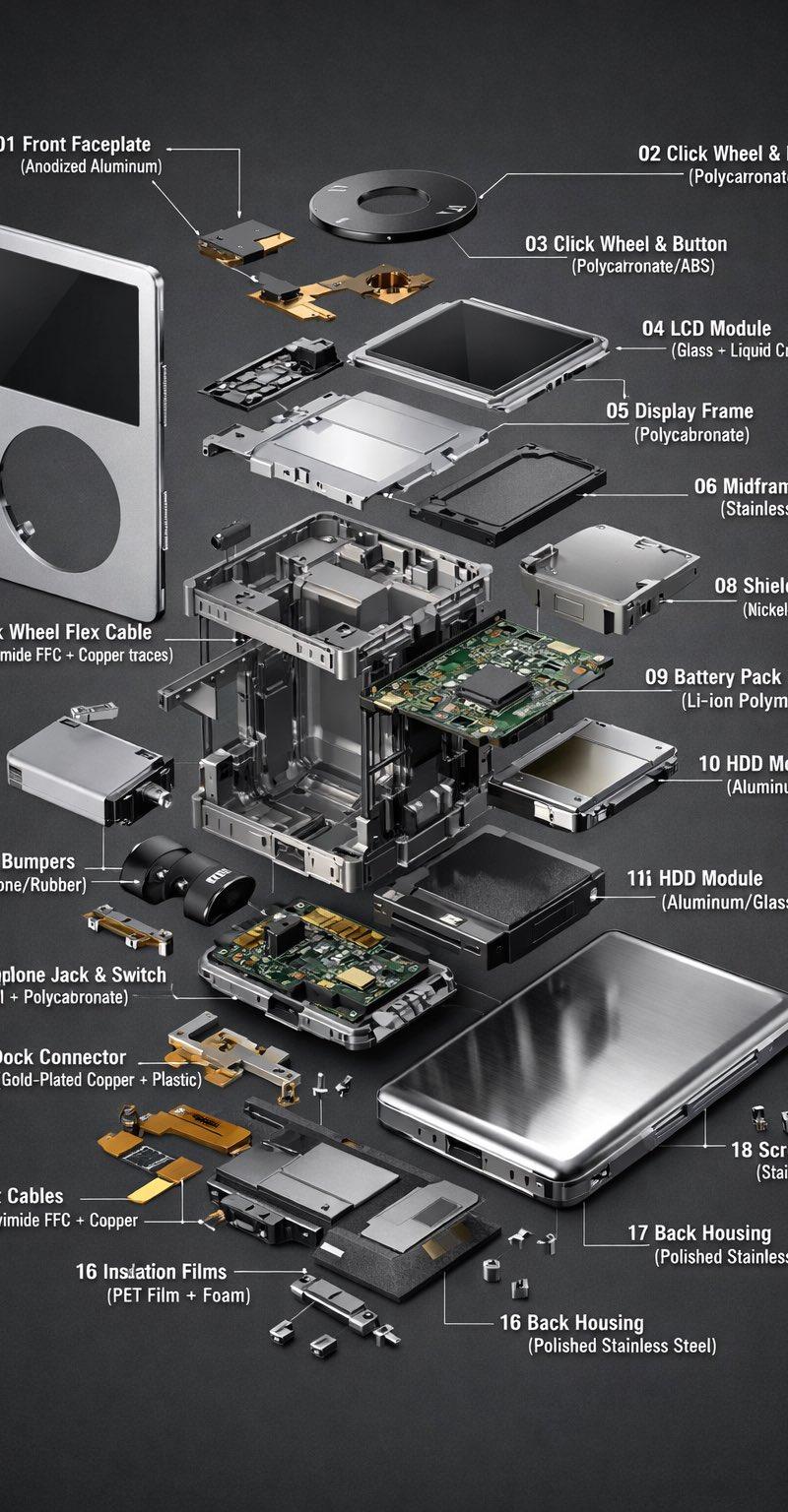
iPod Classic 解体图
Prompt
#chatgpt #nanobanana #prompt
ChatGpt Image ile yapıldı.
{
 "variables": {
 "OBJECT_NAME": "iPod Classic",
 "MODEL_VARIANT": "6th/7th gen style (thin)",
 "COLORWAY": "silver front + chrome back",
 "BACKGROUND_TONE": "smooth dark gray studio seamless",
 "LABEL_FONT": "minimalist sans-serif",
 "LABEL_RULE": "Each label must include: number + part name + material in parentheses. Short, technical, legible."
 },
 "promptDetails": {
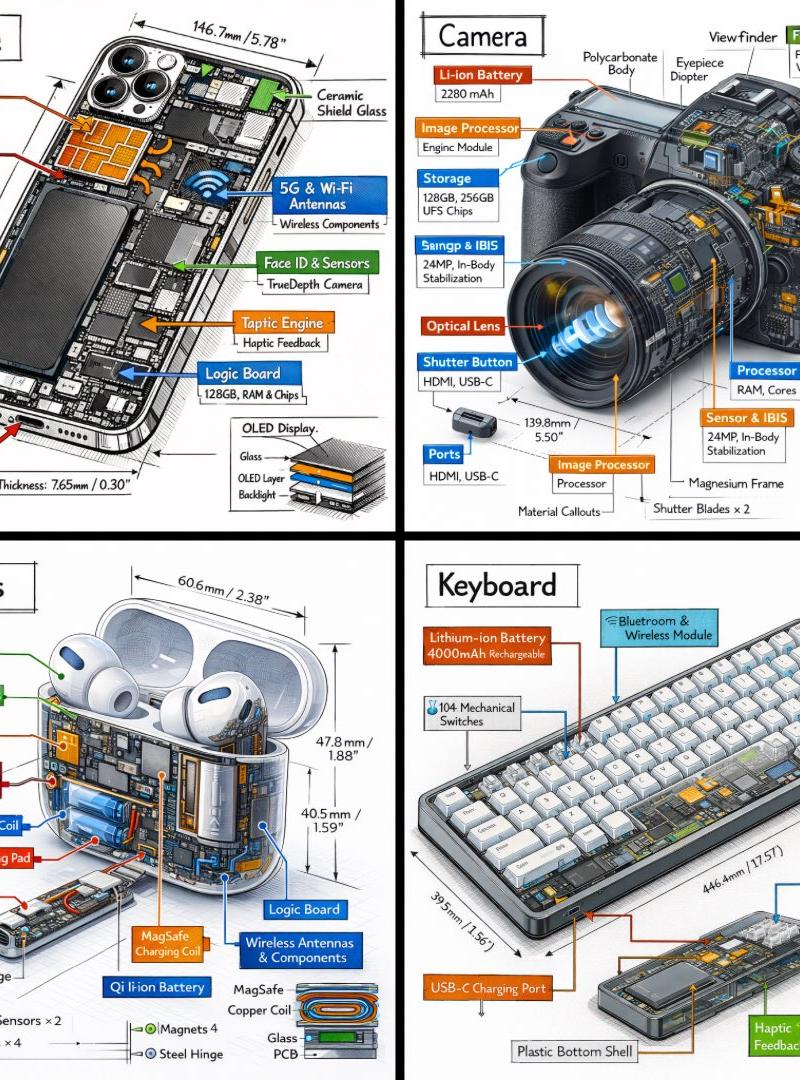
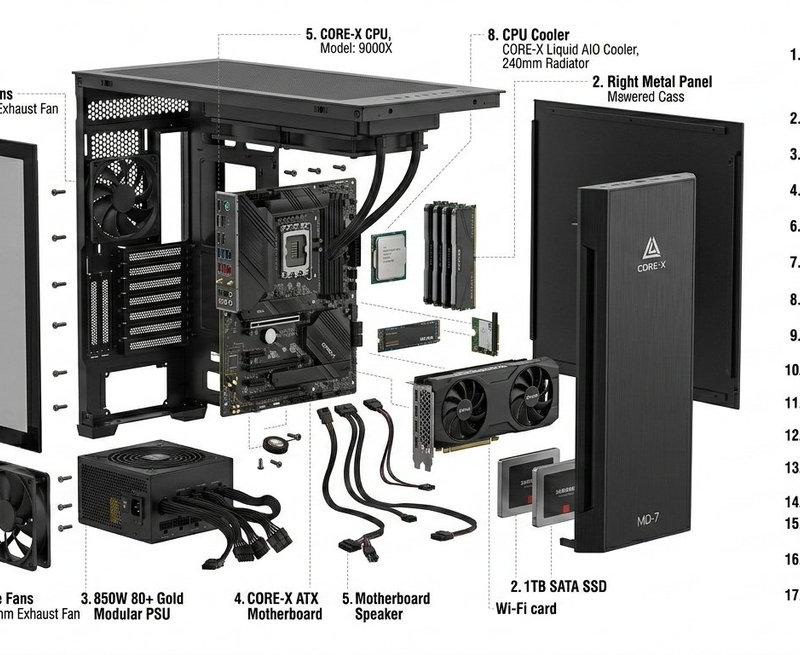
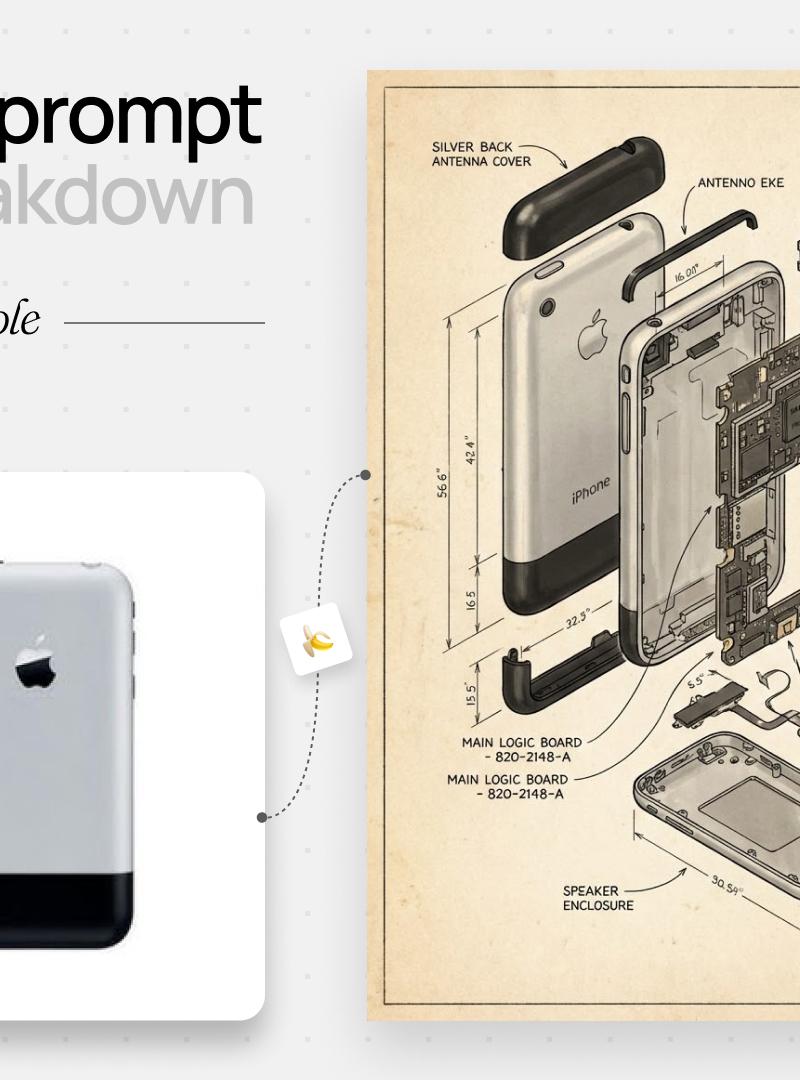
 "description": "Ultra-detailed exploded technical infographic of {OBJECT_NAME} ({MODEL_VARIANT}), shown in a 3/4 front isometric view. Photoreal 3D CAD product render. The device is partially transparent and opened; all key internal and external components are separated and floating around the main body in a clean, evenly spaced exploded-view layout with clear hierarchy and no clutter.\n\nLabeling requirement:\n- Use thin white callout leader lines and unique numbers.\n- Next to each number, write the PART NAME and MATERIAL in parentheses using {LABEL_FONT}.\n- Keep each label concise and highly legible (no tiny text). No duplicate numbers. Leader lines do not cross.\n- Label format example: \"01 Front Faceplate (Anodized Aluminum)\".\n\nExploded parts (label each with name + material):\n01 Front faceplate / bezel (Anodized Aluminum)\n02 Click Wheel ring + center button (Polycarbonate/ABS)\n03 Click Wheel flex cable (Polyimide FPC + Copper traces)\n04 Display module: LCD (Glass + Liquid Crystal)\n05 Display frame/diffuser (Polycarbonate)\n06 Midframe / structural chassis (Stainless Steel)\n07 Main logic board / PCB (FR-4 epoxy fiberglass + Copper)\n08 Shield cans / EMI covers (Nickel-plated Steel)\n09 Battery pack (Li-ion polymer pouch: Aluminum laminate + Polymer)\n10 Storage module: HDD (Aluminum/Steel housing + Glass platters)\n11 HDD bumpers/spacers (Silicone/Rubber)\n12 Headphone jack + hold switch module (Metal contacts + Polycarbonate housing)\n13 Dock connector assembly (Gold-plated Copper contacts + Plastic housing)\n14 Brackets/standoffs (Stainless Steel)\n15 Ribbon/flex cables (Polyimide FPC + Copper)\n16 Insulating films/foams (PET film + Foam)\n17 Back housing (Polished Stainless Steel)\n18 Screws (Stainless Steel)\n\nBackground: {BACKGROUND_TONE}. Lighting: soft, even high-end studio lighting with subtle reflections, crisp edges, high contrast, razor-sharp focus, 8K, clean composition.",
 "styleTags": [
 "Exploded View",
 "Technical Infographic",
 "Photoreal 3D CAD Render",
 "Industrial Design Presentation",
 "Minimalist Labels",
 "Dark Studio Background"
 ]
 },
 "negativePrompt": "people, hands, messy layout, crossed leader lines, duplicate label numbers, unreadable tiny text, text blur, brand logos, readable trademarks, cartoon, low-poly, watermark, distorted perspective, heavy noise, motion blur",
 "generationHints": {
 "aspectRatio": "2:3",
 "detailLevel": "ultra",
 "stylization": "low-medium",
 "camera": {
 "angle": "3/4 front isometric",
 "lens": "product render perspective, mild telephoto, minimal distortion"
 },
 "lighting": "soft even studio lighting, subtle reflections, high micro-contrast",
 "background": "smooth dark gray seamless backdrop"
 }
}- Category
- Photography & Realism
- Model
- GPT Image
- Creator
- stiva
- Source language
- zh-CN
- Source ID
- iPod-classic-exploded-view
Views0