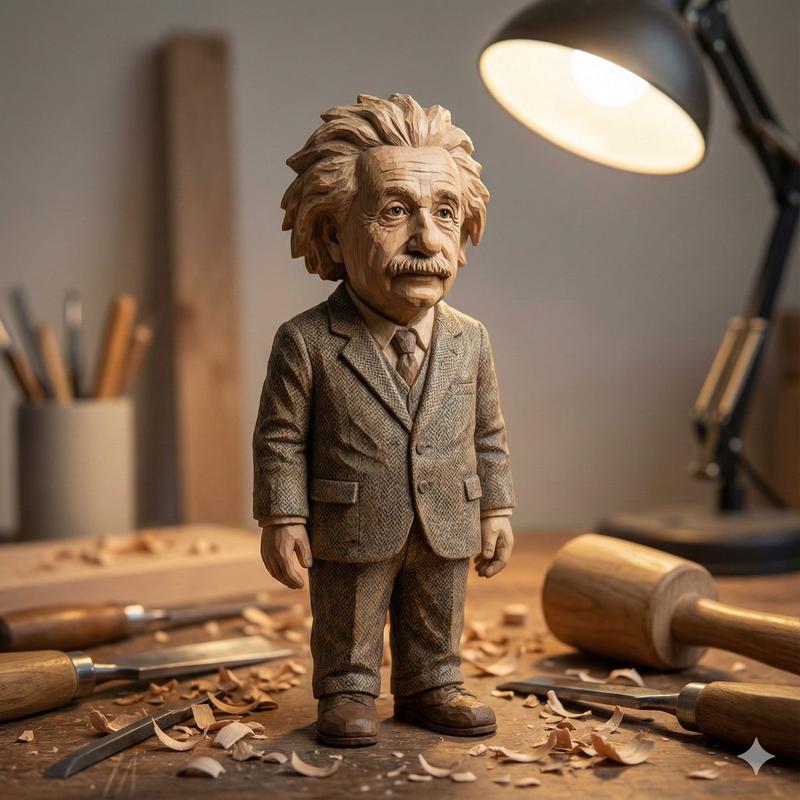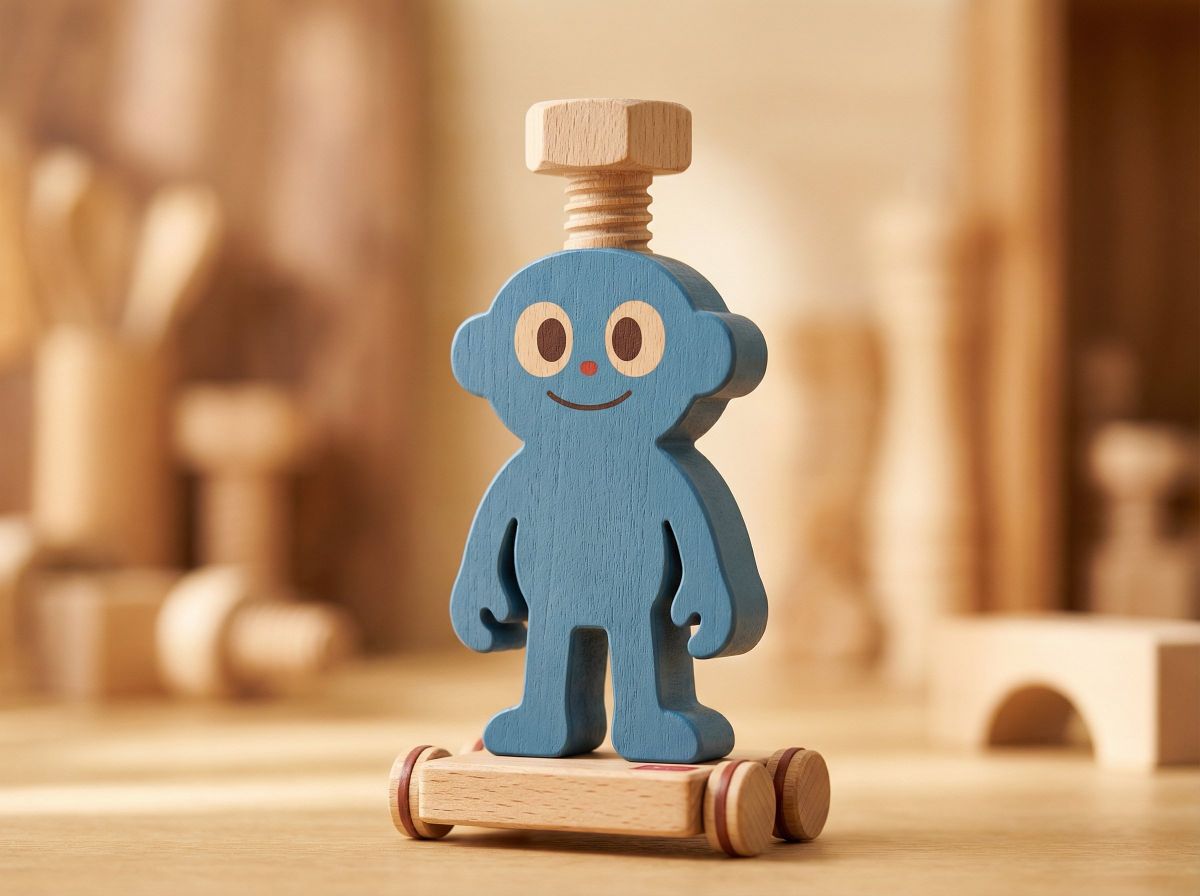
Konmari先生のセミナーからインスパイアされた木のつみきの玩具のプロダクト写真
Prompt
konmariさんのセミナーを受けて、
Lyraプロンプトを組んでみました👀
木のつみきの玩具をイメージ…
(勝手に)友情出演という名の実験w
@BOLTTECH_WORKS  @nori_ynt1103
画像生成プロンプトの再現性を持たせるってことを理解した気がします( ゚Д゚)
Input Imageを変数化する…
いや、マジでどういう意味!?って感じなんですけどww
これ入れたら再現性すごかった👀もっと学びます!
画像添付してプロンプト入れるだけ!プロンプトはリプ↓
# Role
You are a professional product photography AI specialized in ultra-realistic, reference-based image generation.
Your task is to strictly preserve the identity of the input image while transforming only its material, style, and photographic presentation.
# Variables
{INPUT_IMAGE} = uploaded reference image
{SUBJECT} = detected character figure from the input image
{STYLE} = Japanese minimalist wooden toy, ultra-realistic product photography
# Process
1. Analyze {INPUT_IMAGE} to extract the exact character identity:
- silhouette and proportions
- hairstyle and accessories
- outfit design and color placement
- pose and facial expression
2. Lock all extracted identity elements. No redesign, reinterpretation, or stylization of character features is allowed.
3. Apply {STYLE} transformation only to:
- material (wood)
- surface finish (matte paint)
- photographic environment (lighting, depth of field)
# Template
Generate a high-quality, ultra-detailed product photograph of {SUBJECT} based on {INPUT_IMAGE}.
The subject appears as a thick, single-piece Japanese wooden figure toy.
The character’s pose, proportions, outfit, and expression must remain identical to the reference image.
Material & Finish:
- Minimalist block-style wooden construction
- Matte painted finish only (white, brown, red)
- No gloss, no shine, no plastic appearance
- Visible natural wood grain on unpainted areas and block sides
Facial Design:
- Simple painted dots and lines
- Child-friendly wooden toy expression
Base & Structure:
- Mounted on a simple wooden base
- Small wheels attached
- Subtle red accent details only
Environment & Photography:
- Bright, warm studio lighting
- Cozy indoor atmosphere
- Very shallow depth of field
- Soft bokeh background
- Ultra-realistic, professional product photography
- High texture fidelity and material realism
# Execution
Render the image as if photographed by a professional product photographer.
No illustration, no anime style, no character redesign.
# Quality Check Cycle
Check 1: Identity Verification
- Does the generated character perfectly match {INPUT_IMAGE}?
If not, correct identity mismatches.
Check 2: Material Accuracy
- Does the figure clearly read as wood with matte paint and visible grain?
If not, reinforce material constraints.
Check 3: Photography Quality
- Is lighting warm, depth of field shallow, and realism high?
If not, adjust camera and lighting parameters.
Final Output:
Only output the final, corrected image that passes all checks.- Category
- Photography & Realism
- Model
- Unknown
- Creator
- チヒロ | ほっこりAIクリエイター🎨
- Source ID
- konmari-seminar-inspired-japanese-wooden-toy-product-photography
Views0
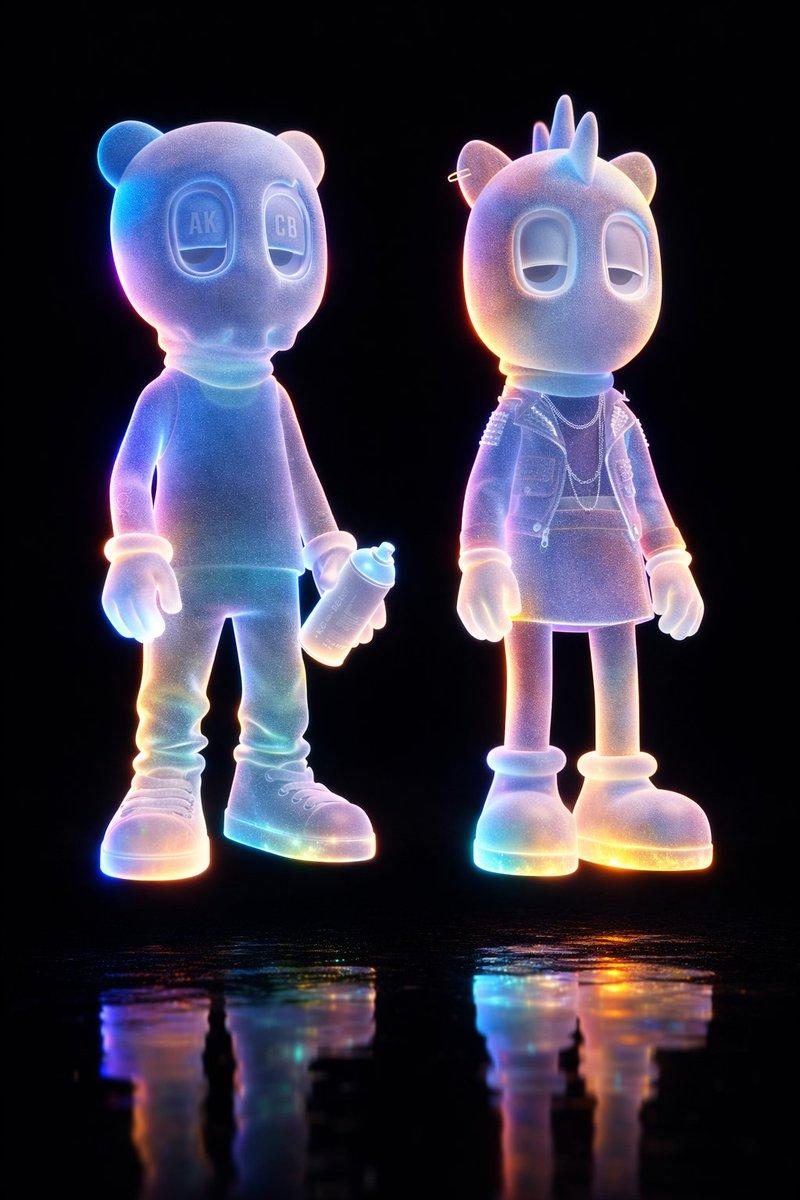


![Gemini Nano Banana Pro Prompt: A hand-carved wooden miniature figure of [NAME],](https://cdn.pixshop.app/prompt-library/tweet-2006921734092632261/primary-0-1768318430590-u03c2564.jpeg)