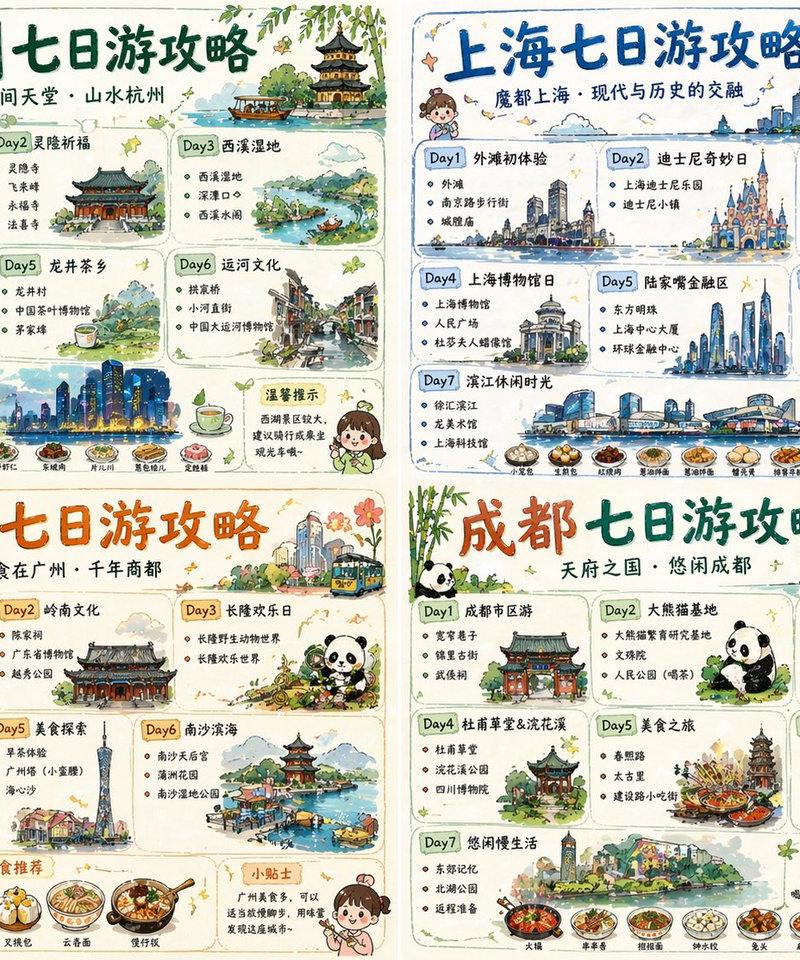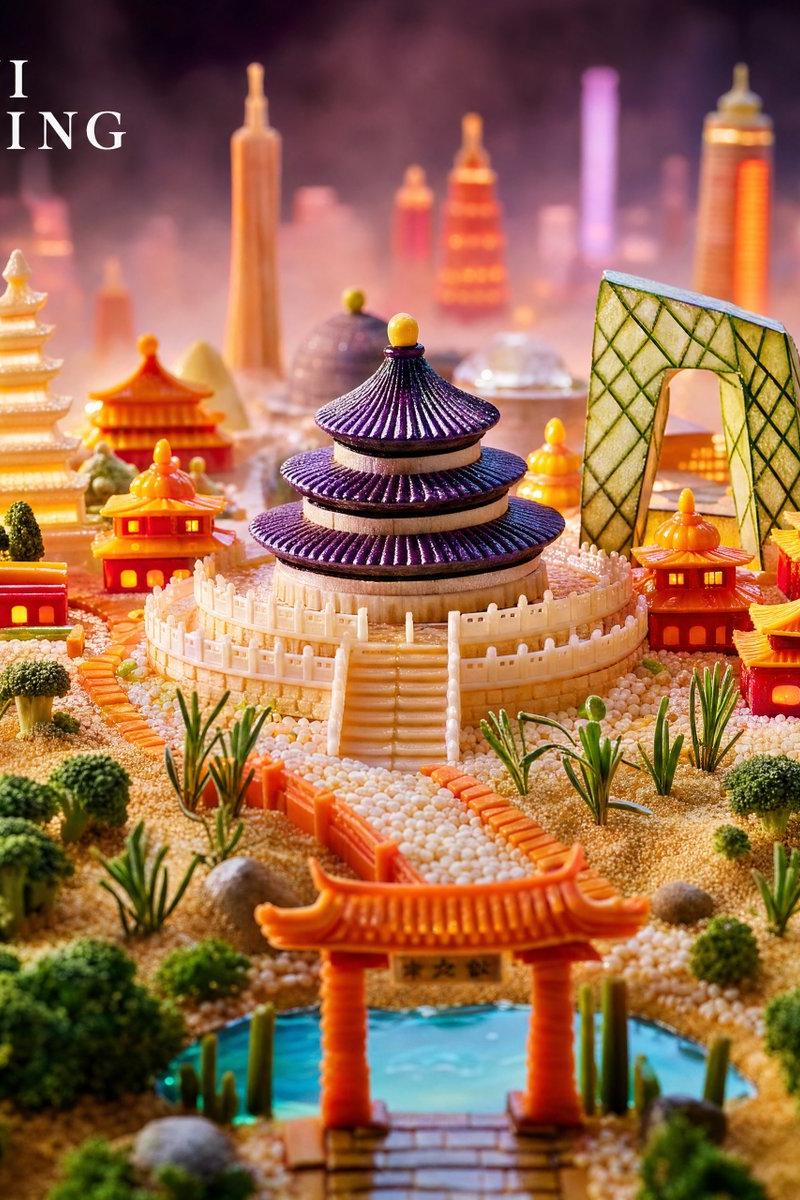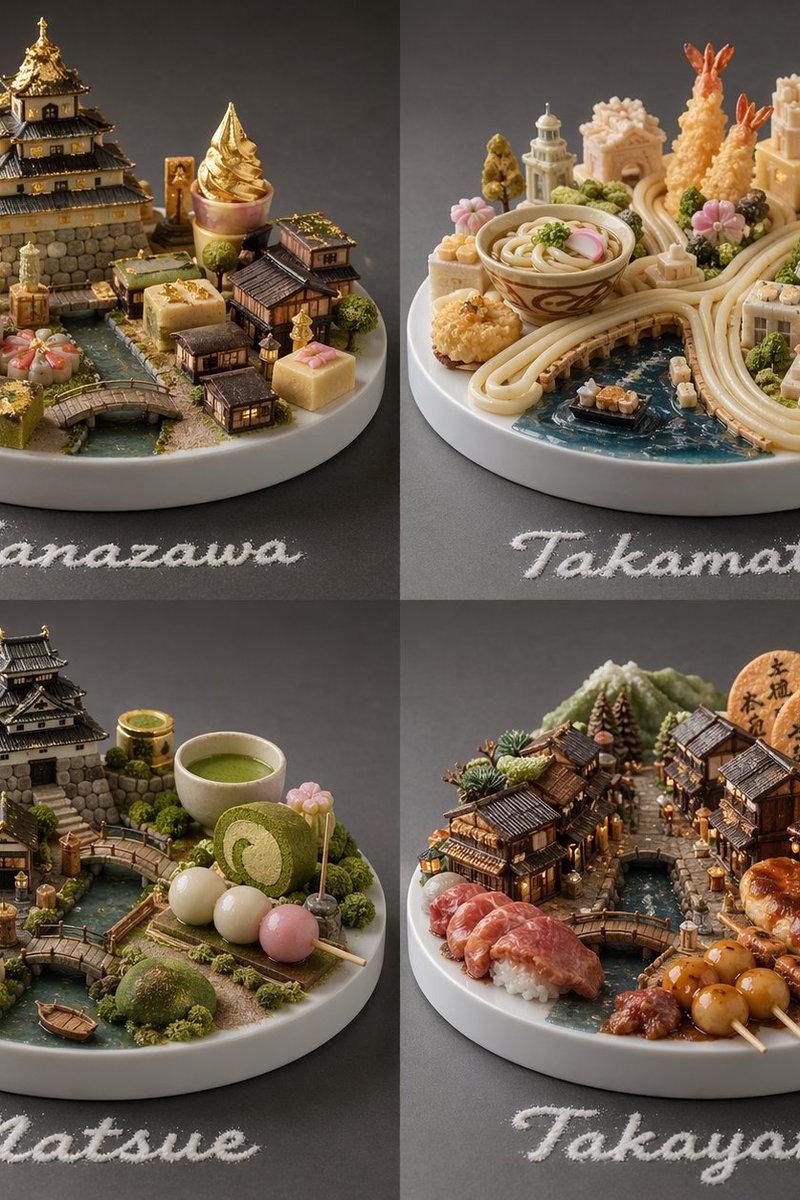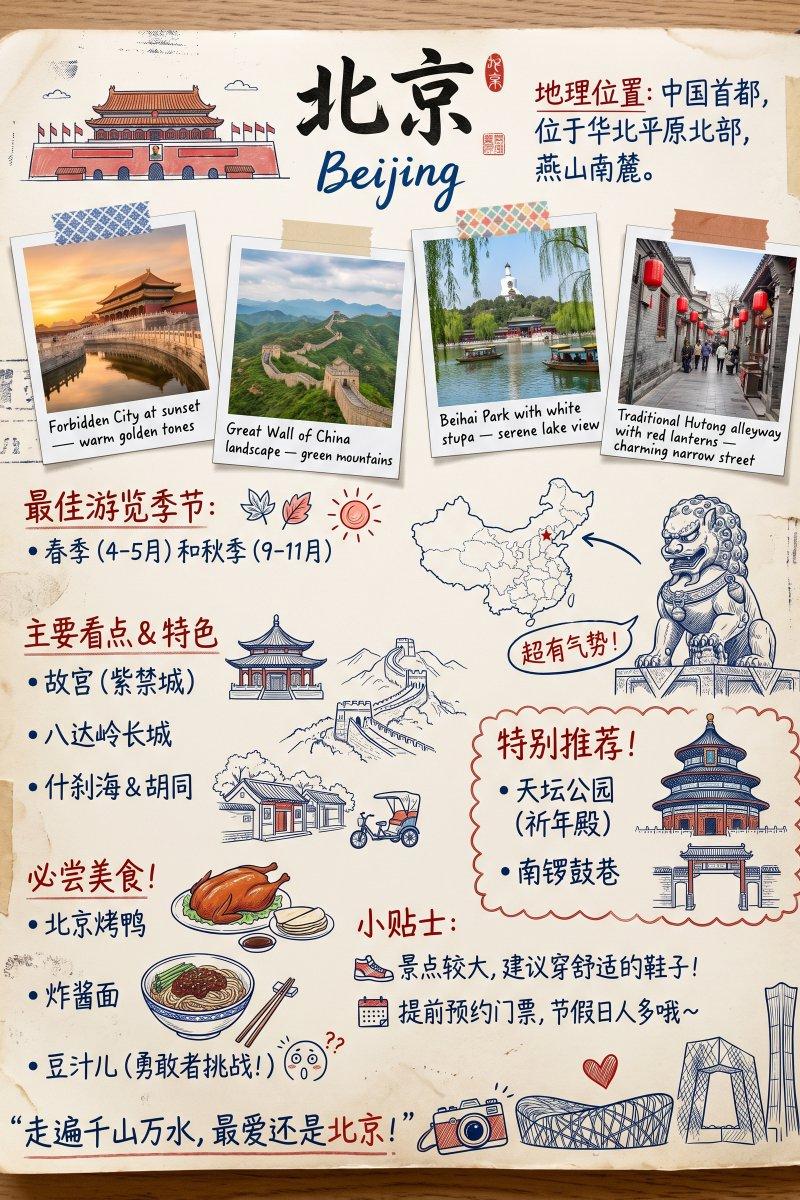
19

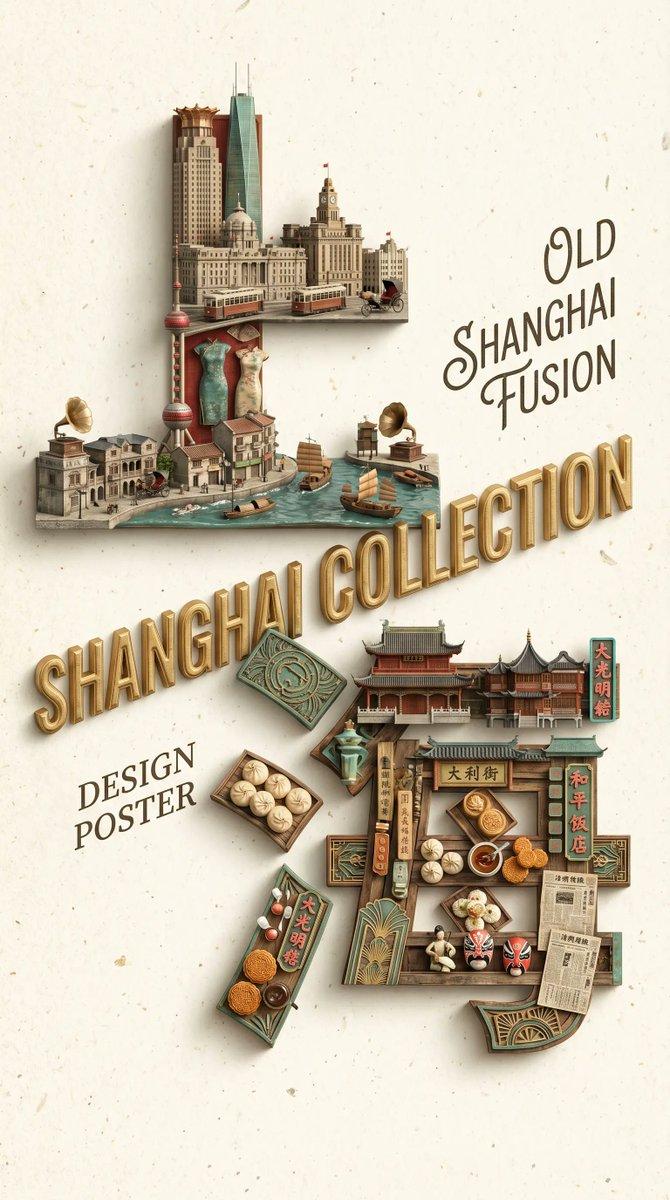
城市冰箱贴 - 上海地标迷你磁铁
Enlarge

Example images

城市冰箱贴 - 上海地标迷你磁铁

Prompt
城市冰箱贴
调整了下提示词,标签中文输出会好一点
Nano banana pro提示词:
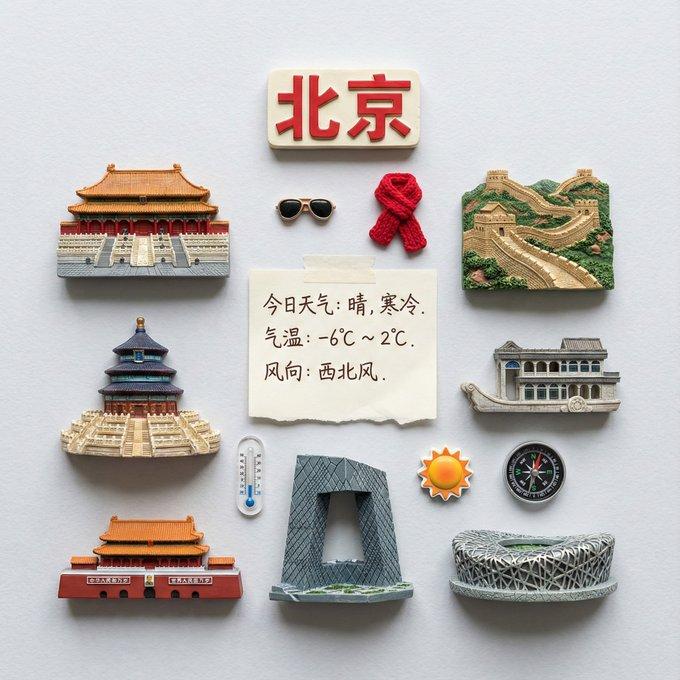
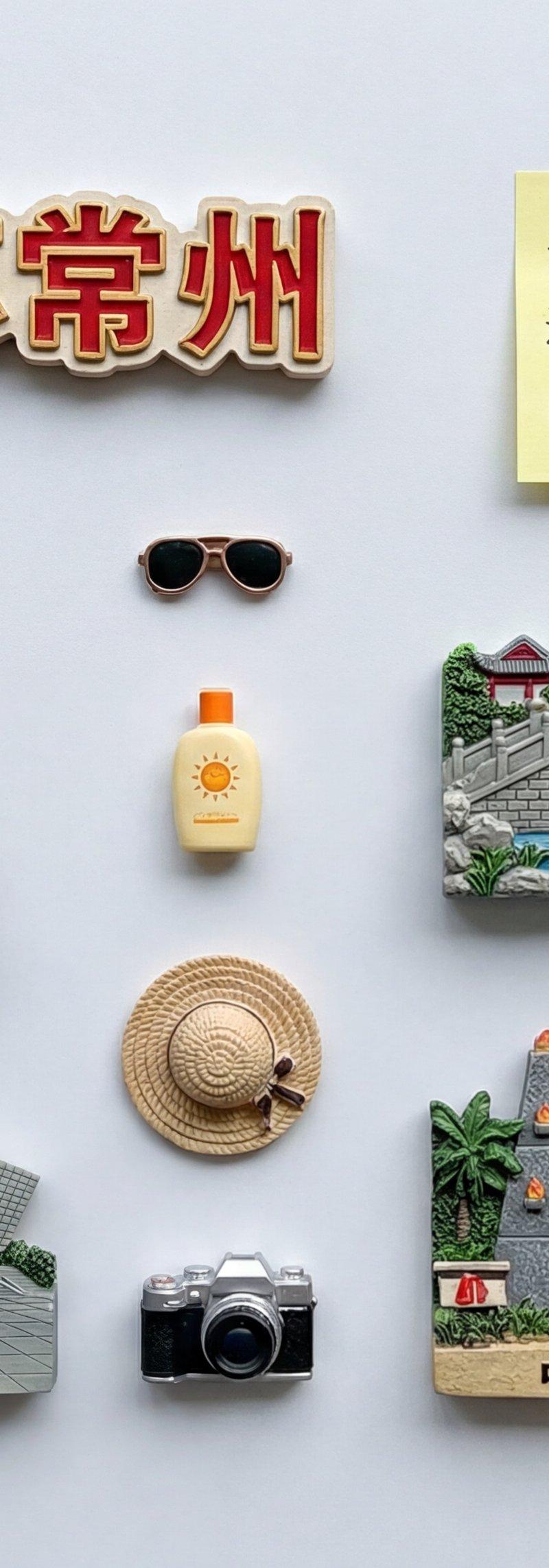
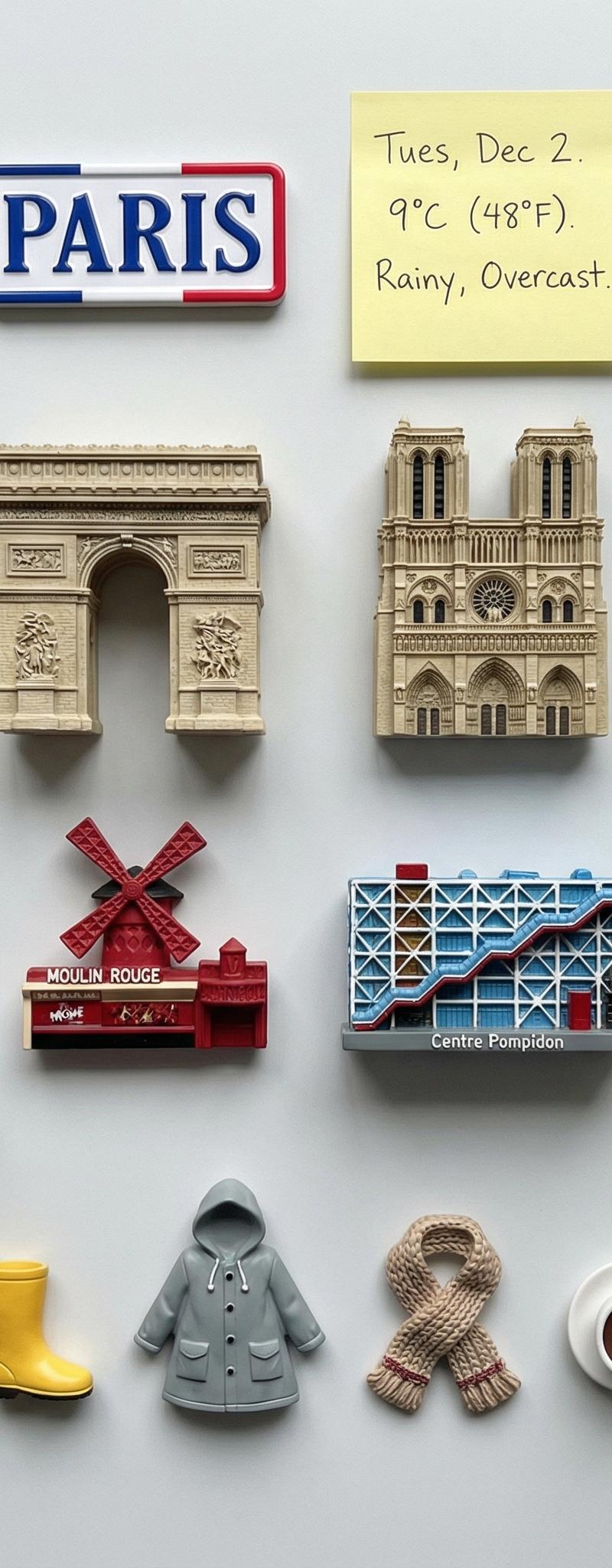
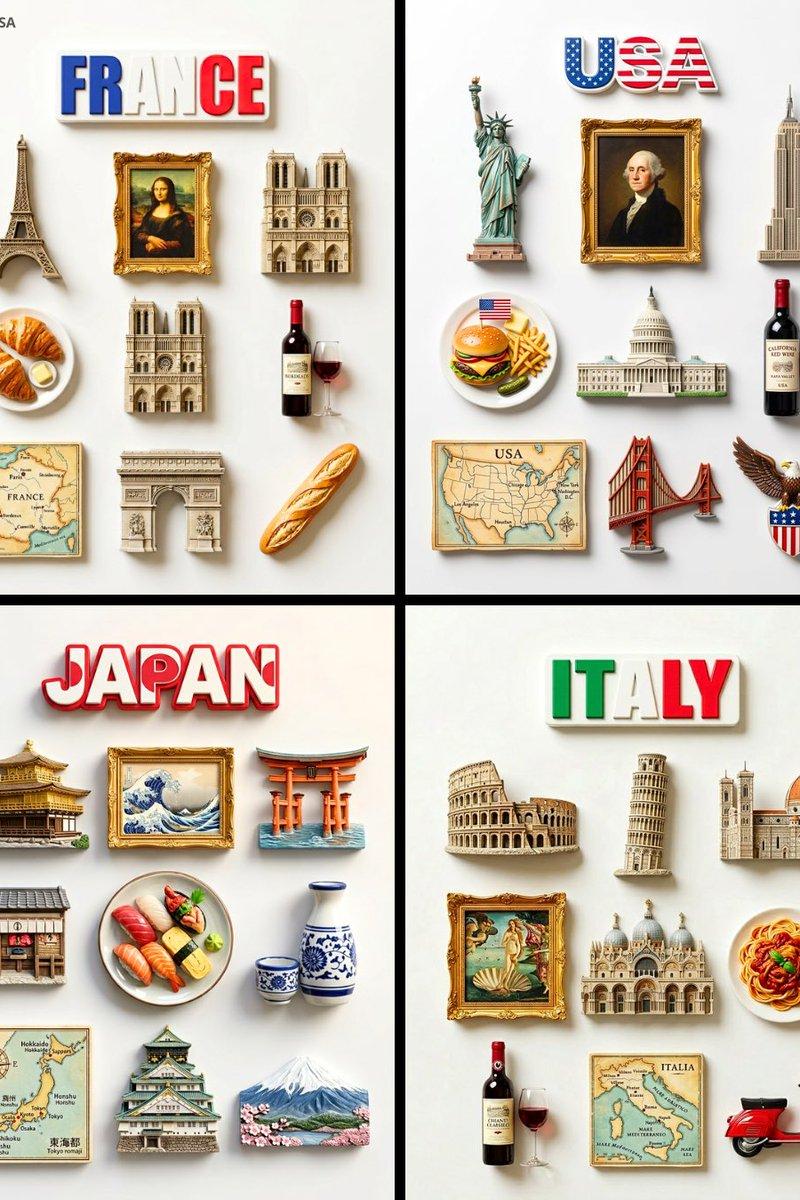
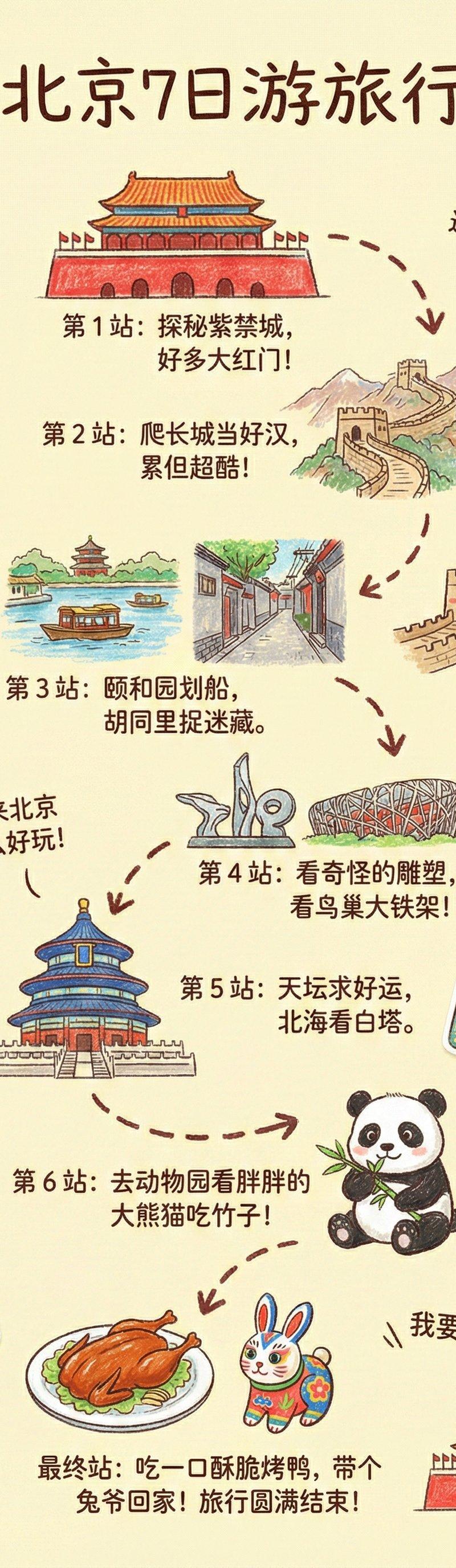
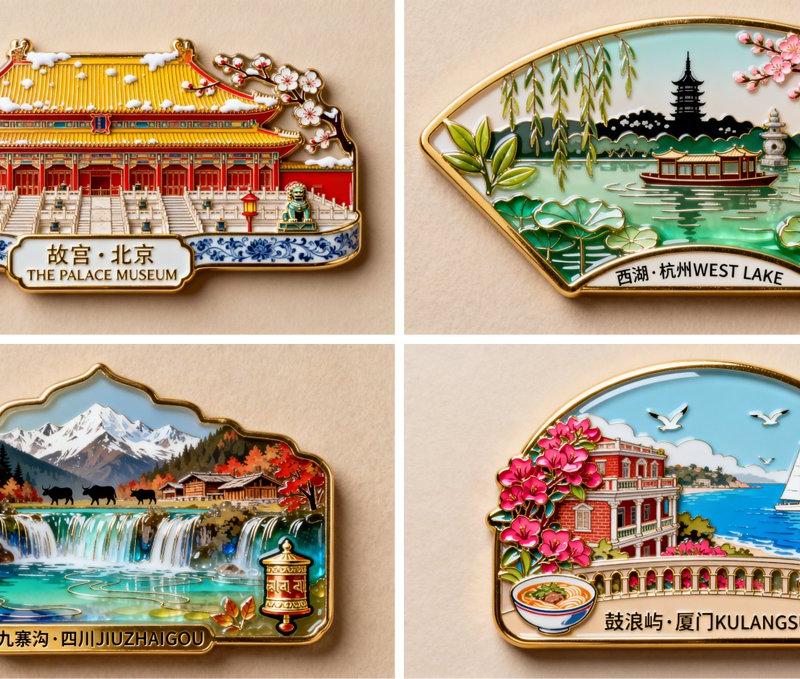
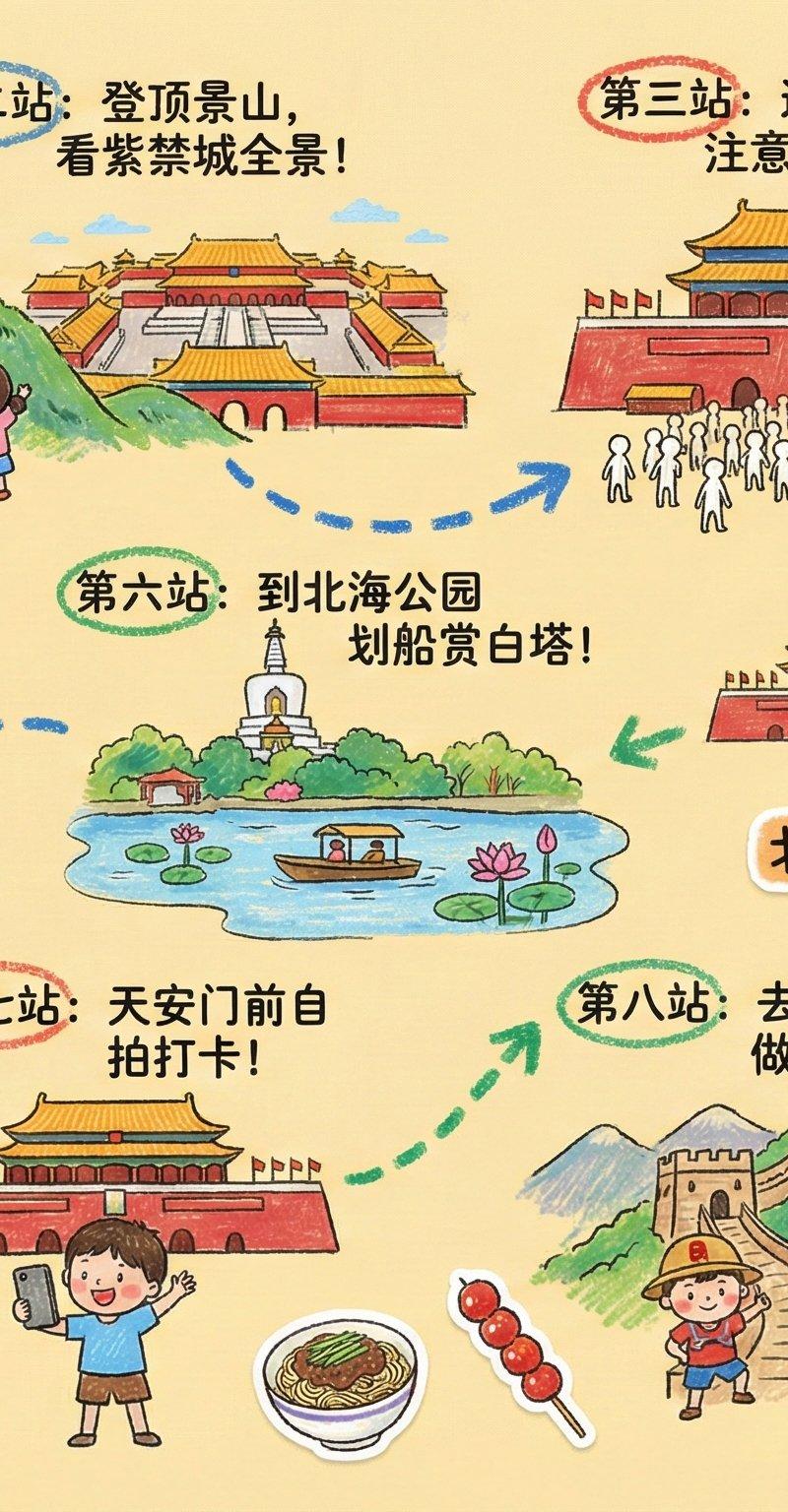
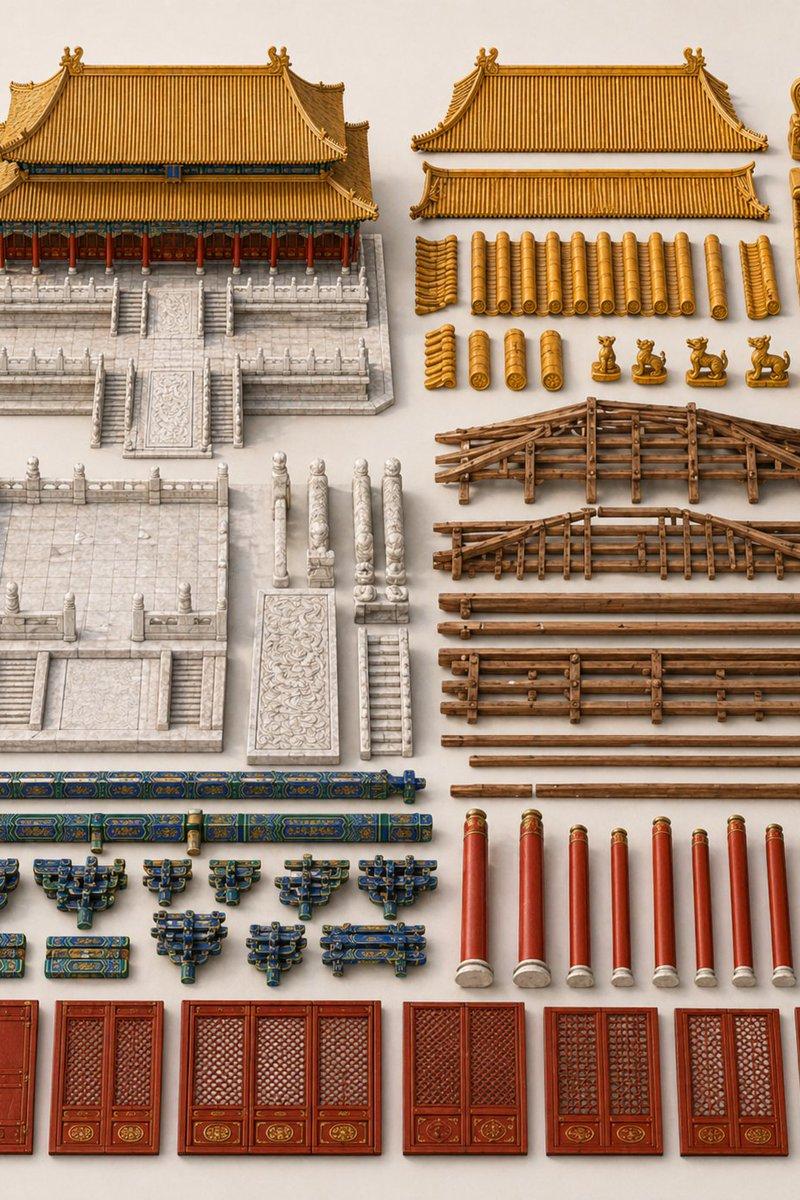
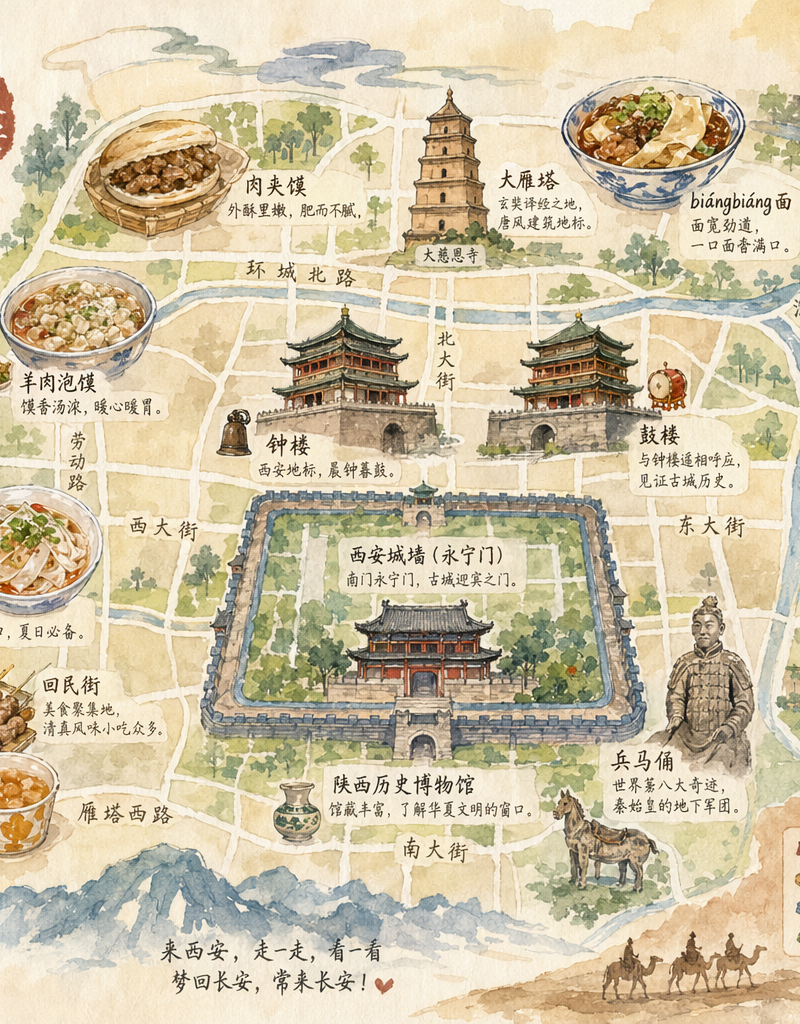
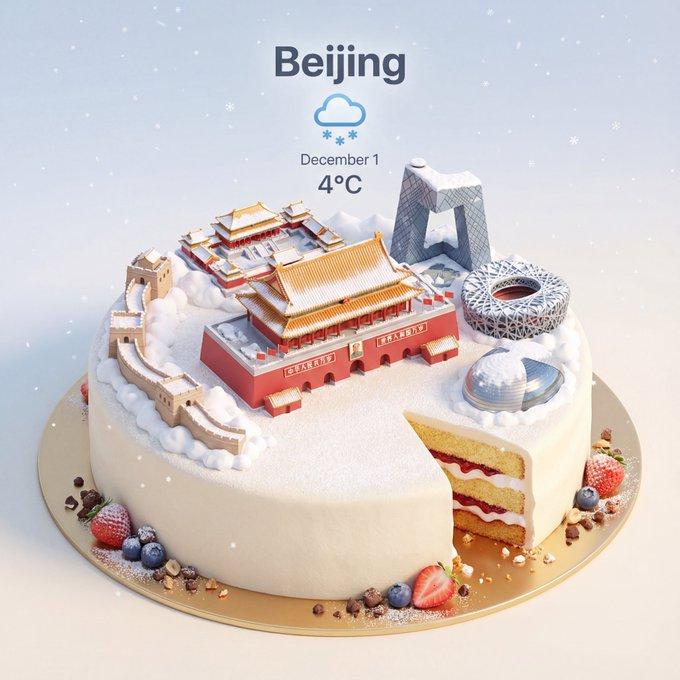
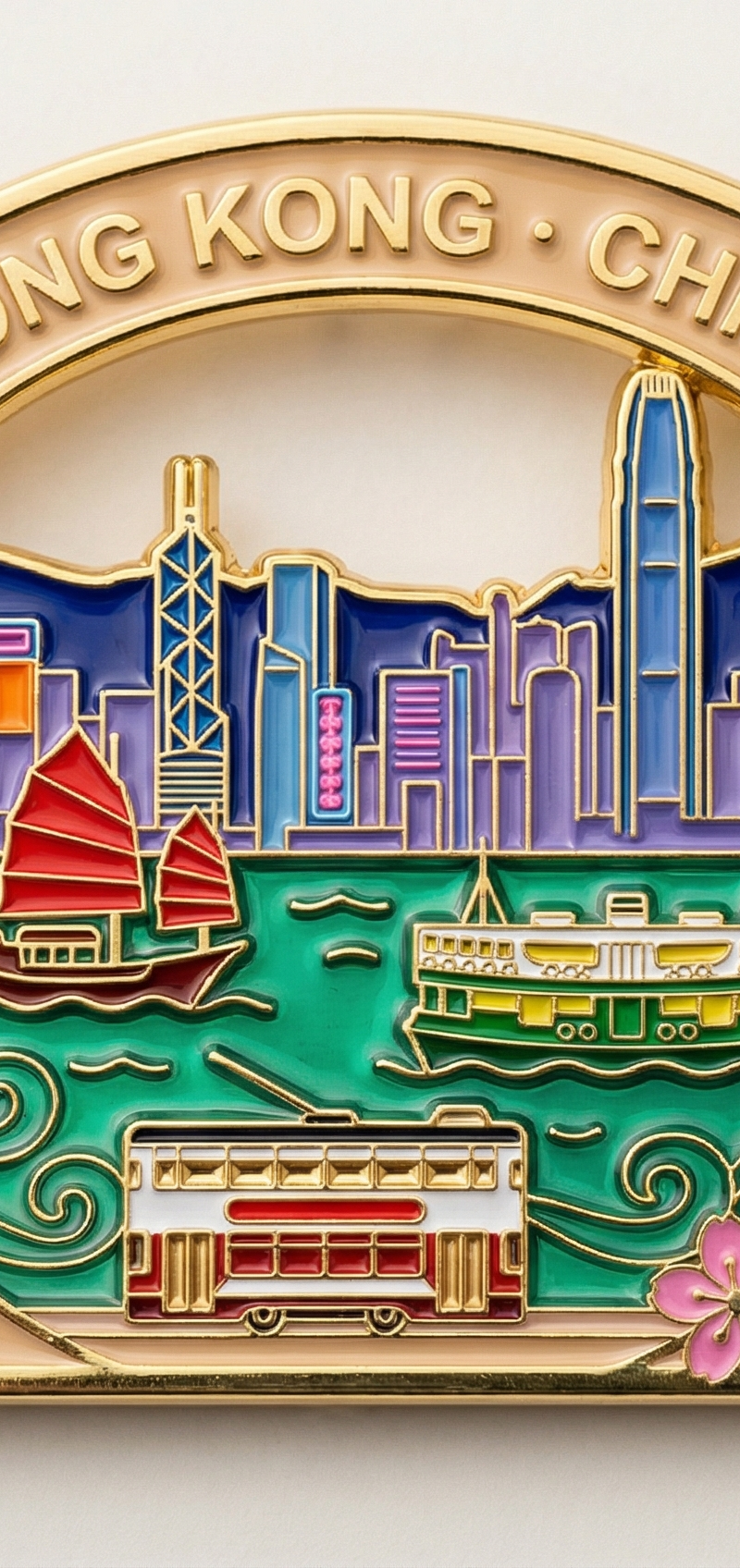
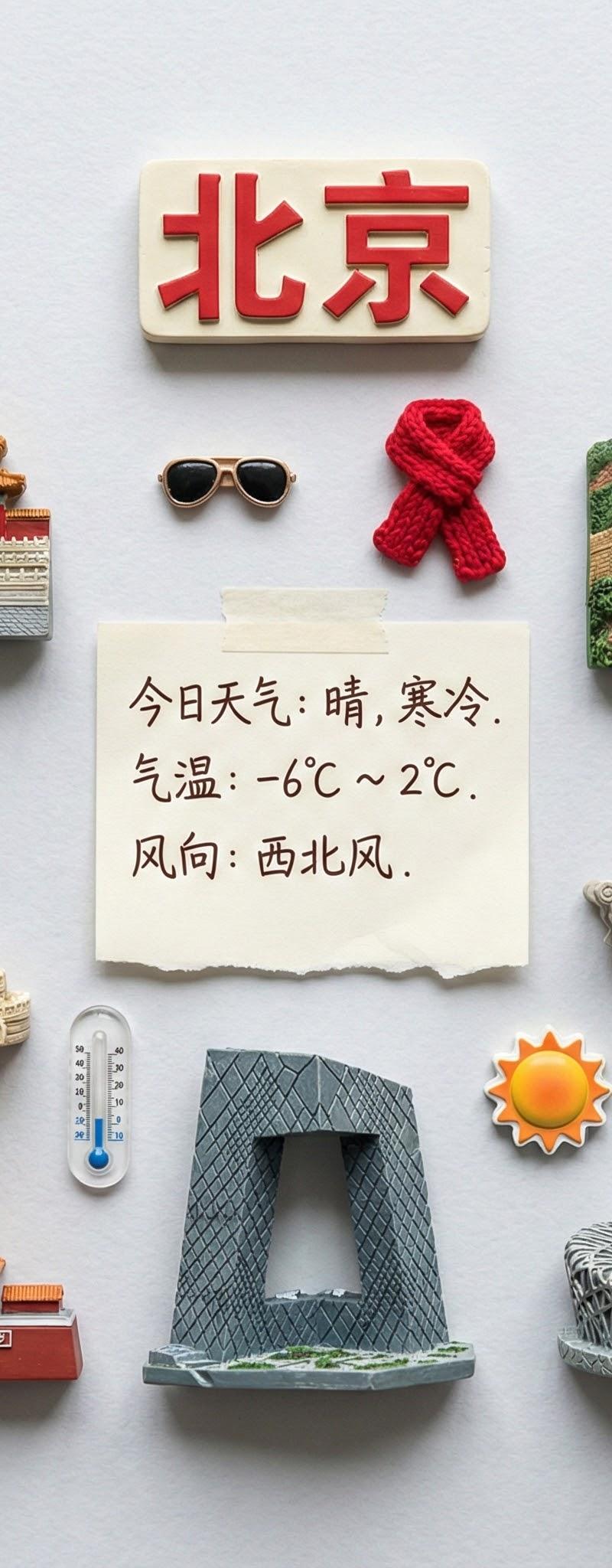
A clear, directly top-down photograph of shanghai landmarks as realistic miniature 3D magnets, arranged neatly in parallel lines and right angles, knolling on a neutral surface. At the top-center, place a souvenir magnet displaying the city name written in Chinese characters, and a handwritten post-it note also written in Chinese characters showing the current temperature and weather conditions. Incorporate realistic miniature items necessary for today's weather into the knolling arrangement. No repeats of any object. Aspect ratio 1:1.
Category
Photography & Realism
Model
Nano Banana Pro
Creator
松果先森
Source language
zh-CN
Views0
Source ID
miniature-magnet-collection-shanghai-landmarks
Studio

Guide

About "城市冰箱贴 - 上海地标迷你磁铁"

What is this prompt for?

"城市冰箱贴 - 上海地标迷你磁铁" AI image prompt for Nano Banana Pro (Photography & Realism). 城市冰箱贴 调整了下提示词,标签中文输出会好一点 Nano banana pro提示词: A clear, directly top-down photogr…

The full copyable prompt and example visuals above are ready for AI image generation or one-click recreate in Picva.

How to use this prompt

  1. Step 1

    Open the prompt detail

    Review the example visuals, category, and full prompt text for "城市冰箱贴 - 上海地标迷你磁铁".

  2. Step 2

    Copy the prompt

    Copy the prompt body from this page, or load it directly in Studio.

  3. Step 3

    Pick a model (Nano Banana Pro)

    Prefer Nano Banana Pro. If you switch models, keep subject and composition and tweak style terms.

  4. Step 4

    Generate and export

    Recreate the look in Picva, or export into your workflow for editing and publishing.

FAQ

What is the "城市冰箱贴 - 上海地标迷你磁铁" prompt?
It is an AI image-generation prompt for Nano Banana Pro in the Photography & Realism category. This page includes the full prompt text, example visuals, and a one-click recreate path in Picva.
How do I use this prompt to generate an image?
Copy the prompt from this page, or use Generate / Studio. Paste it into a compatible image model, or recreate the look in Picva with optional reference images.
Which model is this prompt for?
This page lists Nano Banana Pro. Most descriptive prompts also transfer to nearby image models such as GPT Image, Flux, or Midjourney with light style tweaks.
Can I use the result commercially?
You can usually copy the prompt for creation, but commercial use of the final image depends on the model terms, reference-image rights, and the generated content. Follow the source author and platform rules.