15

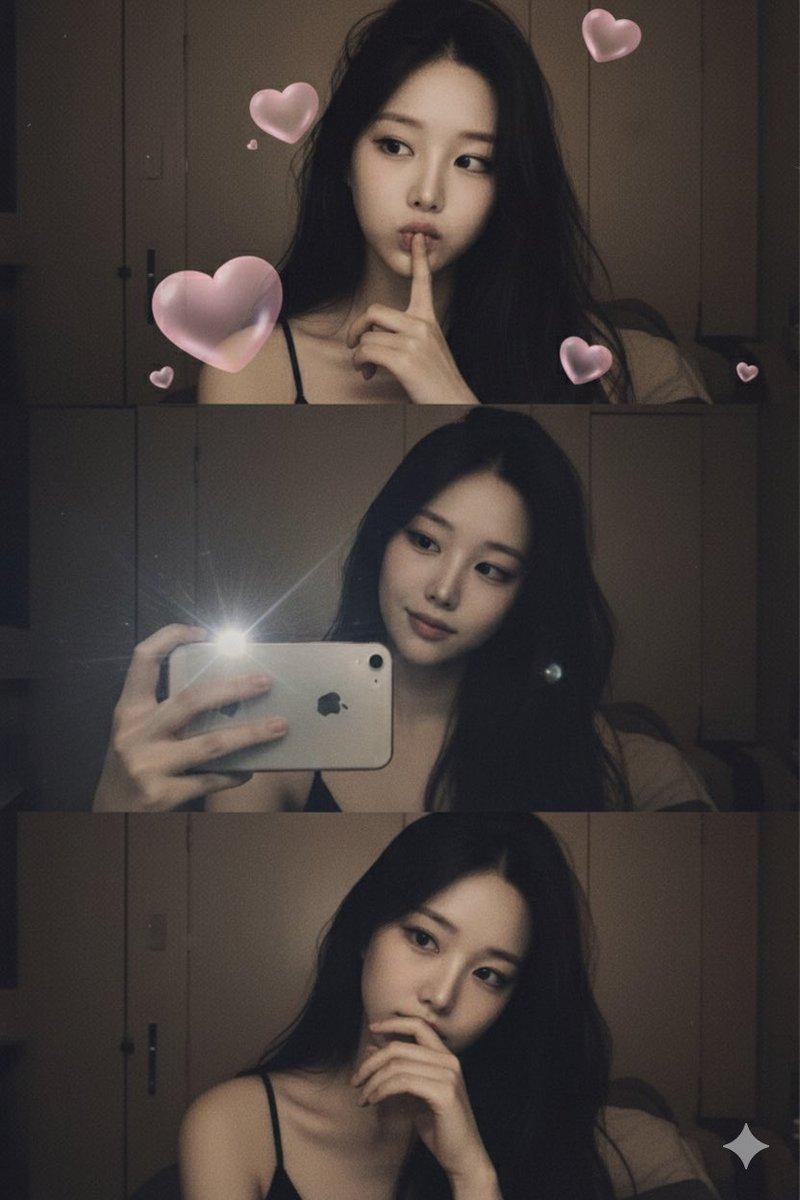
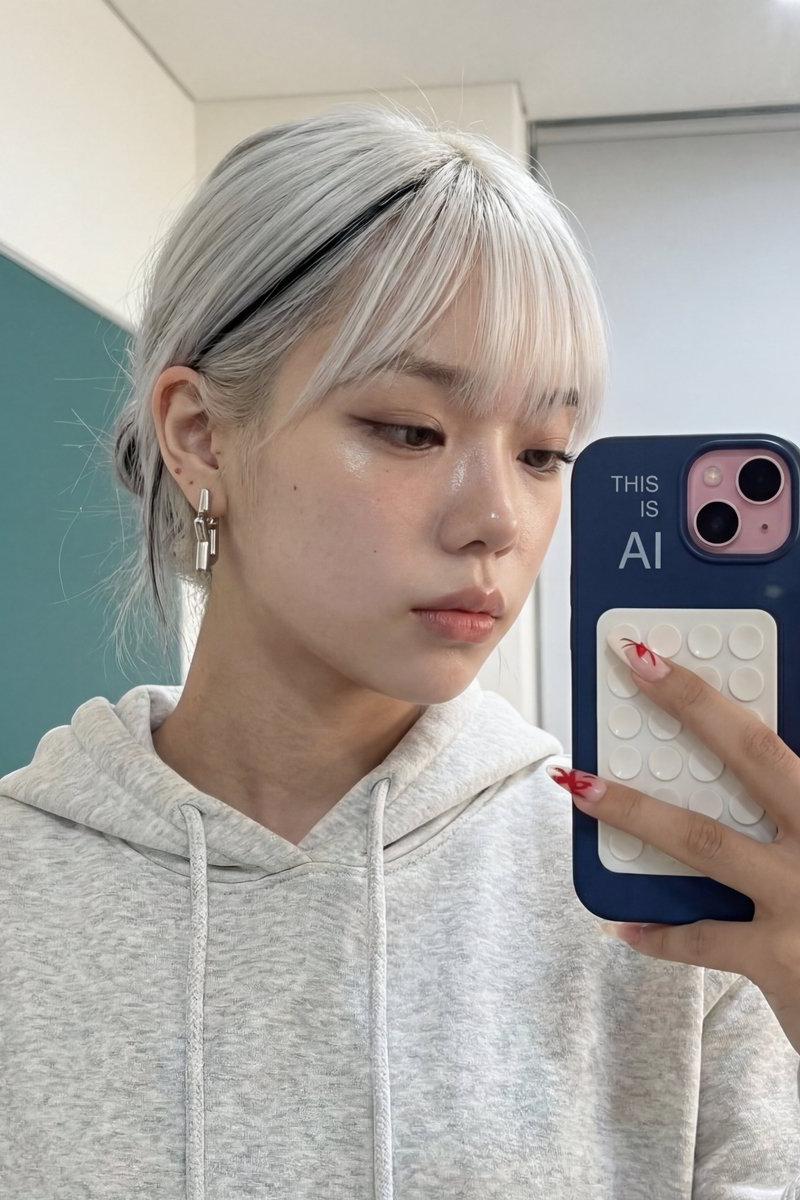
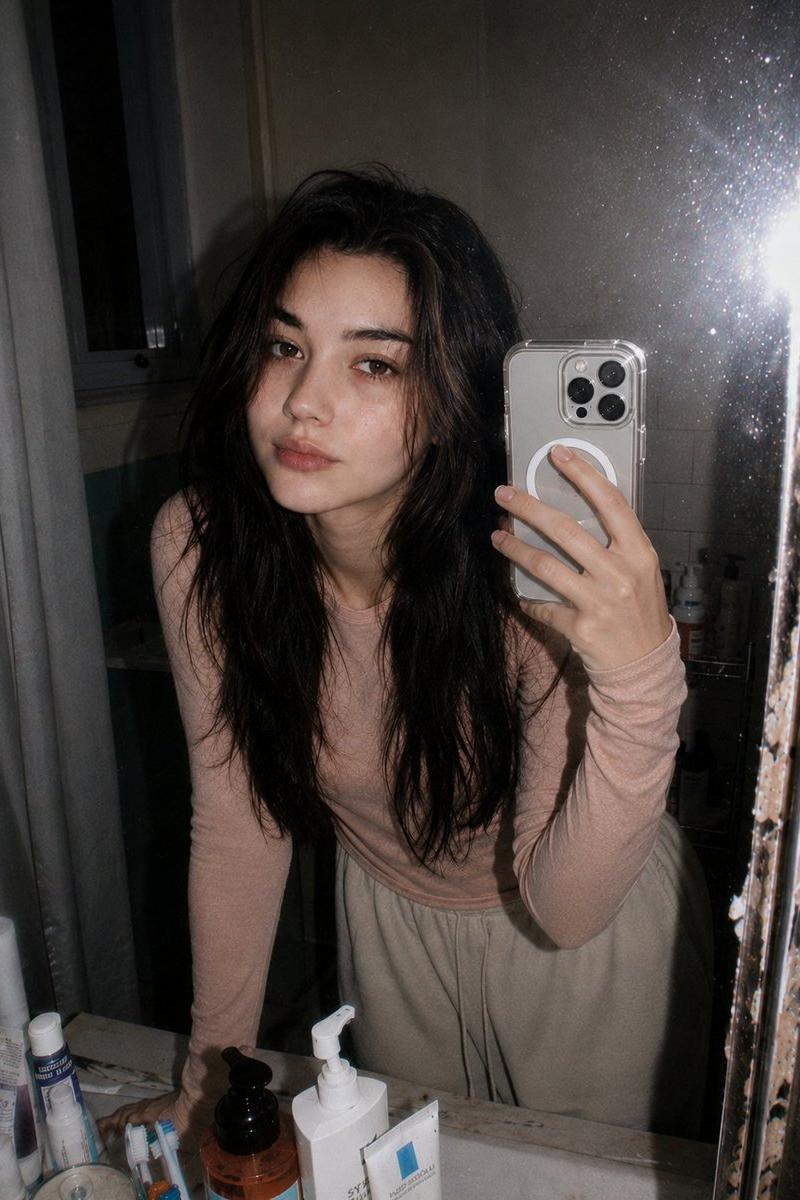
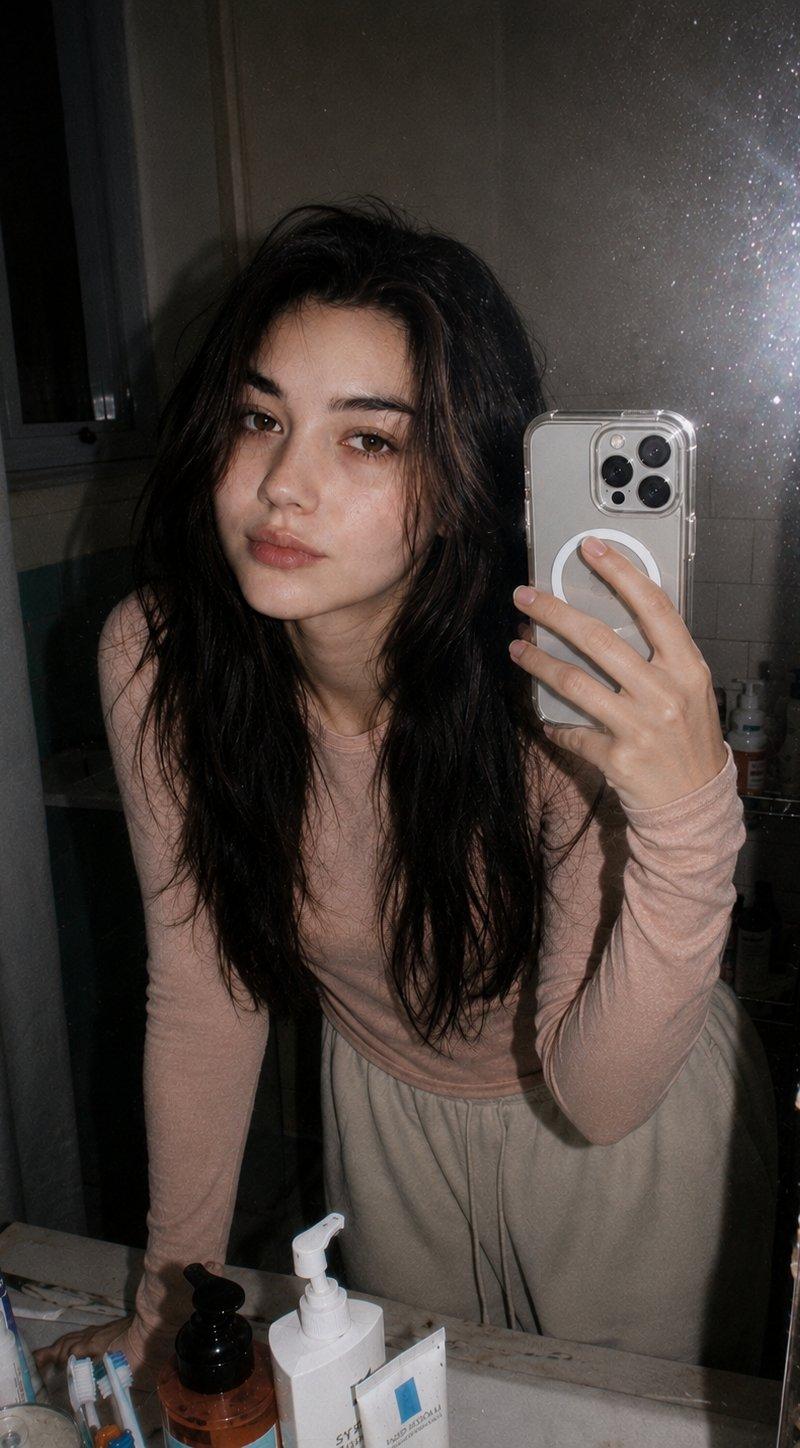
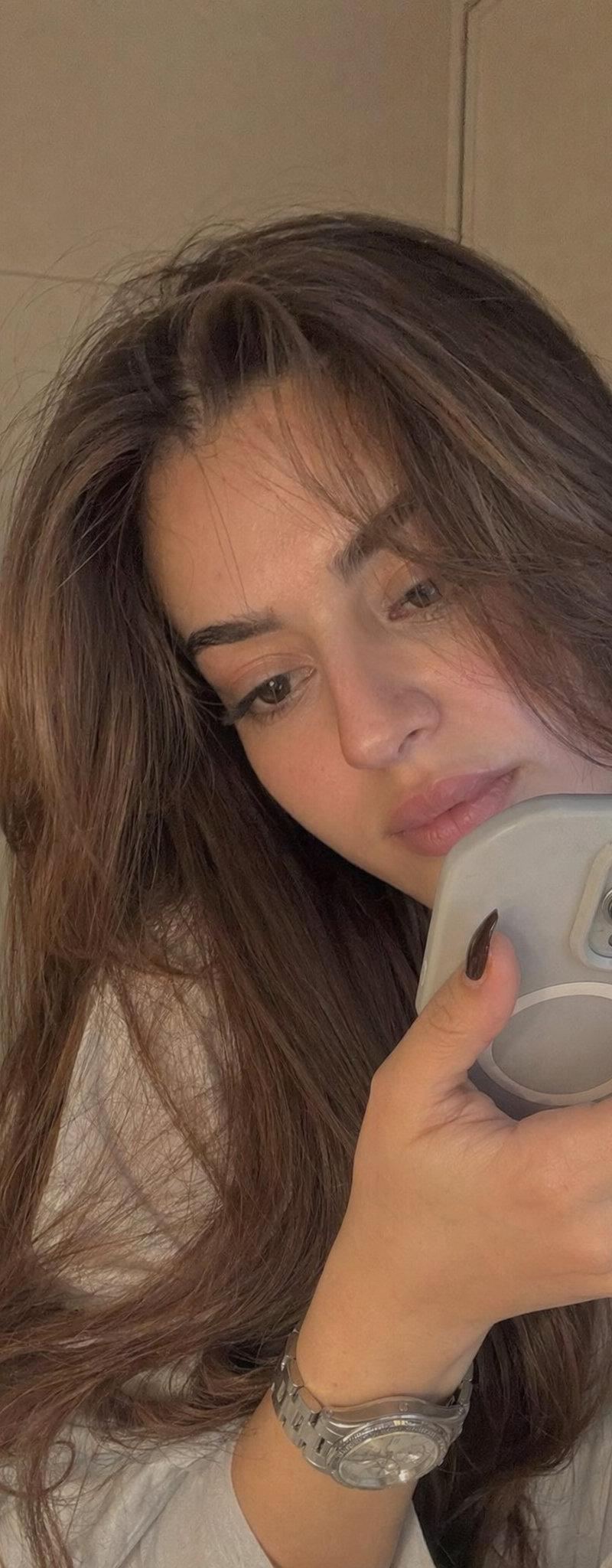
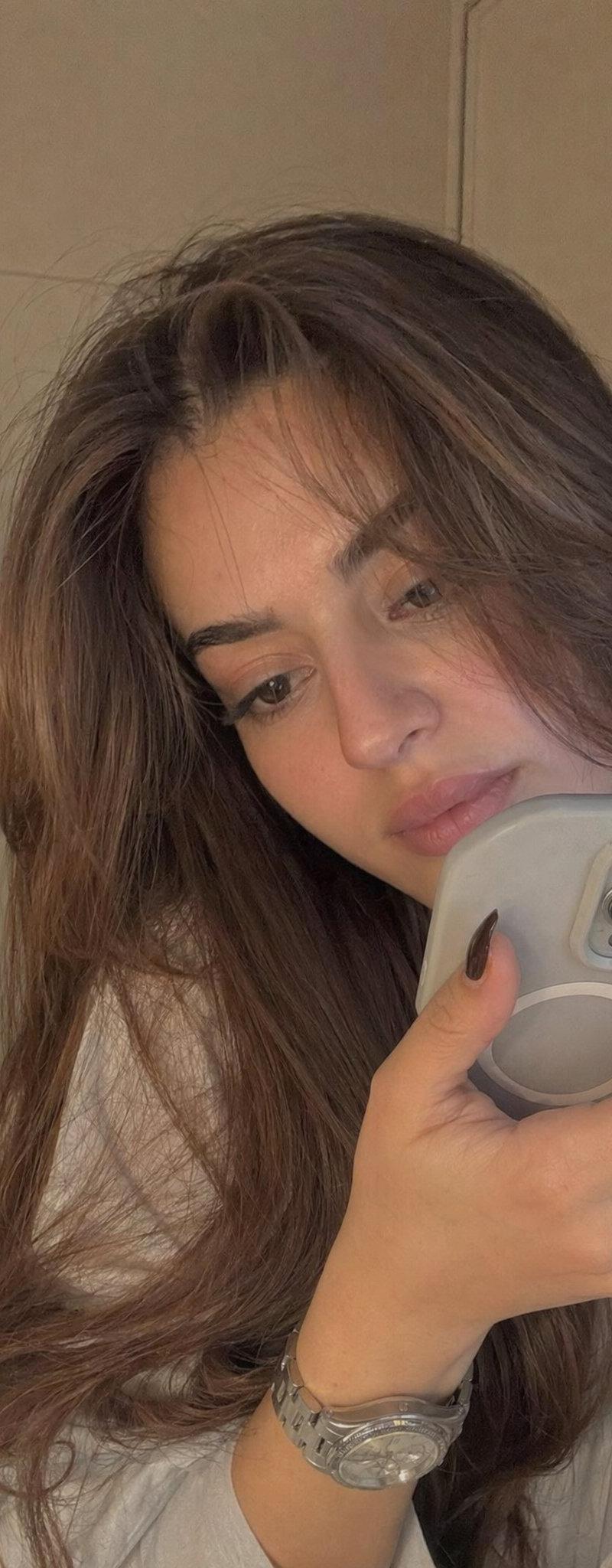
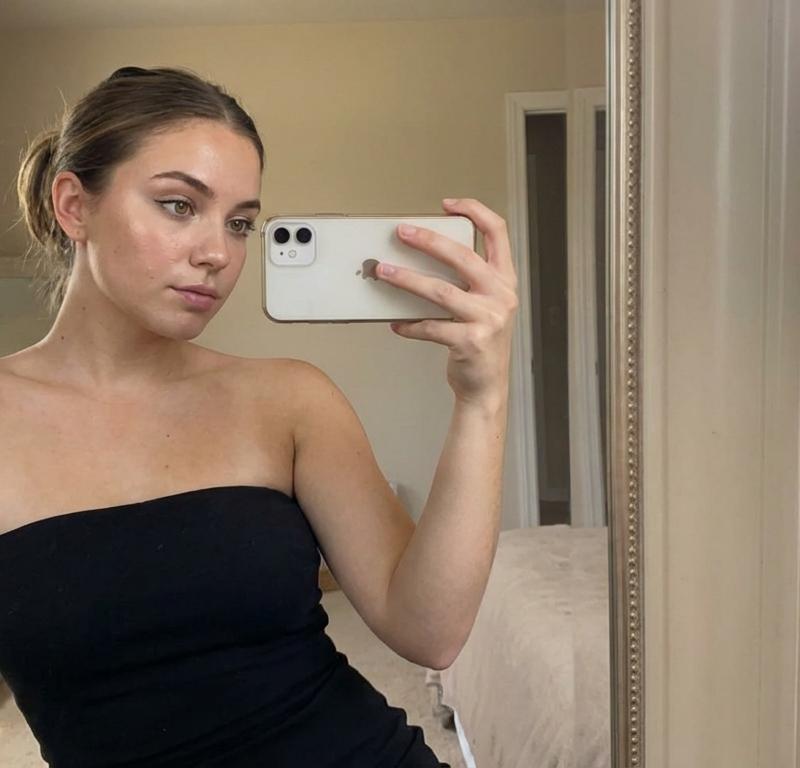
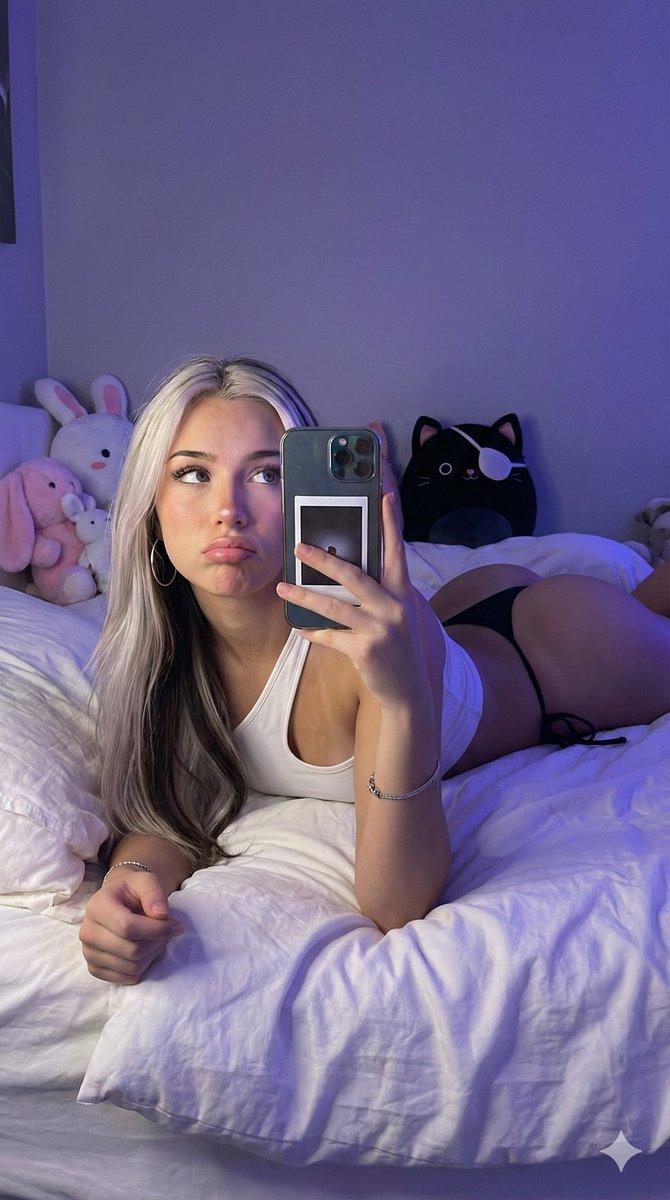
镜前自拍
Enlarge

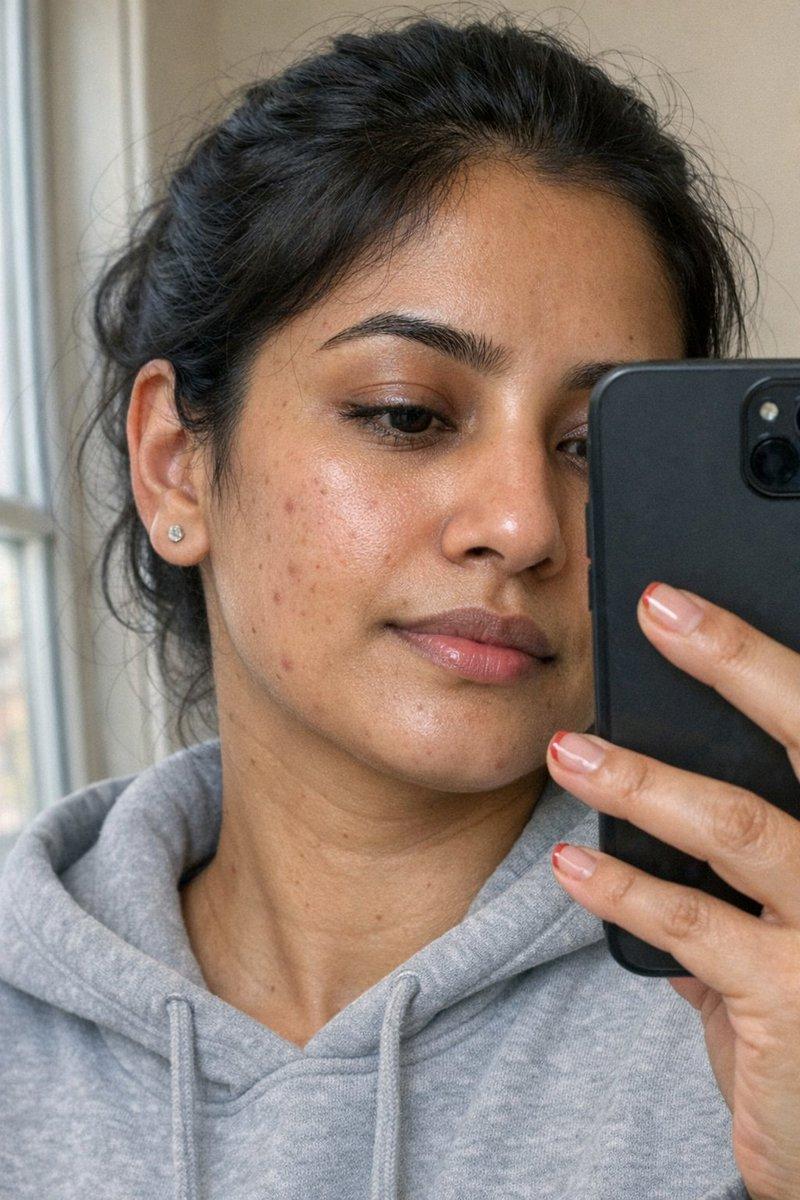
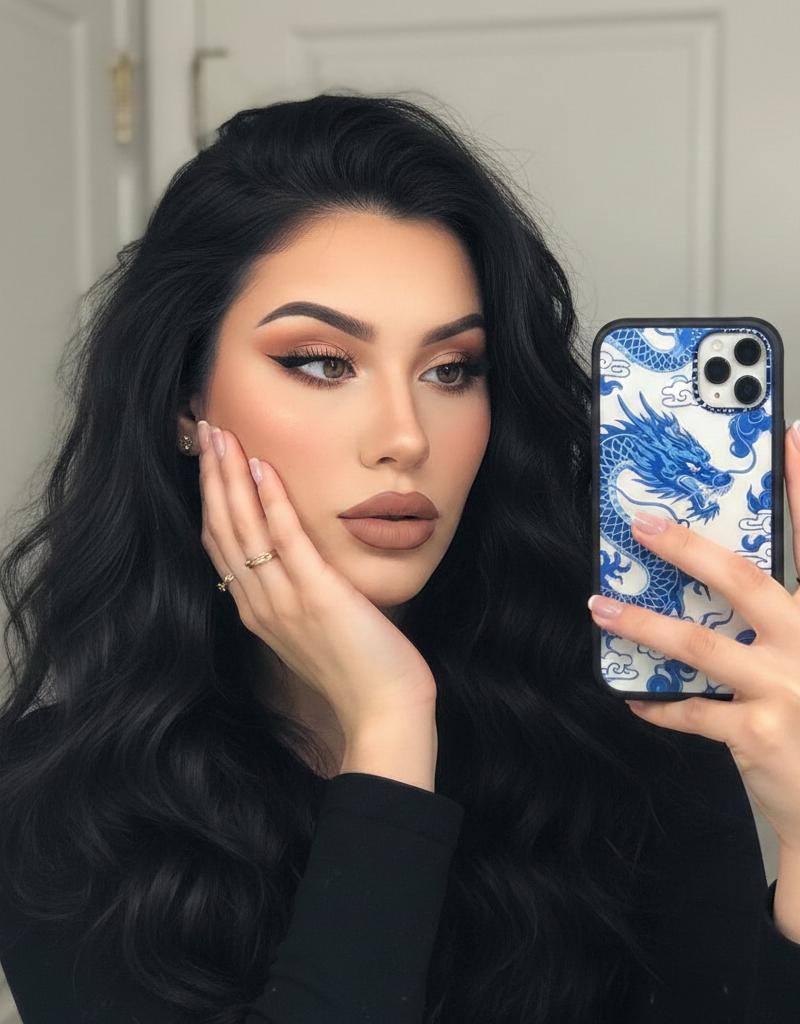
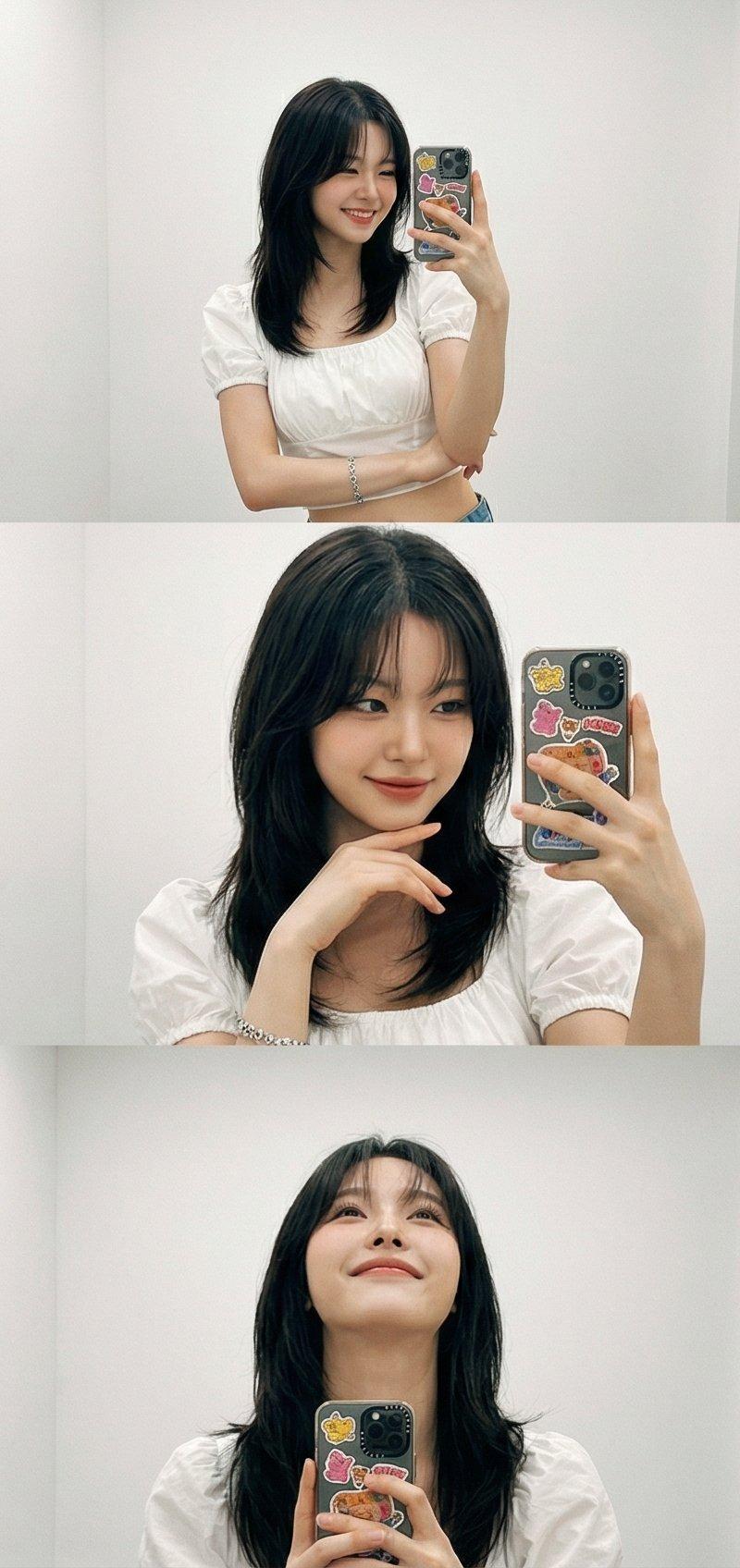
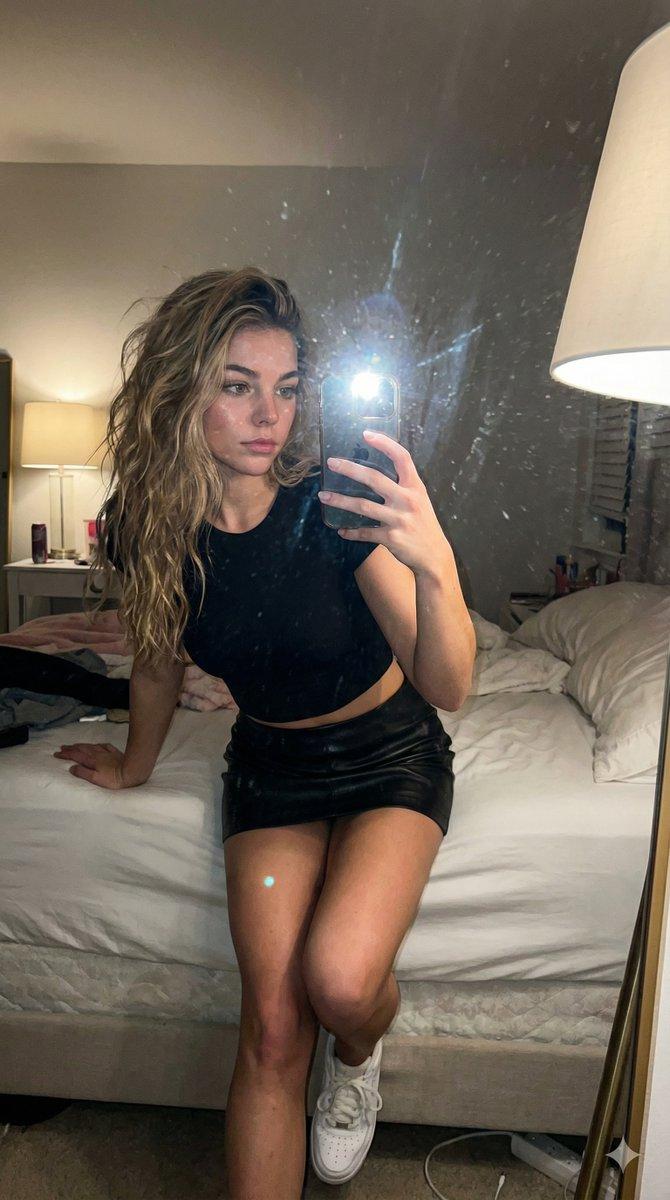
Example images

镜前自拍

Prompt
Google Gemini Nano Banana pro 3.0 and Grok imagine
{
"prompt": "Generate a detailed description of the image",
"image_description": {
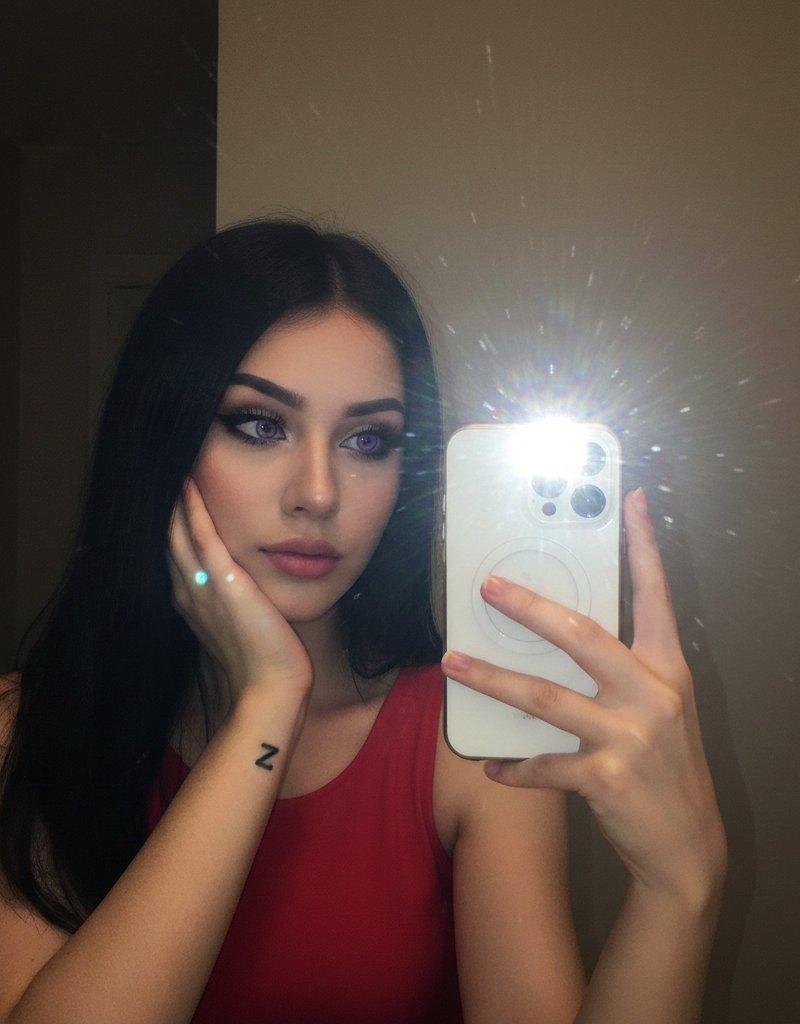
"scene": "A selfie taken in front of a mirror",
"subject": {
"person": "A young woman",
"pose": "She is holding her right hand up taking a selfie with a phone, while her left hand rests on her cheek with the elbow resting on her shoulder",
"appearance": {
"hair": "Long, straight black hair",
"eyes": "Purple-colored contact lenses with dramatic eyeliner and makeup",
"lips": "Nude or natural pink lipstick",
"attire": "Red sleeveless top",
"accessories": "A small tattoo of the letter \'Z\' on her left forearm"
},
"expression": "Thoughtful or pensive gaze towards the camera"
},
"phone": {
"color": "White",
"position": "Held in the right hand with the camera flash reflecting brightly on the back of the phone",
"camera": "Dual-camera setup visible on the back"
},
"lighting": {
"effect": "Dramatic flash flare from the phone camera, with additional lens flare spots in the image",
"setting": "Dimly lit background with contrast between the subject and dark surroundings"
},
"background": {
"details": "A plain wall divided into a dark left side and a lighter right side, suggesting indoor setting with mirror selfie"
}
},
"output_style": "Detailed photographic description suitable for AI image generation or reconstruction",
"additional_notes": "Capture the aesthetic of modern selfie photography with dramatic makeup and lighting effects"
}
Category
Photography & Realism
Model
Nano Banana Pro
Creator
Sharon Riley
Source language
zh-CN
Views0
Source ID
mirror-selfie
Studio

Guide

About "镜前自拍"

What is this prompt for?

"镜前自拍" AI image prompt for Nano Banana Pro (Photography & Realism). Google Gemini Nano Banana pro 3.0 and Grok imagine { "prompt": "Generate a detailed descrip…

The full copyable prompt and example visuals above are ready for AI image generation or one-click recreate in Picva.

How to use this prompt

  1. Step 1

    Open the prompt detail

    Review the example visuals, category, and full prompt text for "镜前自拍".

  2. Step 2

    Copy the prompt

    Copy the prompt body from this page, or load it directly in Studio.

  3. Step 3

    Pick a model (Nano Banana Pro)

    Prefer Nano Banana Pro. If you switch models, keep subject and composition and tweak style terms.

  4. Step 4

    Generate and export

    Recreate the look in Picva, or export into your workflow for editing and publishing.

FAQ

What is the "镜前自拍" prompt?
It is an AI image-generation prompt for Nano Banana Pro in the Photography & Realism category. This page includes the full prompt text, example visuals, and a one-click recreate path in Picva.
How do I use this prompt to generate an image?
Copy the prompt from this page, or use Generate / Studio. Paste it into a compatible image model, or recreate the look in Picva with optional reference images.
Which model is this prompt for?
This page lists Nano Banana Pro. Most descriptive prompts also transfer to nearby image models such as GPT Image, Flux, or Midjourney with light style tweaks.
Can I use the result commercially?
You can usually copy the prompt for creation, but commercial use of the final image depends on the model terms, reference-image rights, and the generated content. Follow the source author and platform rules.