14

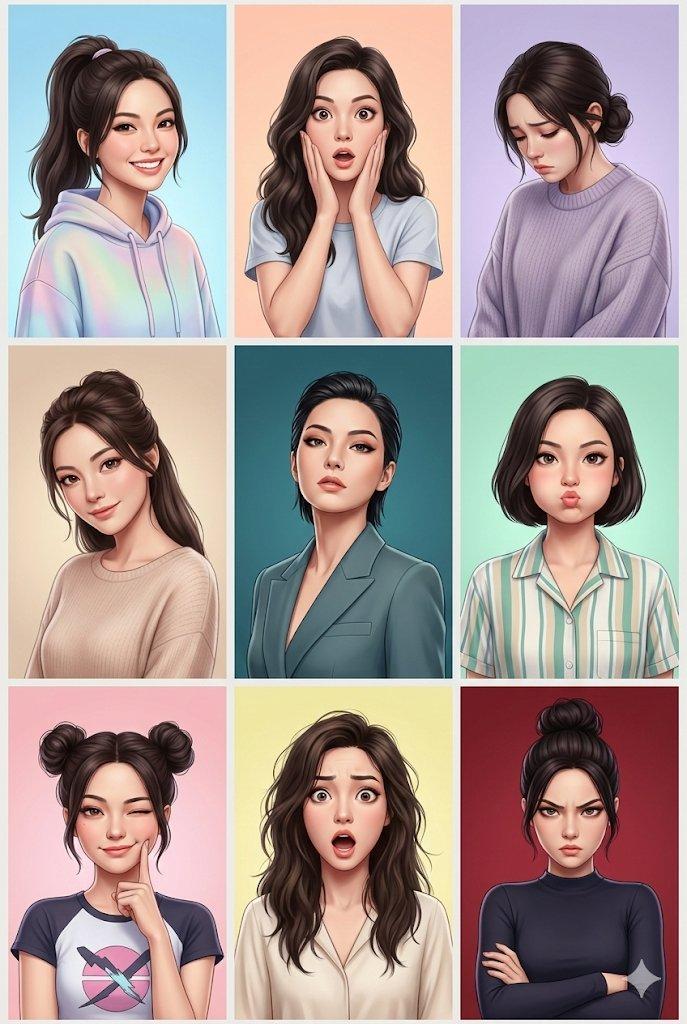
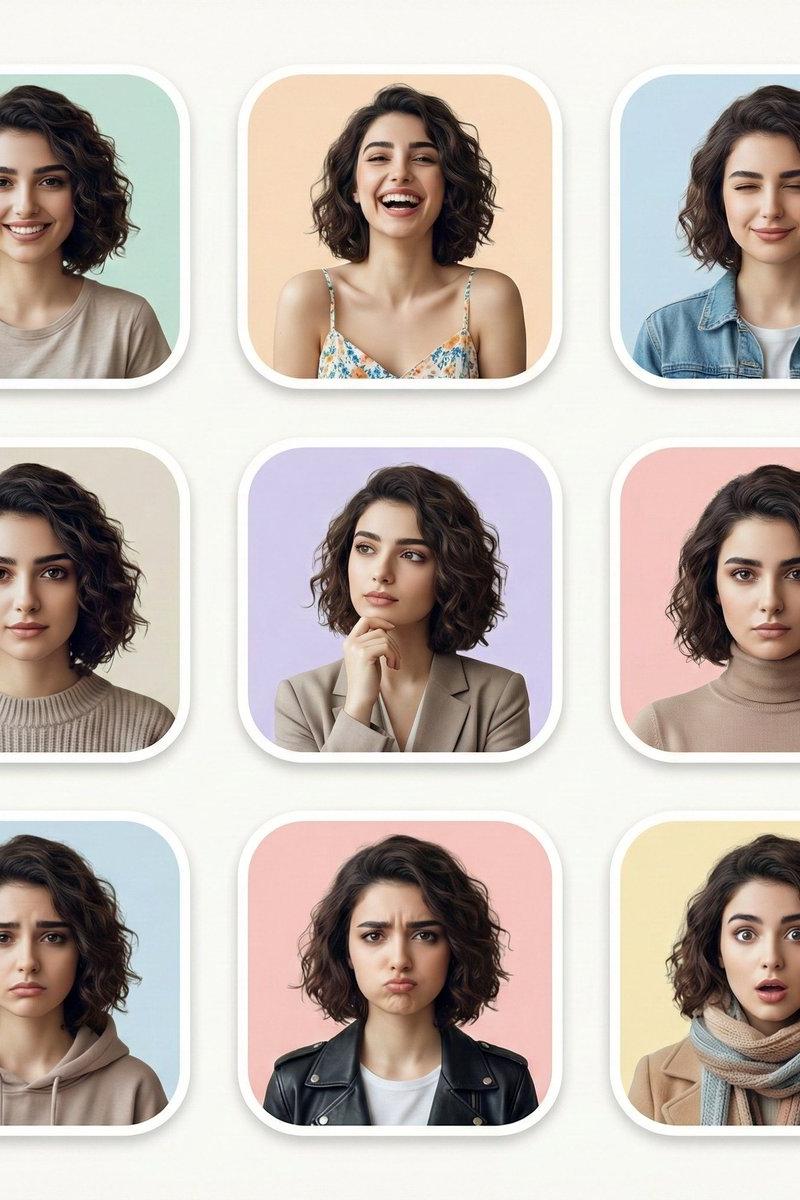
现代多表情人像网格
Enlarge

Example images

现代多表情人像网格

Prompt
Create your image with different expressions in Google Gemini Nano Banana using the prompt 👇
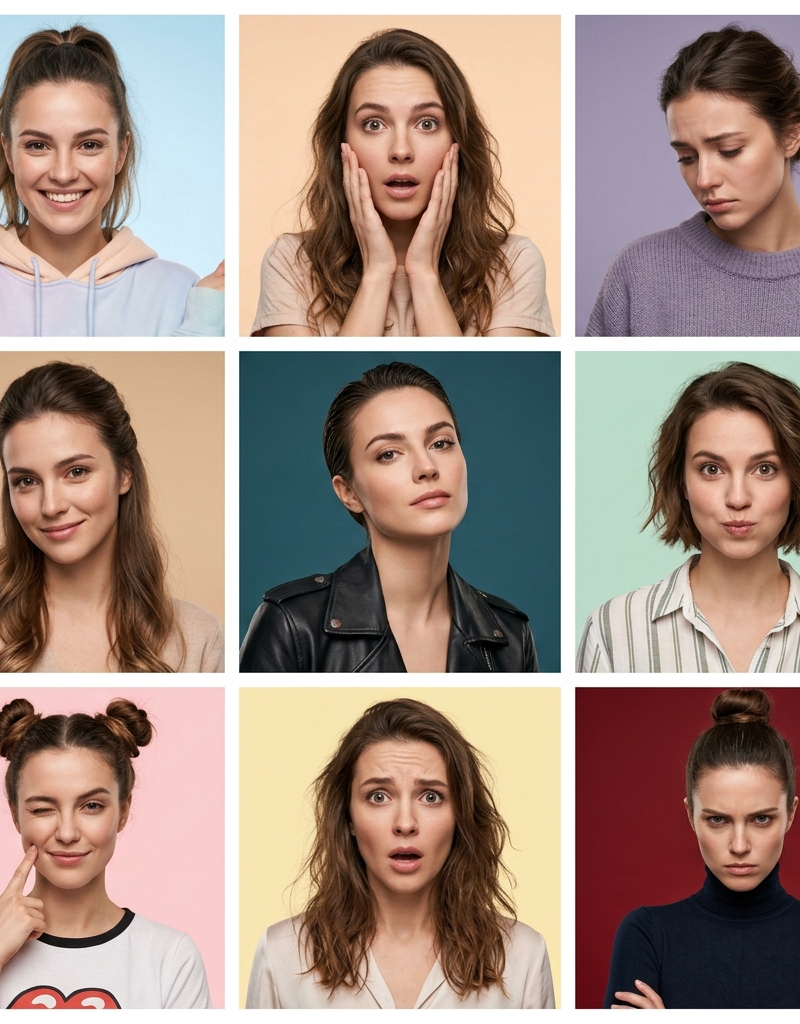
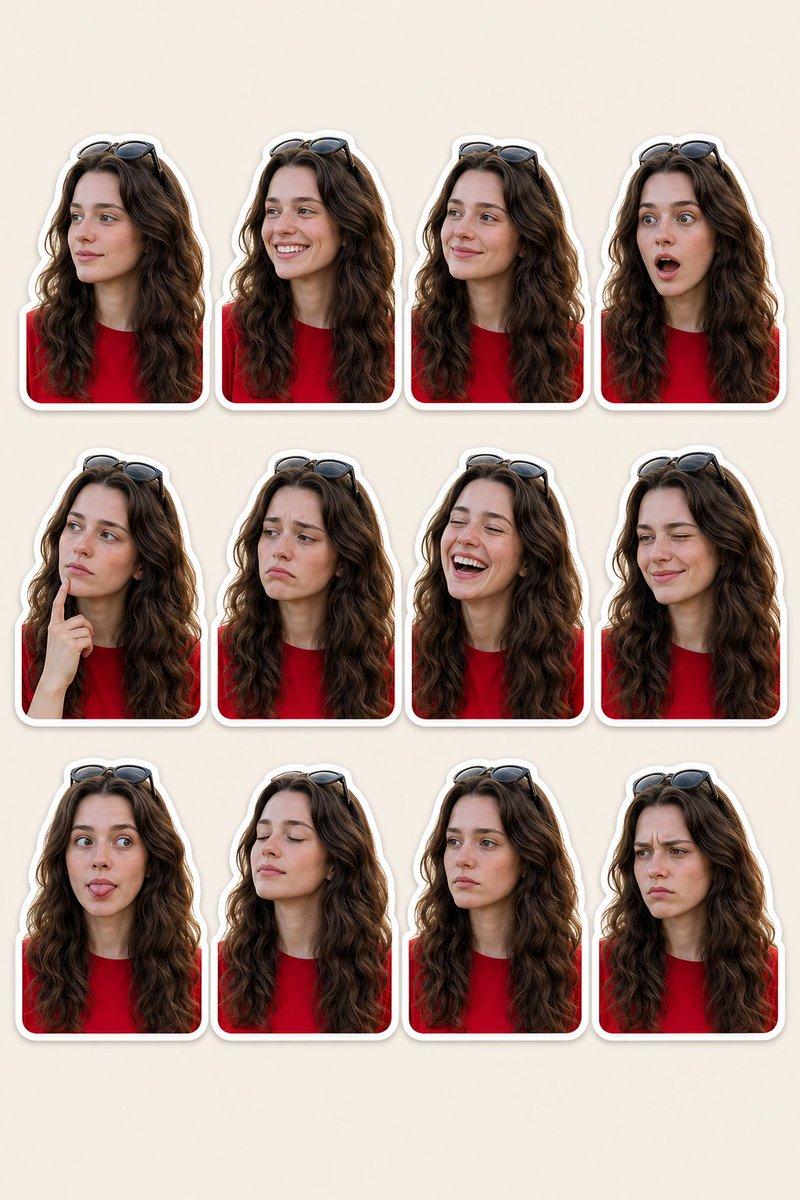
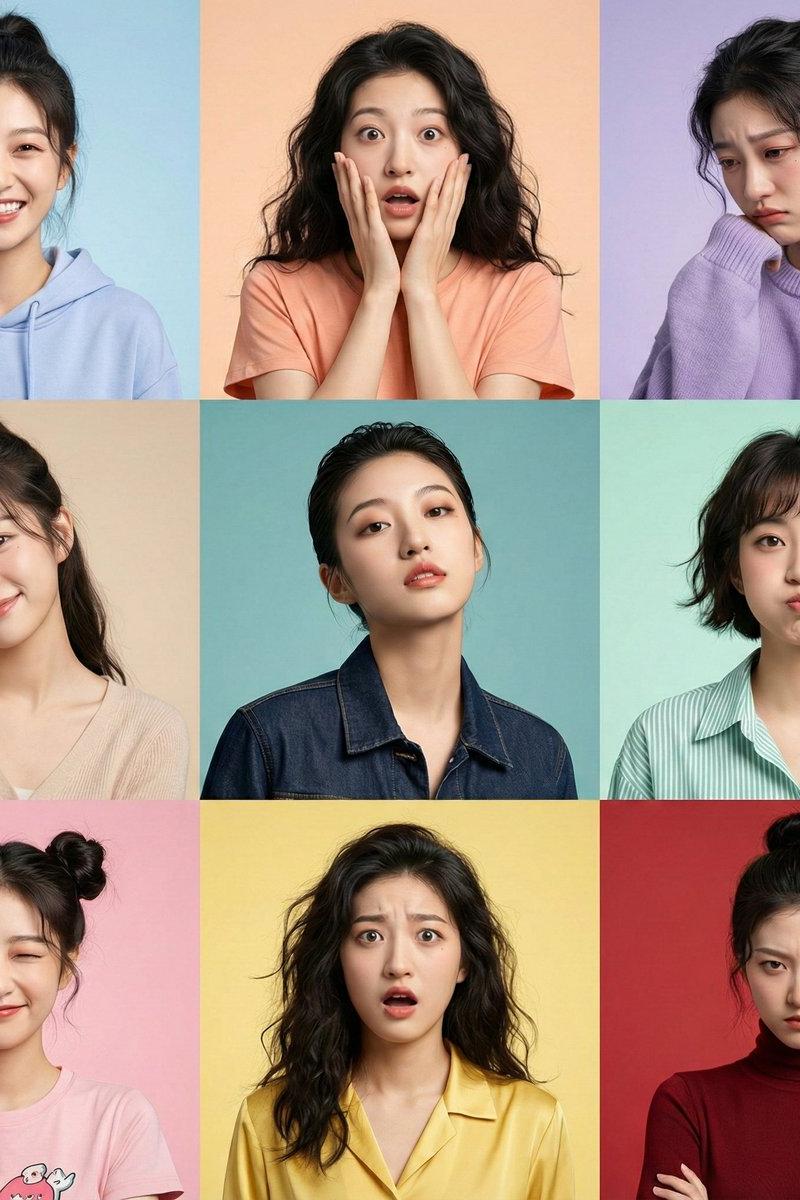
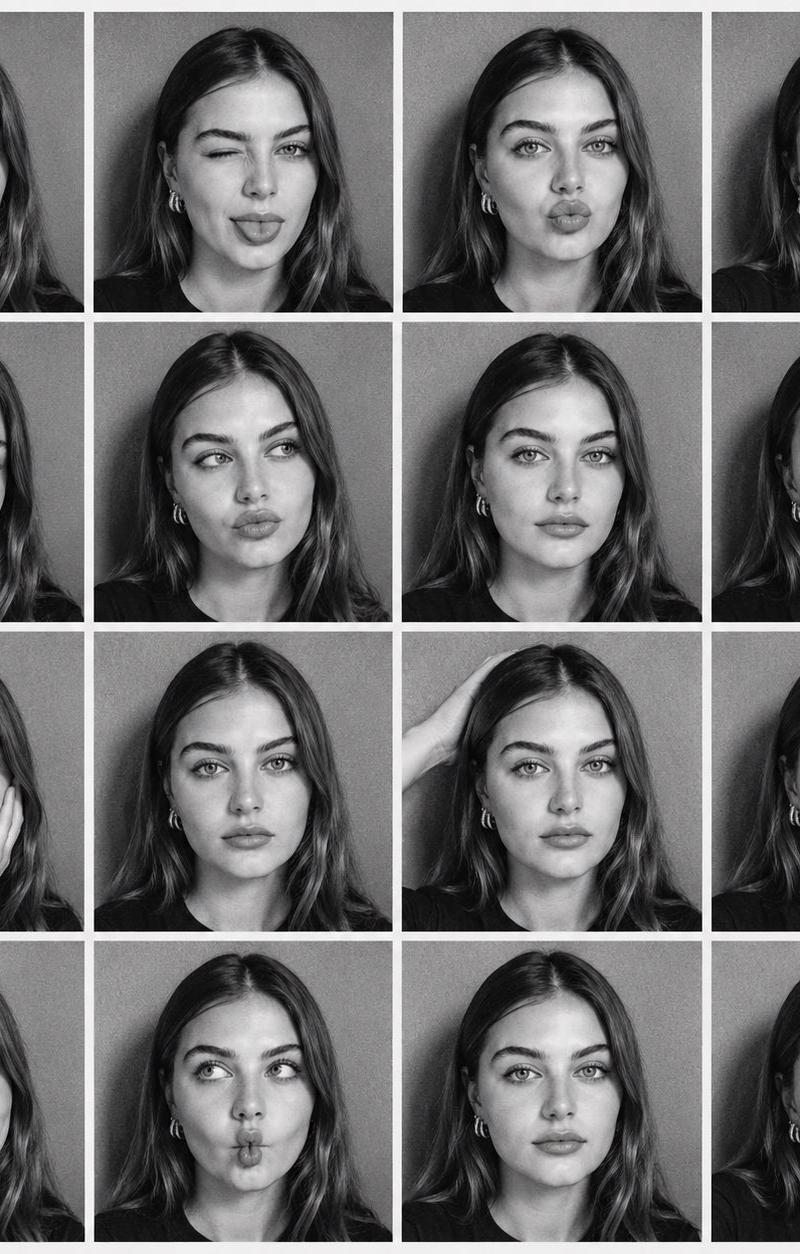
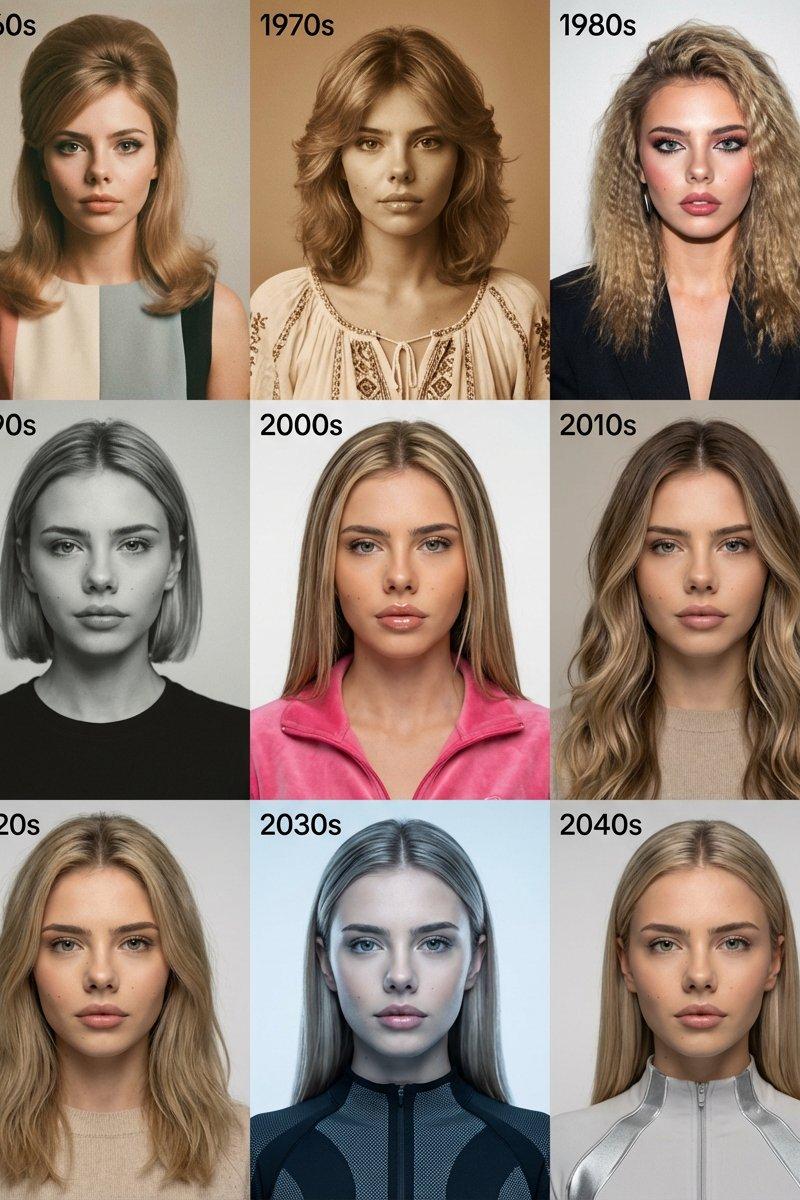
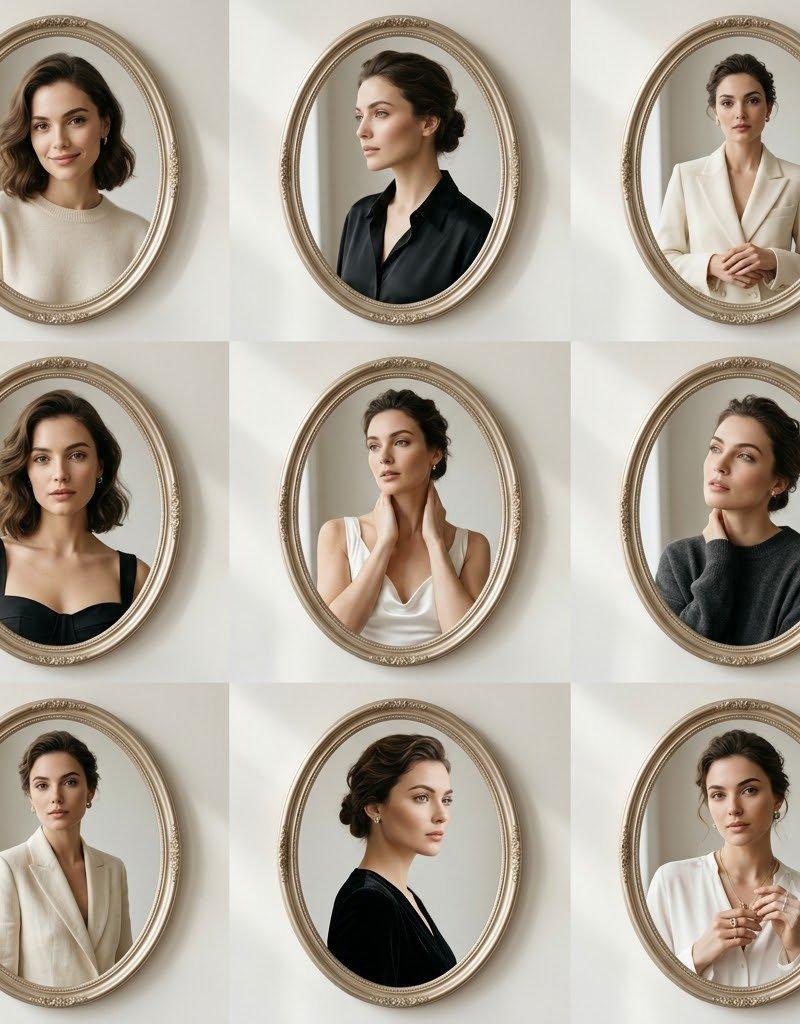
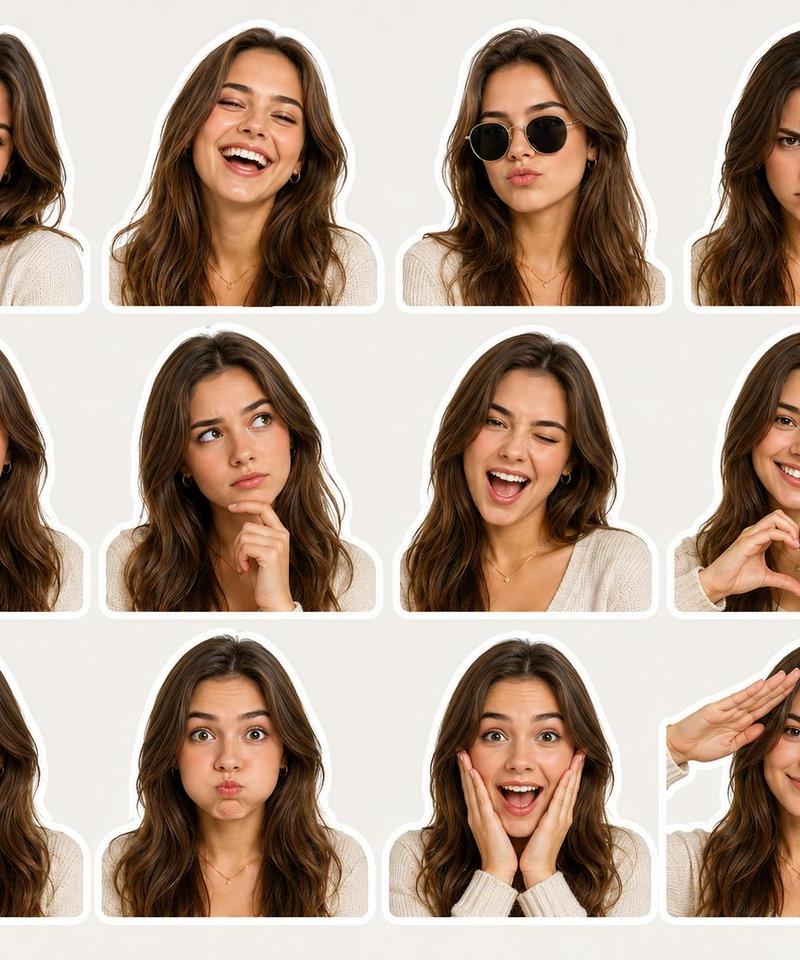
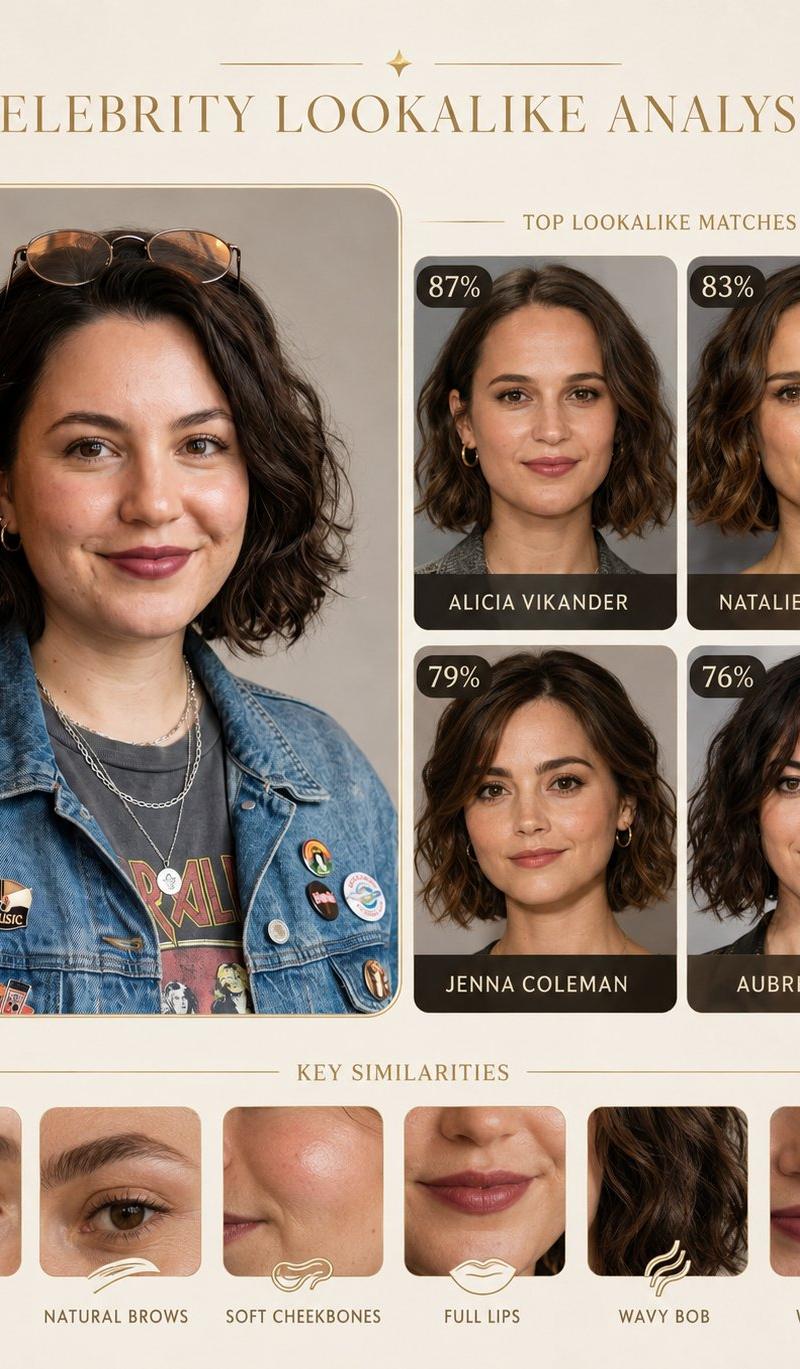
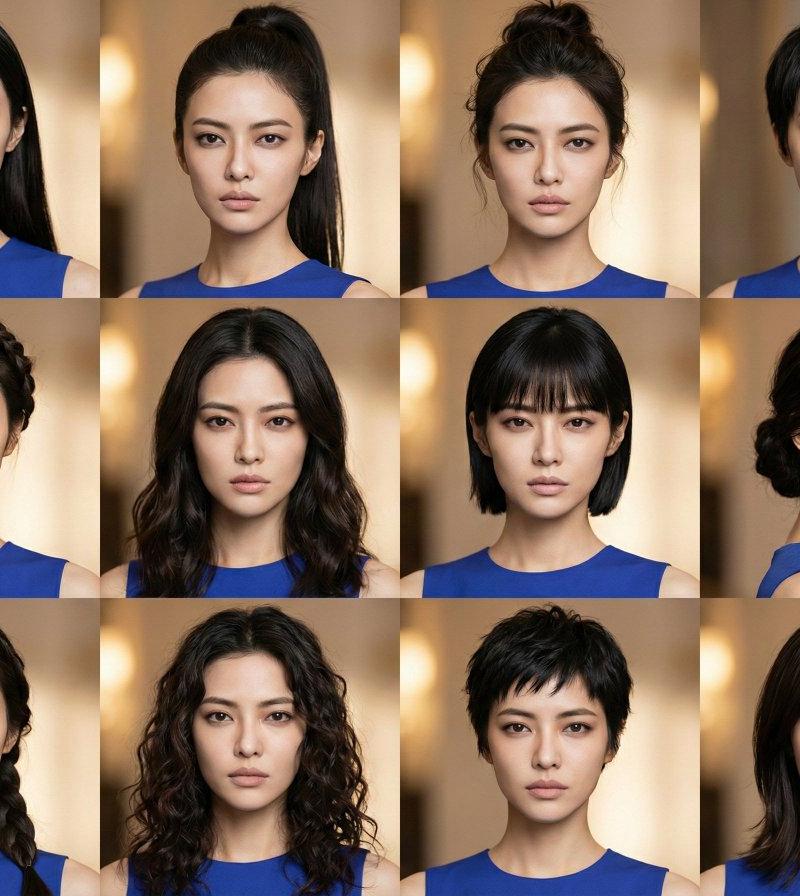
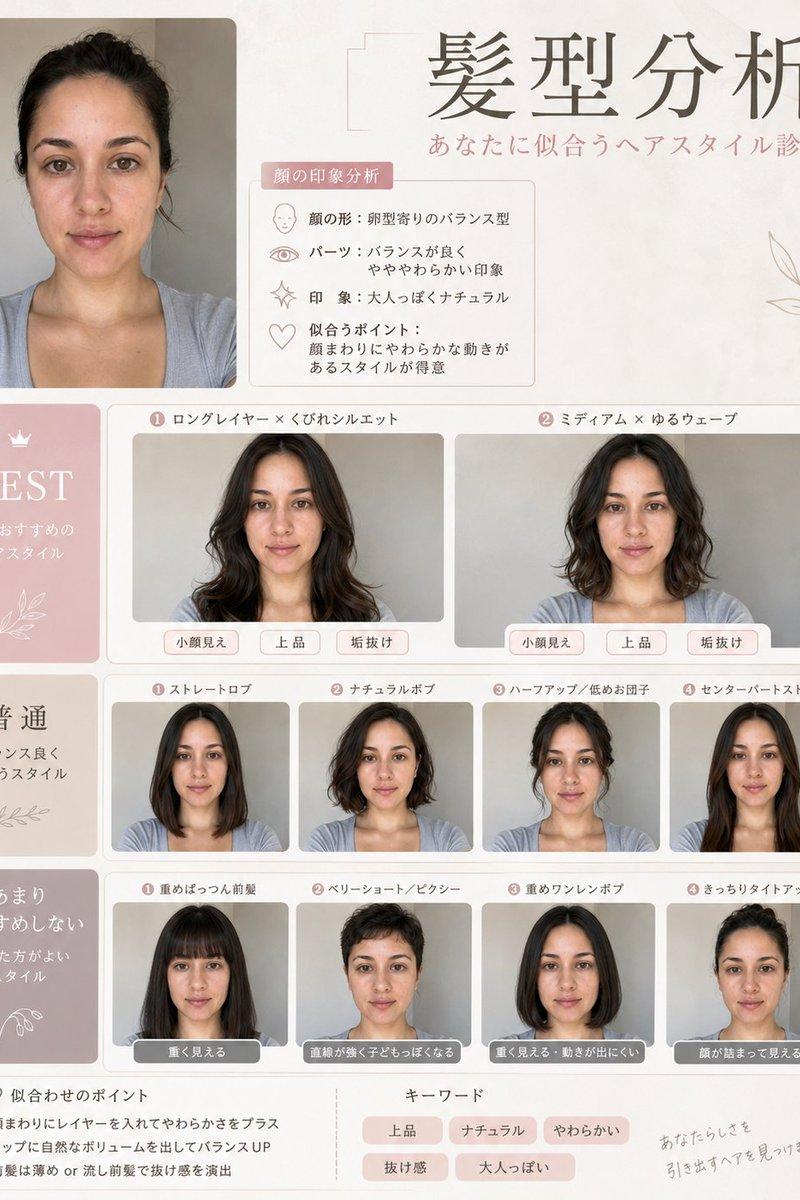
Using the uploaded photo as the base reference, create a clean, modern portrait grid featuring the same person shown in multiple facial expressions and moods. Arrange the images in a neat 3×3 layout with rounded-corner frames and soft pastel backgrounds. Each portrait should maintain identical facial features, hairstyle, and realism, changing only the expression and subtle styling. Include expressions such as: natural smile, joyful laughter, calm with eyes closed, serious neutral look, thoughtful pose with hand on chin, confident composed expression, sad or disappointed mood, playful pout, and surprised wide-eyed reaction. Use soft studio lighting, high-detail skin texture, shallow depth of field, minimal wardrobe variations, cohesive color palette, ultra-realistic, editorial portrait style, high resolution, clean aesthetic.
Category
Photography & Realism
Model
Nano Banana
Creator
Smiling Khan
Source language
zh-CN
Views0
Source ID
modern-portrait-grid-multiple-expressions
Studio

Guide

About "现代多表情人像网格"

What is this prompt for?

"现代多表情人像网格" AI image prompt for Nano Banana (Photography & Realism). Create your image with different expressions in Google Gemini Nano Banana using the prompt…

The full copyable prompt and example visuals above are ready for AI image generation or one-click recreate in Picva.

How to use this prompt

  1. Step 1

    Open the prompt detail

    Review the example visuals, category, and full prompt text for "现代多表情人像网格".

  2. Step 2

    Copy the prompt

    Copy the prompt body from this page, or load it directly in Studio.

  3. Step 3

    Pick a model (Nano Banana)

    Prefer Nano Banana. If you switch models, keep subject and composition and tweak style terms.

  4. Step 4

    Generate and export

    Recreate the look in Picva, or export into your workflow for editing and publishing.

FAQ

What is the "现代多表情人像网格" prompt?
It is an AI image-generation prompt for Nano Banana in the Photography & Realism category. This page includes the full prompt text, example visuals, and a one-click recreate path in Picva.
How do I use this prompt to generate an image?
Copy the prompt from this page, or use Generate / Studio. Paste it into a compatible image model, or recreate the look in Picva with optional reference images.
Which model is this prompt for?
This page lists Nano Banana. Most descriptive prompts also transfer to nearby image models such as GPT Image, Flux, or Midjourney with light style tweaks.
Can I use the result commercially?
You can usually copy the prompt for creation, but commercial use of the final image depends on the model terms, reference-image rights, and the generated content. Follow the source author and platform rules.