18

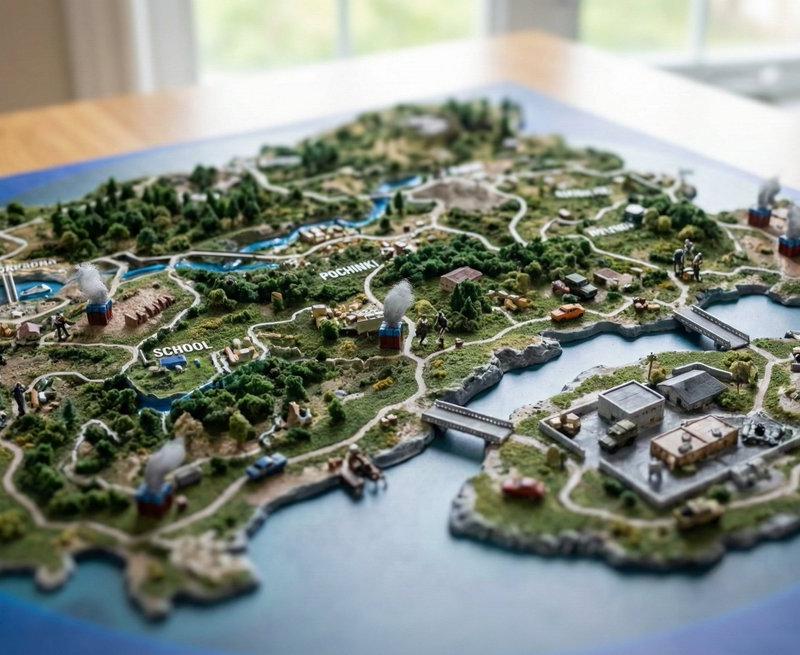
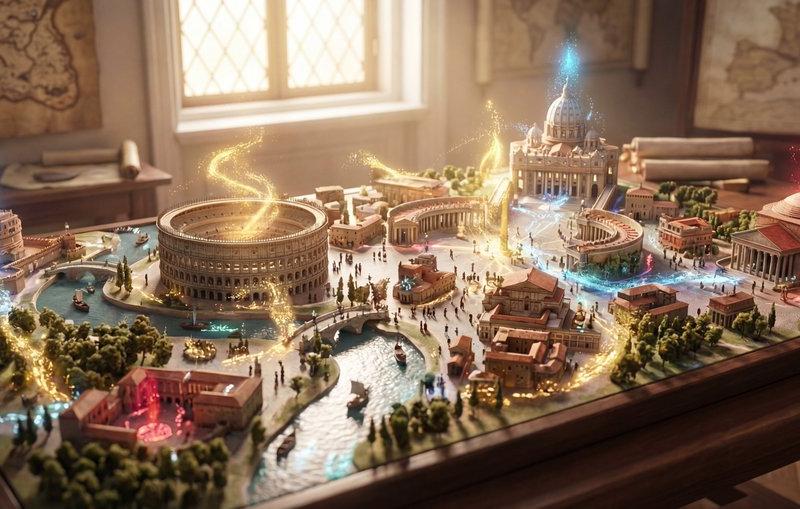
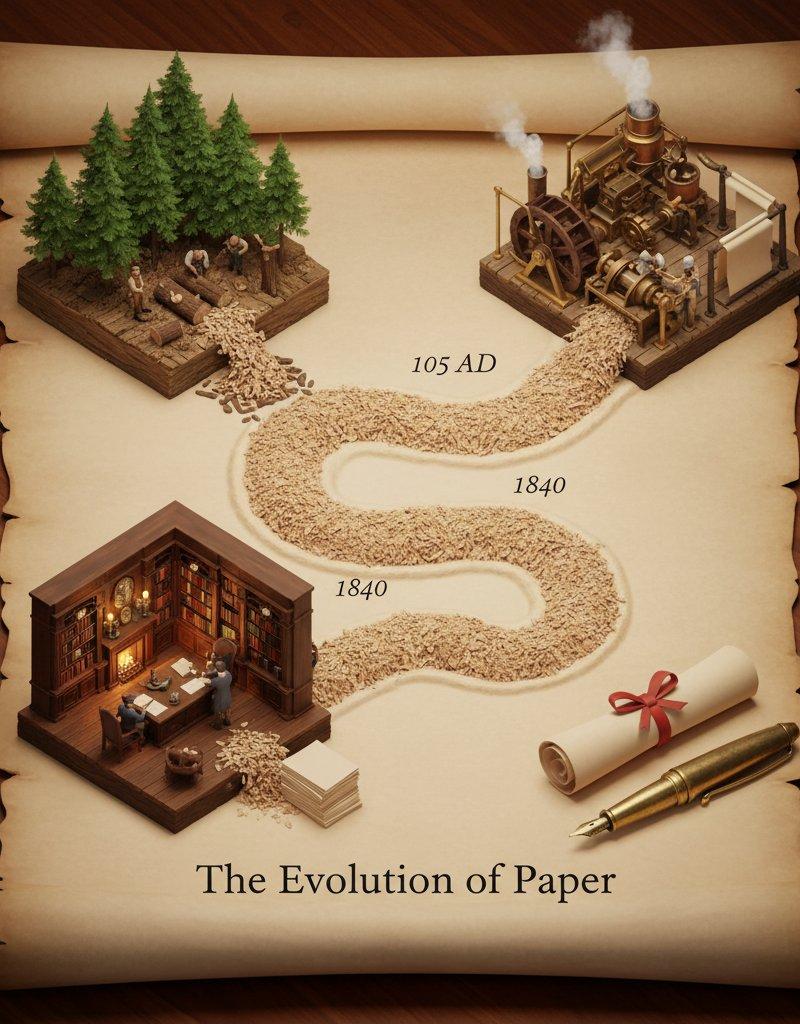
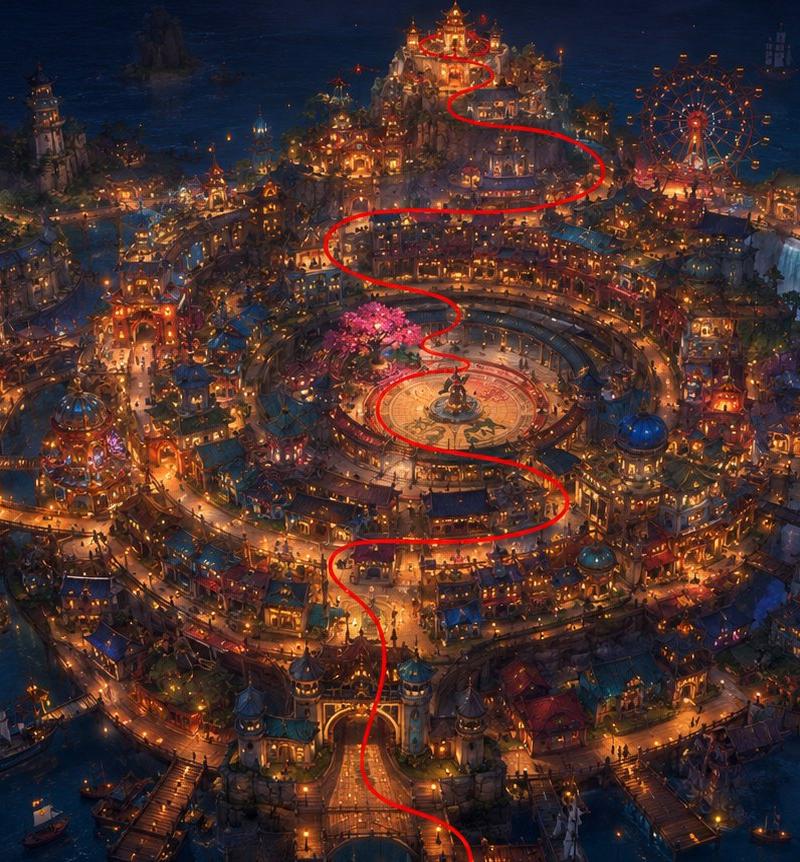
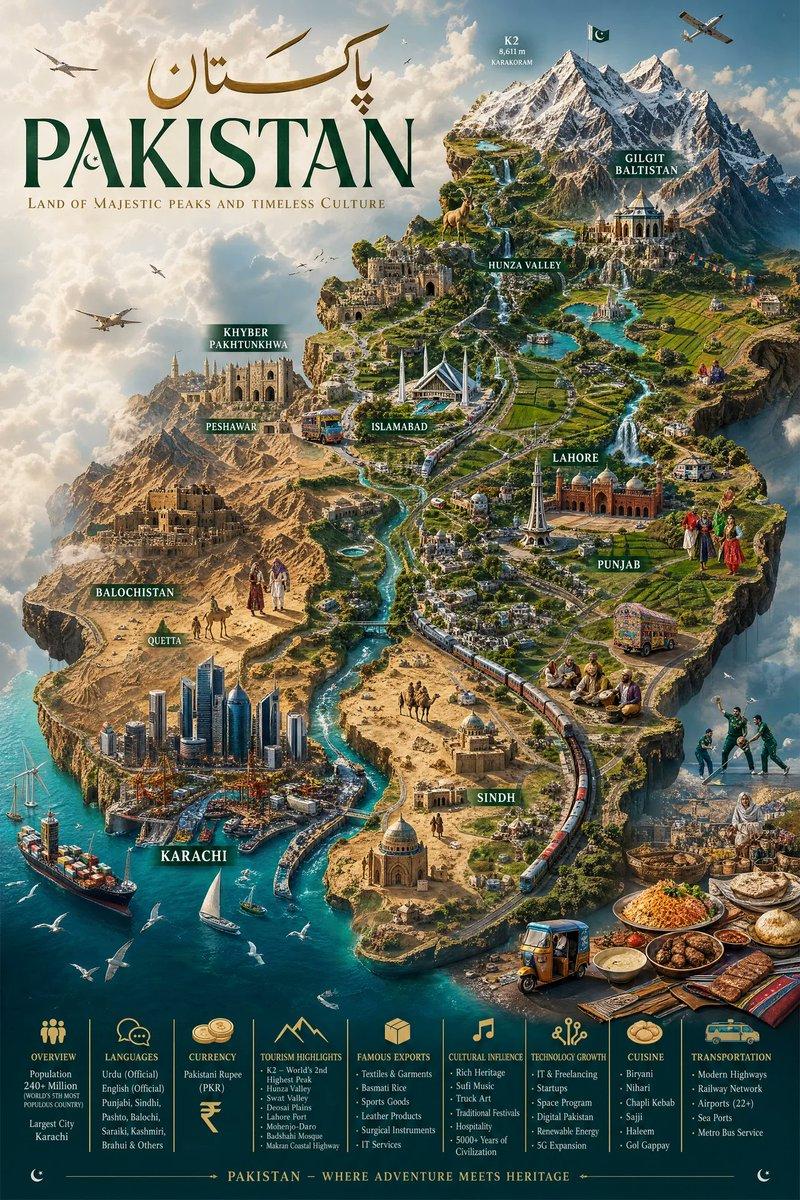
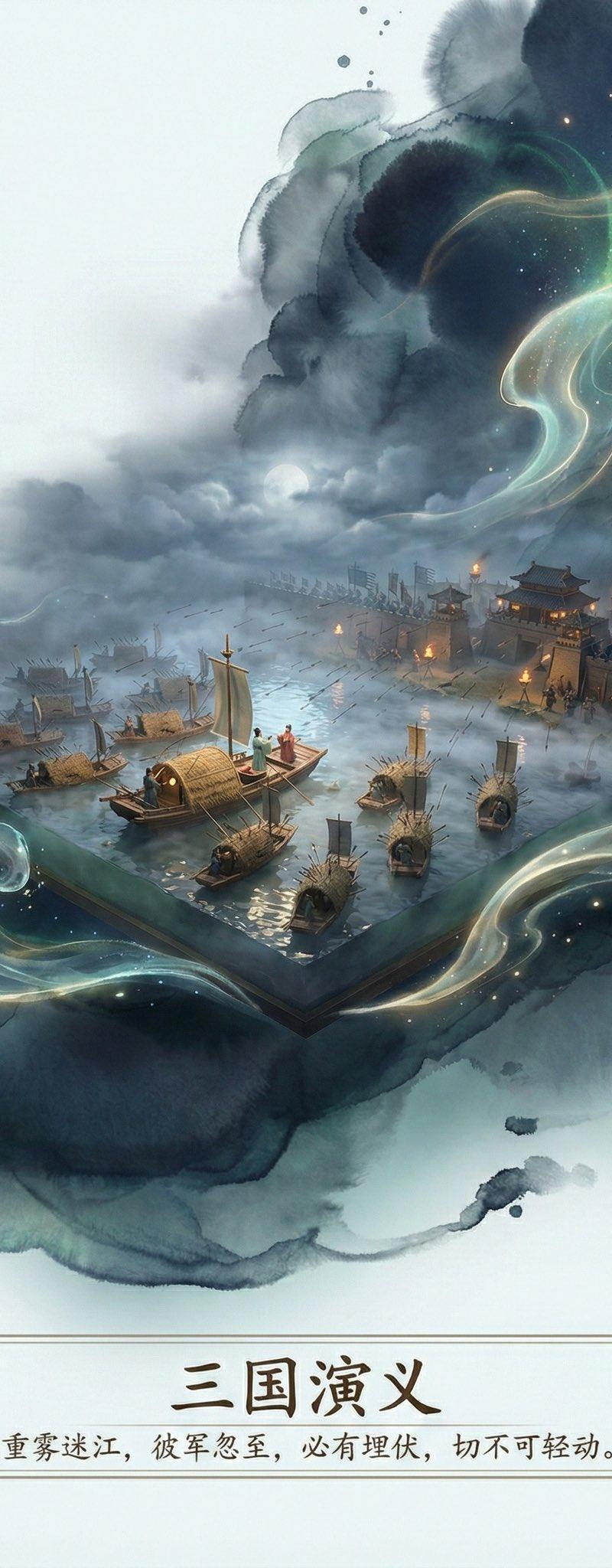
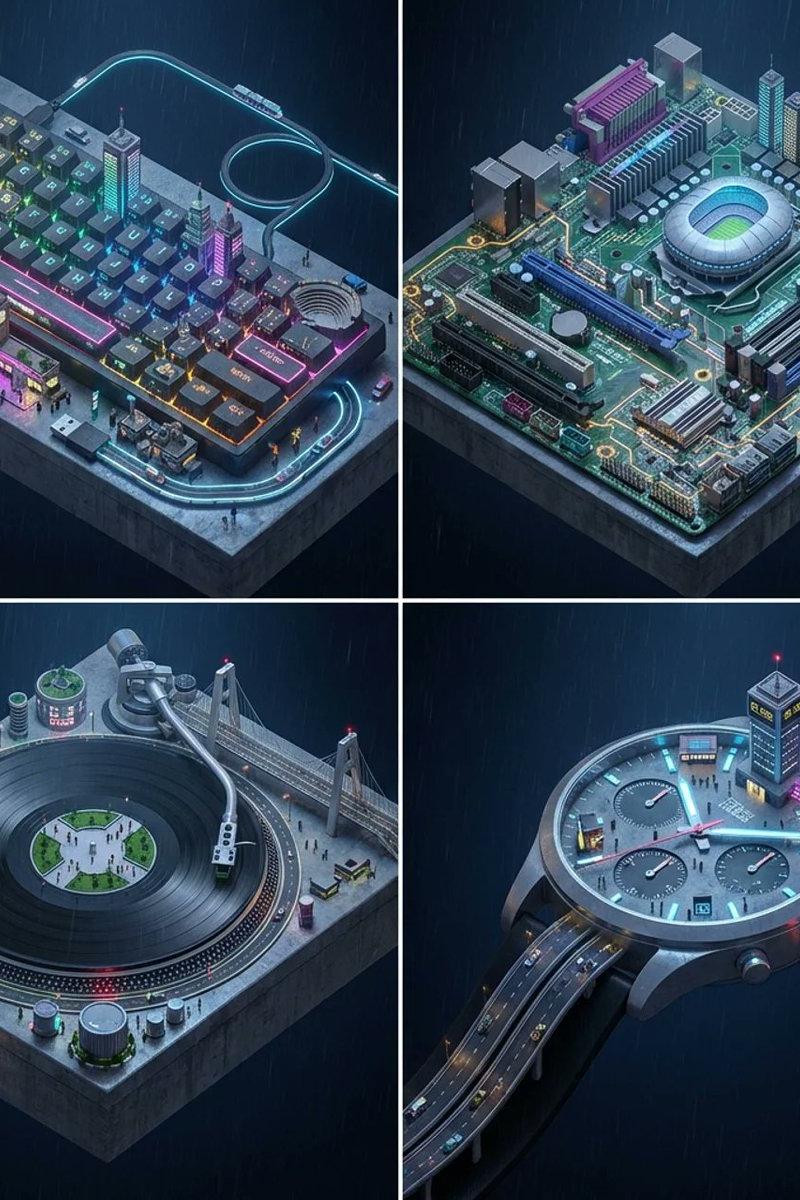
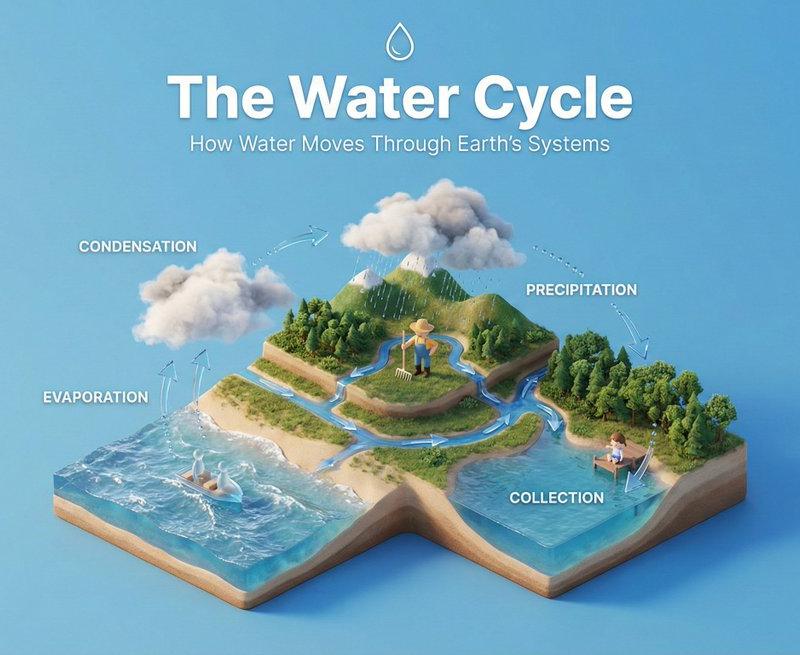
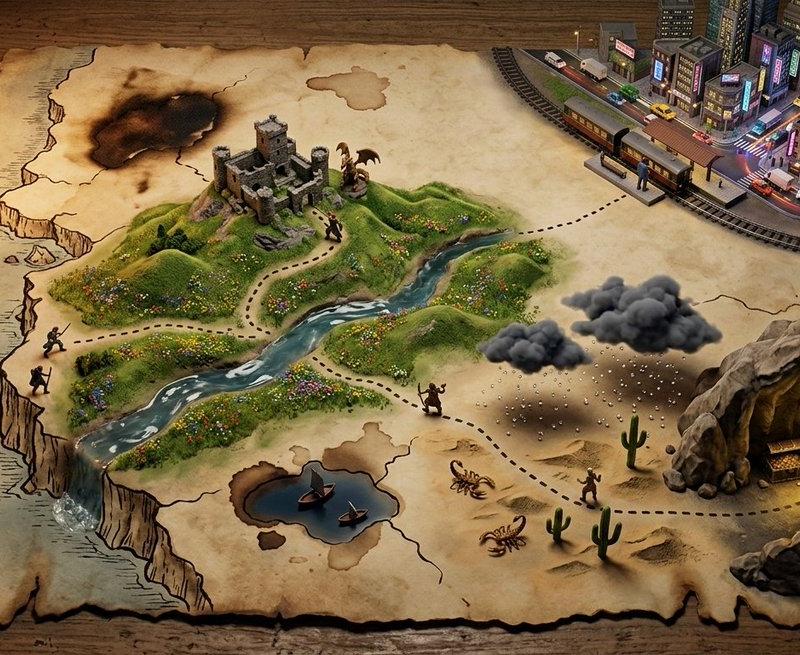
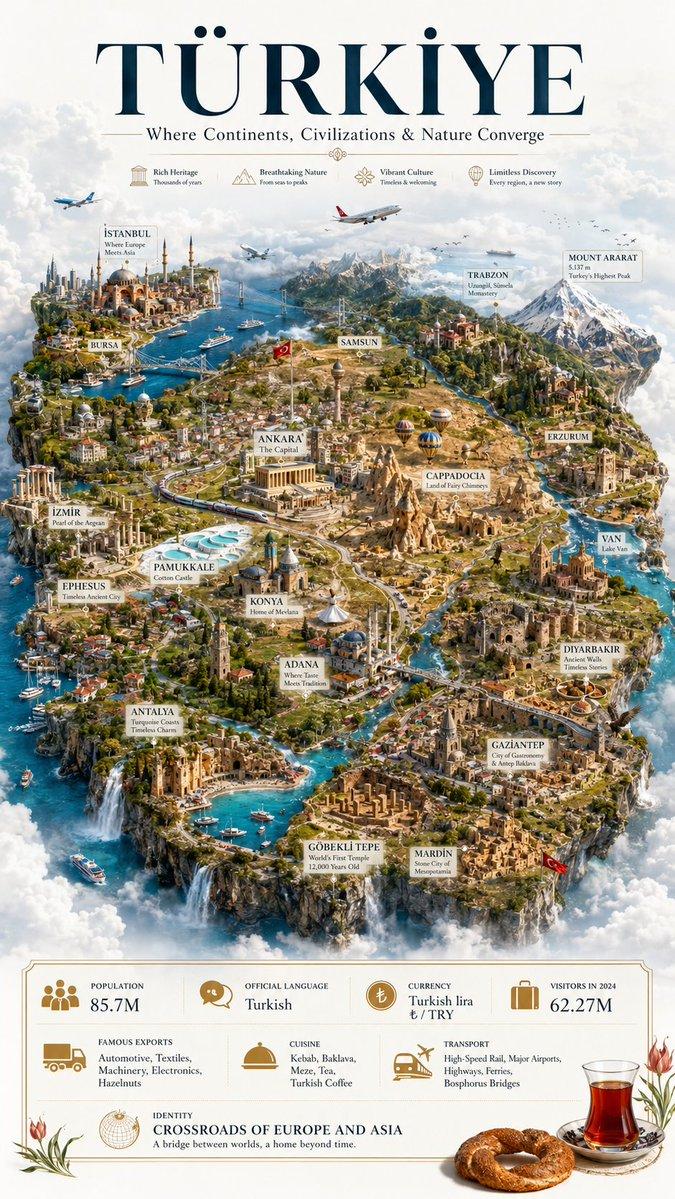
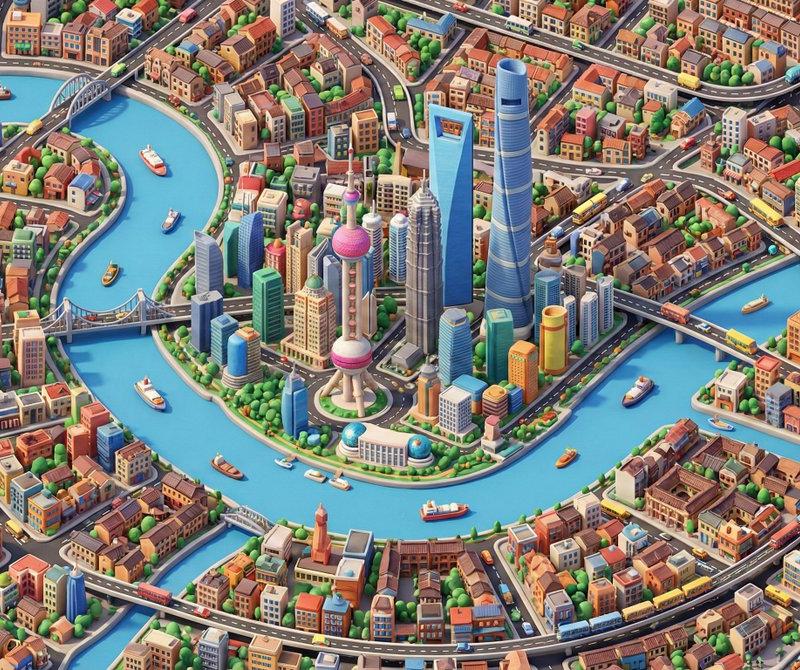
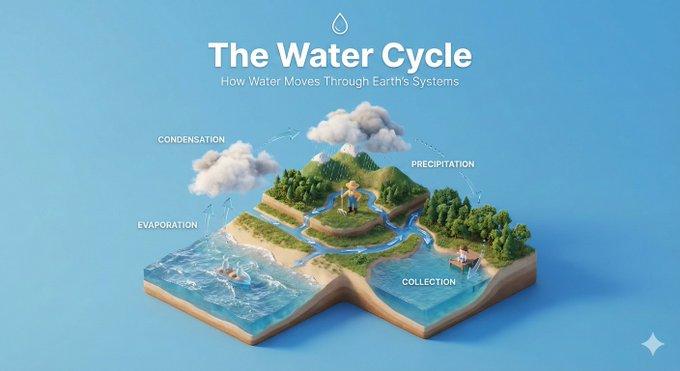
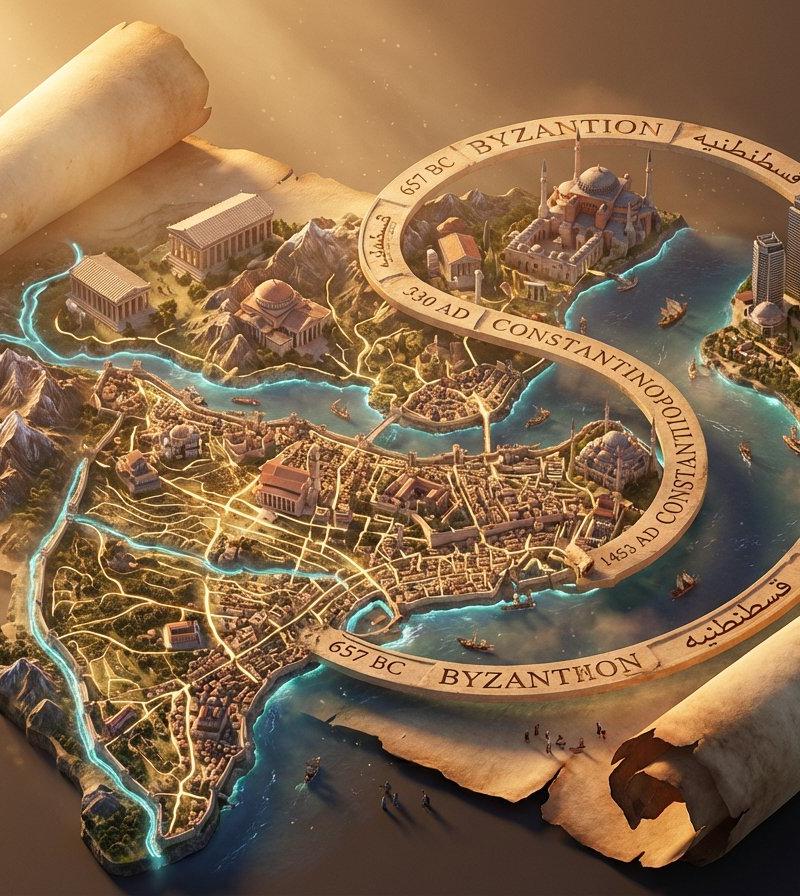
纳米香蕉Pro 3D等距图集场景,在飞火流星中
Enlarge

Example images

纳米香蕉Pro 3D等距图集场景,在飞火流星中

Prompt
Prompt Studio: Nano Banana Pro 3D Isometric Atlas Scene, in Firefly
Epic 3D isometric atlas scene: a massive ancient map of [SUBJECT] erupts from an unfurled parchment scroll, filling nearly the entire frame. Ink lines ignite into living terrain: mountain ranges push upward, cities rise in vertical layers, rivers glow and flow, borders burn softly in gold. Multiple civilizations [CIVILIZATION LAYERS] coexist in stacked time, their architectures phasing through one another as if time is folding. A carved timeline spirals across the map with engraved dates. All text in [LANGUAGE]. Extreme scale contrast, dense micro-detail everywhere, dramatic golden-hour light, volumetric dust, cinematic depth, 8K, UE5.
Check ALTs for ideas 👇 @AdobeFirefly
Category
Illustration & Art
Model
Nano Banana Pro
Creator
AllaAisling
Source language
zh-CN
Views0
Source ID
nano-banana-pro-3d-isometric-atlas-scene-in-firefly
Studio

Guide

About "纳米香蕉Pro 3D等距图集场景,在飞火流星中"

What is this prompt for?

"纳米香蕉Pro 3D等距图集场景,在飞火流星中" AI image prompt for Nano Banana Pro (Illustration & Art). Prompt Studio: Nano Banana Pro 3D Isometric Atlas Scene, in Firefly Epic 3D…

The full copyable prompt and example visuals above are ready for AI image generation or one-click recreate in Picva.

How to use this prompt

  1. Step 1

    Open the prompt detail

    Review the example visuals, category, and full prompt text for "纳米香蕉Pro 3D等距图集场景,在飞火流星中".

  2. Step 2

    Copy the prompt

    Copy the prompt body from this page, or load it directly in Studio.

  3. Step 3

    Pick a model (Nano Banana Pro)

    Prefer Nano Banana Pro. If you switch models, keep subject and composition and tweak style terms.

  4. Step 4

    Generate and export

    Recreate the look in Picva, or export into your workflow for editing and publishing.

FAQ

What is the "纳米香蕉Pro 3D等距图集场景,在飞火流星中" prompt?
It is an AI image-generation prompt for Nano Banana Pro in the Illustration & Art category. This page includes the full prompt text, example visuals, and a one-click recreate path in Picva.
How do I use this prompt to generate an image?
Copy the prompt from this page, or use Generate / Studio. Paste it into a compatible image model, or recreate the look in Picva with optional reference images.
Which model is this prompt for?
This page lists Nano Banana Pro. Most descriptive prompts also transfer to nearby image models such as GPT Image, Flux, or Midjourney with light style tweaks.
Can I use the result commercially?
You can usually copy the prompt for creation, but commercial use of the final image depends on the model terms, reference-image rights, and the generated content. Follow the source author and platform rules.