Nano Banana Pro 力の解放プロンプト
Prompt
Nano Banana Proで遊ぼう
【力の解放プロンプト】
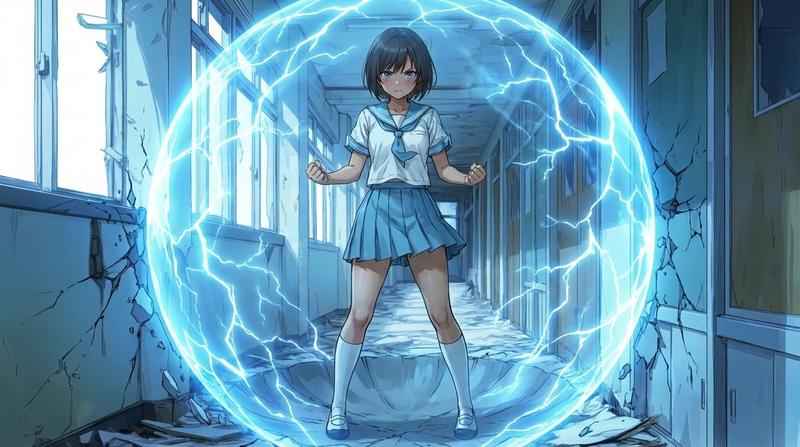
参照画像のキャラクターが「力」を解放するプロンプトです。地面がある場合は球状に抉れます(成功率低い)。誰もが憧れる「力」の解放を再現します。
今回は生成結果を安定させるために、2段階で生成するようにしています。いつものプロンプトと違って、生成て順があるので、このポストを最後まで読んでからお試しください。
◆作例
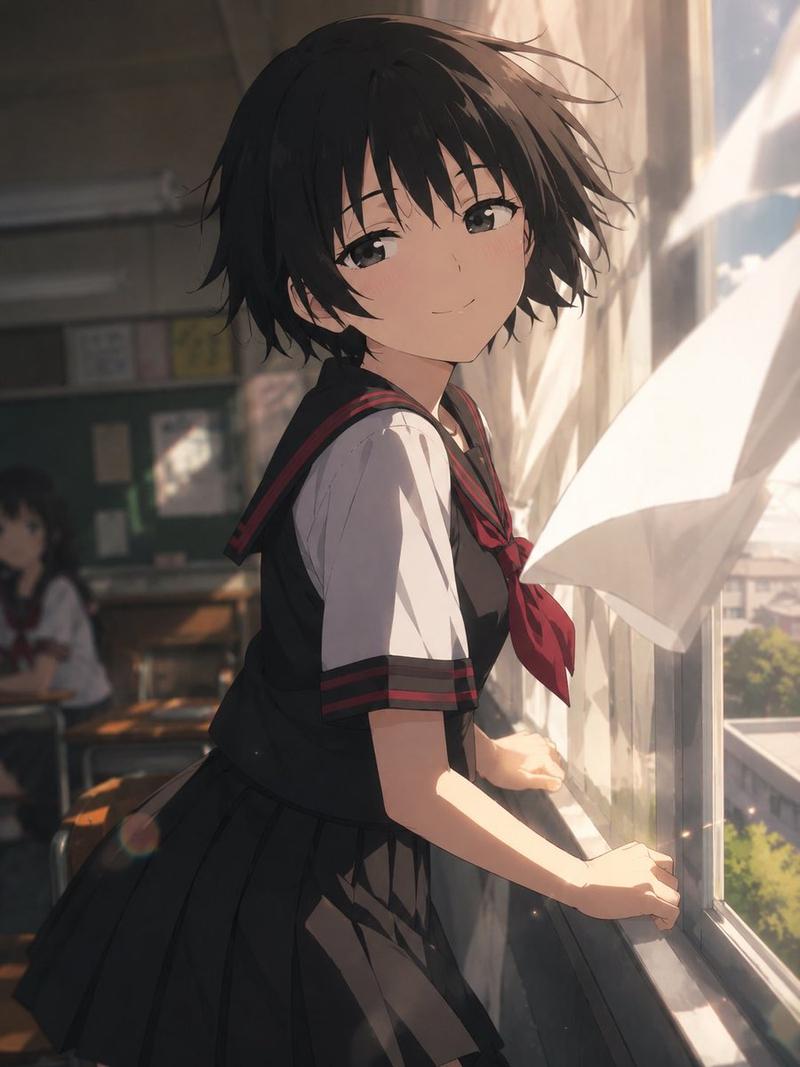
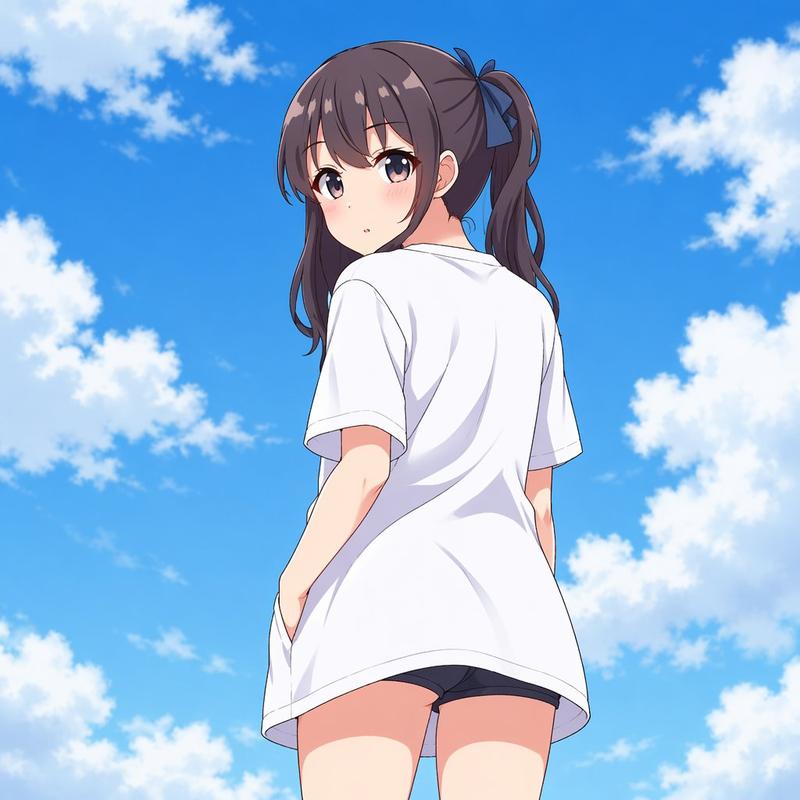
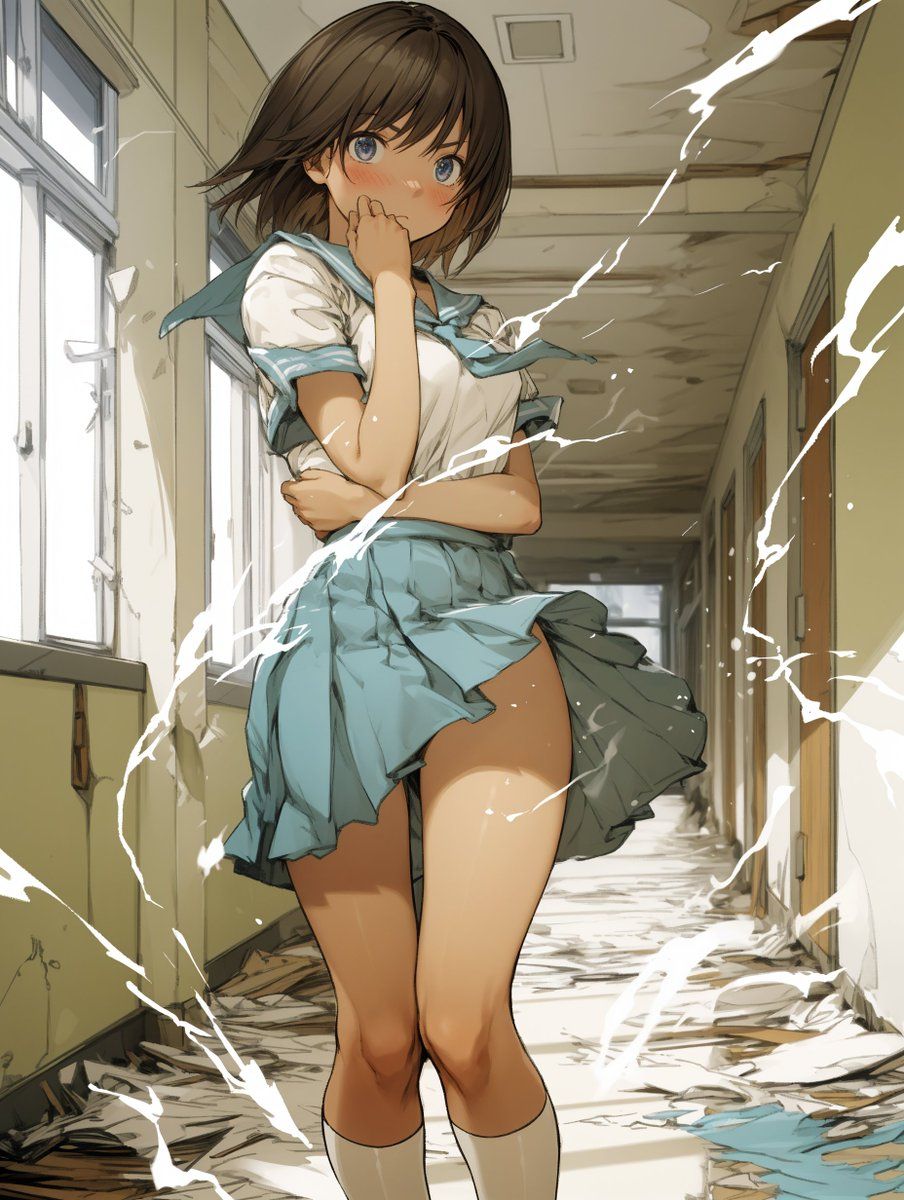
元絵にこちらを使ってみます。
全身が描かれていて、かつ周囲が壁等で囲まれていない方が安定しますが、あえてこちらで試してみます。
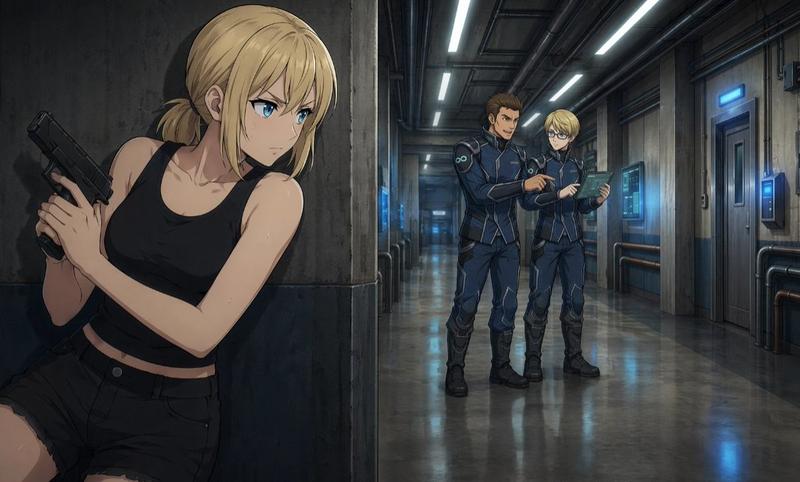
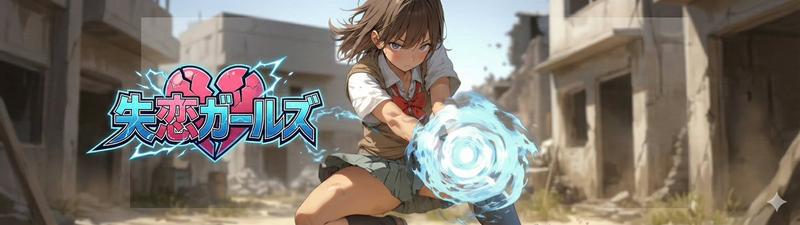
色々なイラストで試したいのですが、わたしは背景があるイラストは失恋ガールズしかないので…(すでに破壊描写がある)。みなさんのイラストの生成結果をぜひ参考にさせてください。
◆プロンプトの使い方
1.【覚醒ポーズプロンプト】
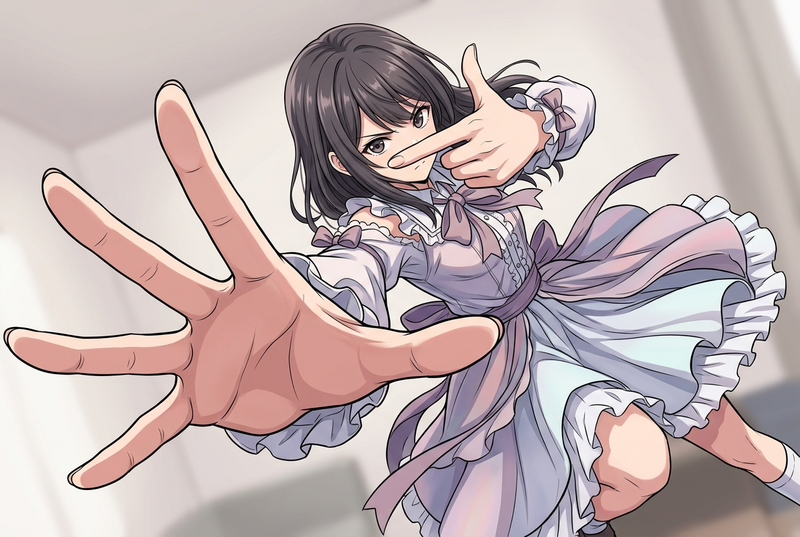
まず、【覚醒ポーズプロンプト】を使い、元絵となる参照画像のキャラクターのポーズを「覚醒ポーズ」に変換します。同時に、アスペクト比を16:9に拡張します。キャラクターの特徴と背景は可能な限り維持します。
エネルギーを球状に描くために、画角を16:9に拡張しています。3:4でもできますが、周囲に壁があるとうまくいかなかったり、エネルギーが楕円に歪んだりします。
2.【力の解放プロンプト】
次に、1で生成した画像を参照画像として、【力の解放プロンプト】を使って生成します。うまくいけば作例のように球状エネルギーがキャラクターを中心に展開し、地面が球状に抉られます。
成功するとこちらのように地面が抉れ、壁も破壊表現が描かれます。「抉れ表現」の出現難易度は、「地面 < 壁」です。壁は抉れるよりも、穴があくことが多いです。
地面も底が平らになったり、捲れるようになったりします。また、キャラクターの全身が球状エネルギーに包まれなかったり、エネルギーが平面的な「円」になったりもするので、生成ガチャを頑張ってみてください。
「覚醒ポーズ」・「力の解放」の定点画像ができるので、それぞれスタート・エンドフレームに設定することで「力の解放動画」ができます。
作例があるので後ほどポストします。
ちなみに、【覚醒ポーズプロンプト】を飛ばして、最初から元絵に【力の解放プロンプト】を入れても球状エネルギーの展開と地面の抉れはできます。この辺はお好みでどうぞ。
プロンプト:
【覚醒ポーズプロンプト】、【力の解放プロンプト】の順で記載しているので、コピペ時に混ざらないように気を付けてください。
【覚醒ポーズプロンプト】
subject: >
Use the same character as reference A.
Preserve all facial features, hairstyle, clothing, body proportions, colors,
line weight, shading, and art style exactly as in the reference.
composition: >
IMPORTANT: Change the framing from the reference.
The camera must be positioned **much farther away** so the character’s entire body
is fully visible **with extra space above, below, and around** the character.
The character must appear **significantly smaller** than in reference A,
occupying only about **20–30% of the frame height**.
Place the character exactly at the center of the frame with wide open space
surrounding them for later energy effects.
The field of view should be noticeably wider than the reference.
The final image must be rendered in a **16:9 aspect ratio**.
action: >
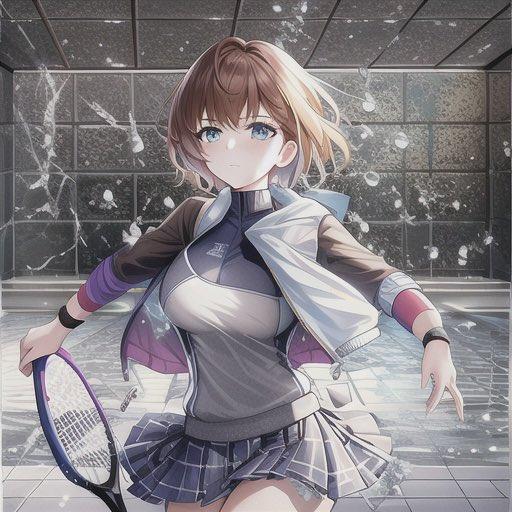
Set the character in the awakening stance shown in reference B:
- feet shoulder-width apart
- both hands tightly clenched into fists
- arms slightly bent and tense
- chest slightly forward, posture firm and braced
- intense, focused expression
location: >
Reuse the same background environment as reference A.
Expand the visible portion of the background **significantly**
to match the widened, zoomed-out framing.
Maintain the same textures, perspective, colors, and drawing style.
style: >
Match the exact style of reference A:
identical linework, shading, coloring, and background rendering.
camera_lighting: >
Use the same lighting conditions as in reference A.
edit_instructions: >
Recreate the character and background from reference A exactly.
BUT modify the camera distance so the entire character fits in the frame
with **substantial space** around them.
The camera should be pulled back enough that the character appears small
within a much wider environment.
Change only:
- the camera distance (strong zoom out)
- the character’s pose, matching reference B exactly
Everything else (design, colors, style, background identity) must remain consistent.
Ensure the final output respects the **16:9 aspect ratio**.
references:
A: >
Use reference A for character identity, background style, line weight,
coloring, and artistic consistency.
Do NOT keep the original framing; replace it with a **wide, zoomed-out, full-body framing**.
B: >
Use reference B strictly to match the awakening pose:
- shoulder-width stance
- clenched fists
- tense arms
- forward, determined posture
extras: >
high resolution, clean and consistent output, wide framing,
**16:9 aspect ratio**.
【力の解放プロンプト】
subject:
description: >
The main character from the reference image, preserved exactly with identical
proportions, facial features, outfit, and art style.
action: >
The character stands at the exact center of a fully enclosing spherical energy field.
composition:
framing: >
The sphere completely surrounds the character and remains fully or mostly visible
within a wide 16:9 cinematic framing.
aspect_ratio: "16:9"
action:
primary: >
A perfectly round, glowing spherical energy field fully encloses the character.
The sphere’s surface is semi-transparent to clearly show the character inside.
secondary: >
The ground directly beneath the character is carved out in a concave, bowl-shaped
form that precisely matches the inner curvature of the sphere.
destruction_detail: >
Only the environment that intersects with the sphere should be damaged or displaced.
Cracks, fragments, and debris must follow the exact circular arc of the sphere.
location:
description: >
Preserve the original background style, perspective, color palette, and linework.
deformation: >
Deform only the area touched by the sphere. All other parts of the scene remain
unchanged and loyal to the reference image.
style:
consistency: >
Maintain the reference image’s art style, shading, line weight, and coloring.
effects: >
Integrate the energy effects naturally without altering the character’s or
background's visual identity.
camera_lighting:
camera_angle: >
Use the same camera angle and viewpoint as the reference image unless specified.
lighting: >
Add internal glow, rim light, and soft light diffusion from the spherical energy.
colors:
palette: >
Energy sphere uses bright electric-blue or user-chosen colors with lightning-like
patterns and high contrast.
text: none
edit_instructions: >
Add a fully enclosing spherical energy field around the character while preserving
the original style. Ensure the sphere covers the character entirely — above, behind,
and around them. Modify only surfaces the sphere touches, sculpting the ground into
a concave bowl shape consistent with the sphere’s curvature. Do not modify any other
part of the image.
references:
A: Main reference for character, style, and background.
B: Optional reference for energy sphere design.
extras:
quality: "ultra-quality rendering, detailed energy patterns"
resolution: "high"
effects: "volumetric glow, electric arcs, internal illumination"
- Category
- Photography & Realism
- Model
- Nano Banana Pro
- Creator
- てんねん
- Source ID
- nano-banana-pro-awakening-power-prompt
Views0