15

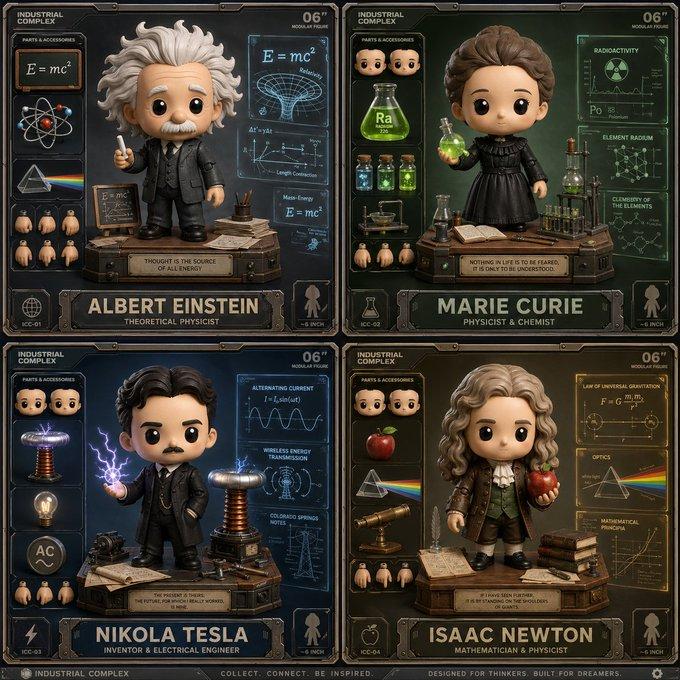
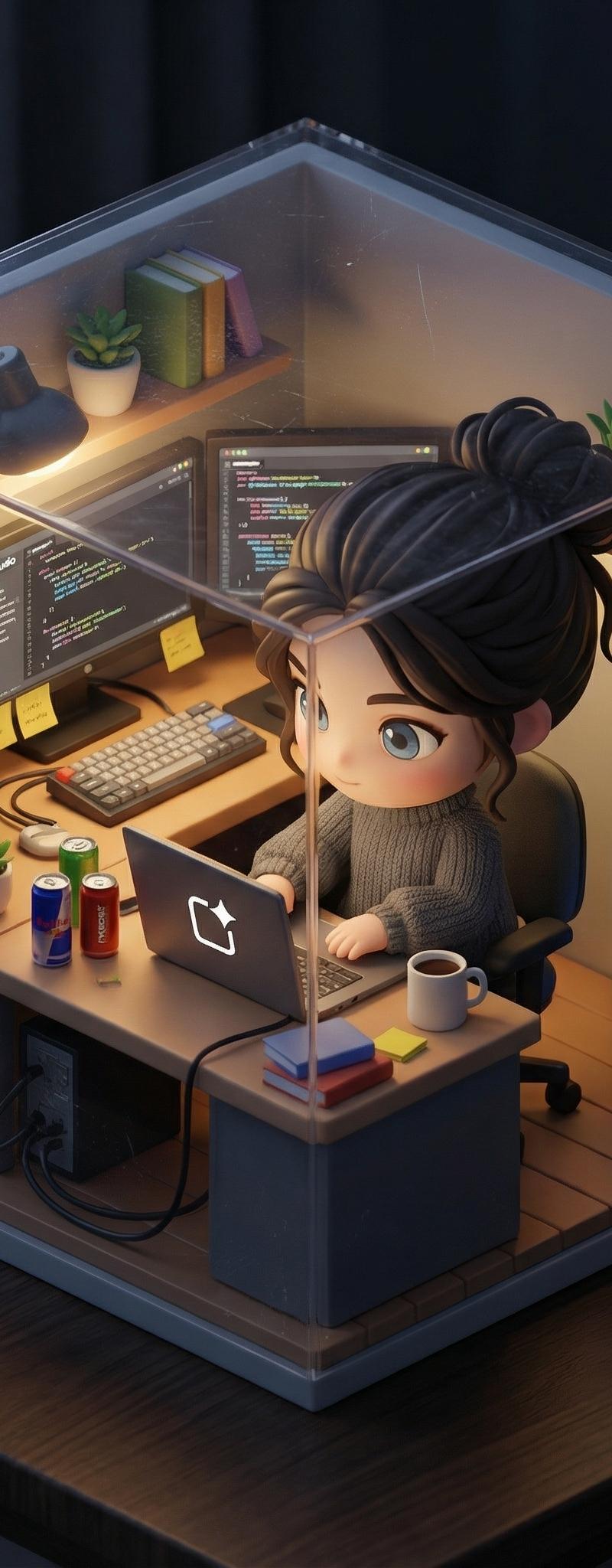
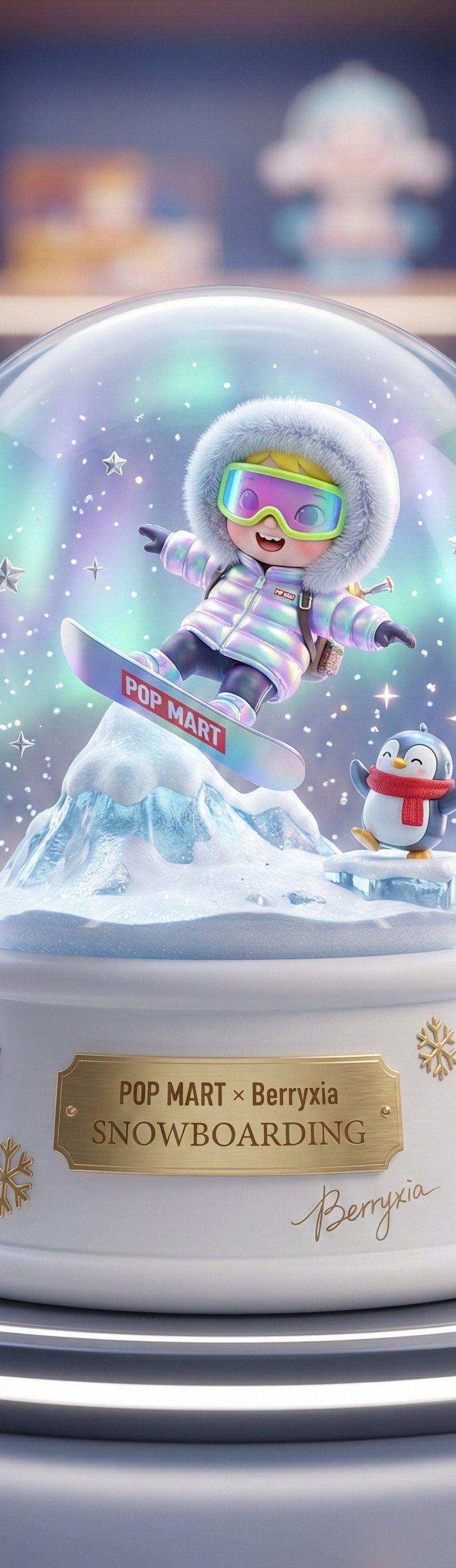
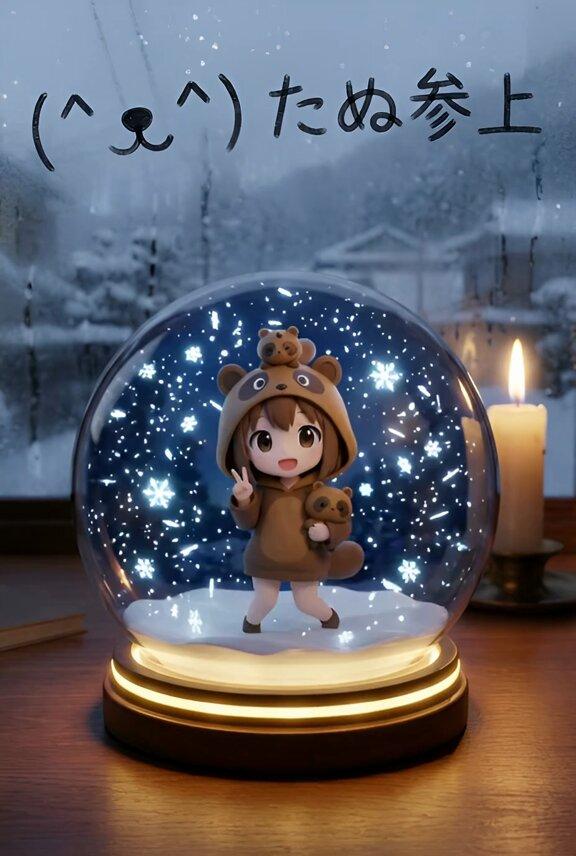
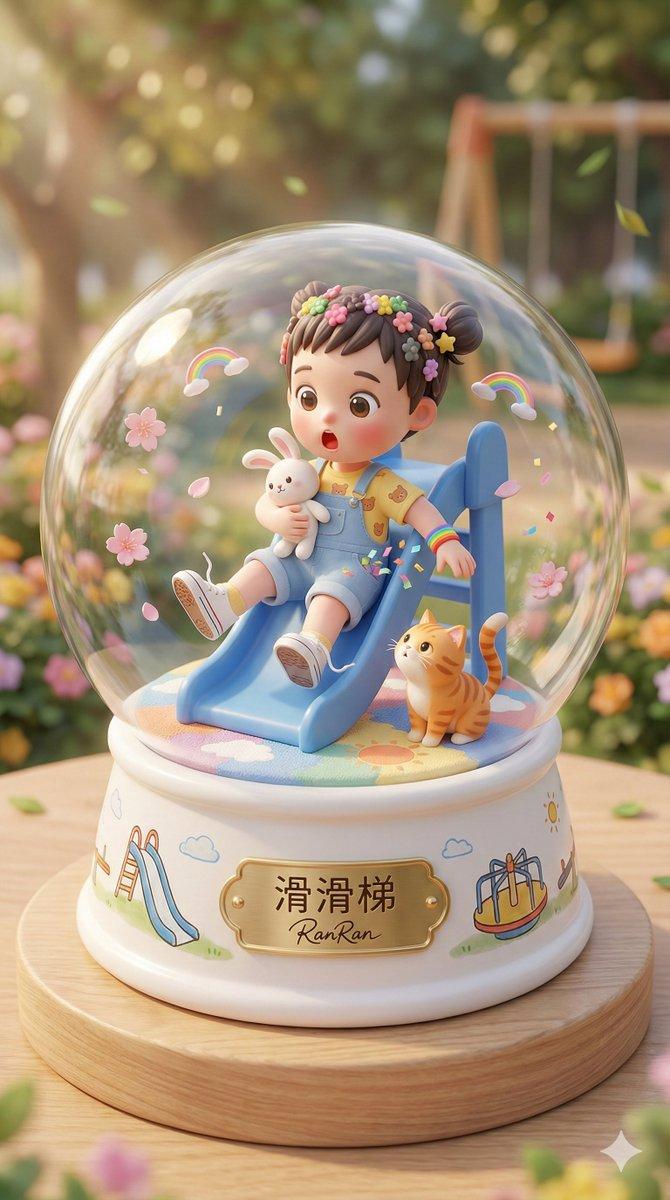
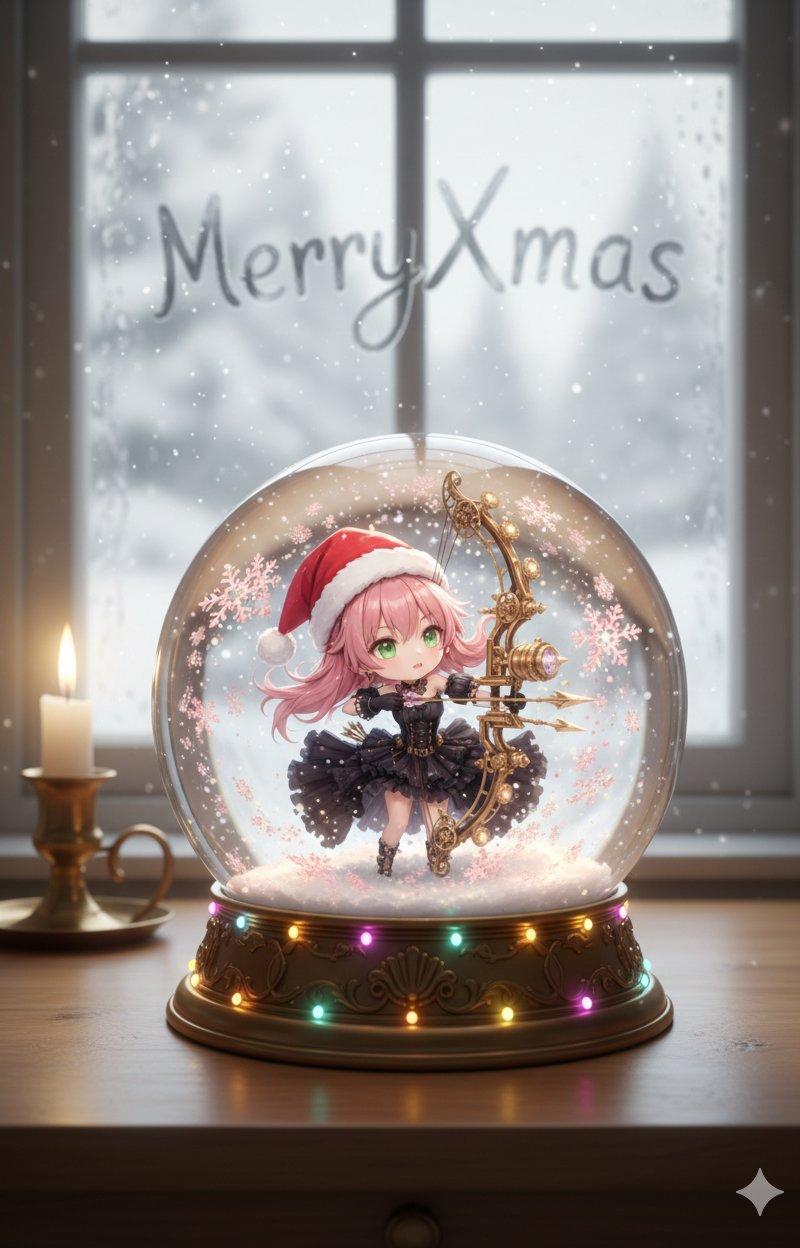
Nano Banana Pro圣诞魔幻造型
Enlarge

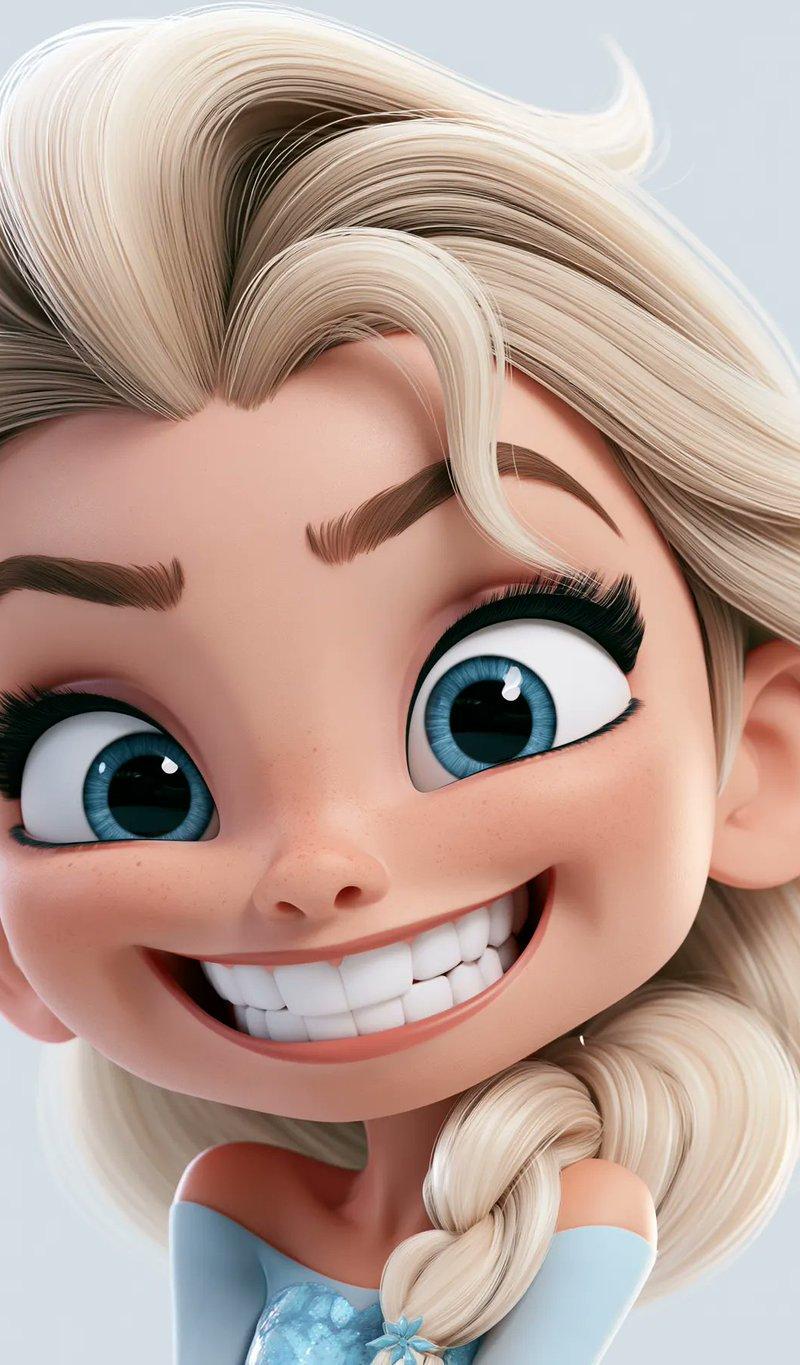
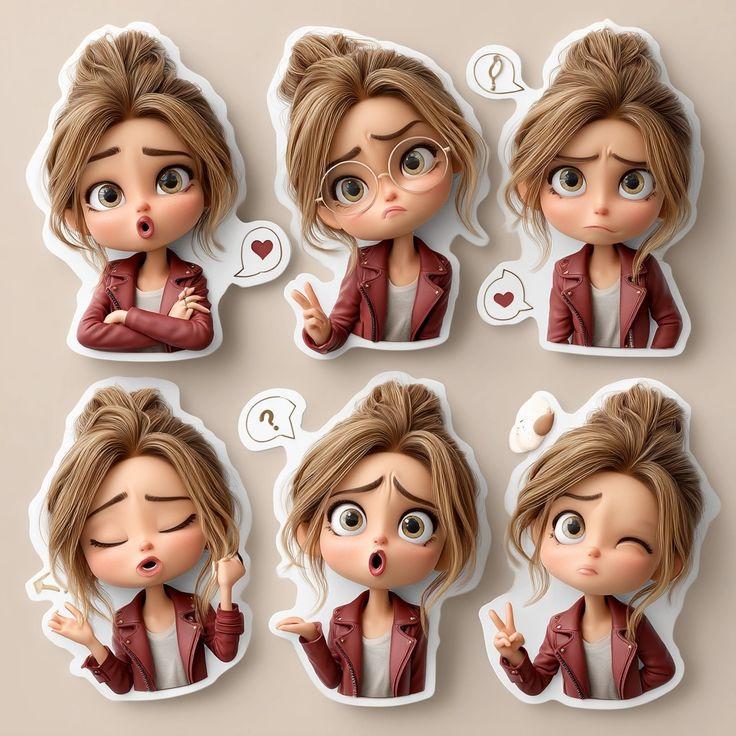
Example images

Nano Banana Pro圣诞魔幻造型

Prompt
Turn yourself into Christmas Festive Magic Look using Nano Banana Pro
Upload your Photo
Copy and Paste the Below mentioned prompt with Nano Banana Pro in Gemini
💬Try image Prompt 👇
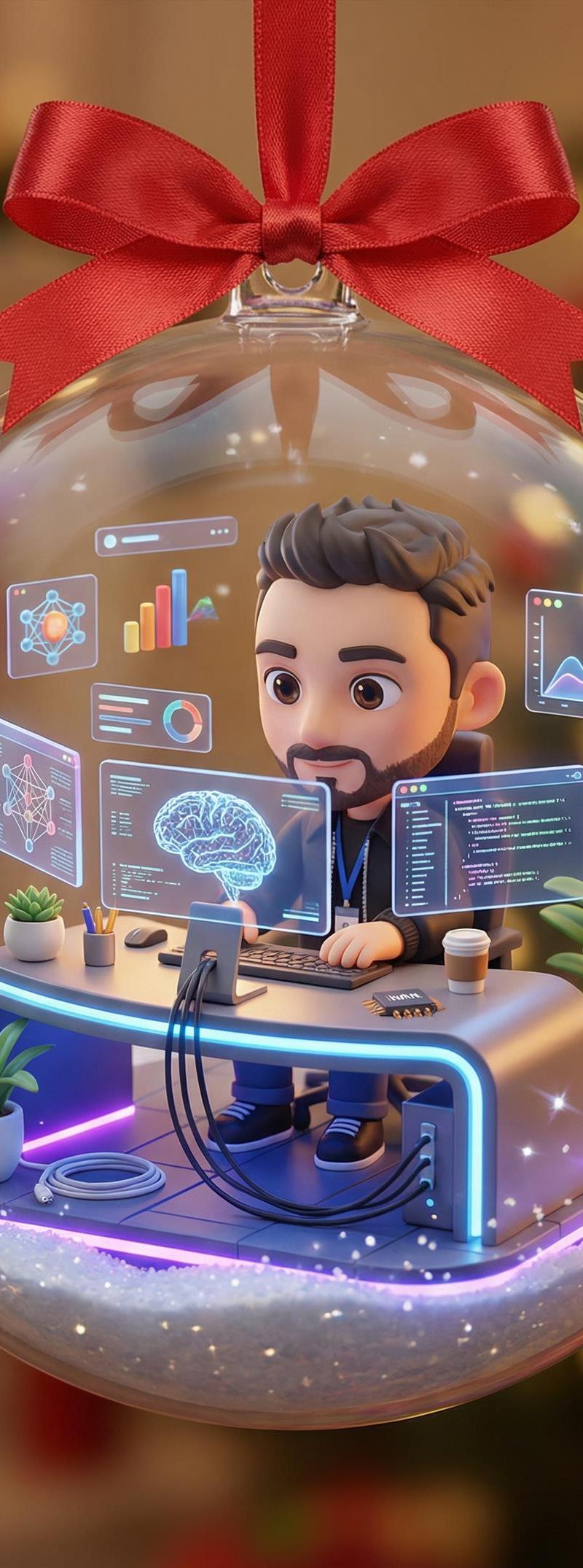
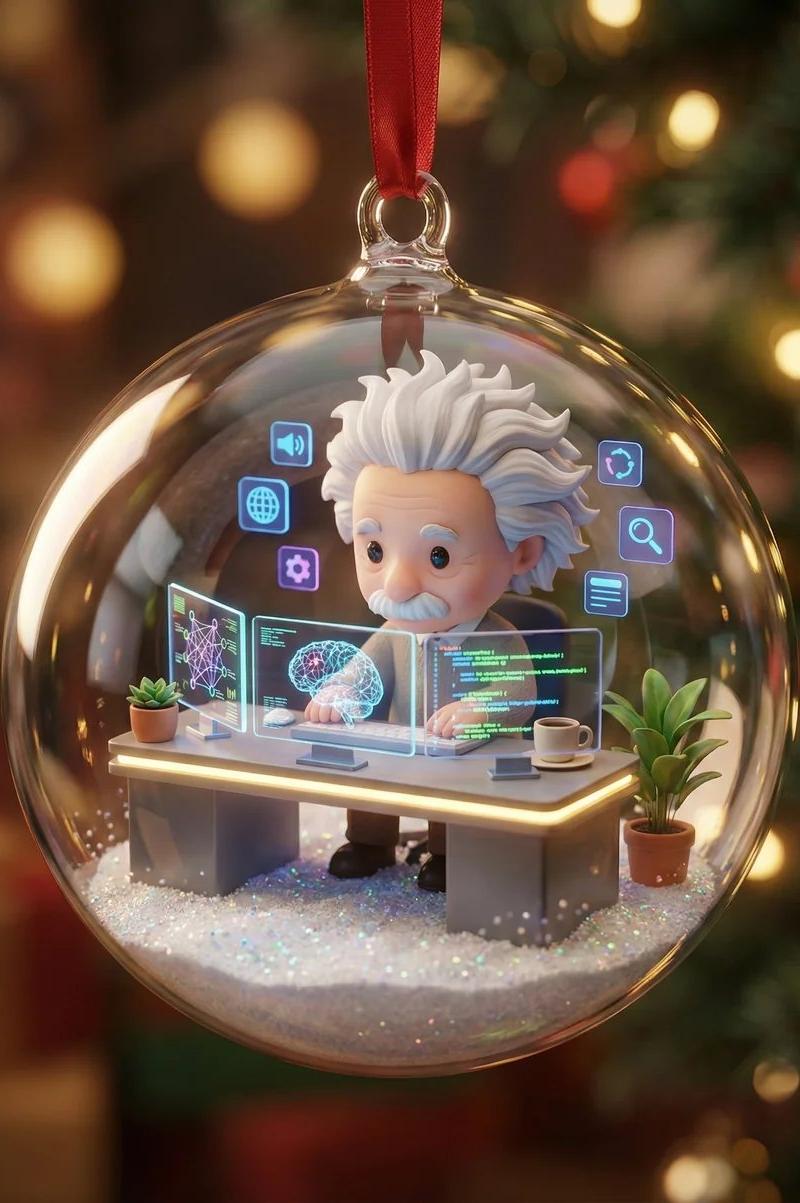
"A transparent Christmas bauble hanging by a red ribbon. Inside, a tiny diorama of the person from the reference reimagined as a cute 3d chibi character. He works at a mini futuristic AI desk with three glowing holo-screens showing neural networks and code. Add tiny plants, a mini coffee cup, soft desk lighting, floating UI icons, and snow-glitter at the base. Warm magical Christmas glow, cinematic reflections on glass, cozy high-end diorama aesthetic.
Cinematic lighting, shallow depth of field, soft reflections on the glass, ultra-polished materials, high detail, festive Christmas atmosphere. Whimsical, premium, and heartwarming."
Category
Photography & Realism
Model
Nano Banana Pro
Creator
Lucky
Source language
zh-CN
Views0
Source ID
nano-banana-pro-christmas-magical-look
Studio

Guide

About "Nano Banana Pro圣诞魔幻造型"

What is this prompt for?

"Nano Banana Pro圣诞魔幻造型" AI image prompt for Nano Banana Pro (Photography & Realism). Turn yourself into Christmas Festive Magic Look using Nano Banana Pro Uplo…

The full copyable prompt and example visuals above are ready for AI image generation or one-click recreate in Picva.

How to use this prompt

  1. Step 1

    Open the prompt detail

    Review the example visuals, category, and full prompt text for "Nano Banana Pro圣诞魔幻造型".

  2. Step 2

    Copy the prompt

    Copy the prompt body from this page, or load it directly in Studio.

  3. Step 3

    Pick a model (Nano Banana Pro)

    Prefer Nano Banana Pro. If you switch models, keep subject and composition and tweak style terms.

  4. Step 4

    Generate and export

    Recreate the look in Picva, or export into your workflow for editing and publishing.

FAQ

What is the "Nano Banana Pro圣诞魔幻造型" prompt?
It is an AI image-generation prompt for Nano Banana Pro in the Photography & Realism category. This page includes the full prompt text, example visuals, and a one-click recreate path in Picva.
How do I use this prompt to generate an image?
Copy the prompt from this page, or use Generate / Studio. Paste it into a compatible image model, or recreate the look in Picva with optional reference images.
Which model is this prompt for?
This page lists Nano Banana Pro. Most descriptive prompts also transfer to nearby image models such as GPT Image, Flux, or Midjourney with light style tweaks.
Can I use the result commercially?
You can usually copy the prompt for creation, but commercial use of the final image depends on the model terms, reference-image rights, and the generated content. Follow the source author and platform rules.