17

纳米香蕉Pro在Gemini应用上
Enlarge

Example images

纳米香蕉Pro在Gemini应用上

Prompt
Nano Banana Pro on Gemini app.
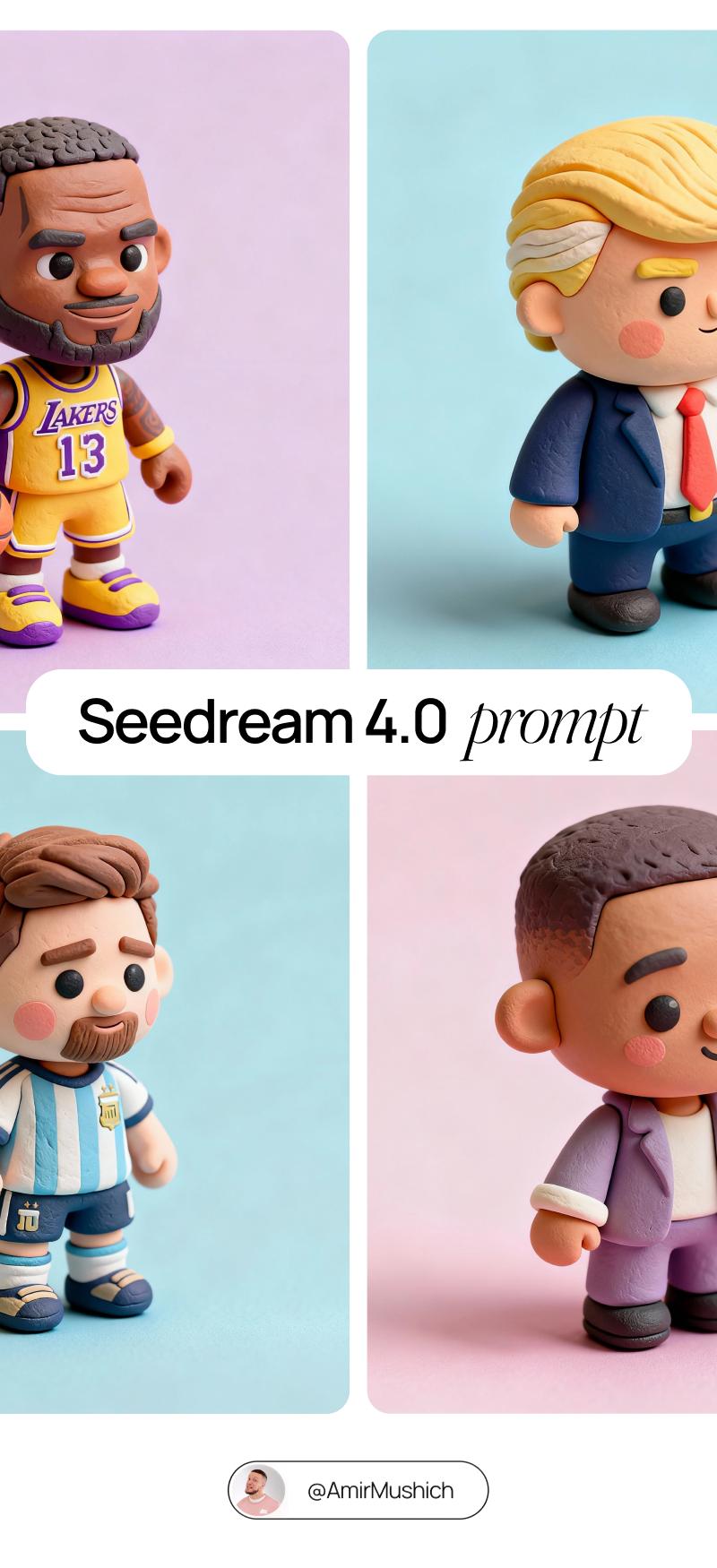
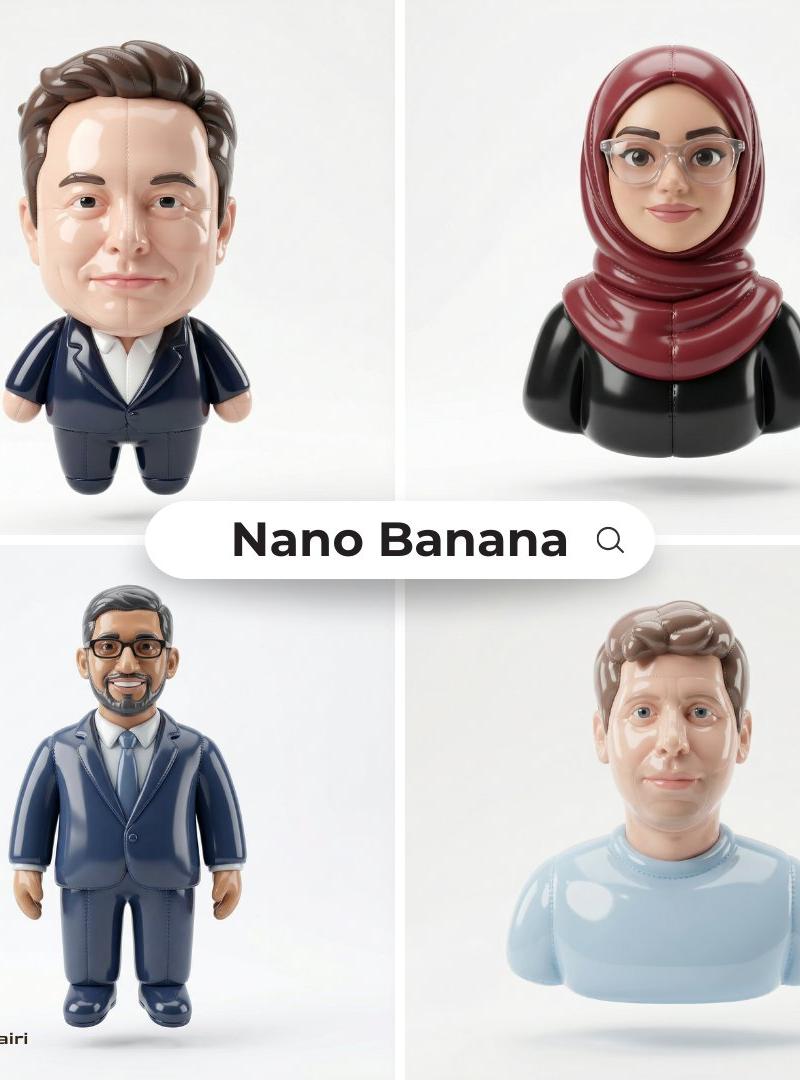
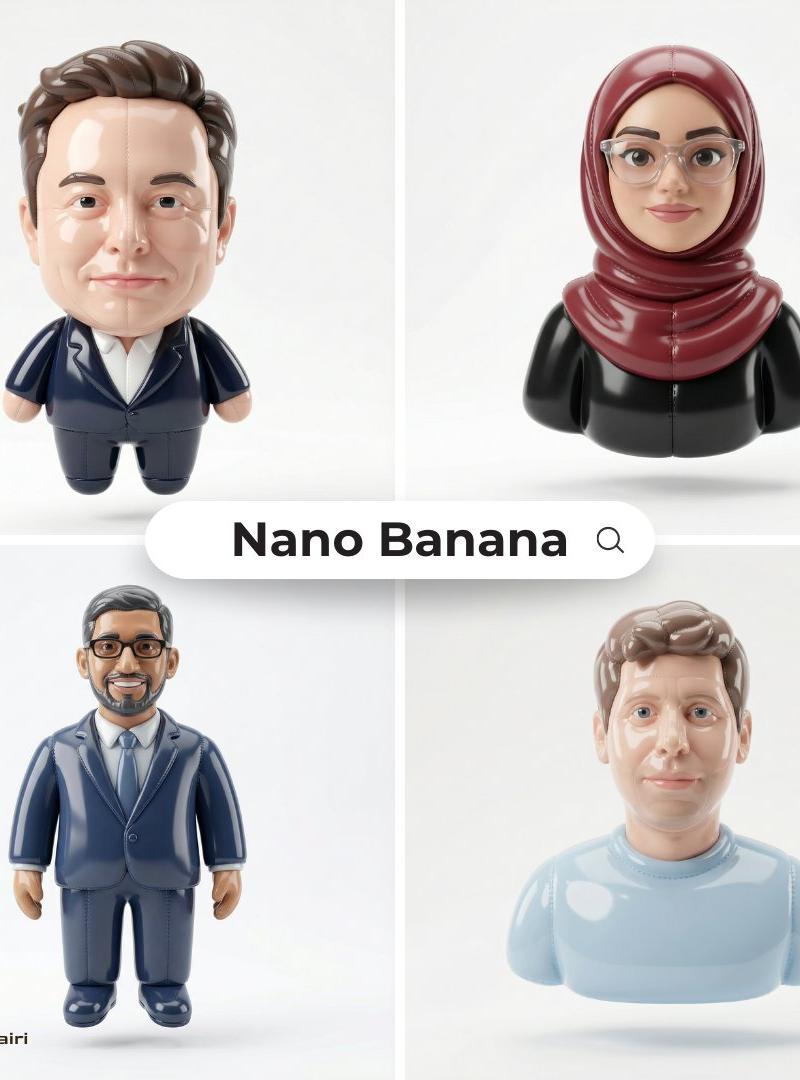
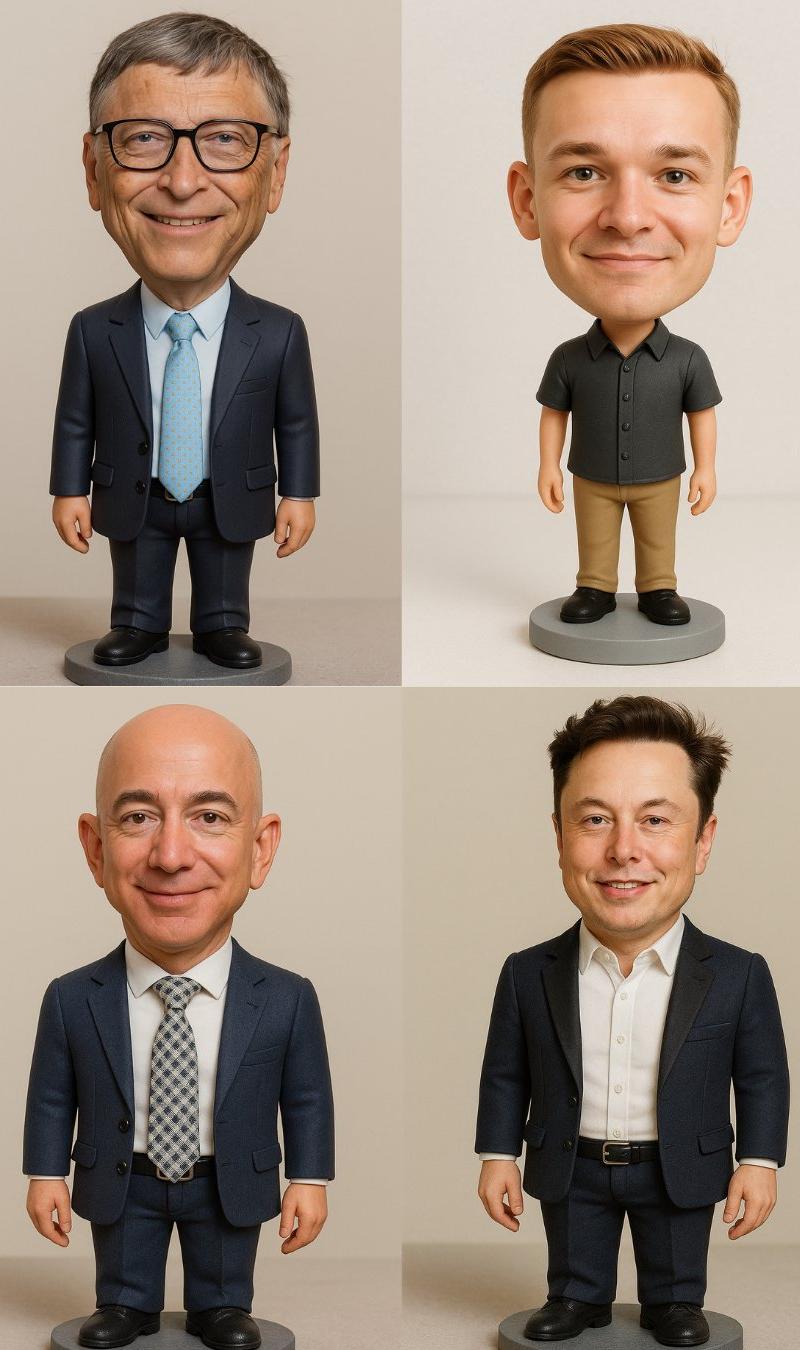
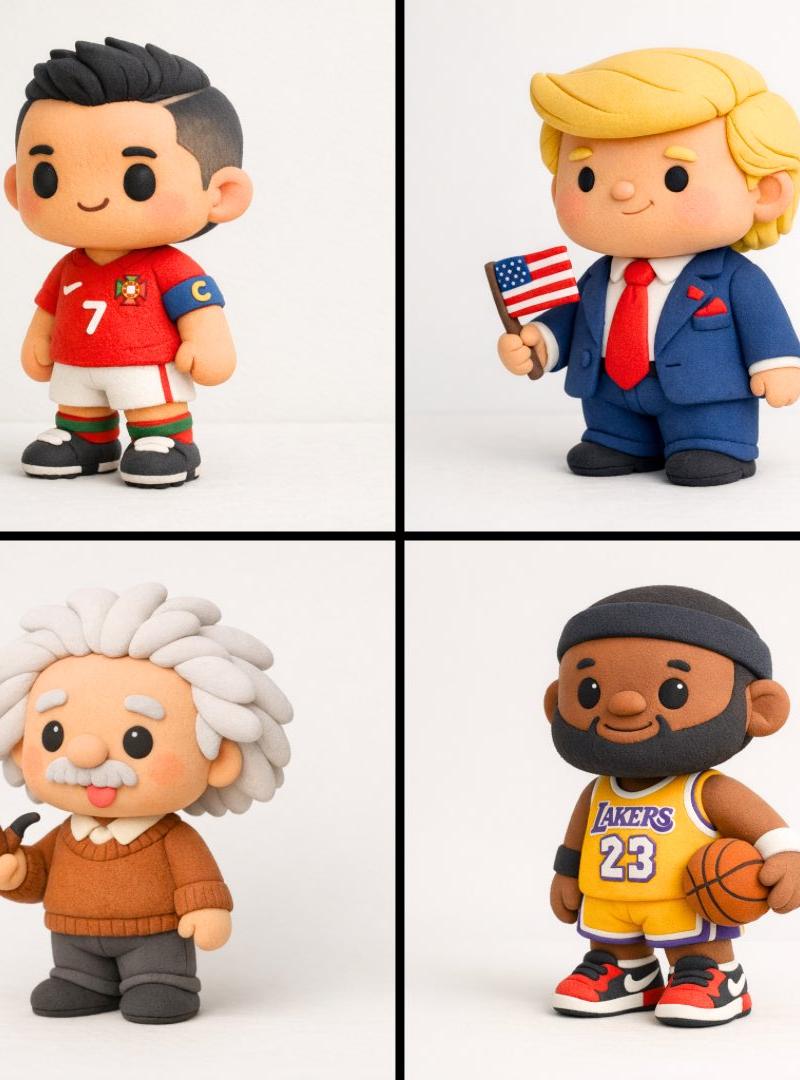
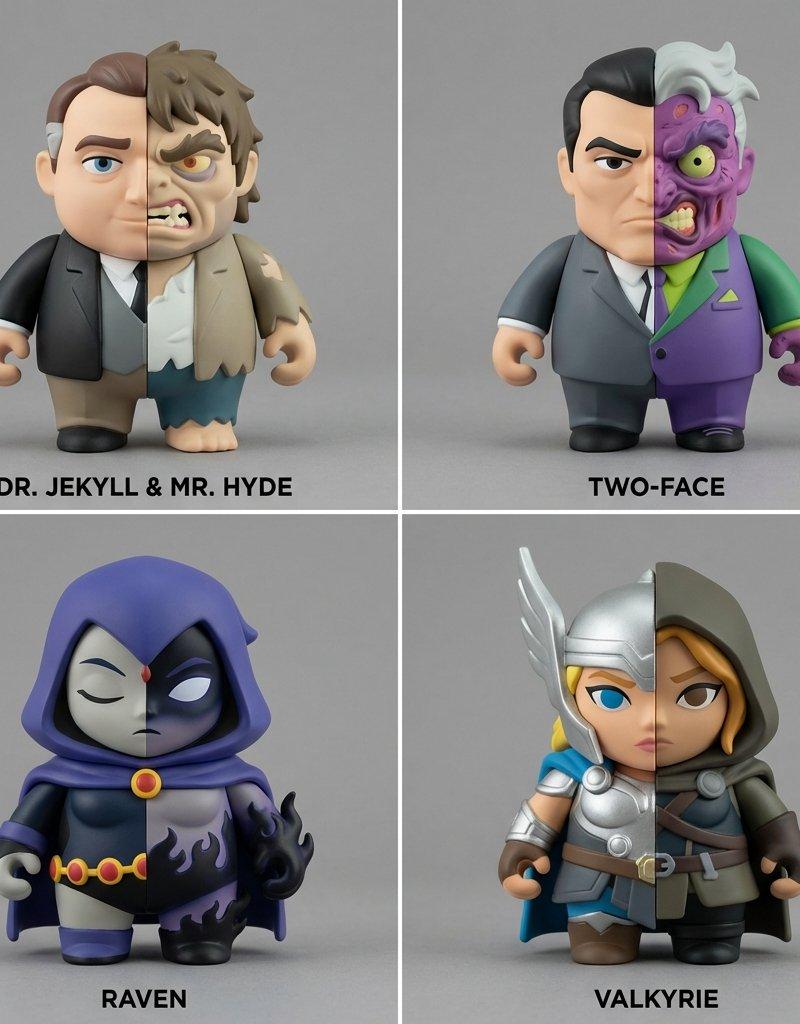
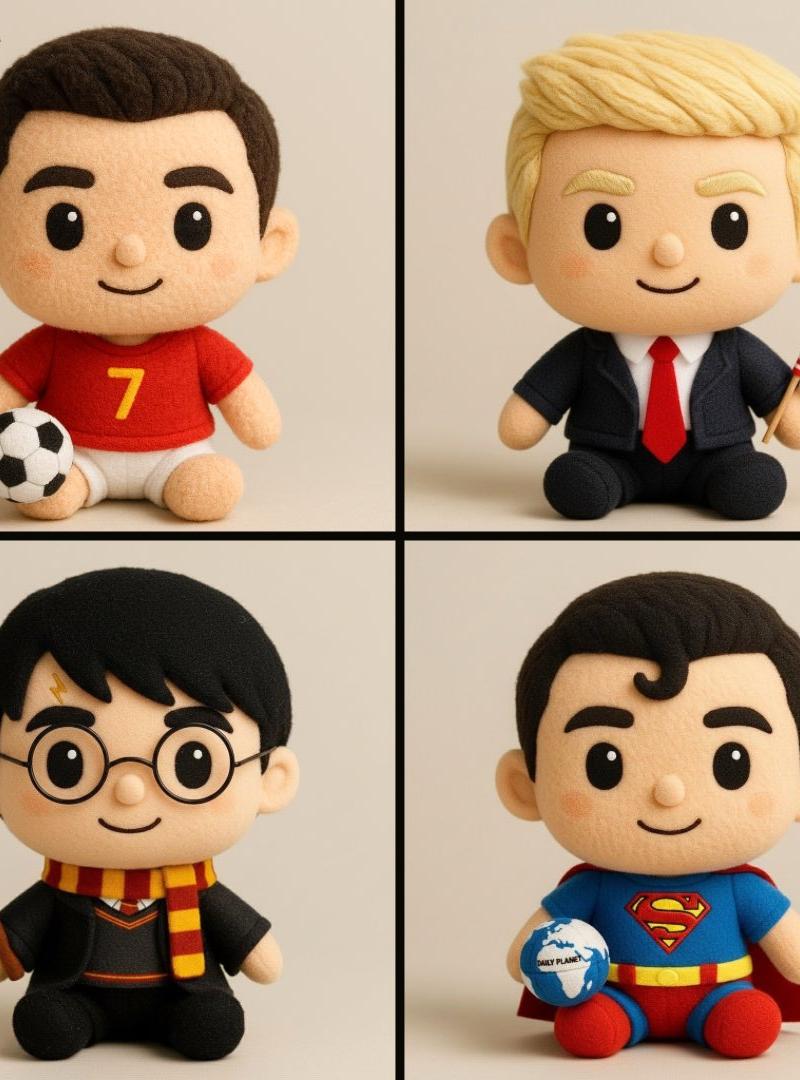
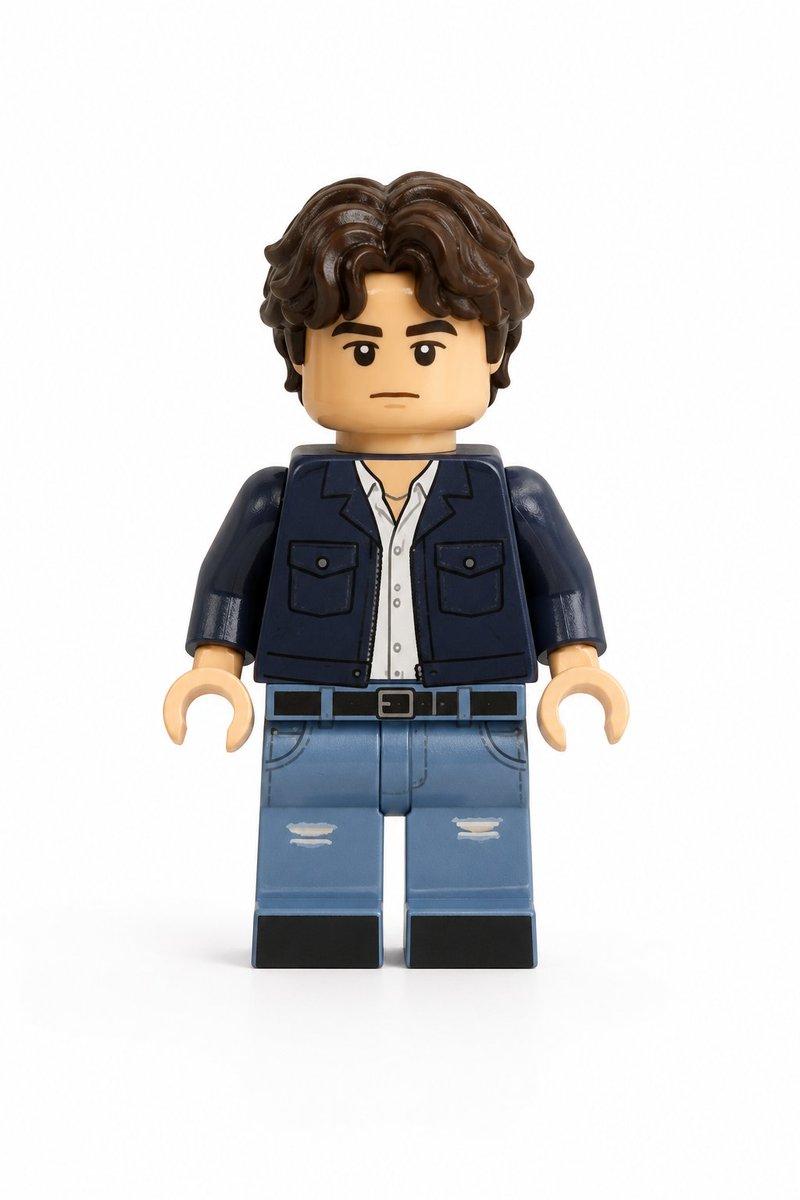
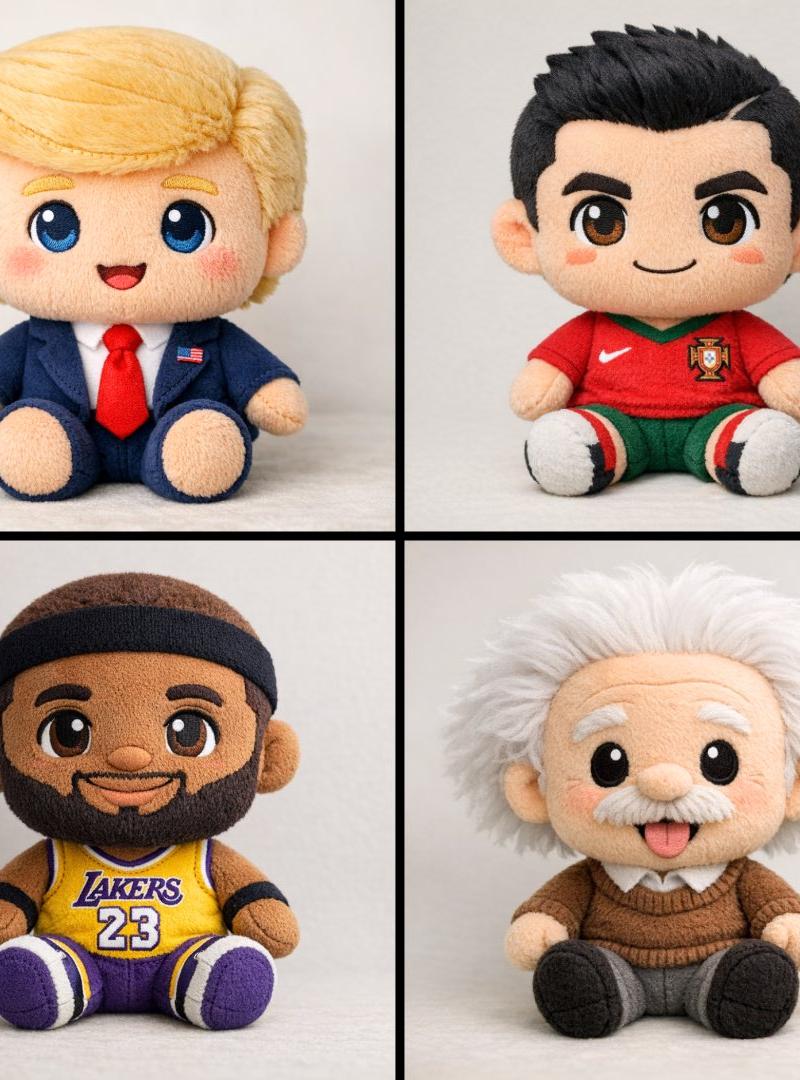
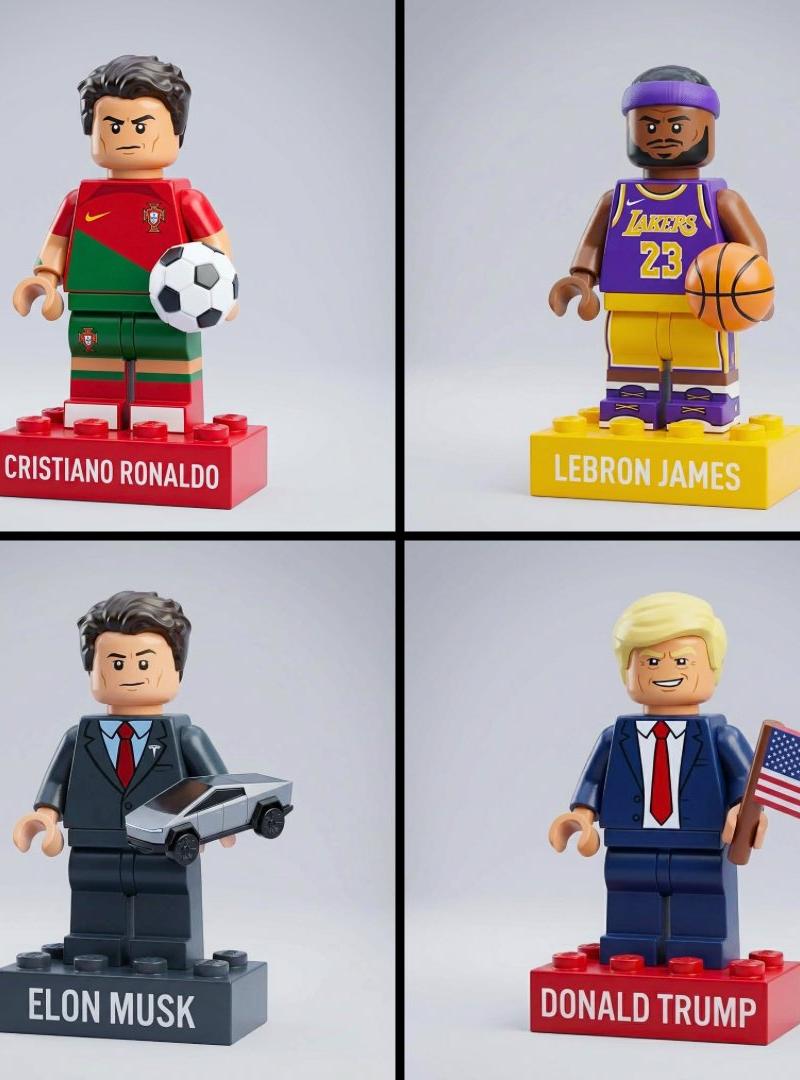
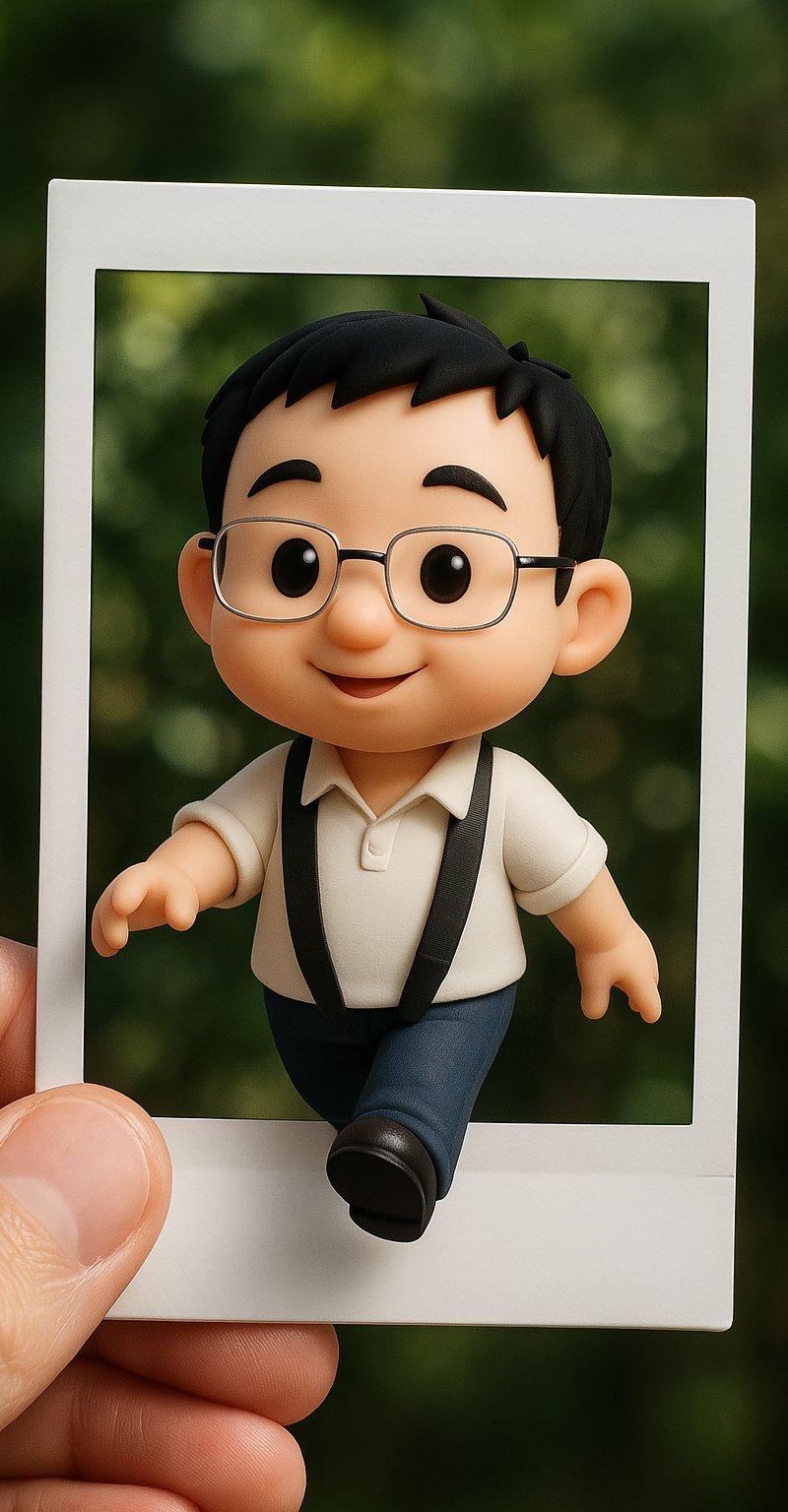
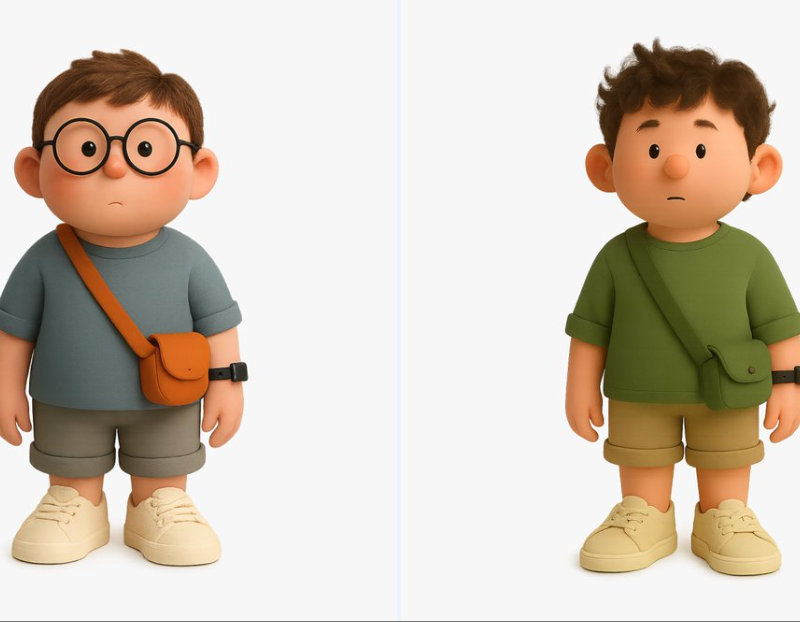
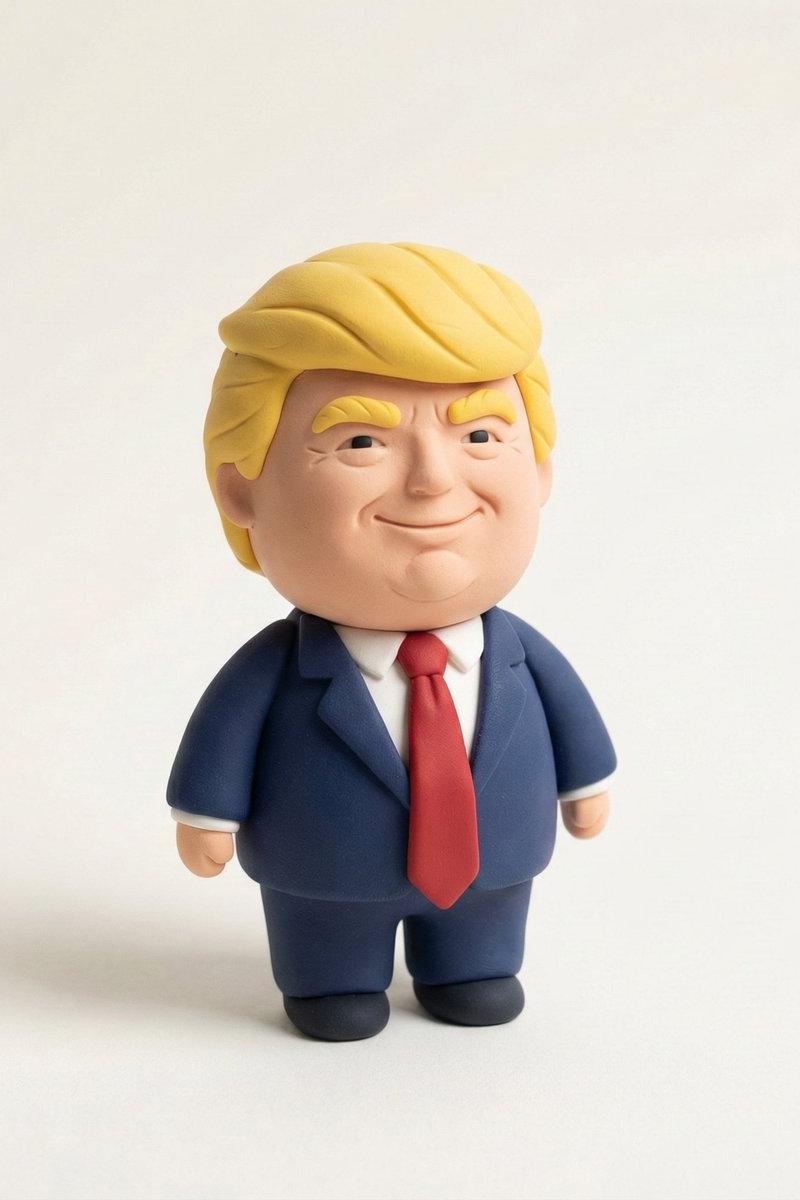
Create a stylized miniature model of [CHARACTERS] shaped entirely from soft polymer clay. The figure has rounded, childlike anatomy — large head, small body, and simplified details that feel friendly and handcrafted. Its outfit and accessories match [CHARACTERS]’ iconic look, modeled with smooth curves and lively, saturated tones.
The material appears dry and tactile, with a powdery matte finish and subtle surface texture—avoid gloss, shine, or reflections. Lighting should be gentle and even, wrapping softly around the form with faint ambient shading to reveal volume.
Present the figurine standing upright, slightly turned toward the right, framed in a minimal off-white environment with a smooth floor and faint contact shadow beneath. The overall composition feels calm, neat, and balanced—like a clay sculpture photographed for a design catalog.
Format: square 1080x1080”
Category
Photography & Realism
Model
Nano Banana Pro
Creator
Dr.duet
Source language
zh-CN
Views0
Source ID
nano-banana-pro-on-gemini-app-4
Studio

Guide

About "纳米香蕉Pro在Gemini应用上"

What is this prompt for?

"纳米香蕉Pro在Gemini应用上" AI image prompt for Nano Banana Pro (Photography & Realism). Nano Banana Pro on Gemini app. Create a stylized miniature model of [CHARACTER…

The full copyable prompt and example visuals above are ready for AI image generation or one-click recreate in Picva.

How to use this prompt

  1. Step 1

    Open the prompt detail

    Review the example visuals, category, and full prompt text for "纳米香蕉Pro在Gemini应用上".

  2. Step 2

    Copy the prompt

    Copy the prompt body from this page, or load it directly in Studio.

  3. Step 3

    Pick a model (Nano Banana Pro)

    Prefer Nano Banana Pro. If you switch models, keep subject and composition and tweak style terms.

  4. Step 4

    Generate and export

    Recreate the look in Picva, or export into your workflow for editing and publishing.

FAQ

What is the "纳米香蕉Pro在Gemini应用上" prompt?
It is an AI image-generation prompt for Nano Banana Pro in the Photography & Realism category. This page includes the full prompt text, example visuals, and a one-click recreate path in Picva.
How do I use this prompt to generate an image?
Copy the prompt from this page, or use Generate / Studio. Paste it into a compatible image model, or recreate the look in Picva with optional reference images.
Which model is this prompt for?
This page lists Nano Banana Pro. Most descriptive prompts also transfer to nearby image models such as GPT Image, Flux, or Midjourney with light style tweaks.
Can I use the result commercially?
You can usually copy the prompt for creation, but commercial use of the final image depends on the model terms, reference-image rights, and the generated content. Follow the source author and platform rules.