16

纳米香蕉Pro提示
Enlarge

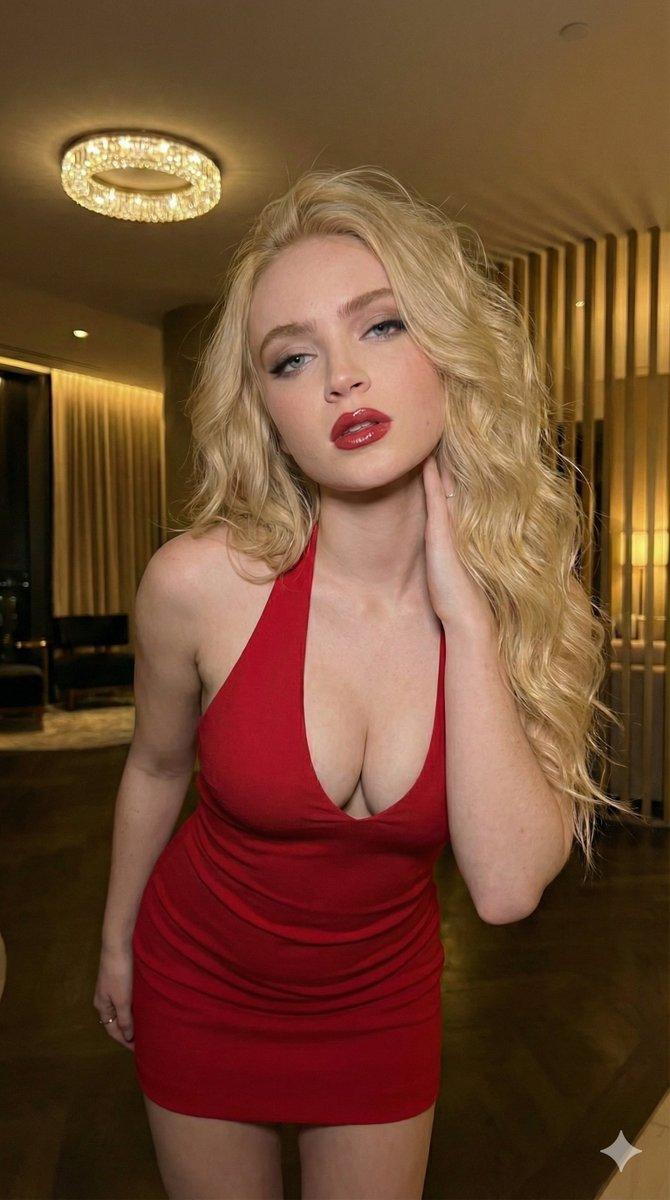
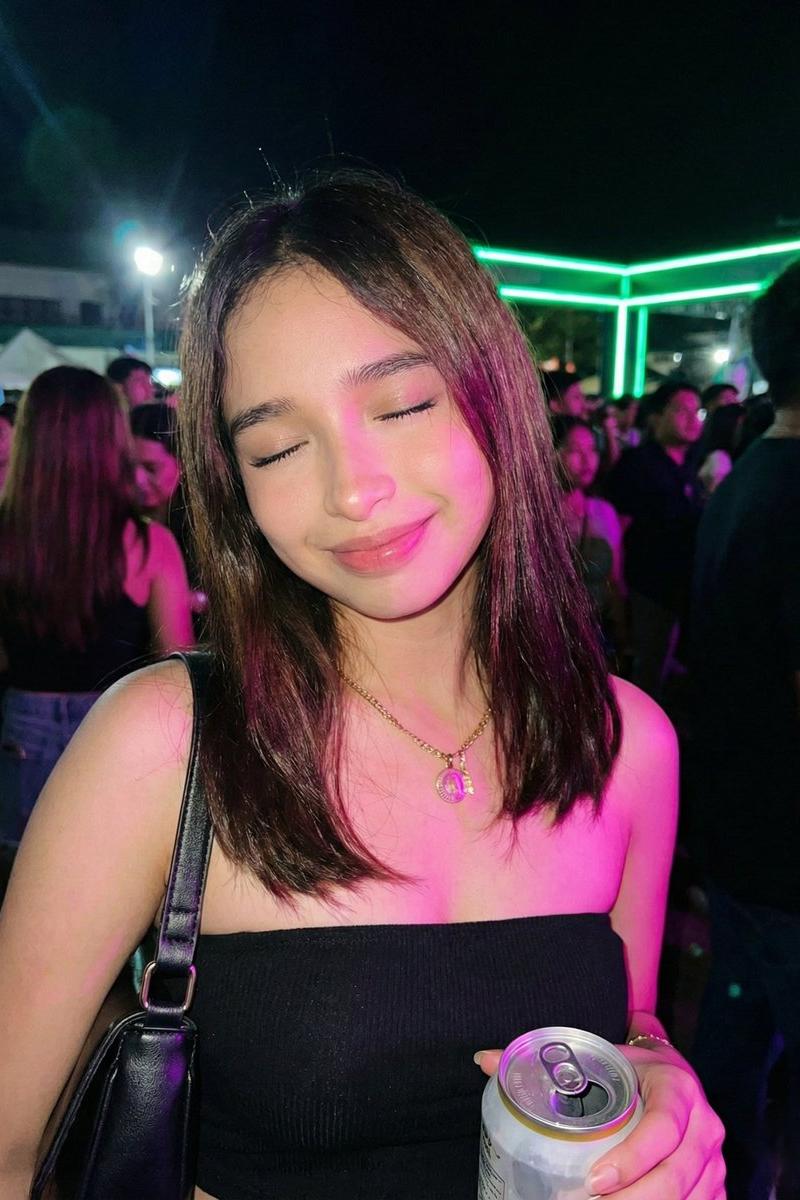
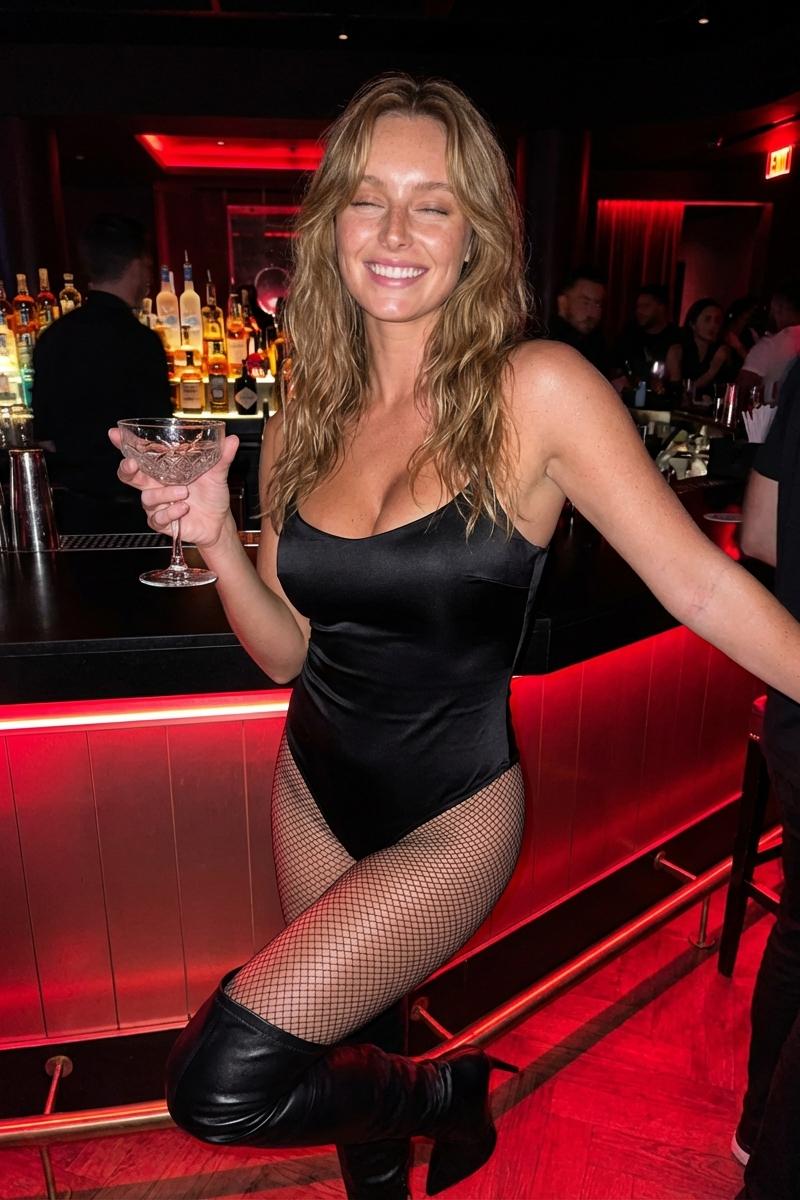
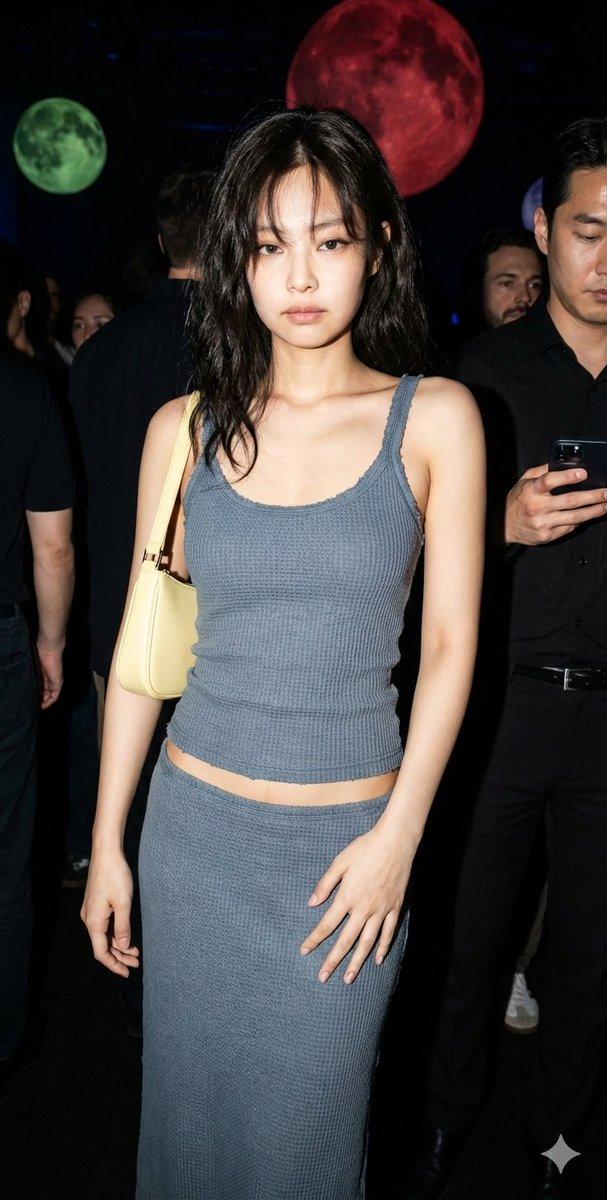
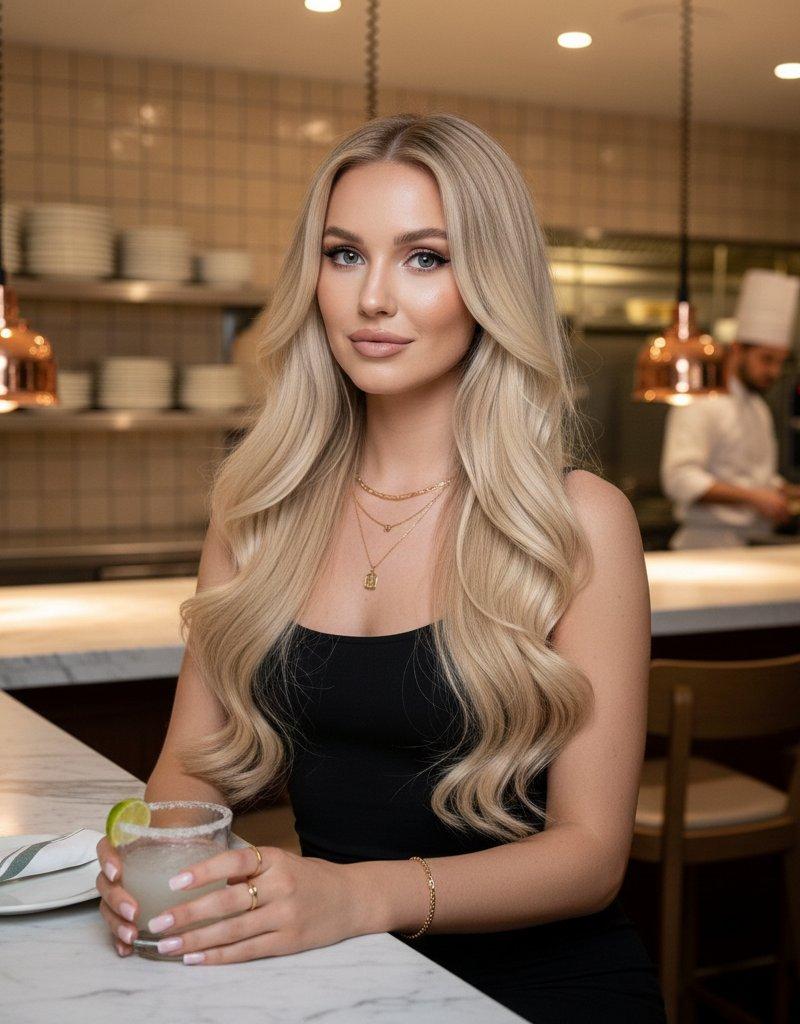
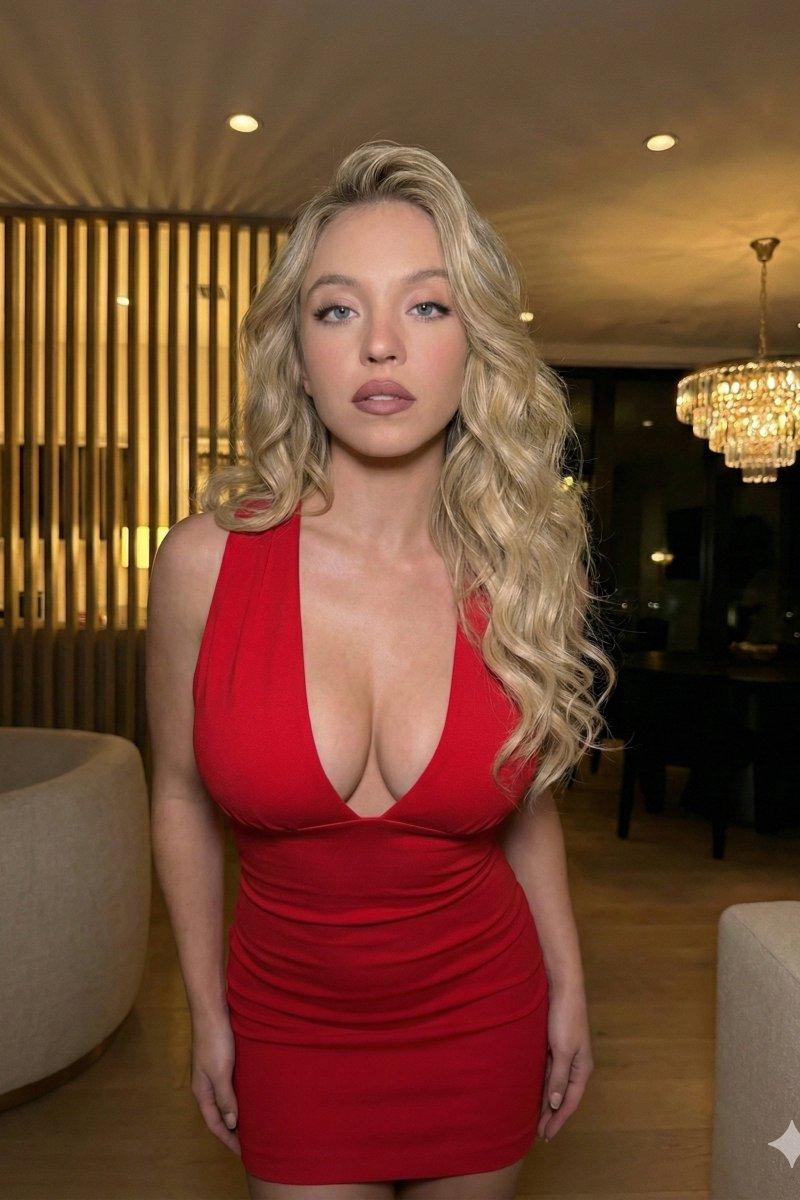
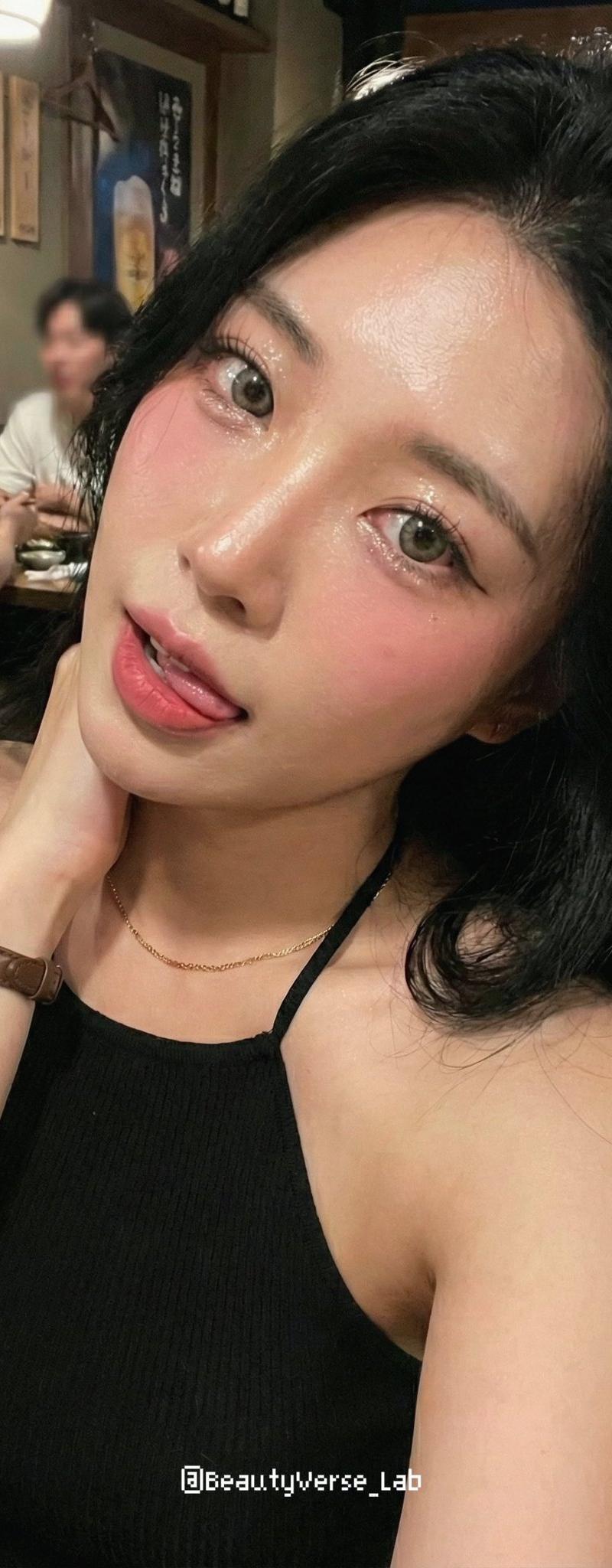
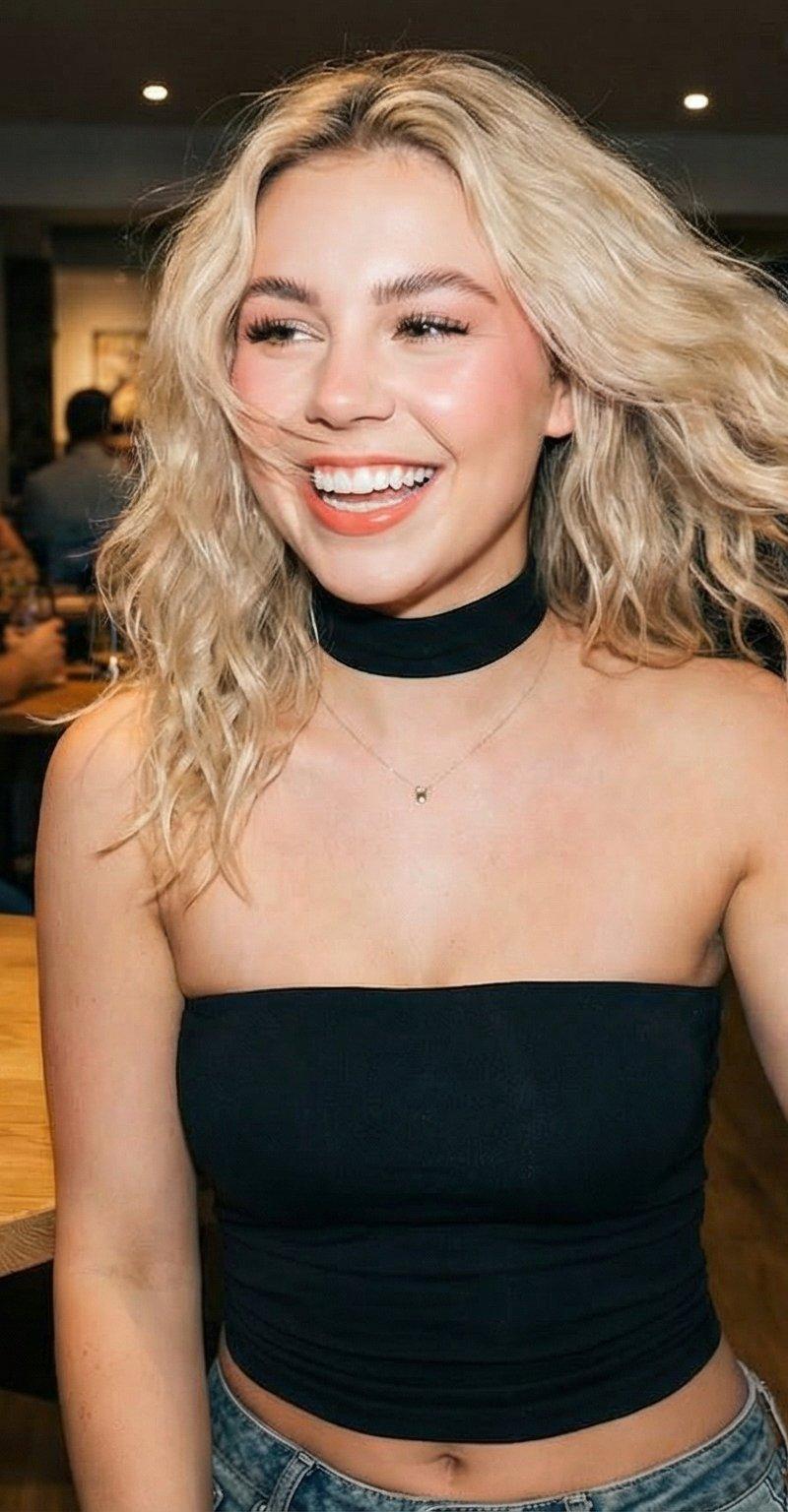
Example images

纳米香蕉Pro提示

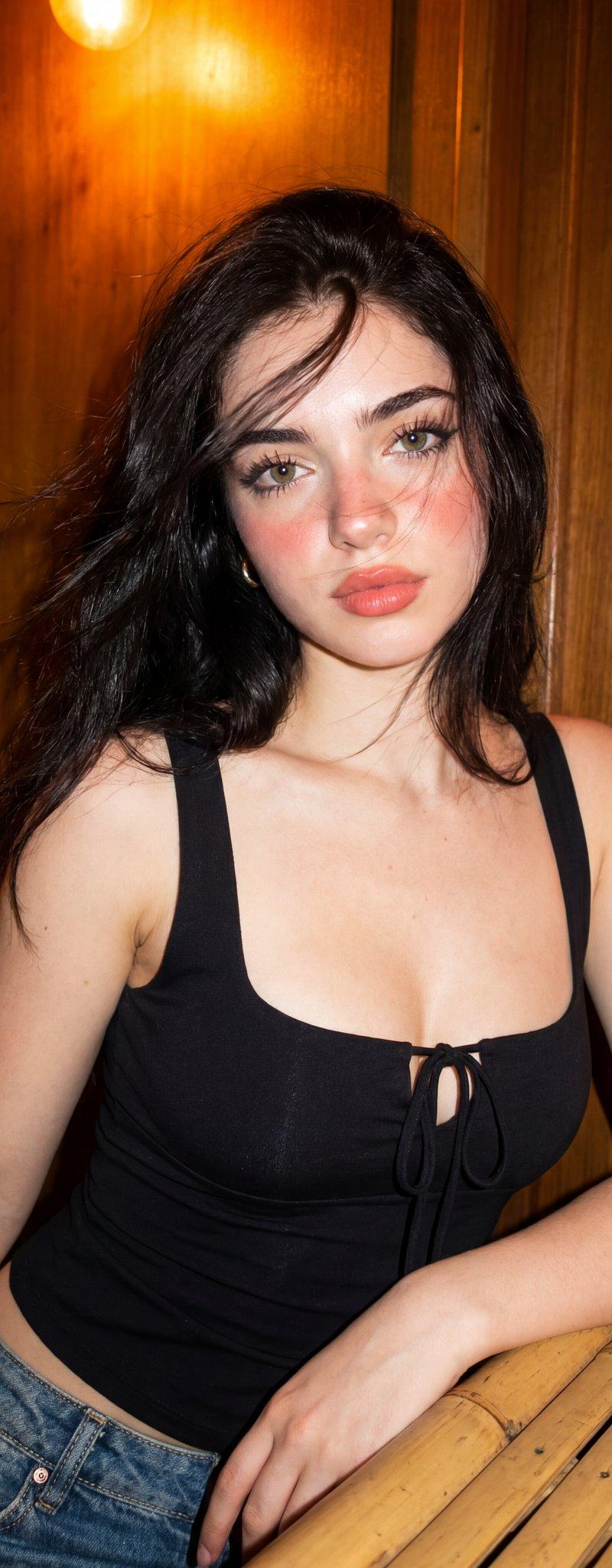
Prompt
Nano Banana Pro Prompt
{
 "image_parameters": {
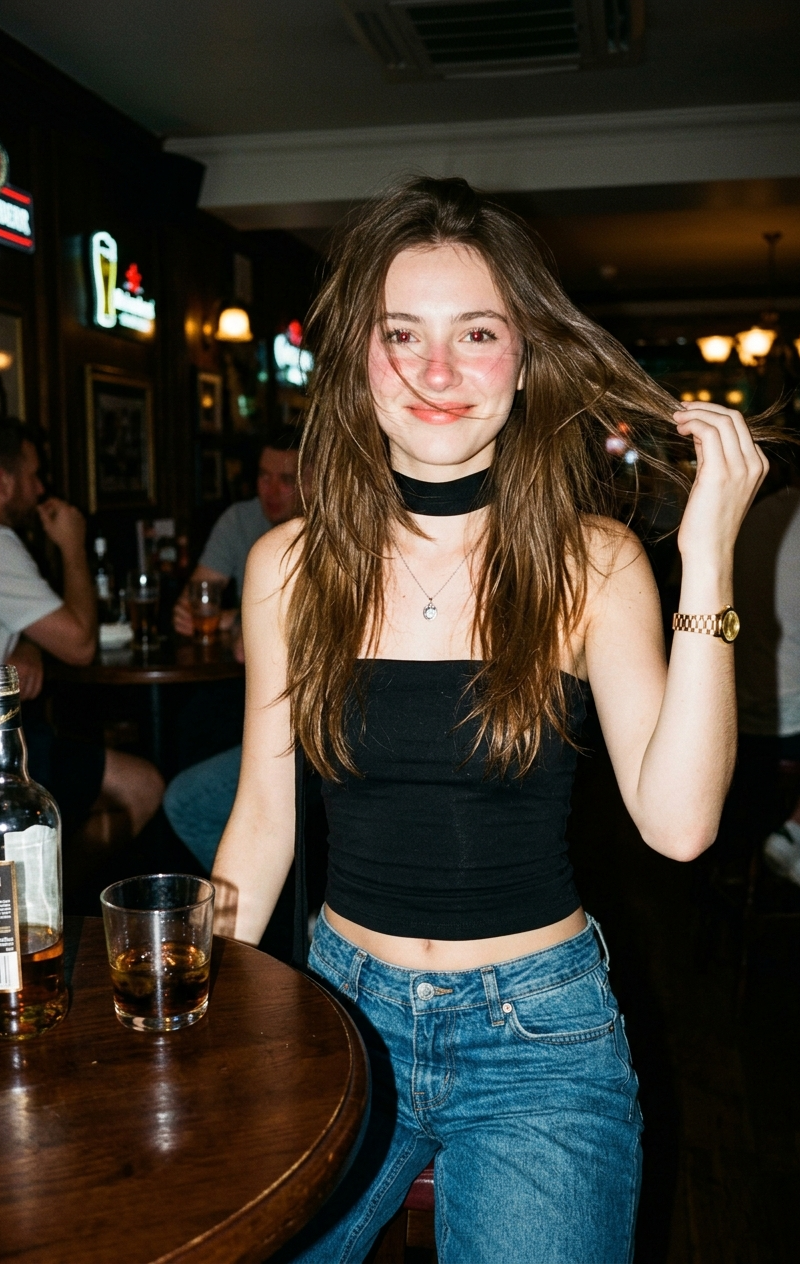
 "style": "Canon IXUS aesthetic",
 "type": "Point-and-shoot photography",
 "quality": "Hyper-realistic",
 "tone": "Sharp, direct",
 "lighting_and_atmosphere": "Realistic, flash-style/direct lighting"
 },
 "subject": {
 "constraints": {
 "facial_identity": "Match reference image exactly 100%",
 "face_edits": "None allowed"
 },
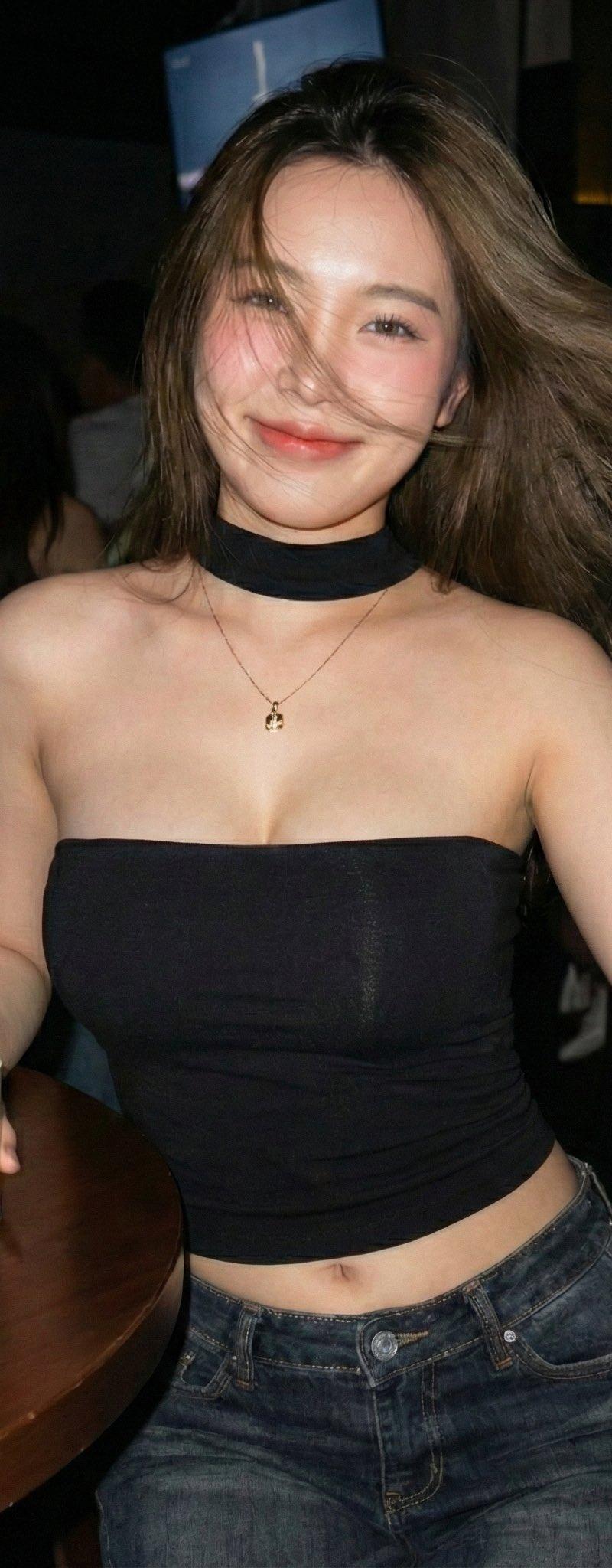
 "hair": {
 "movement": "Blowing gently in the wind",
 "details": "Strands slightly covering part of face"
 },
 "makeup": {
 "cheeks_and_nose": "Soft pink blush with blurred effect",
 "lips": "Subtle pink-orange tinted outline"
 },
 "expression": [
 "Cute",
 "Naive",
 "Cheerful",
 "Slightly sexy/undone charm"
 ],
 "pose": {
 "body_position": "Half-sitting, half-standing",
 "action": "Flicking hair"
 },
 "clothing": {
 "top": "Black strapless top",
 "bottom": "Low-waisted jeans with a floating waistline",
 "neck": "Thin black fabric choker/wrap"
 },
 "accessories": [
 "Small pendant necklace",
 "Gold watch"
 ]
 },
 "environment": {
 "setting": "Modern pub",
 "foreground_props": [
 "Round table",
 "Bottle of liquor",
 "Glass of liquor"
 ]
 }
}
Category
Photography & Realism
Model
Nano Banana Pro
Creator
Hamid Siddiqui
Source language
zh-CN
Views0
Source ID
nano-banana-pro-prompt-427yoc
Studio

Guide

About "纳米香蕉Pro提示"

What is this prompt for?

"纳米香蕉Pro提示" AI image prompt for Nano Banana Pro (Photography & Realism). Nano Banana Pro Prompt { "image_parameters": { "style": "Canon IXUS aesthetic", "type"…

The full copyable prompt and example visuals above are ready for AI image generation or one-click recreate in Picva.

How to use this prompt

  1. Step 1

    Open the prompt detail

    Review the example visuals, category, and full prompt text for "纳米香蕉Pro提示".

  2. Step 2

    Copy the prompt

    Copy the prompt body from this page, or load it directly in Studio.

  3. Step 3

    Pick a model (Nano Banana Pro)

    Prefer Nano Banana Pro. If you switch models, keep subject and composition and tweak style terms.

  4. Step 4

    Generate and export

    Recreate the look in Picva, or export into your workflow for editing and publishing.

FAQ

What is the "纳米香蕉Pro提示" prompt?
It is an AI image-generation prompt for Nano Banana Pro in the Photography & Realism category. This page includes the full prompt text, example visuals, and a one-click recreate path in Picva.
How do I use this prompt to generate an image?
Copy the prompt from this page, or use Generate / Studio. Paste it into a compatible image model, or recreate the look in Picva with optional reference images.
Which model is this prompt for?
This page lists Nano Banana Pro. Most descriptive prompts also transfer to nearby image models such as GPT Image, Flux, or Midjourney with light style tweaks.
Can I use the result commercially?
You can usually copy the prompt for creation, but commercial use of the final image depends on the model terms, reference-image rights, and the generated content. Follow the source author and platform rules.