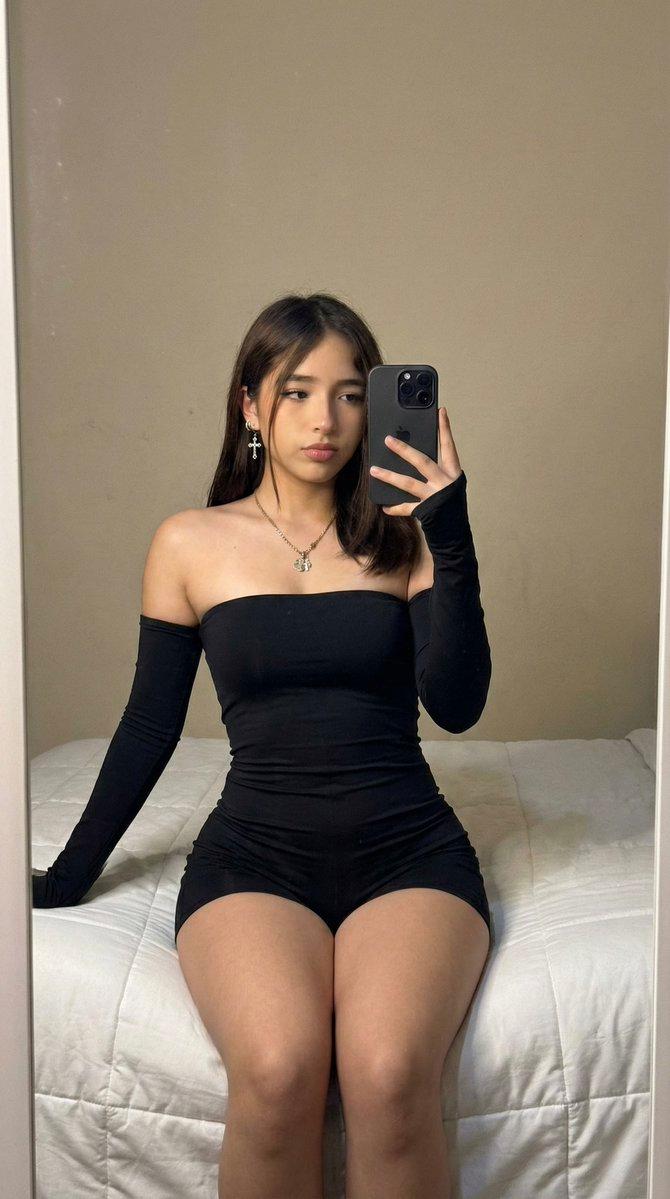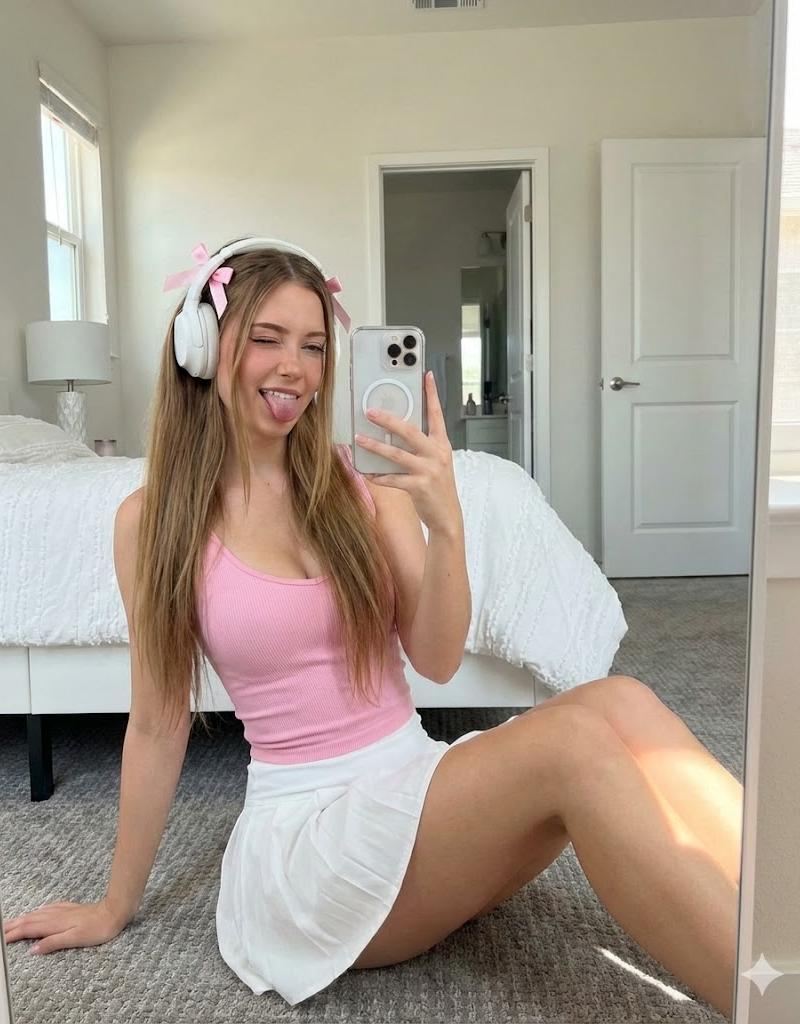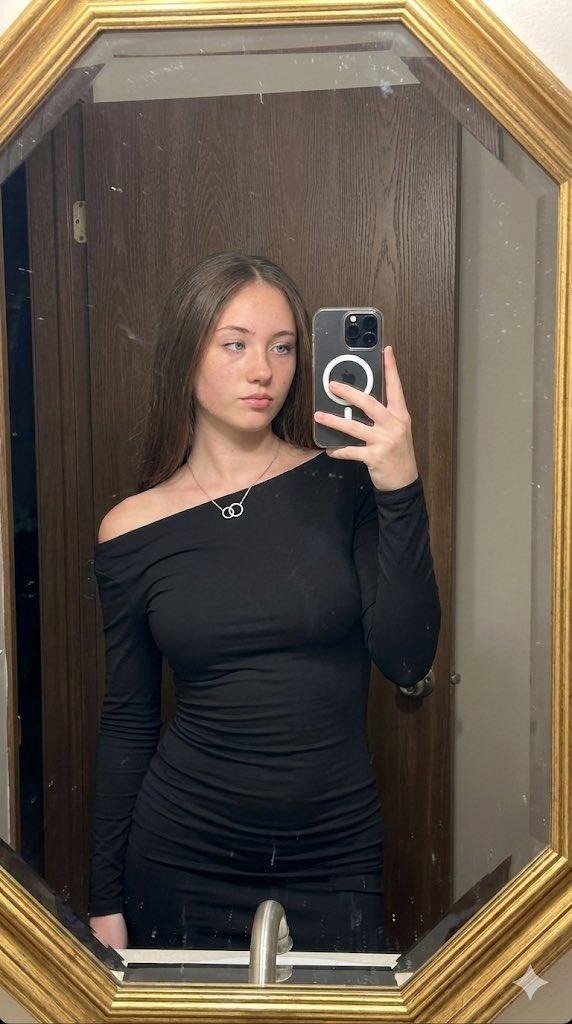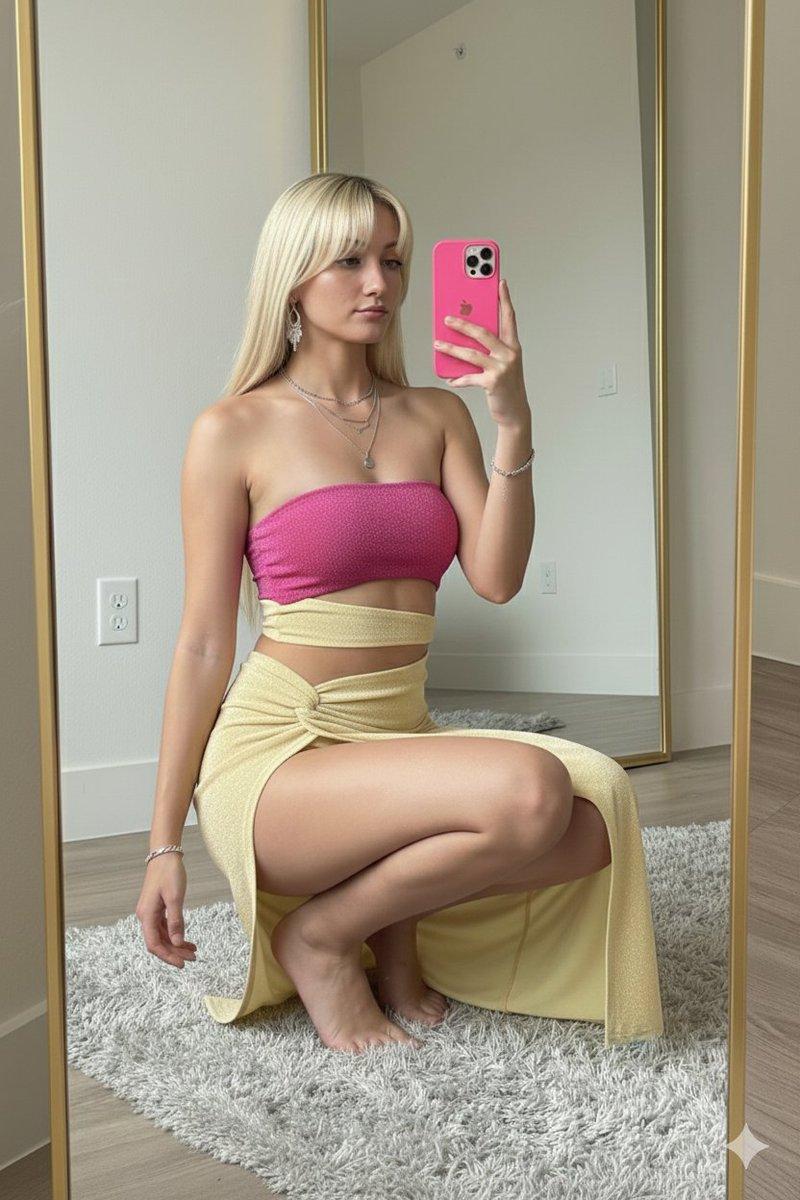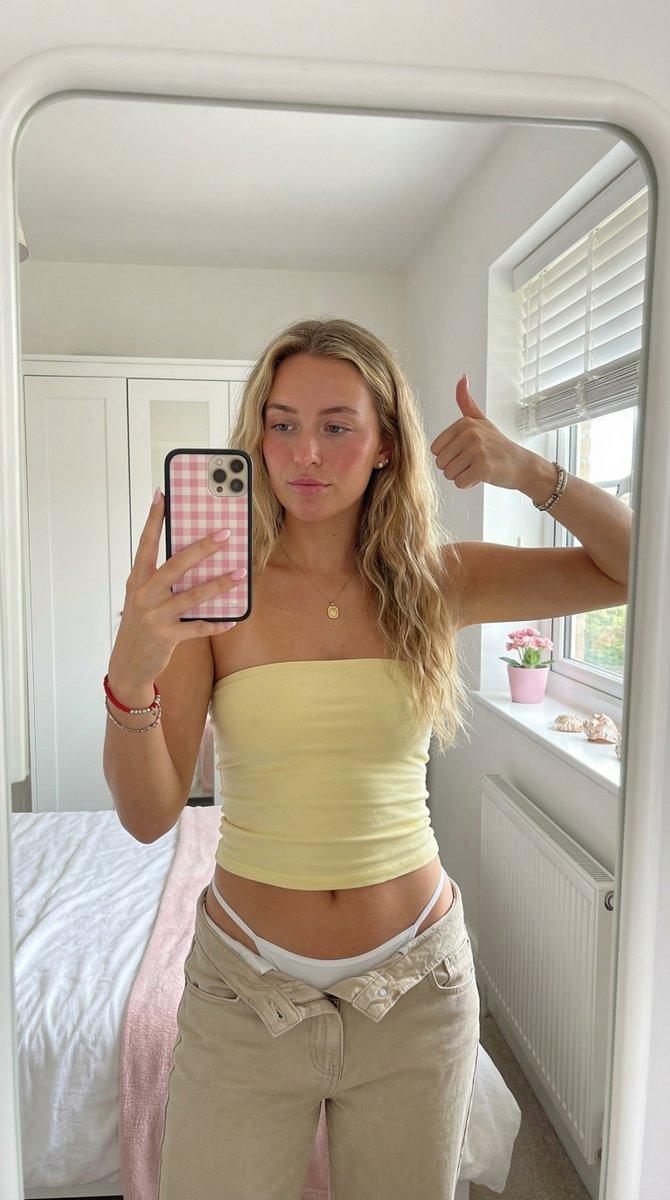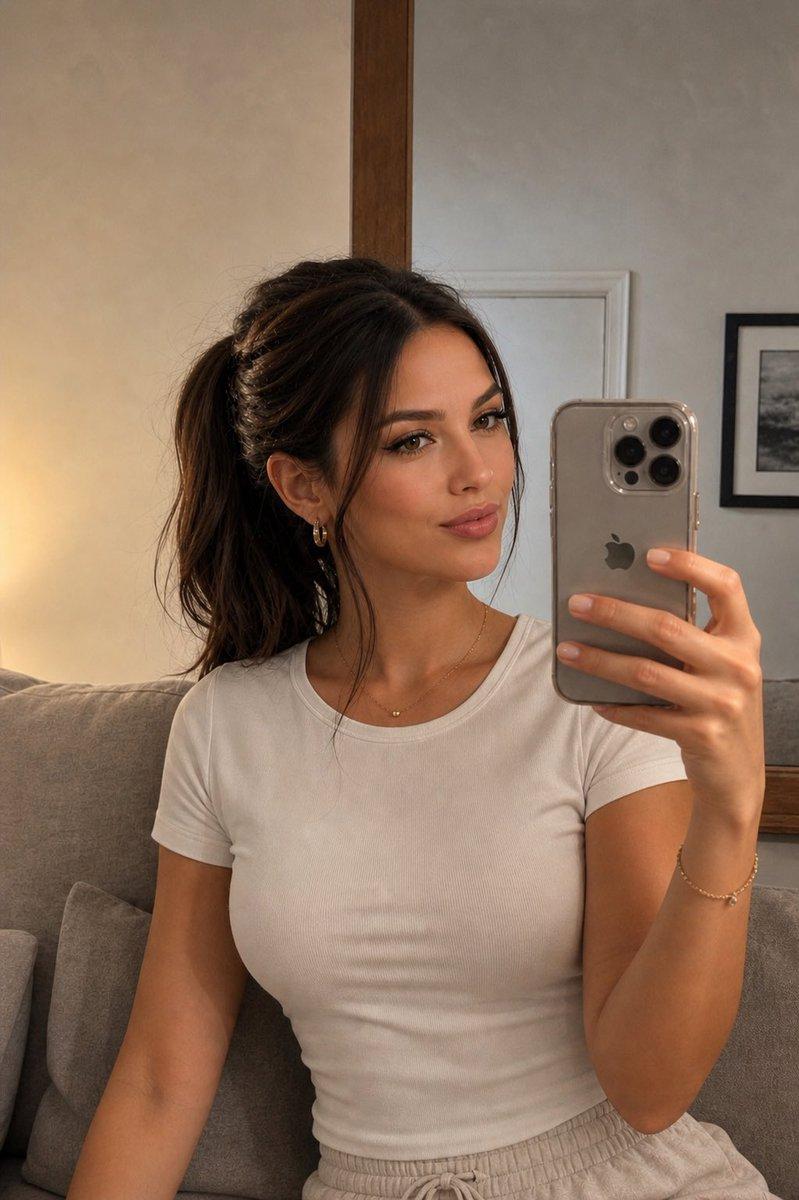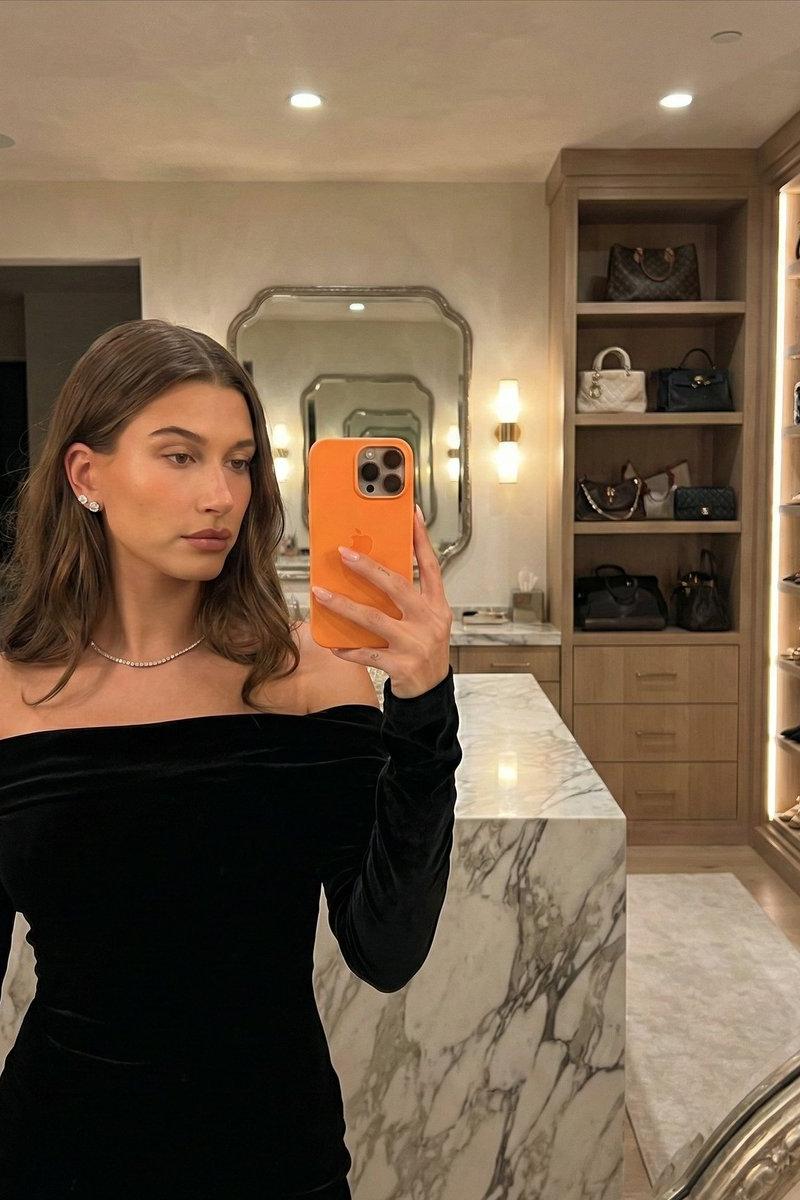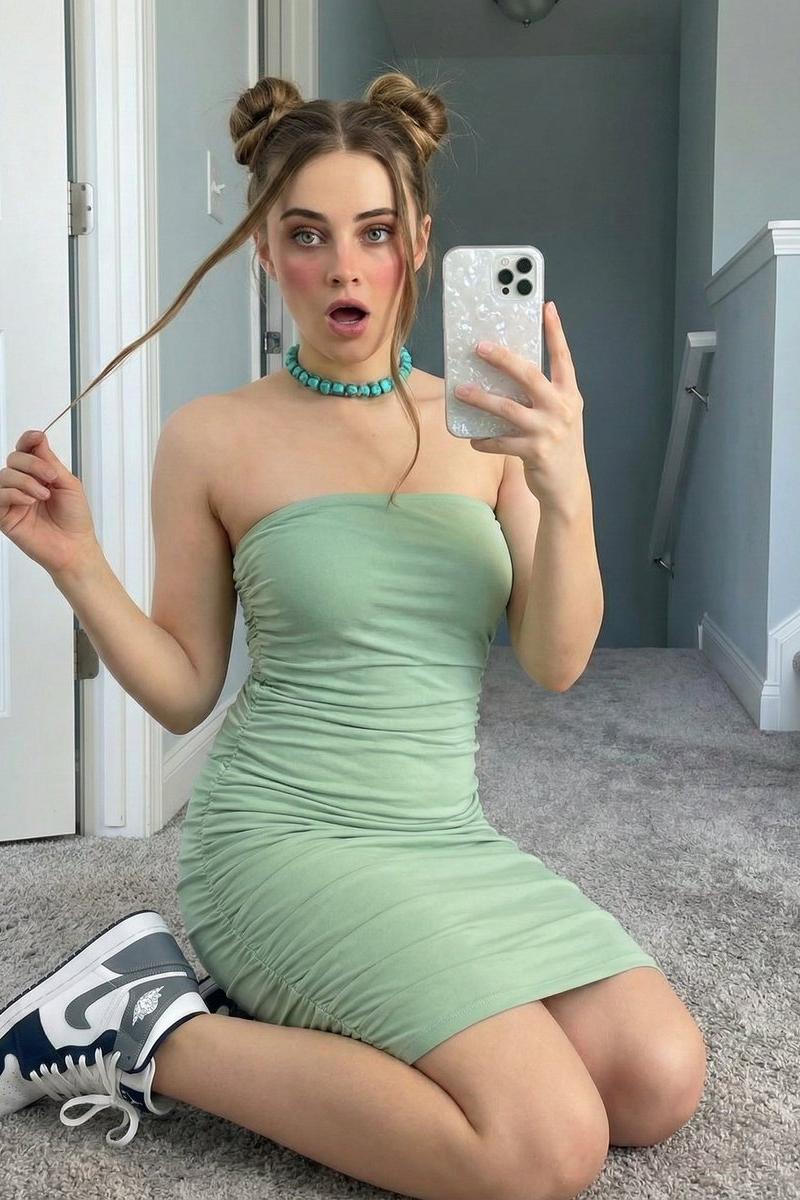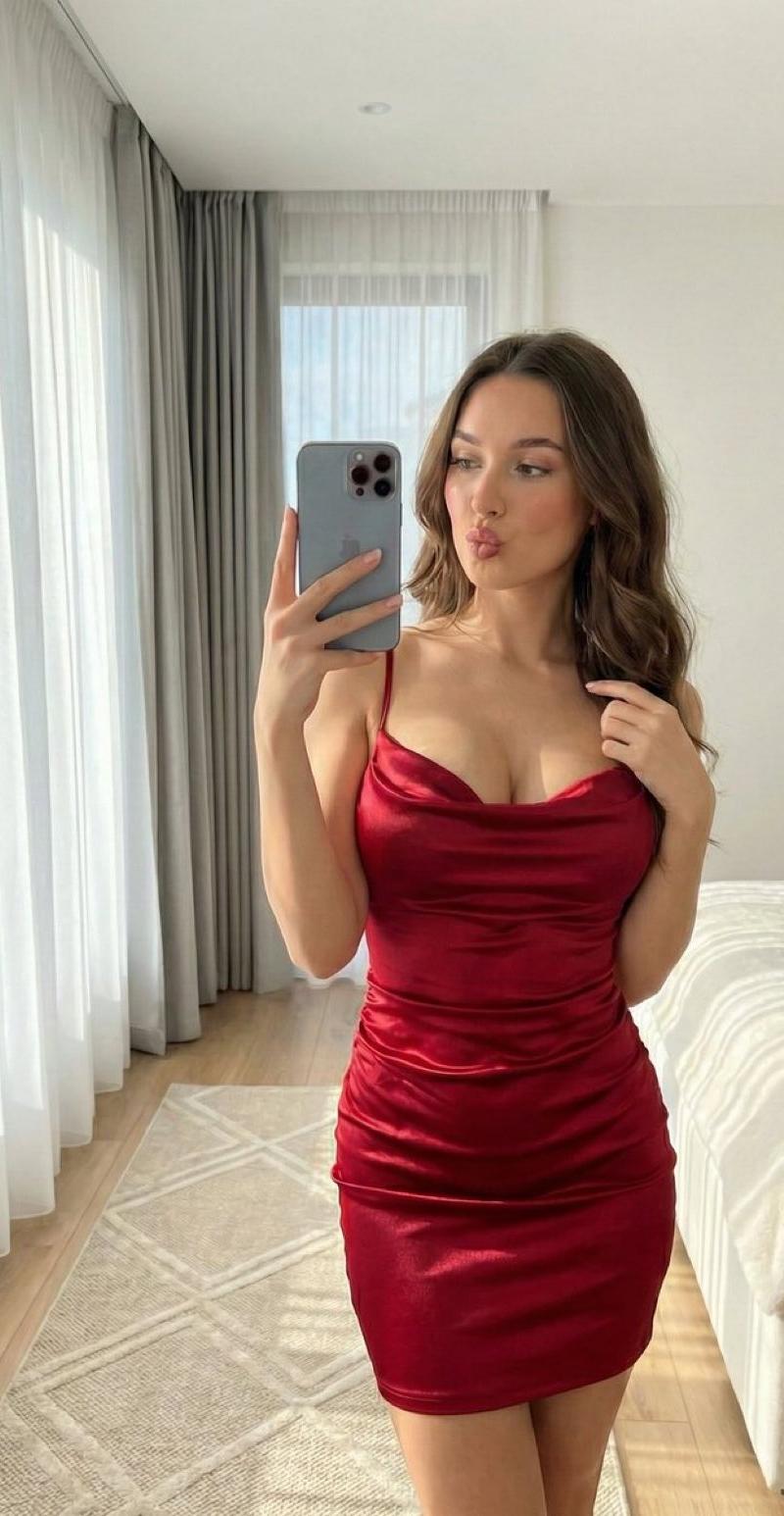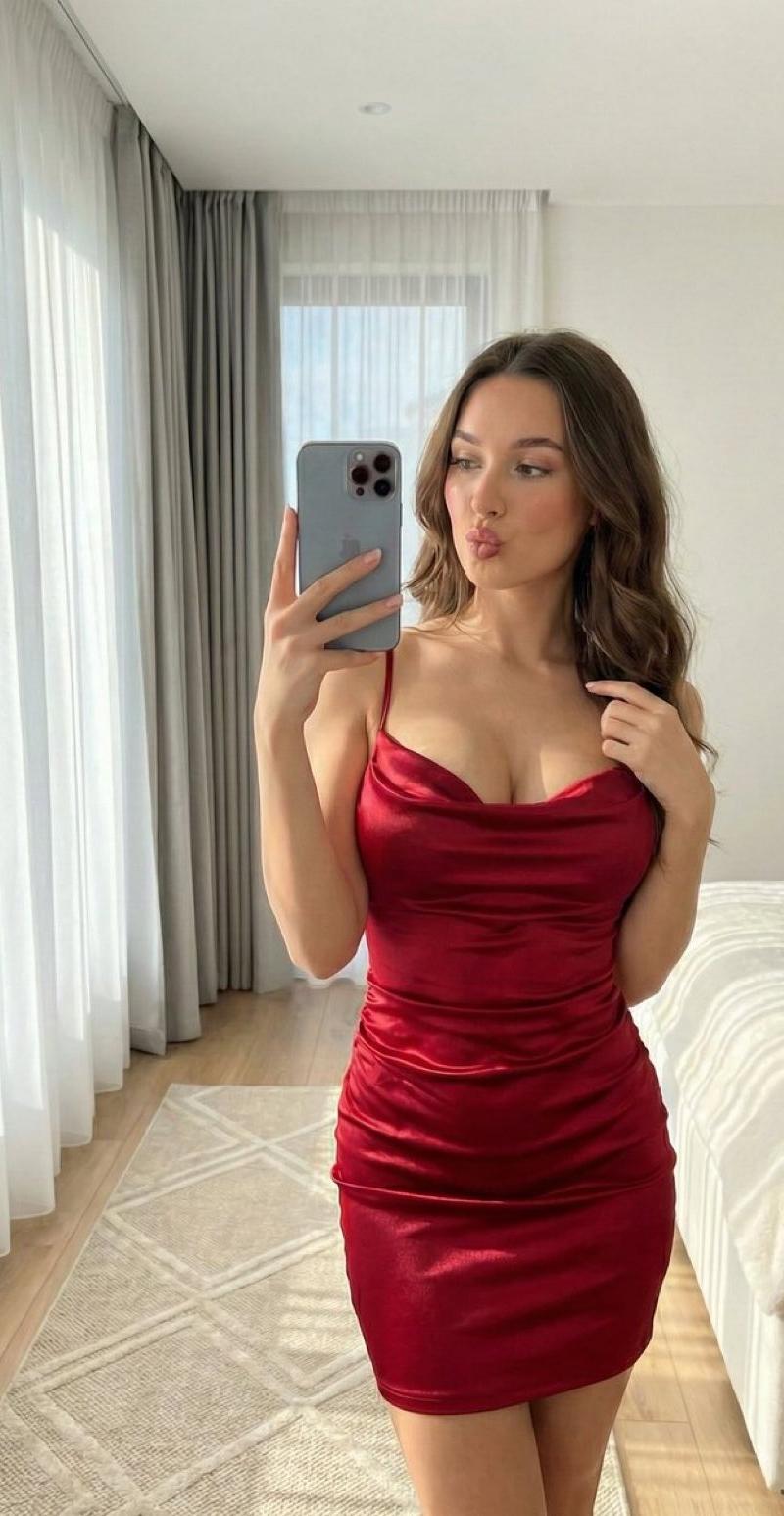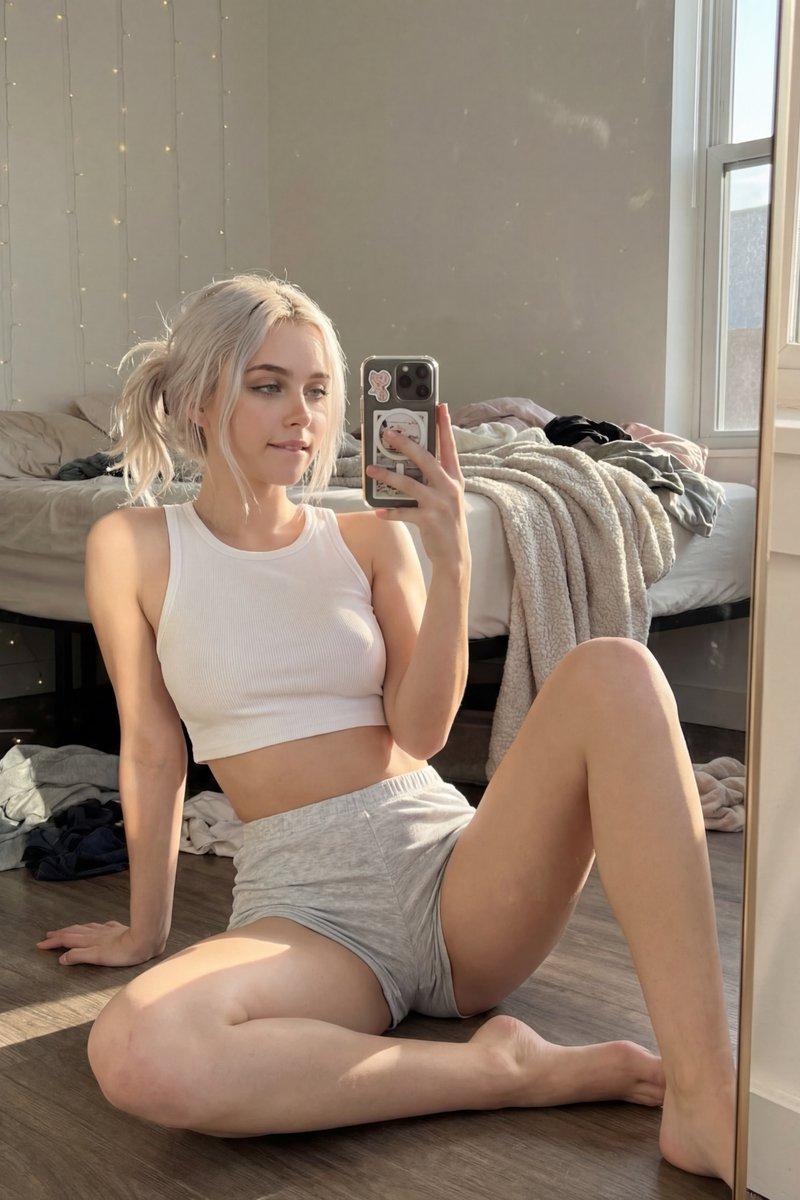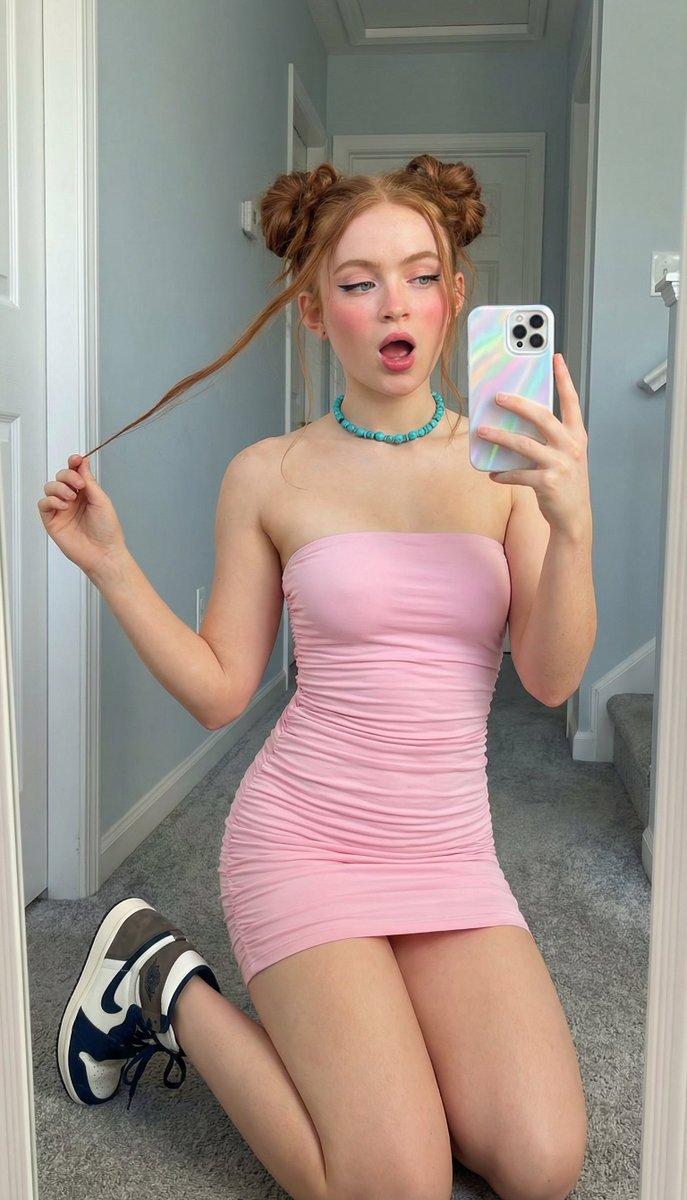
Nano Banana Pro 实际图像提示
提示词
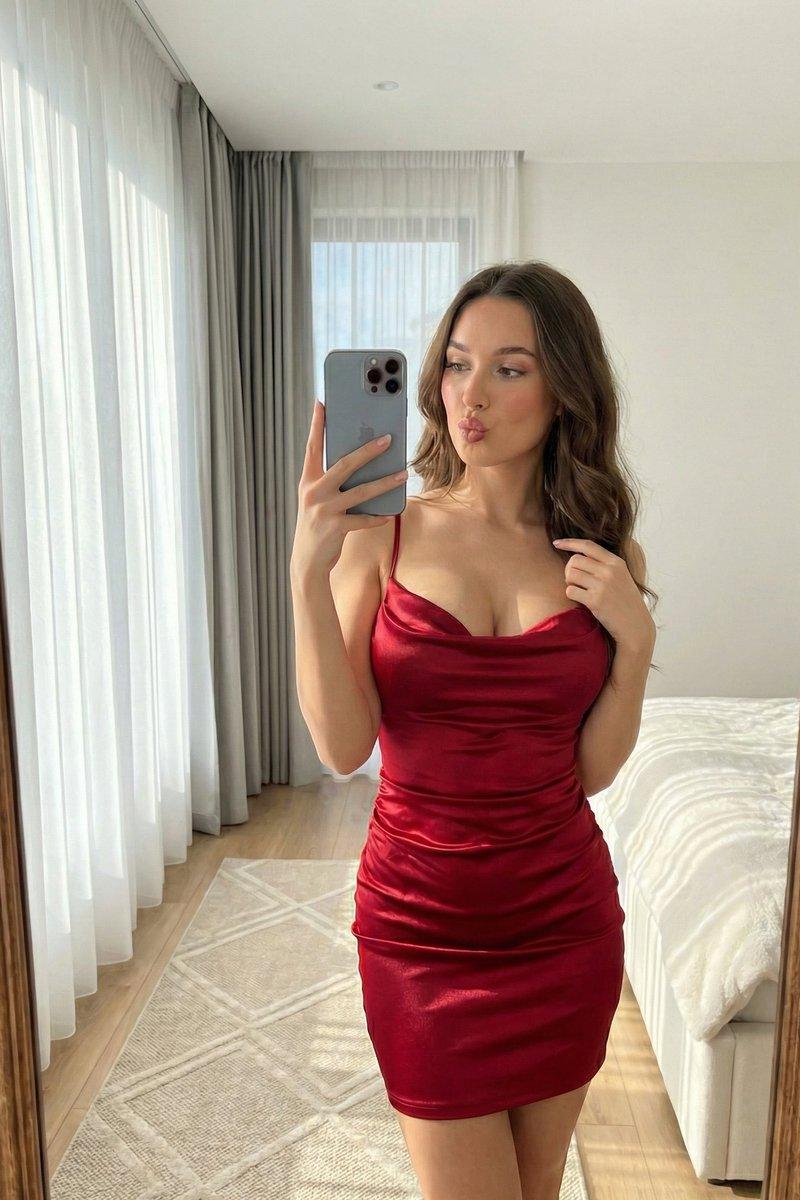
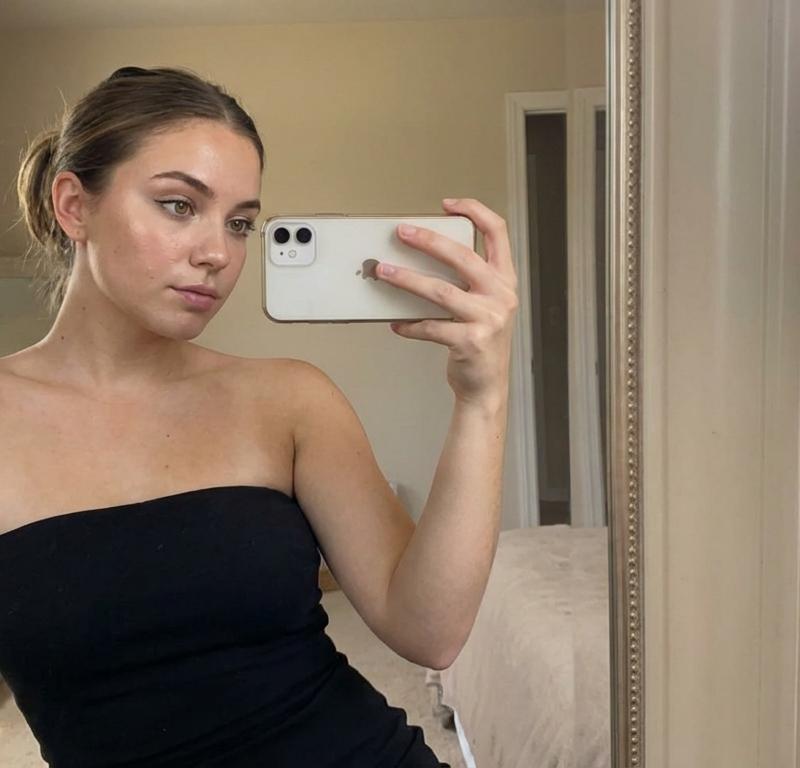
Nano Banana Pro prompt to make realistic images like this:
STEAL THIS PRMOPT (just add the subject or scene):
{
 "prompt": {
 "scene": "{{Describe the scene + subject here}}",
 "style": {
 "camera": {
 "shot_type": "portrait, medium-full or full body",
 "lens": "50mm/85mm prime lens shallow depth of field",
 "aperture": "f/1.4 – f/2.8",
 "lighting": "soft directional studio lighting or natural warm light",
 "focus": "sharp on face + eyes, gentle background falloff"
 },
 "environment": {
 "background": "minimal, clean interior or subtle natural background",
 "colors": "neutral tones, soft whites, blacks, muted warm palette",
 "texture": "smooth skin, natural grain, cinematic contrast"
 },
 "aesthetic": {
 "mood": "confident, relaxed, elegant",
 "tone": "modern beauty photography, fashion editorial energy",
 "emotion": "soft pose, natural expression, well-framed composition"
 },
 "subject_features": {
 "skin_detail": "realistic pores, natural highlights, subtle blush",
 "hair": "defined strands, smooth natural flow",
 "makeup": "soft glam, clean shading, prominent eye definition"
 },
 "clothing_styling": {
 "fit": "form-fitting modern outfit or fashion-forward styling",
 "material_detail": "accurate fabric sheen + texture rendering",
 "accessories": "minimal jewelry, elegant accents if needed"
 },
 "render_quality": {
 "resolution": "8k ultra fine detail",
 "post_process": "cinematic color grade, smooth noise, high clarity",
 "realism": "photo-realistic but polished, editorial quality"
 }
 }
 }
}- 分类
- 真实摄影
- 模型
- Nano Banana Pro
- 来源作者
- AltSociety AI
- 原始语言
- zh-CN
- 来源 ID
- nano-banana-pro-realistic-image-prompt
浏览量0