19

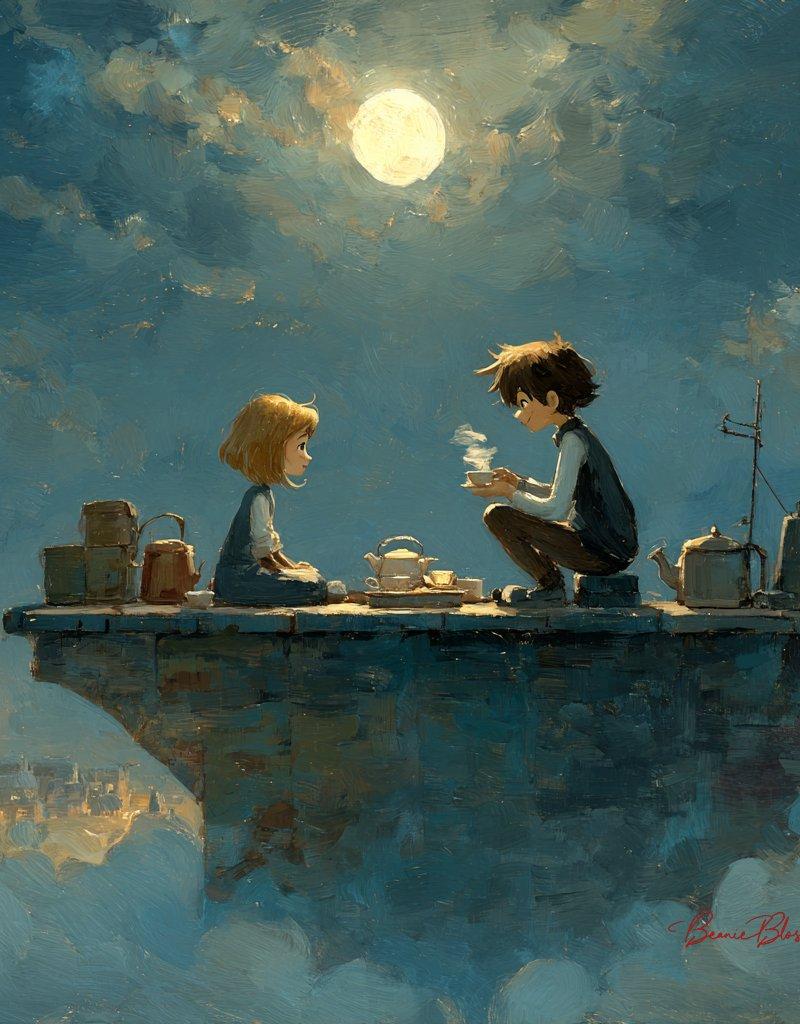
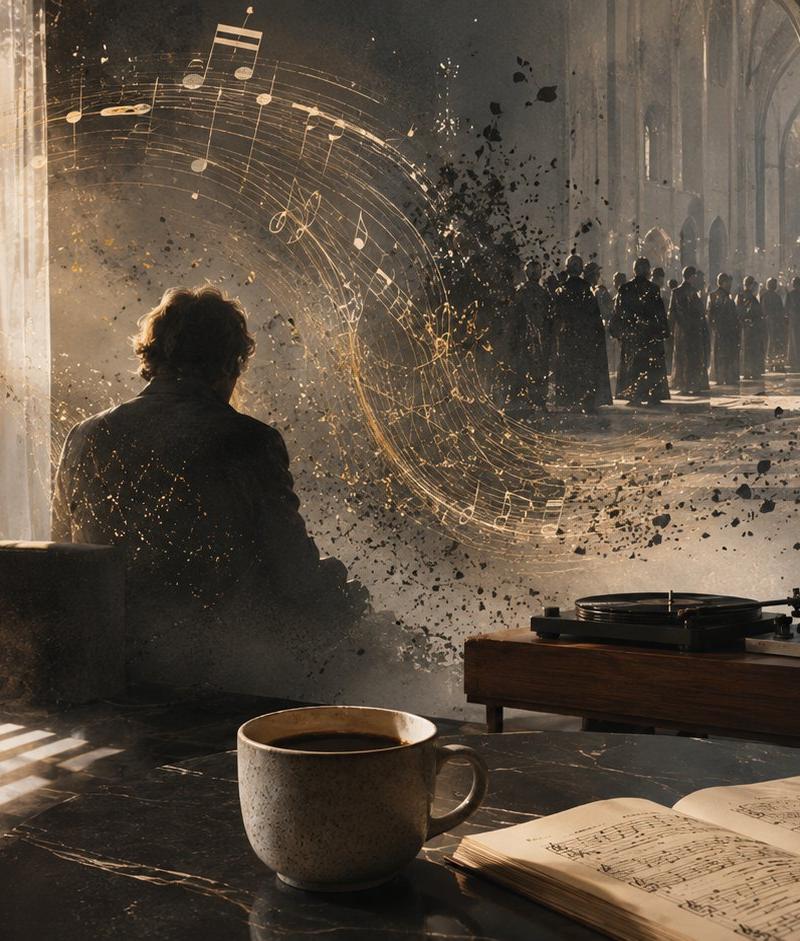
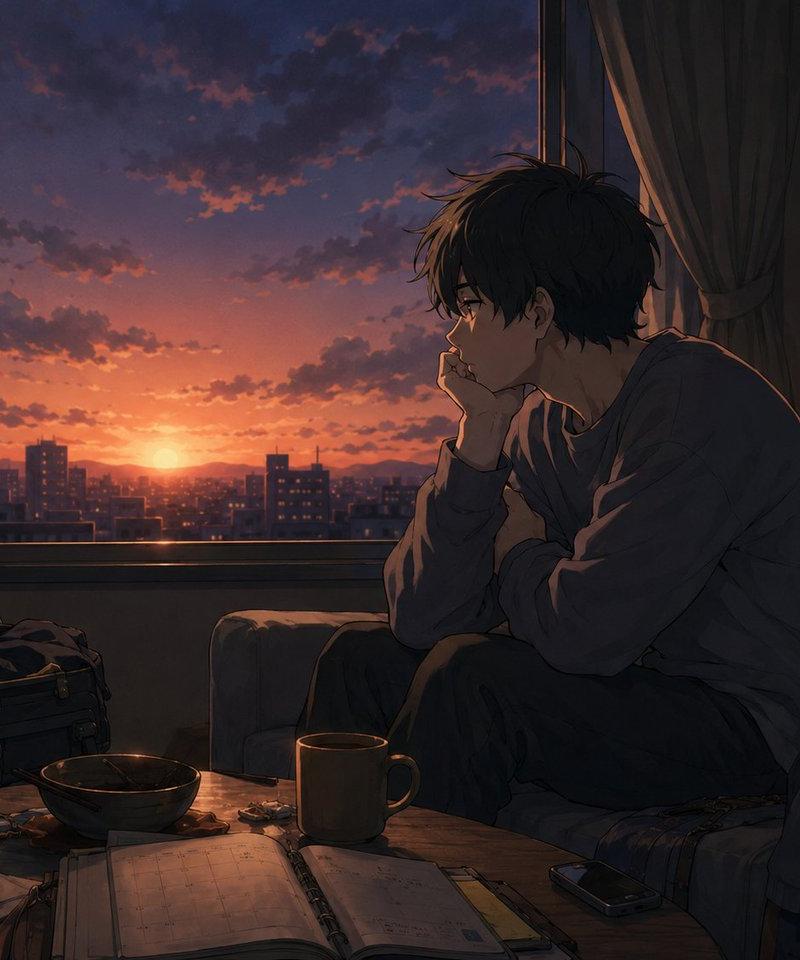
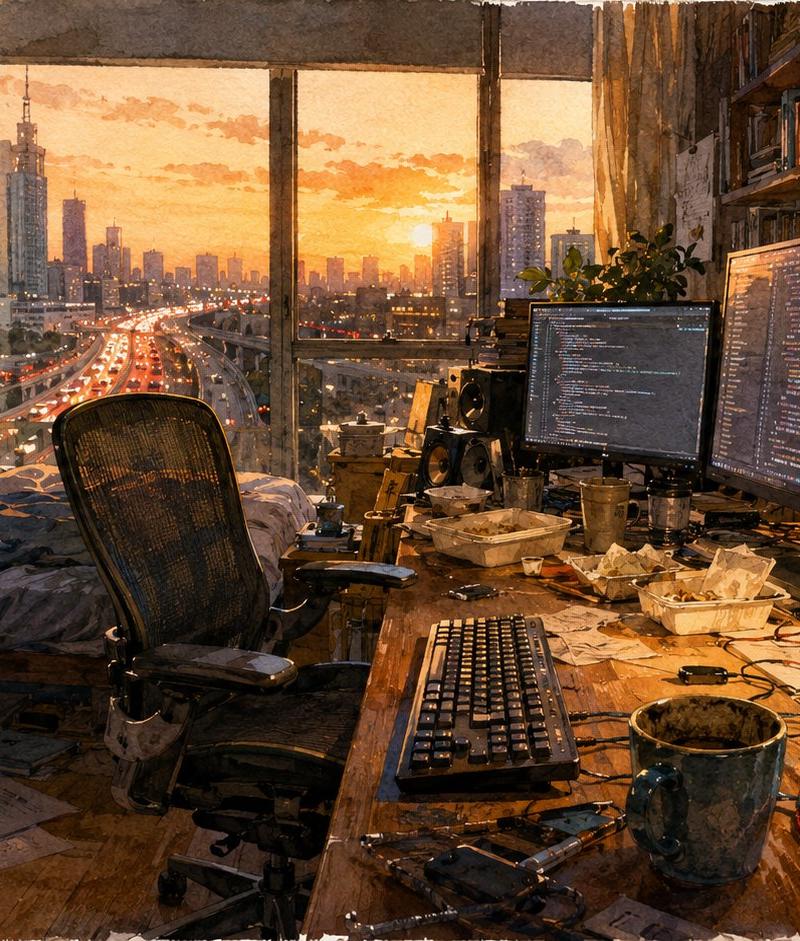
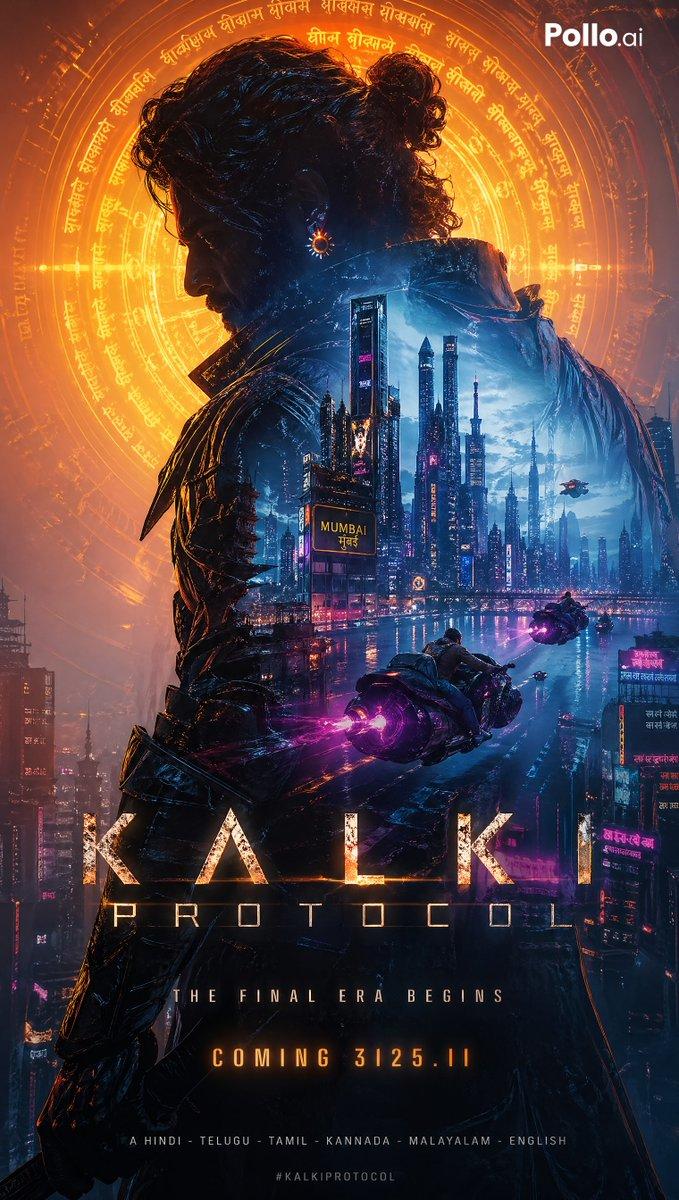
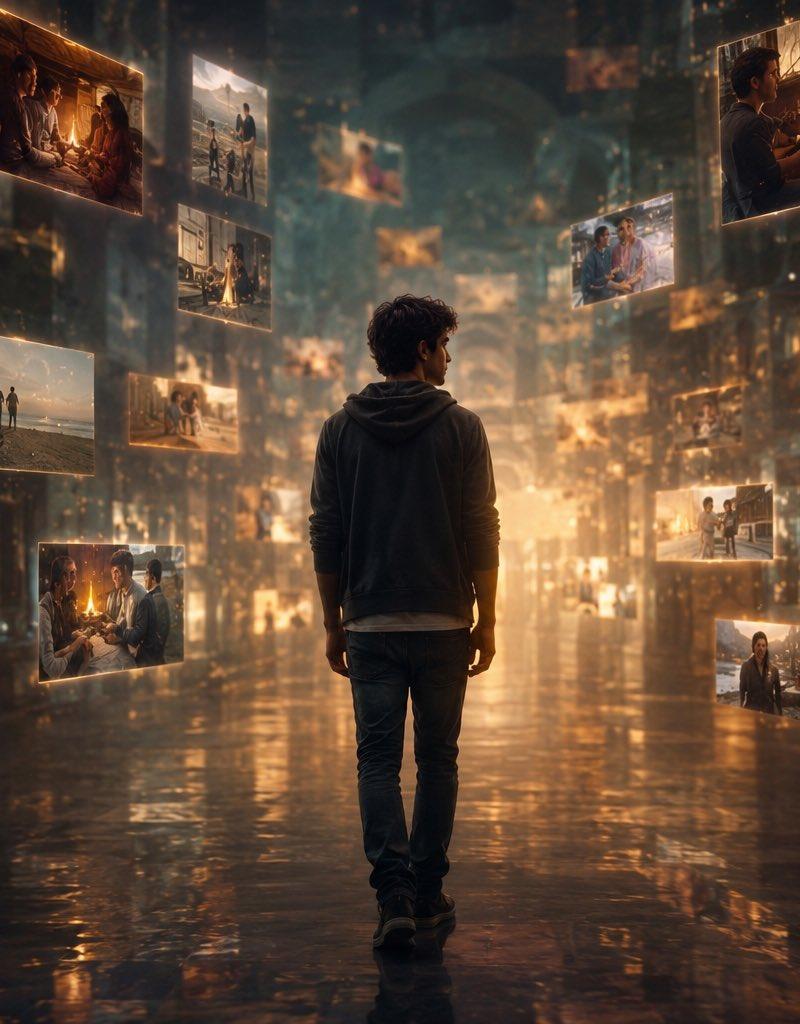
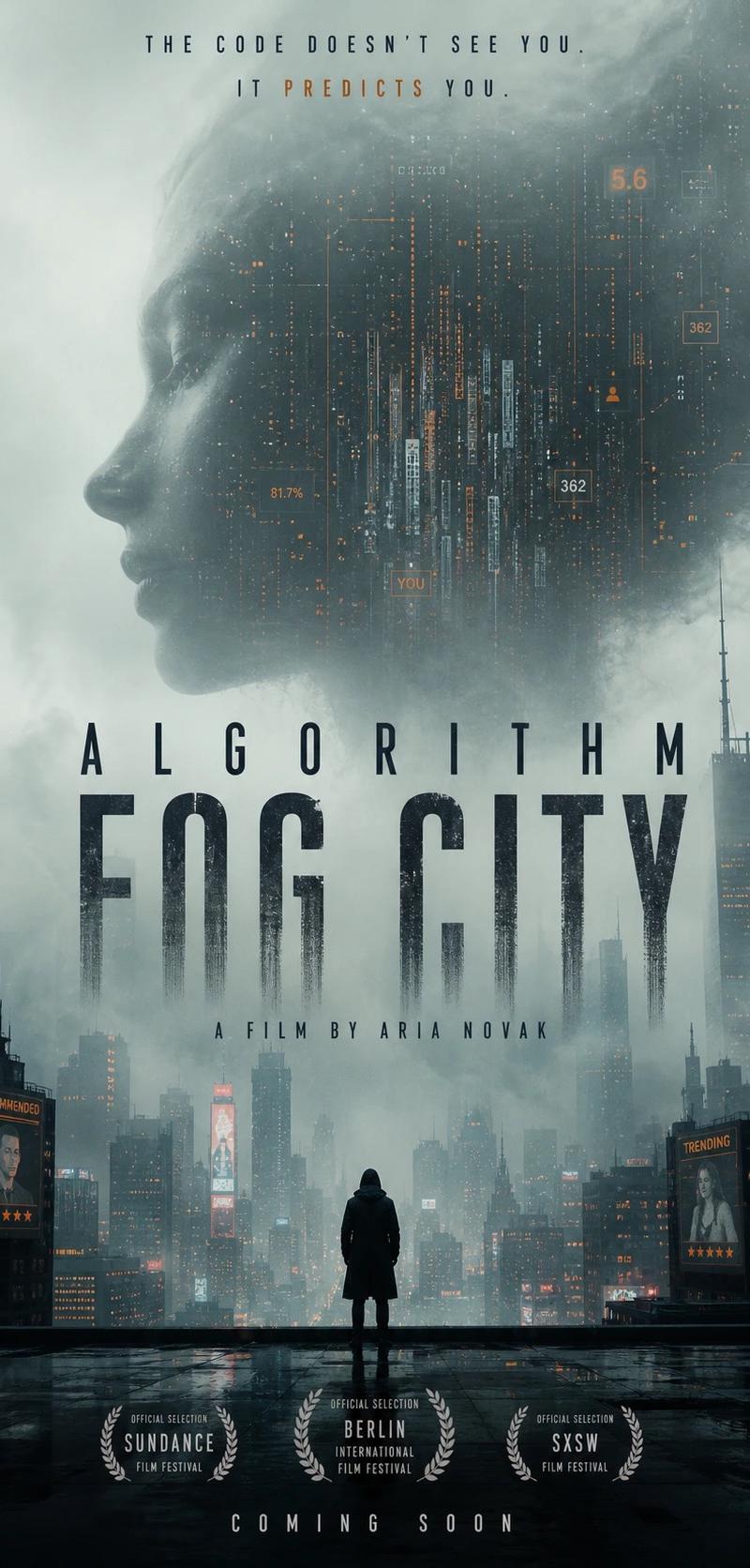
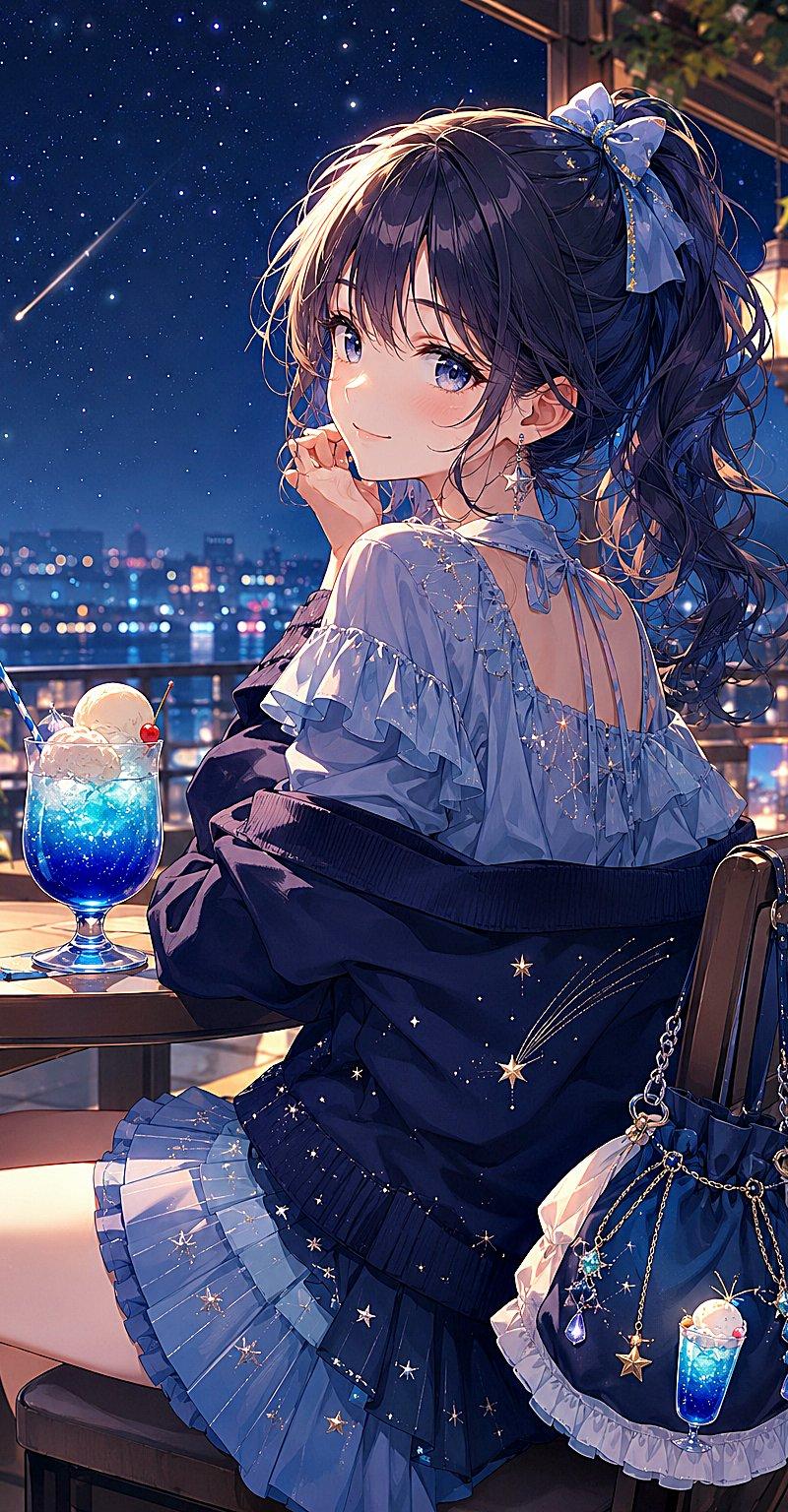
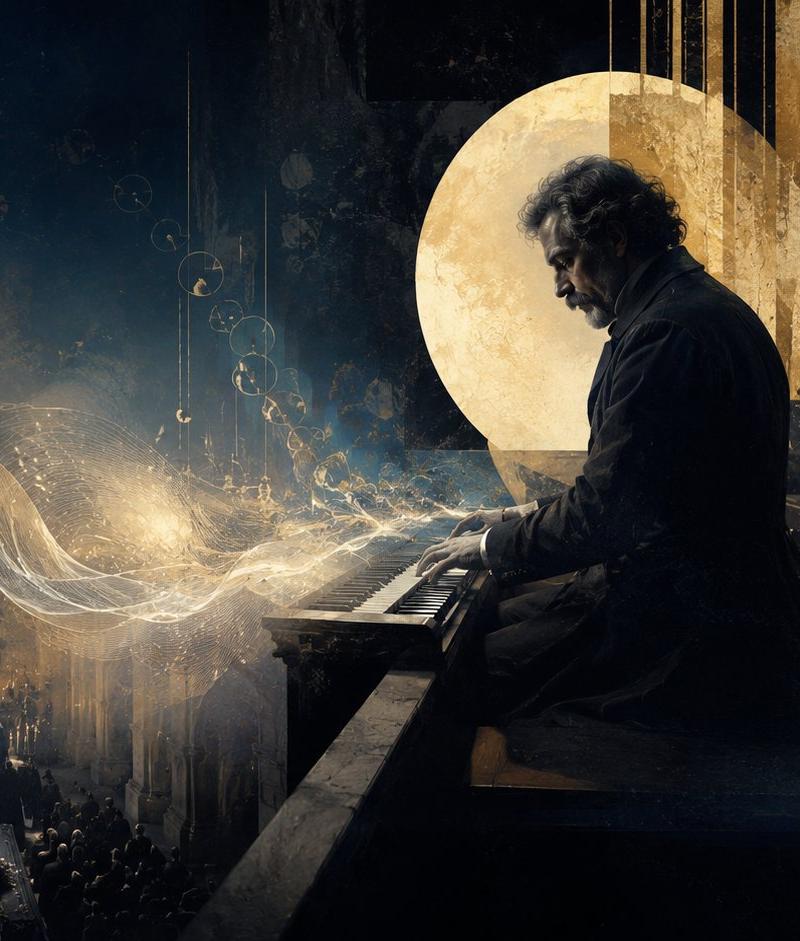
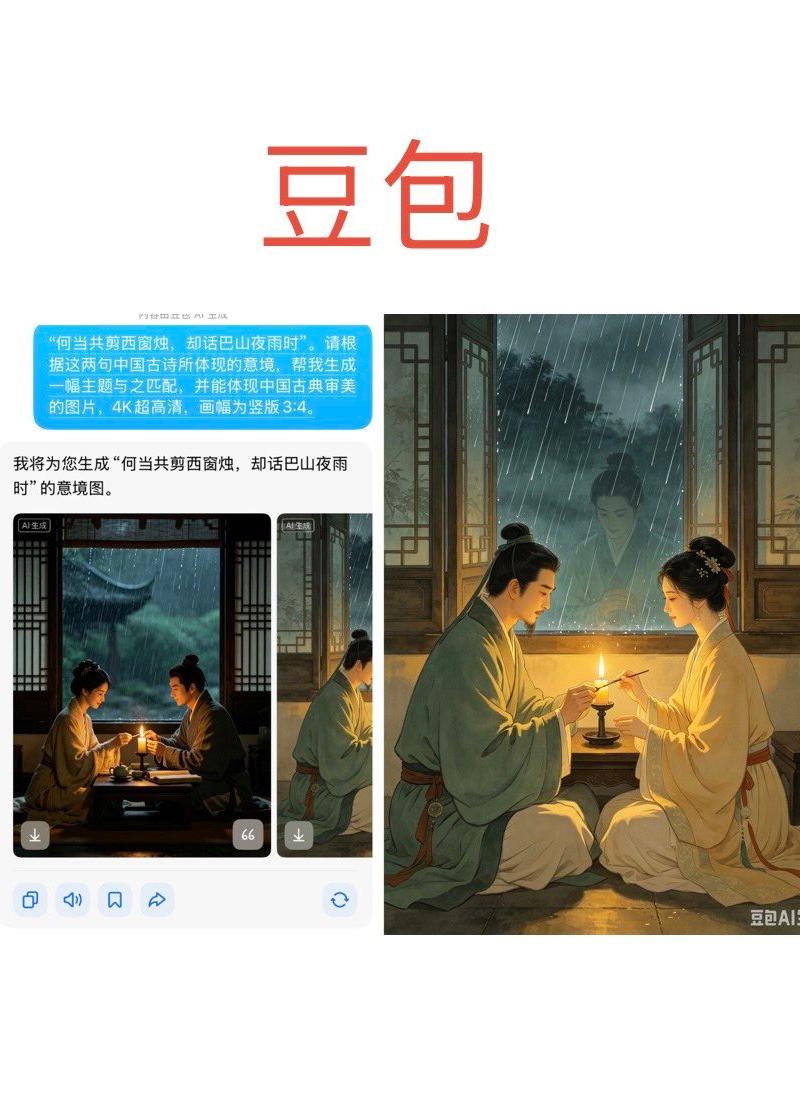
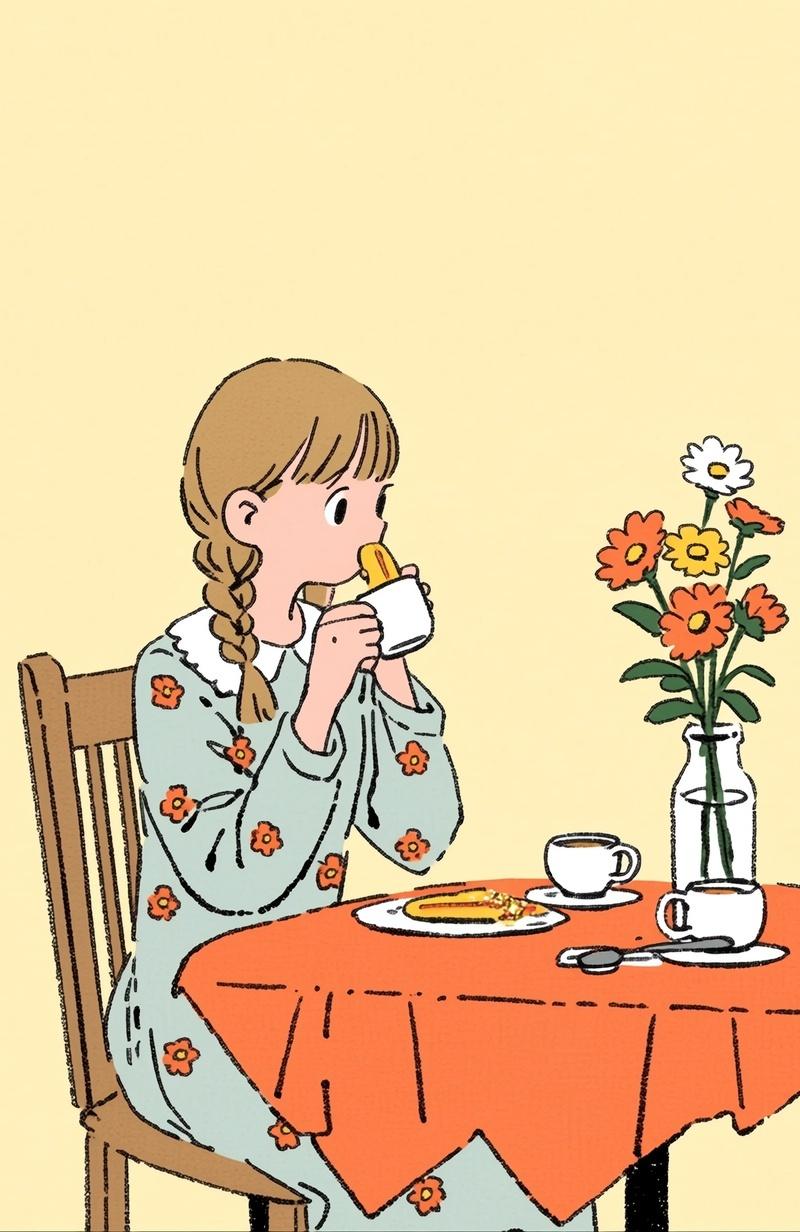
Nano Banana Pro 模拟效果比较
Enlarge

Example images

Nano Banana Pro 模拟效果比较

Prompt
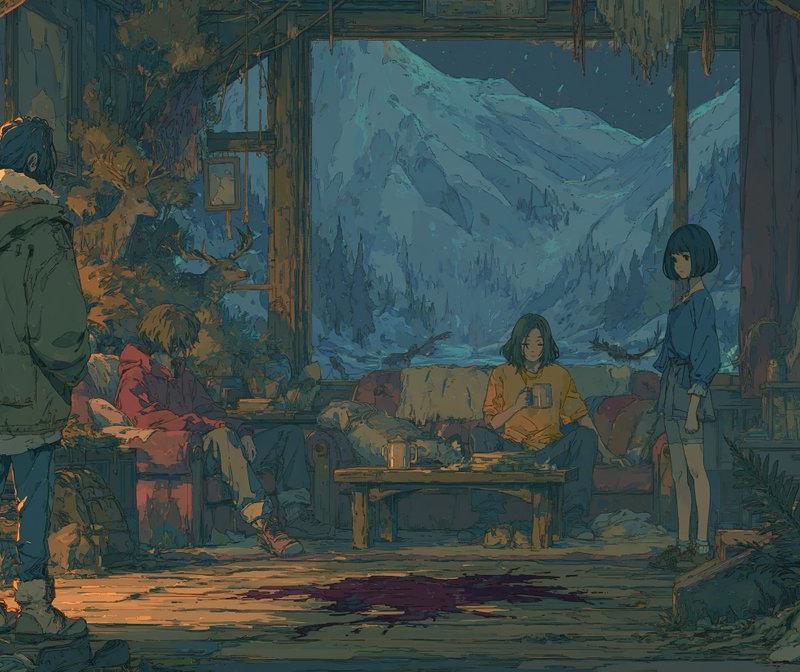
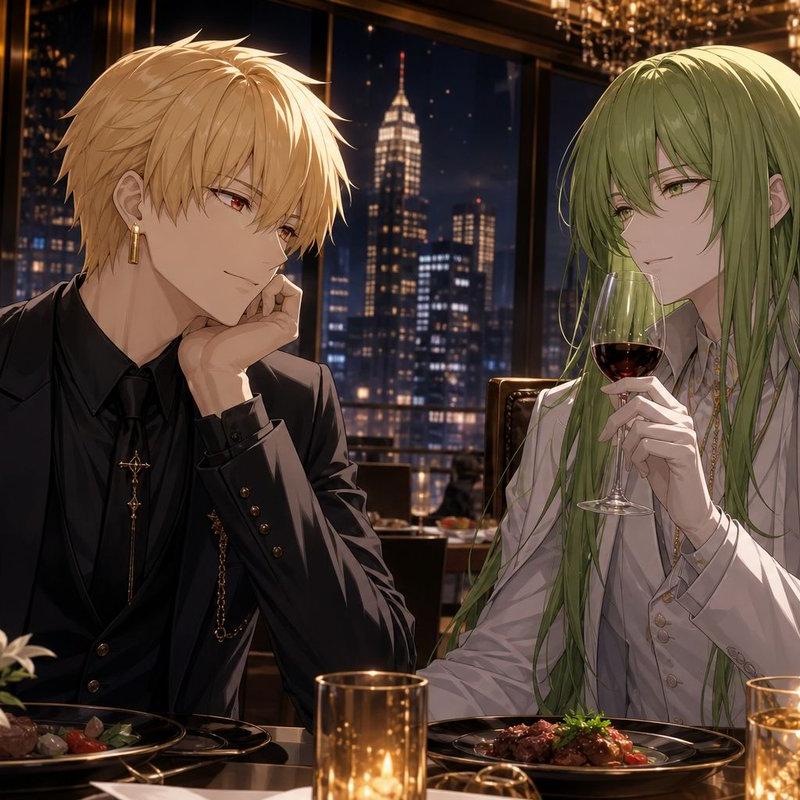
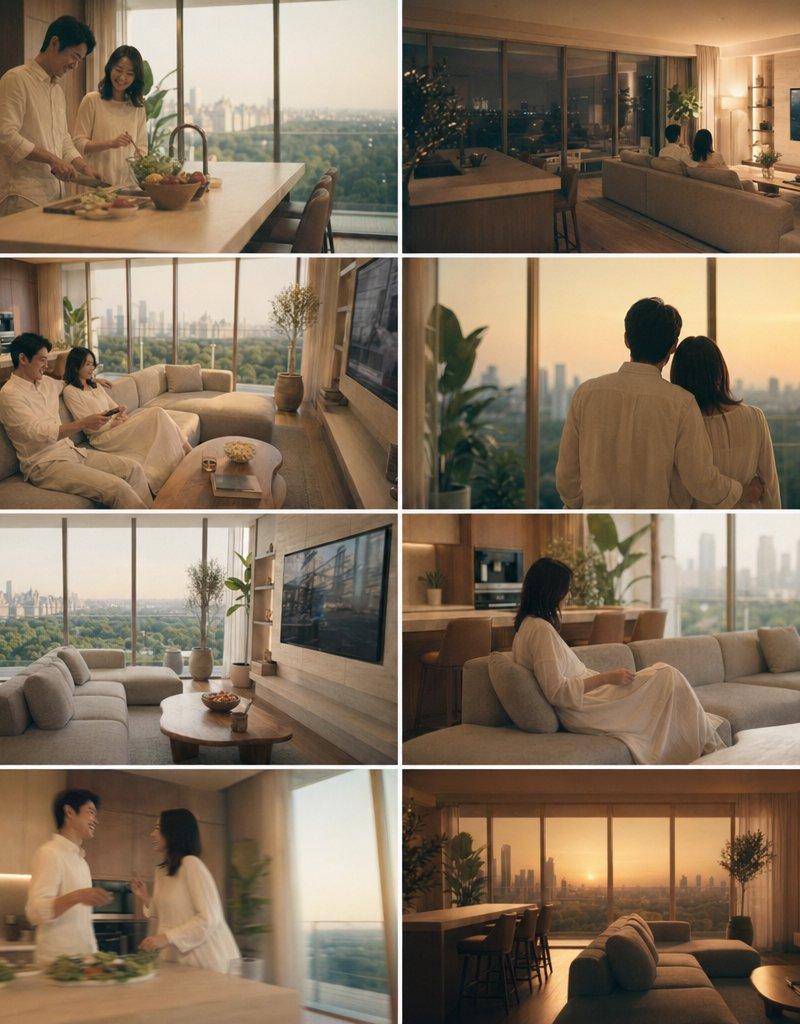
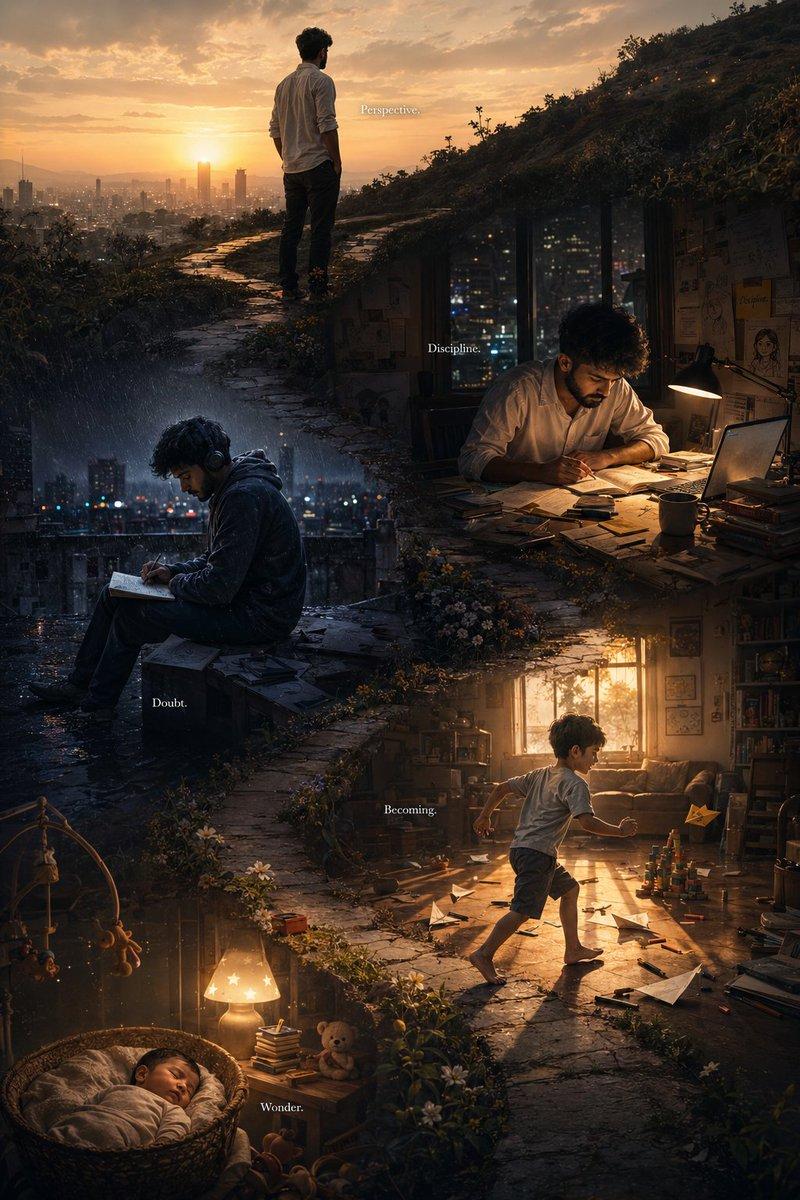
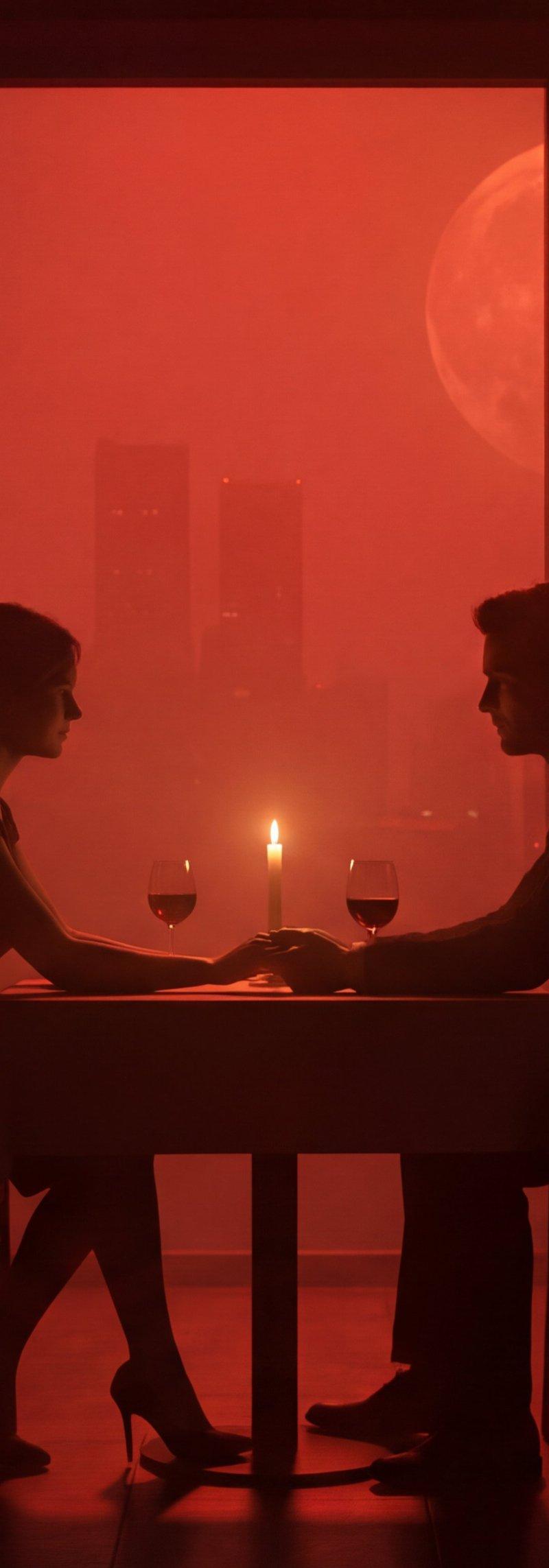
Left : Nano Banana Pro using Midjourney images as reference
Right : Nano Banana Pro with only text prompt
Prompt:
Cinematic romantic restaurant at night, monochrome crimson lighting, heavy volumetric haze. Centered symmetrical composition: a couple in black silhouette seated across a small table, holding hands. Woman left with hair in a low bun, fitted dress, crossed legs, high heels; man right in suit silhouette. On table: single candle glowing, two wine glasses. Background: floor-to-ceiling multi-pane window wall with foggy city skyline, sparse building lights, and a large full moon in the upper-right window. Indoor potted palms left and right, side tables with candles, warm globe wall sconces on both side walls. Strong vignette, soft bloom, filmic haze, shallow-to-moderate depth of field,
Category
UI & Interfaces
Model
Nano Banana Pro
Creator
Umesh
Source language
zh-CN
Views0
Source ID
nano-banana-pro-simulation-comparison
Studio

Guide

About "Nano Banana Pro 模拟效果比较"

What is this prompt for?

"Nano Banana Pro 模拟效果比较" AI image prompt for Nano Banana Pro (UI & Interfaces). Left : Nano Banana Pro using Midjourney images as reference Right : Nano Banana…

The full copyable prompt and example visuals above are ready for AI image generation or one-click recreate in Picva.

How to use this prompt

  1. Step 1

    Open the prompt detail

    Review the example visuals, category, and full prompt text for "Nano Banana Pro 模拟效果比较".

  2. Step 2

    Copy the prompt

    Copy the prompt body from this page, or load it directly in Studio.

  3. Step 3

    Pick a model (Nano Banana Pro)

    Prefer Nano Banana Pro. If you switch models, keep subject and composition and tweak style terms.

  4. Step 4

    Generate and export

    Recreate the look in Picva, or export into your workflow for editing and publishing.

FAQ

What is the "Nano Banana Pro 模拟效果比较" prompt?
It is an AI image-generation prompt for Nano Banana Pro in the UI & Interfaces category. This page includes the full prompt text, example visuals, and a one-click recreate path in Picva.
How do I use this prompt to generate an image?
Copy the prompt from this page, or use Generate / Studio. Paste it into a compatible image model, or recreate the look in Picva with optional reference images.
Which model is this prompt for?
This page lists Nano Banana Pro. Most descriptive prompts also transfer to nearby image models such as GPT Image, Flux, or Midjourney with light style tweaks.
Can I use the result commercially?
You can usually copy the prompt for creation, but commercial use of the final image depends on the model terms, reference-image rights, and the generated content. Follow the source author and platform rules.