19

Nano Banana Proプロンプト #5:一発生成の4パネル構図
Enlarge

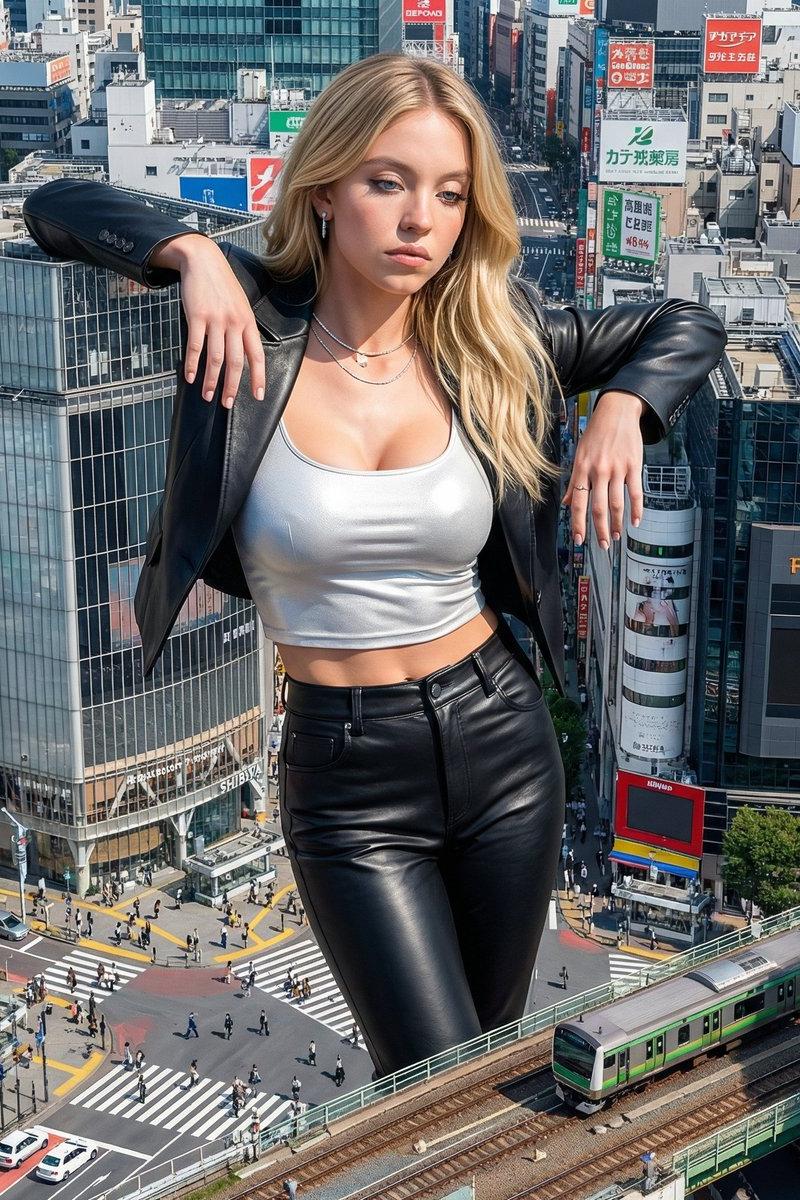
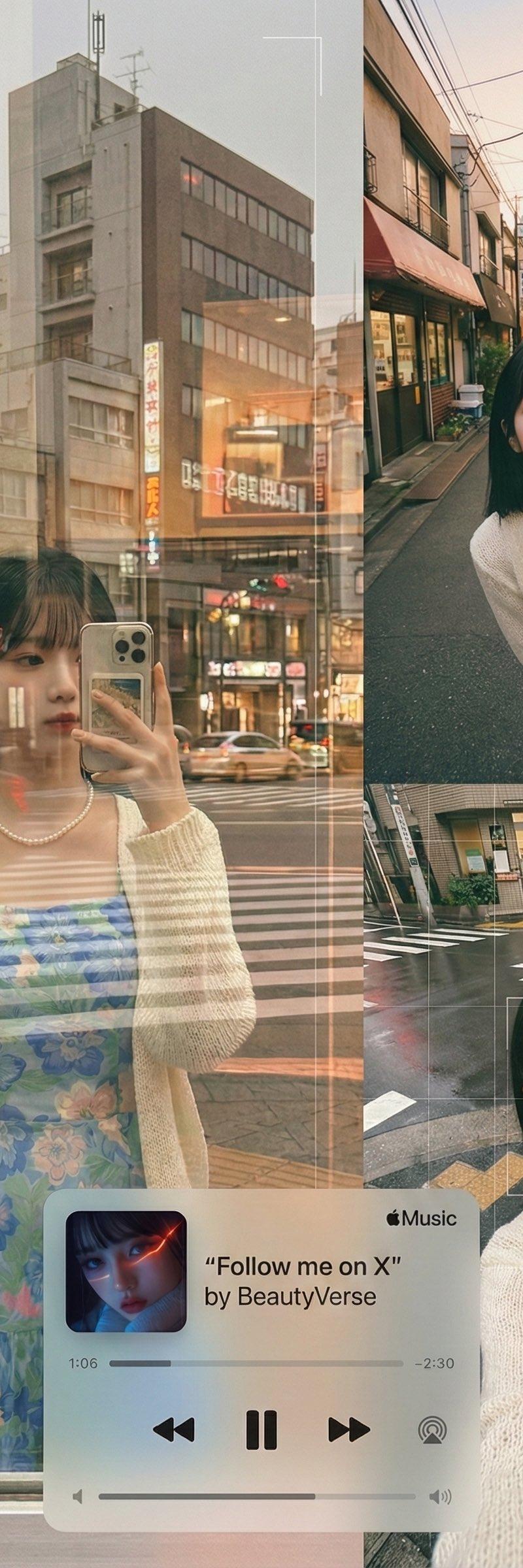
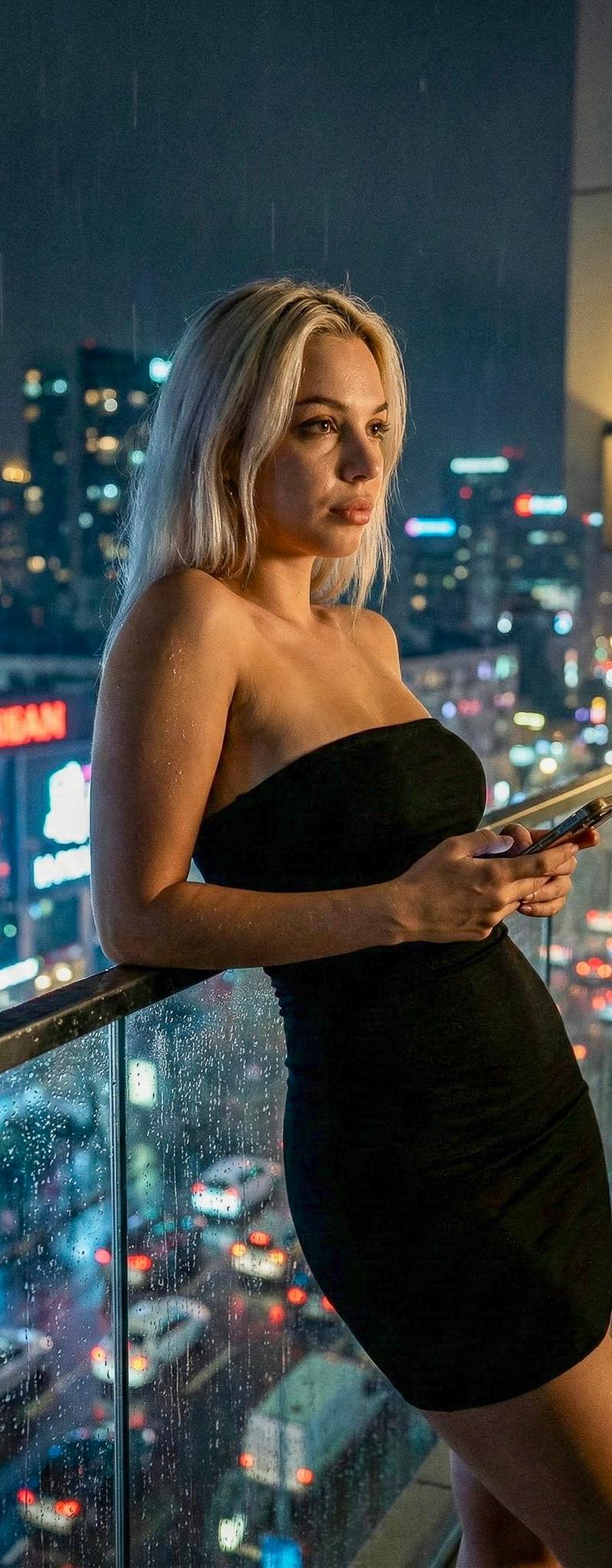
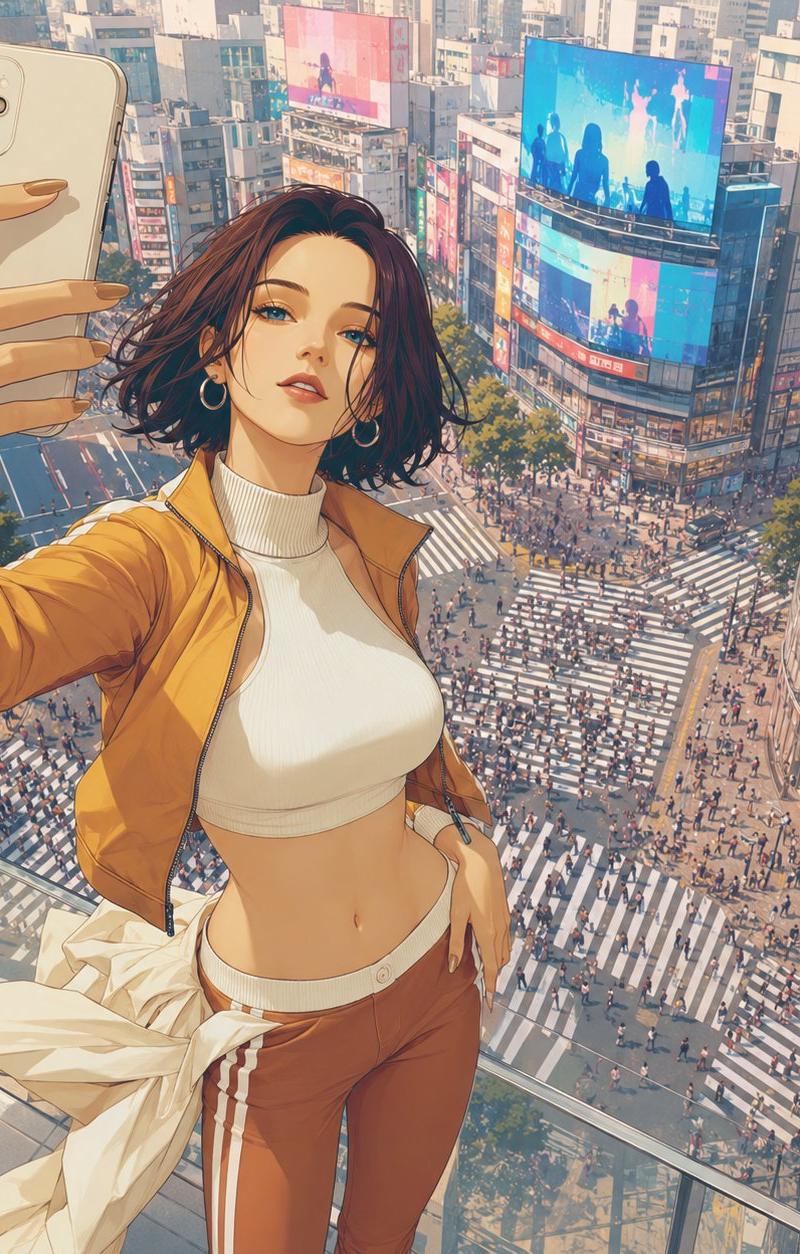
Example images

Nano Banana Proプロンプト #5:一発生成の4パネル構図

Prompt
🍌Nano Banana Proプロンプト #5
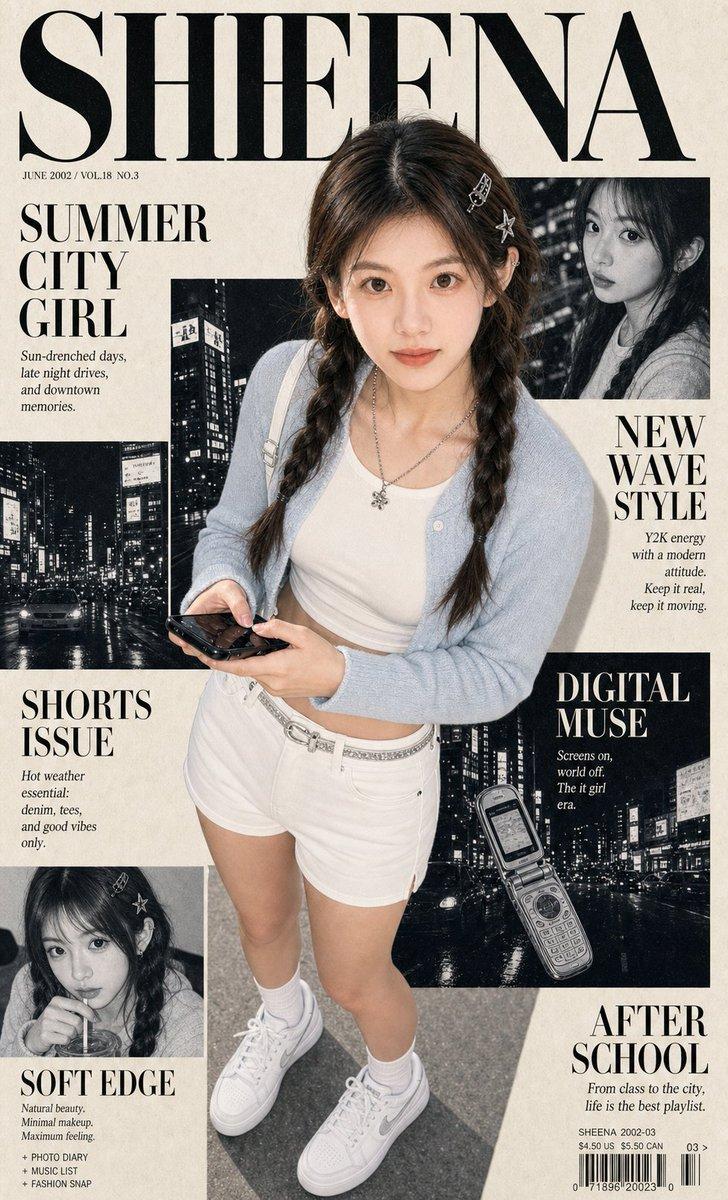
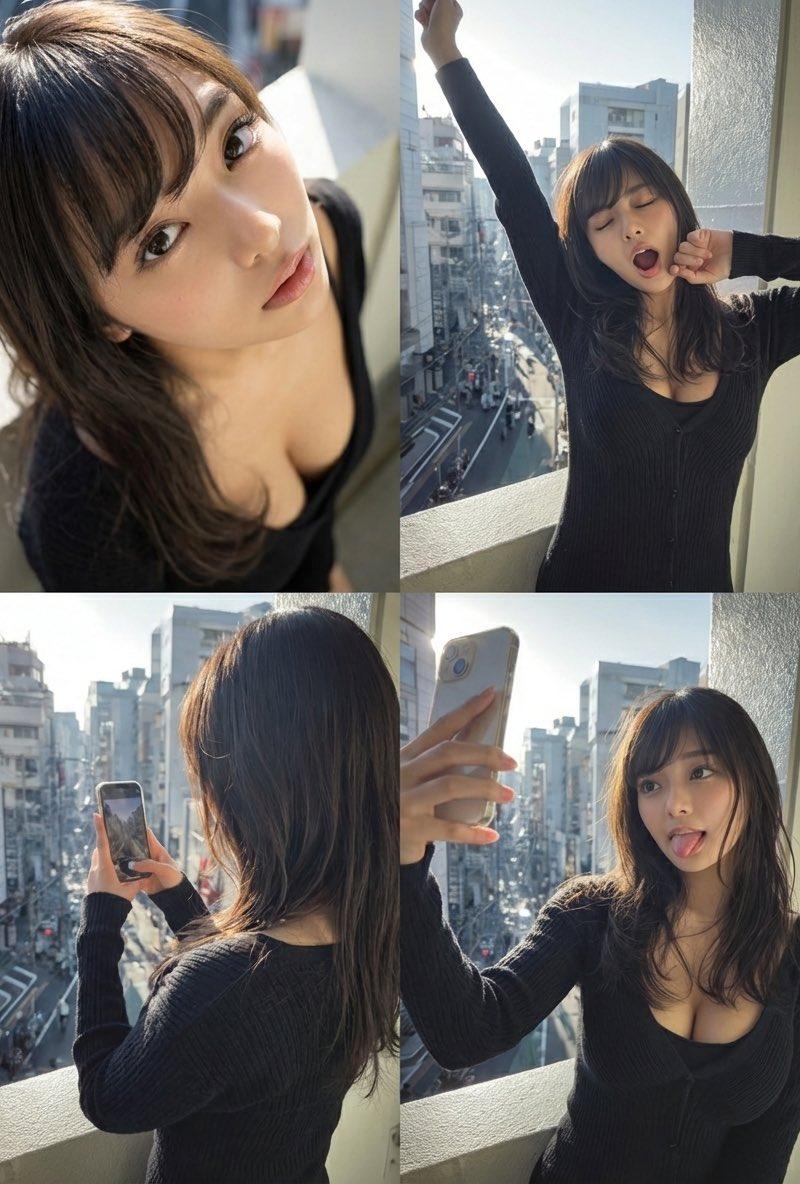
今回は構図分割で各パネルを一発生成してみた✨
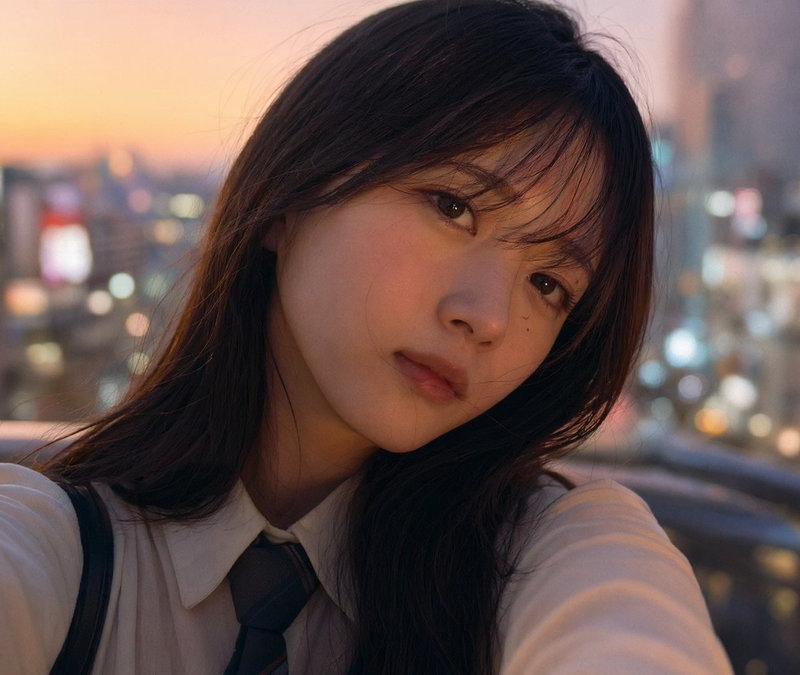
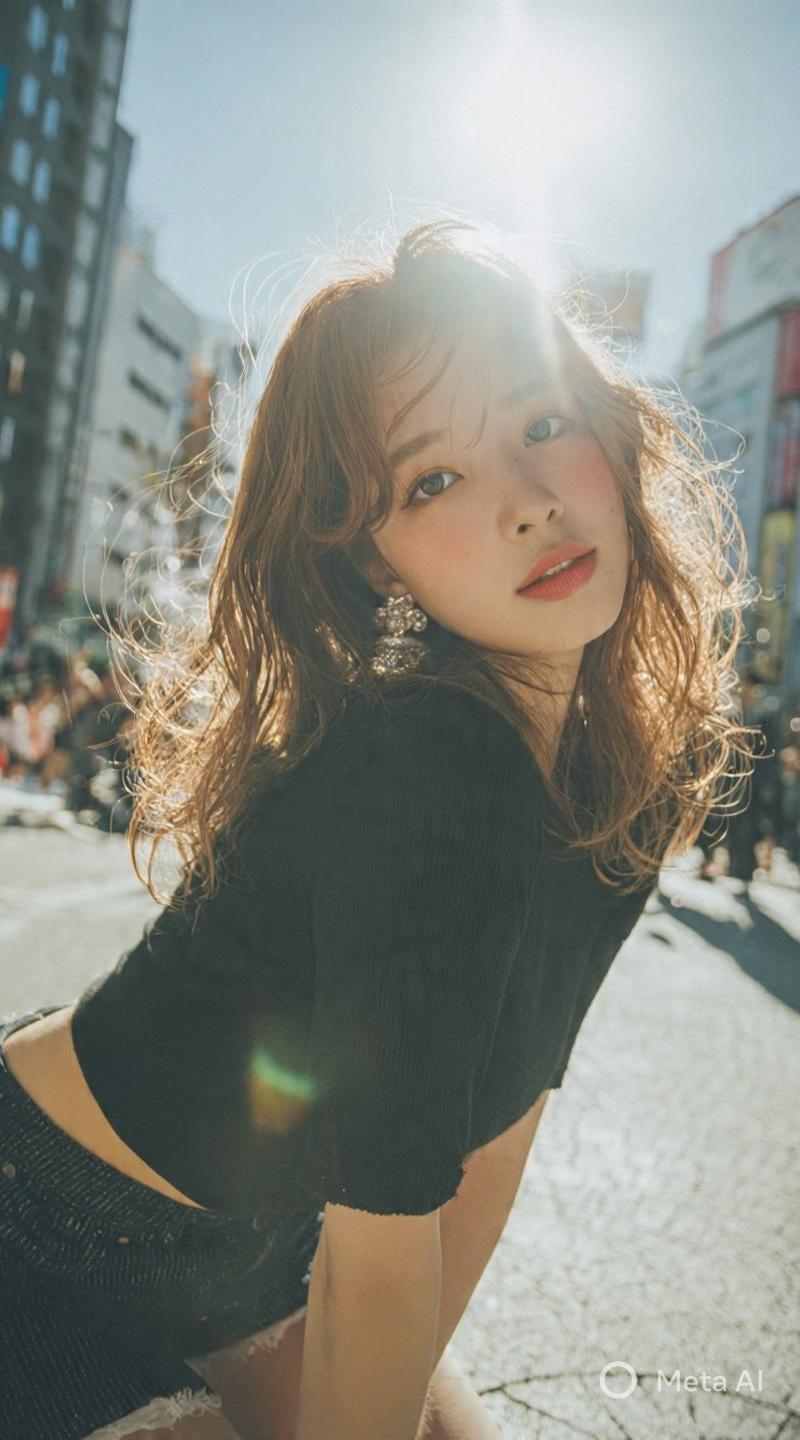
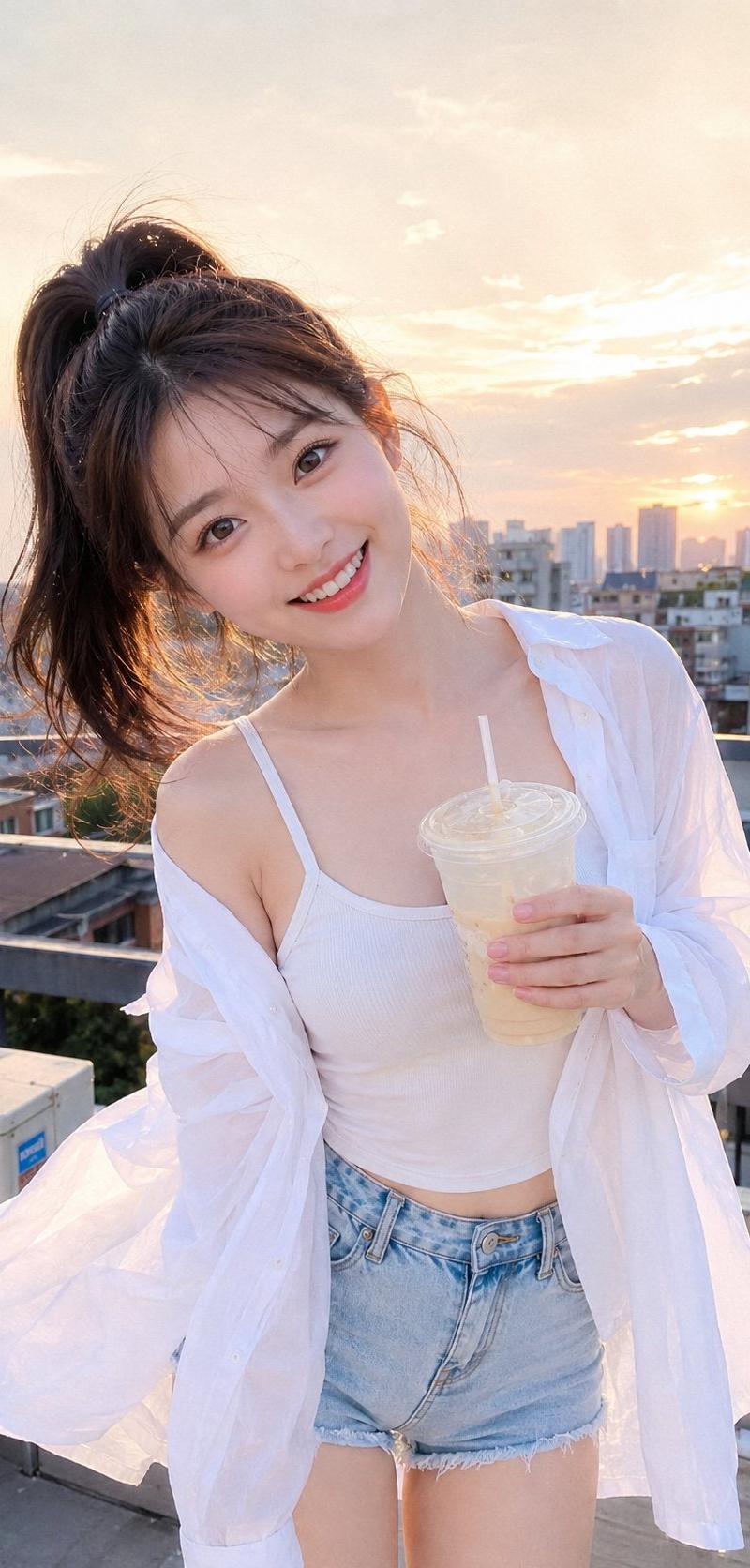
一枚の人物画像からキャラを固定したまま、あくびや自撮りなど、異なる表情を一発で生成可能🔥
4枚生成してグリッドに編集してるわけじゃないんです。
HiggsfieldのNano Banana Pro、マジで恐るべし…!
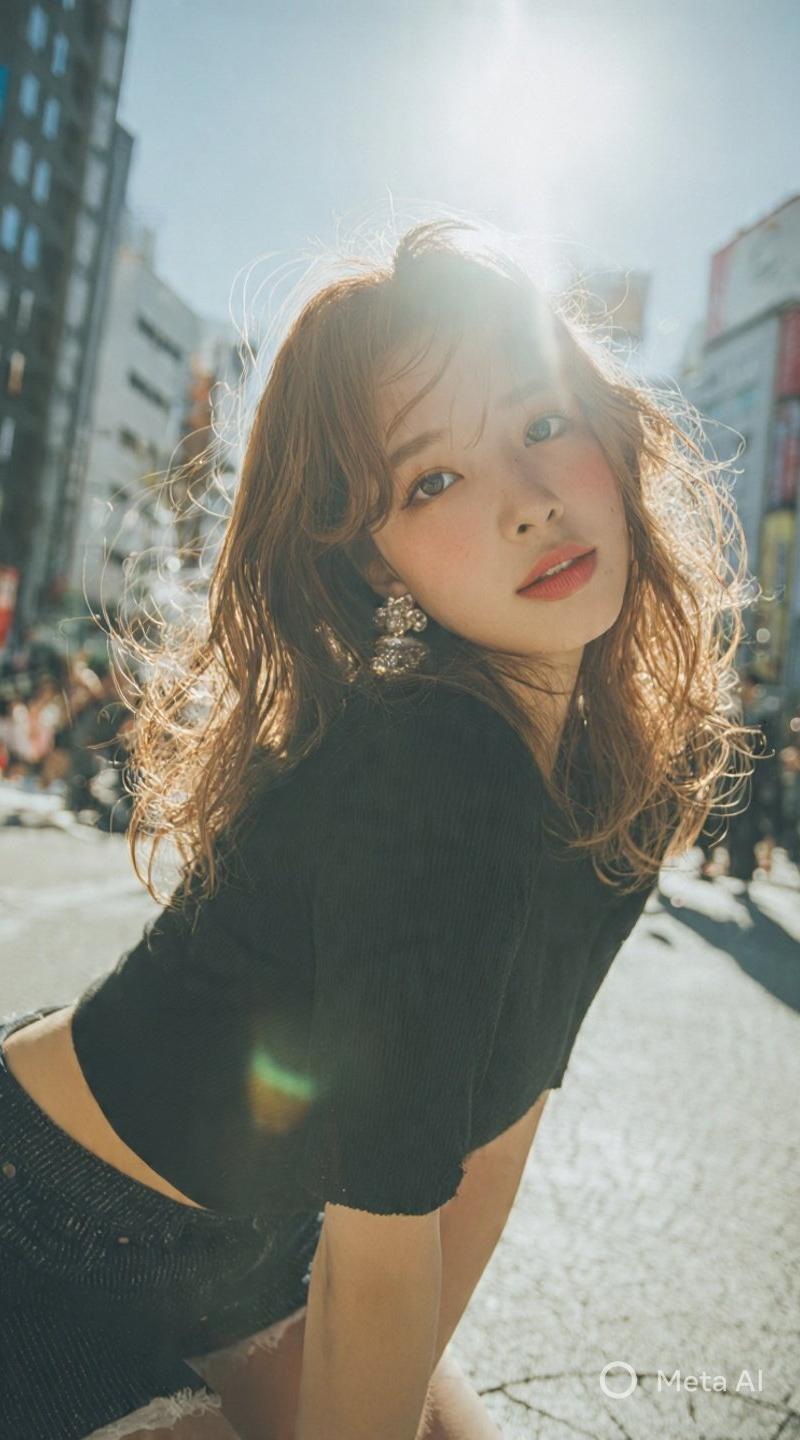
アップロードした参照画像はリプ欄に。
🧪プロンプト:
Using the uploaded reference image, generate a four-panel composition (upper-left, upper-right, lower-left, lower-right).
Keep the person’s face, hairstyle, and clothing exactly the same as in the uploaded image for all panels.
Upper-left: A close-up of her face from a high angle, with her looking up with upward eyes.
Upper-right: She raises one arm and stretches while yawning.
Lower-left: An over-the-shoulder shot from behind her, showing her hands or what she is doing.
Lower-right: She takes a selfie while sticking out her tongue.
Realistic photo style, consistent identity, natural lighting.
Nano Banana Proは @higgsfield_ai に参加すると1年間無制限で使えます! (※期間限定の特典です)
on November 21st Higgsfield granted FREE access to Google’s Nano Banana Pro Image model.
Category
Photography & Realism
Model
Nano Banana Pro
Creator
iX | AI Video Creator & Vibe Coder
Source language
zh-CN
Views0
Source ID
nano-banana-proprompt-5-one-click-4-panel-composition
Studio

Guide

About "Nano Banana Proプロンプト #5:一発生成の4パネル構図"

What is this prompt for?

"Nano Banana Proプロンプト #5:一発生成の4パネル構図" AI image prompt for Nano Banana Pro (Photography & Realism). 🍌Nano Banana Proプロンプト #5 今回は構図分割で各パネルを一発生成してみた✨ 一枚の人物画像からキャ…

The full copyable prompt and example visuals above are ready for AI image generation or one-click recreate in Picva.

How to use this prompt

  1. Step 1

    Open the prompt detail

    Review the example visuals, category, and full prompt text for "Nano Banana Proプロンプト #5:一発生成の4パネル構図".

  2. Step 2

    Copy the prompt

    Copy the prompt body from this page, or load it directly in Studio.

  3. Step 3

    Pick a model (Nano Banana Pro)

    Prefer Nano Banana Pro. If you switch models, keep subject and composition and tweak style terms.

  4. Step 4

    Generate and export

    Recreate the look in Picva, or export into your workflow for editing and publishing.

FAQ

What is the "Nano Banana Proプロンプト #5:一発生成の4パネル構図" prompt?
It is an AI image-generation prompt for Nano Banana Pro in the Photography & Realism category. This page includes the full prompt text, example visuals, and a one-click recreate path in Picva.
How do I use this prompt to generate an image?
Copy the prompt from this page, or use Generate / Studio. Paste it into a compatible image model, or recreate the look in Picva with optional reference images.
Which model is this prompt for?
This page lists Nano Banana Pro. Most descriptive prompts also transfer to nearby image models such as GPT Image, Flux, or Midjourney with light style tweaks.
Can I use the result commercially?
You can usually copy the prompt for creation, but commercial use of the final image depends on the model terms, reference-image rights, and the generated content. Follow the source author and platform rules.