20

Omar Khayyam 科学家工作室
Enlarge

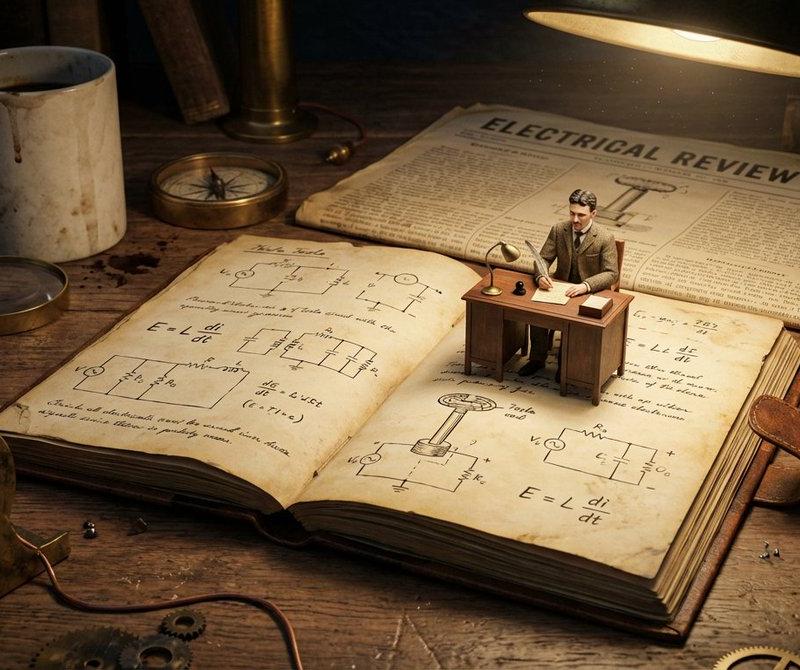
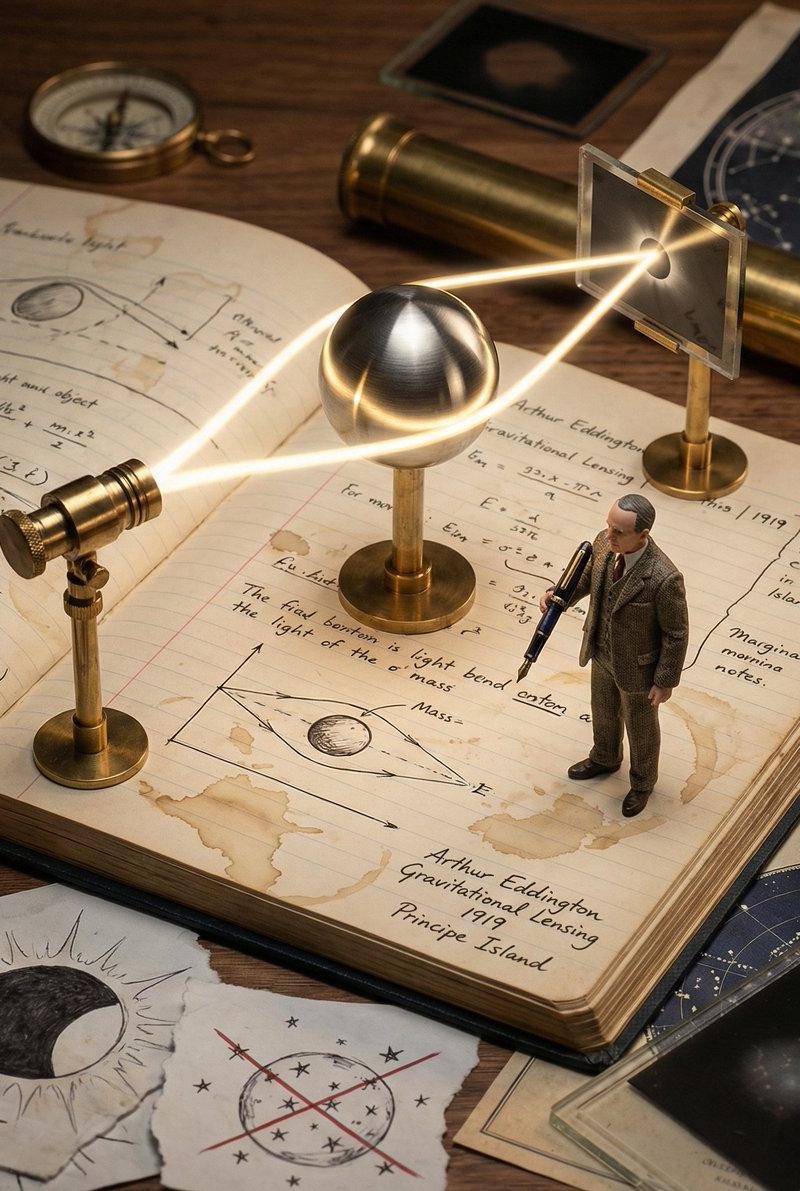
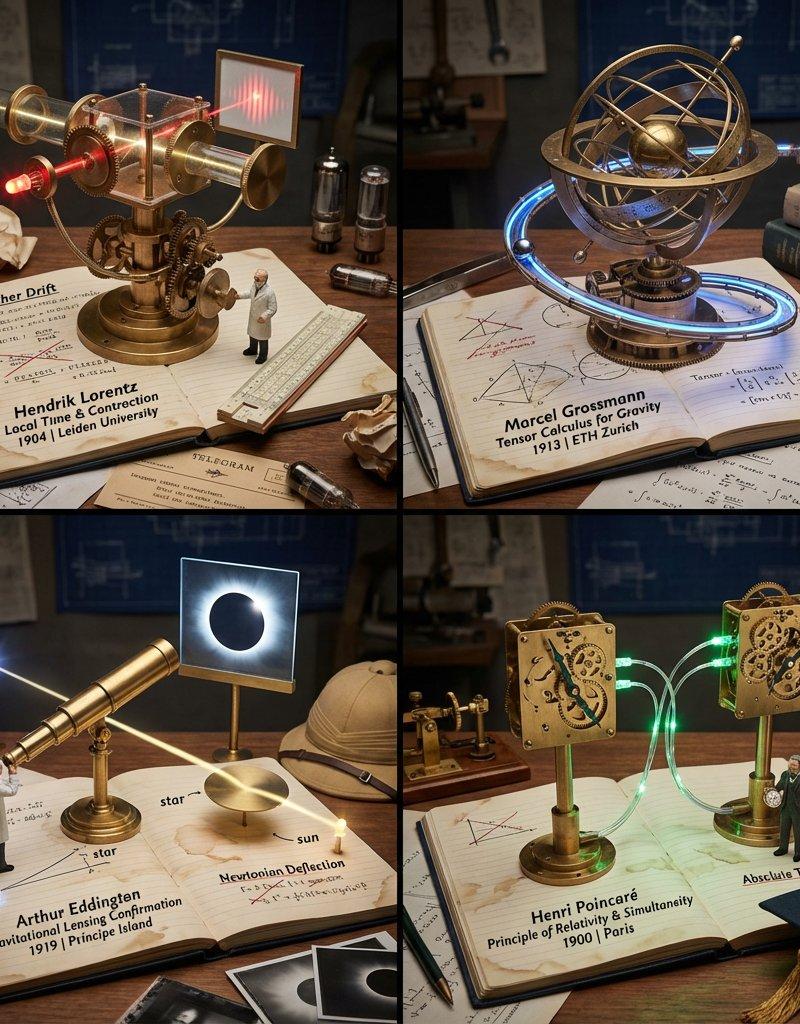
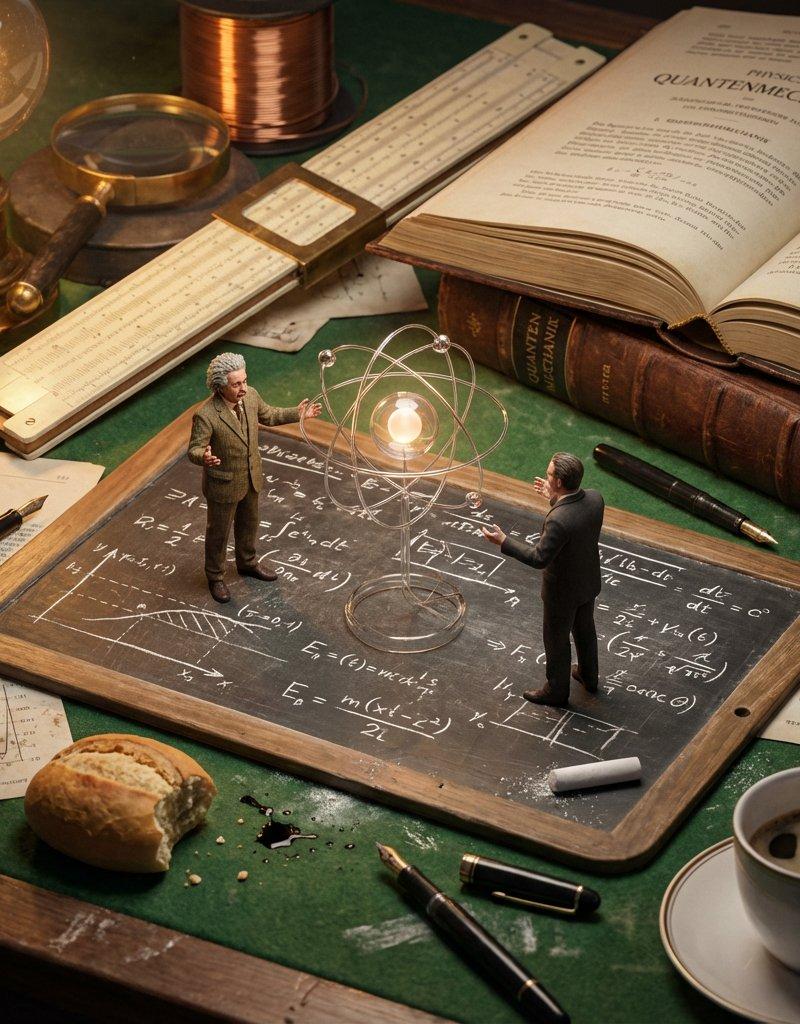
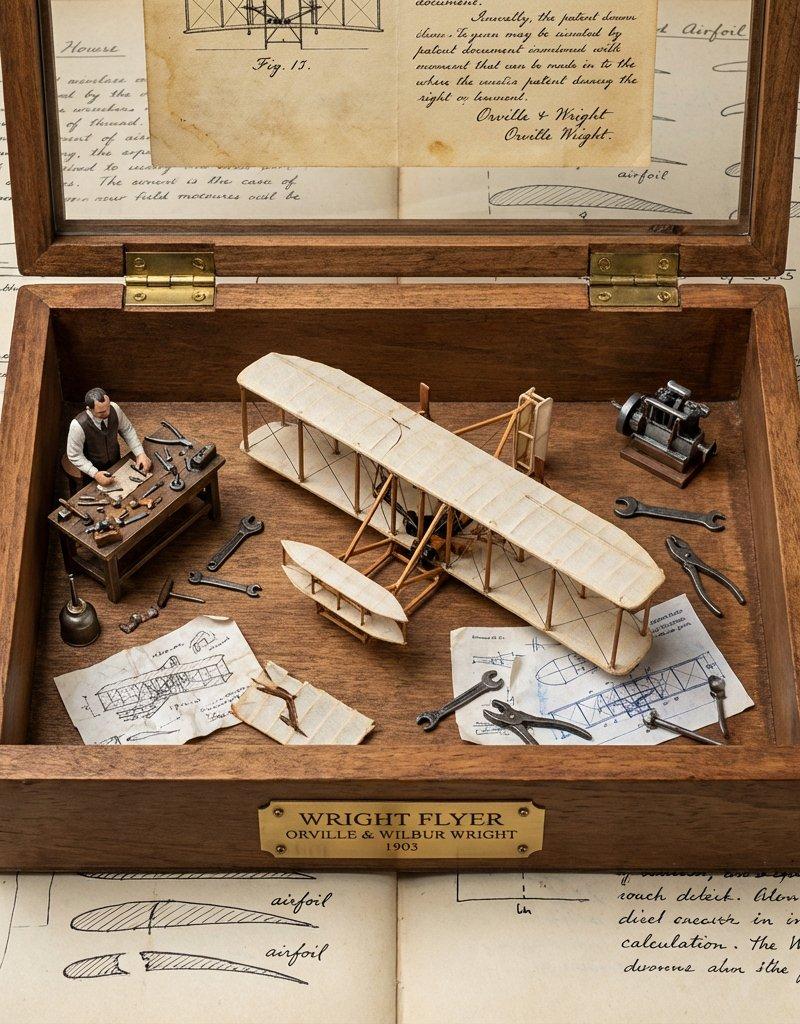
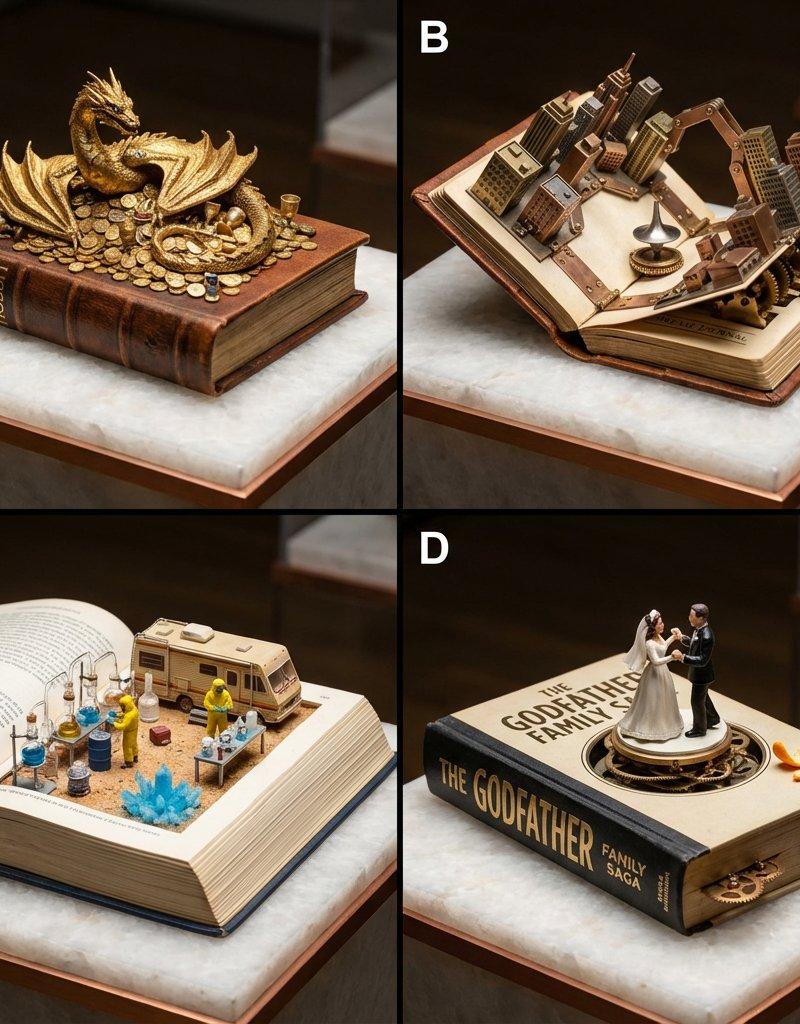
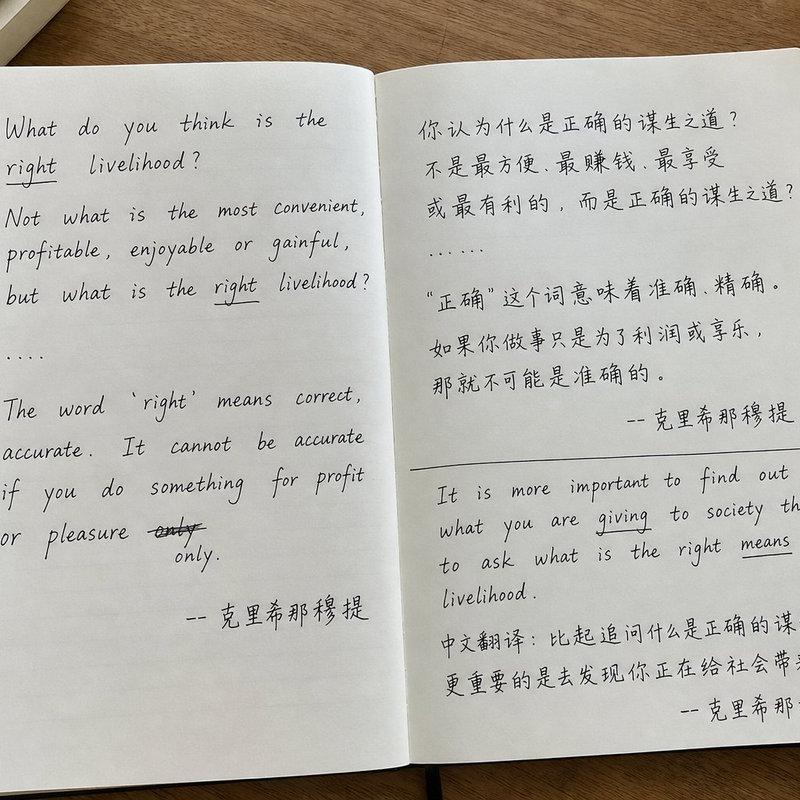
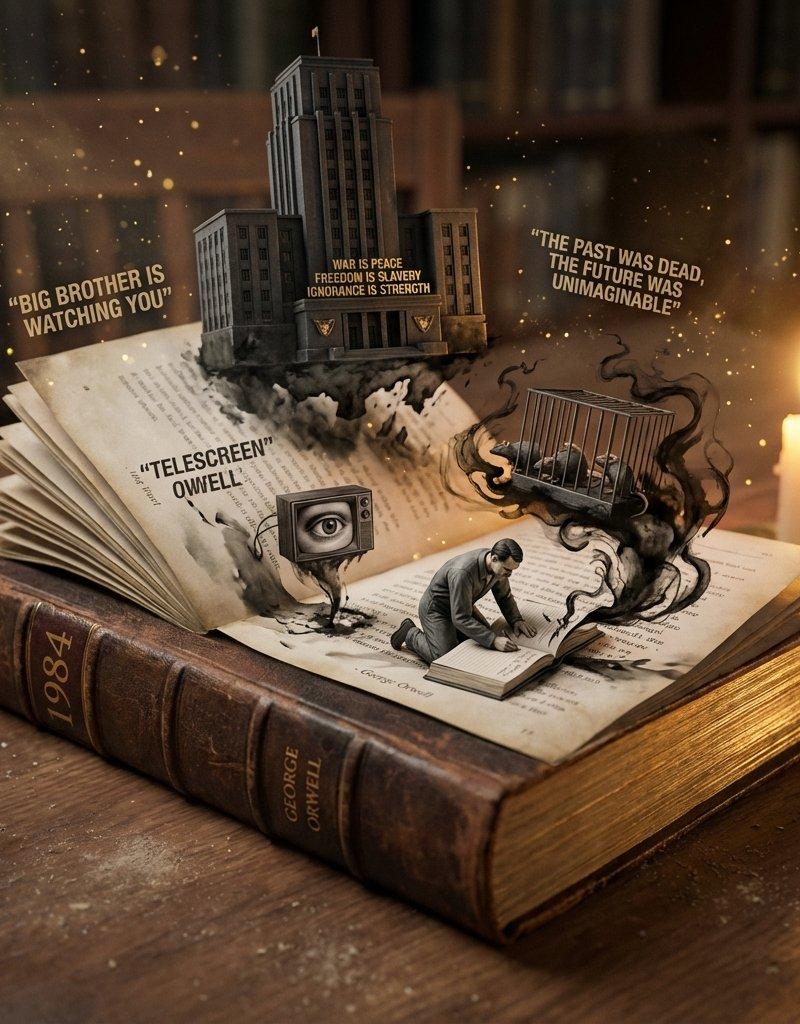
Example images

Omar Khayyam 科学家工作室

Prompt
This Nano Banana Pro prompt works for scientists and those who have contributed to math and other topics no matter where they are from.
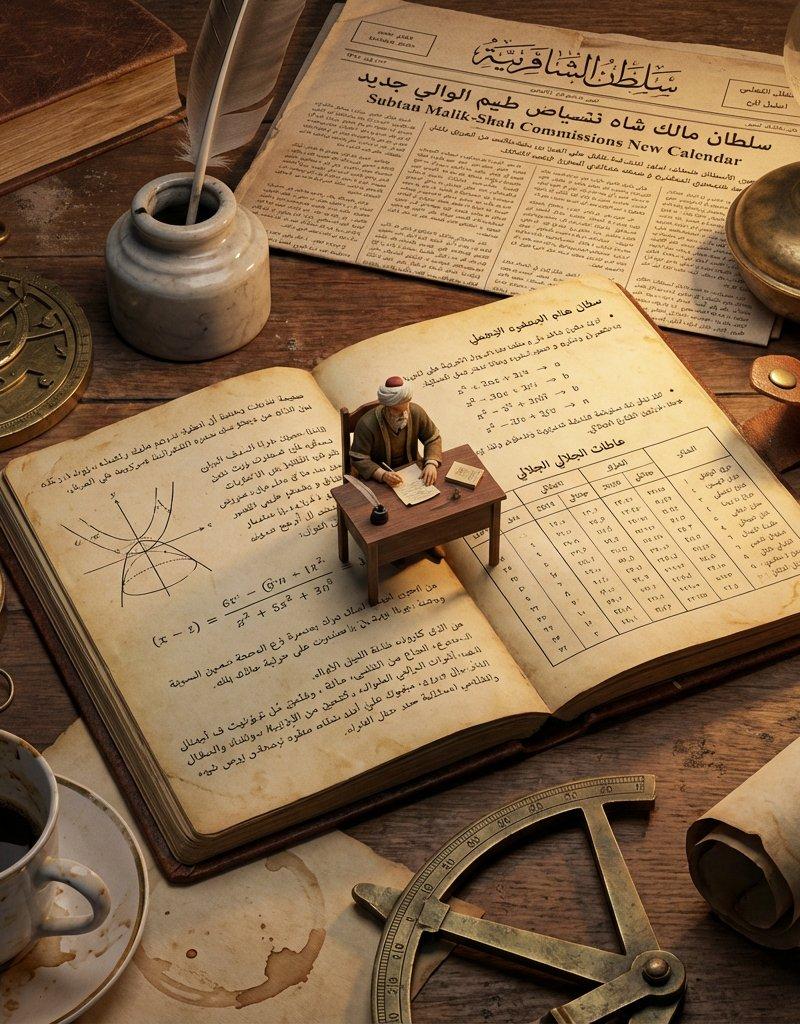
do this for omar khayyam
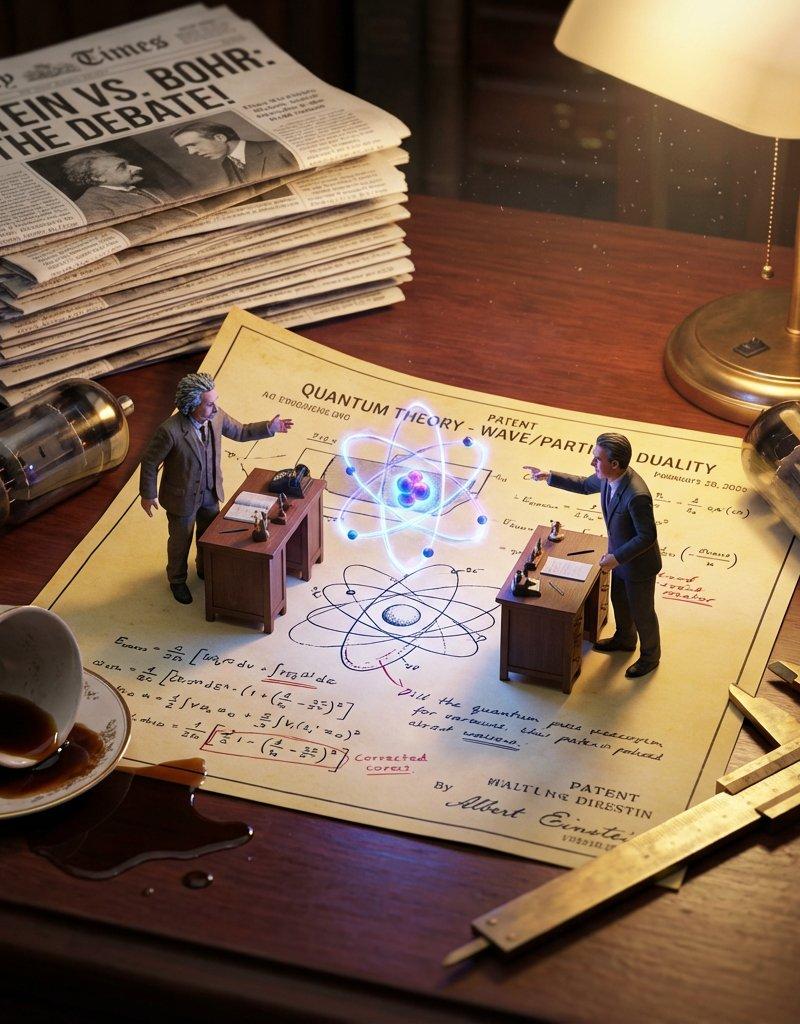
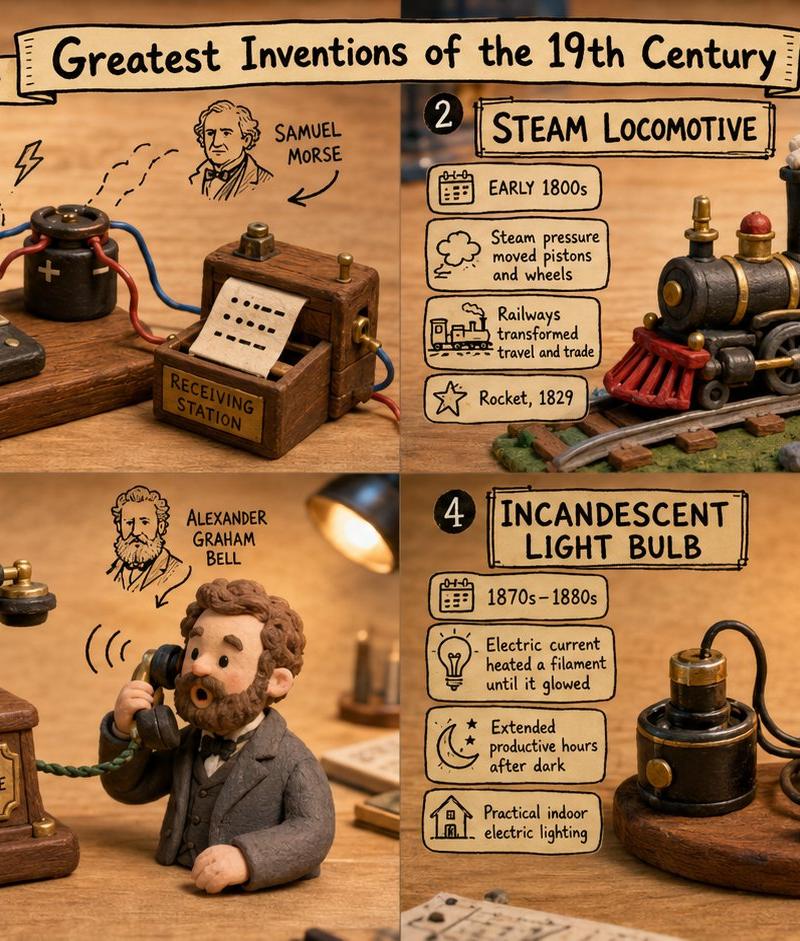
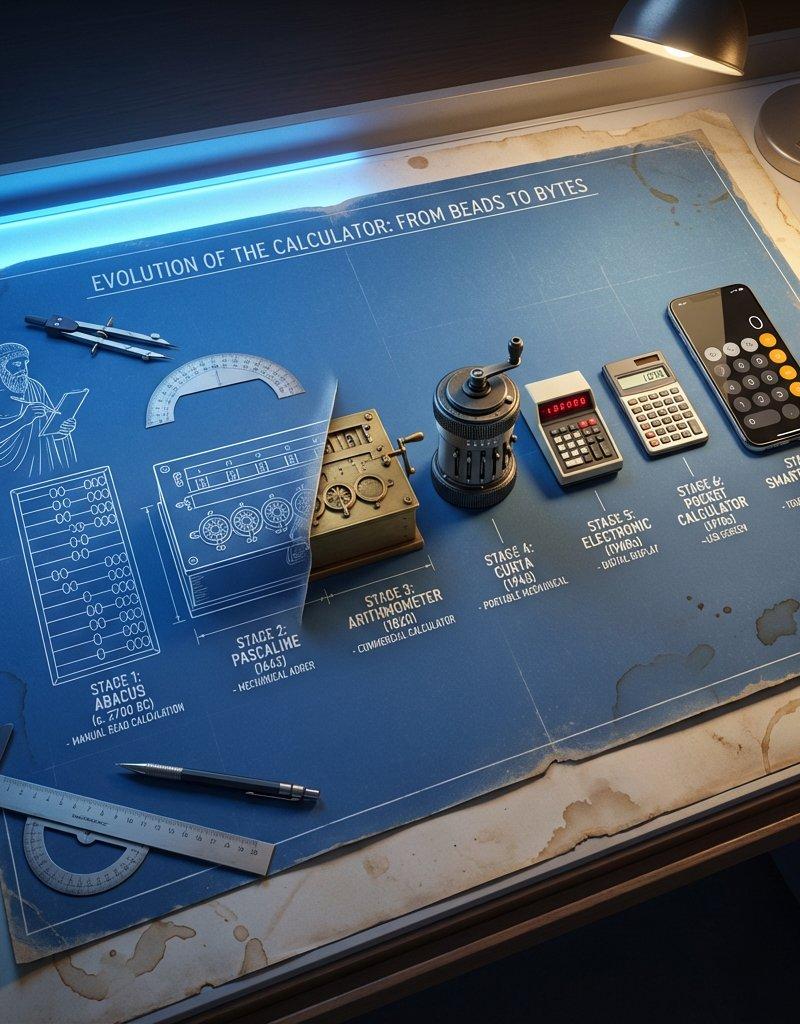
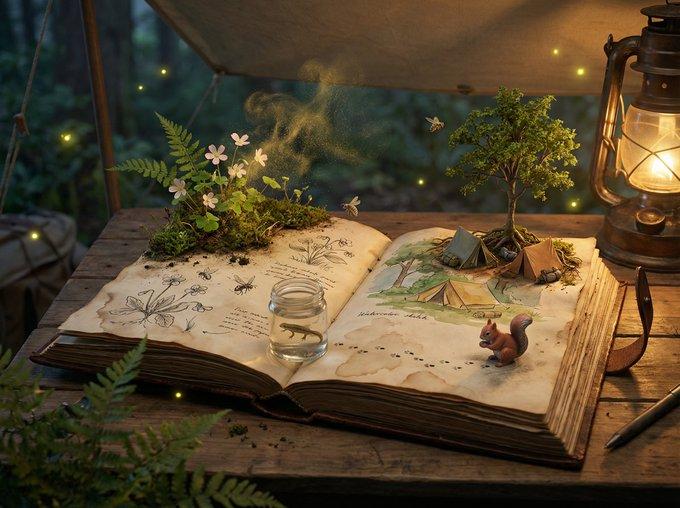
<instructions> Analyze: Determine the scientist responsible, the specific era, and the visual diagrams associated with the theory. Goal: A Macro Diorama on a Laboratory Bench. A messy, highly detailed flat-lay of a historical workspace that serves as a giant landscape for a living miniature version of the scientist. Centerpiece: An open, antique notebook lying flat. The pages must be visible and filled with specific handwritten equations and diagrams relevant to the Input Theory. Sitting directly on top of these open pages is a tiny, hyper-realistic figurine of the scientist sitting at a proportionally tiny wooden desk, working on the very notes beneath him. Surroundings: The environment is cluttered with giant-scale period-accurate objects that relate to the scientist's work. This includes a newspaper from the era acting as a backdrop, a giant coffee mug leaving stains, and massive scientific tools relevant to the theory (such as compasses, lenses, or pocket watches) scattered like terrain. Perspective: Slightly angled 45-degree macro shot looking down at the notebook. Texture: Wood grain, scratched metal, paper texture, dust particles. Lighting: Warm, late-night library lamp lighting creating a spotlight on the tiny scientist and deep shadows behind the giant props. Output: one image, 4:5 aspect ratio, photorealistic historical macro photography. </instructions>
Category
Photography & Realism
Model
Nano Banana Pro
Creator
Gadgetify
Source language
zh-CN
Views0
Source ID
omar-khayyam-scientific-workspace
Studio

Guide

About "Omar Khayyam 科学家工作室"

What is this prompt for?

"Omar Khayyam 科学家工作室" AI image prompt for Nano Banana Pro (Photography & Realism). This Nano Banana Pro prompt works for scientists and those who have contribu…

The full copyable prompt and example visuals above are ready for AI image generation or one-click recreate in Picva.

How to use this prompt

  1. Step 1

    Open the prompt detail

    Review the example visuals, category, and full prompt text for "Omar Khayyam 科学家工作室".

  2. Step 2

    Copy the prompt

    Copy the prompt body from this page, or load it directly in Studio.

  3. Step 3

    Pick a model (Nano Banana Pro)

    Prefer Nano Banana Pro. If you switch models, keep subject and composition and tweak style terms.

  4. Step 4

    Generate and export

    Recreate the look in Picva, or export into your workflow for editing and publishing.

FAQ

What is the "Omar Khayyam 科学家工作室" prompt?
It is an AI image-generation prompt for Nano Banana Pro in the Photography & Realism category. This page includes the full prompt text, example visuals, and a one-click recreate path in Picva.
How do I use this prompt to generate an image?
Copy the prompt from this page, or use Generate / Studio. Paste it into a compatible image model, or recreate the look in Picva with optional reference images.
Which model is this prompt for?
This page lists Nano Banana Pro. Most descriptive prompts also transfer to nearby image models such as GPT Image, Flux, or Midjourney with light style tweaks.
Can I use the result commercially?
You can usually copy the prompt for creation, but commercial use of the final image depends on the model terms, reference-image rights, and the generated content. Follow the source author and platform rules.