14

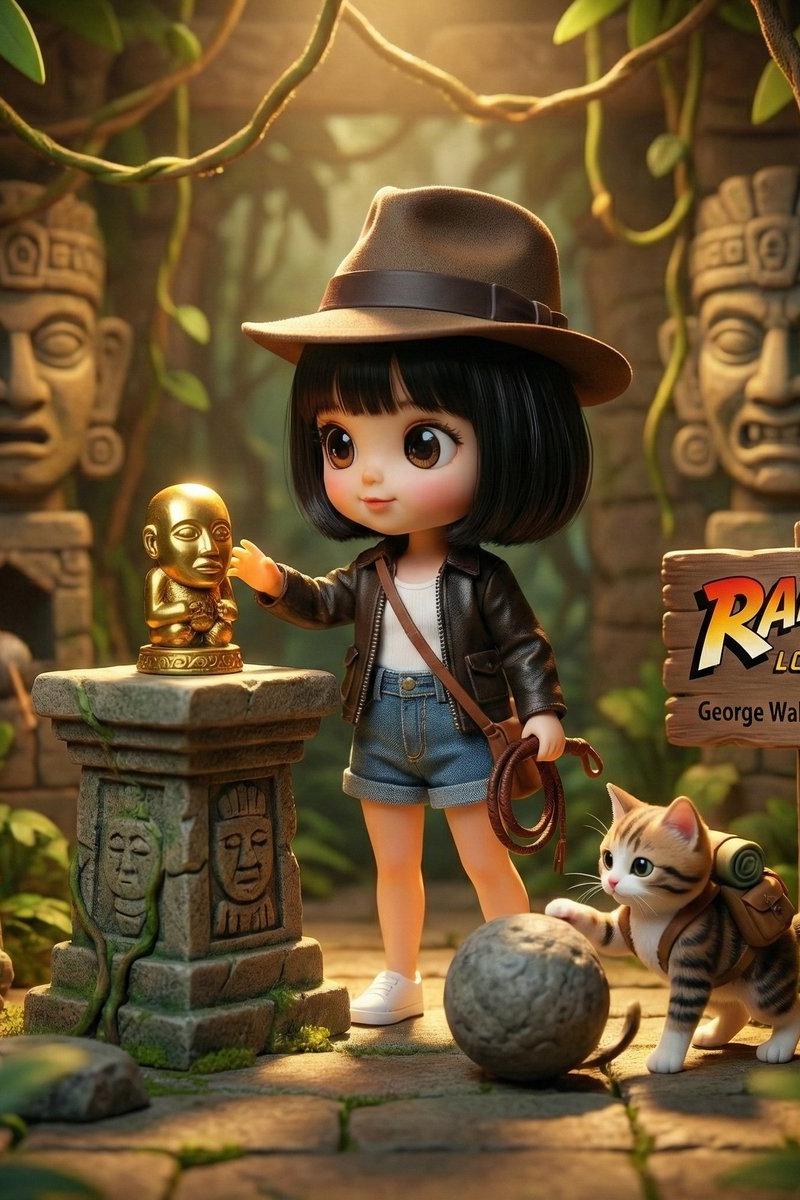
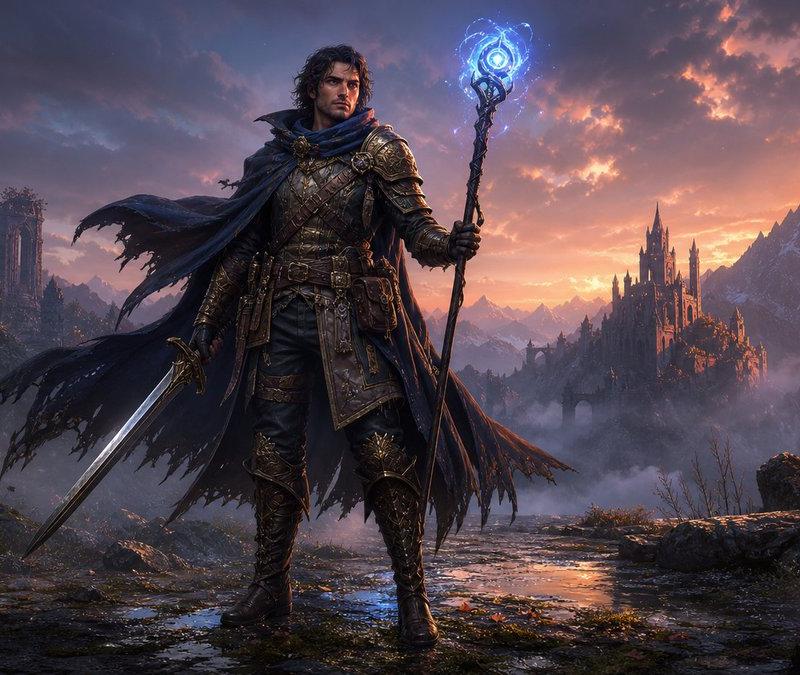
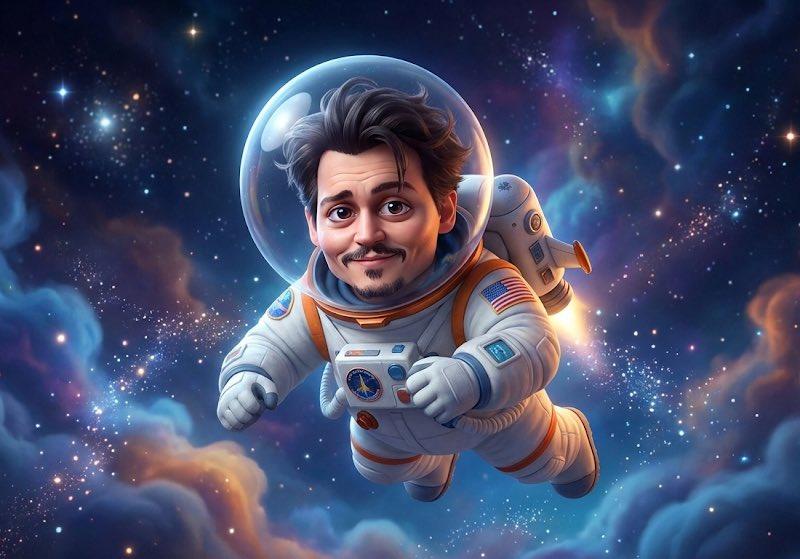
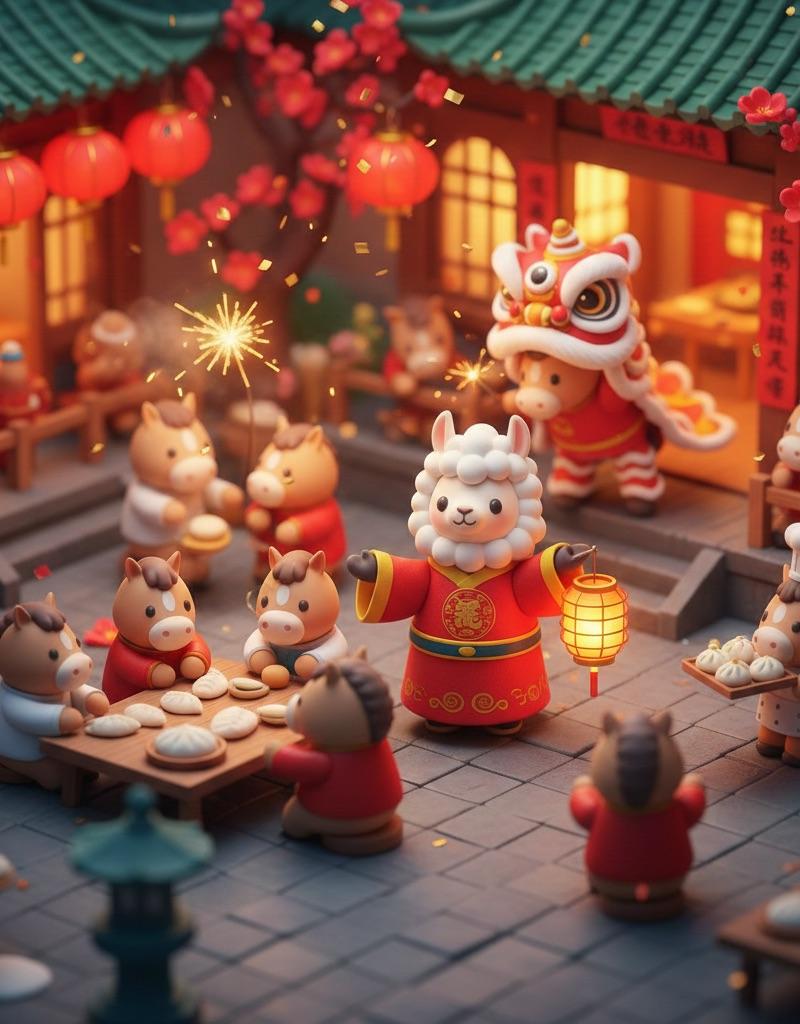
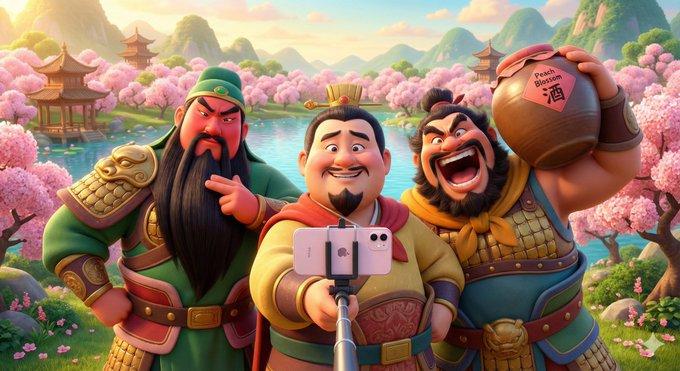
皮克斯风格3D动画场景
Enlarge

Example images

皮克斯风格3D动画场景

Prompt
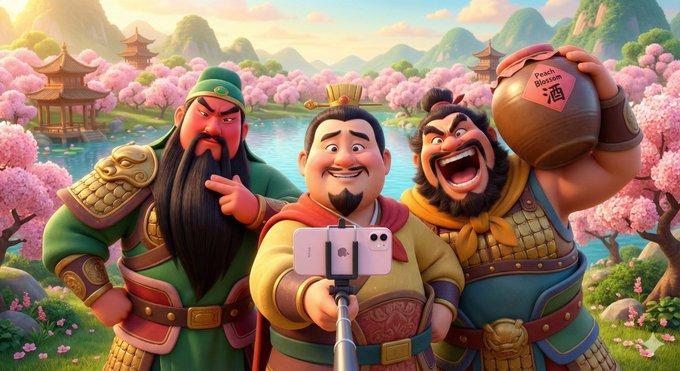
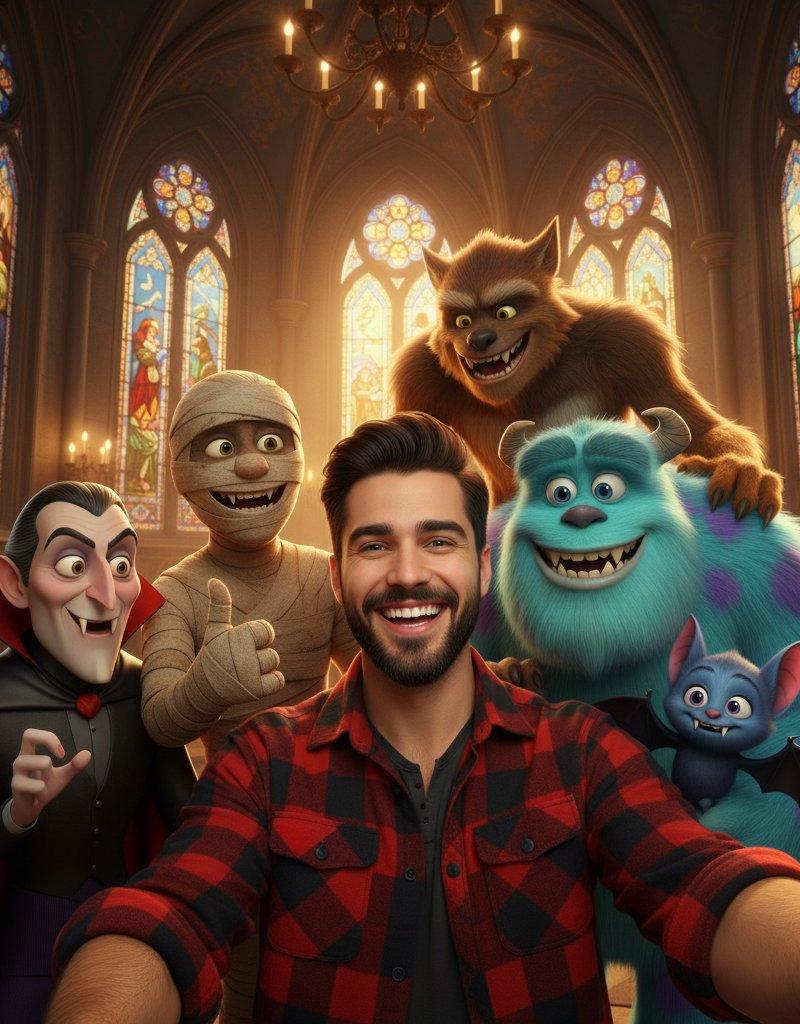
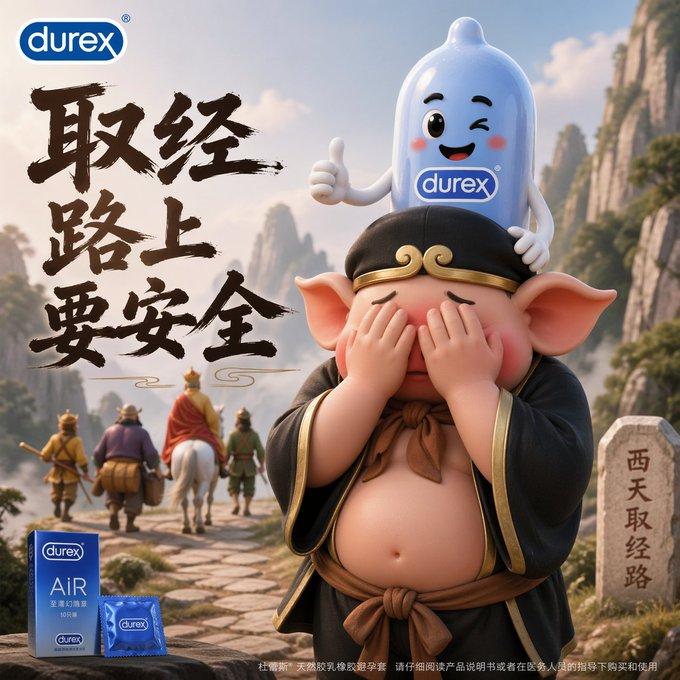
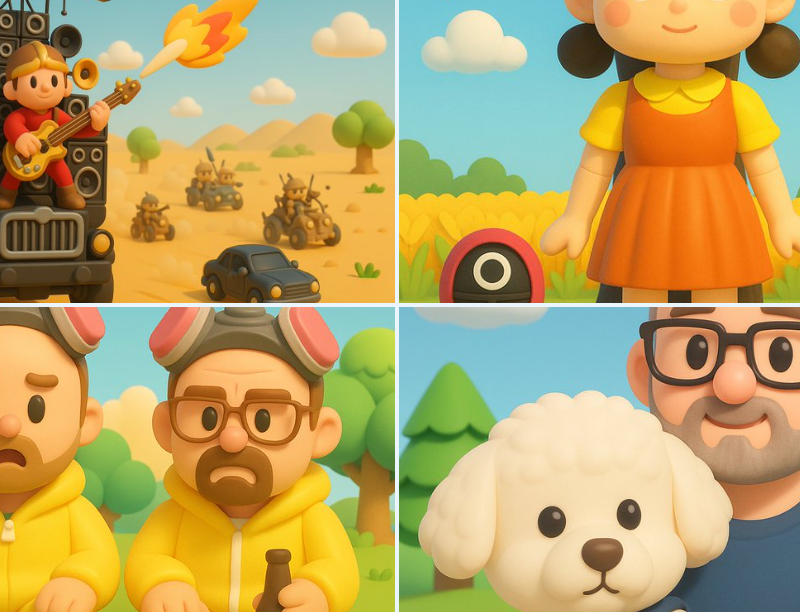
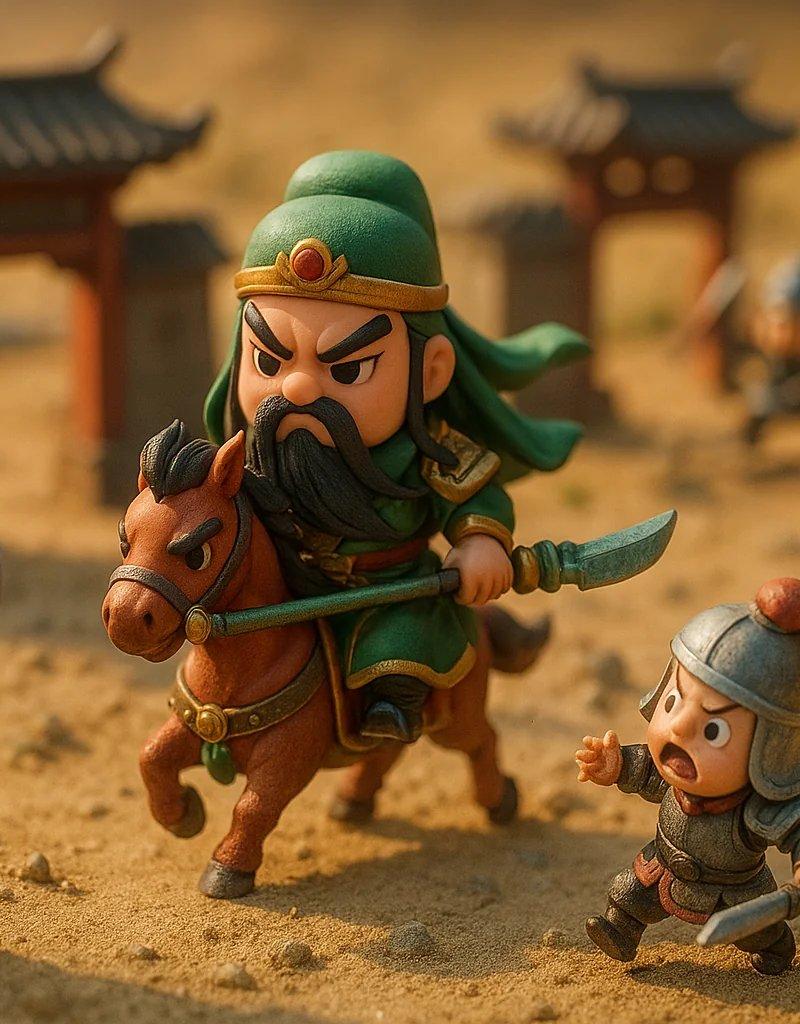
皮克斯风格3D动画场景——<人物组合>在<场景环境>中欢乐自拍留念。\n\n<主视角人物>站在中央,手持自拍杆(上面连着一部 iPhone 手机),\n表情为<主视角人物性格特征>,呈现出<领导/核心人物气质>。\n\n在<主视角人物>左侧的<人物A>展现出<人物A性格相关的动作/姿势>,\n表情为<人物A表情特征>,体现出<人物A性格描述>。\n\n在右侧的<人物B>则摆出<搞怪/豪迈/可爱>的姿势,\n手持<人物B代表物品>,表情为<人物B表情特征>,\n风格活泼夸张,展现出<人物B性格特征>。\n\n若有更多人物,可继续添加:\n旁边的<人物C>则<动作/姿态>,脸上带着<表情>,\n展示出<性格>特点。\n\n所有人物穿着色彩鲜艳、圆润可爱的<时代风格+改良服饰>,\n整体光效柔和温暖、色调明亮,\n角色表情丰富、动作生动。\n\n背景为<环境描述:如桃花、湖泊、山林、古风建筑或仙境般的自然场景>,\n场景具有皮克斯动画电影般的可爱氛围与电影级构图感,\n整体画面充满活力、幽默、温馨的欢乐气息。\n\n---\n人物:刘备、张飞、关羽
Category
Illustration & Art
Model
Unknown
Creator
宝玉
Source language
zh-CN
Views0
Source ID
pixar-style-3d-animation-scene-1
Studio

Guide

About "皮克斯风格3D动画场景"

What is this prompt for?

"皮克斯风格3D动画场景" AI image prompt for Unknown (Illustration & Art). 皮克斯风格3D动画场景—— 在 中欢乐自拍留念。\n\n 站在中央,手持自拍杆(上面连着一部 iPhone 手机),\n表情为 ,呈现出 。\n\n在 左侧的 展现出 ,\n表情为 ,体现出…

The full copyable prompt and example visuals above are ready for AI image generation or one-click recreate in Picva.

How to use this prompt

  1. Step 1

    Open the prompt detail

    Review the example visuals, category, and full prompt text for "皮克斯风格3D动画场景".

  2. Step 2

    Copy the prompt

    Copy the prompt body from this page, or load it directly in Studio.

  3. Step 3

    Pick a model (Unknown)

    Prefer Unknown. If you switch models, keep subject and composition and tweak style terms.

  4. Step 4

    Generate and export

    Recreate the look in Picva, or export into your workflow for editing and publishing.

FAQ

What is the "皮克斯风格3D动画场景" prompt?
It is an AI image-generation prompt for Unknown in the Illustration & Art category. This page includes the full prompt text, example visuals, and a one-click recreate path in Picva.
How do I use this prompt to generate an image?
Copy the prompt from this page, or use Generate / Studio. Paste it into a compatible image model, or recreate the look in Picva with optional reference images.
Which model is this prompt for?
This page lists Unknown. Most descriptive prompts also transfer to nearby image models such as GPT Image, Flux, or Midjourney with light style tweaks.
Can I use the result commercially?
You can usually copy the prompt for creation, but commercial use of the final image depends on the model terms, reference-image rights, and the generated content. Follow the source author and platform rules.