20

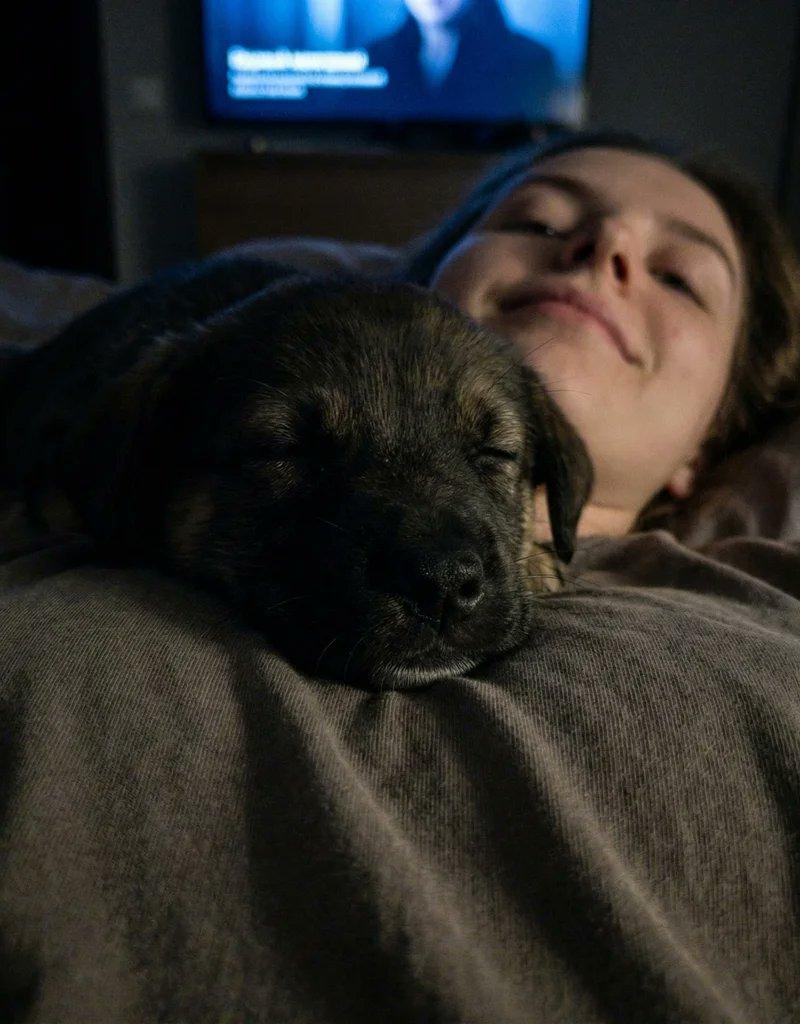
安静夜晚的睡犬
Enlarge

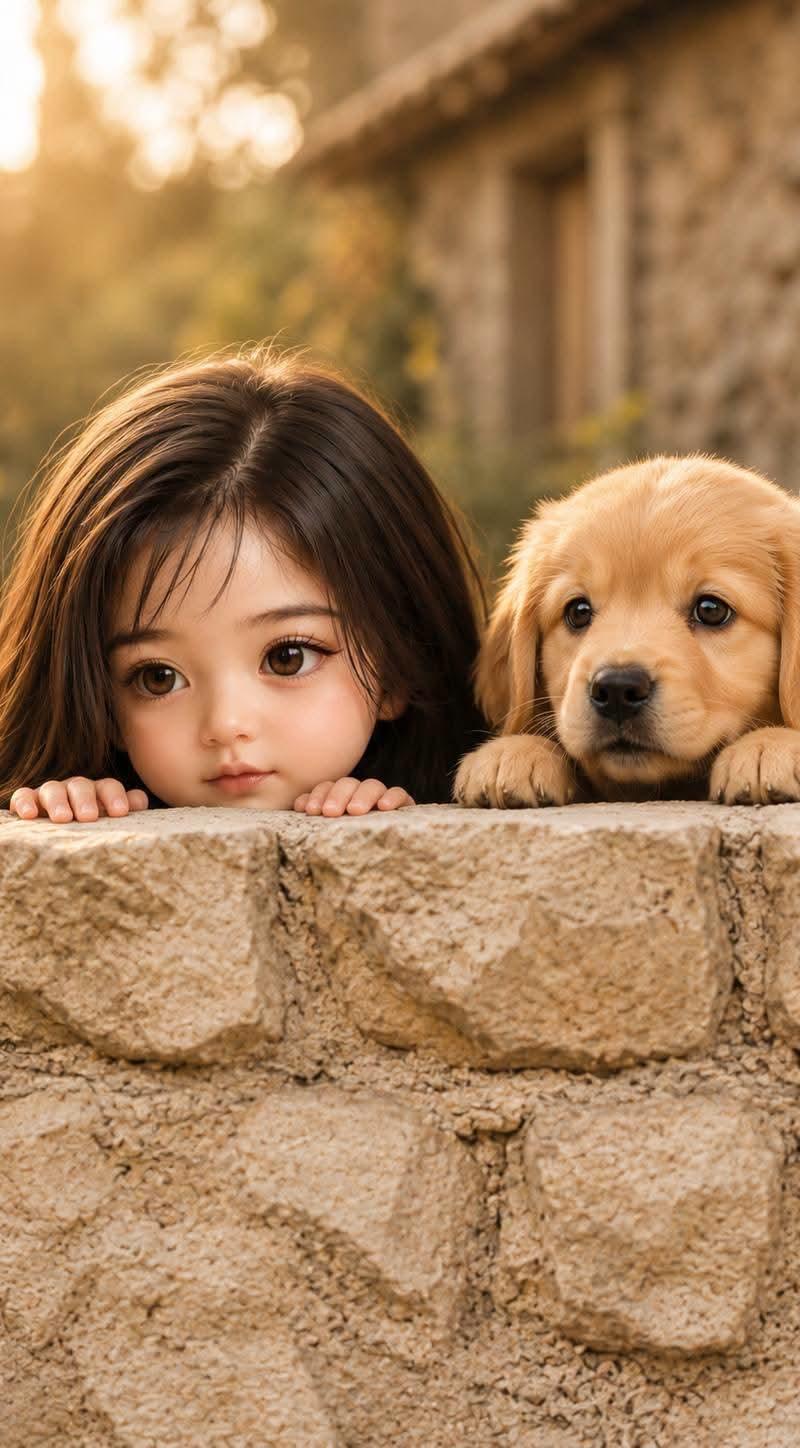
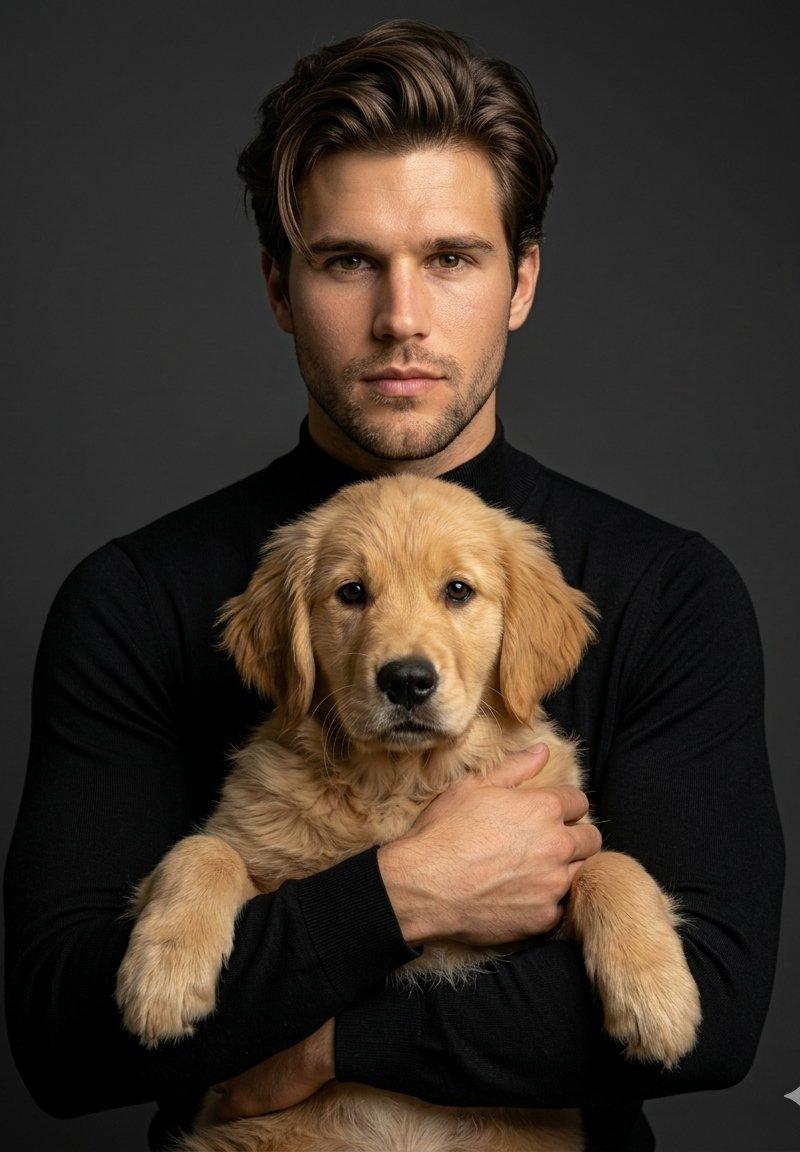
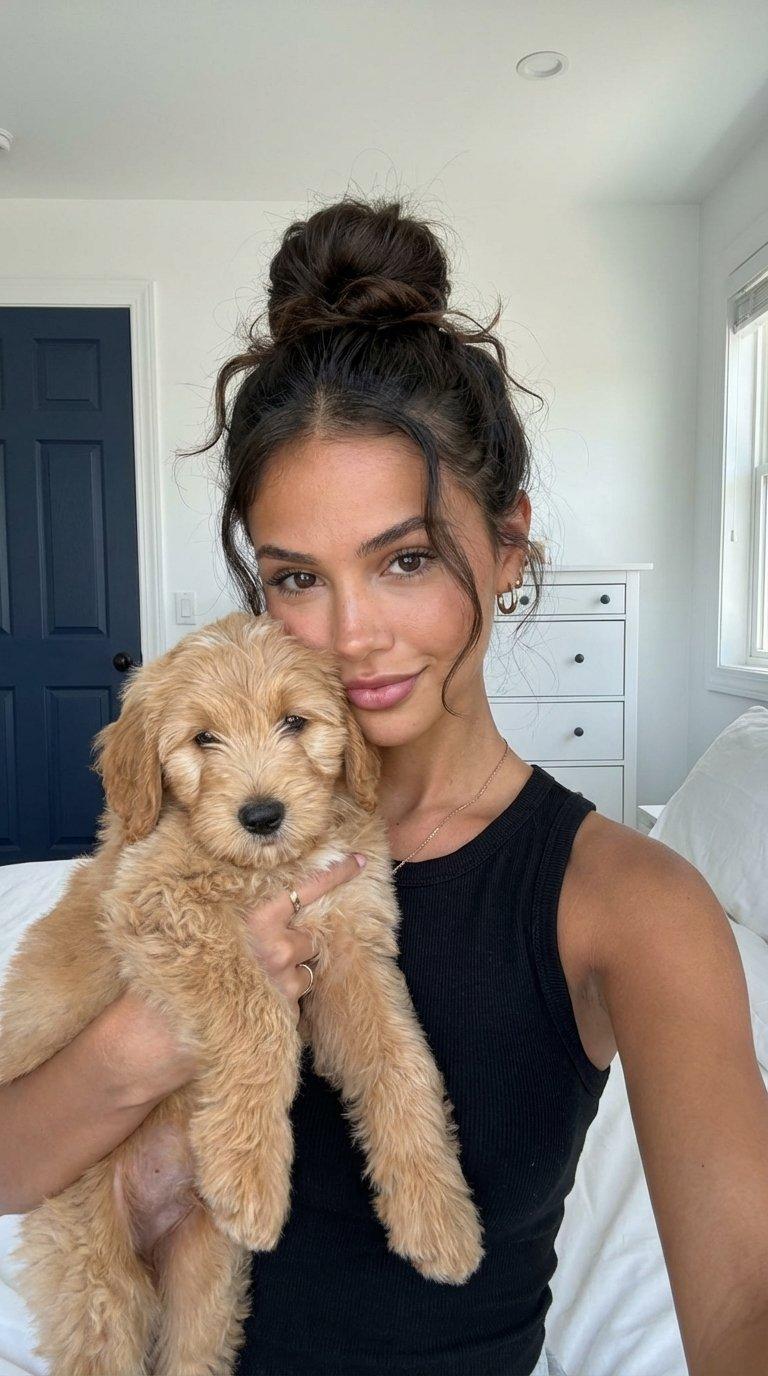
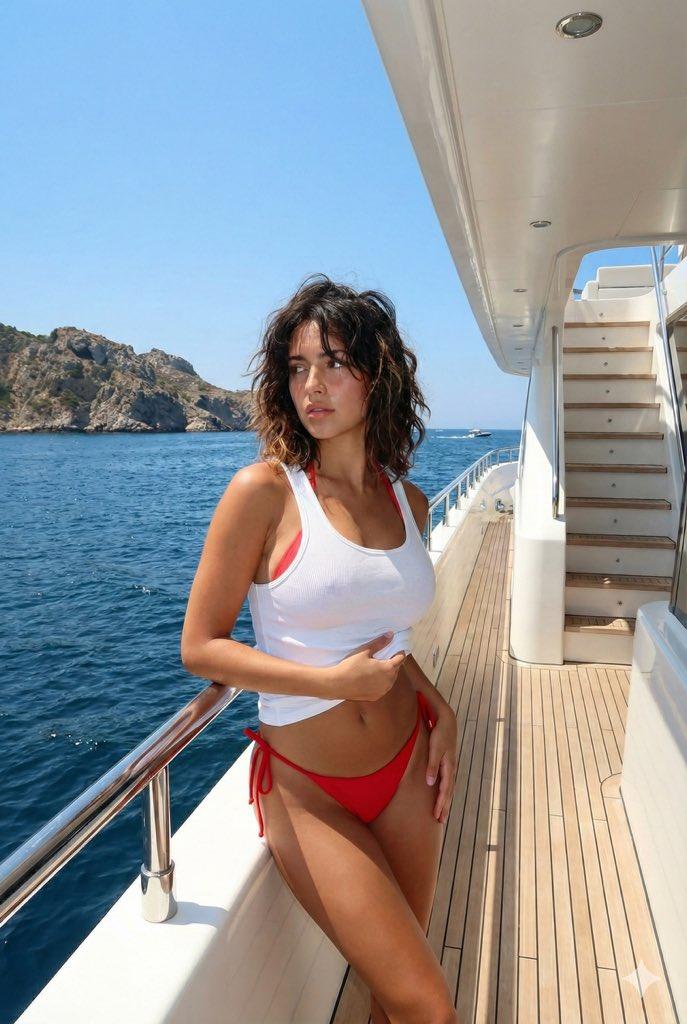
Example images

安静夜晚的睡犬

Prompt
Try this prompt in nano banana pro
{
"image_parameters": {
"style": "Smartphone camera (Night mode off)",
"type": "Extreme close-up / Low angle",
"quality": "High ISO noise, grainy, soft focus, low contrast",
"tone": "Sleepy, intimate, raw, quiet",
"lighting_and_atmosphere": "Very dim, \'bad\' lighting. Illuminated only by the faint blue glow of a TV screen or a distant hallway light. The image is dark and very grainy."
},
"subject": {
"constraints": {
"facial_identity": "Match reference image exactly 100%",
"face_edits": "None allowed"
},
"expression": [
"Puppy is fast asleep",
"Subject (if visible) has a sleepy smile from the low angle"
],
"pose": {
"body_position": "Lying flat on back in bed.",
"action": "The puppy is sleeping heavily on the subject\'s chest/neck. The camera is held very low (resting on the chest or neck), looking straight UP at the puppy\'s chin and paws.",
"details": "The puppy dominates the frame. The subject\'s face is barely visible or just a blurry background element."
},
"clothing": {
"top": "Old oversized t-shirt (pajamas)",
"details": "Fabric looks worn and soft"
},
"accessories": [
"None (bedtime)"
]
},
"environment": {
"setting": "Dark bedroom",
"foreground": [
"Puppy\'s squished face/chin",
"Puppy paws",
"Grainy darkness"
],
"background": [
"Dark ceiling",
"Shadowy outline of headboard"
]
}
}
Category
Photography & Realism
Model
Nano Banana Pro
Creator
Filip - Creating AI Influencers
Source language
zh-CN
Views0
Source ID
quiet-nighttime-sleepy-puppy
Studio

Guide

About "安静夜晚的睡犬"

What is this prompt for?

"安静夜晚的睡犬" AI image prompt for Nano Banana Pro (Photography & Realism). Try this prompt in nano banana pro { "image_parameters": { "style": "Smartphone camera (…

The full copyable prompt and example visuals above are ready for AI image generation or one-click recreate in Picva.

How to use this prompt

  1. Step 1

    Open the prompt detail

    Review the example visuals, category, and full prompt text for "安静夜晚的睡犬".

  2. Step 2

    Copy the prompt

    Copy the prompt body from this page, or load it directly in Studio.

  3. Step 3

    Pick a model (Nano Banana Pro)

    Prefer Nano Banana Pro. If you switch models, keep subject and composition and tweak style terms.

  4. Step 4

    Generate and export

    Recreate the look in Picva, or export into your workflow for editing and publishing.

FAQ

What is the "安静夜晚的睡犬" prompt?
It is an AI image-generation prompt for Nano Banana Pro in the Photography & Realism category. This page includes the full prompt text, example visuals, and a one-click recreate path in Picva.
How do I use this prompt to generate an image?
Copy the prompt from this page, or use Generate / Studio. Paste it into a compatible image model, or recreate the look in Picva with optional reference images.
Which model is this prompt for?
This page lists Nano Banana Pro. Most descriptive prompts also transfer to nearby image models such as GPT Image, Flux, or Midjourney with light style tweaks.
Can I use the result commercially?
You can usually copy the prompt for creation, but commercial use of the final image depends on the model terms, reference-image rights, and the generated content. Follow the source author and platform rules.