19

招聘海报降维打击提示词
Enlarge

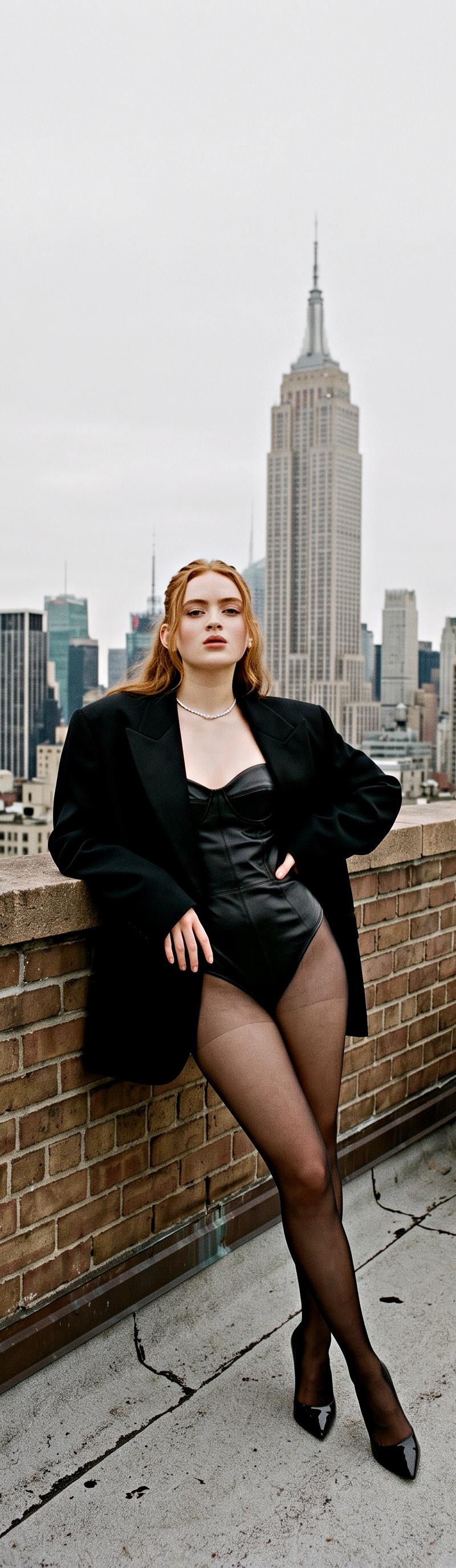
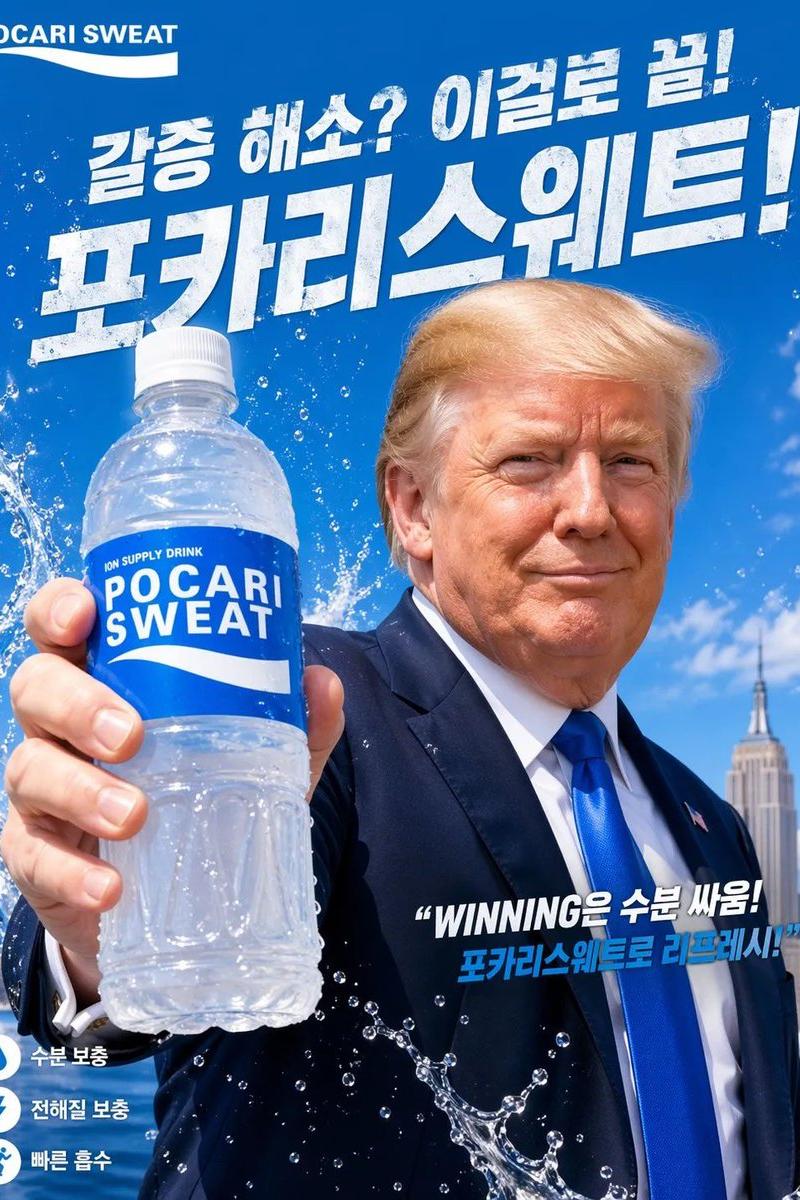
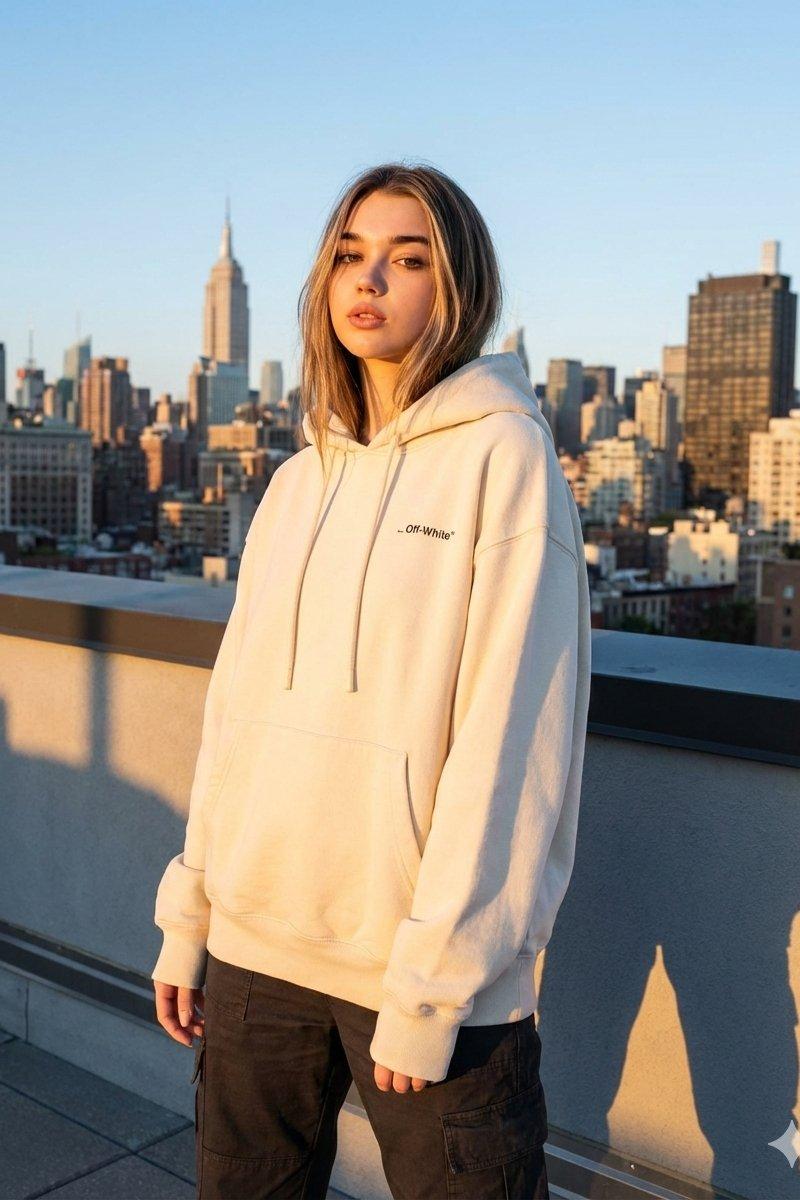
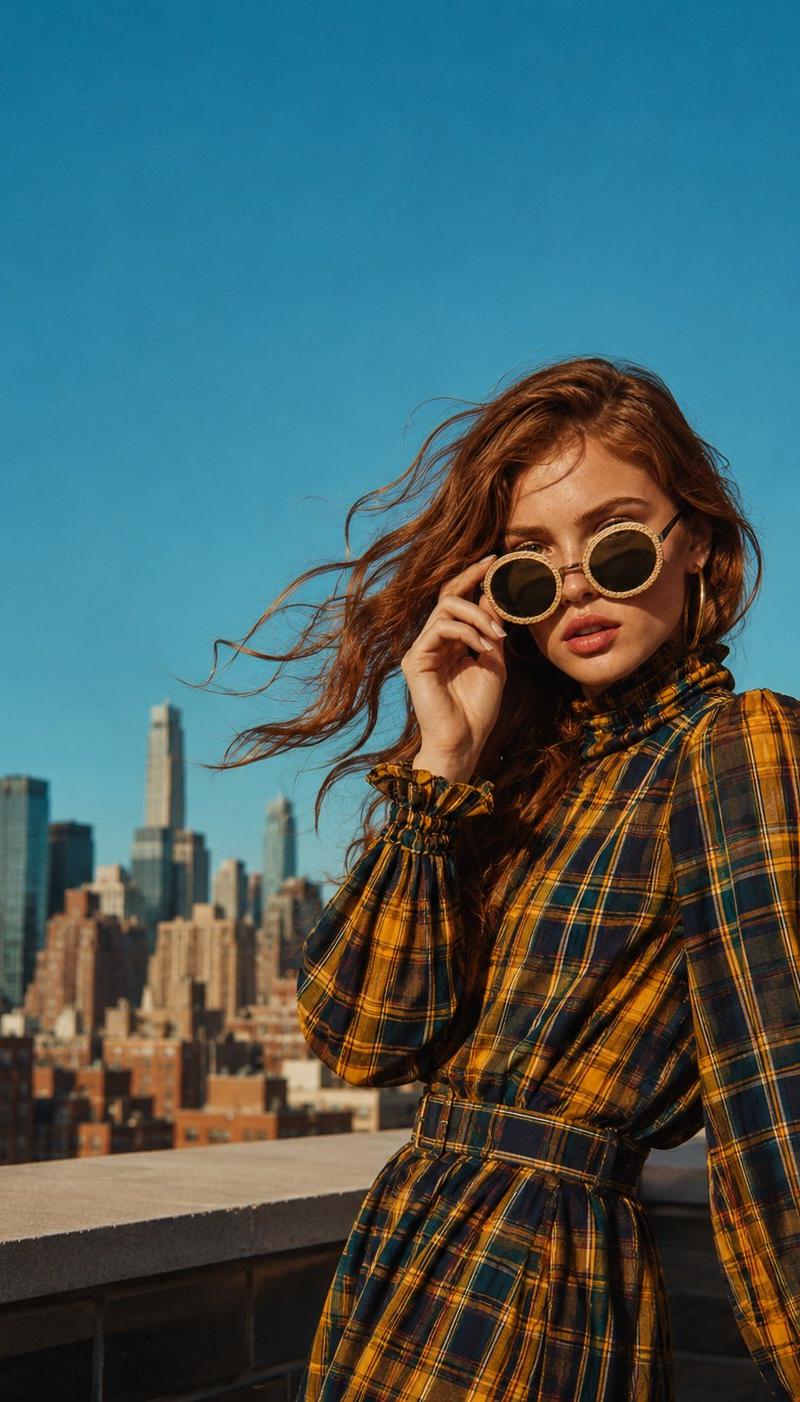
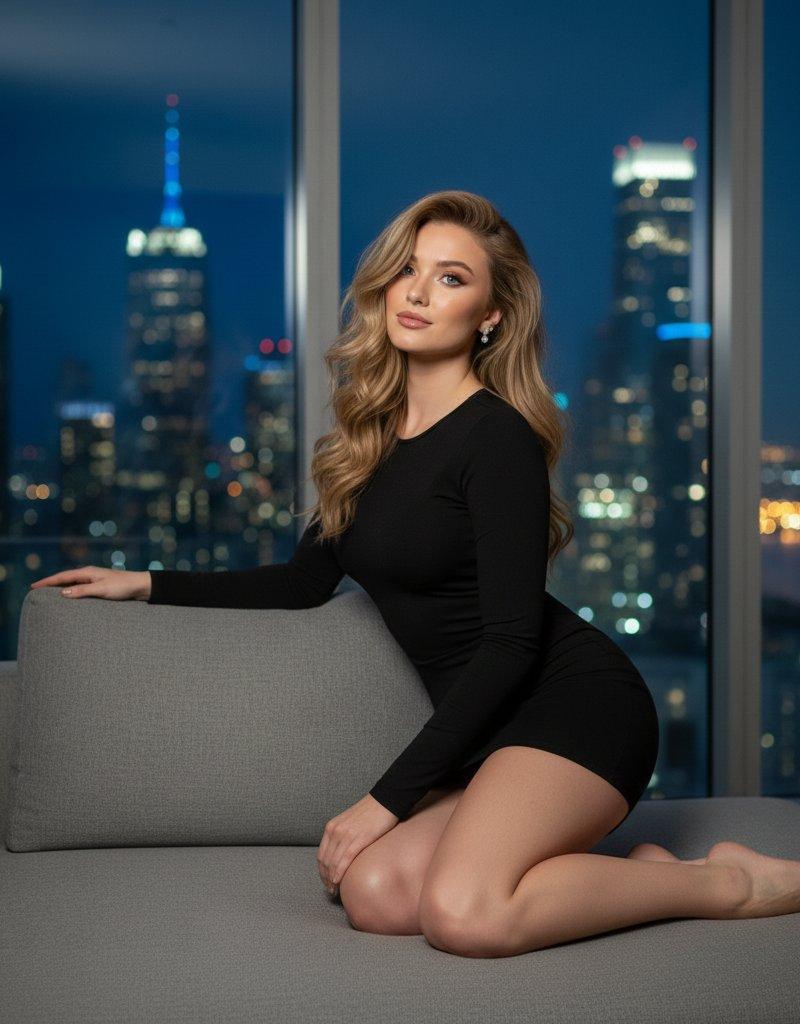
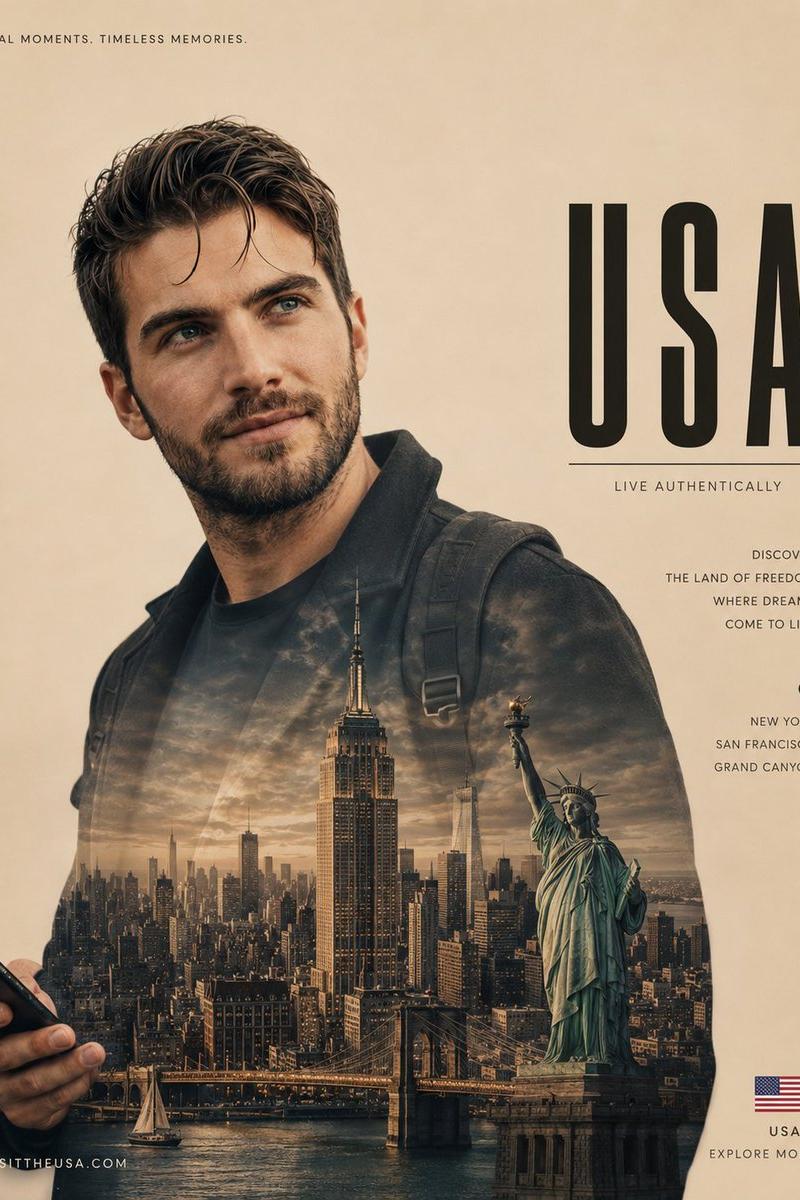
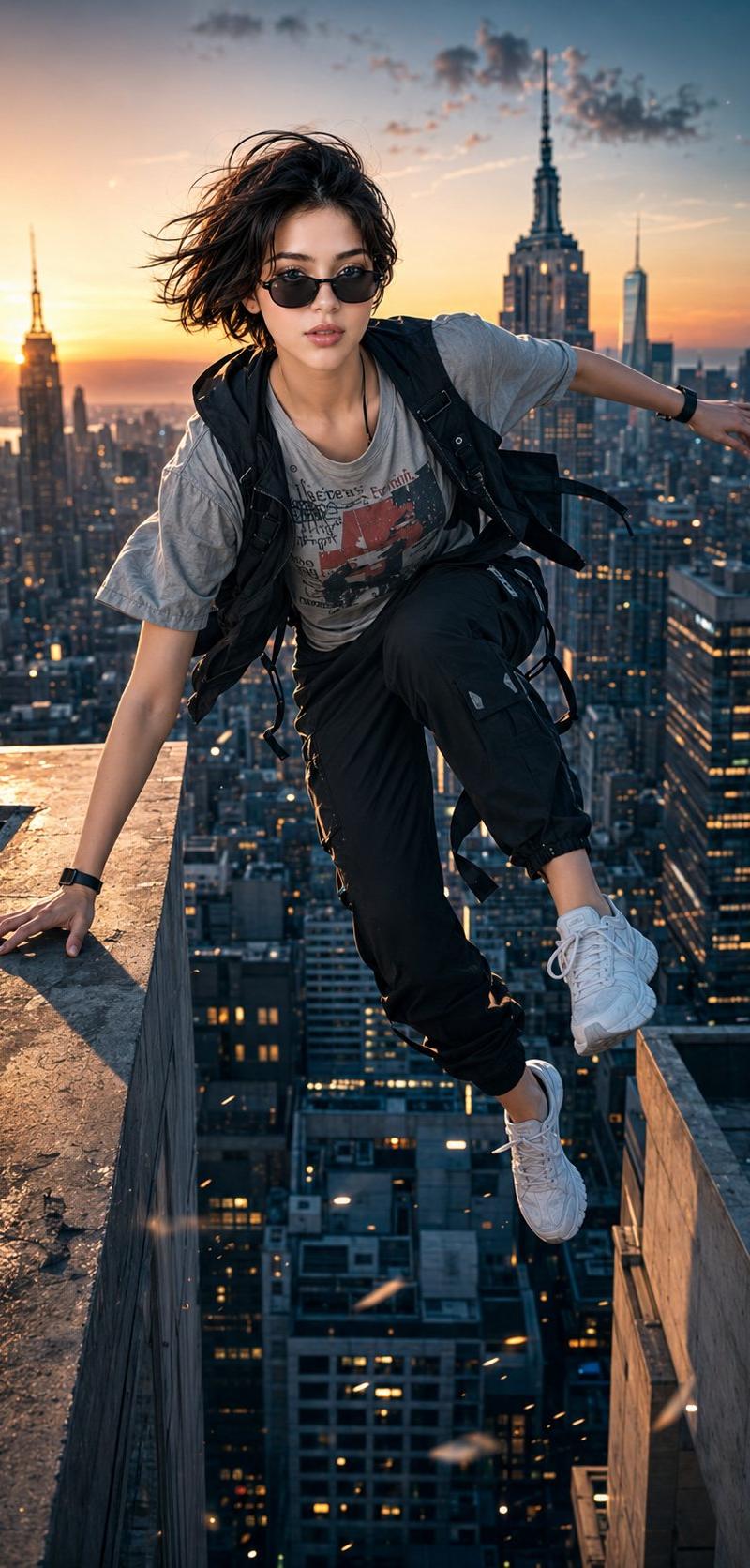
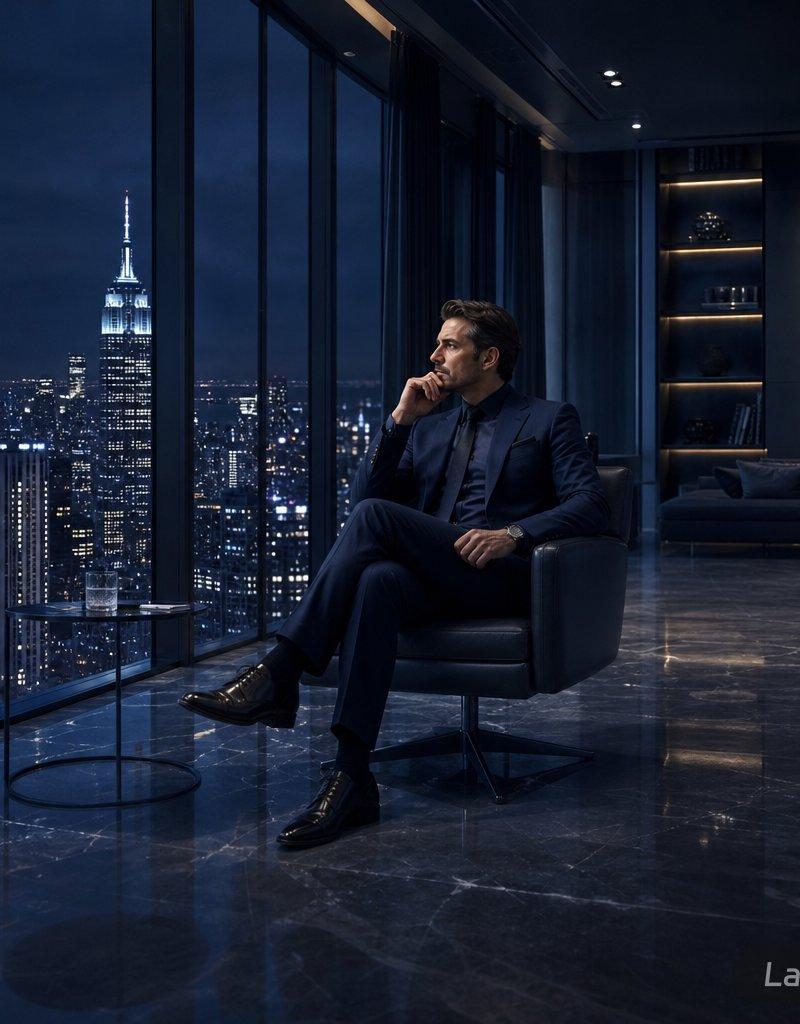
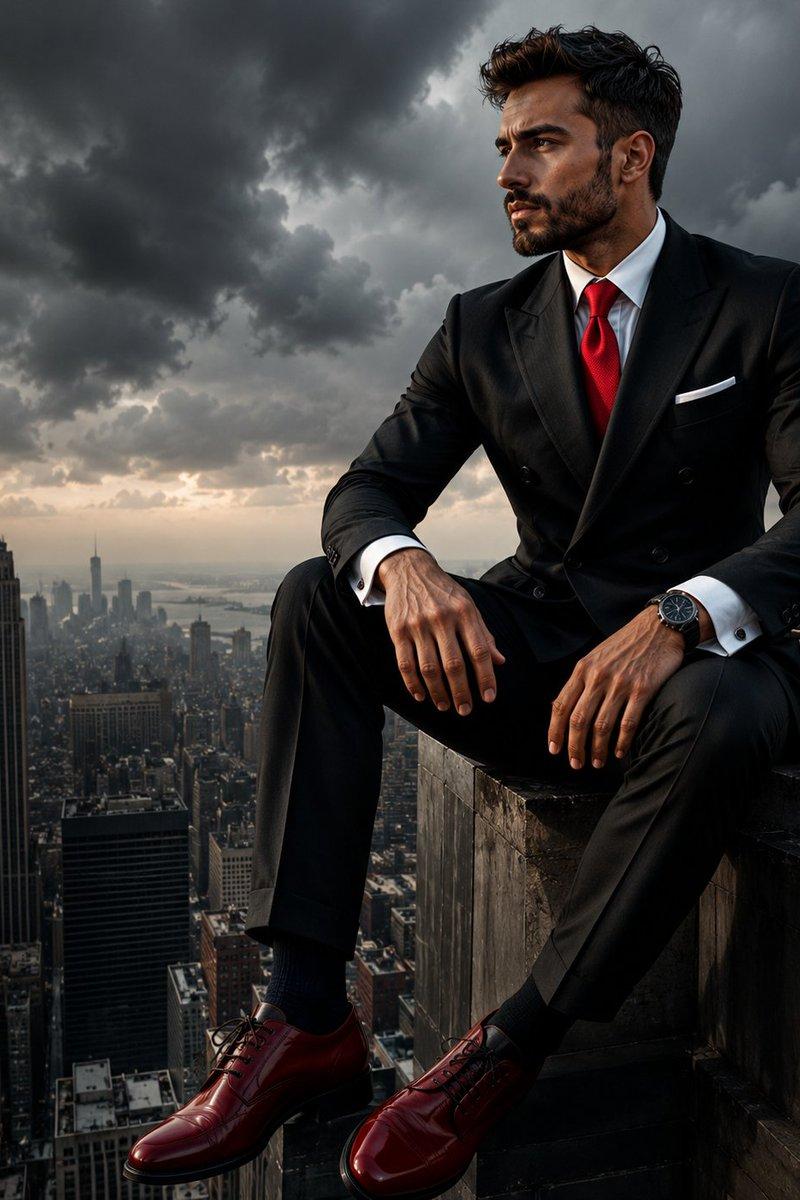
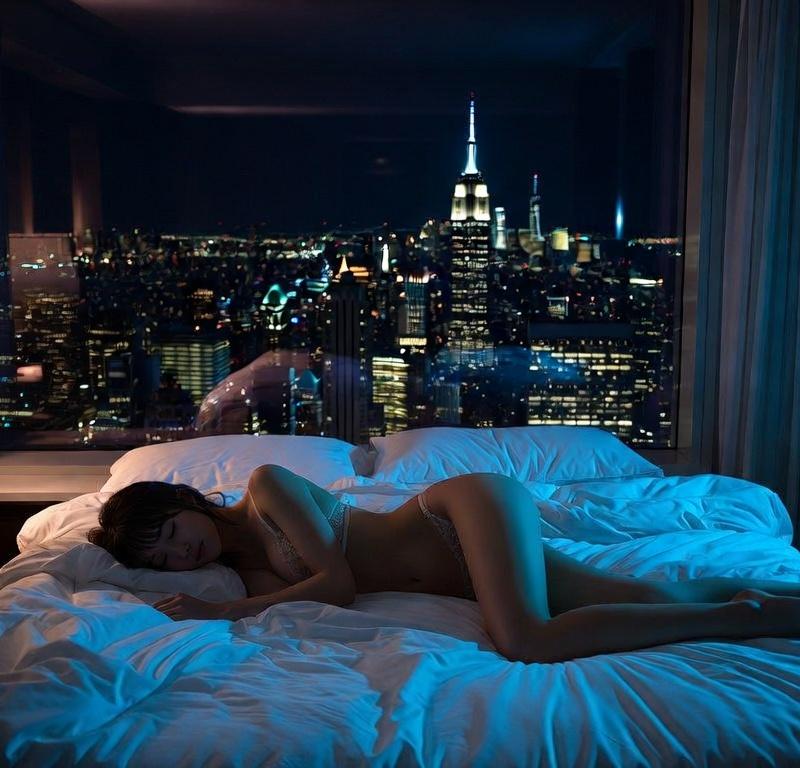
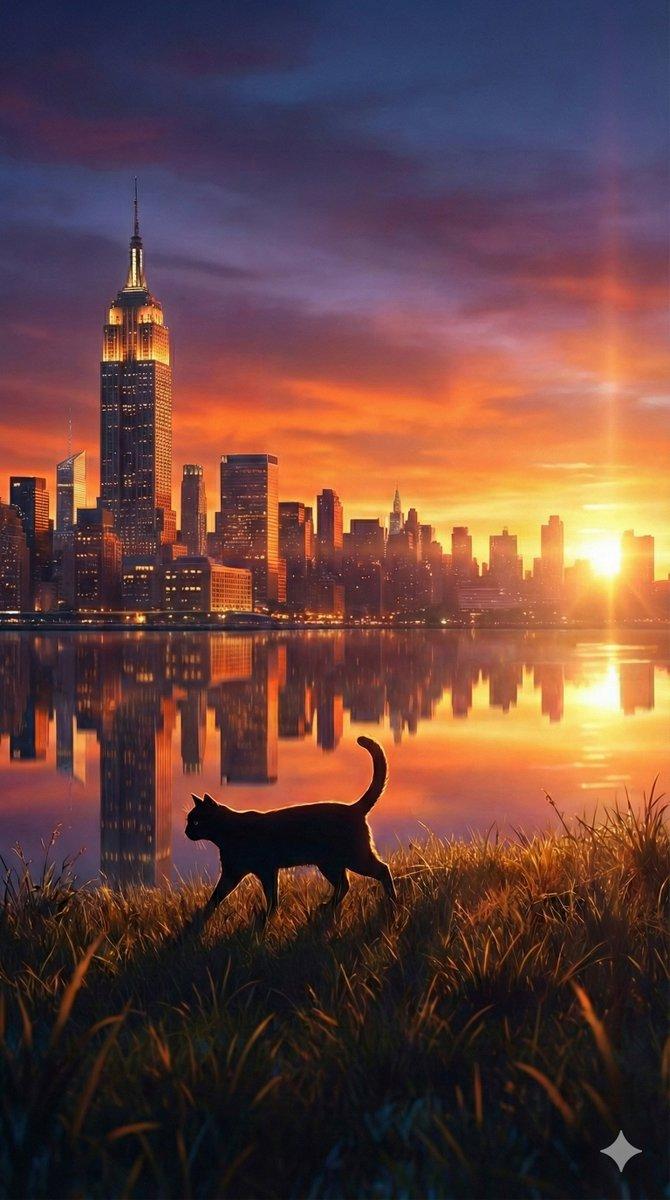
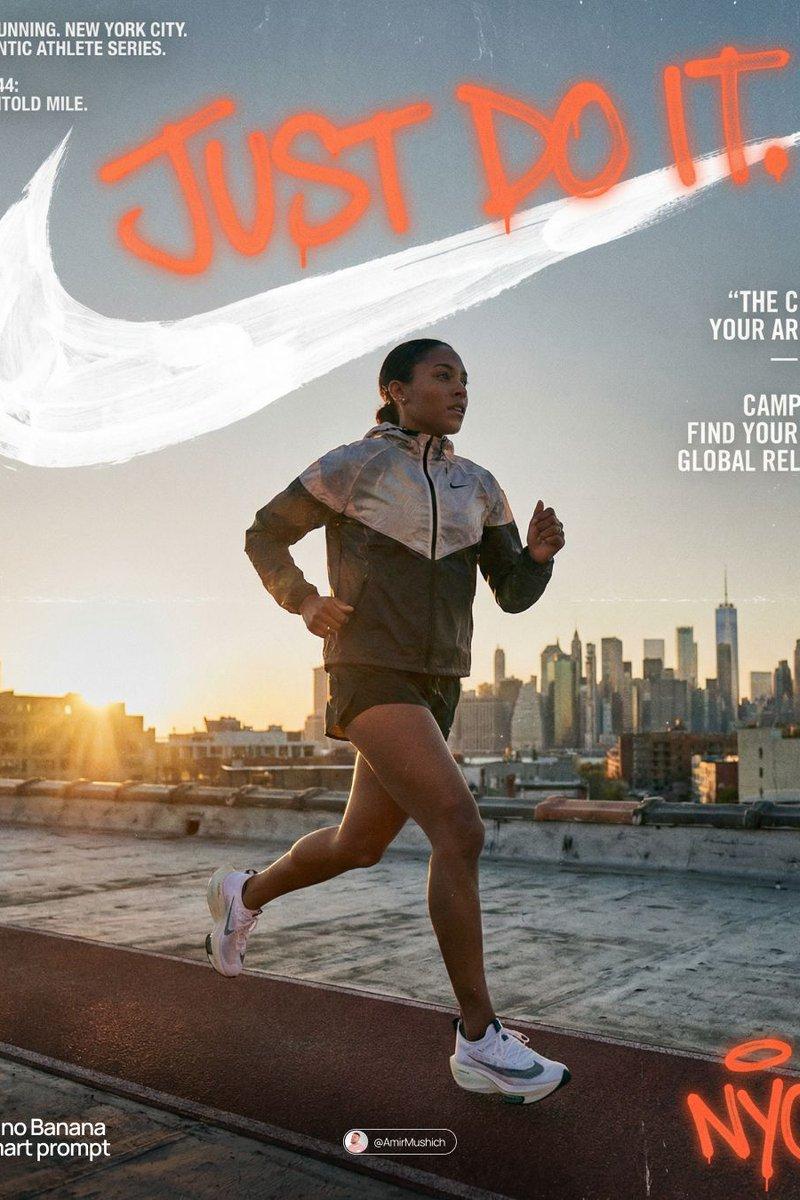
Example images

招聘海报降维打击提示词

Prompt
招聘海报的降维打击:
一套通用型的高级感提示词 ⚡️
很多招聘图转化率低,是因为背景太杂、视觉廉价。
放弃难控的实景,直接用纯净光影+精英人物+大留白,把视觉重心强制集中在“信任感”上。
只需替换括号里的内容
👇
🍌 Nano bannana Pro prompt:
A vertical premium studio portrait for recruitment ad. Three confident professionals in [ATTIRE_STYLE] stand shoulder-to-shoulder, making direct eye contact. Background is a clean dark gradient merging into a subtle out-of-focus skyline of [CITY_NAME]. Soft cinematic lighting.
Typography overlay:
Top large bold white text: "[HEADLINE_TEXT]"
Middle smaller text: "[JOB_TITLE]"
Bottom distinct colored button: "[BUTTON_TEXT]"
8k resolution, photorealistic.
💡 食用指南:
[ATTIRE_STYLE] 填服装 (如 suits, casual wear)
[CITY_NAME] 填城市 (决定背景风格)
[HEADLINE_TEXT] 填核心卖点 (越短越好)
[JOB_TITLE] 填具体岗位
拿着去试,效果会说话。
Category
Photography & Realism
Model
Unknown
Creator
ttmouse
Source language
zh-CN
Views0
Source ID
recruitment-poster-dimension-strike-prompt-words
Studio

Guide

About "招聘海报降维打击提示词"

What is this prompt for?

"招聘海报降维打击提示词" AI image prompt for Unknown (Photography & Realism). 招聘海报的降维打击: 一套通用型的高级感提示词 ⚡️ 很多招聘图转化率低,是因为背景太杂、视觉廉价。 放弃难控的实景,直接用纯净光影+精英人物+大留白,把视觉重心强制集中在“信任感”上…

The full copyable prompt and example visuals above are ready for AI image generation or one-click recreate in Picva.

How to use this prompt

  1. Step 1

    Open the prompt detail

    Review the example visuals, category, and full prompt text for "招聘海报降维打击提示词".

  2. Step 2

    Copy the prompt

    Copy the prompt body from this page, or load it directly in Studio.

  3. Step 3

    Pick a model (Unknown)

    Prefer Unknown. If you switch models, keep subject and composition and tweak style terms.

  4. Step 4

    Generate and export

    Recreate the look in Picva, or export into your workflow for editing and publishing.

FAQ

What is the "招聘海报降维打击提示词" prompt?
It is an AI image-generation prompt for Unknown in the Photography & Realism category. This page includes the full prompt text, example visuals, and a one-click recreate path in Picva.
How do I use this prompt to generate an image?
Copy the prompt from this page, or use Generate / Studio. Paste it into a compatible image model, or recreate the look in Picva with optional reference images.
Which model is this prompt for?
This page lists Unknown. Most descriptive prompts also transfer to nearby image models such as GPT Image, Flux, or Midjourney with light style tweaks.
Can I use the result commercially?
You can usually copy the prompt for creation, but commercial use of the final image depends on the model terms, reference-image rights, and the generated content. Follow the source author and platform rules.