16

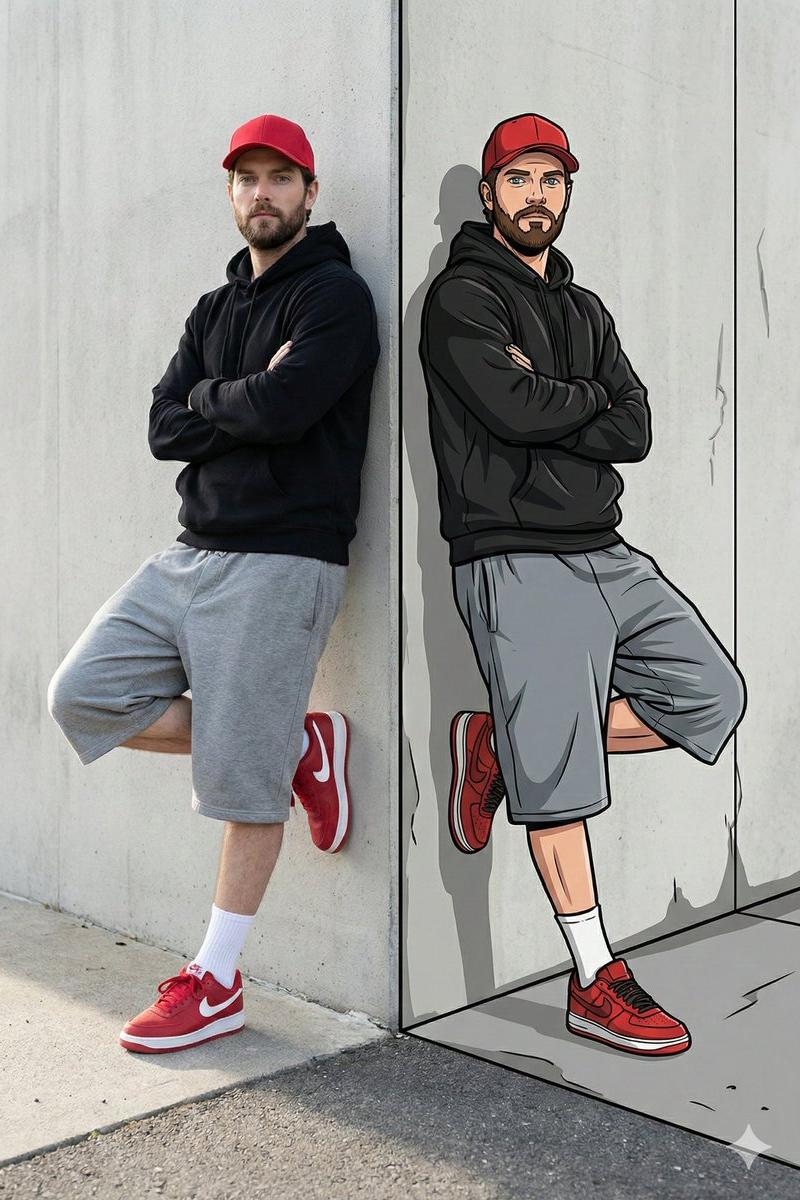
现实与插画风格的分体式肖像
Enlarge

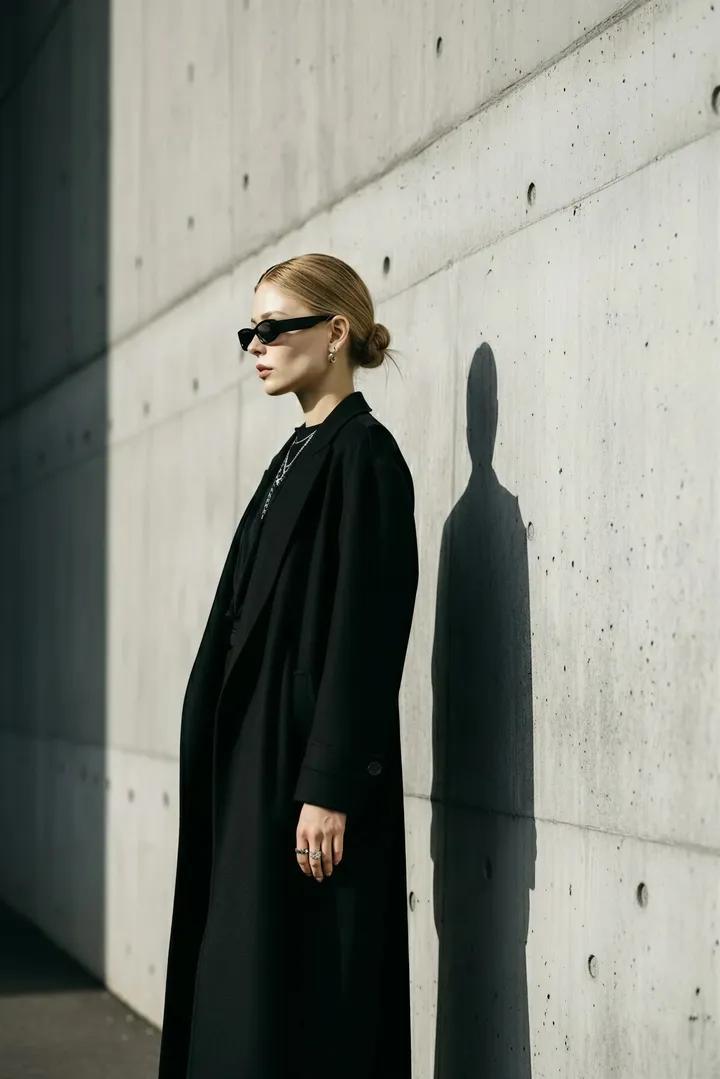
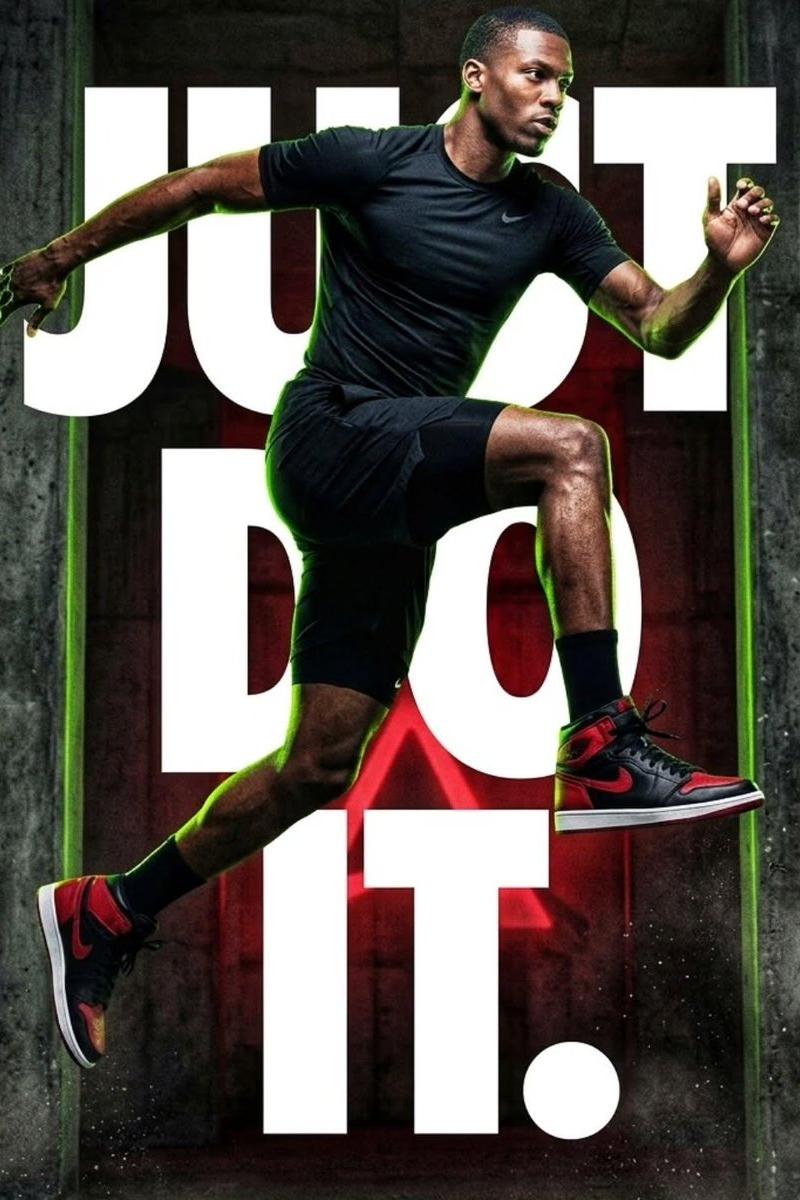
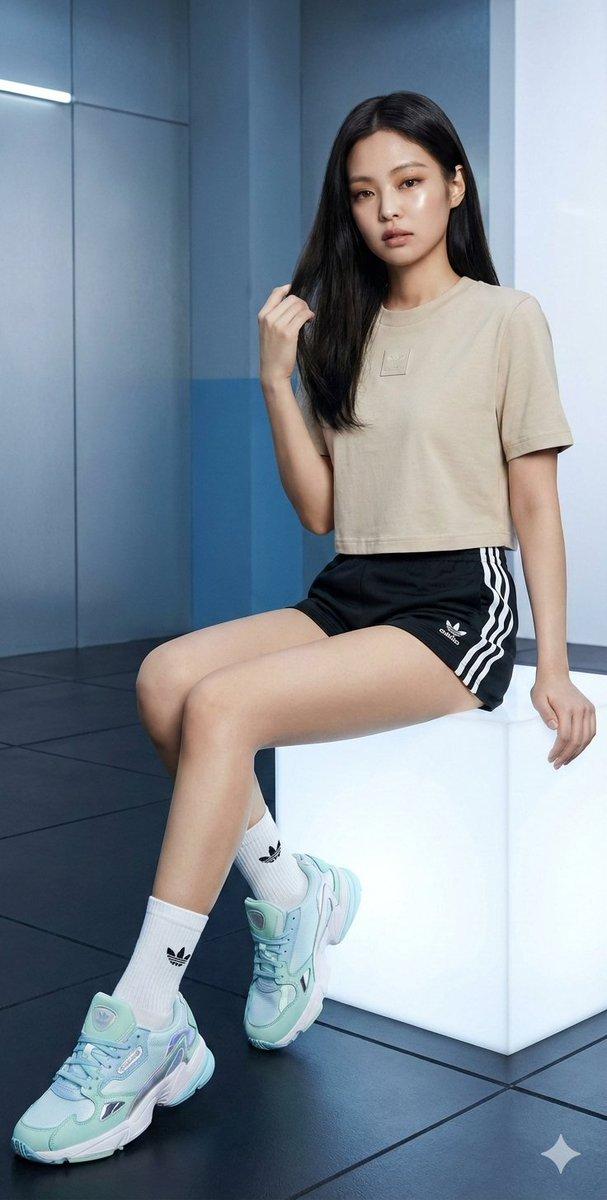
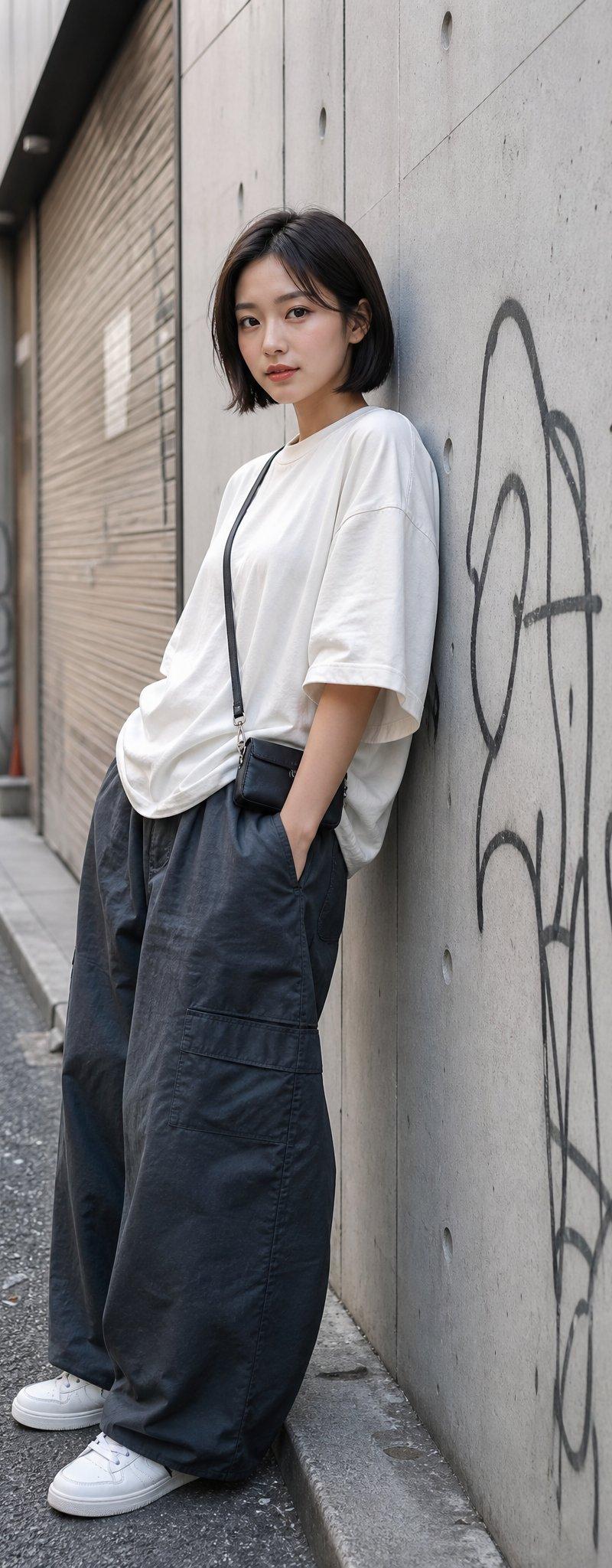
Example images

现实与插画风格的分体式肖像

Prompt
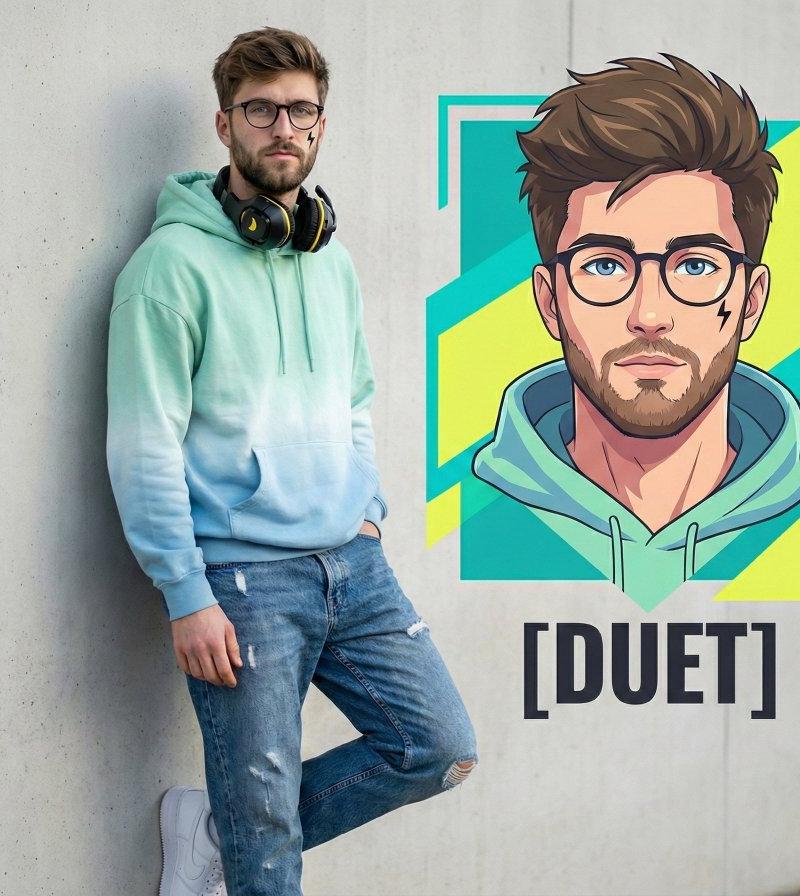
Reality vs Illustration 📸🖍️
Check out this incredible split-style portrait generated using the Gemini Nano Banana Pro
Which side are you vibing with more?
Prompt;
{
 "prompt": "64K DSLR ultra-sharp split-reality street art portrait using the uploaded image as exact face reference. Vertical frame, man leaning against a light-gray concrete wall. Left side photorealistic: red cap, black hoodie, loose gray knee-length shorts, white crew socks, red Nike sneakers, arms crossed, one foot on wall, natural soft daylight, realistic shadows, asphalt ground. Right side illustrated: same pose, outfit, proportions, stylized 2D cartoon with bold black outlines.",
 "negative_prompt": "blurry, low quality, distorted, extra limbs, bad anatomy, text, watermark, signature, ugly, deformed, noisy, low resolution, cross-eyed",
 "aspect_ratio": "9:16",
 "width": 1024,
 "height": 1792,
 "seed": -1,
 "steps": 30,
 "guidance_scale": 7.5,
 "sampler": "DPM++ 2M Karras",
 "refiner": "expert_ensemble_refiner",
 "face_restoration": true,
 "control_net": {
 "type": "face_id",
 "strength": 1
 }
}
Category
Photography & Realism
Model
Nano Banana Pro
Creator
𝐌𝐢𝐧𝐝𝐒𝐩𝐚𝐫𝐤
Source language
zh-CN
Views0
Source ID
split-style-portrait-reality-vs-illustration
Studio

Guide

About "现实与插画风格的分体式肖像"

What is this prompt for?

"现实与插画风格的分体式肖像" AI image prompt for Nano Banana Pro (Photography & Realism). Reality vs Illustration 📸🖍️ Check out this incredible split-style portrait gener…

The full copyable prompt and example visuals above are ready for AI image generation or one-click recreate in Picva.

How to use this prompt

  1. Step 1

    Open the prompt detail

    Review the example visuals, category, and full prompt text for "现实与插画风格的分体式肖像".

  2. Step 2

    Copy the prompt

    Copy the prompt body from this page, or load it directly in Studio.

  3. Step 3

    Pick a model (Nano Banana Pro)

    Prefer Nano Banana Pro. If you switch models, keep subject and composition and tweak style terms.

  4. Step 4

    Generate and export

    Recreate the look in Picva, or export into your workflow for editing and publishing.

FAQ

What is the "现实与插画风格的分体式肖像" prompt?
It is an AI image-generation prompt for Nano Banana Pro in the Photography & Realism category. This page includes the full prompt text, example visuals, and a one-click recreate path in Picva.
How do I use this prompt to generate an image?
Copy the prompt from this page, or use Generate / Studio. Paste it into a compatible image model, or recreate the look in Picva with optional reference images.
Which model is this prompt for?
This page lists Nano Banana Pro. Most descriptive prompts also transfer to nearby image models such as GPT Image, Flux, or Midjourney with light style tweaks.
Can I use the result commercially?
You can usually copy the prompt for creation, but commercial use of the final image depends on the model terms, reference-image rights, and the generated content. Follow the source author and platform rules.