17

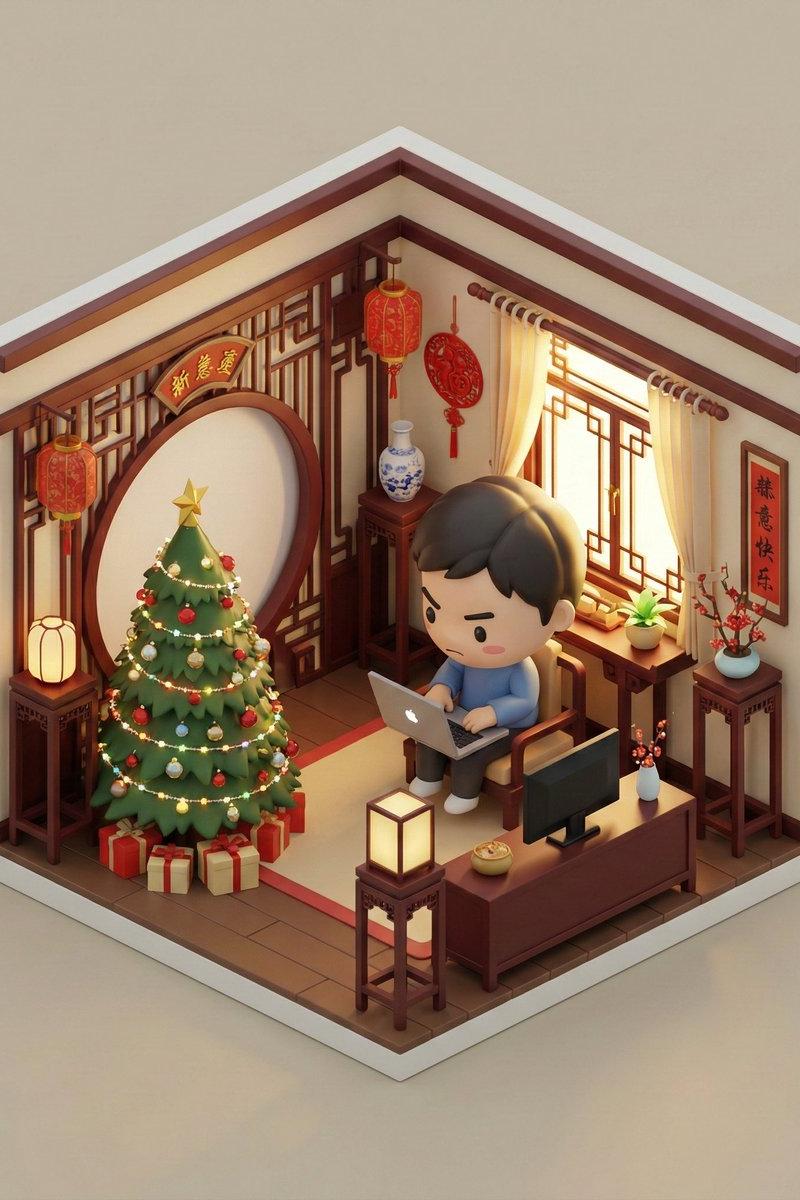
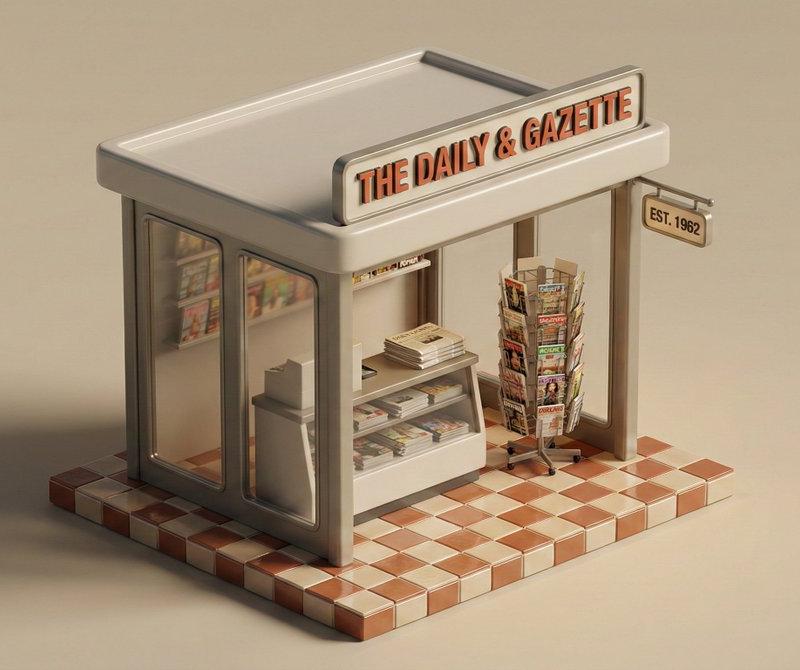
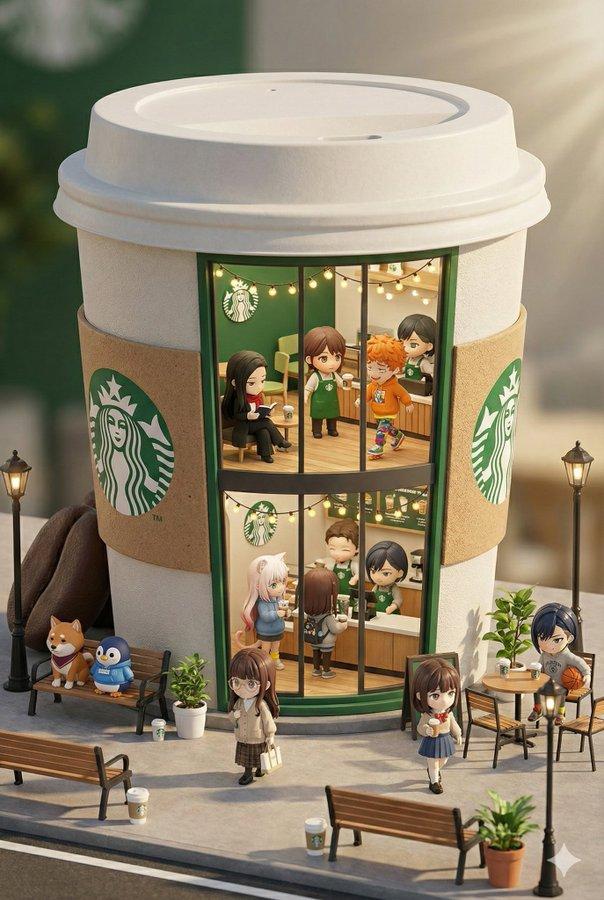
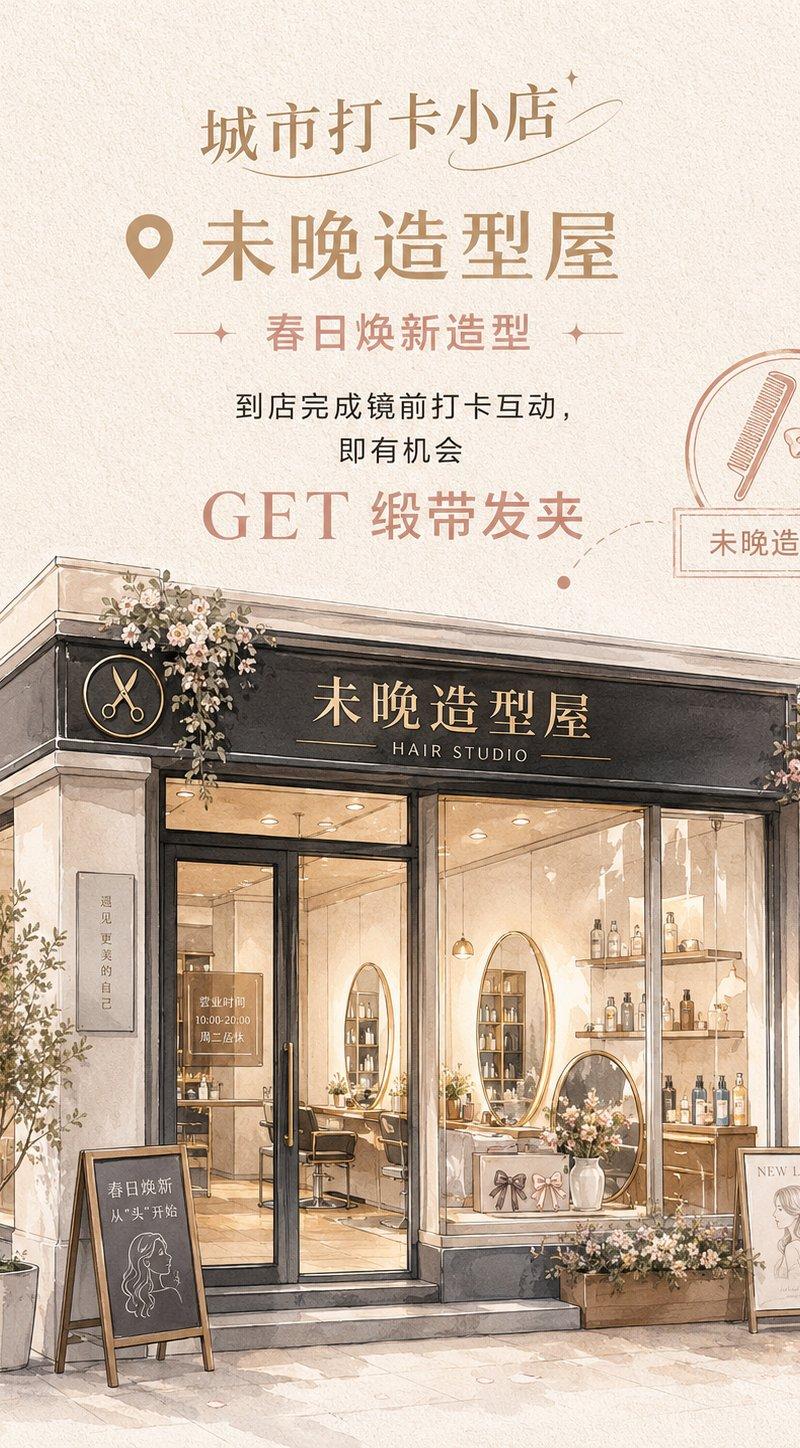
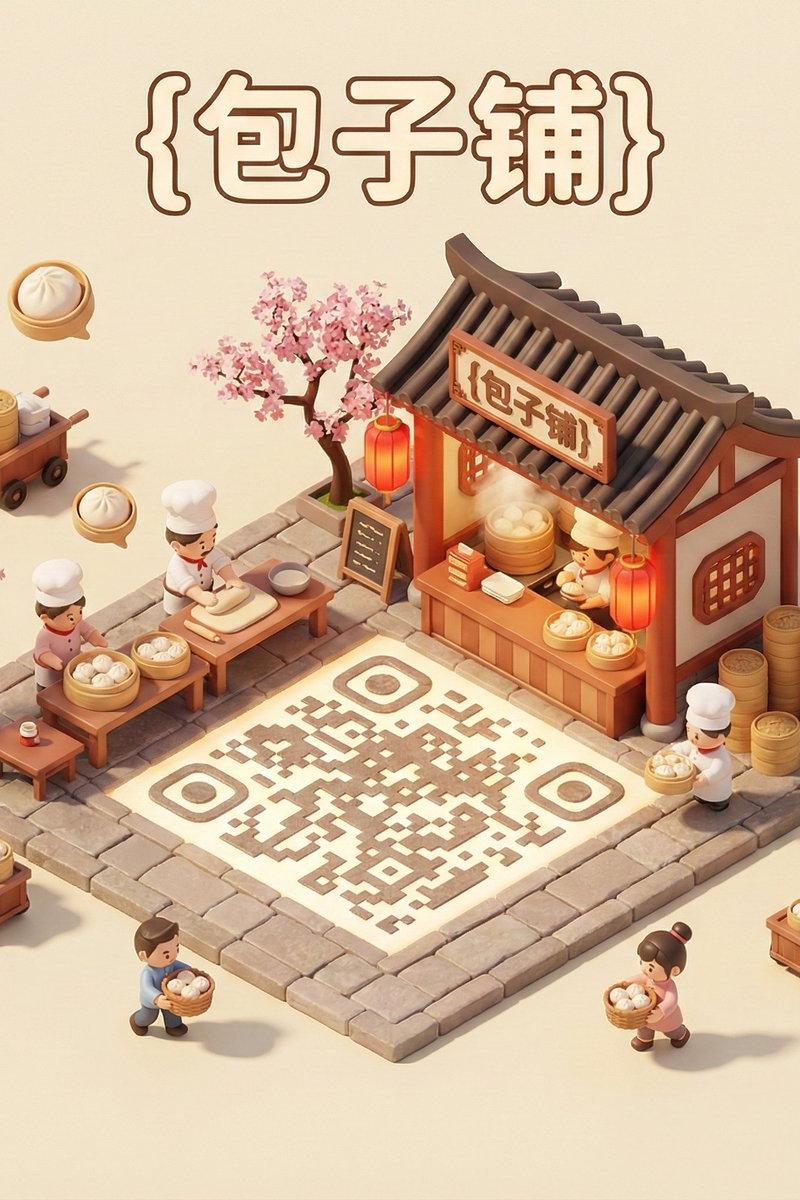
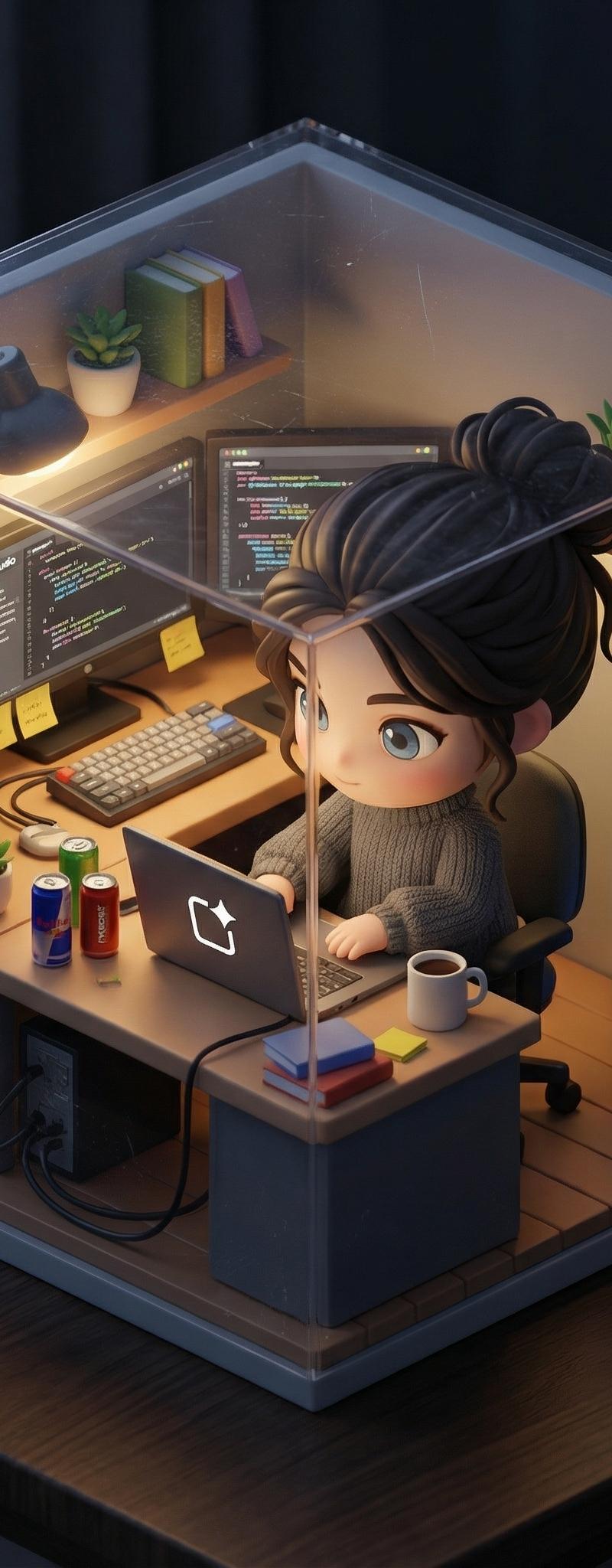
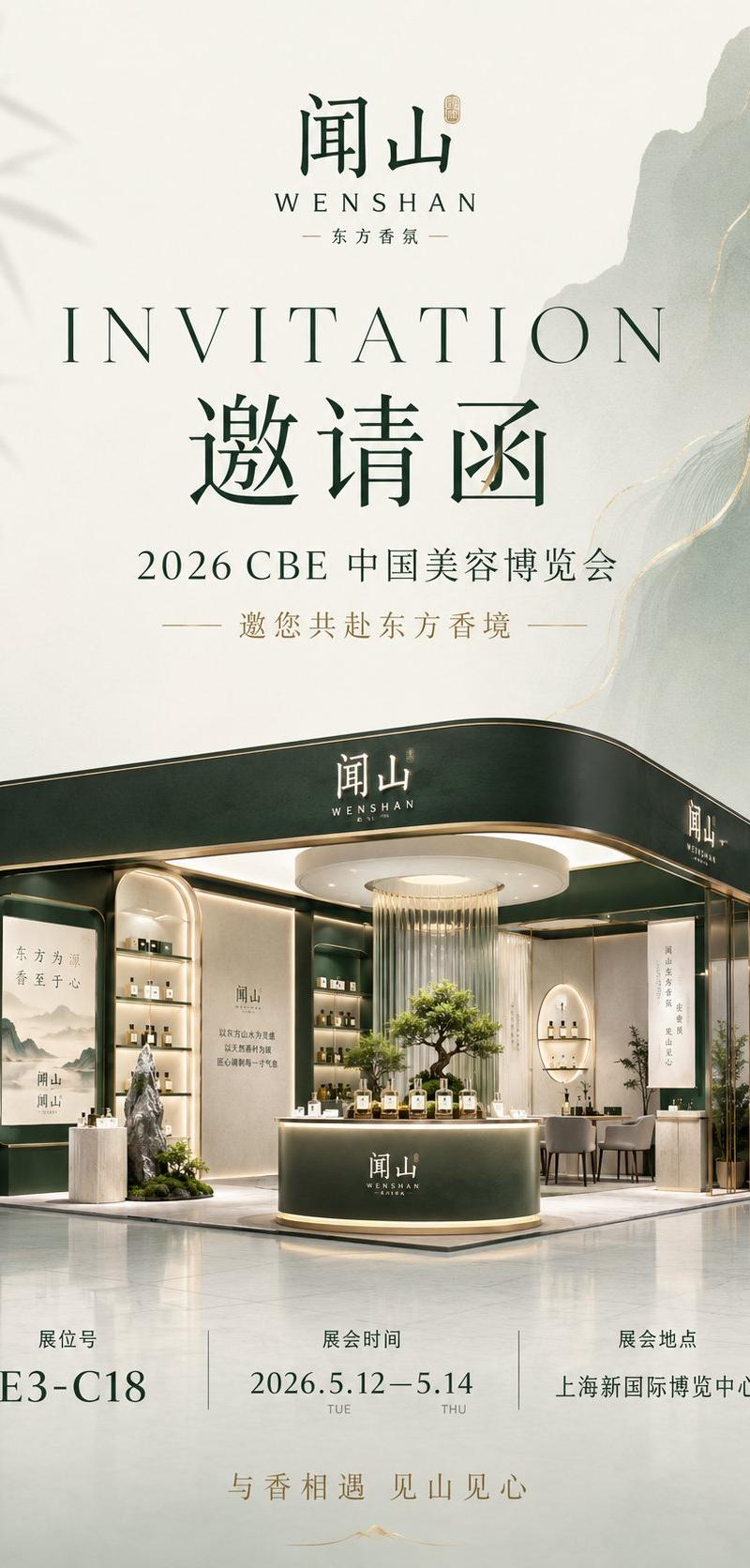
星巴克微缩场景展示
Enlarge

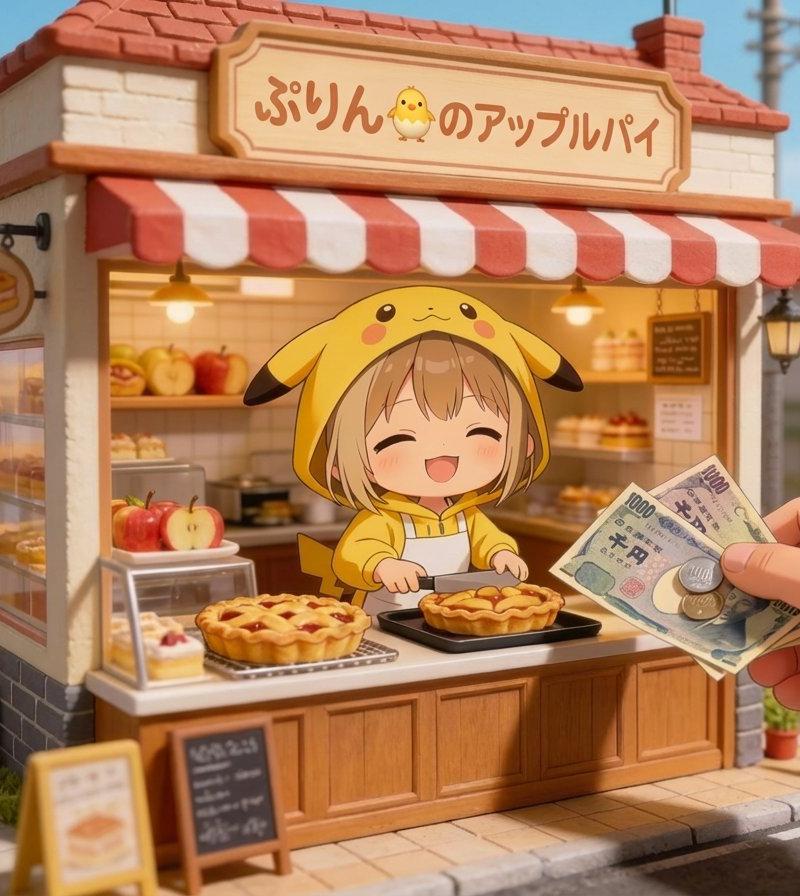
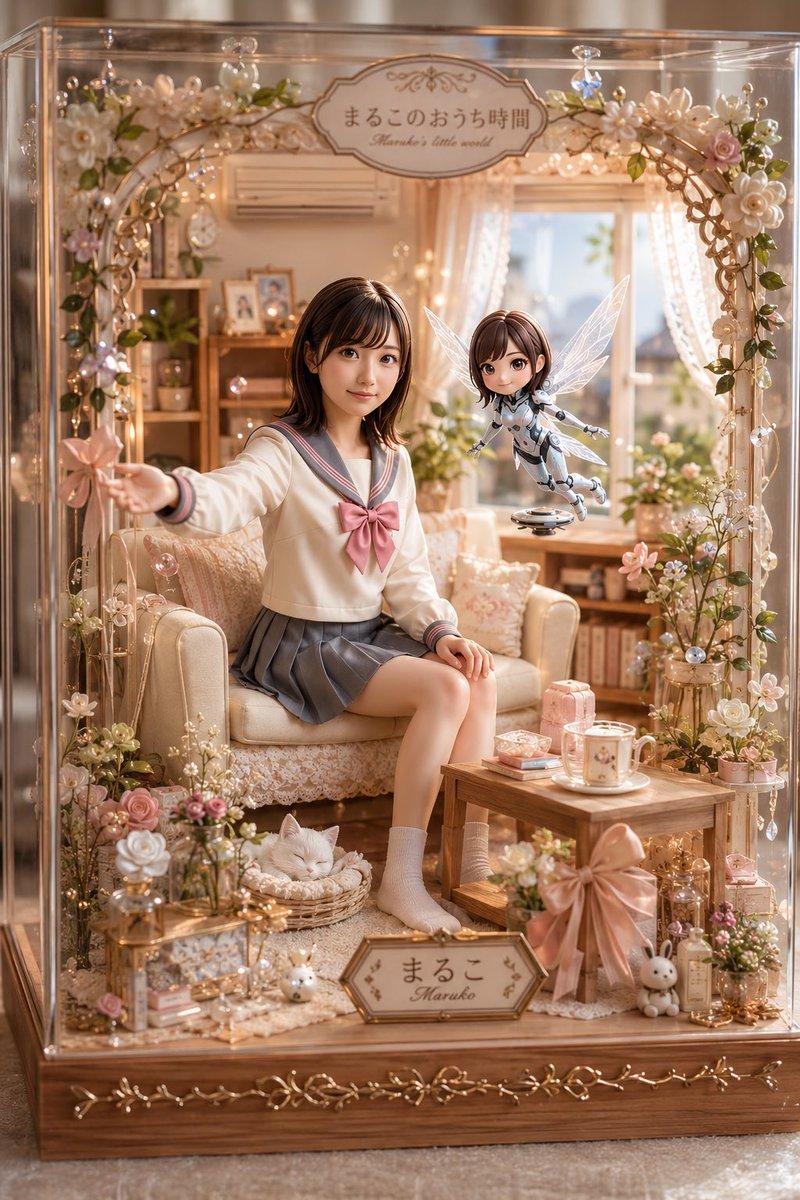
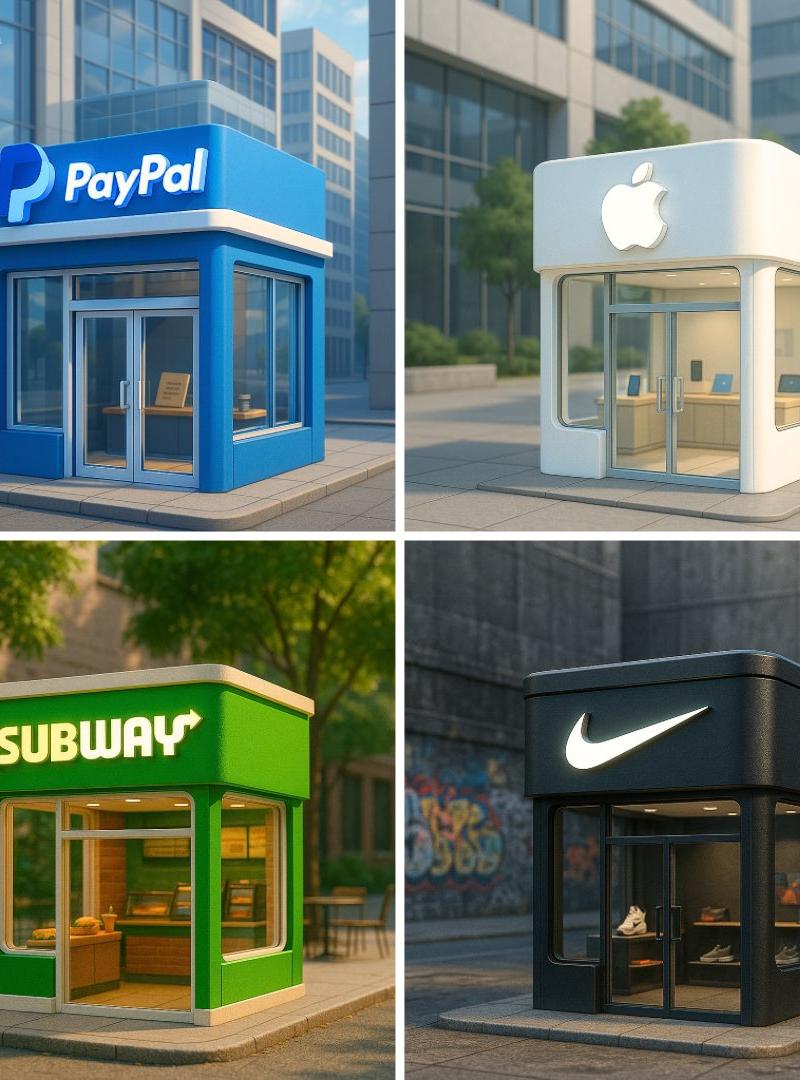
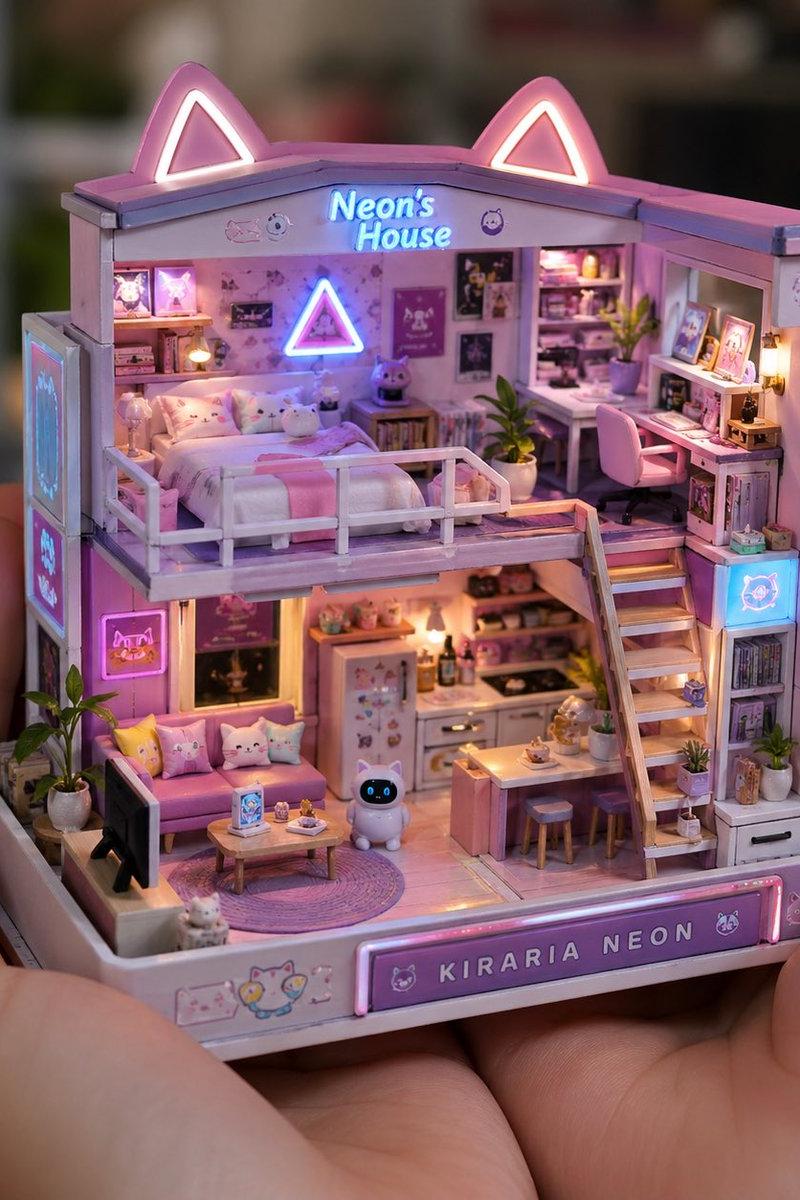
Example images

星巴克微缩场景展示

Prompt
😋如今大家都看腻了对应商品展示,并且都是千篇一律。
你Copy我的提示词,生成的内容几乎都一模一样。
是否可以增加点趣味的玩法呢?🤔
📢申明:品牌仅做展示,如有侵权,请联系立删。
用户只需要输入【品牌名称】或者指定场景,你就等着生成你眼前一亮,并且是每次都会有不同的效果。
是因为我在提示词中加了点料,让它更好玩些。也就是盲盒模式,期待你可以挖掘出更多玩法!
📒记得交作业!看看你有哪些创意!
🧠灵感来源:这个来源是我今天翻我4月份GPT-4O的生成
场景图,想着如今可以迭代的更加好玩。
🏪应用场景:直接展示品牌的宣传和海报,以及可以用于
对应节日场景,比如以圣诞节来展示星巴克的品牌。
✍🏻使用方法:提示词直接复制到YOUMIND/Flowith或者发送到Gemini等,选择🍌Pro模式即可。
然后【以星巴克】为例,点击发送即可。
#NanoBananaPro
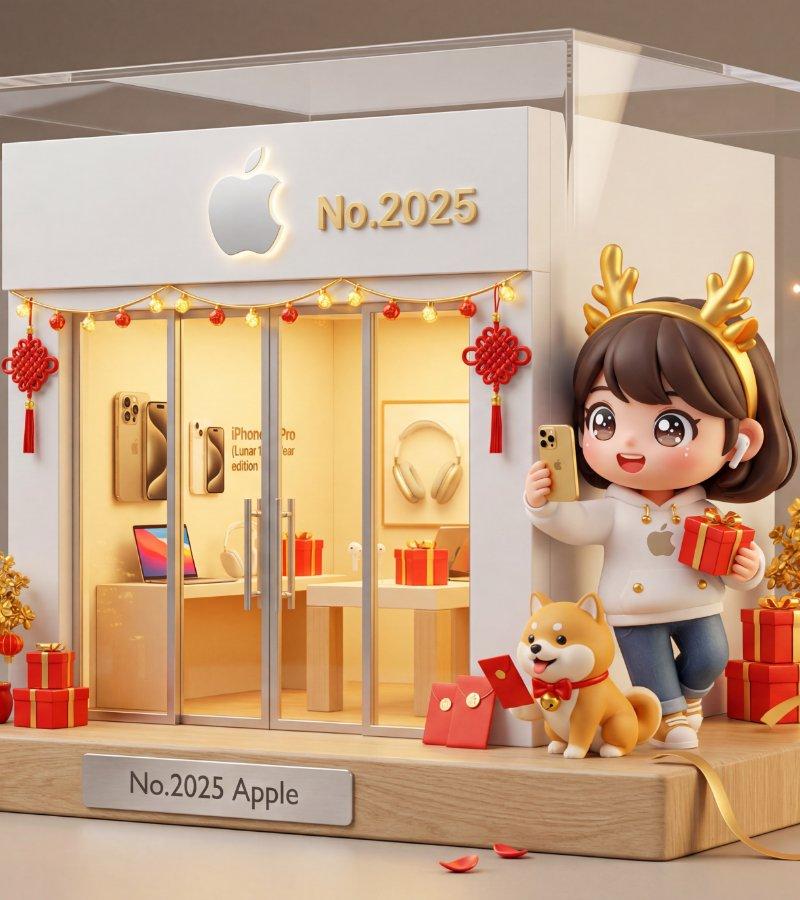
Prompt:一个透明亚克力展示盒内的微缩场景,呈现[品牌名称]精品店面。店面采用[品牌主色调]外立面[节日装饰],顶部有"[品牌LOGO]"的大型标识,[编号]金色数字装饰。
店内温暖金色照明,玻璃橱窗和玻璃门,橱窗内展示微缩[品牌核心产品1、产品2、产品3][节日特别版产品]。
店门前[随机位置:站立/坐在长椅上/蹲着/靠墙倚着]一个可爱的Q版卡通人物,大头身比例,闪亮的kawaii动漫大眼睛,[随机动作][节日特定动作]。
人物穿着[随机服饰组合][节日装扮元素],搭配[随机下装],戴着[随机配饰0-2个][节日配饰]。手持[随机道具1-2个][节日道具]。
[随机宠物0-1个][节日宠物装扮]。
角色具有kawaii动漫美学风格,[随机表情]的表情,[随机发型][节日发饰],体现[品牌调性]。
场景置于[随机木材]质底座上,配有刻有"No.[编号] [品牌名]"的黄铜铭牌。
[随机装饰元素2-4个][节日装饰元素2-4个]。柔和环境光营造温暖反射效果,飘浮着[随机氛围元素][节日氛围元素]。
3D渲染风格,高度精细的微缩场景,产品摄影级光效,浅景深,暖色调主导,所有元素配色和谐统一(以[品牌主色调]为基础,融合[节日配色方案]),[品牌氛围][节日氛围]。
{以apple 为例}
Category
Photography & Realism
Model
Unknown
Creator
Berryxia.AI
Source language
zh-CN
Views0
Source ID
starbucks-miniature-scene-display
Studio

Guide

About "星巴克微缩场景展示"

What is this prompt for?

"星巴克微缩场景展示" AI image prompt for Unknown (Photography & Realism). 😋如今大家都看腻了对应商品展示,并且都是千篇一律。 你Copy我的提示词,生成的内容几乎都一模一样。 是否可以增加点趣味的玩法呢?🤔 📢申明:品牌仅做展示,如有侵权,请联系立删。 用…

The full copyable prompt and example visuals above are ready for AI image generation or one-click recreate in Picva.

How to use this prompt

  1. Step 1

    Open the prompt detail

    Review the example visuals, category, and full prompt text for "星巴克微缩场景展示".

  2. Step 2

    Copy the prompt

    Copy the prompt body from this page, or load it directly in Studio.

  3. Step 3

    Pick a model (Unknown)

    Prefer Unknown. If you switch models, keep subject and composition and tweak style terms.

  4. Step 4

    Generate and export

    Recreate the look in Picva, or export into your workflow for editing and publishing.

FAQ

What is the "星巴克微缩场景展示" prompt?
It is an AI image-generation prompt for Unknown in the Photography & Realism category. This page includes the full prompt text, example visuals, and a one-click recreate path in Picva.
How do I use this prompt to generate an image?
Copy the prompt from this page, or use Generate / Studio. Paste it into a compatible image model, or recreate the look in Picva with optional reference images.
Which model is this prompt for?
This page lists Unknown. Most descriptive prompts also transfer to nearby image models such as GPT Image, Flux, or Midjourney with light style tweaks.
Can I use the result commercially?
You can usually copy the prompt for creation, but commercial use of the final image depends on the model terms, reference-image rights, and the generated content. Follow the source author and platform rules.