17

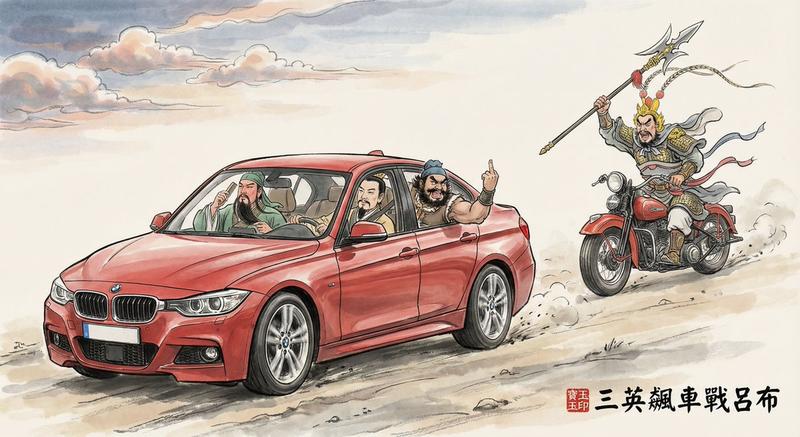
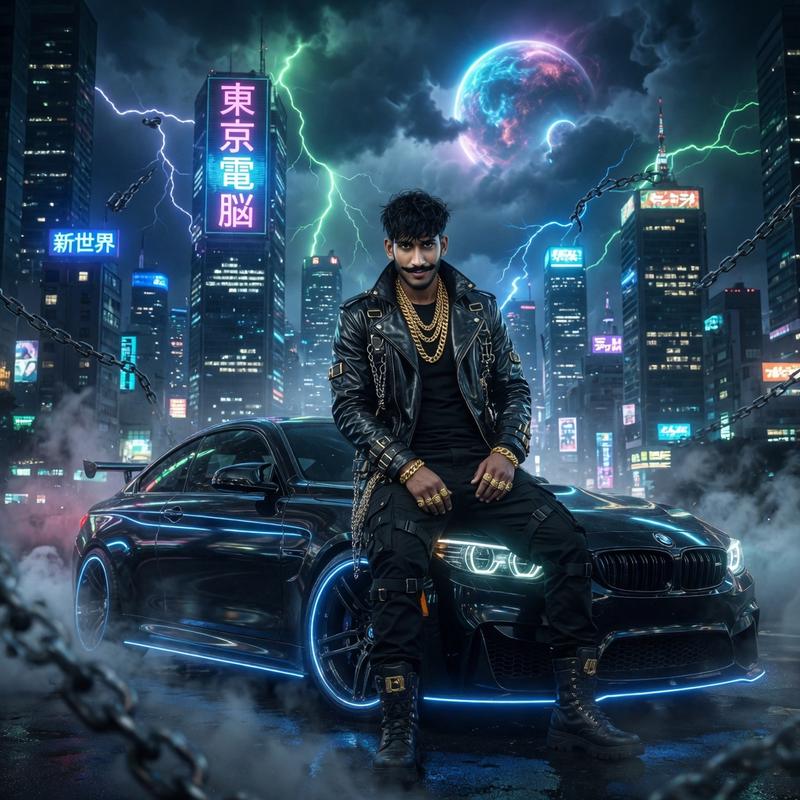
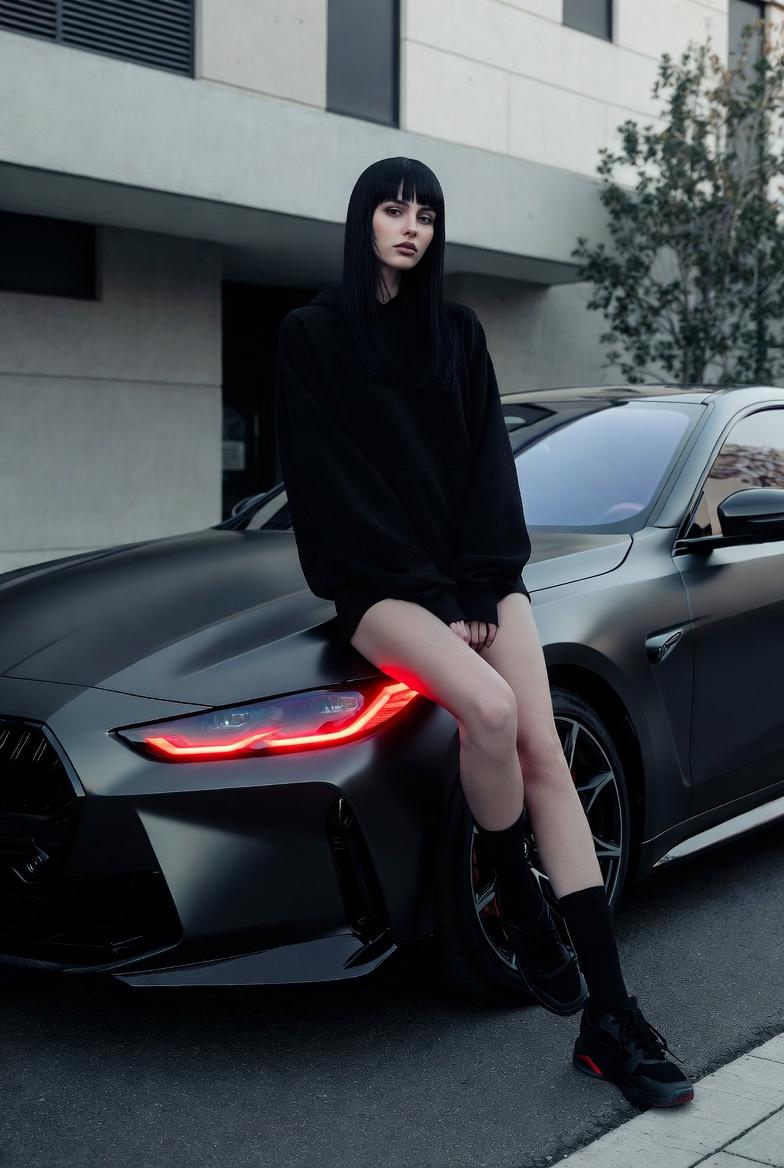
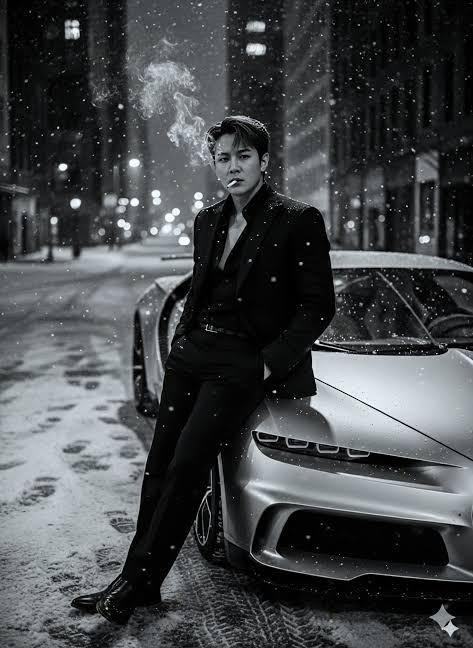
街头视角生成的惊人真实感画面
Enlarge

街头视角生成的惊人真实感画面

Prompt
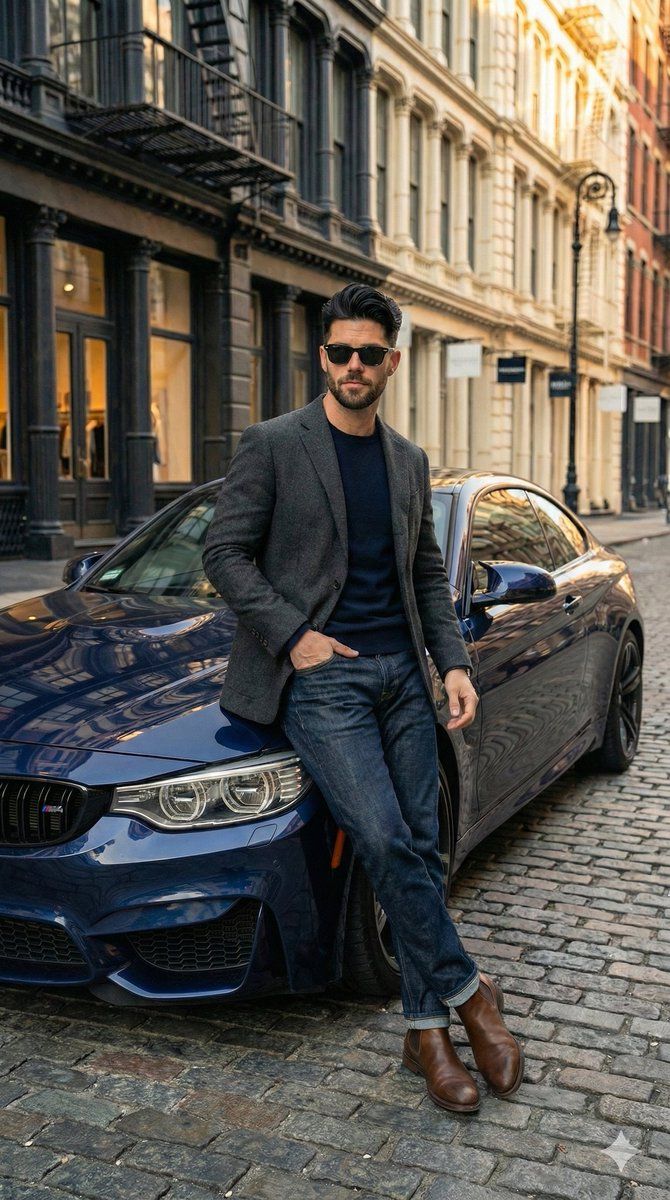
Stunning street view generated by Gemini Nano Banana Pro
Just look at that realism👌
Prompt ⤵️
"Full body shot of a handsome young man with styled dark hair and a beard, wearing sunglasses, leaning casually against the front hood of a dark blue BMW coupe on a cobblestone street. He is wearing a grey textured wool blazer over a navy blue crewneck sweater, dark blue denim jeans, and brown leather Chelsea boots. The background features historic city architecture typical of SoHo, New York, with brownstone buildings and fire escapes. Soft, natural daylight, cinematic lighting, hyper-realistic, 8k resolution, highly detailed, photorealistic.",
"negative_prompt": "cartoon, illustration, anime, drawing, low quality, pixelated, blurry, distorted face, bad hands, missing fingers, extra limbs, ugly, text, watermark, signature, bad anatomy, deformed.",
"aspect_ratio": "9:16"
}
Category
Photography & Realism
Model
Nano Banana Pro
Views0
Source ID
stunning-street-view-generated-by-gemini-nano-banana-pro

Guide

About "街头视角生成的惊人真实感画面"

What is this prompt for?

"街头视角生成的惊人真实感画面" AI image prompt for Nano Banana Pro (Photography & Realism). Stunning street view generated by Gemini Nano Banana Pro Just look at that realis…

The full copyable prompt and example visuals above are ready for AI image generation or one-click recreate in Picva.

How to use this prompt

  1. Step 1

    Open the prompt detail

    Review the example visuals, category, and full prompt text for "街头视角生成的惊人真实感画面".

  2. Step 2

    Copy the prompt

    Copy the prompt body from this page, or load it directly in Studio.

  3. Step 3

    Pick a model (Nano Banana Pro)

    Prefer Nano Banana Pro. If you switch models, keep subject and composition and tweak style terms.

  4. Step 4

    Generate and export

    Recreate the look in Picva, or export into your workflow for editing and publishing.

FAQ

What is the "街头视角生成的惊人真实感画面" prompt?
It is an AI image-generation prompt for Nano Banana Pro in the Photography & Realism category. This page includes the full prompt text, example visuals, and a one-click recreate path in Picva.
How do I use this prompt to generate an image?
Copy the prompt from this page, or use Generate / Studio. Paste it into a compatible image model, or recreate the look in Picva with optional reference images.
Which model is this prompt for?
This page lists Nano Banana Pro. Most descriptive prompts also transfer to nearby image models such as GPT Image, Flux, or Midjourney with light style tweaks.
Can I use the result commercially?
You can usually copy the prompt for creation, but commercial use of the final image depends on the model terms, reference-image rights, and the generated content. Follow the source author and platform rules.