12

新款式圣诞帽3D肖像
Enlarge

Example images

新款式圣诞帽3D肖像

Prompt
Santa Hat, New Look ✨📸
Gemini Nano Banana 🍌
Prompt:
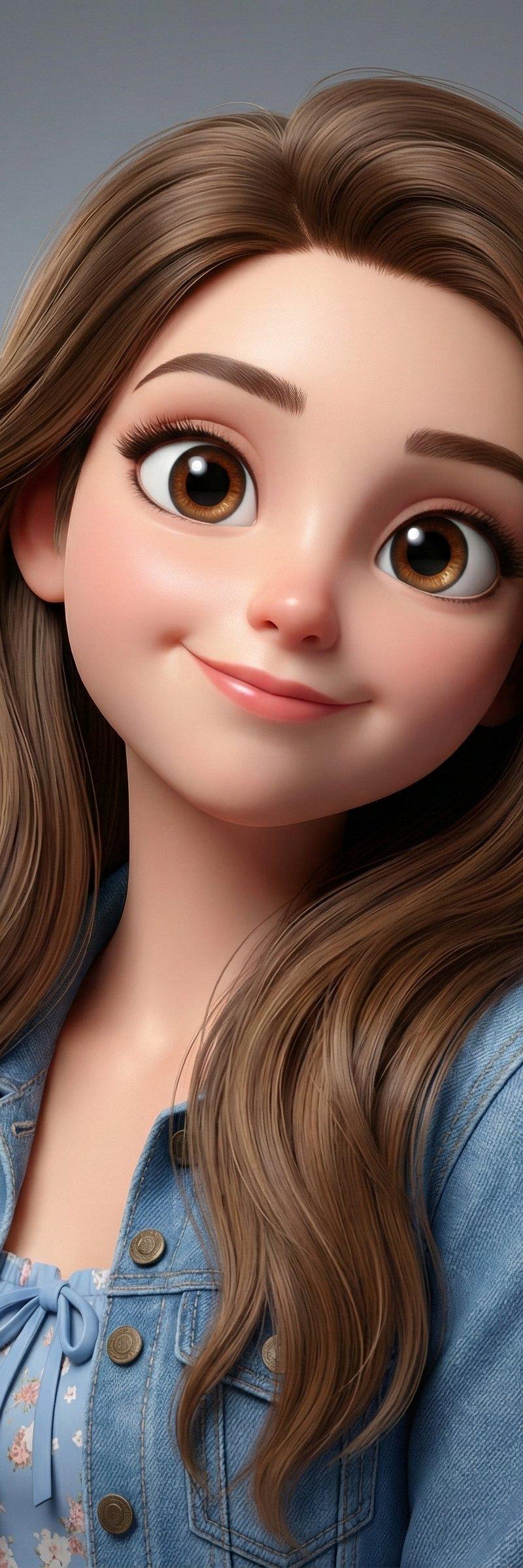
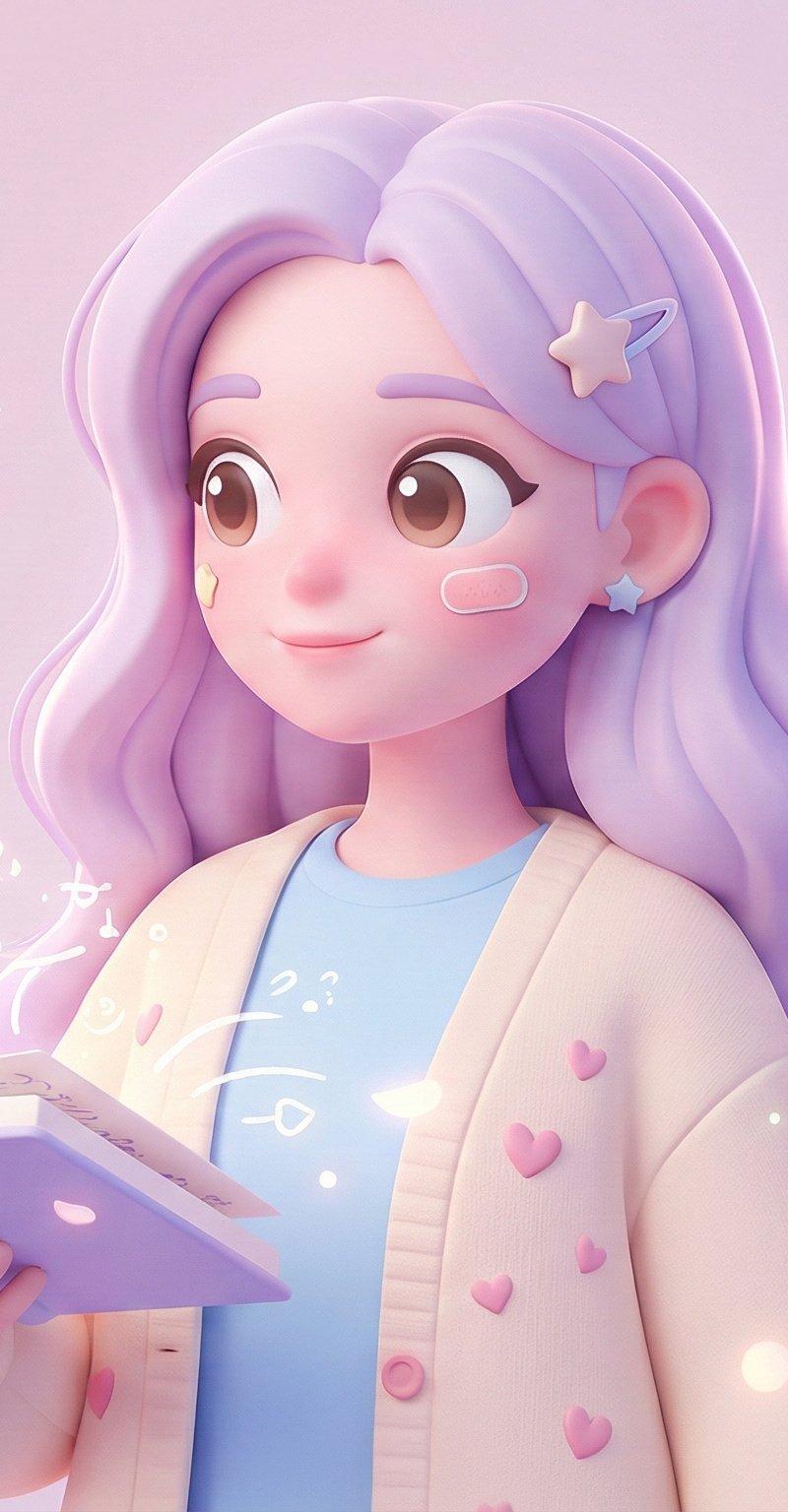
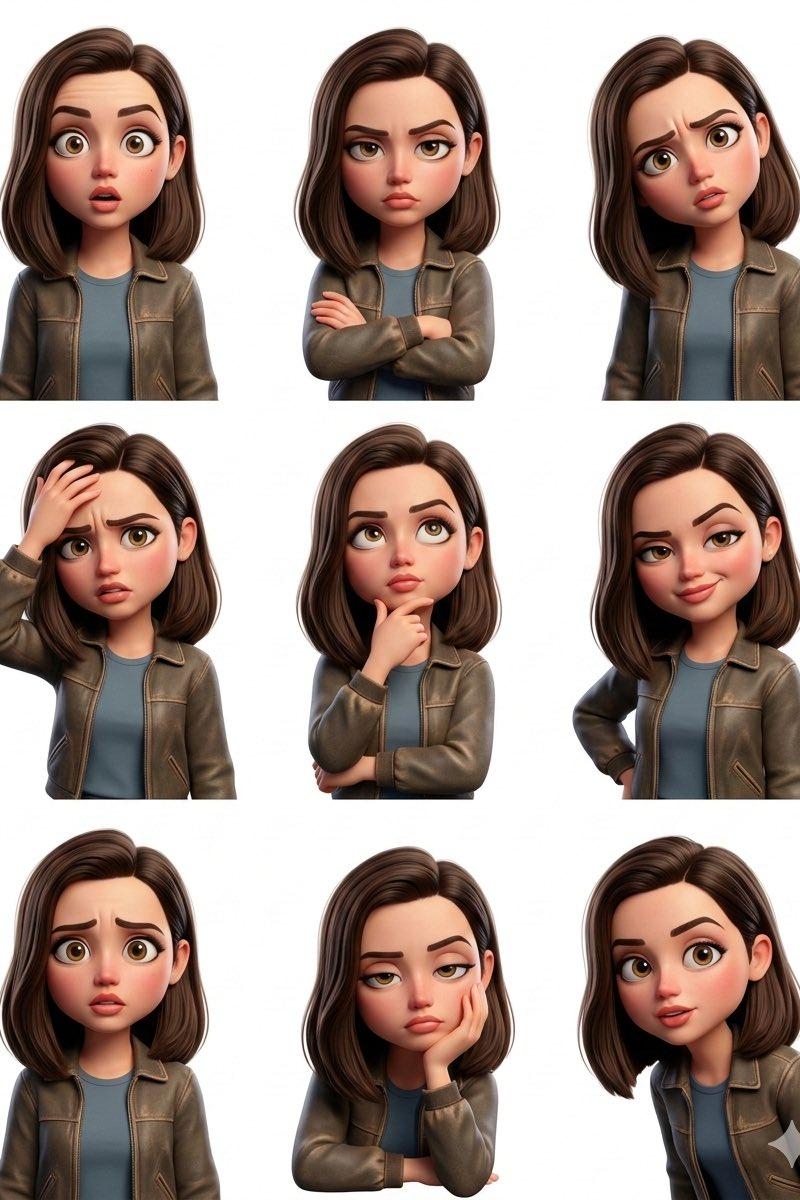
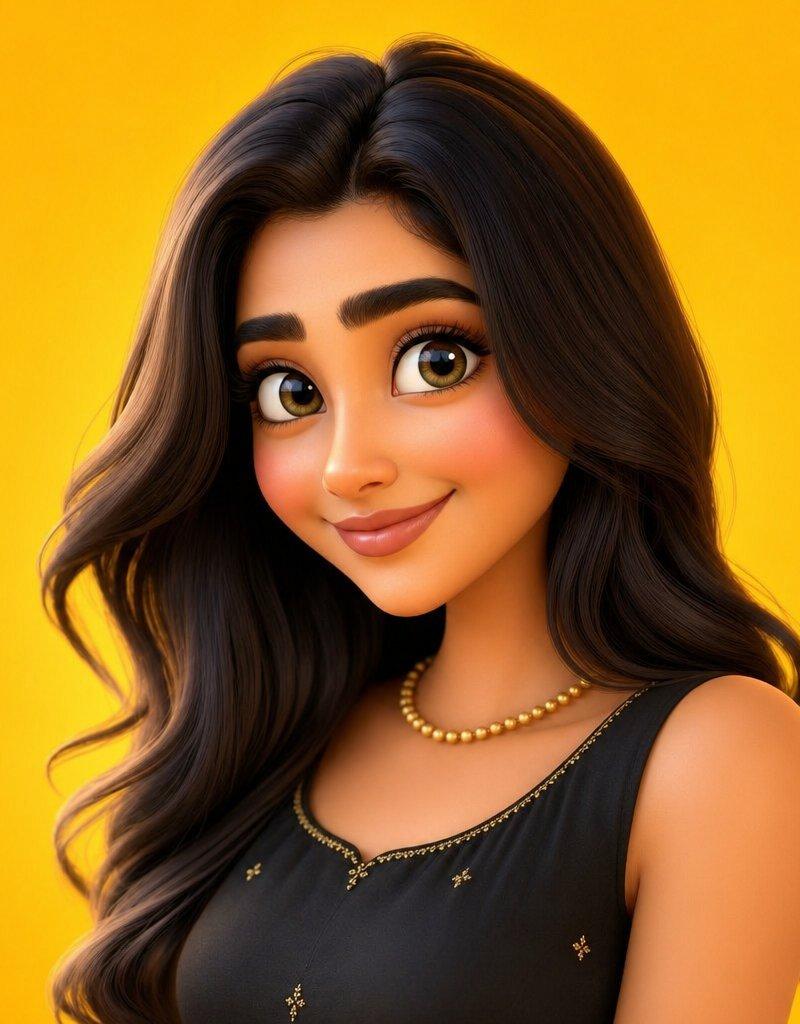
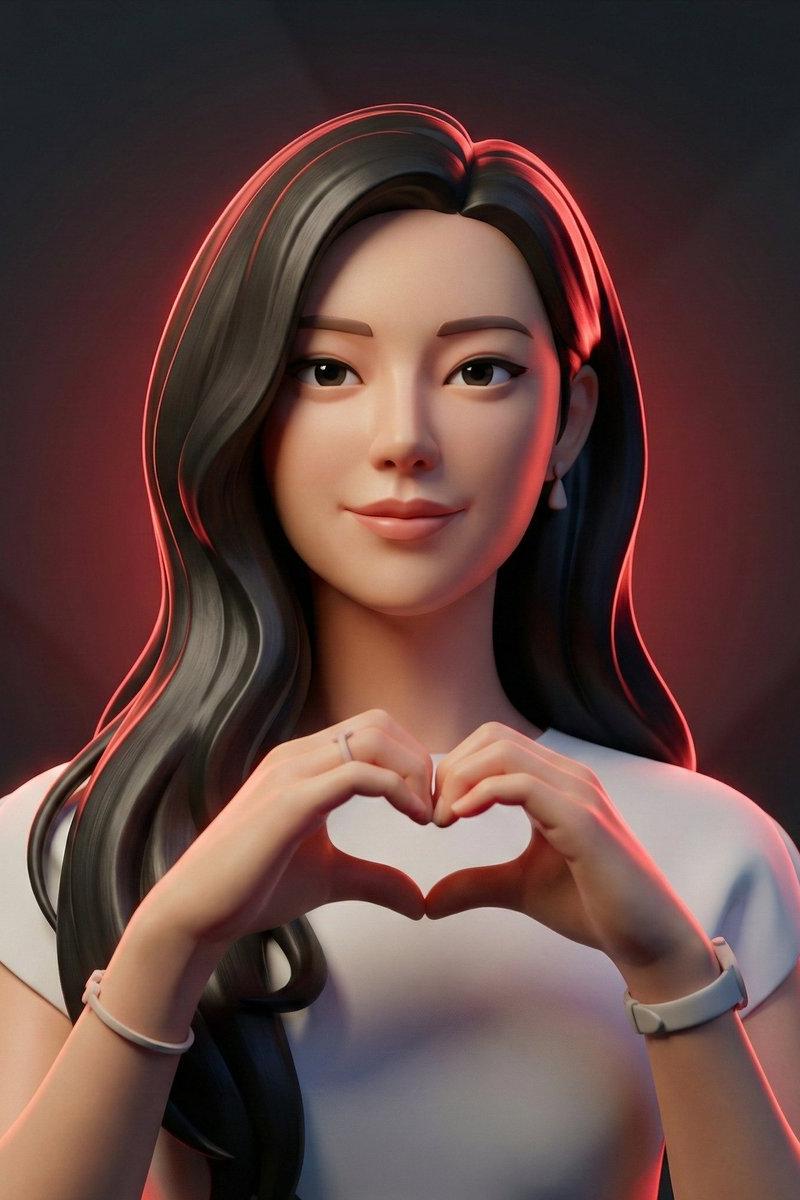
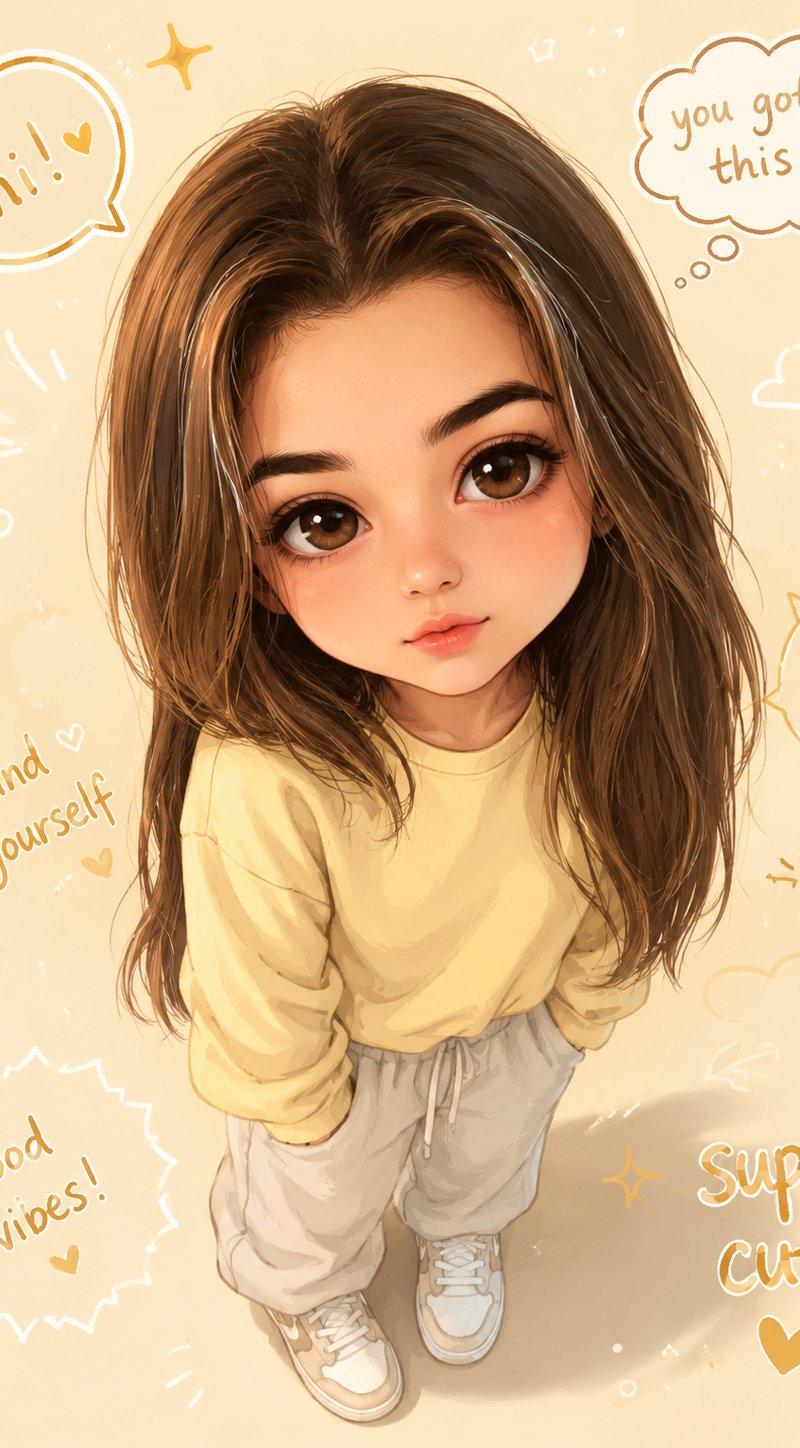
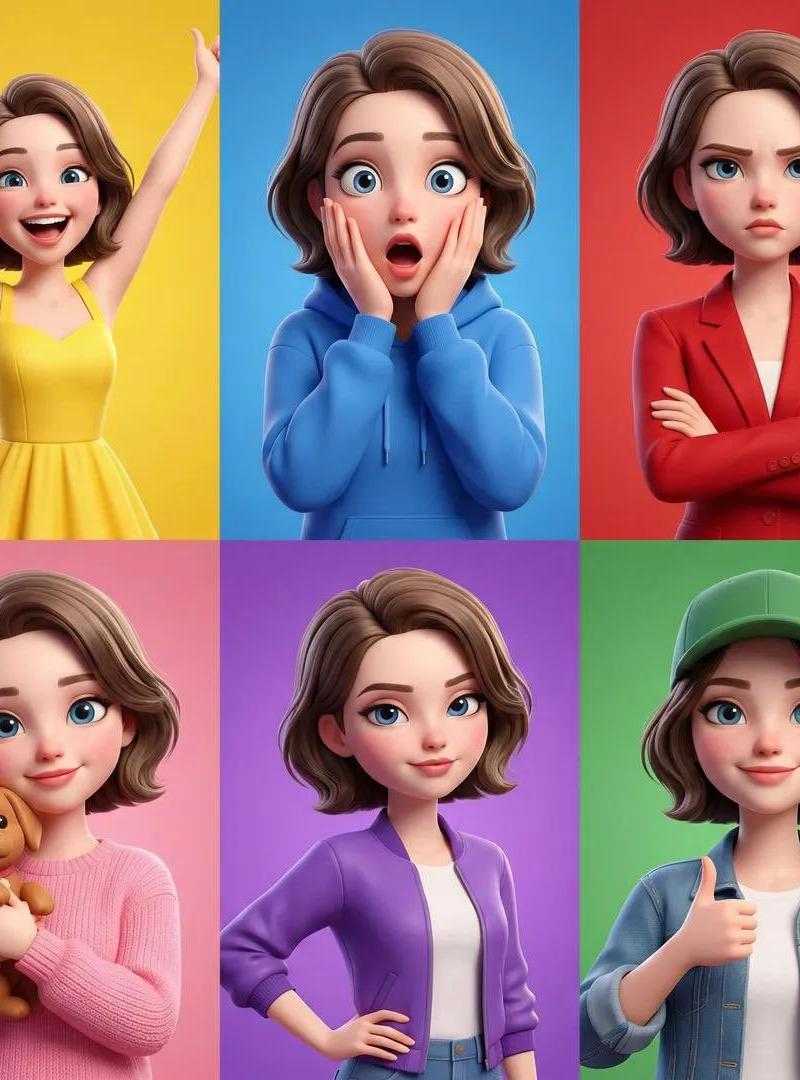
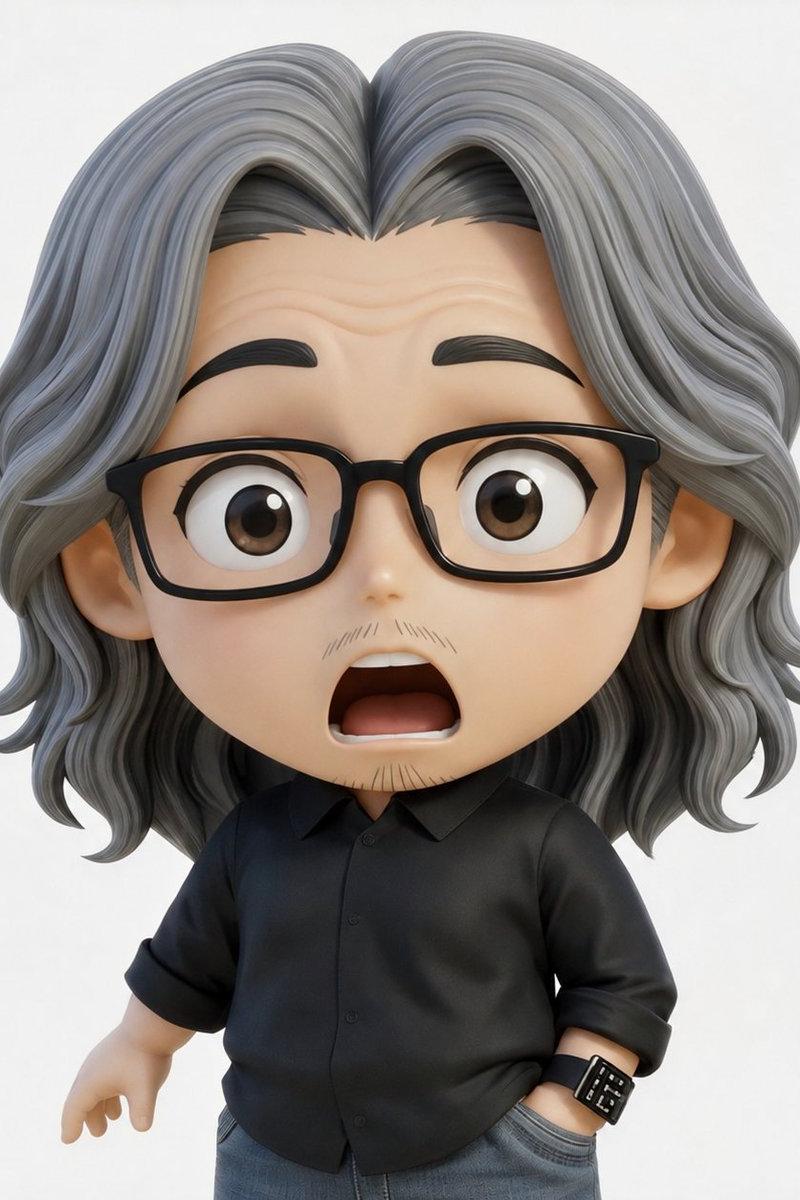
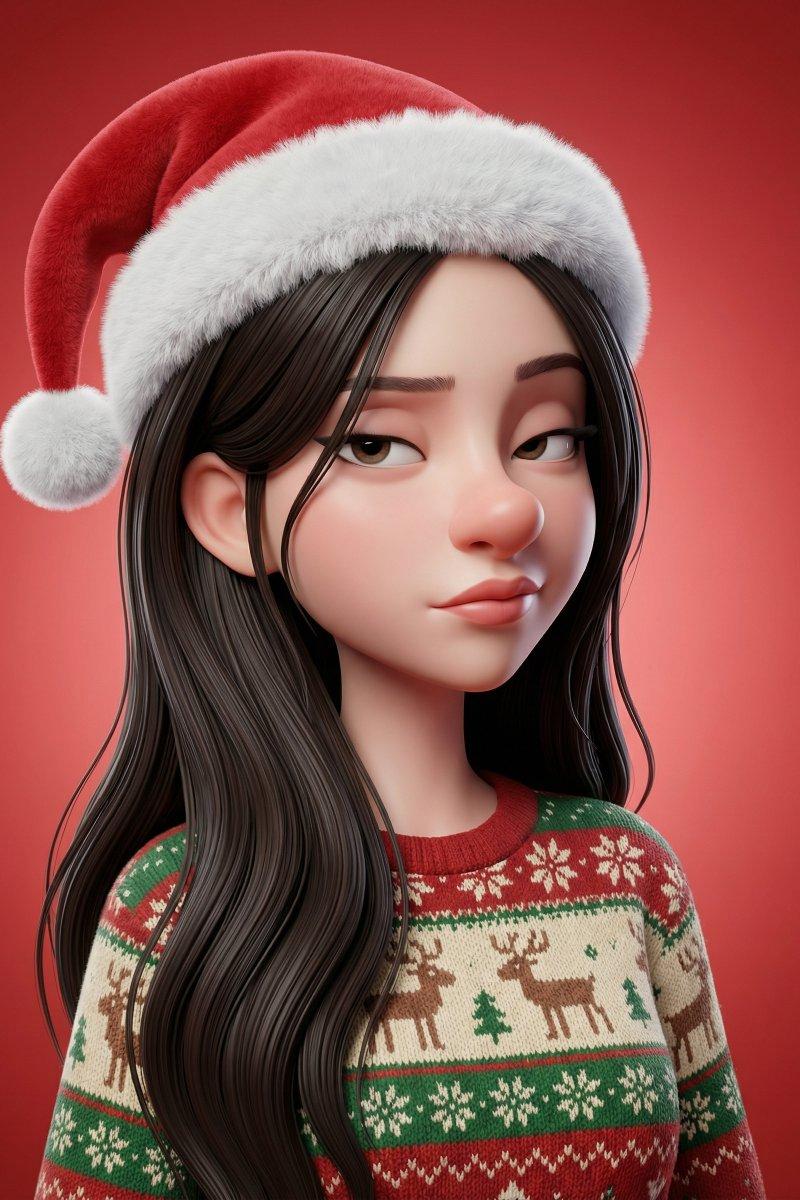
A stylized 3D portrait based on the provided reference image (match the same person’s facial structure, key features, hairstyle, and overall likeness). Exaggerated cartoon proportions with a smooth, clean skin surface—no visible pores, no realistic wrinkles, and no photorealistic skin imperfections. The head is slightly elongated with a large rounded nose, prominent lips, and a subtly skeptical sideways gaze.
They wear a classic Santa Claus hat with a soft fabric texture, fluffy white trim, and a slightly bent tip for a casual, playful feel. They are dressed in a cozy Christmas sweater featuring knitted patterns and festive colors, adding warmth and seasonal charm. The background is a red gradient studio backdrop. High-quality 3D render, soft studio lighting, sharp focus.
Category
Photography & Realism
Model
Nano Banana
Creator
hellokaton
Source language
zh-CN
Views0
Source ID
stylized-3d-portrait-with-new-santa-hat-look
Studio

Guide

About "新款式圣诞帽3D肖像"

What is this prompt for?

"新款式圣诞帽3D肖像" AI image prompt for Nano Banana (Photography & Realism). Santa Hat, New Look ✨📸 Gemini Nano Banana 🍌 Prompt: A stylized 3D portrait based on the…

The full copyable prompt and example visuals above are ready for AI image generation or one-click recreate in Picva.

How to use this prompt

  1. Step 1

    Open the prompt detail

    Review the example visuals, category, and full prompt text for "新款式圣诞帽3D肖像".

  2. Step 2

    Copy the prompt

    Copy the prompt body from this page, or load it directly in Studio.

  3. Step 3

    Pick a model (Nano Banana)

    Prefer Nano Banana. If you switch models, keep subject and composition and tweak style terms.

  4. Step 4

    Generate and export

    Recreate the look in Picva, or export into your workflow for editing and publishing.

FAQ

What is the "新款式圣诞帽3D肖像" prompt?
It is an AI image-generation prompt for Nano Banana in the Photography & Realism category. This page includes the full prompt text, example visuals, and a one-click recreate path in Picva.
How do I use this prompt to generate an image?
Copy the prompt from this page, or use Generate / Studio. Paste it into a compatible image model, or recreate the look in Picva with optional reference images.
Which model is this prompt for?
This page lists Nano Banana. Most descriptive prompts also transfer to nearby image models such as GPT Image, Flux, or Midjourney with light style tweaks.
Can I use the result commercially?
You can usually copy the prompt for creation, but commercial use of the final image depends on the model terms, reference-image rights, and the generated content. Follow the source author and platform rules.