19

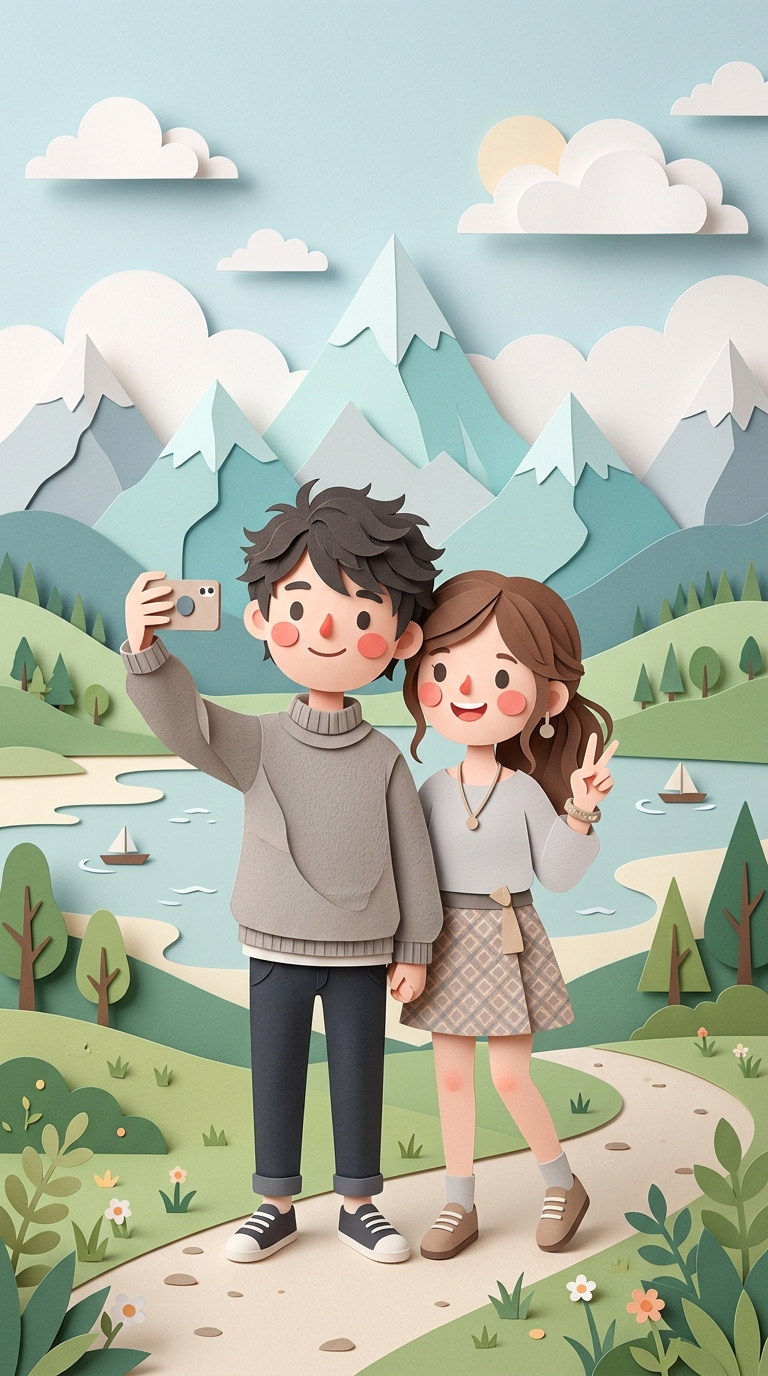
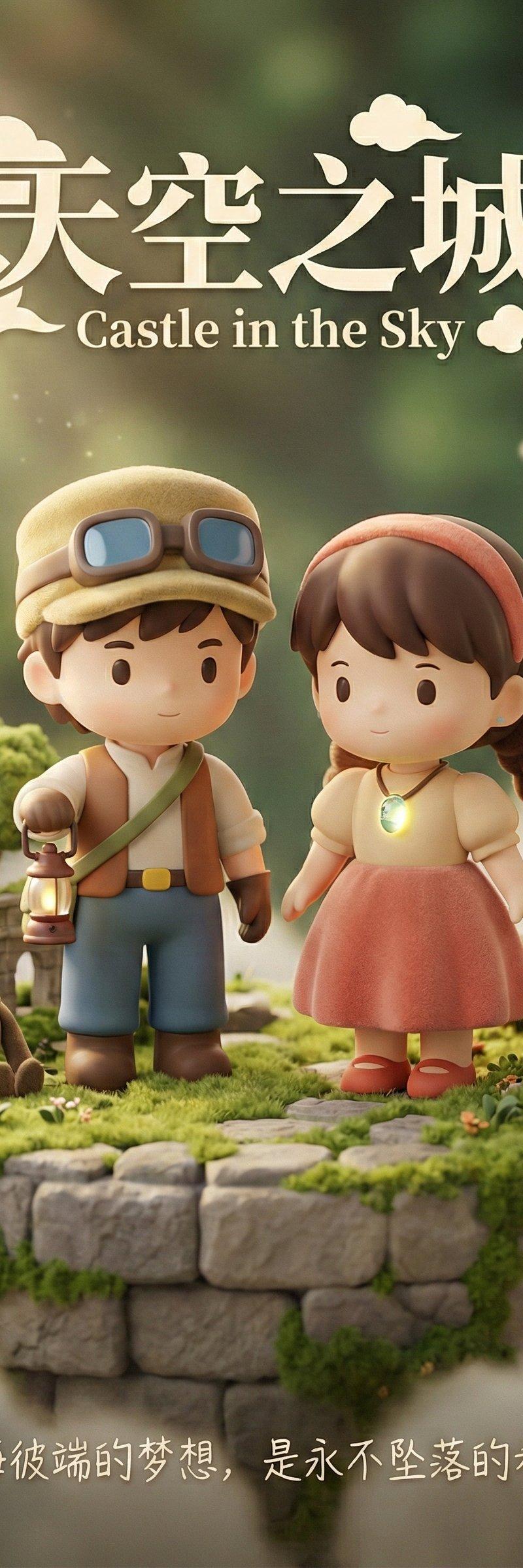
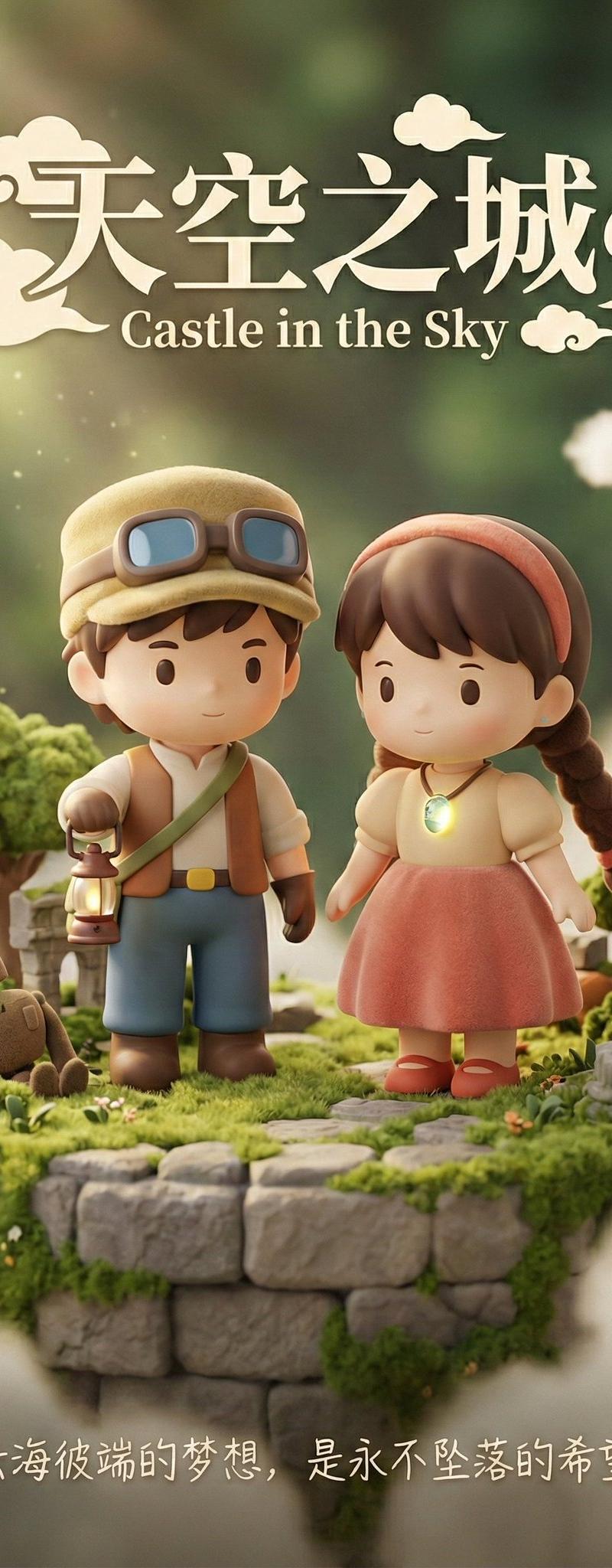
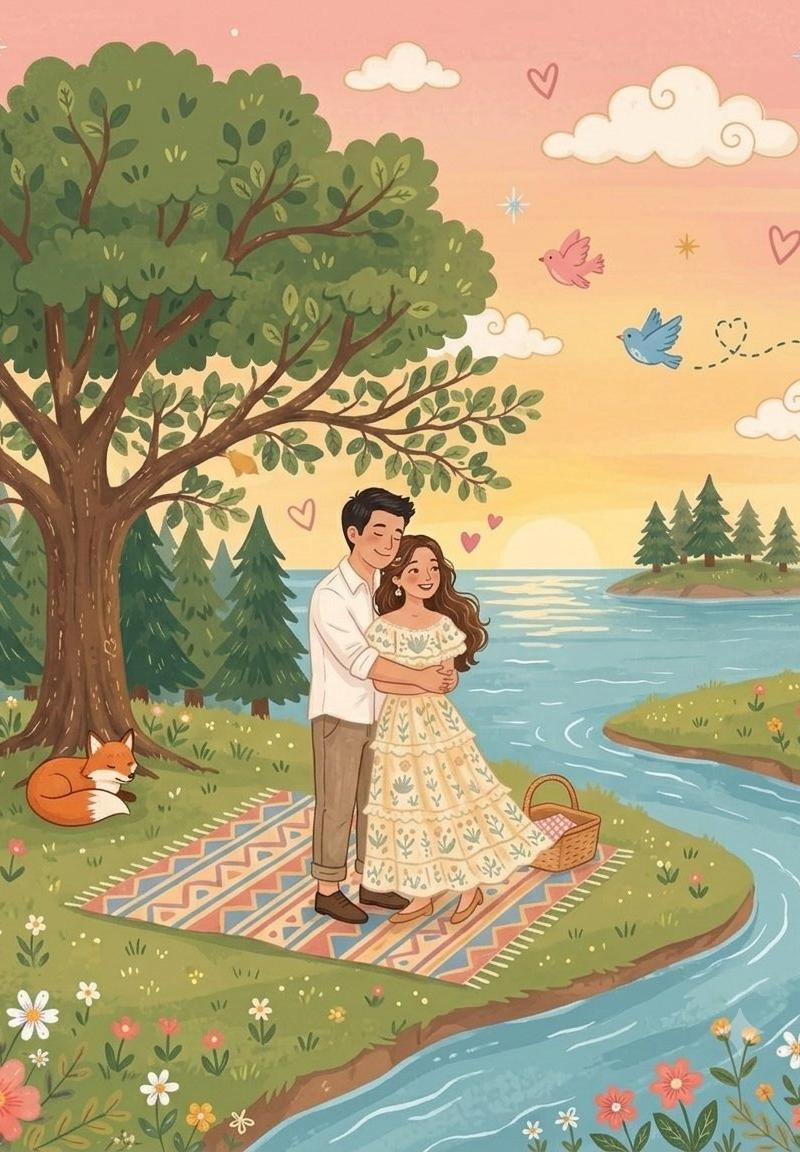
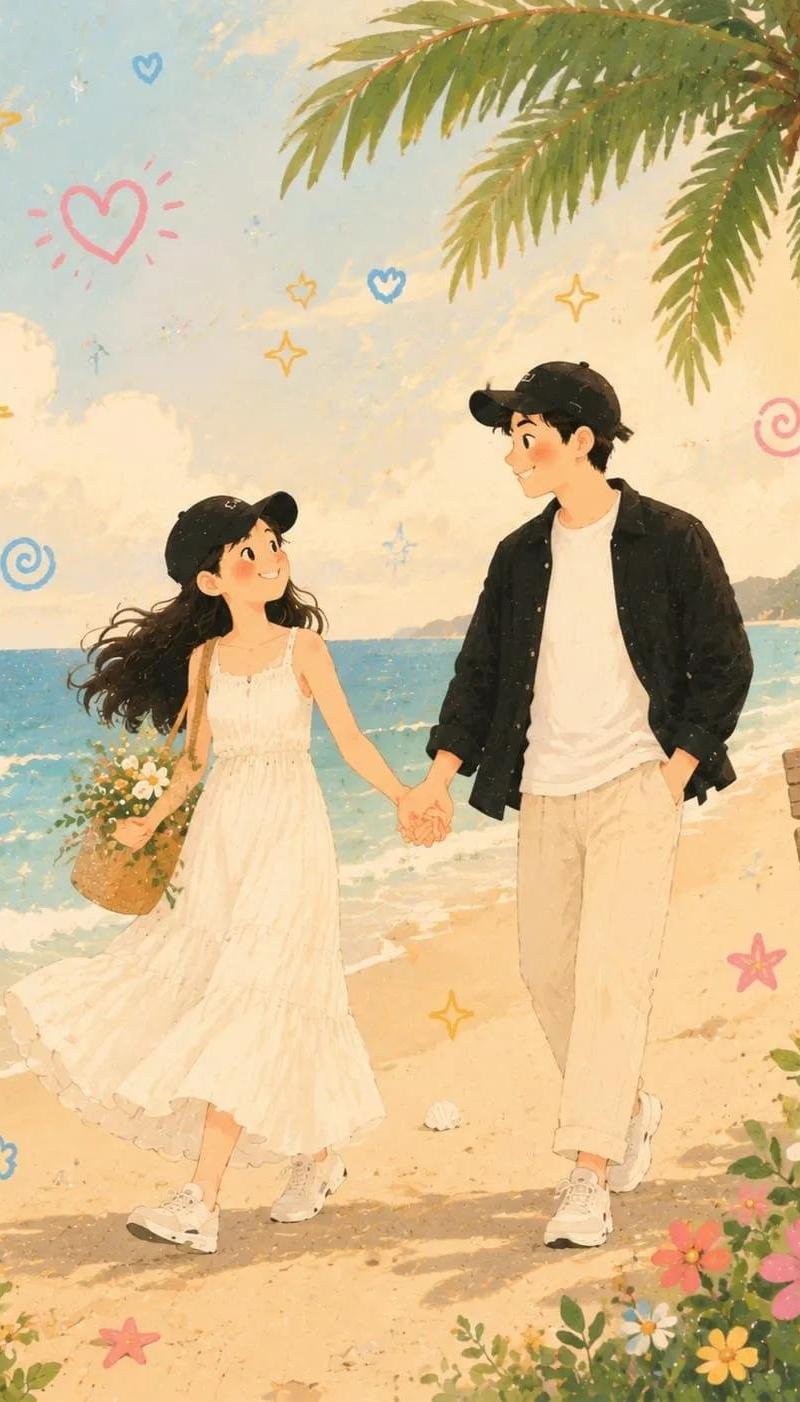
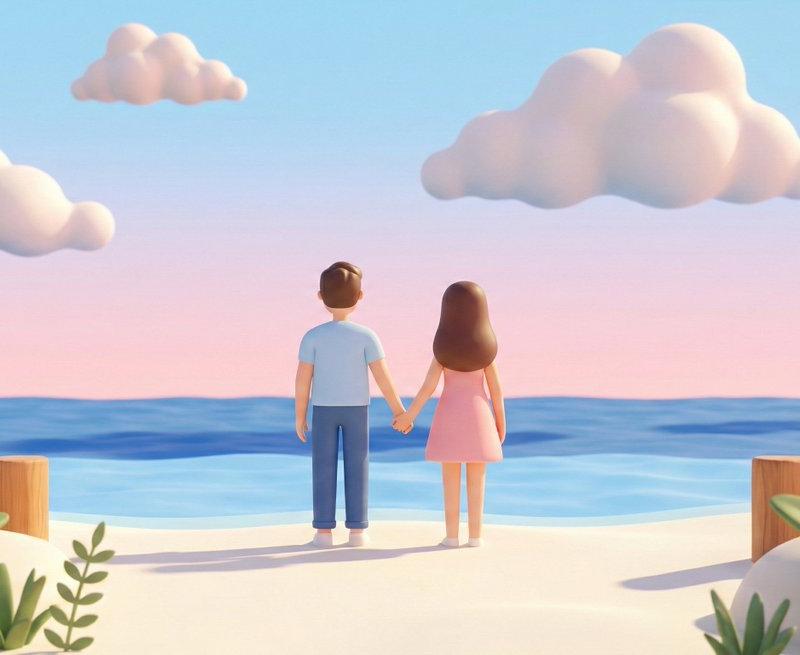
海边情侣超现实主义3D渲染
Enlarge

Example images

海边情侣超现实主义3D渲染

Prompt
1. 风格调性
超现实主义3D渲染,梦幻柔和,阳光普照,风格化现实主义,微缩模型感,电影感,宁静怀旧。
2. 视觉逻辑
- 视角:平视,接近正交投影,低视平线。
- 布局:居中构图,静态平衡。
- 几何处理:平滑、干净的3D几何体,边缘圆润,无锐角。
3. 视觉渲染
- 线条:干净、平滑的3D边缘,无手绘或像素痕迹。
- 材质:光滑、略带磨砂的玩具般质感。表面无瑕疵、无污垢。云朵具有体积感但同样柔和。
- 光影:暖色调直射光,全局照明渲染,柔和但清晰的投影。
4. 色彩系统
- 核心主色:婴儿蓝 (#A2CFFE),柔和粉 (#F4C2C2),奶油白 (#FDFDFA)。
- 背景色与高亮:背景为奶油色沙滩、深蓝海面与淡蓝天空的渐变。植物的自然绿与木材的暖色调作为点缀。整体为低饱和度、高明度的暖色调粉彩系统。
5. 负向约束
- 严禁超写实纹理、污渍、磨损。
- 严禁暗黑、高对比度或赛博朋克霓虹光照。
- 严禁像素艺术、低多边形或手绘草图风格。
- 严禁高饱和度或冲突的色彩。
6. 画面内容
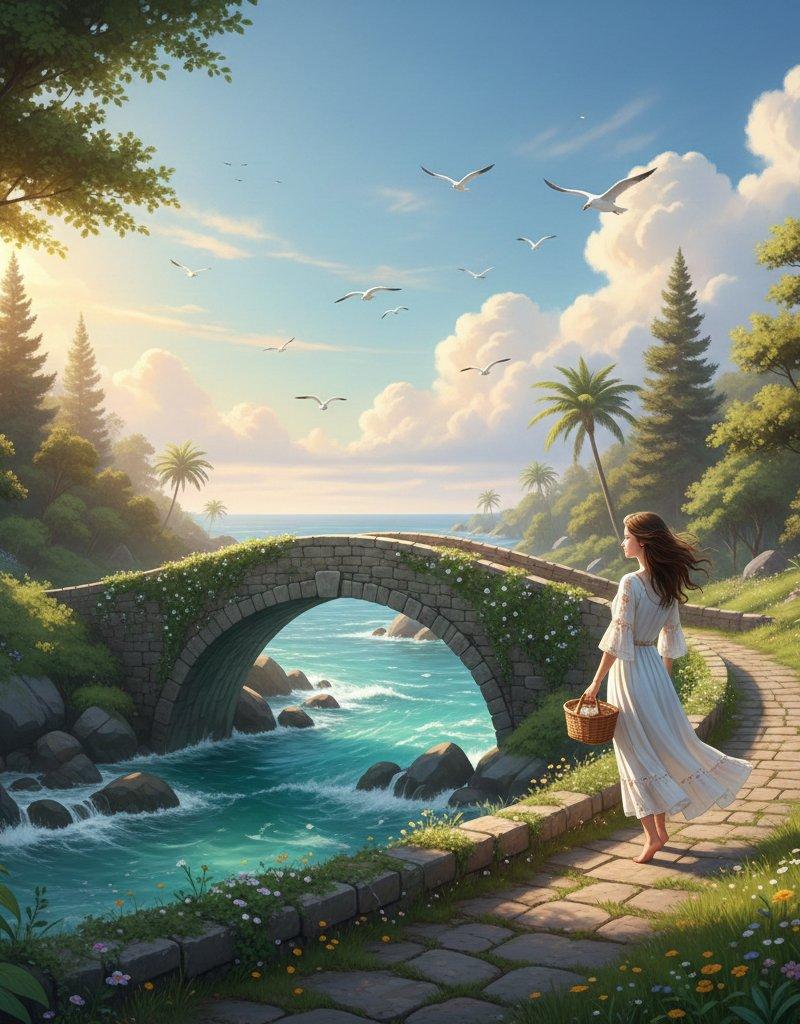
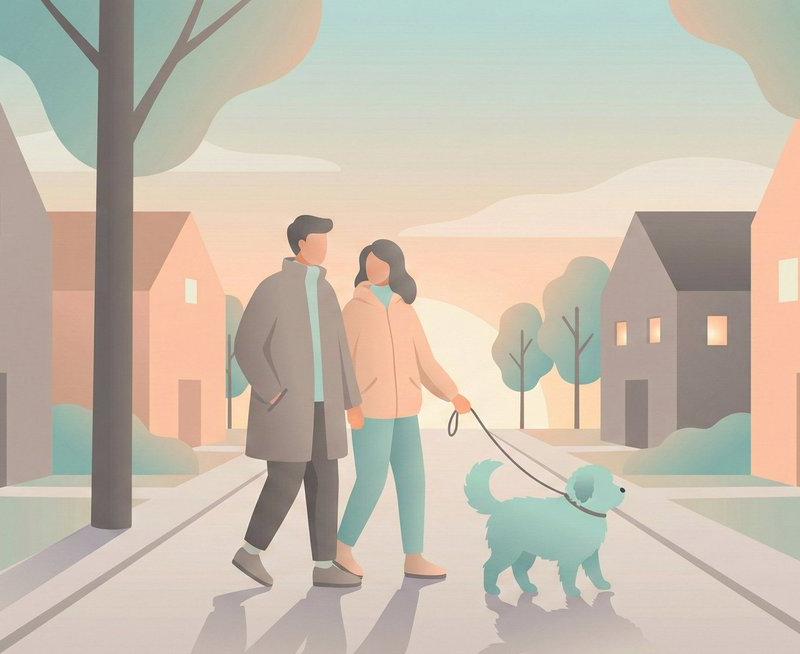
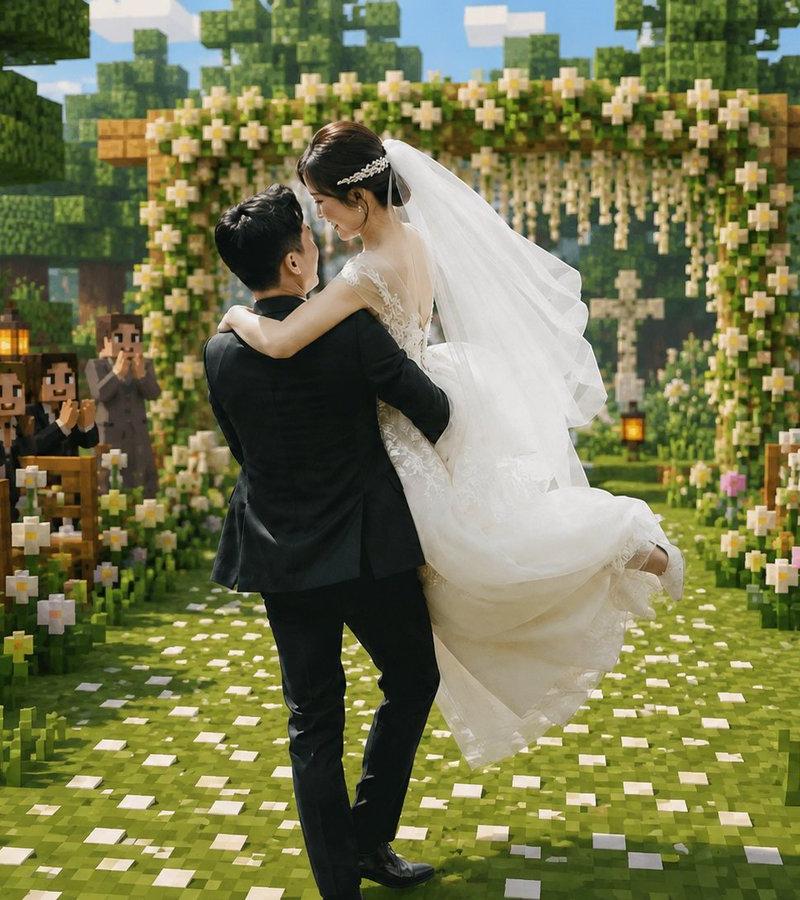
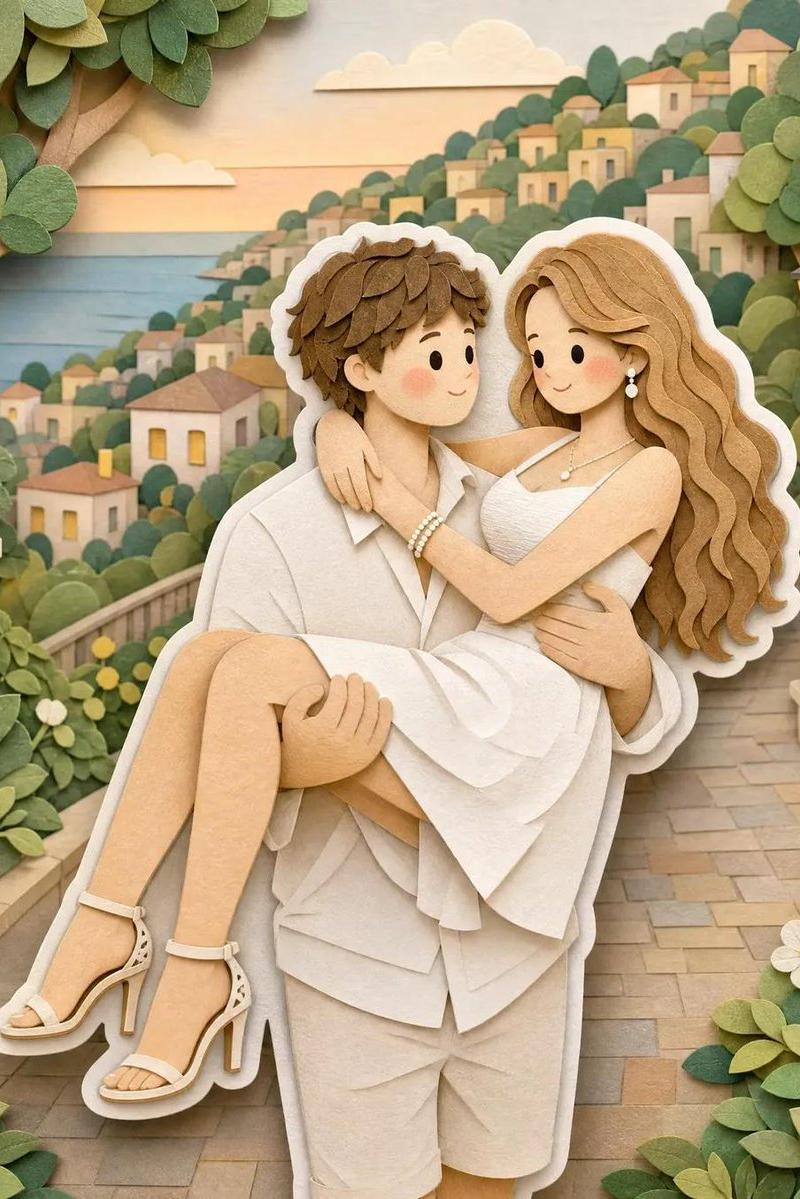
一对情侣在海边手牵手,看海
Category
Illustration & Art
Model
Unknown
Creator
李继刚
Source language
zh-CN
Views0
Source ID
surrealist-3d-rendering-couple-beach
Studio

Guide

About "海边情侣超现实主义3D渲染"

What is this prompt for?

"海边情侣超现实主义3D渲染" AI image prompt for Unknown (Illustration & Art). 1. 风格调性 超现实主义3D渲染,梦幻柔和,阳光普照,风格化现实主义,微缩模型感,电影感,宁静怀旧。 2. 视觉逻辑 - 视角:平视,接近正交投影,低视平线。 - 布局:居中构图,静态…

The full copyable prompt and example visuals above are ready for AI image generation or one-click recreate in Picva.

How to use this prompt

  1. Step 1

    Open the prompt detail

    Review the example visuals, category, and full prompt text for "海边情侣超现实主义3D渲染".

  2. Step 2

    Copy the prompt

    Copy the prompt body from this page, or load it directly in Studio.

  3. Step 3

    Pick a model (Unknown)

    Prefer Unknown. If you switch models, keep subject and composition and tweak style terms.

  4. Step 4

    Generate and export

    Recreate the look in Picva, or export into your workflow for editing and publishing.

FAQ

What is the "海边情侣超现实主义3D渲染" prompt?
It is an AI image-generation prompt for Unknown in the Illustration & Art category. This page includes the full prompt text, example visuals, and a one-click recreate path in Picva.
How do I use this prompt to generate an image?
Copy the prompt from this page, or use Generate / Studio. Paste it into a compatible image model, or recreate the look in Picva with optional reference images.
Which model is this prompt for?
This page lists Unknown. Most descriptive prompts also transfer to nearby image models such as GPT Image, Flux, or Midjourney with light style tweaks.
Can I use the result commercially?
You can usually copy the prompt for creation, but commercial use of the final image depends on the model terms, reference-image rights, and the generated content. Follow the source author and platform rules.