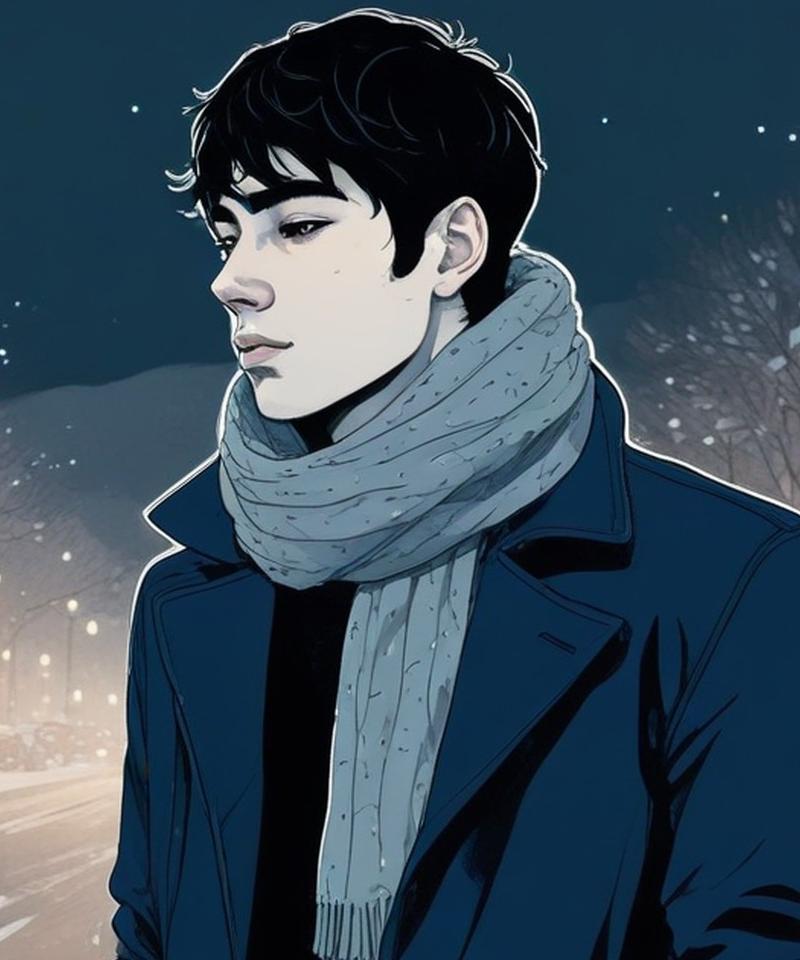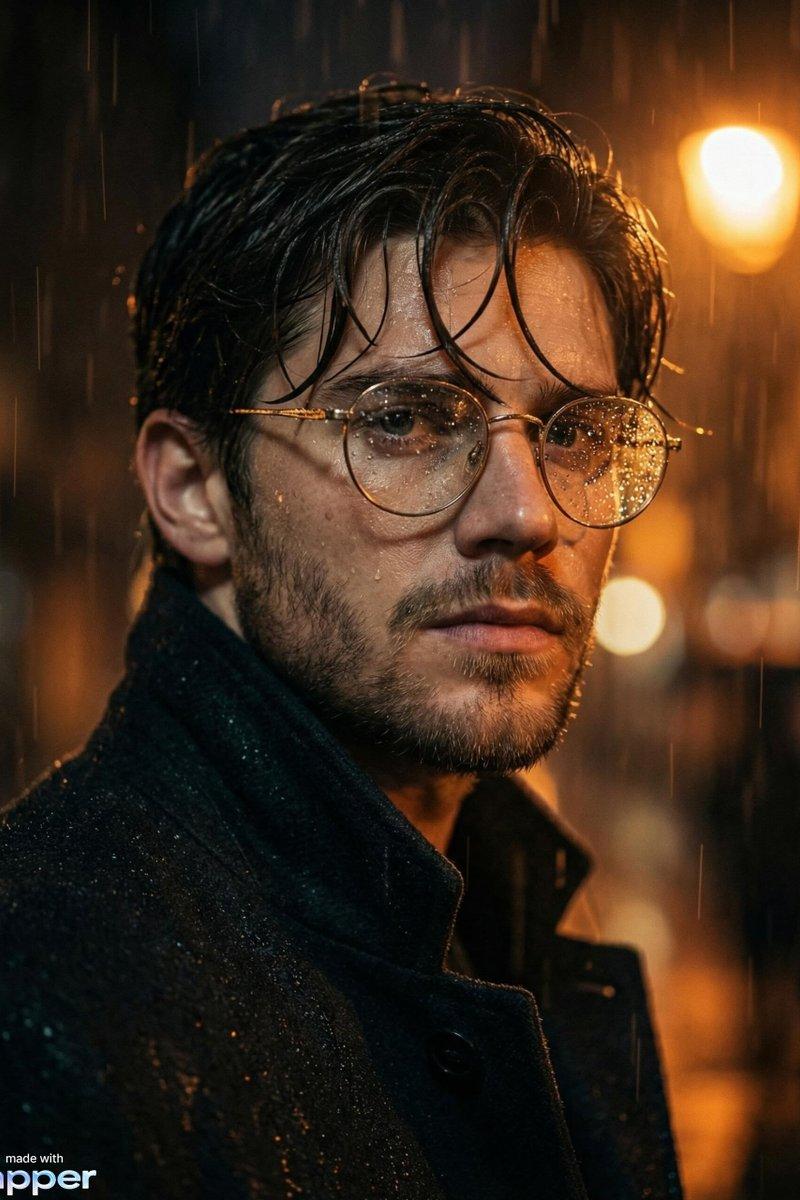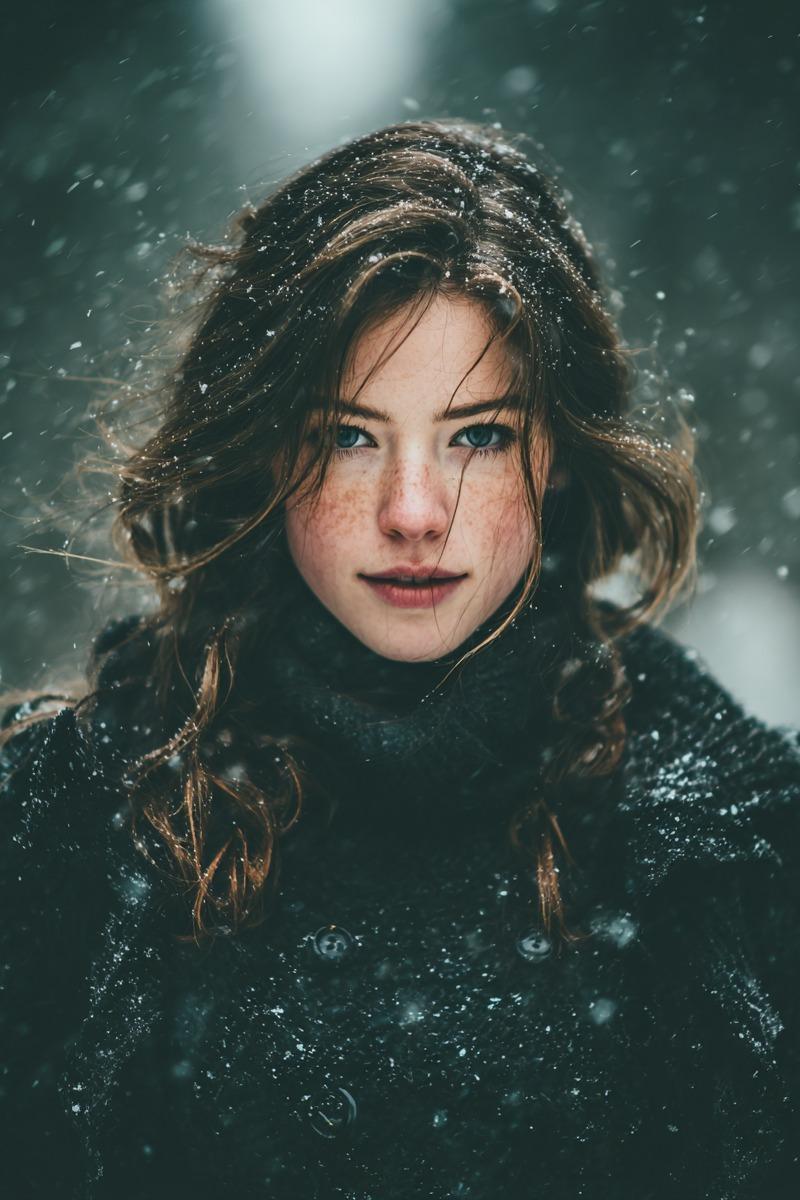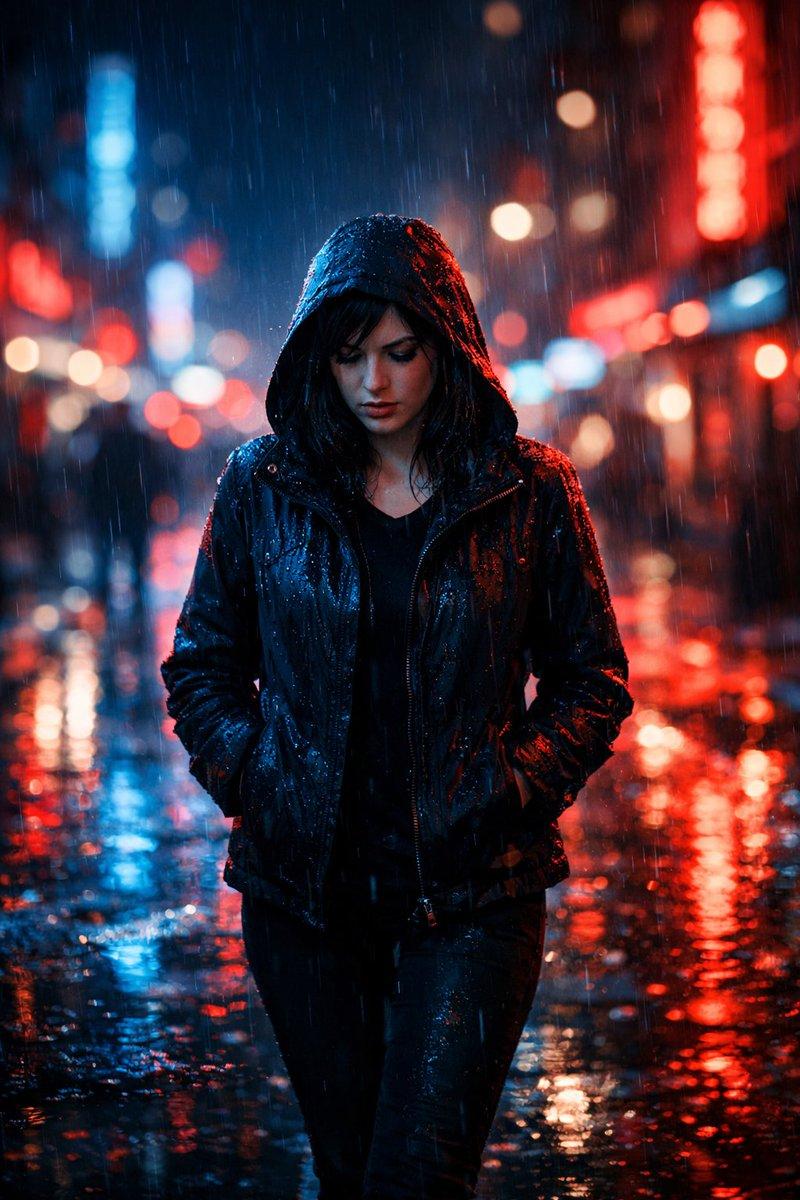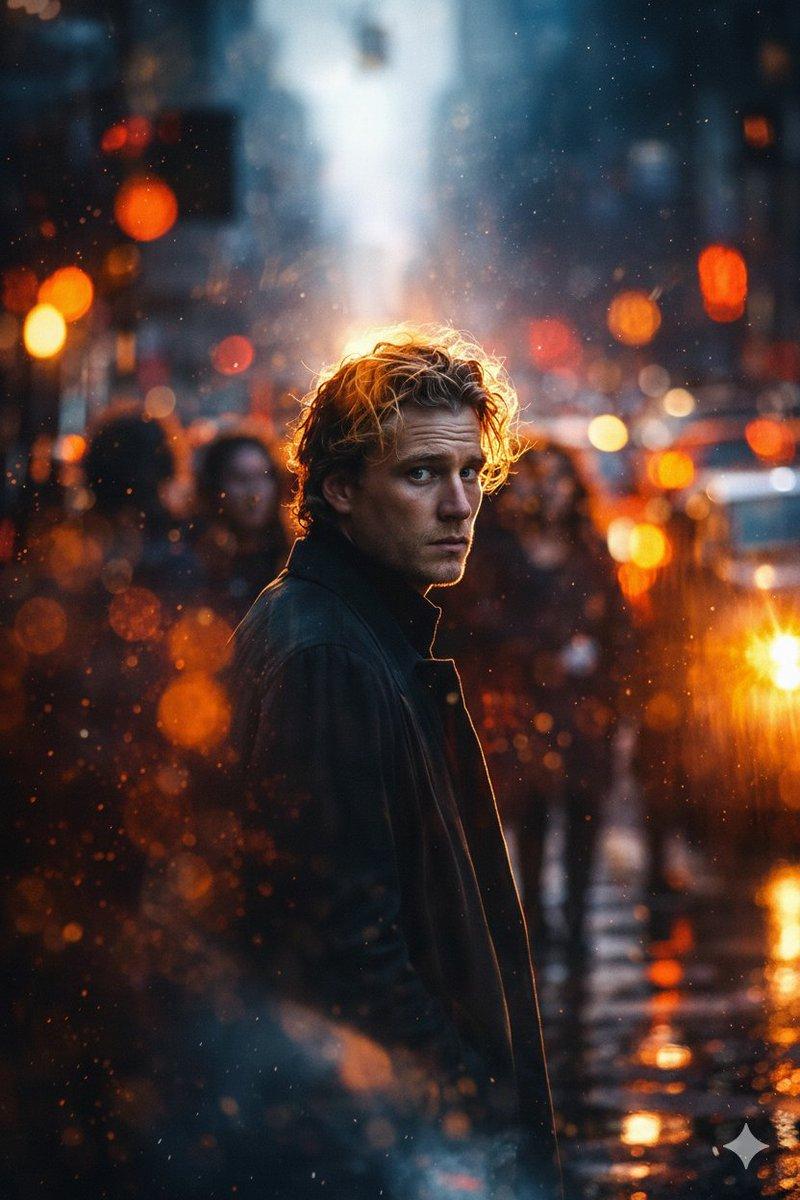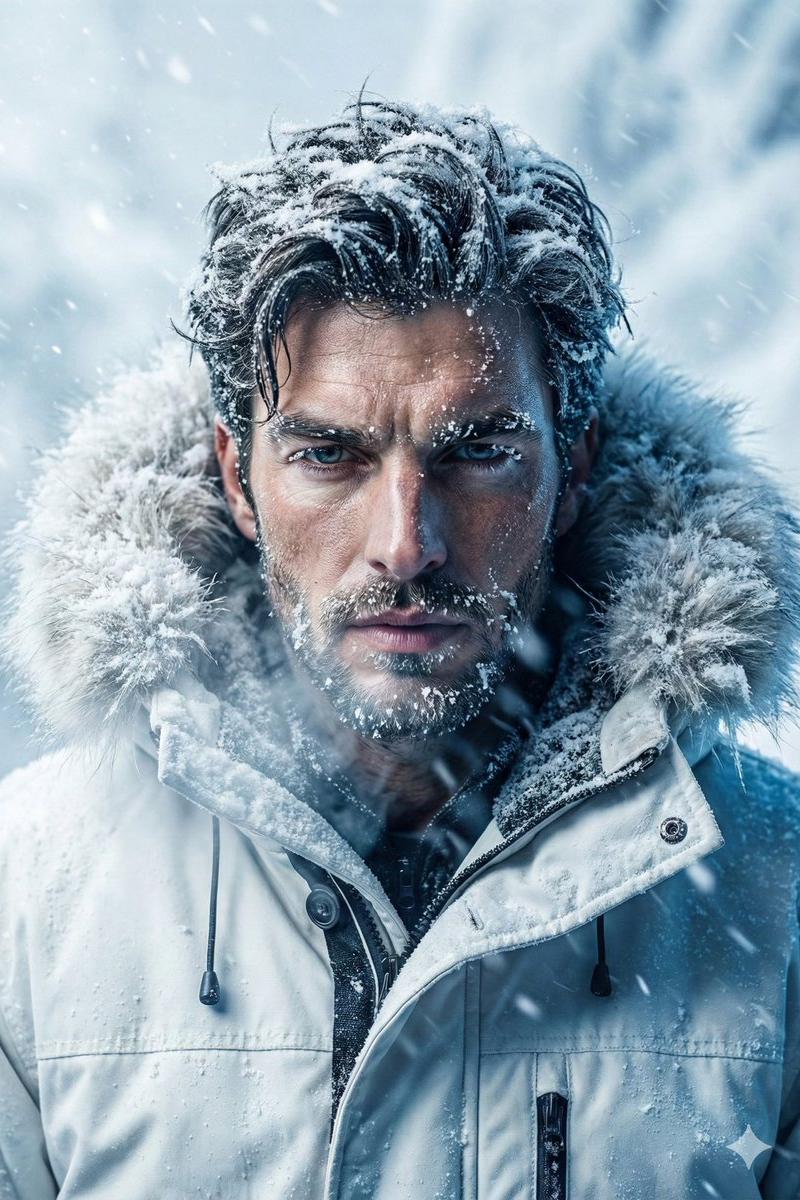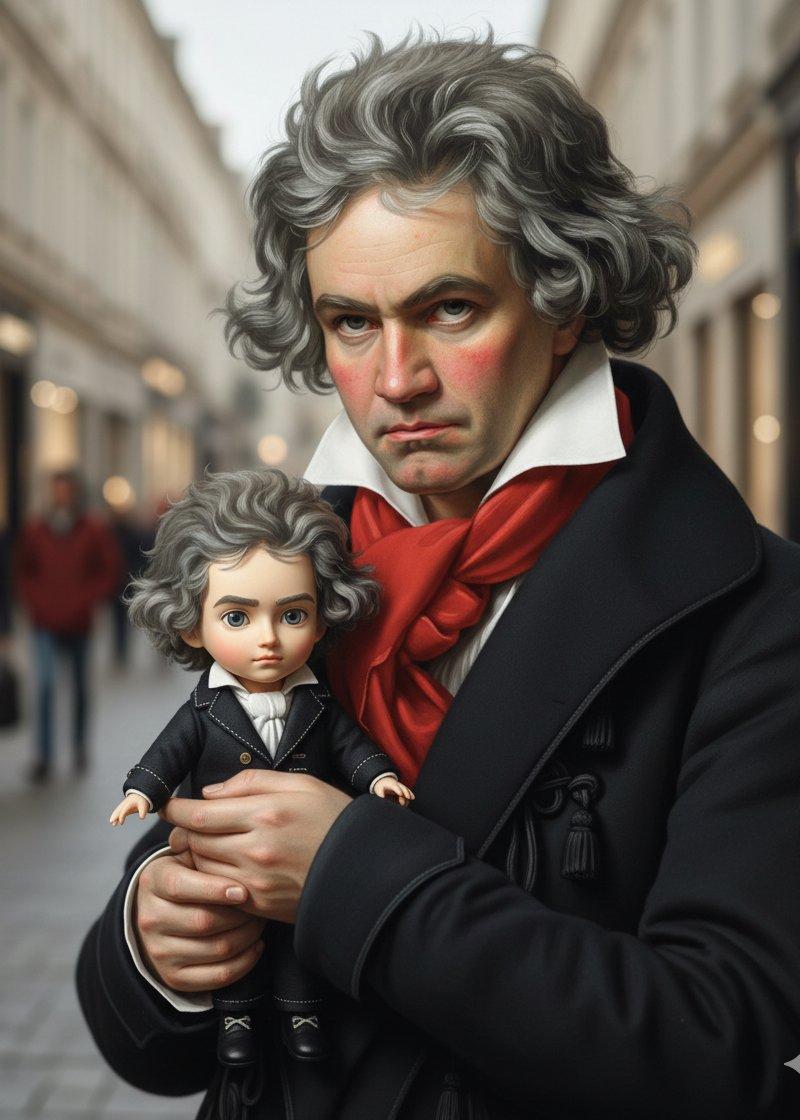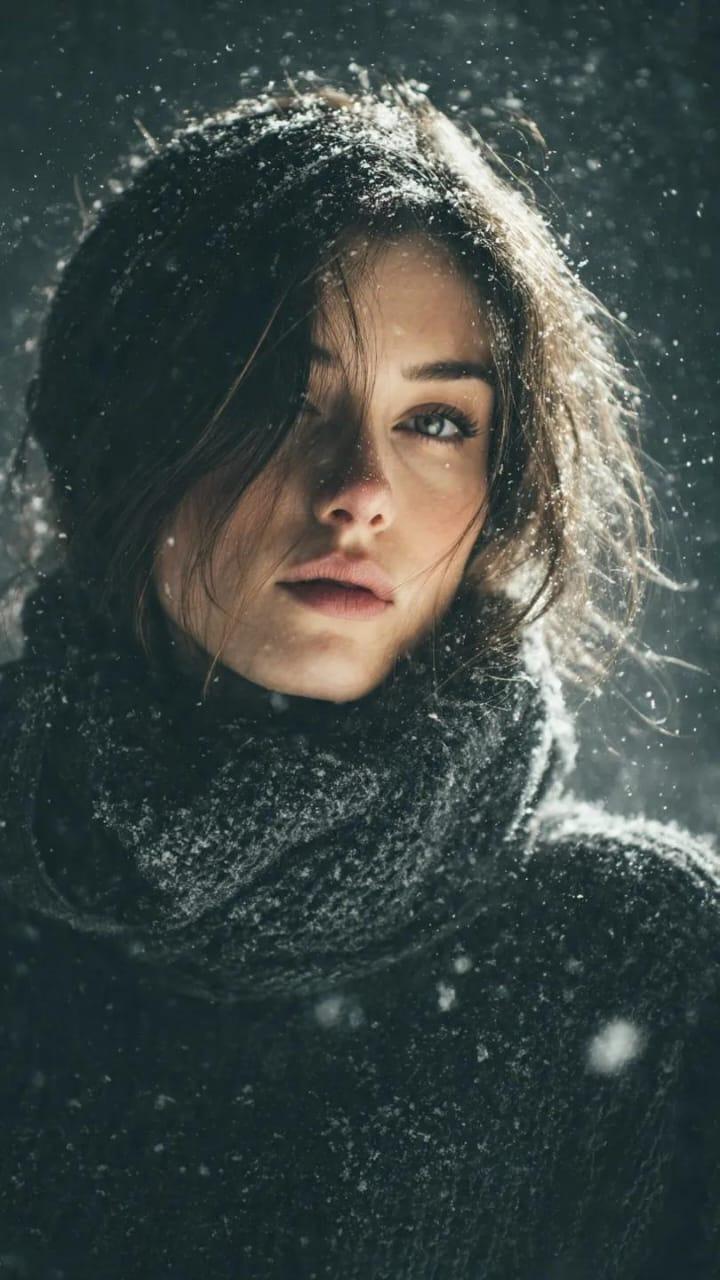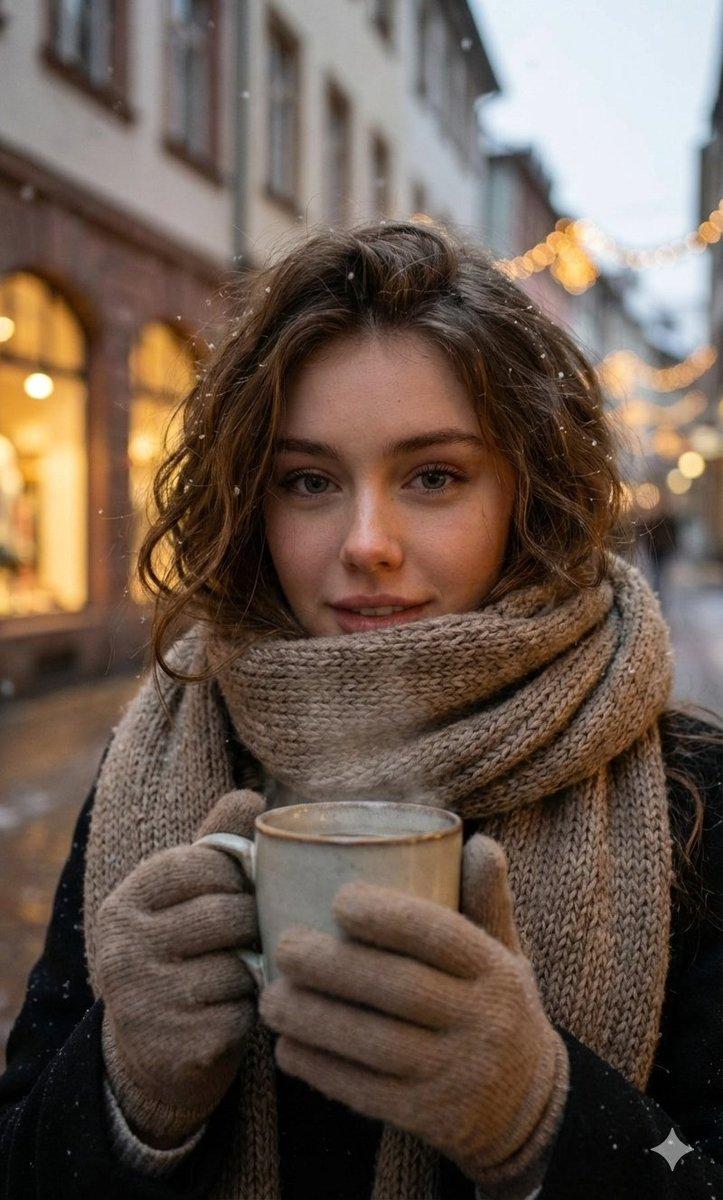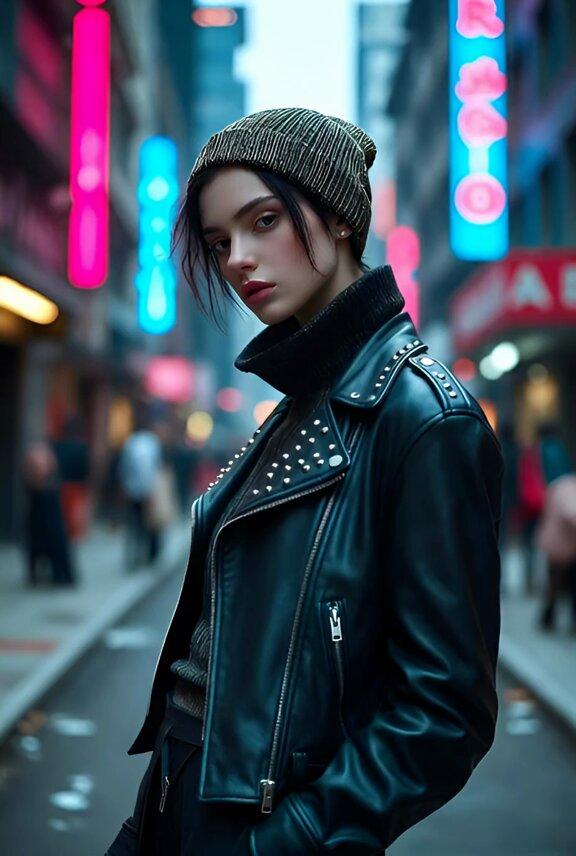
冬季城市夜景超写实肖像
Prompt
Nano Banana pro on Gemini app.
Prompt
{
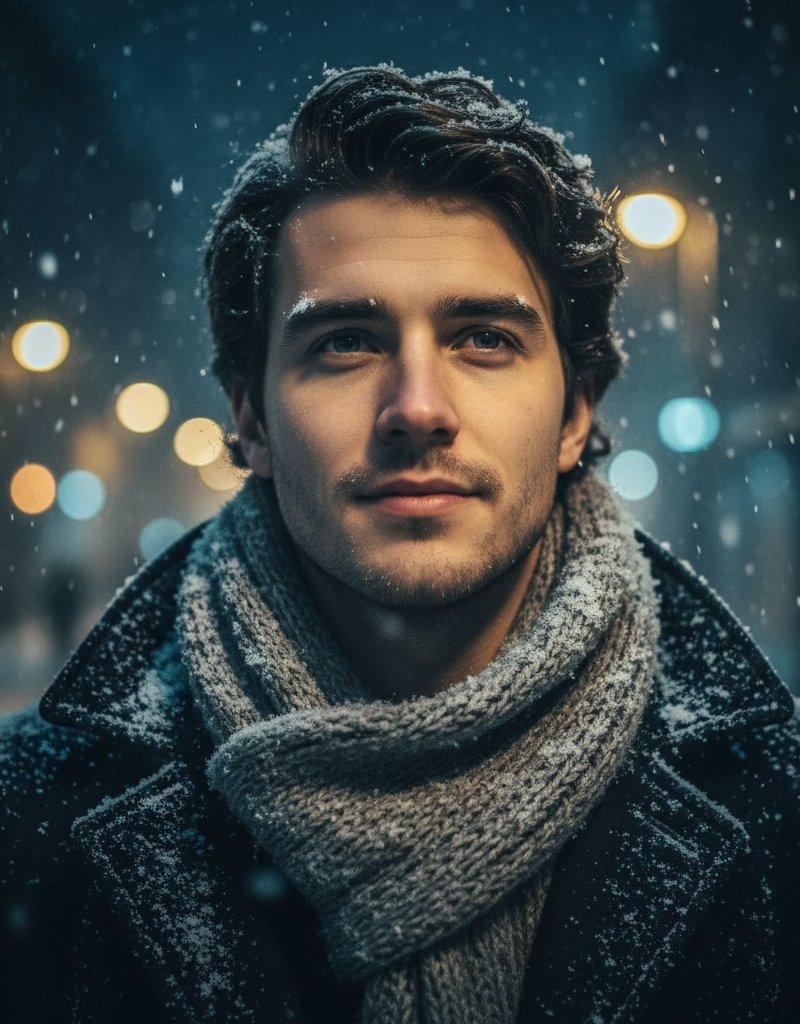
 "Objective": "Create an ultra-realistic cinematic close-up winter portrait with a moody urban atmosphere, balancing cool winter tones and warm city light.",
 "Persona_Details": {
 "Subject": "Young adult man",
 "Facial_Features": {
 "Facial_Hair": "Light stubble",
 "Expression": "Calm, thoughtful",
 "Gaze": "Looking slightly upward"
 },
 "Appearance_Interaction": {
 "Snow": "Soft snowflakes settling naturally on hair, scarf, and coat"
 }
 },
 "Wardrobe": {
 "Outerwear": "Dark winter overcoat",
 "Accessory": "Thick knitted scarf",
 "Style": "Classic, understated winter fashion"
 },
 "Scene_and_Environment": {
 "Location": "Outdoor winter city street at night",
 "Atmosphere": {
 "Snowfall": "Gentle, continuous snowfall",
 "Mood": "Quiet, reflective, cinematic"
 },
 "Background": {
 "Lighting": "Warm golden street lamps",
 "Effect": "Soft circular bokeh highlights"
 }
 },
 "Lighting_and_Mood": {
 "Key_Light": "Cool blue winter light illuminating the face",
 "Accent_Light": "Warm golden highlights from street lamps",
 "Contrast": "Cool-to-warm cinematic balance",
 "Mood": "Atmospheric, intimate, emotionally reflective"
 },
 "Photography_Style": {
 "Genre": "Cinematic urban portrait",
 "Lens": "85mm",
 "Aperture": "f/1.8",
 "Depth_of_Field": "Shallow depth of field",
 "Framing": "Close-up portrait",
 "Focus": "Eyes and facial details razor-sharp with smooth background blur"
 },
 "Color_and_Grading": {
 "Color_Grade": "Cinematic color grading",
 "Shadows": "Teal-blue winter tones",
 "Highlights": "Warm golden accents",
 "Overall_Palette": [
 "Cool blues",
 "Deep neutrals",
 "Warm amber highlights"
 ]
 },
 "Detail_and_Quality": {
 "Texture_Detail": [
 "Realistic skin texture",
 "Fine stubble detail",
 "Knitted fabric fibers",
 "Individual snowflakes"
 ],
 "Realism_Level": "Photorealistic",
 "Quality": "Professional photography standard"
 },
 "Quality_Tags": [
 "Ultra-realistic",
 "Photorealism",
 "Cinematic winter portrait",
 "Urban night atmosphere",
 "High-end editorial"
 ],
 "Negative_Prompts": [
 "Text",
 "Logo",
 "Watermark",
 "Over-smooth skin",
 "Cartoon or illustration style",
 "Flat lighting",
 "Low resolution"
 ],
 "Output_Constraints": {
 "Text_Overlay": false,
 "Branding": false,
 "Watermark": false
 },
 "Response_Format": {
 "Type": "Single image",
 "Aspect_Ratio": "Portrait (4:5 or 3:4 recommended)",
 "Use_Case": "Cinematic portraiture, winter editorial, lifestyle storytelling"
 }
}- Category
- Photography & Realism
- Model
- Nano Banana Pro
- Creator
- Taaruk
- Source language
- zh-CN
- Source ID
- ultra-realistic-winter-urban-night-portrait
Views0