11

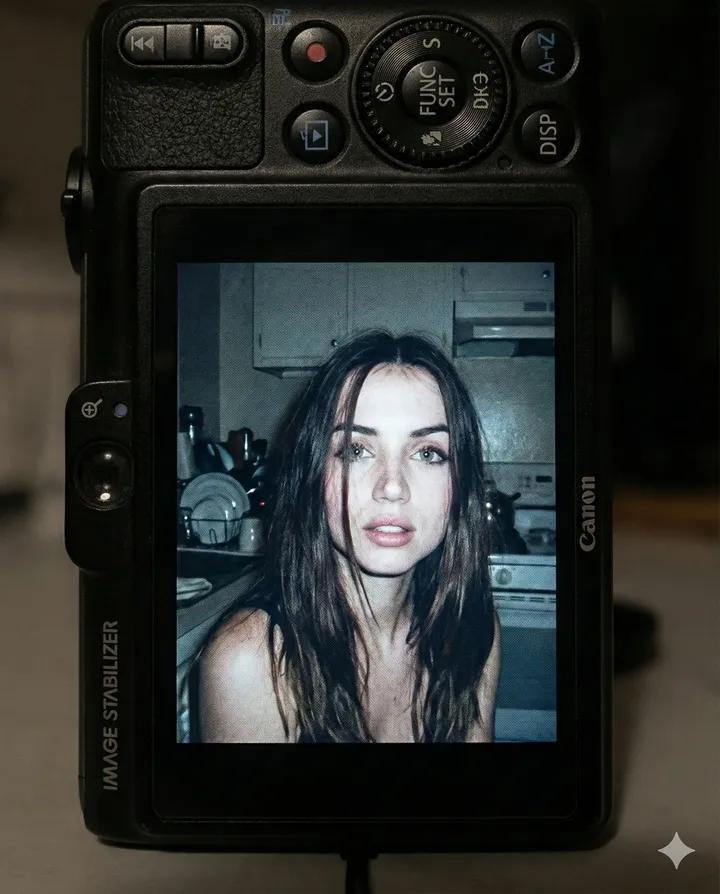
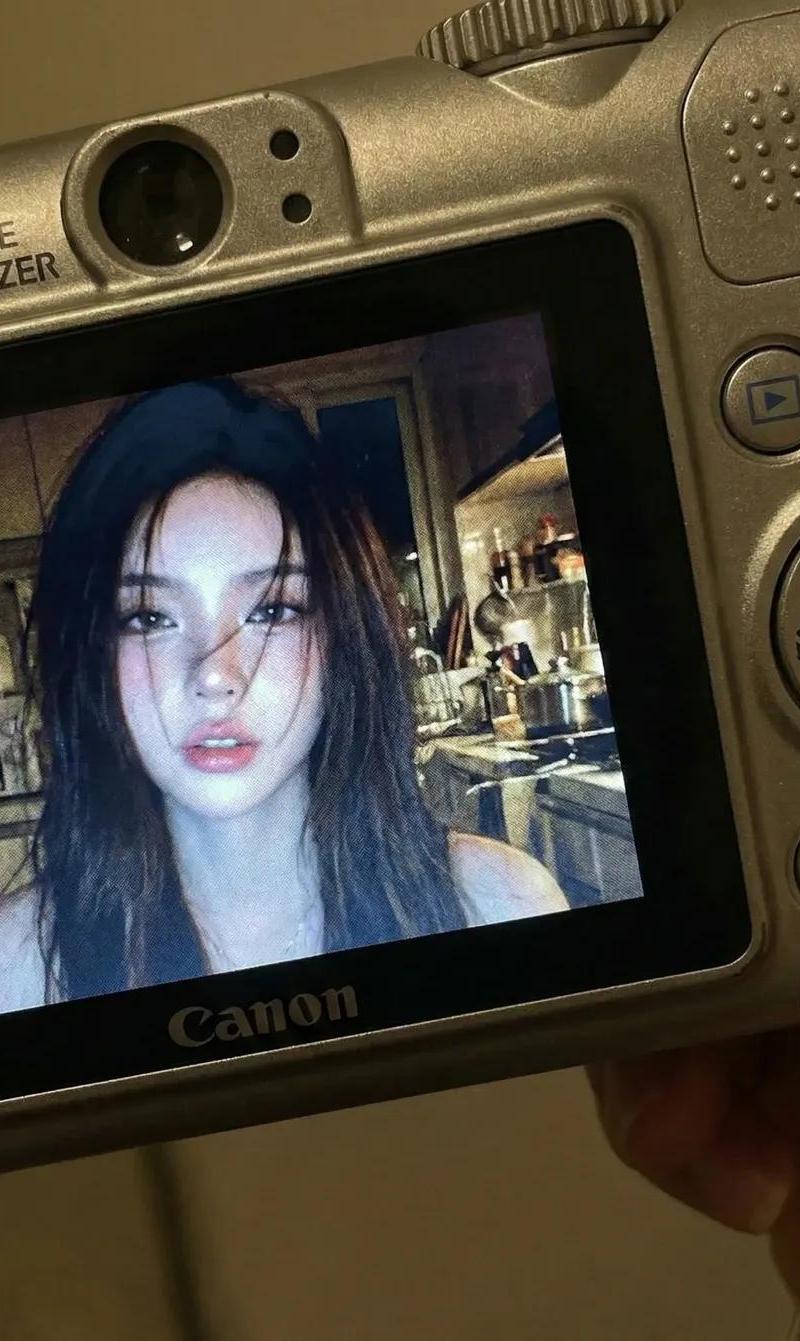
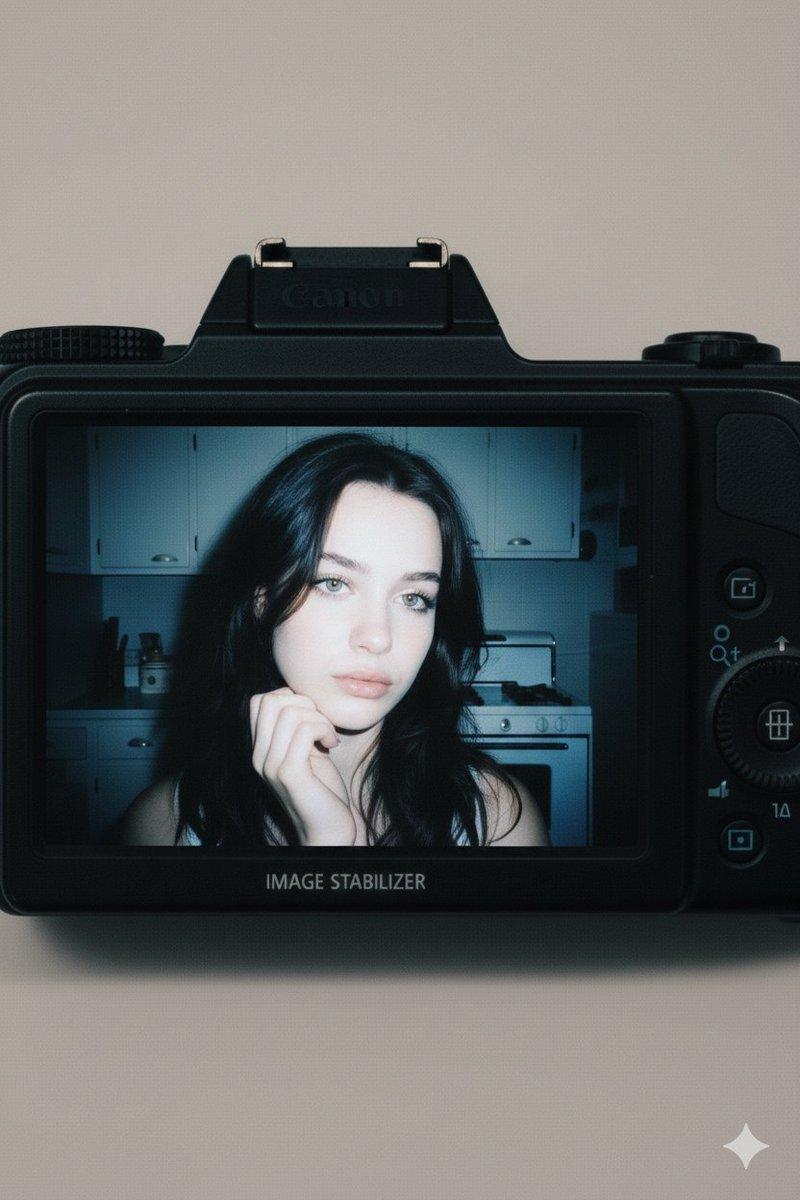
复古数码相机特写
Enlarge

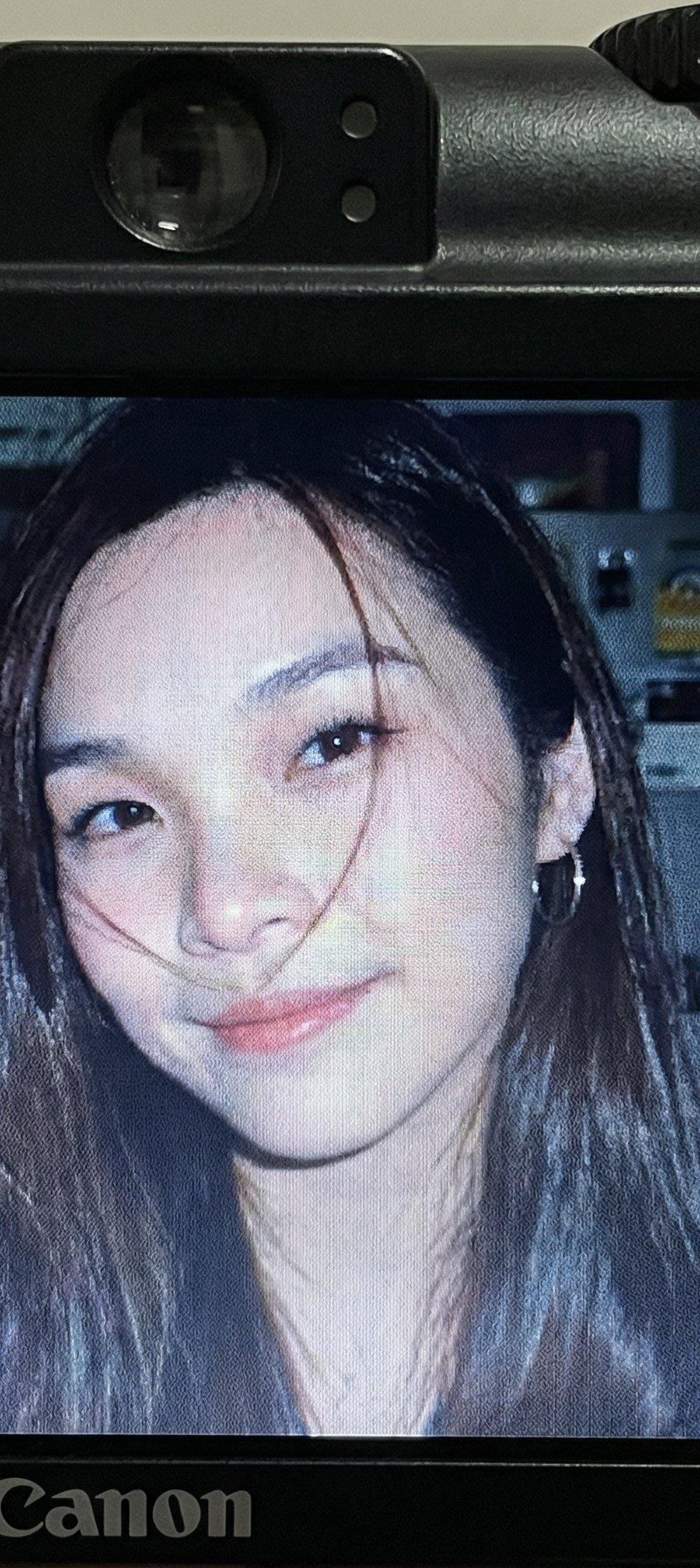
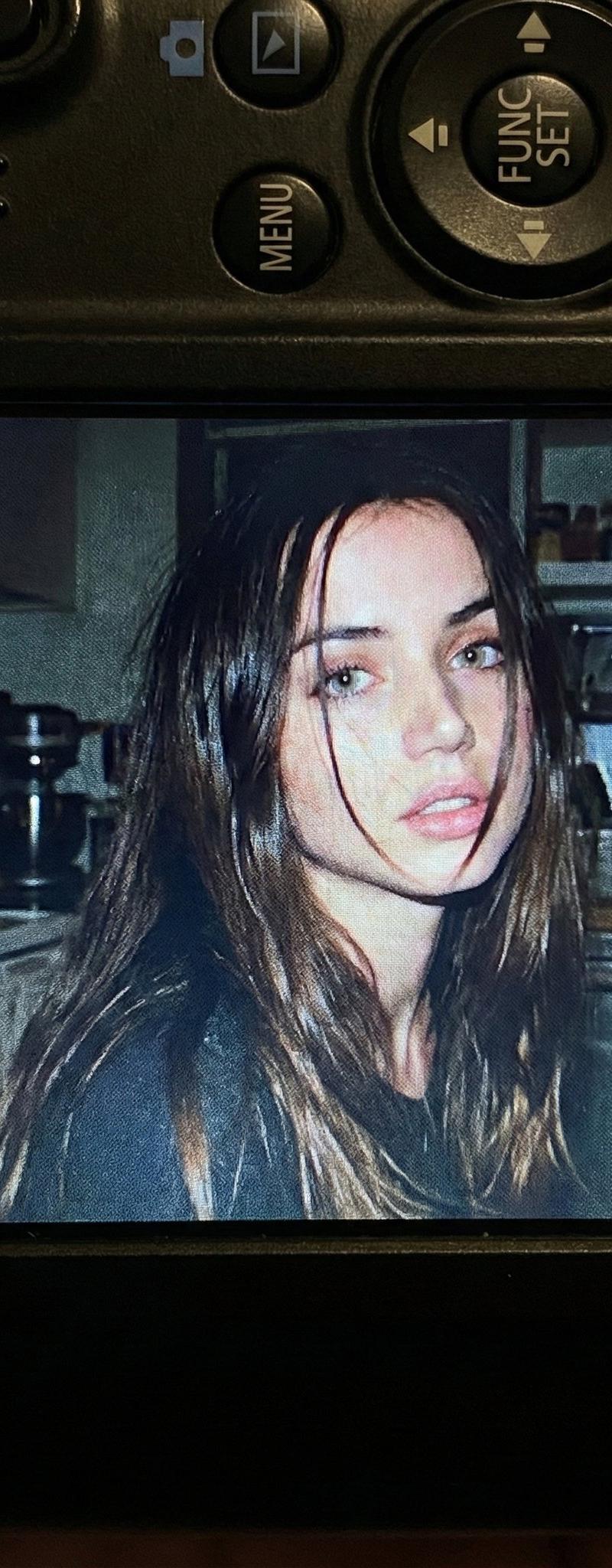
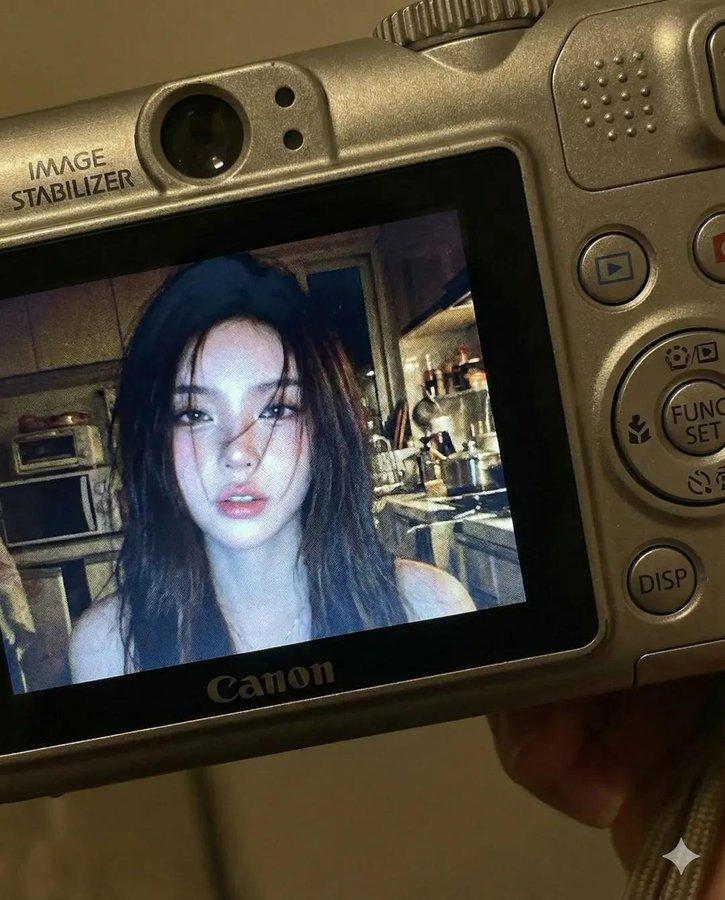
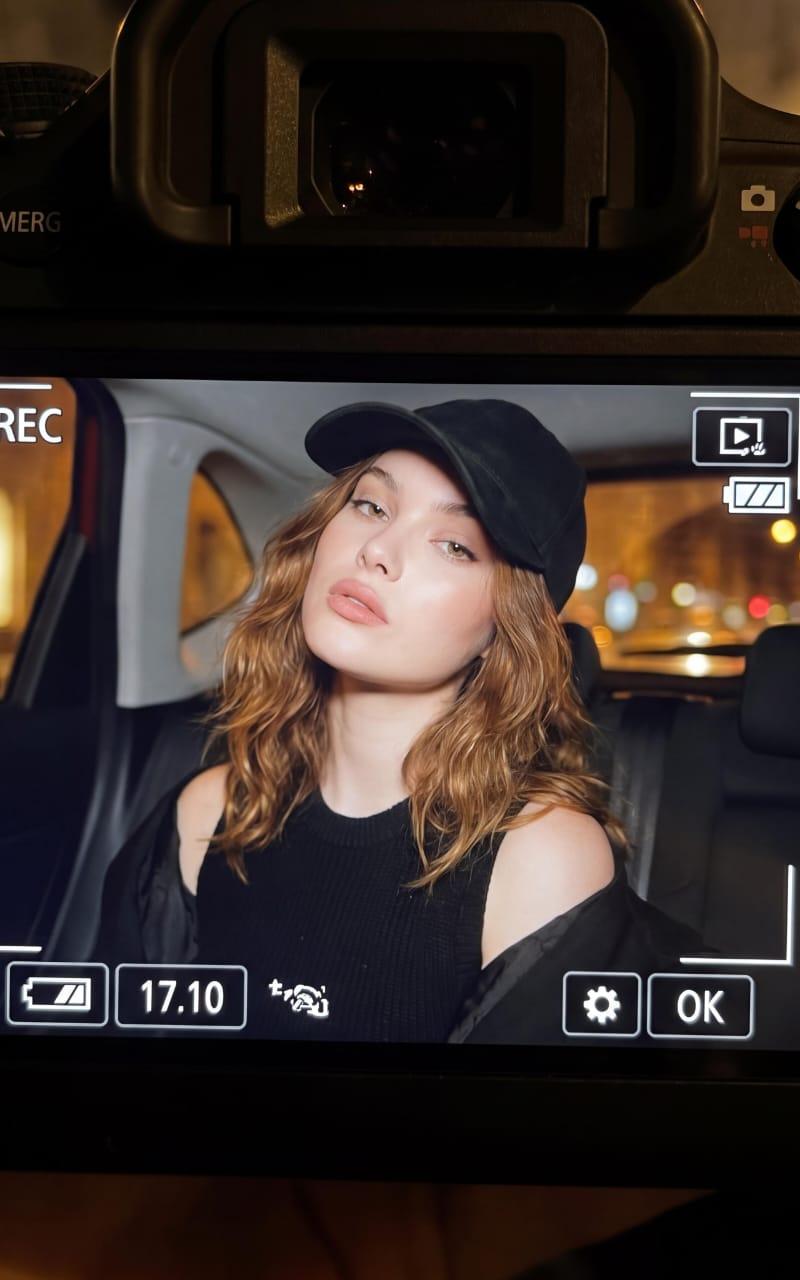
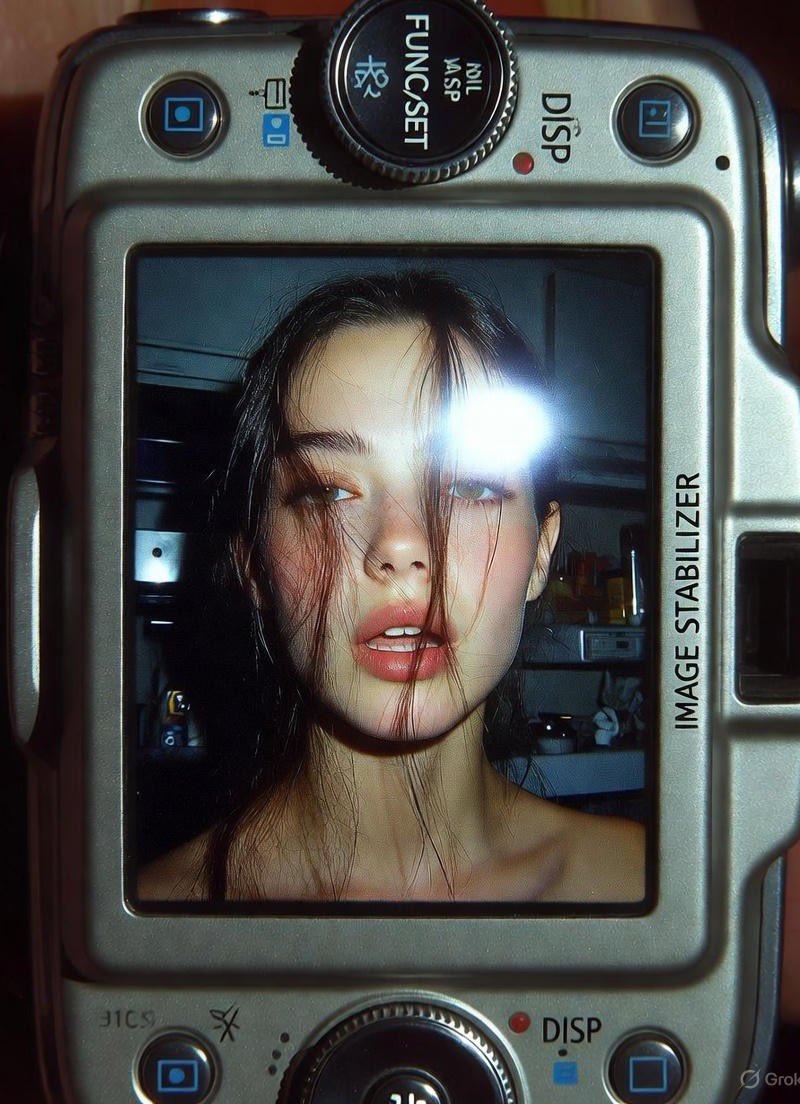
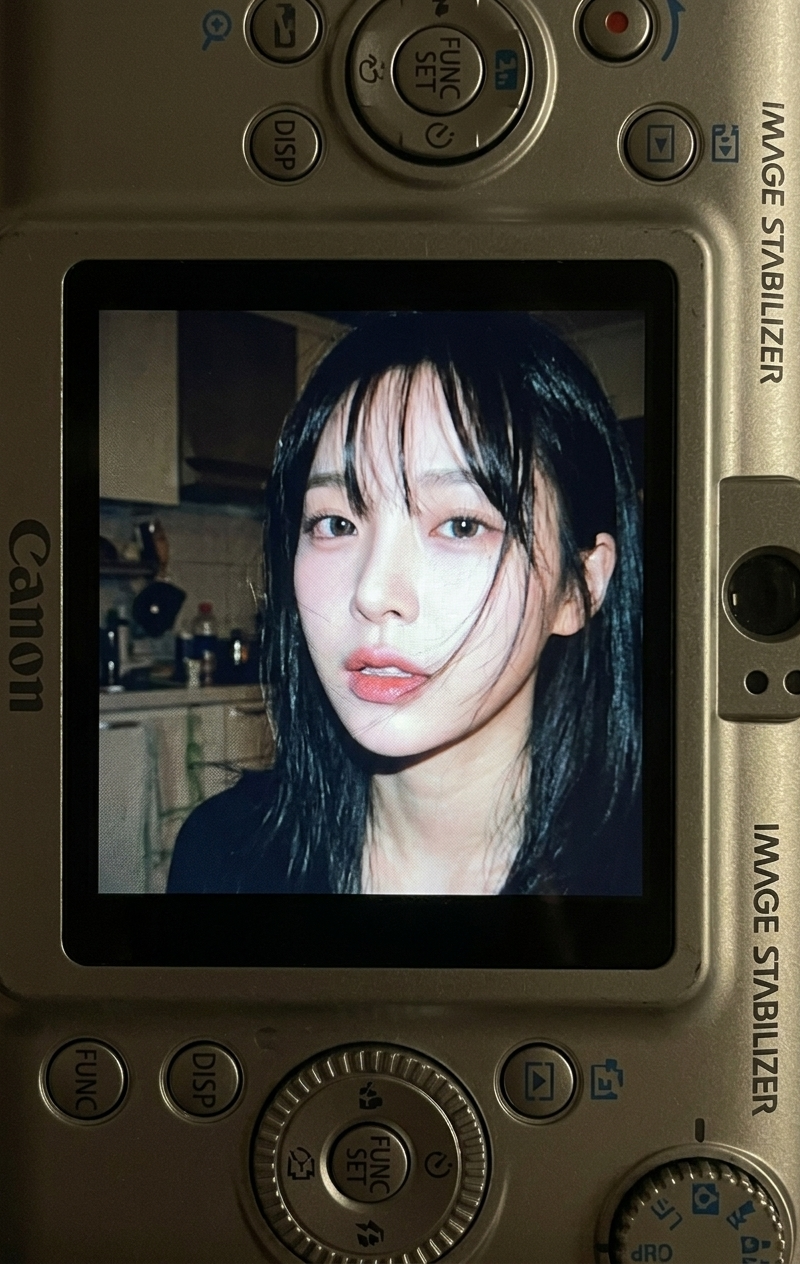
Example images

复古数码相机特写

Prompt
Google Gemini Nano Banana pro 3.0 and Grok imagine
Use the same face from the reference image without changing facial features
{
"subject": {
"person": "A young woman with dark, slightly messy brunette hair and light green eyes",
"expression": "Soft, melancholic, and candid",
"setting": "A dimly lit, vintage-style kitchen background with white cabinetry and a stove",
"framing": "A photo displayed on the LCD screen of a black Canon compact digital camera"
},
"aesthetic_style": {
"film_stock": "Early 2000s digital point-and-shoot aesthetic",
"lighting": "Harsh on-camera flash, high contrast, deep shadows in the background",
"color_palette": ["Cool blues", "Muted greys", "Pale skin tones", "Deep blacks"],
"texture": "Visible digital grain, slight motion blur, lo-fi resolution"
},
"camera_details": {
"device": "Black Canon PowerShot series compact camera",
"visible_elements": ["LCD screen", "Control wheel", "Function buttons", "Image Stabilizer text"],
"composition": "Close-up top-down view of the back of the camera device"
},
"mood": "Nostalgic, intimate, cinematic, \'digicam\' aesthetic",
"technical_parameters": {
"aspect_ratio": "4:5",
"focal_length": "Close-up macro of the device",
"depth_of_field": "Shallow, focusing on the LCD screen"
}
}
Category
Photography & Realism
Model
Nano Banana Pro
Creator
Sharon Riley
Source language
zh-CN
Views0
Source ID
vintage-digital-camera-close-up
Studio

Guide

About "复古数码相机特写"

What is this prompt for?

"复古数码相机特写" AI image prompt for Nano Banana Pro (Photography & Realism). Google Gemini Nano Banana pro 3.0 and Grok imagine Use the same face from the reference…

The full copyable prompt and example visuals above are ready for AI image generation or one-click recreate in Picva.

How to use this prompt

  1. Step 1

    Open the prompt detail

    Review the example visuals, category, and full prompt text for "复古数码相机特写".

  2. Step 2

    Copy the prompt

    Copy the prompt body from this page, or load it directly in Studio.

  3. Step 3

    Pick a model (Nano Banana Pro)

    Prefer Nano Banana Pro. If you switch models, keep subject and composition and tweak style terms.

  4. Step 4

    Generate and export

    Recreate the look in Picva, or export into your workflow for editing and publishing.

FAQ

What is the "复古数码相机特写" prompt?
It is an AI image-generation prompt for Nano Banana Pro in the Photography & Realism category. This page includes the full prompt text, example visuals, and a one-click recreate path in Picva.
How do I use this prompt to generate an image?
Copy the prompt from this page, or use Generate / Studio. Paste it into a compatible image model, or recreate the look in Picva with optional reference images.
Which model is this prompt for?
This page lists Nano Banana Pro. Most descriptive prompts also transfer to nearby image models such as GPT Image, Flux, or Midjourney with light style tweaks.
Can I use the result commercially?
You can usually copy the prompt for creation, but commercial use of the final image depends on the model terms, reference-image rights, and the generated content. Follow the source author and platform rules.