14

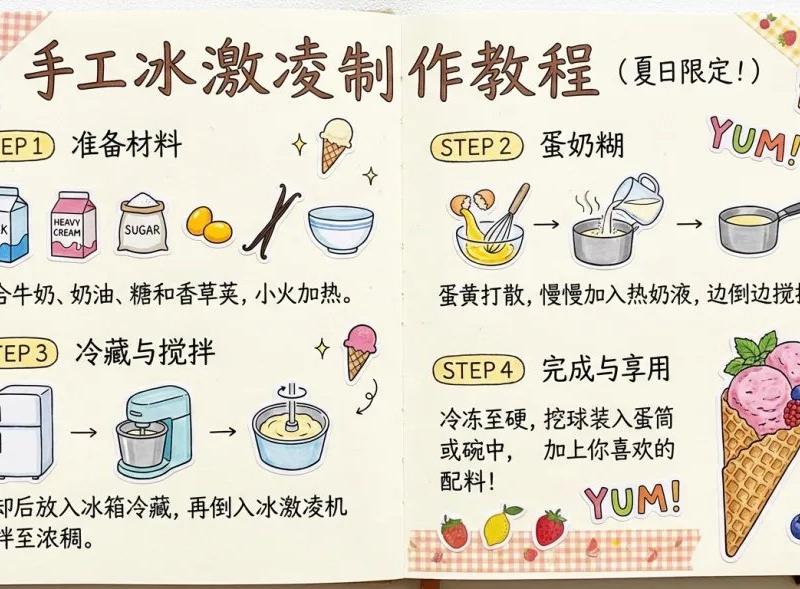
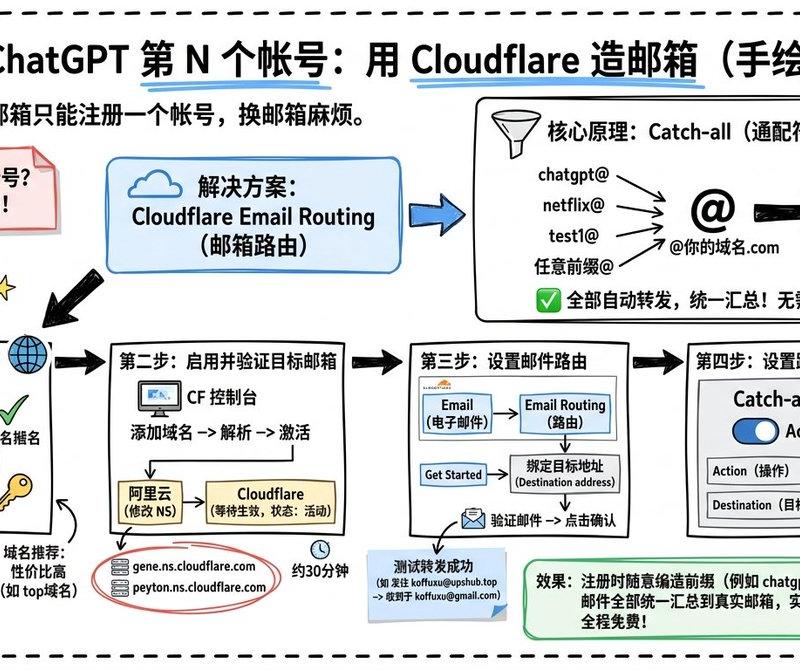
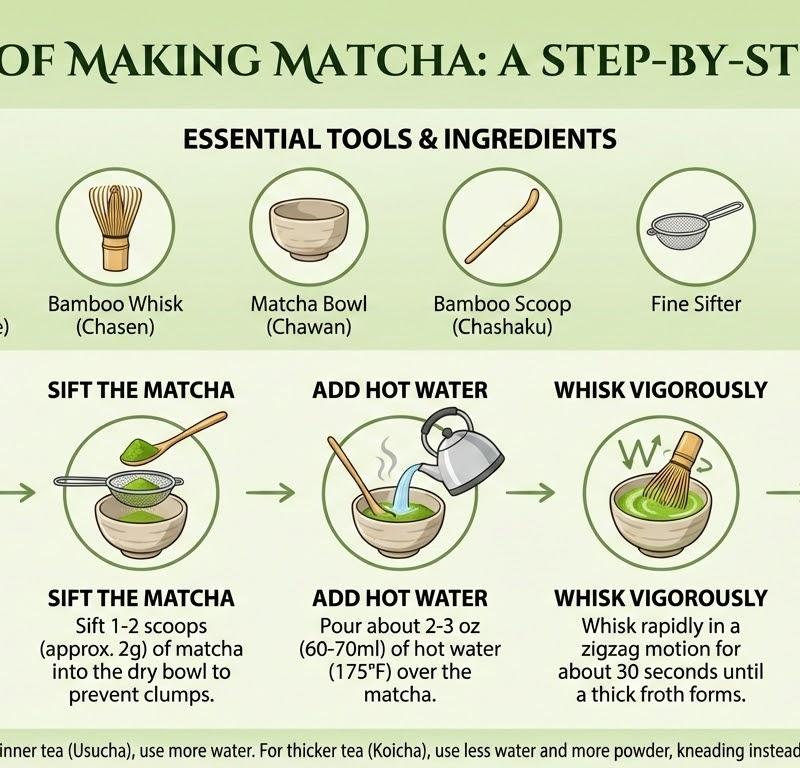
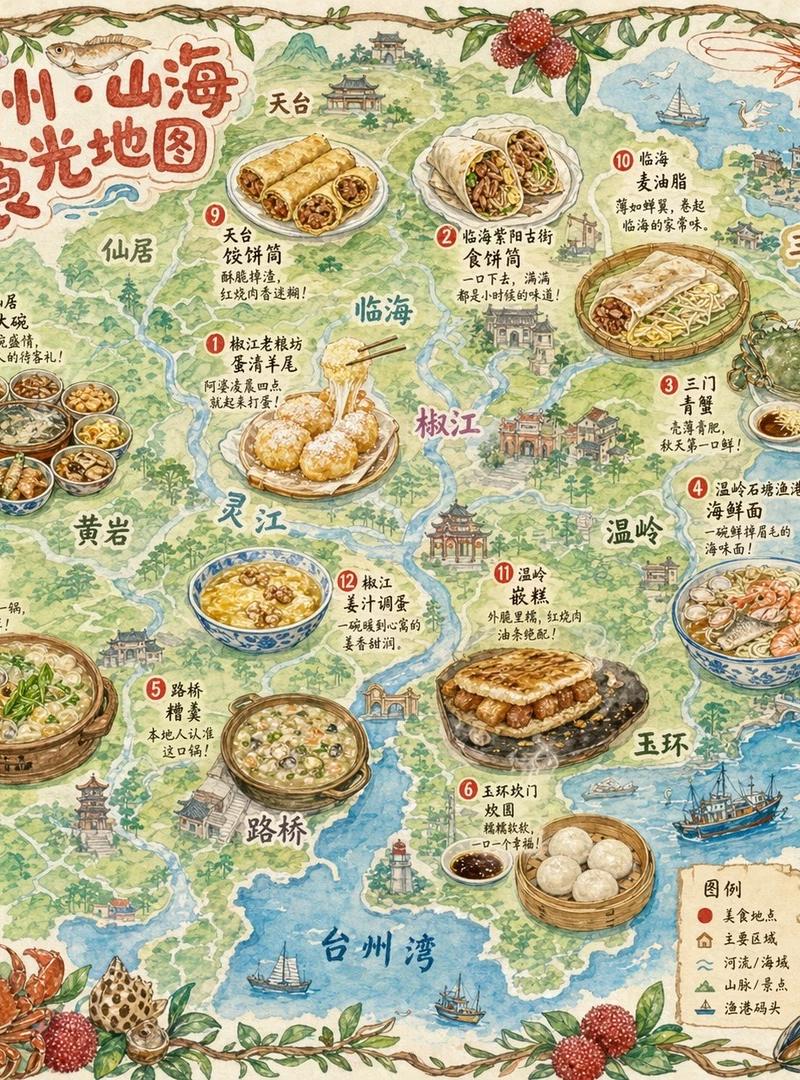
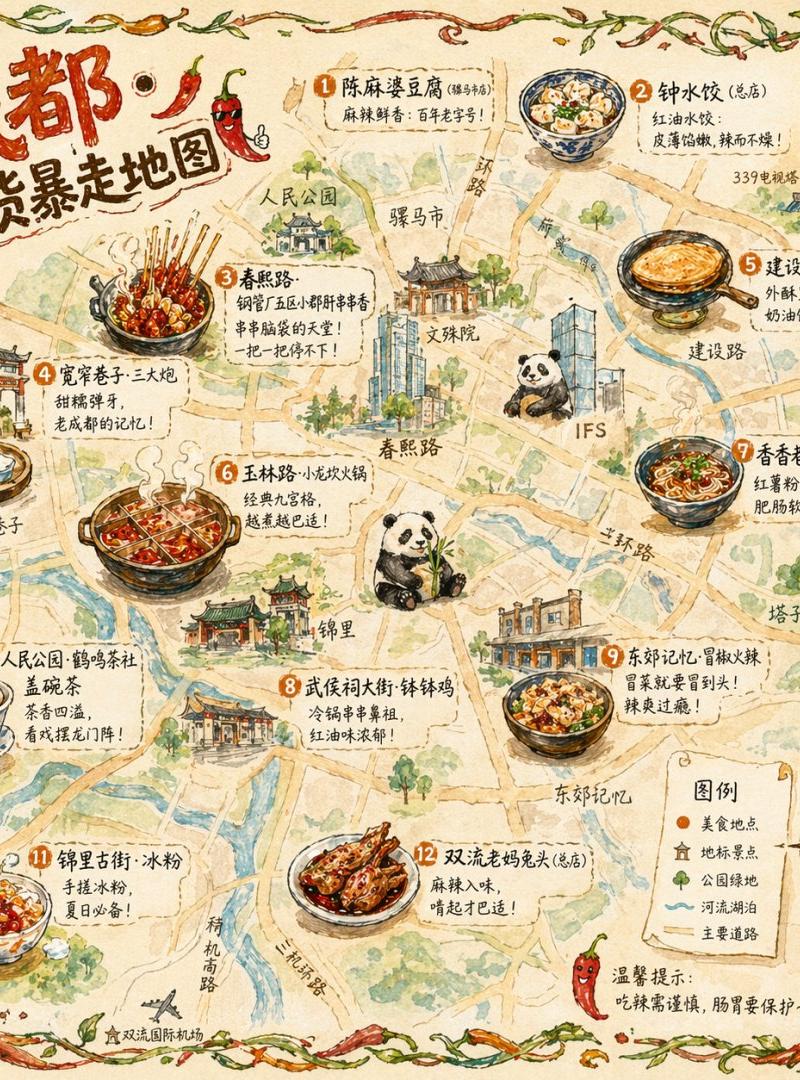
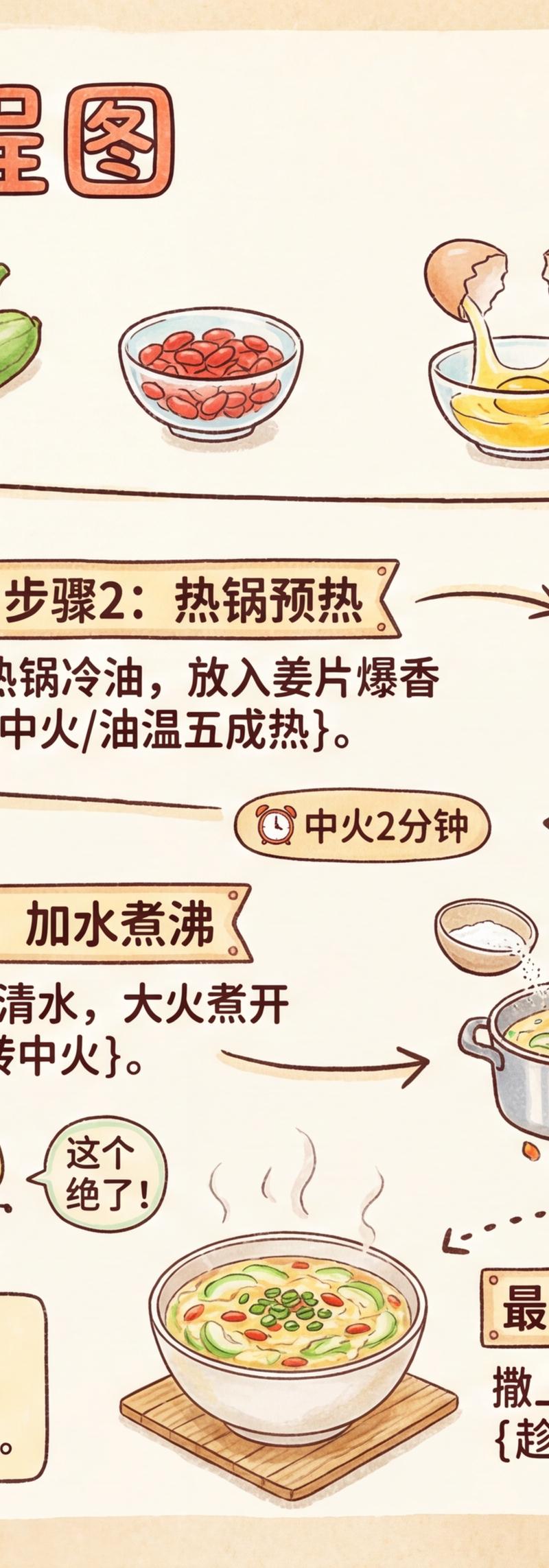
温馨手绘食谱风格烹饪流程图
Enlarge

Example images

温馨手绘食谱风格烹饪流程图

Prompt
新Ideal来了~不会做饭的人有口福了,周末搞起来!(元提示词见评论) https://t.co/nQ3Ke32KF7
请创建一个温暖的手绘食谱风格(16:9)插图,标题为"{菜名} 烹饪流程图"。
整体应呈现厨房手账风格,使用温暖的奶油色背景(如浅米黄#FFF8E7),
搭配食物系配色:番茄红、胡萝卜橙、生菜绿、奶油黄等,营造温馨的家庭厨房氛围。
---
I. 主场景:烹饪步骤流程线
在中心位置绘制一条"波浪形/Z字形的烹饪流程线",用箭头和虚线连接各个步骤。
根据用户输入的{菜名}和{难度等级},自动生成烹饪步骤:
示例结构(自动填充{菜名}相关内容):
- "步骤1:准备食材 {食材清单 + 预处理方法}"
- "步骤2:热锅预热 {油温/火候提示}"
- "步骤3:{关键烹饪动作 + 时间}"
- "步骤4:{调味环节 + 配料比例}"
- ...
- "最终步骤:装盘出锅 {摆盘技巧 + 享用温馨语}"
规则:
- 如未提供难度等级,默认生成5-6个基础步骤
- 简单菜3-4步,中等菜5-7步,复杂菜8-10步
---
II. 周围装饰元素(根据菜系自动适配)
在流程线周围添加大量可爱的厨房涂鸦元素:
1. **拟人化食材角色**
- 举手欢呼的番茄🍅
- 戴厨师帽的鸡蛋🥚
- 害羞的胡萝卜🥕
2. **Q版厨具图标**
- "{主要锅具}"(炒锅/蒸锅/烤箱)
- 锅铲、勺子、菜刀
- 调味瓶罐
3. **烹饪提示标语牌**
- "小心烫!🔥"
- "这步最关键!"
- "火候要把握好哦~"
- "闻到香味了吗?"
(根据菜品特点自动调整)
4. **贴纸风格短语**
- "妈妈的味道❤️"
- "{菜名}大作战!"
- "新手也能搞定!"
- "厨神养成中..."
5. **可爱的食材/调料icon**
- "{主要调料1}"(盐、酱油、糖等)
- "{主要调料2}"
- "{配菜食材}"
- 葱姜蒜三剑客
6. **烹饪情绪表达**
- "第一次做好紧张!"
- "这个味道绝了!"
- "下次要加多点{某调料}!"
- "家人都说好吃!"
7. **时间/火候提示气泡**
- "⏰ 中火3分钟"
- "🔥 大火快炒30秒"
- "⏱️ 小火慢炖1小时"
8. **成品想象图**
- 冒着热气的成品插画
- 摆盘效果示意
- 配菜搭配建议
---
III. 整体艺术风格要求
- **手绘食谱日记风格**:像厨房笔记本上的涂鸦
- **配色方案**:
- 背景:温暖奶油色/浅木纹色
- 主色:食物暖色系(红橙黄)
- 点缀:薄荷绿、天空蓝
- **构图密度**:丰富但不拥挤,留白适中
- **情感基调**:温馨、治愈、充满烟火气
- **文字字体**:手写圆体/可爱卡通字
- **整体感觉**:像翻开外婆的老菜谱,或年轻人的厨房vlog笔记
---
IV. 特殊元素(可选)
- 添加"小贴士"便签纸区域
- 标注"容易失败的坑"警告标志⚠️
- "健康营养"小知识泡泡
- "家人评分"五角星评价
- "烹饪难度"进度条
- "所需时间"沙漏图标
---
【使用示例】
输入:丝瓜汤
输出:完整步骤的流程图
Category
Illustration & Art
Model
Unknown
Creator
岚叔
Source language
zh-CN
Views0
Source ID
warm-hand-drawn-recipe-cooking-process-illustration
Studio

Guide

About "温馨手绘食谱风格烹饪流程图"

What is this prompt for?

"温馨手绘食谱风格烹饪流程图" AI image prompt for Unknown (Illustration & Art). 新Ideal来了~不会做饭的人有口福了,周末搞起来!(元提示词见评论) https://t.co/nQ3Ke32KF7 请创建一个温暖的手绘食谱风格(16:9)插图,标题为"{菜名} 烹…

The full copyable prompt and example visuals above are ready for AI image generation or one-click recreate in Picva.

How to use this prompt

  1. Step 1

    Open the prompt detail

    Review the example visuals, category, and full prompt text for "温馨手绘食谱风格烹饪流程图".

  2. Step 2

    Copy the prompt

    Copy the prompt body from this page, or load it directly in Studio.

  3. Step 3

    Pick a model (Unknown)

    Prefer Unknown. If you switch models, keep subject and composition and tweak style terms.

  4. Step 4

    Generate and export

    Recreate the look in Picva, or export into your workflow for editing and publishing.

FAQ

What is the "温馨手绘食谱风格烹饪流程图" prompt?
It is an AI image-generation prompt for Unknown in the Illustration & Art category. This page includes the full prompt text, example visuals, and a one-click recreate path in Picva.
How do I use this prompt to generate an image?
Copy the prompt from this page, or use Generate / Studio. Paste it into a compatible image model, or recreate the look in Picva with optional reference images.
Which model is this prompt for?
This page lists Unknown. Most descriptive prompts also transfer to nearby image models such as GPT Image, Flux, or Midjourney with light style tweaks.
Can I use the result commercially?
You can usually copy the prompt for creation, but commercial use of the final image depends on the model terms, reference-image rights, and the generated content. Follow the source author and platform rules.