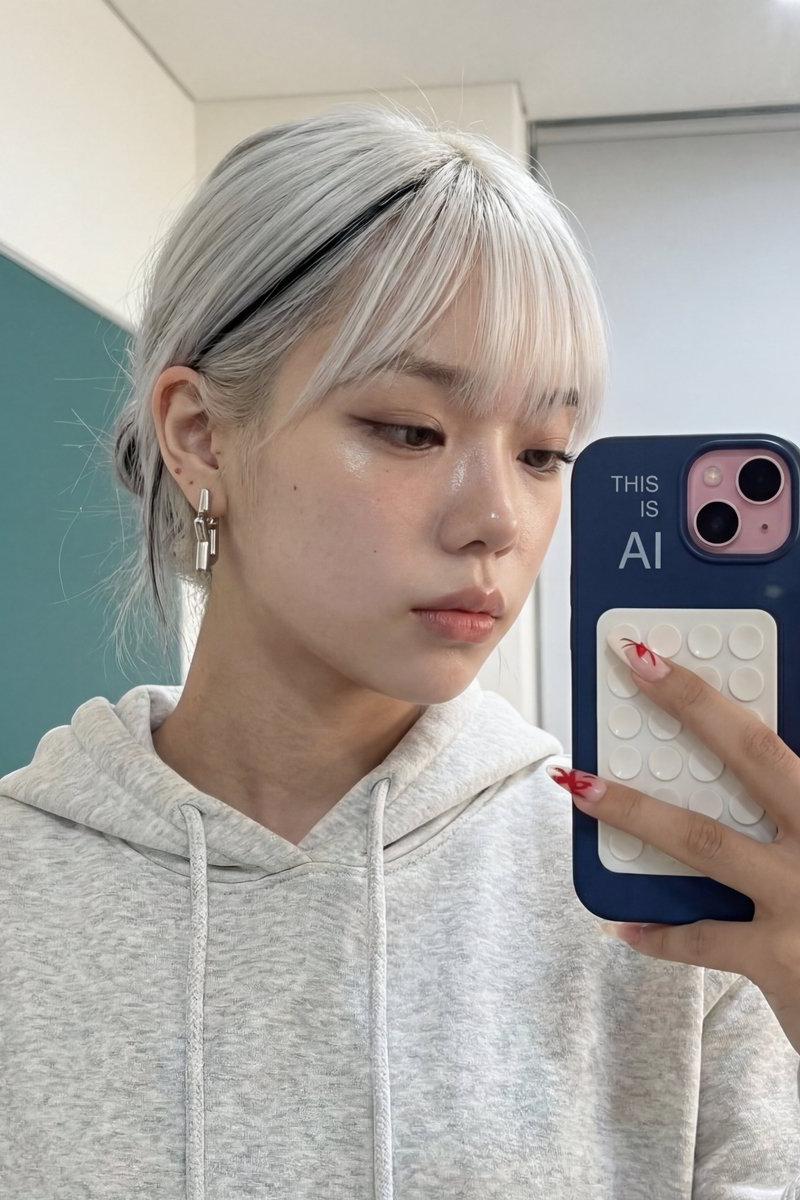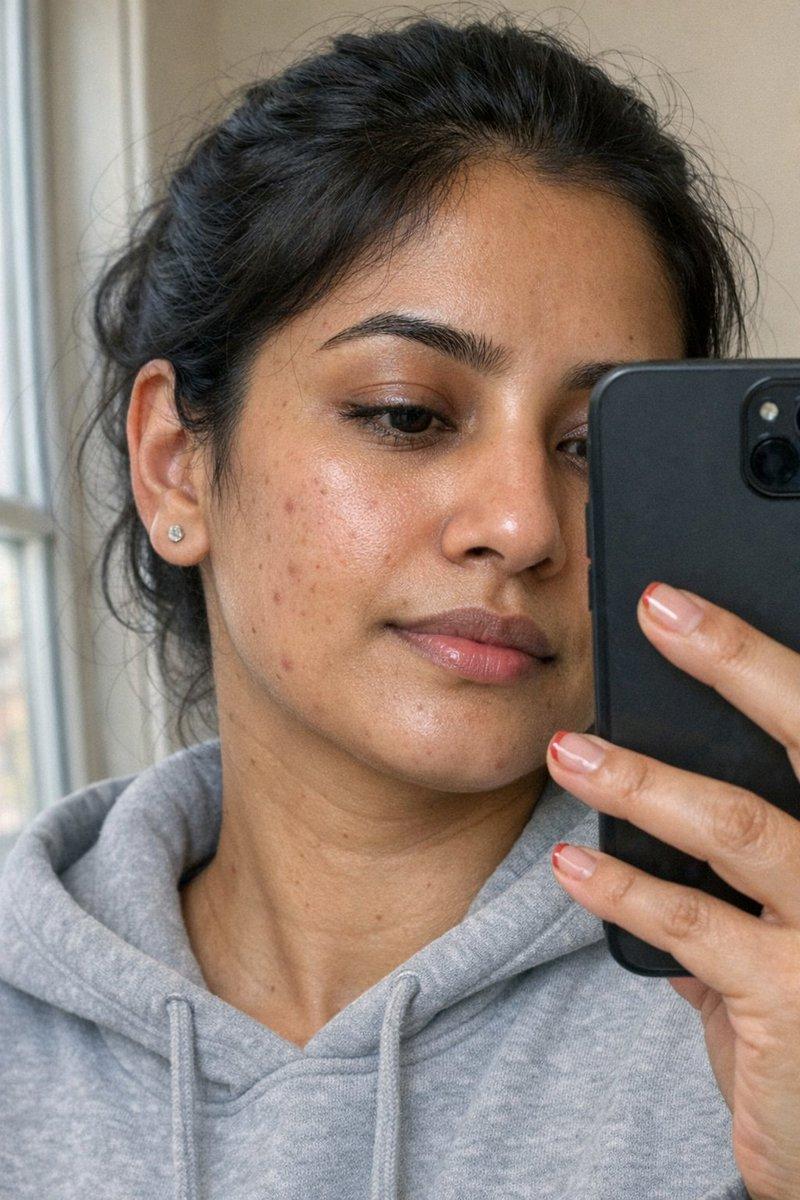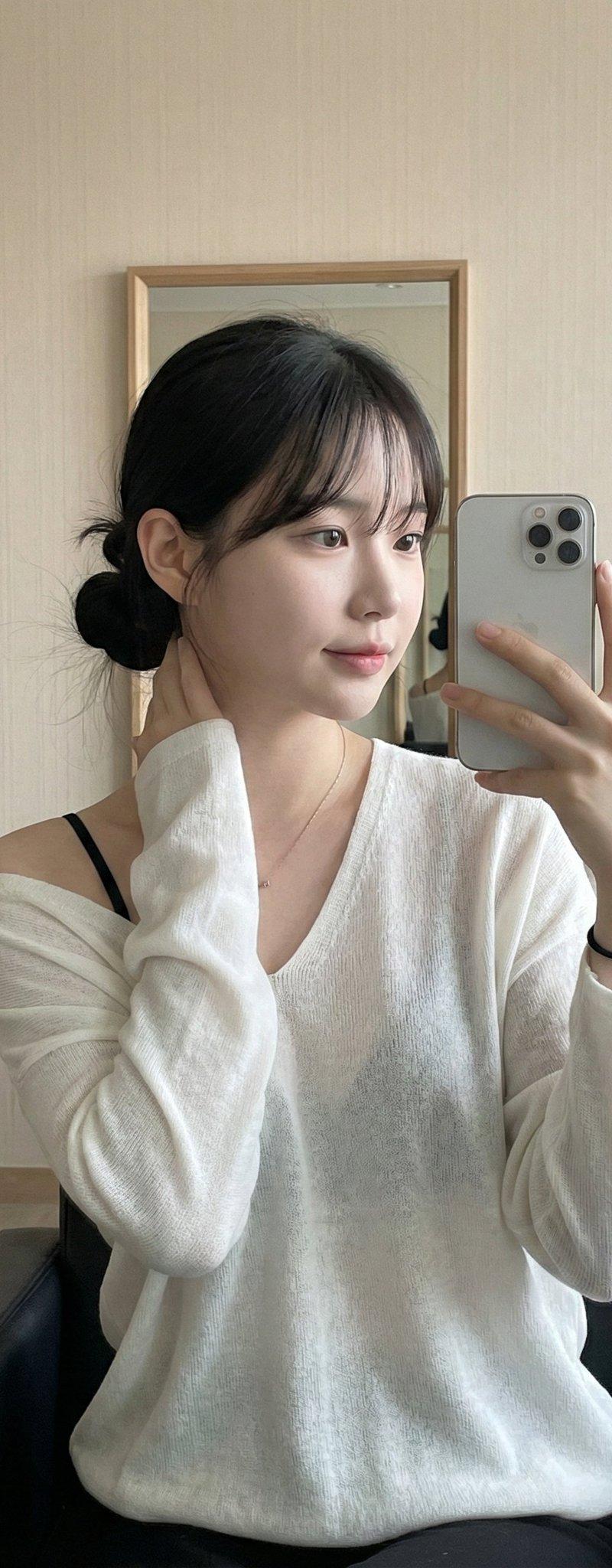
Gemini Nano Banana Pro - 年轻女性自拍
Prompt
Gemini Nano Banana Pro
Prompt:
{
"image_type": "photorealistic selfie",
"subject": {
"type": "human",
"gender_presentation": "female",
"age_range": "young adult",
"pose": "mirror selfie",
"expression": "soft, relaxed smile",
"gaze": "looking at phone screen",
"framing": "upper torso and head",
"skin": {
"tone": "fair with warm undertones",
"features": "light freckles visible across cheeks and nose"
}
},
"hair": {
"color": "copper / auburn",
"length": "long",
"style": "loose waves",
"parting": "center part with curtain bangs",
"texture": "soft, glossy"
},
"face_details": {
"eyes": {
"color": "light brown / hazel",
"makeup": "minimal, natural-looking lashes"
},
"eyebrows": "natural shape, light brown",
"lips": {
"color": "muted rose / coral",
"finish": "soft satin"
},
"nose": "small with natural shape",
"overall_makeup": "natural, clean, understated"
},
"clothing": {
"top": {
"type": "strapless or low-cut inner top",
"color": "black",
"fit": "fitted"
},
"outerwear": {
"type": "knitted cardigan",
"color": "olive green",
"texture": "thick, cozy knit",
"style": "off-shoulder, slightly loose"
}
},
"accessories": {
"jewelry": {
"necklace": {
"type": "thin silver chain",
"pendant": "small cross"
},
"rings": [
{
"hand": "right",
"finger": "index",
"design": "oval green stone set in silver"
},
{
"hand": "right",
"finger": "middle",
"design": "silver band with engraved or raised detailing"
}
]
}
},
"phone": {
"brand_style": "iPhone Pro-style",
"camera": "triple-lens rear camera",
"case": {
"color": "clear with dark abstract or camouflage-like pattern",
"finish": "glossy"
},
"held_in": "right hand"
},
"environment": {
"location_type": "outdoor covered area",
"structure": {
"roof": "wooden beams with semi-transparent mesh or netting",
"materials": "wood and fabric/mesh"
},
"background": {
"elements": [
"wooden posts",
"shaded interior area",
"green foliage and trees"
],
"depth": "slightly blurred background"
}
},
"lighting": {
"type": "natural sunlight",
"direction": "side/front lighting",
"effects": [
"soft shadows on face",
"sunlit highlights on hair",
"dappled light pattern from overhead structure"
],
"mood": "warm, golden, calm"
},
"color_palette": {
"dominant_colors": [
"copper",
"olive green",
"warm beige",
"black",
"natural wood brown"
],
"accent_colors": [
"silver",
"green gemstone",
"soft coral lip tone"
]
},
"camera_characteristics": {
"angle": "eye-level",
"lens_effect": "natural perspective, no distortion",
"focus": "sharp on subject, softer background",
"style": "high-quality smartphone photography"
},
"overall_aesthetic": {
"vibe": "cozy, natural, serene",
"style": "casual lifestyle portrait",
"realism": "highly realistic",
"emotion": "peaceful, confident, warm"
},
}- Category
- Photography & Realism
- Model
- Nano Banana Pro
- Creator
- Lex
- Source language
- zh-CN
- Source ID
- young-female-selfie-gemini-nano-banana-pro
Views0