19

超现实主义讽刺插画提示词
Enlarge

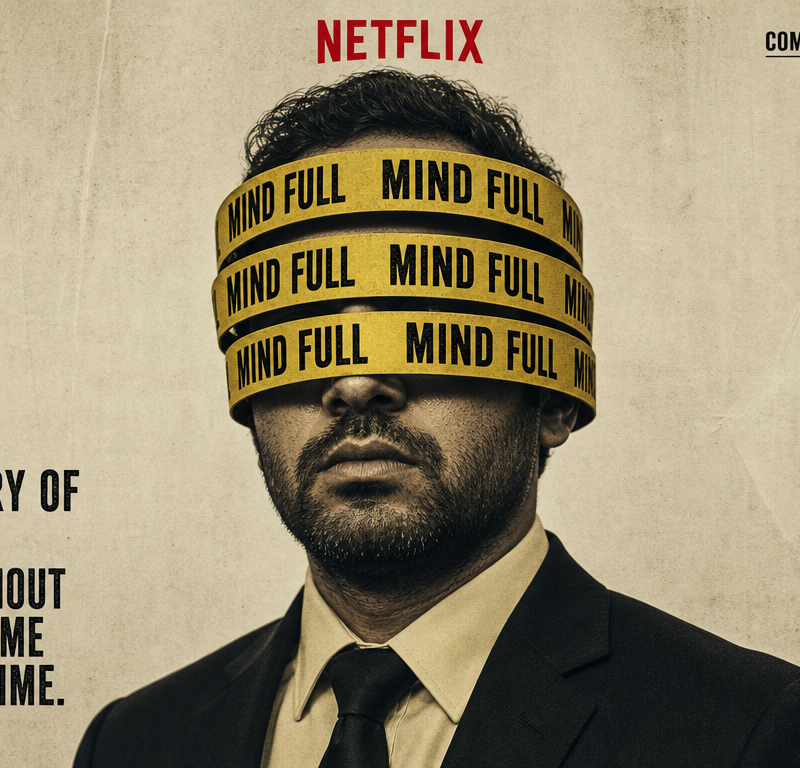
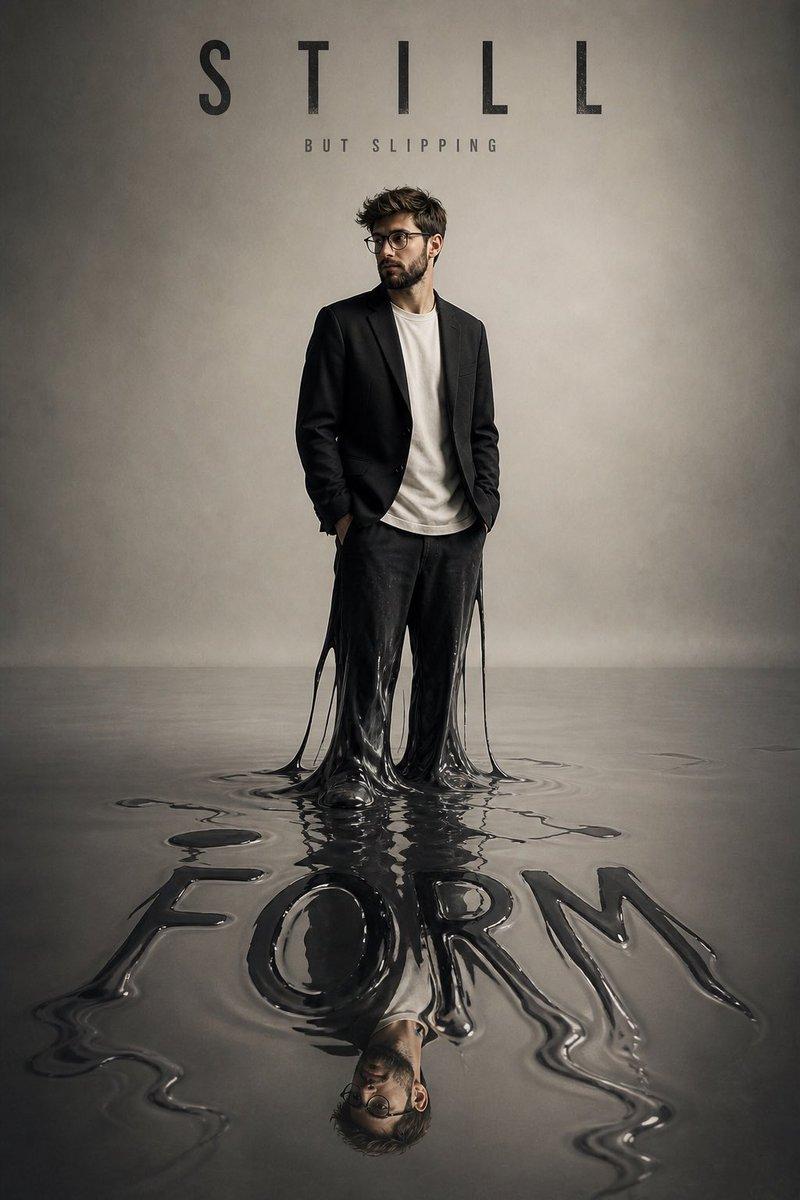
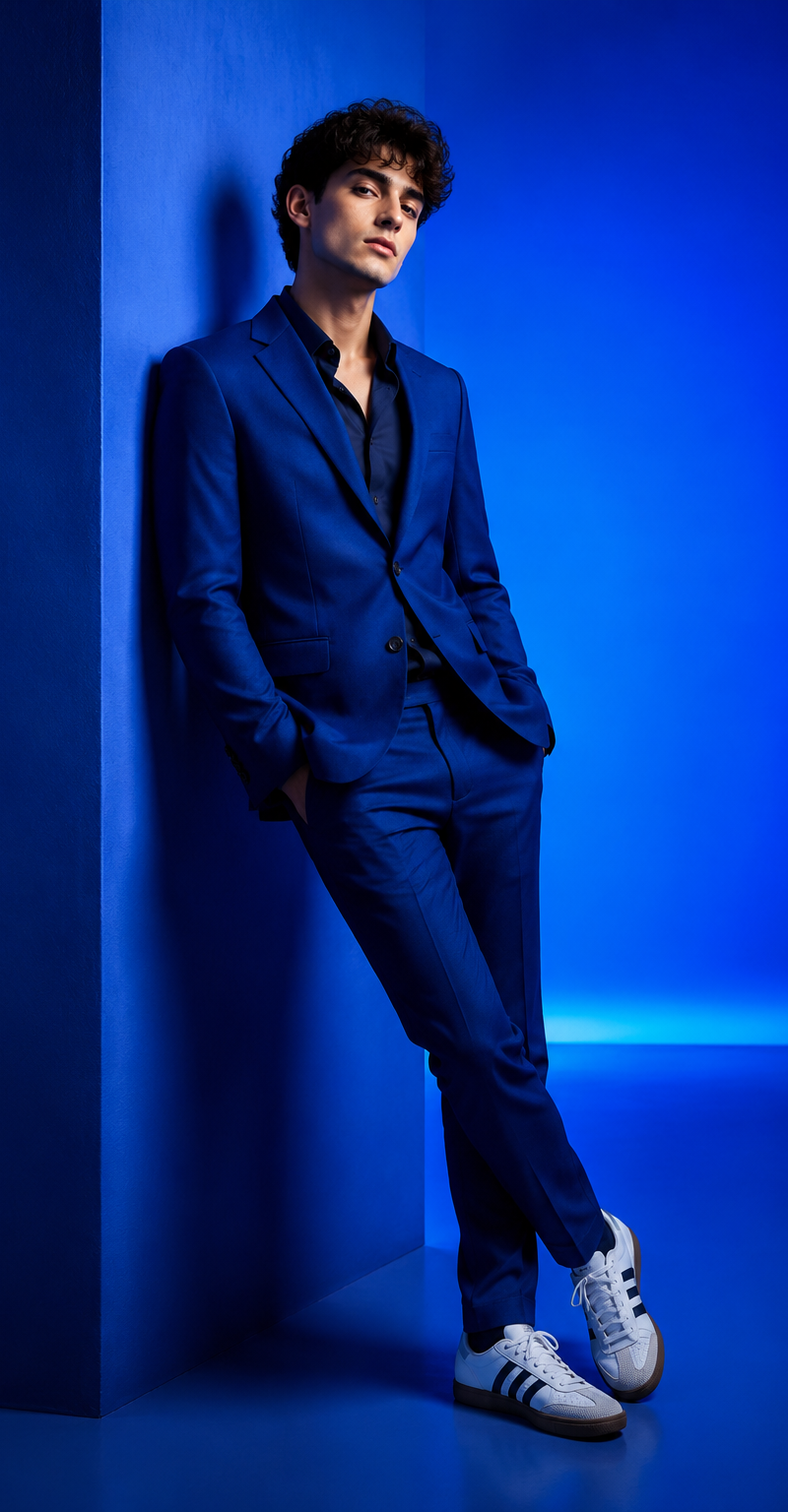
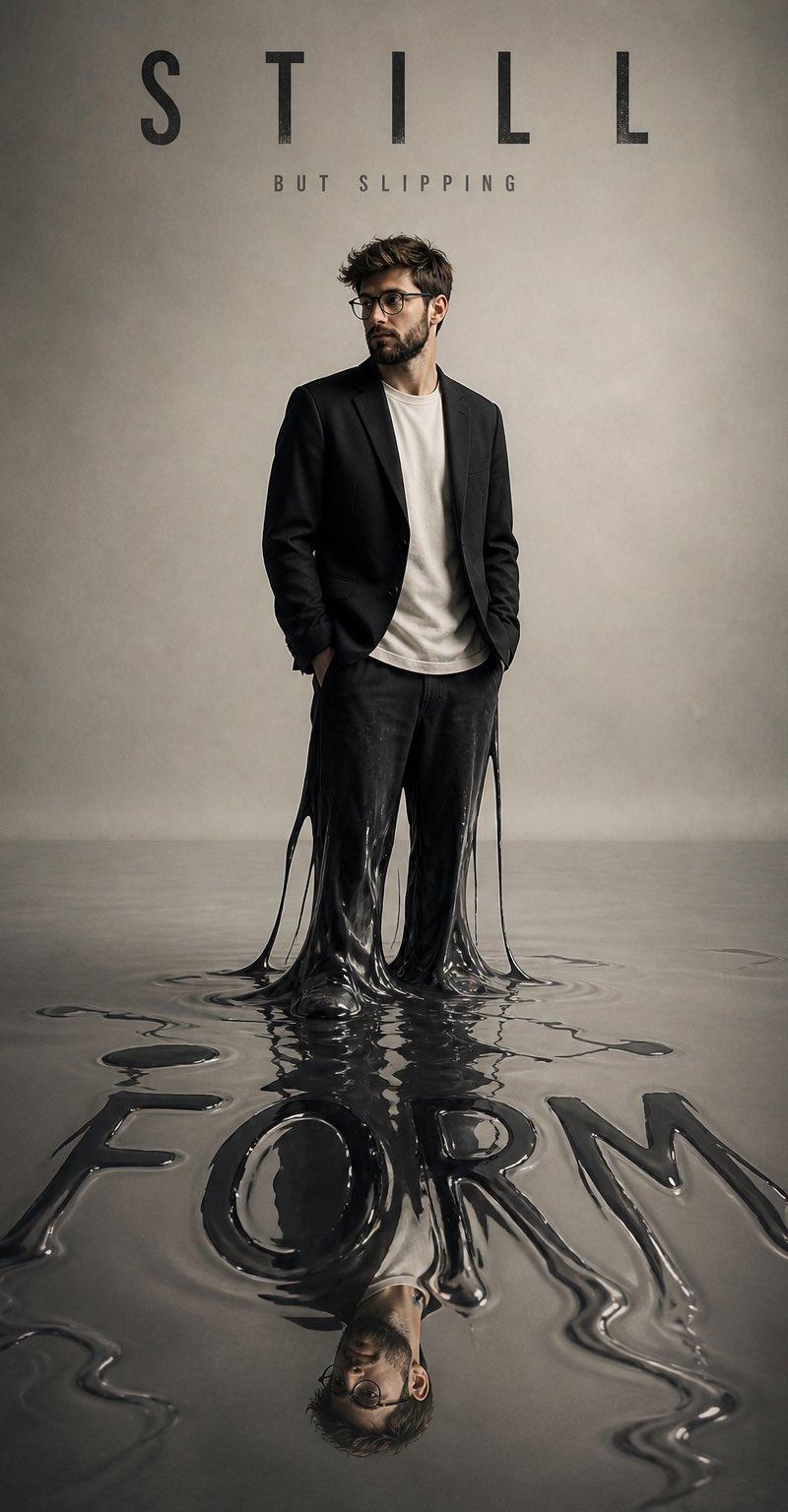
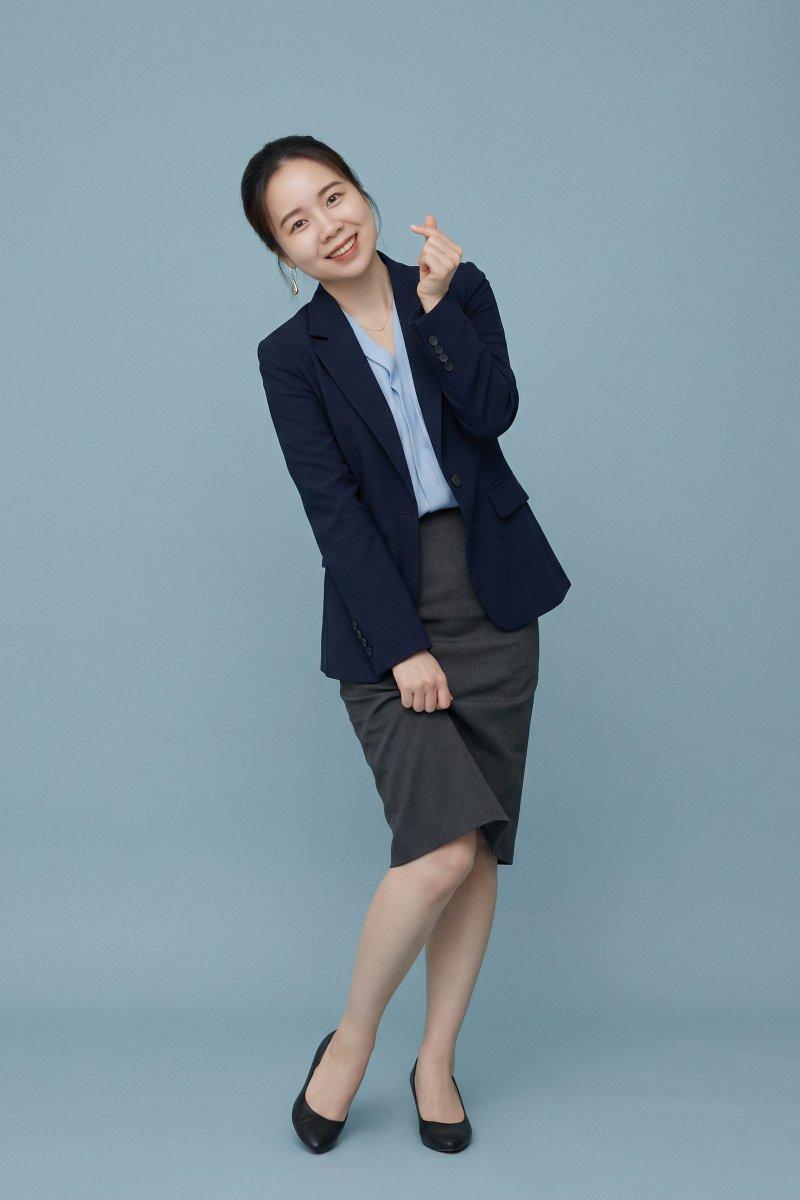
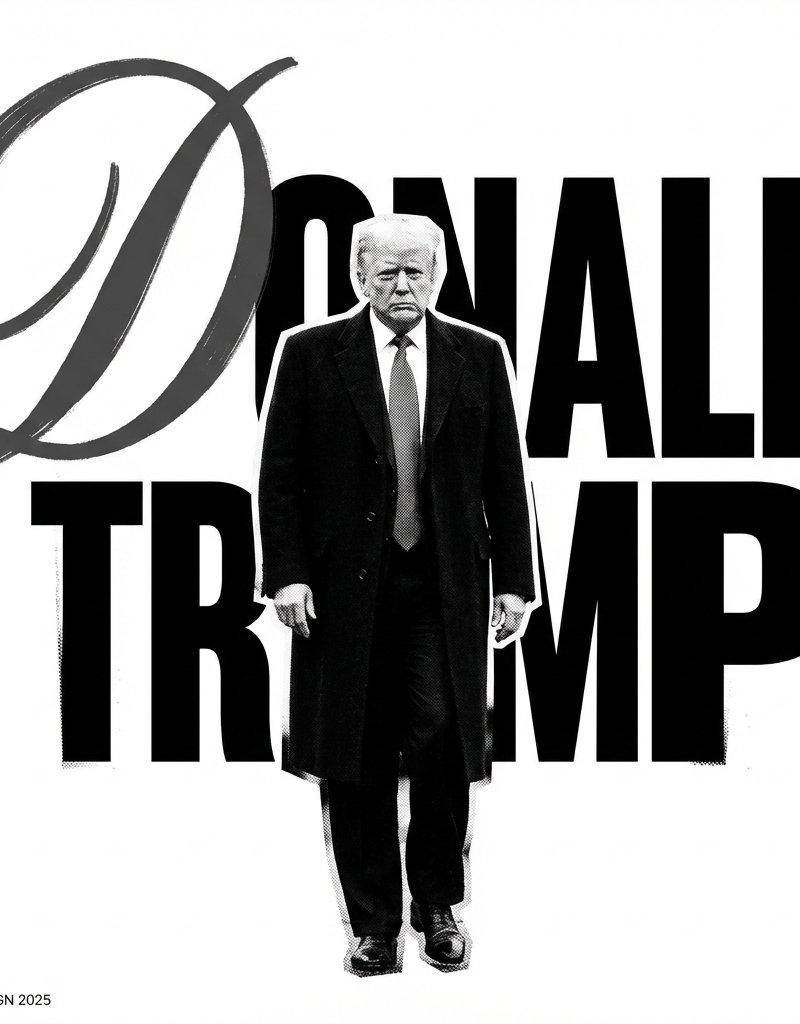
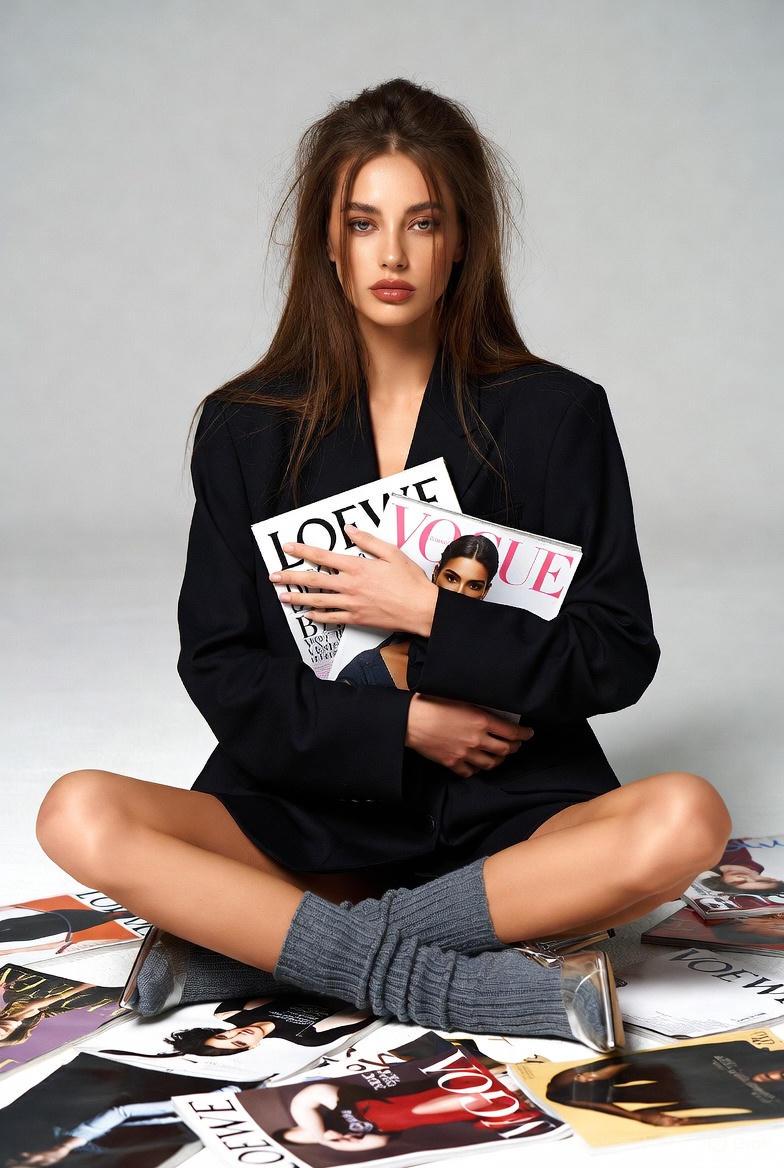
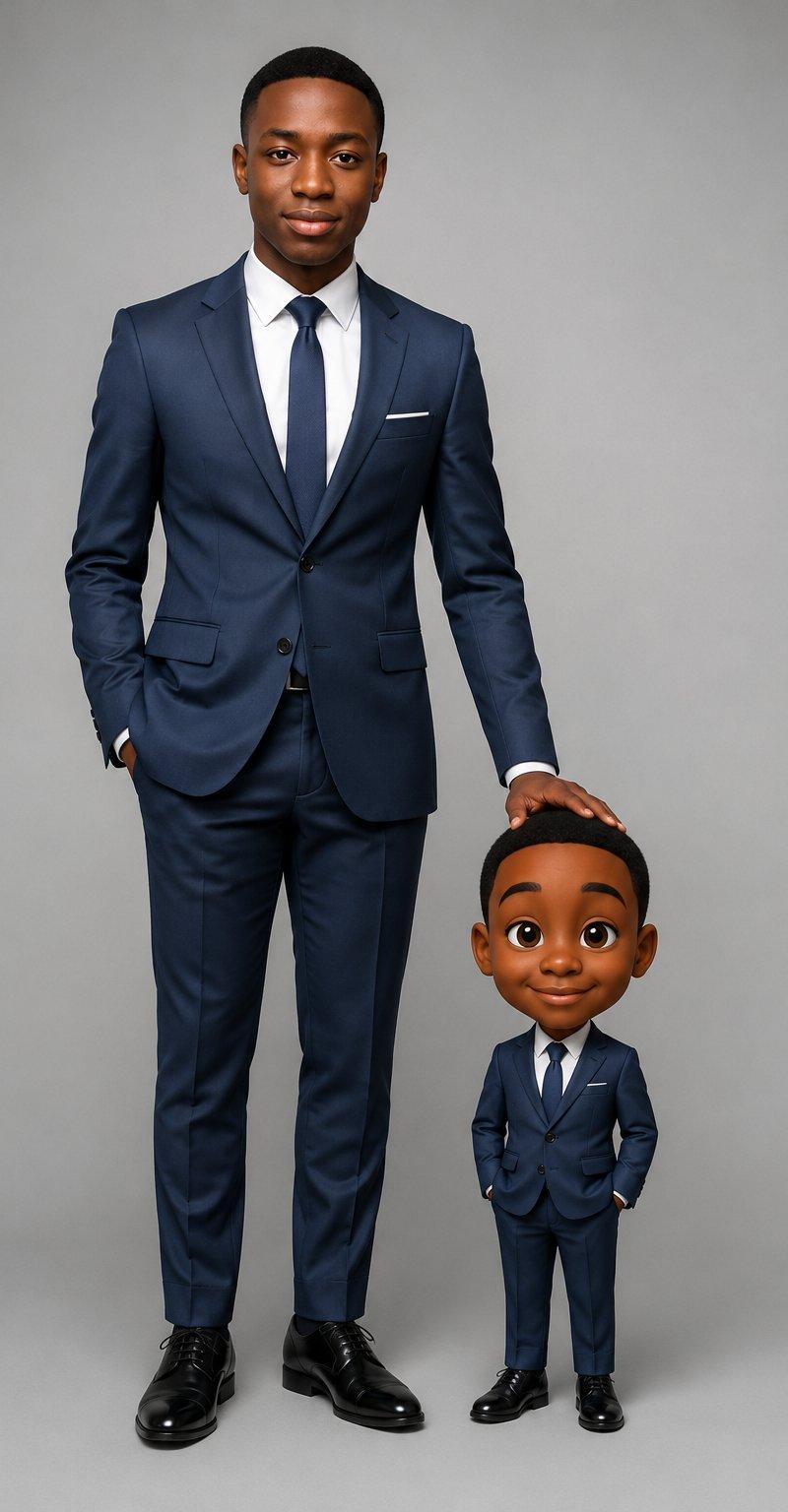
Example images

超现实主义讽刺插画提示词

Prompt
Surrealist satirical illustration, minimalist composition.
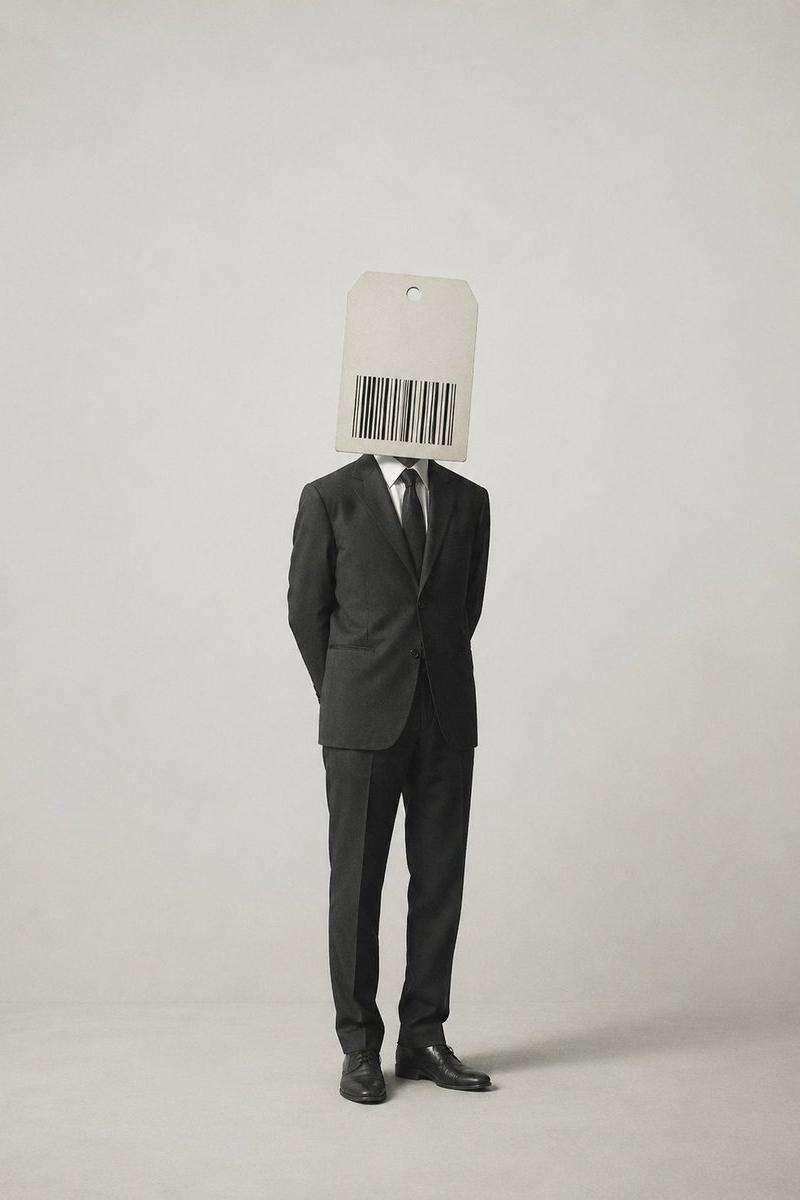
A single standing figure. The head is not a face, but replaced with a {argument name="object" default="product label or barcode"}. The label contains no readable text, symbolizing identity being defined and commodified by external forces.
Clean background with large negative space. {argument name="color palette" default="Low saturation or black-and-white palette"}.
Objects rendered realistically, but with illogical or paradoxical relationships.
Calm, restrained visual tone. A single, clear metaphor.
In the style of {argument name="art style" default="Magritte-like surrealism"}, with a subtle philosophical undertone.
Category
Posters & Typography
Model
GPT Image 2
Creator
BubbleBrain
Source language
en
Views4
Source ID
16818
Published
Apr 28, 2026
Studio

Guide

About "超现实主义讽刺插画提示词"

What is this prompt for?

"超现实主义讽刺插画提示词" AI image prompt for GPT Image 2 (Posters & Typography). 生成一幅马格利特风格的极简主义超现实插画,以头部为条形码的人物形象为隐喻,探讨身份被商品化的问题。 Copy it on Picva and recreate the look…

The full copyable prompt and example visuals above are ready for AI image generation or one-click recreate in Picva.

How to use this prompt

  1. Step 1

    Open the prompt detail

    Review the example visuals, category, and full prompt text for "超现实主义讽刺插画提示词".

  2. Step 2

    Copy the prompt

    Copy the prompt body from this page, or load it directly in Studio.

  3. Step 3

    Pick a model (GPT Image 2)

    Prefer GPT Image 2. If you switch models, keep subject and composition and tweak style terms.

  4. Step 4

    Generate and export

    Recreate the look in Picva, or export into your workflow for editing and publishing.

FAQ

What is the "超现实主义讽刺插画提示词" prompt?
It is an AI image-generation prompt for GPT Image 2 in the Posters & Typography category. This page includes the full prompt text, example visuals, and a one-click recreate path in Picva.
How do I use this prompt to generate an image?
Copy the prompt from this page, or use Generate / Studio. Paste it into a compatible image model, or recreate the look in Picva with optional reference images.
Which model is this prompt for?
This page lists GPT Image 2. Most descriptive prompts also transfer to nearby image models such as GPT Image, Flux, or Midjourney with light style tweaks.
Can I use the result commercially?
You can usually copy the prompt for creation, but commercial use of the final image depends on the model terms, reference-image rights, and the generated content. Follow the source author and platform rules.