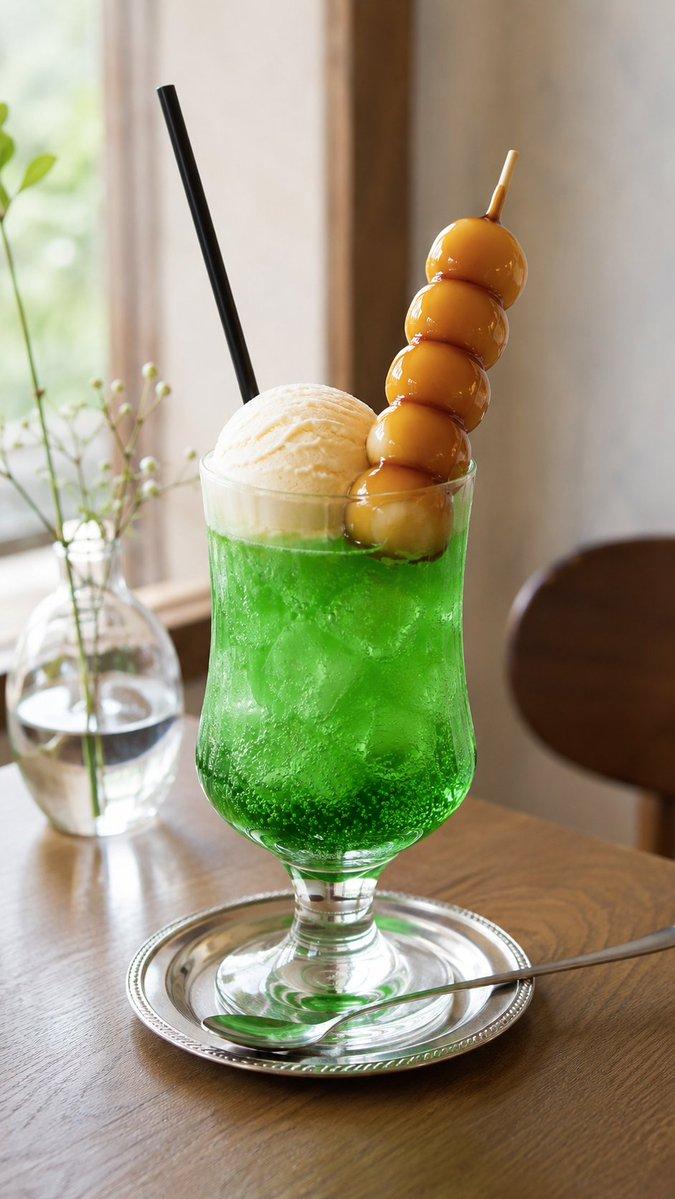
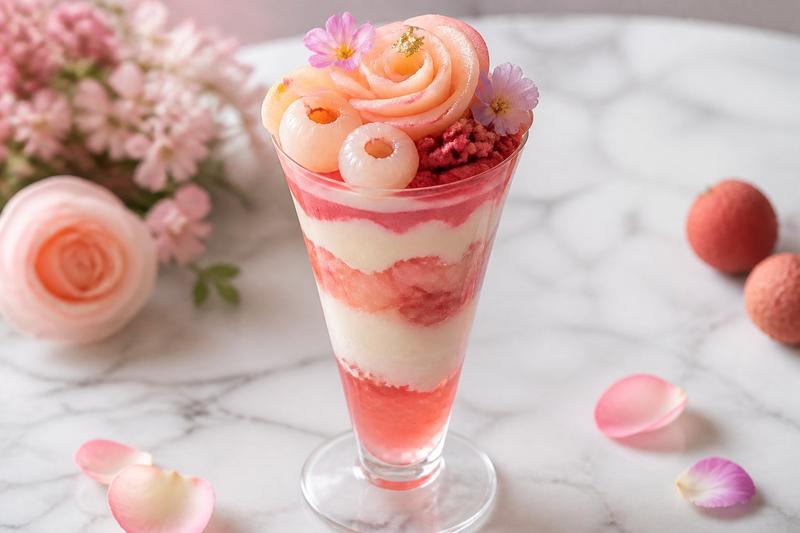
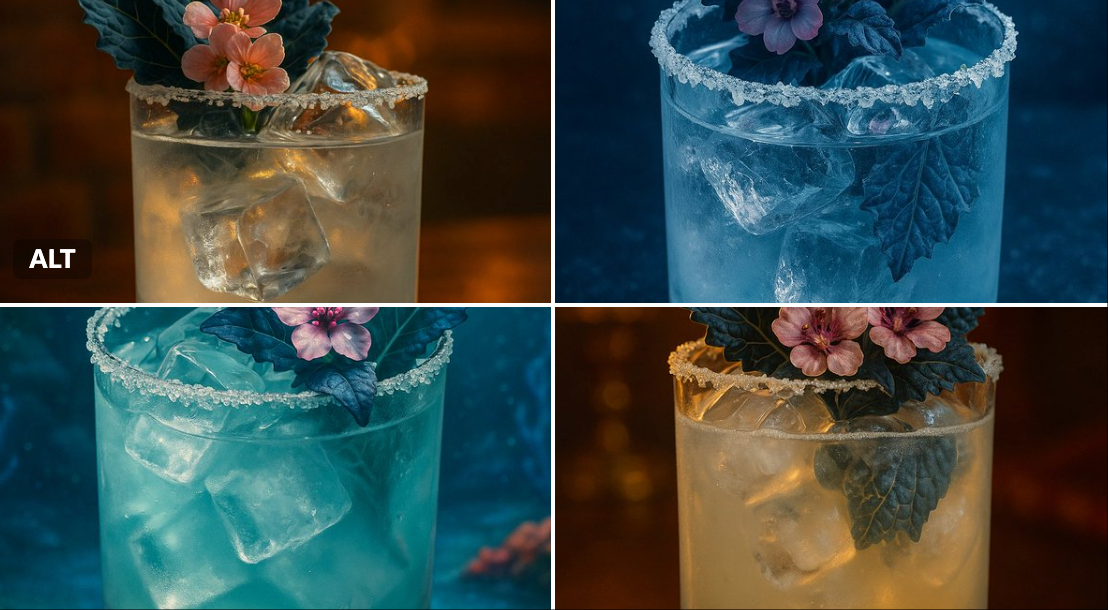
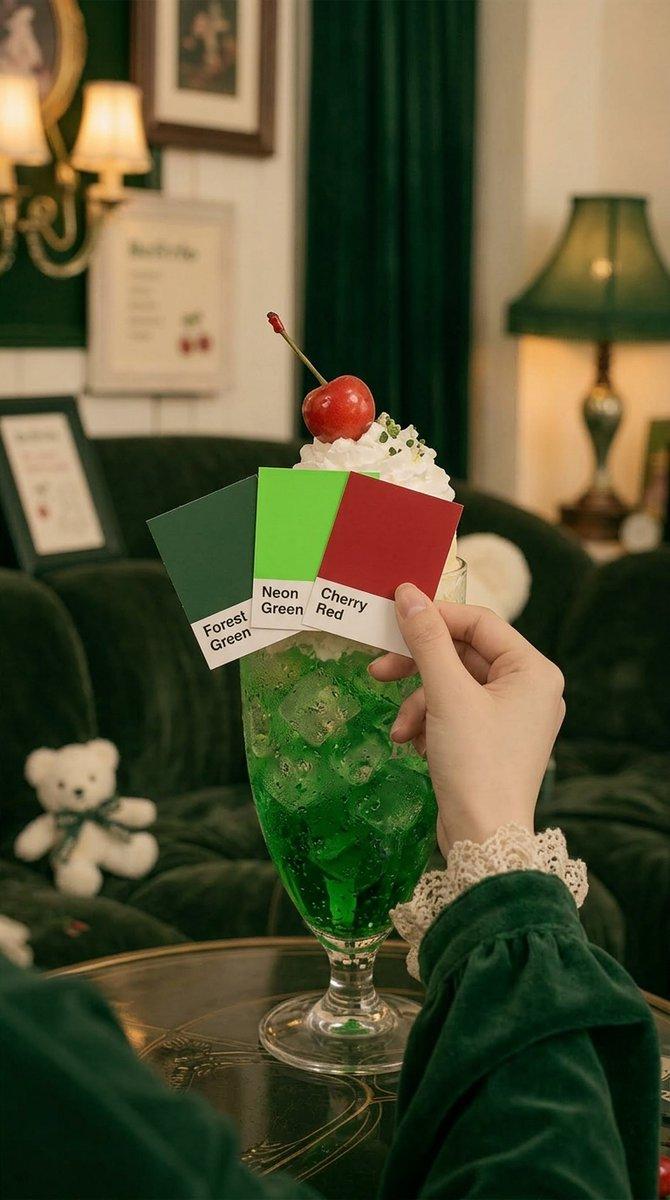
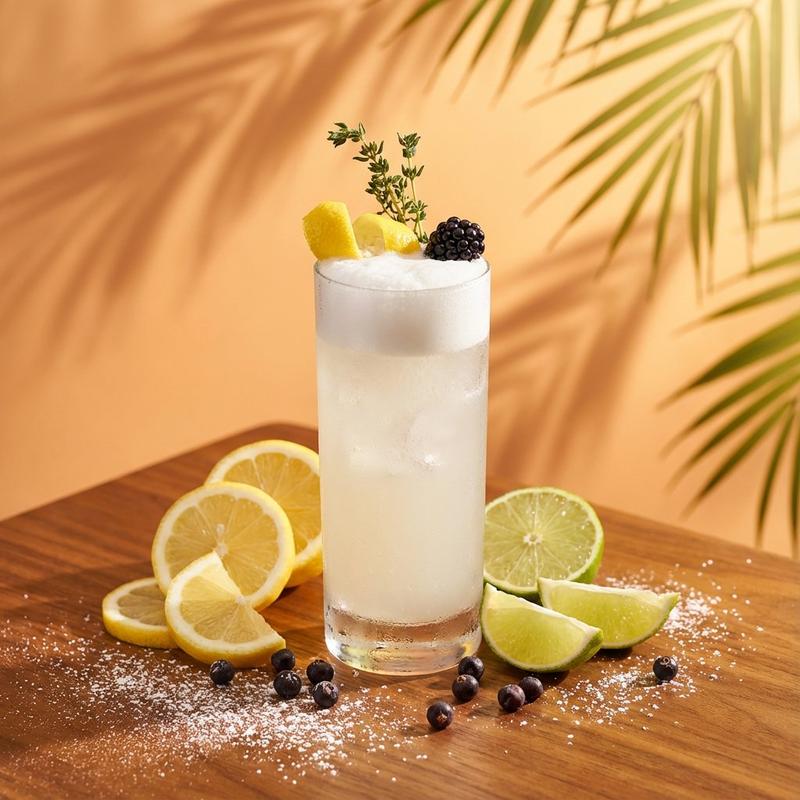
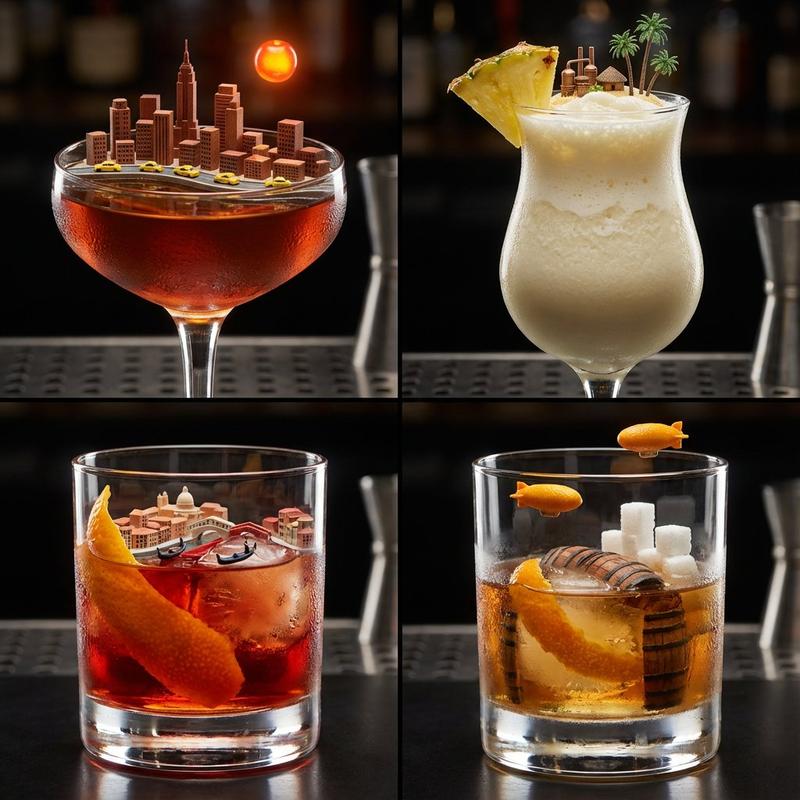
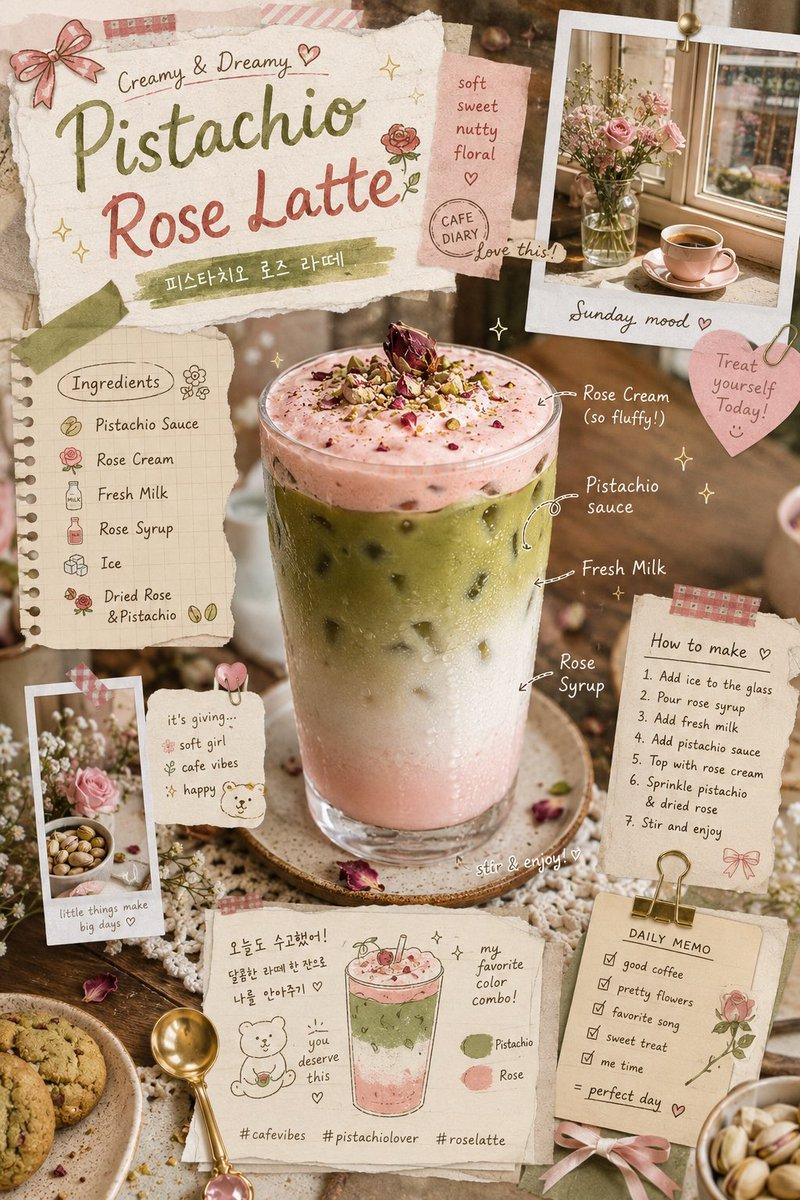
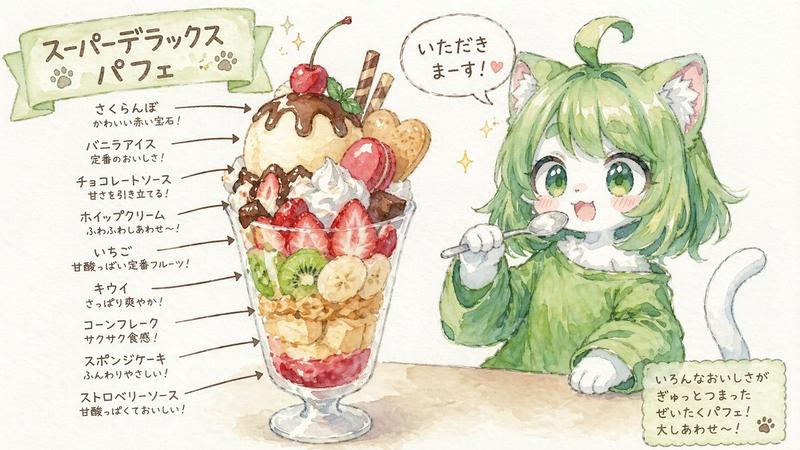
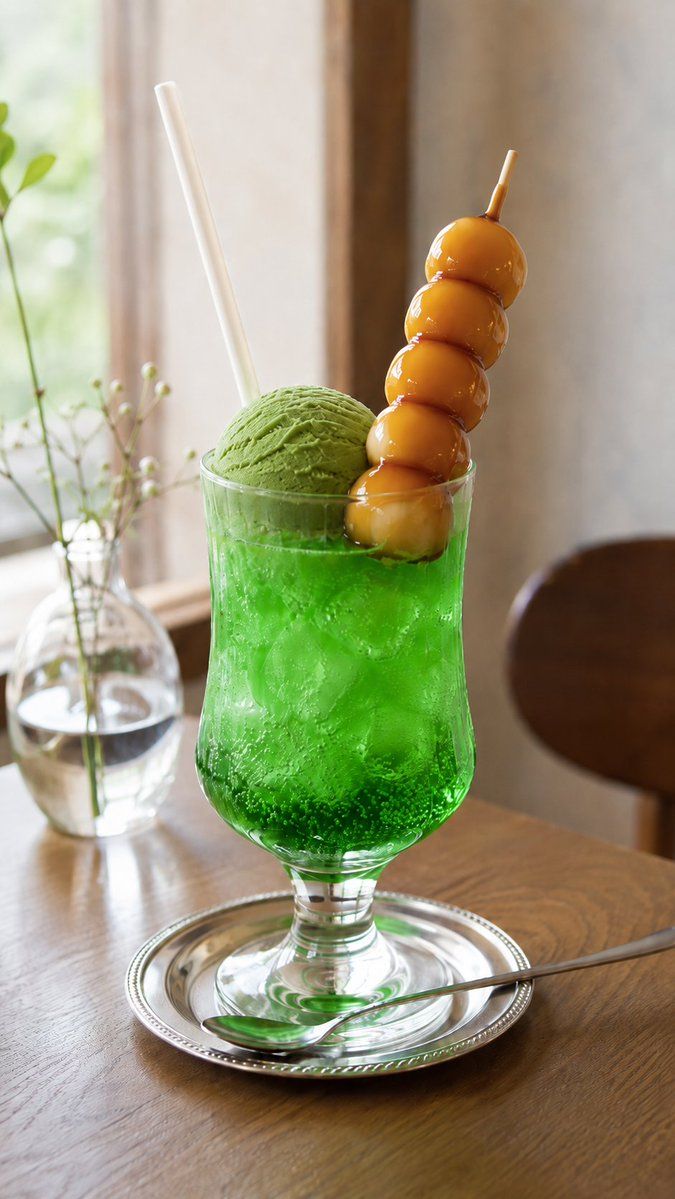
抹茶冰淇淋甜点替换
Prompt
将原本的 {argument name="original snack" default="御手洗团子"} 替换为 {argument name="new snack" default="抹茶冰淇淋"}- Category
- Creative Use Cases
- Model
- GPT Image 2
- Creator
- エンジニアM168
- Source ID
- 22142
- Published
- May 23, 2026
Views2
16
将原本的 {argument name="original snack" default="御手洗团子"} 替换为 {argument name="new snack" default="抹茶冰淇淋"}Guide
"抹茶冰淇淋甜点替换" AI image prompt for GPT Image 2 (Creative Use Cases). 一个用于修改现有食物图像的提示词,将团子替换为抹茶冰淇淋,从而创作出全新的甜点视觉效果。 Copy it on Picva and recreate the look in one cl…
The full copyable prompt and example visuals above are ready for AI image generation or one-click recreate in Picva.
Step 1
Review the example visuals, category, and full prompt text for "抹茶冰淇淋甜点替换".
Step 2
Copy the prompt body from this page, or load it directly in Studio.
Step 3
Prefer GPT Image 2. If you switch models, keep subject and composition and tweak style terms.
Step 4
Recreate the look in Picva, or export into your workflow for editing and publishing.