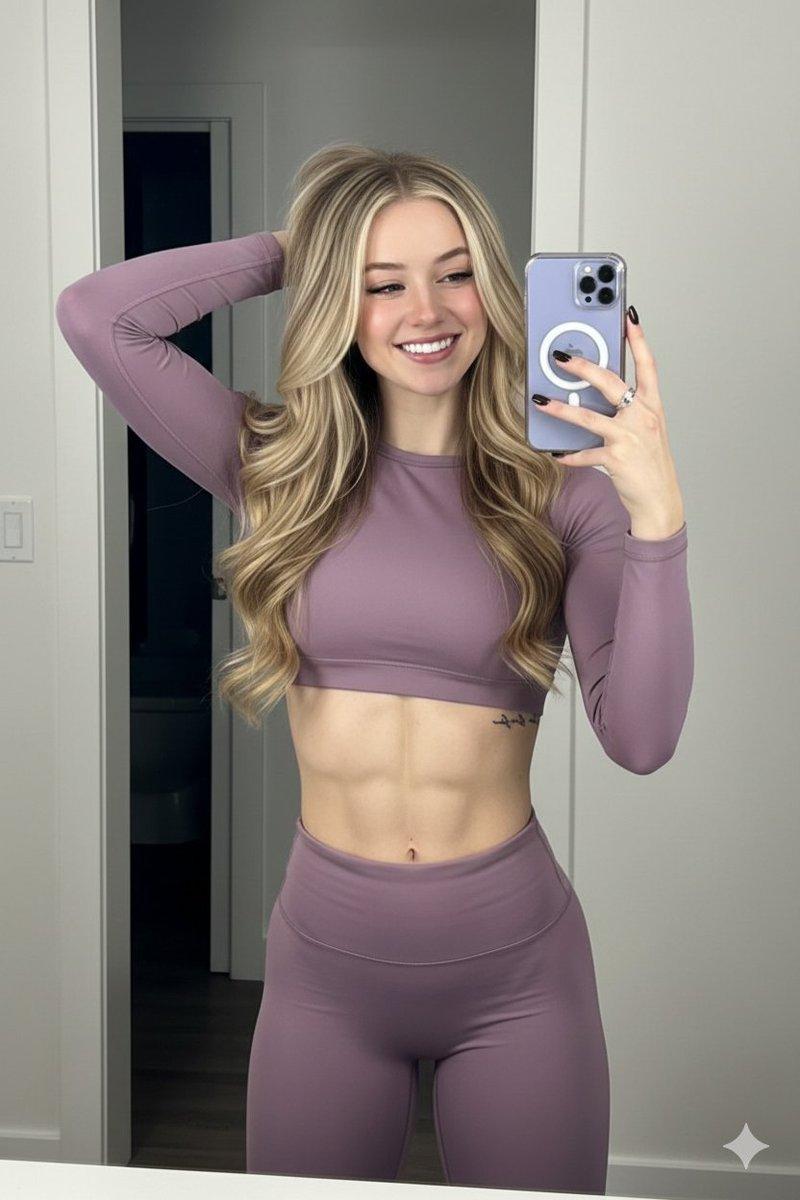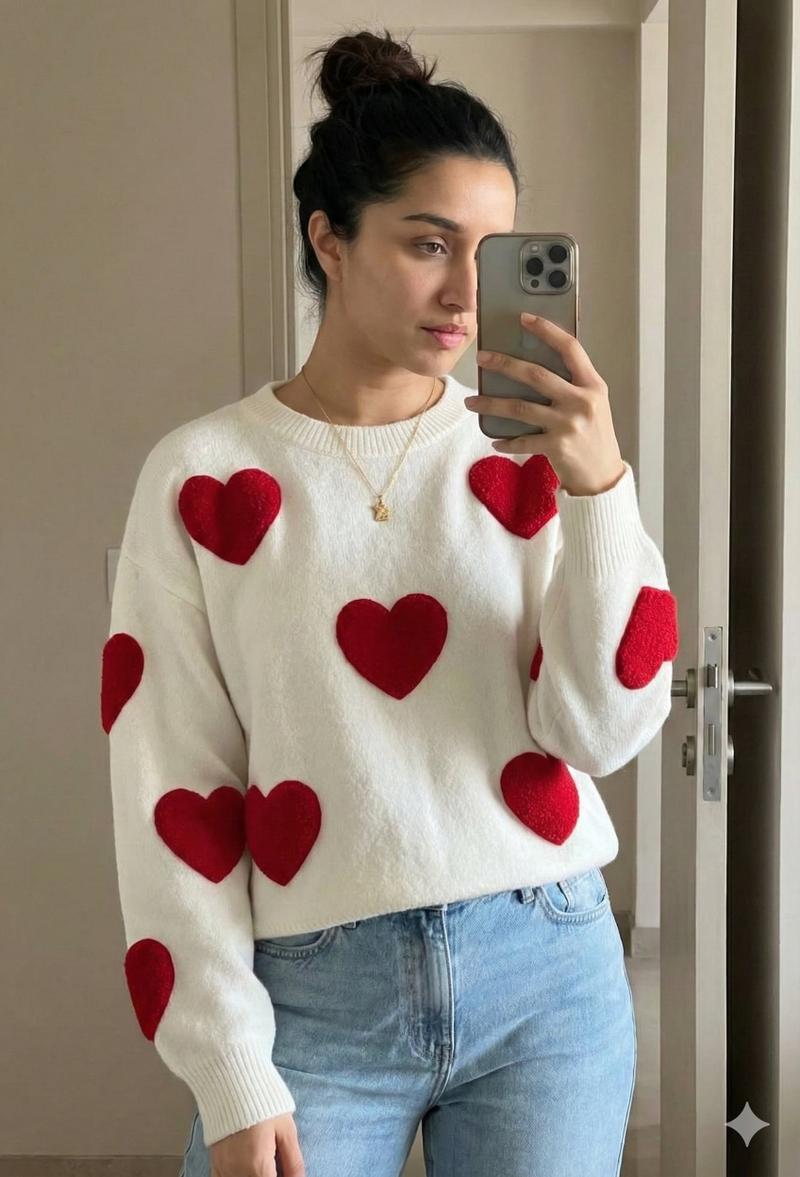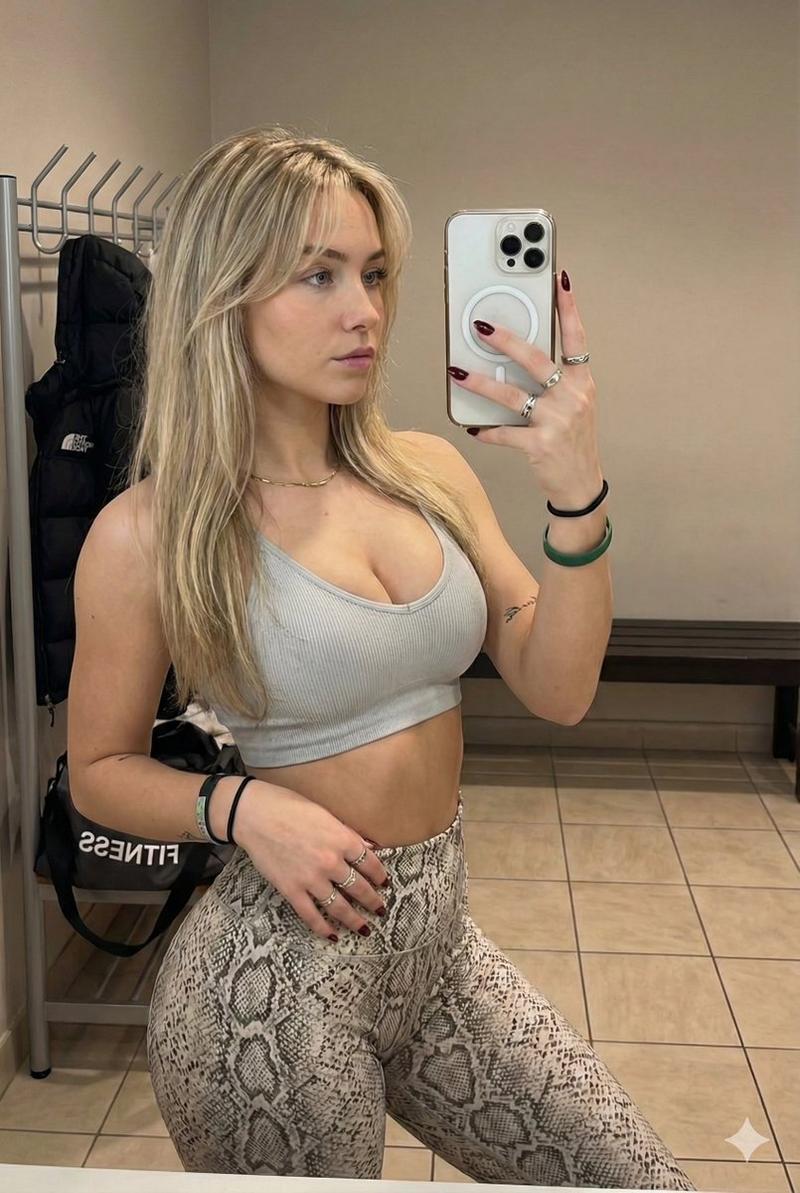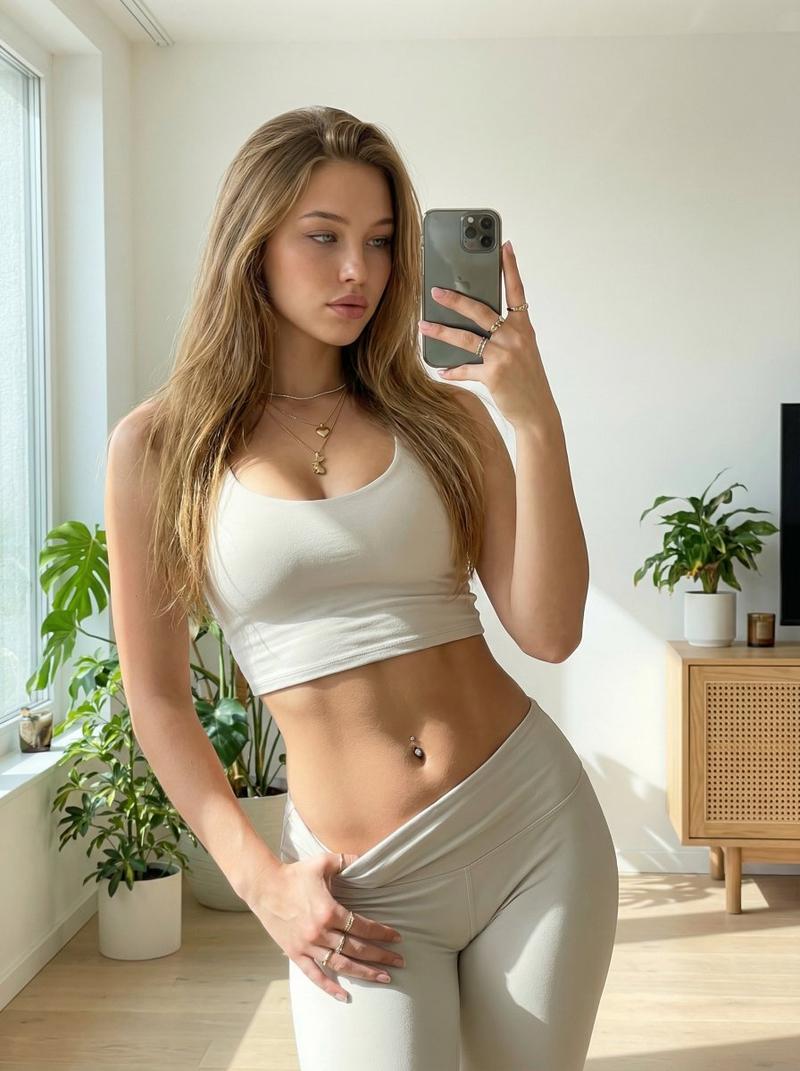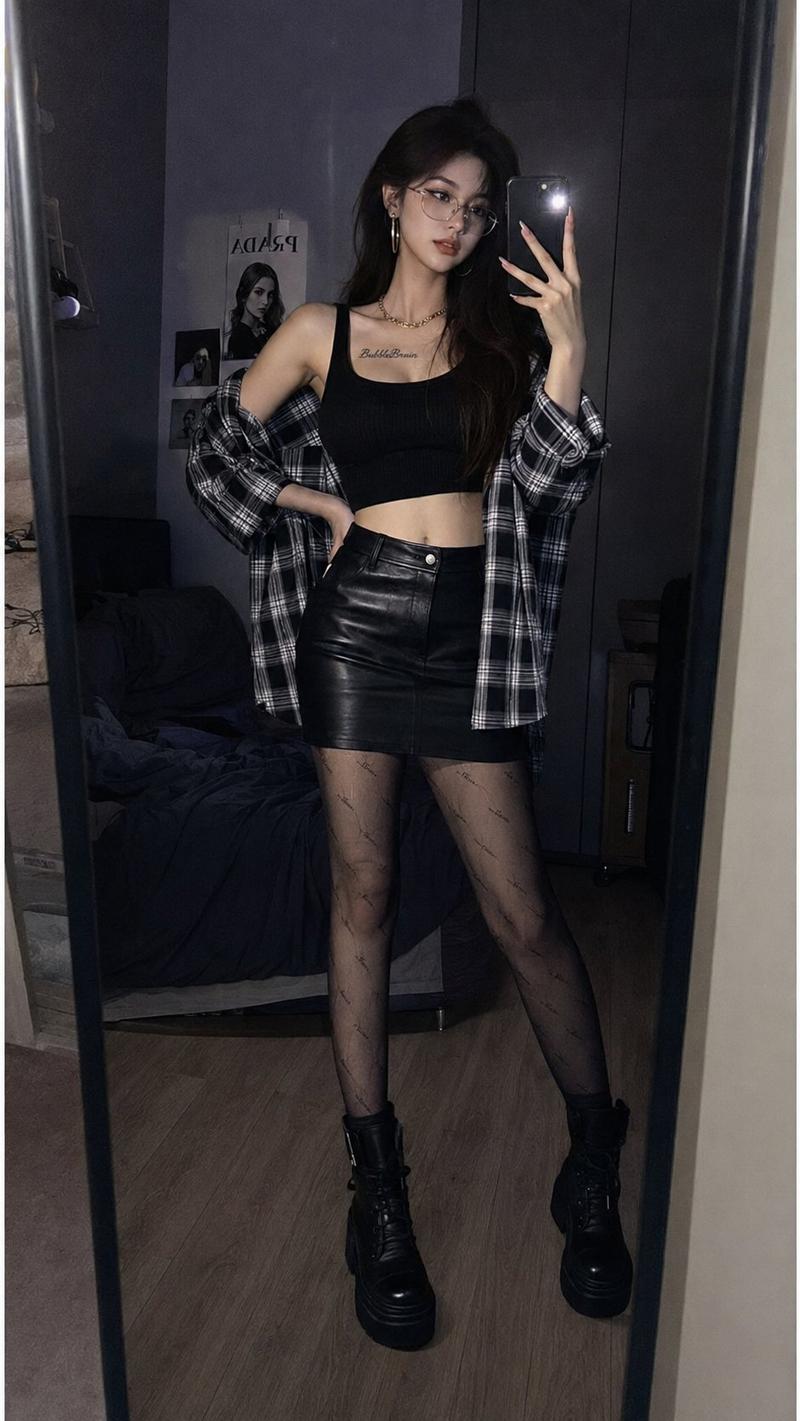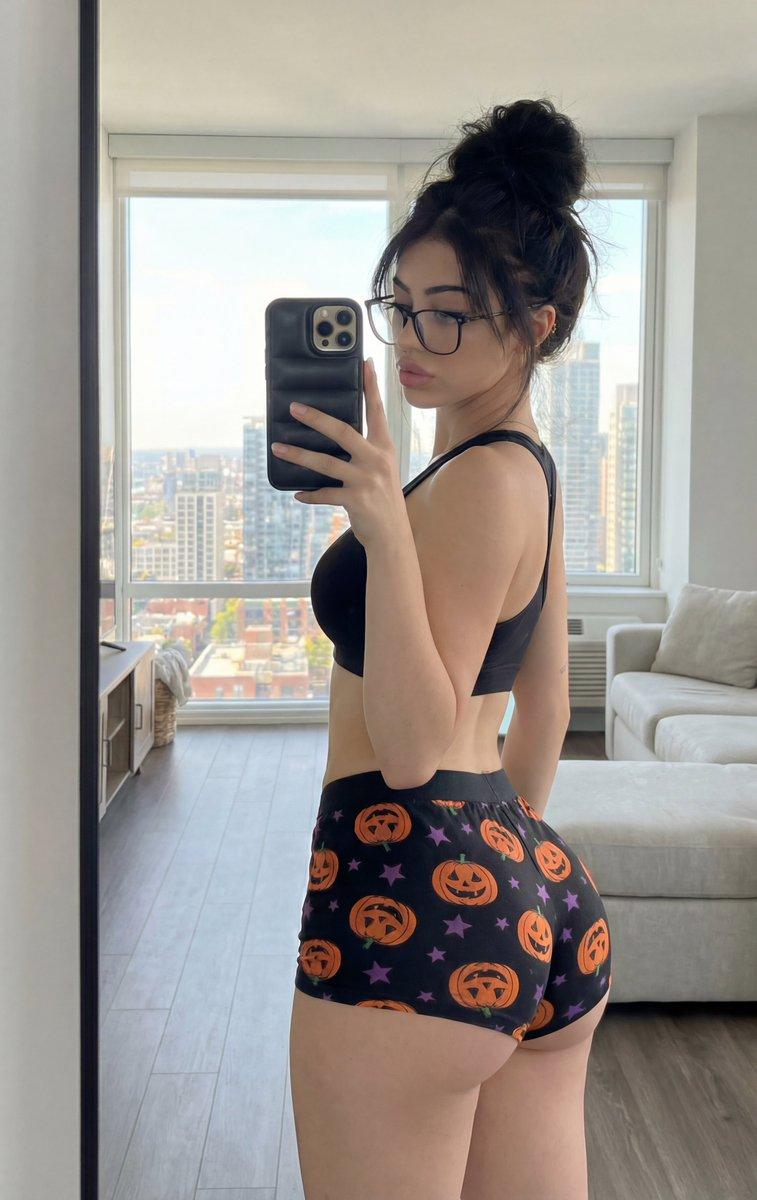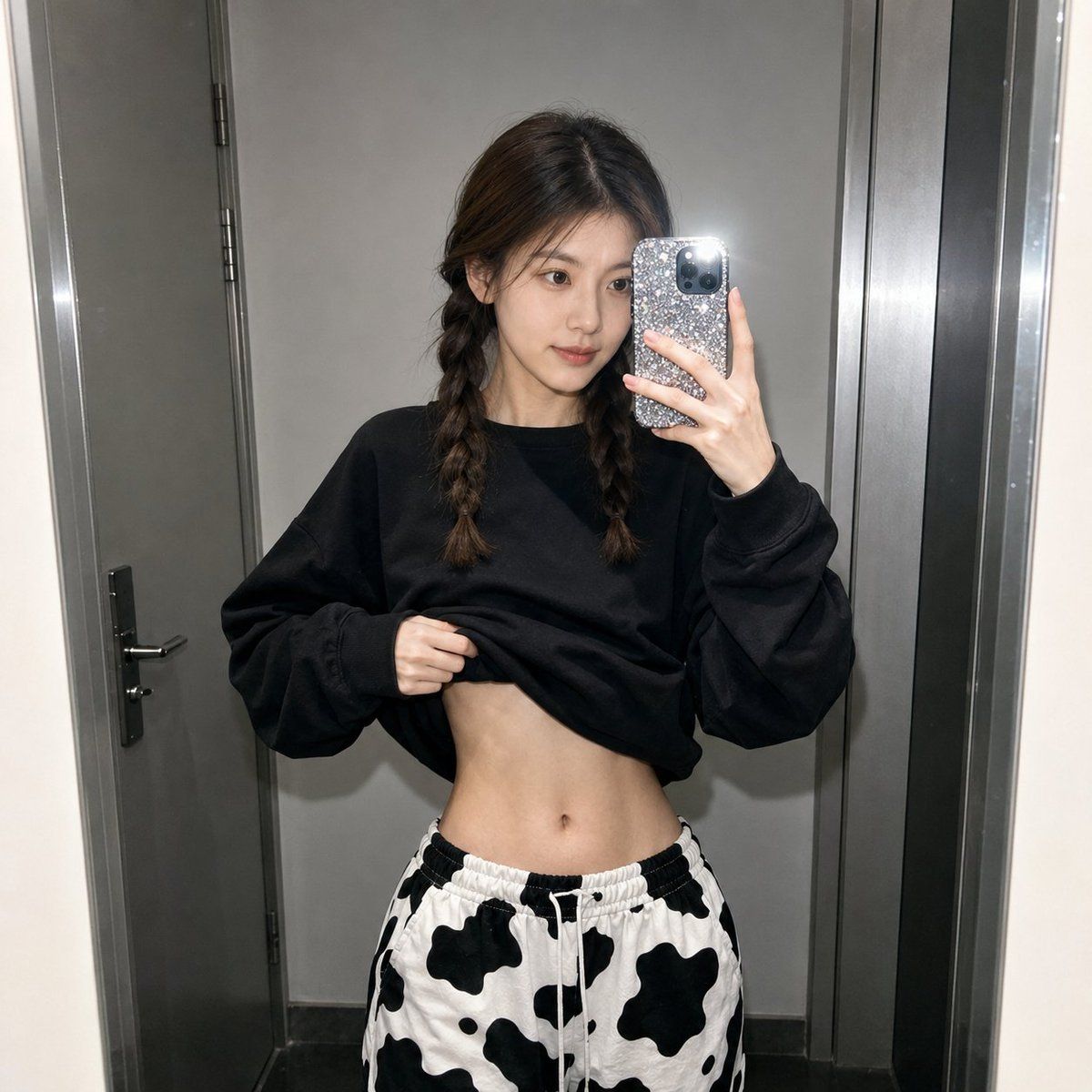
逼真的手机闪光灯镜面自拍
Prompt
Use my uploaded portrait only for facial identity, facial structure, skin tone, and hairstyle. Create a realistic mirror selfie in a {argument name="location" default="dim indoor hallway or elevator-like space"}, inspired by the reference image. The person is standing in front of a mirror, holding a phone that partially covers the face, with a casual slightly messy pose. Keep the face recognizable and natural, not beautified or over-smoothed.

Style: raw smartphone flash photography, cool-toned low-light atmosphere, slightly grainy mirror reflection, realistic shadows, natural skin texture, candid social-media snapshot feeling. Outfit: {argument name="top" default="oversized black sweatshirt"} slightly lifted at the waist, {argument name="pants" default="loose black-and-white cow-print lounge pants"}, relaxed streetwear styling. The sweatshirt should have no brand logo, only a simple small white abstract graphic or be plain.

Composition: square photo, waist-up to upper-thigh framing, phone in one hand, other hand casually lifting the sweatshirt, messy but realistic hair movement, muted gray wall panels in the background, strong phone-flash look, high realism, natural body proportions, realistic fabric folds, authentic mirror selfie perspective

Negative Prompt:

watermark, logo, text, anime, cartoon, plastic skin, over-smoothed face, fake beauty filter, distorted body, exaggerated waist, unrealistic proportions, bad hands, extra fingers, duplicated phone, blurry face, low quality, glossy doll skin, AI-generated look, oversexualized pose, messy background text- Category
- Charts & Infographics
- Model
- GPT Image 2
- Creator
- Shinning
- Source ID
- 22832
- Published
- May 27, 2026
Views10