19

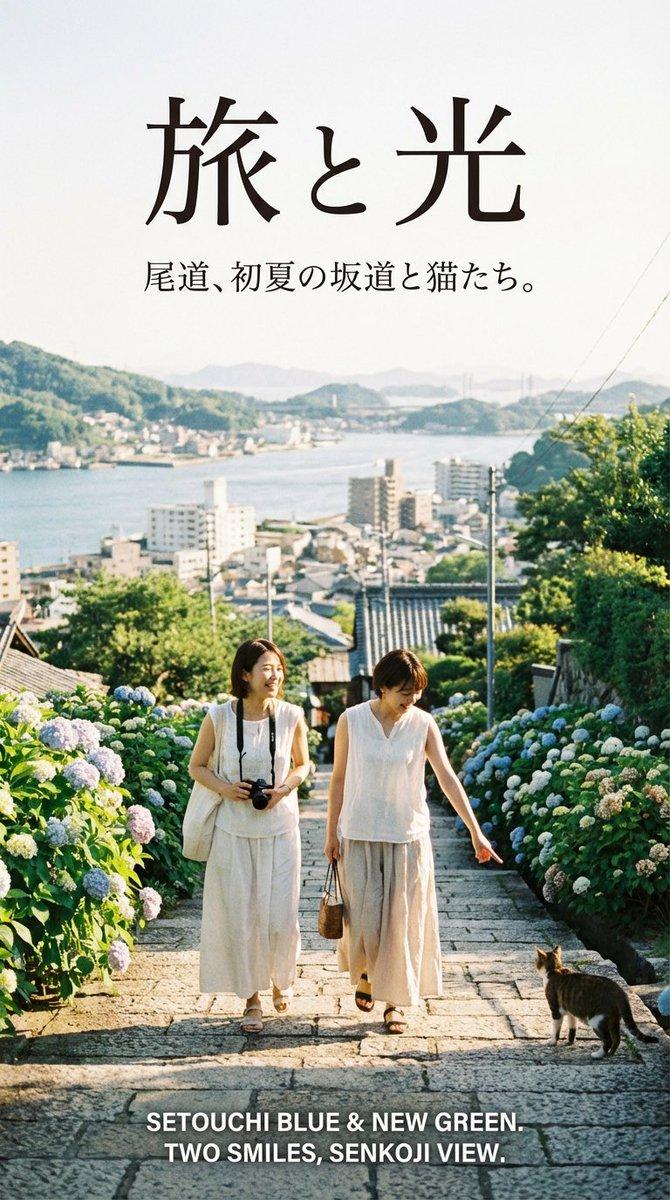
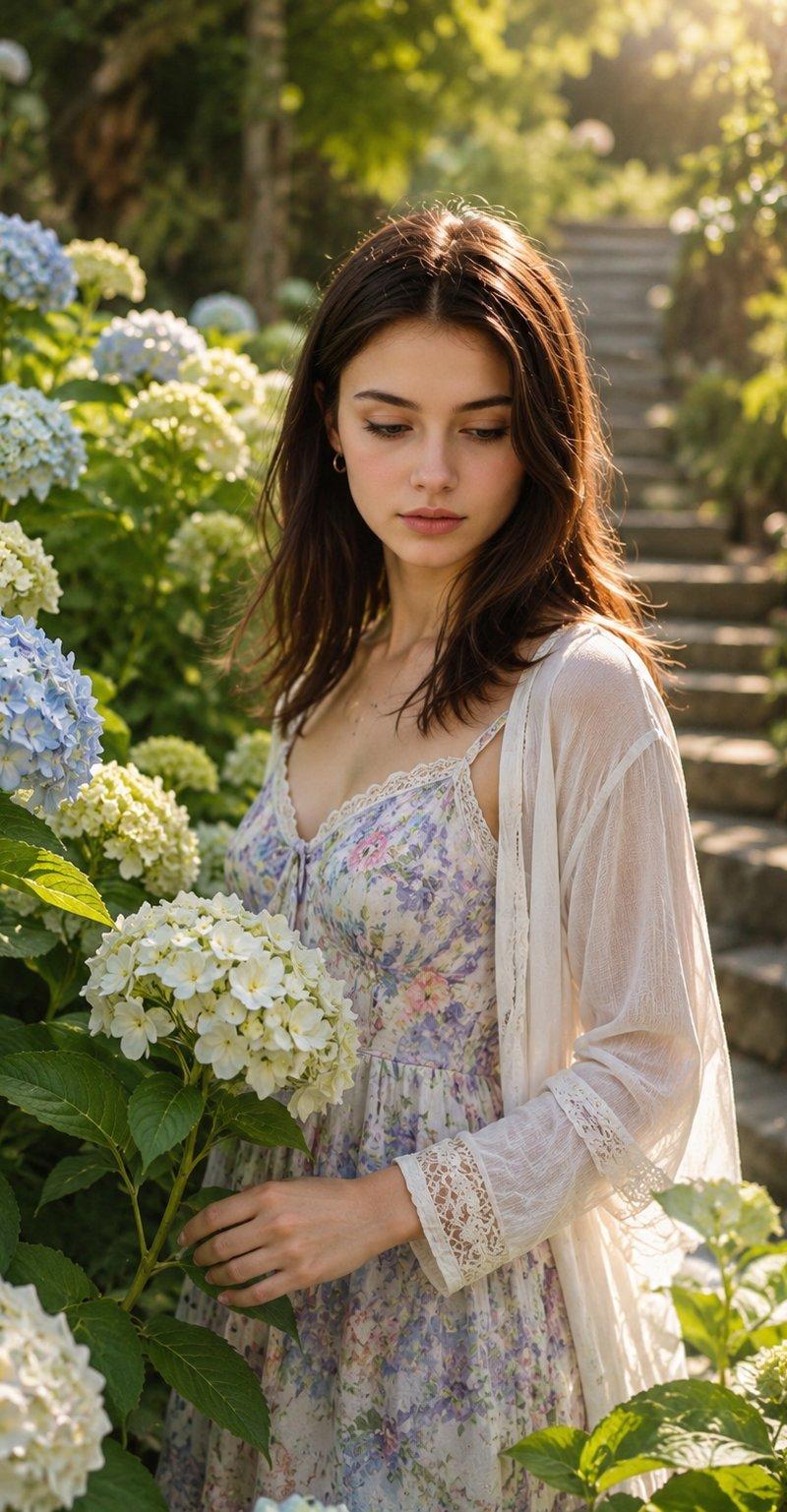
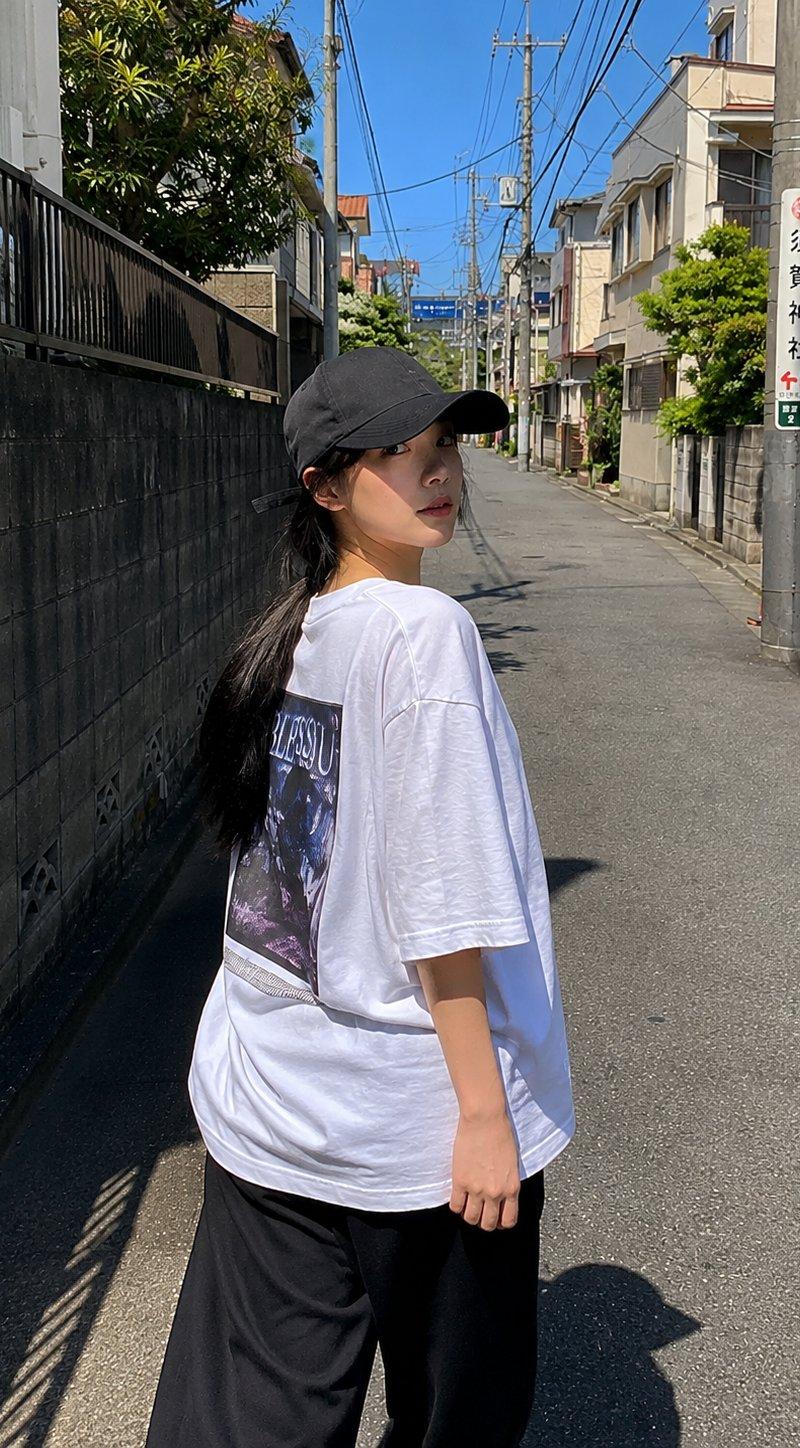
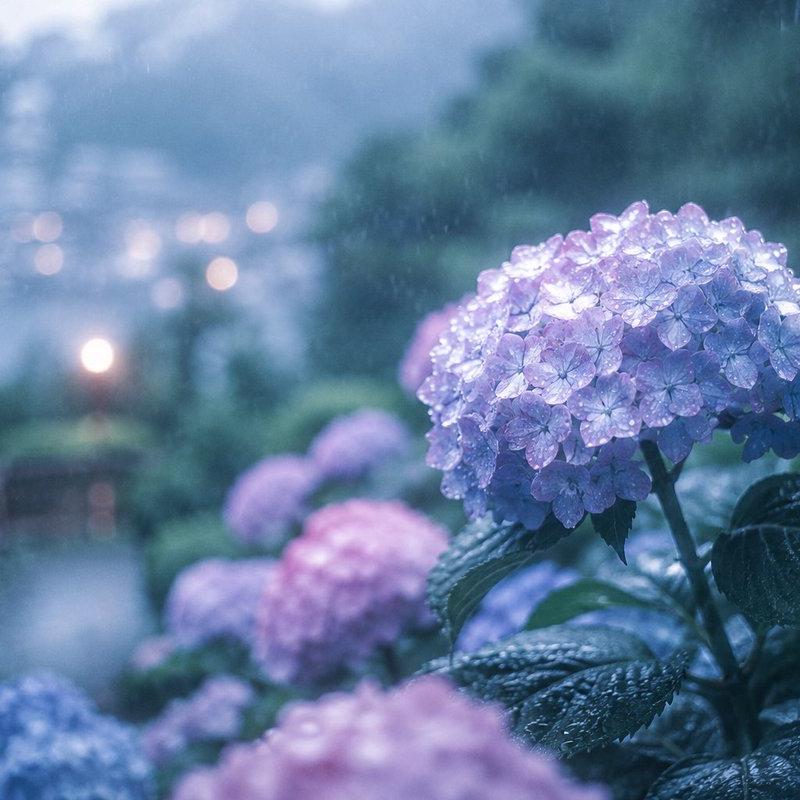
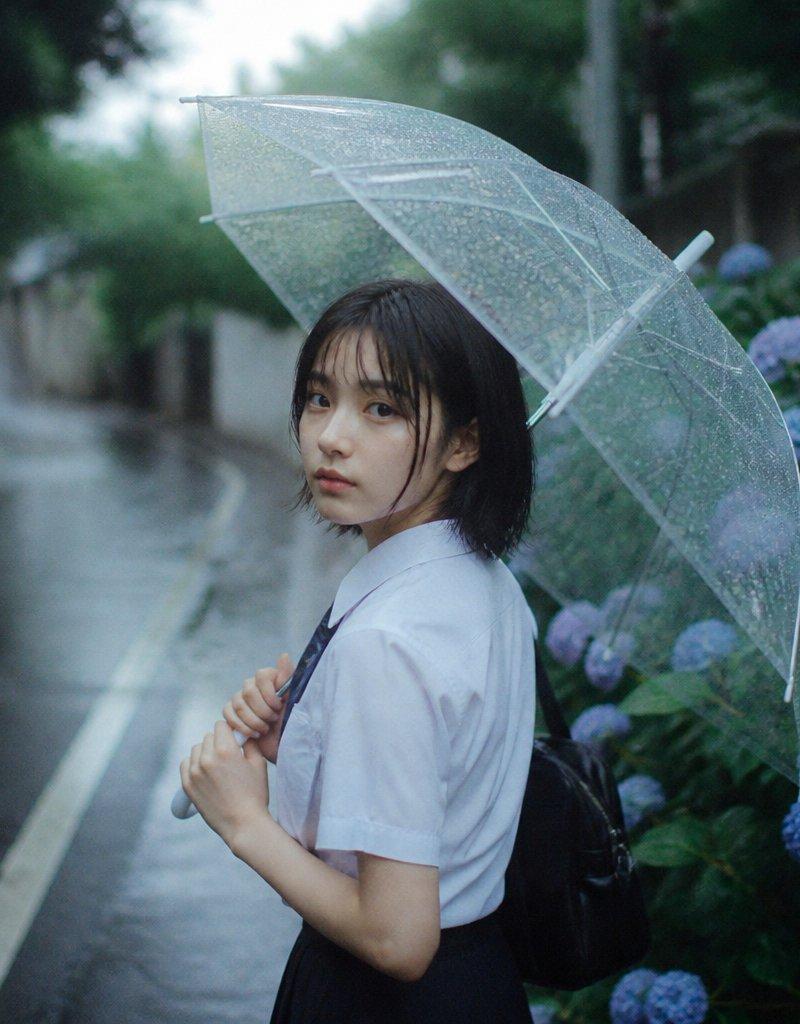
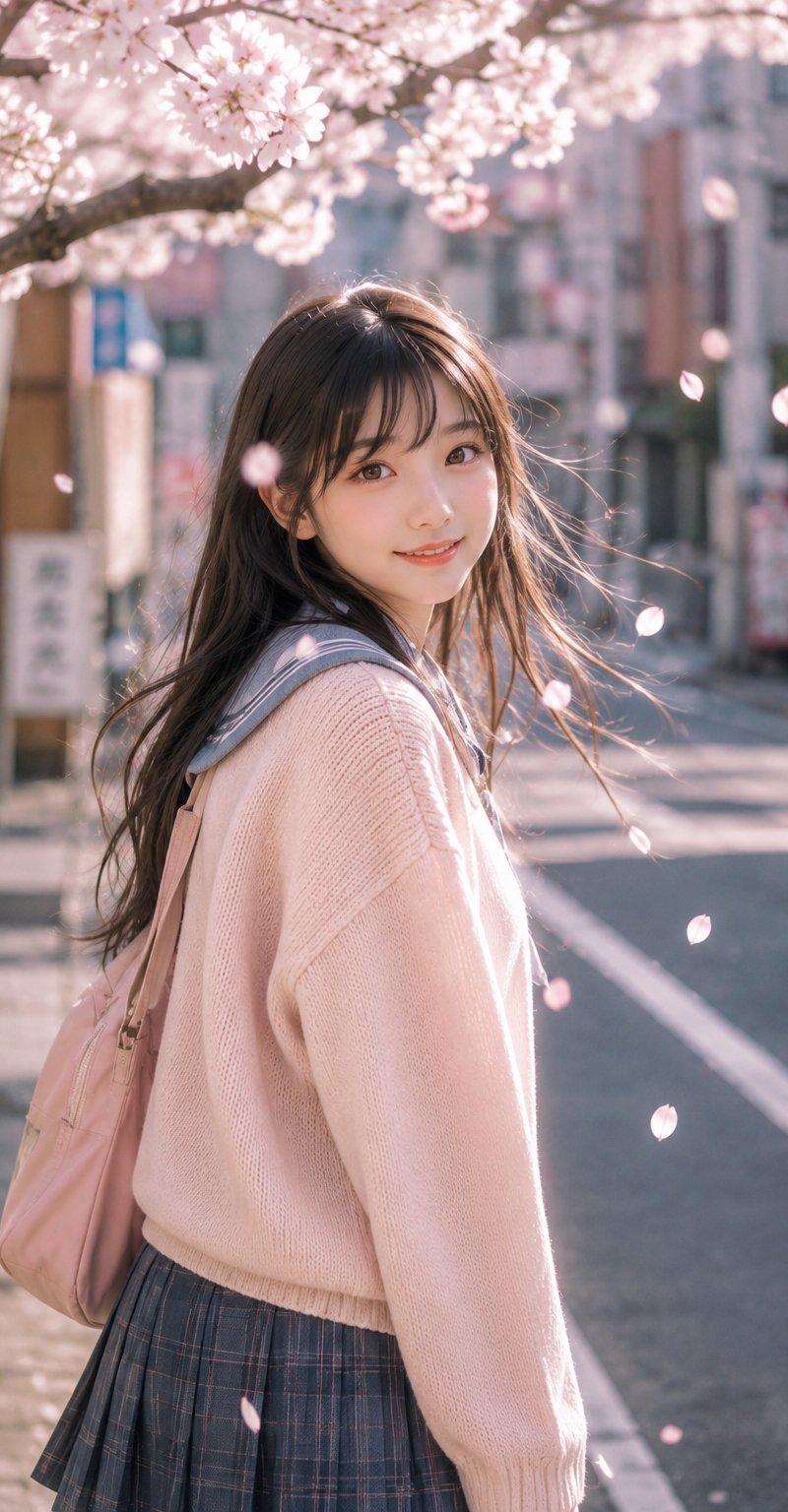
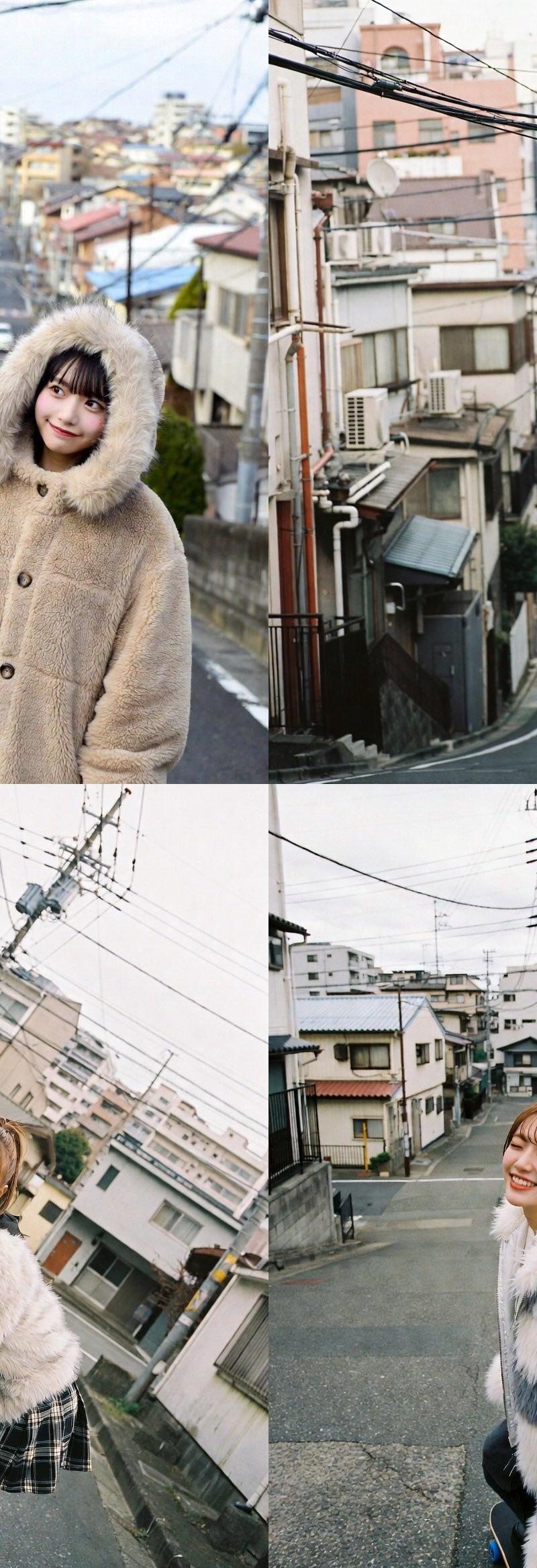
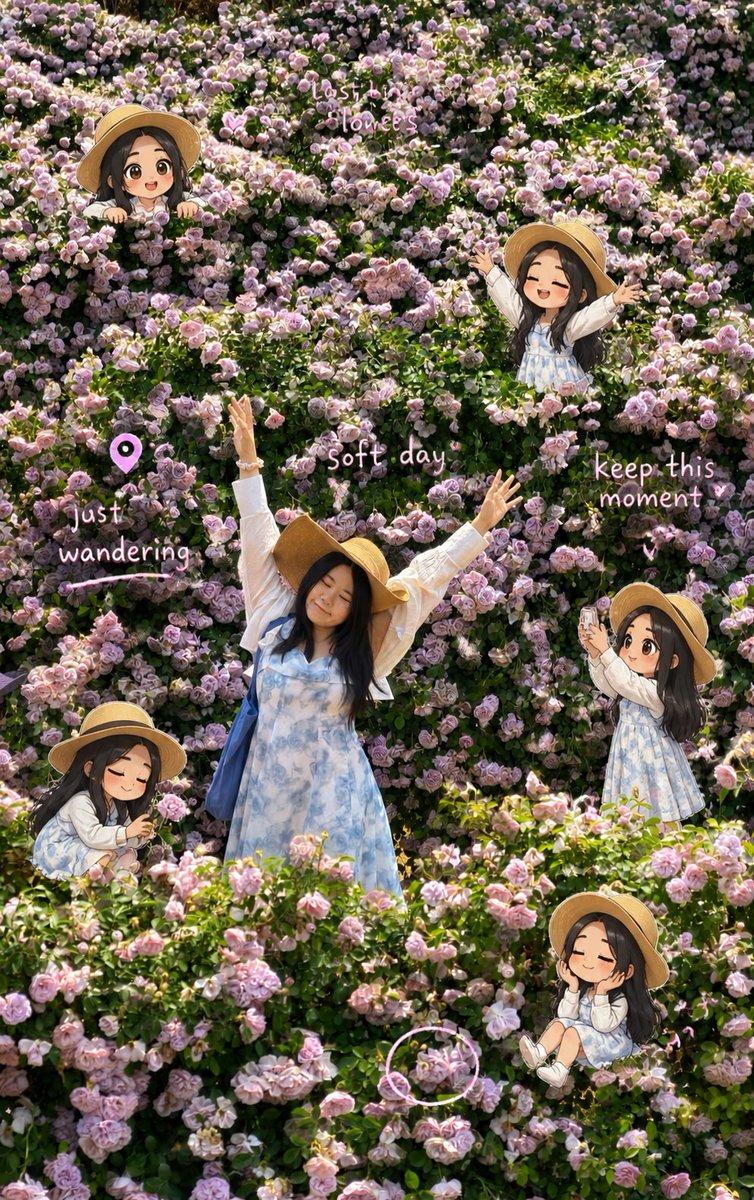
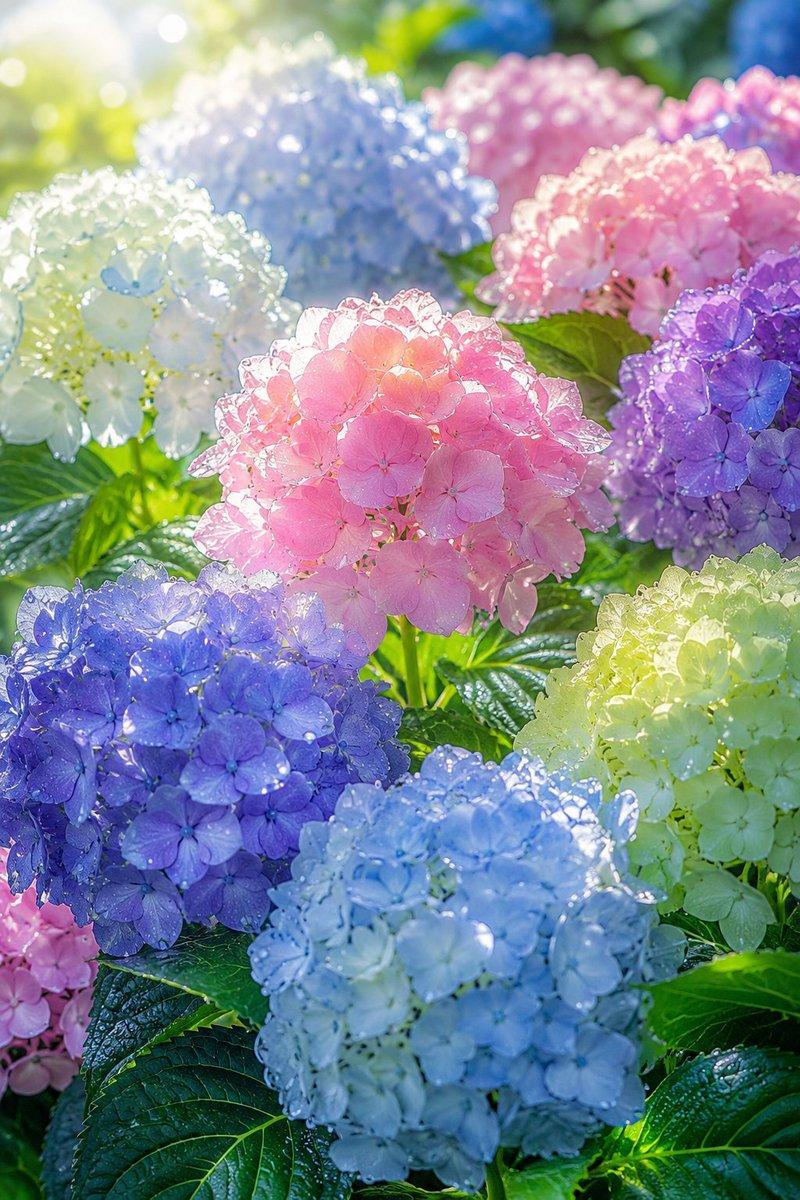
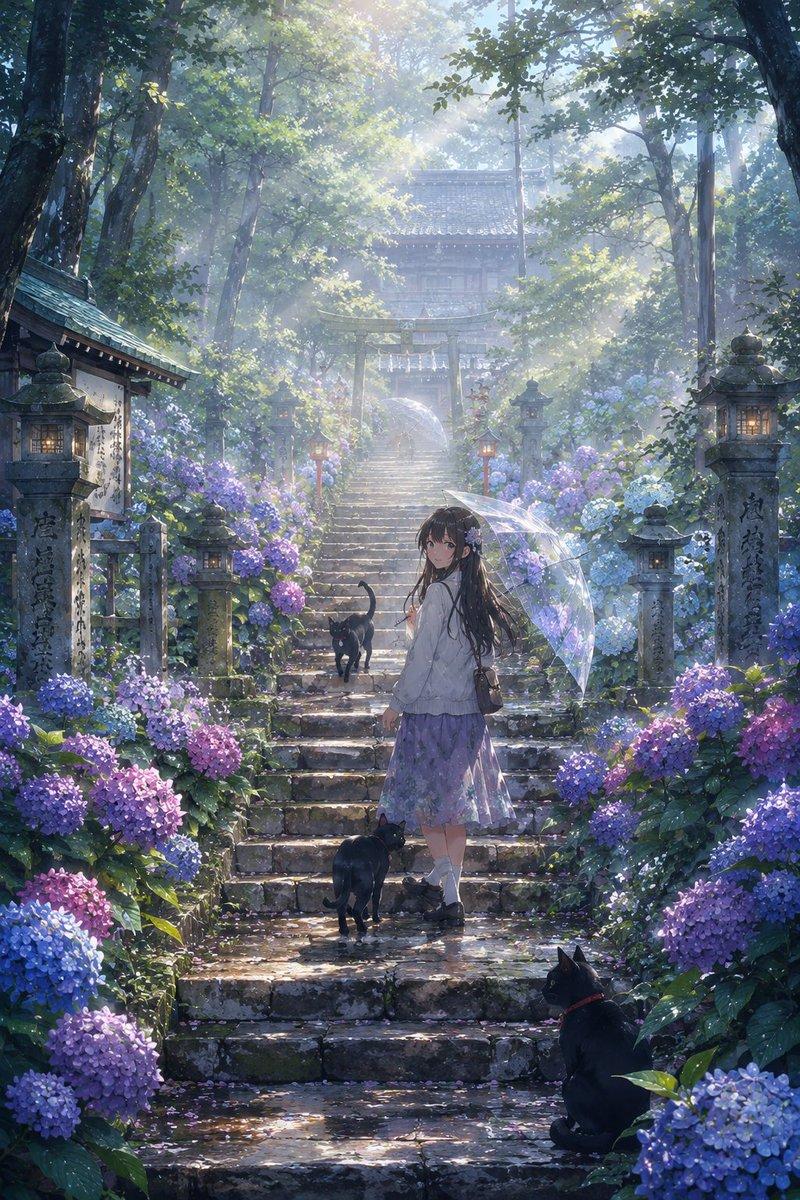
雨中绣球花街头人像
Enlarge

Example images

雨中绣球花街头人像

Prompt
Create a realistic vertical lifestyle photograph of a young woman, {argument name="character name" default="anonymous woman"}, standing in profile on a narrow residential street in Japan after rain, surrounded by blooming hydrangeas. She is centered slightly right, mid-step, looking back toward the camera with her face intentionally softened/blurred for anonymity, long straight {argument name="hair color" default="black"} hair moving gently, wearing a loose cropped {argument name="top color" default="white"} short-sleeve T-shirt, a flowing ankle-length {argument name="skirt color" default="pale blue-gray"} skirt, and brown leather flat sandals. The street is wet and subtly reflective, with hydrangea bushes lining both sides: two prominent flower banks, one on the left foreground and one on the right foreground, with pastel blue, lavender, pink, and white blossoms. Background details include a quiet sloping neighborhood lane, concrete walls, utility poles and overhead wires, old wooden houses, greenery, and soft distant haze. Use natural overcast morning light after rainfall, shallow depth of field, soft film-like colors, gentle bokeh, realistic skin and fabric texture, 35mm documentary photography style, vertical 3:4 composition. Keep the mood calm, fresh, and nostalgic, with no visible text or watermark.
Category
Charts & Infographics
Model
GPT Image 2
Creator
susumu_Mind
Source language
en
Views2
Source ID
24029
Published
Jun 3, 2026
Studio

Guide

About "雨中绣球花街头人像"

What is this prompt for?

"雨中绣球花街头人像" AI image prompt for GPT Image 2 (Charts & Infographics). 一张写实的竖构图照片,展现了一位女性走在雨后开满绣球花的日本街道上的场景。 Copy it on Picva and recreate the look in one click.

The full copyable prompt and example visuals above are ready for AI image generation or one-click recreate in Picva.

How to use this prompt

  1. Step 1

    Open the prompt detail

    Review the example visuals, category, and full prompt text for "雨中绣球花街头人像".

  2. Step 2

    Copy the prompt

    Copy the prompt body from this page, or load it directly in Studio.

  3. Step 3

    Pick a model (GPT Image 2)

    Prefer GPT Image 2. If you switch models, keep subject and composition and tweak style terms.

  4. Step 4

    Generate and export

    Recreate the look in Picva, or export into your workflow for editing and publishing.

FAQ

What is the "雨中绣球花街头人像" prompt?
It is an AI image-generation prompt for GPT Image 2 in the Charts & Infographics category. This page includes the full prompt text, example visuals, and a one-click recreate path in Picva.
How do I use this prompt to generate an image?
Copy the prompt from this page, or use Generate / Studio. Paste it into a compatible image model, or recreate the look in Picva with optional reference images.
Which model is this prompt for?
This page lists GPT Image 2. Most descriptive prompts also transfer to nearby image models such as GPT Image, Flux, or Midjourney with light style tweaks.
Can I use the result commercially?
You can usually copy the prompt for creation, but commercial use of the final image depends on the model terms, reference-image rights, and the generated content. Follow the source author and platform rules.