19

角色灵感定制雨伞设计
Enlarge

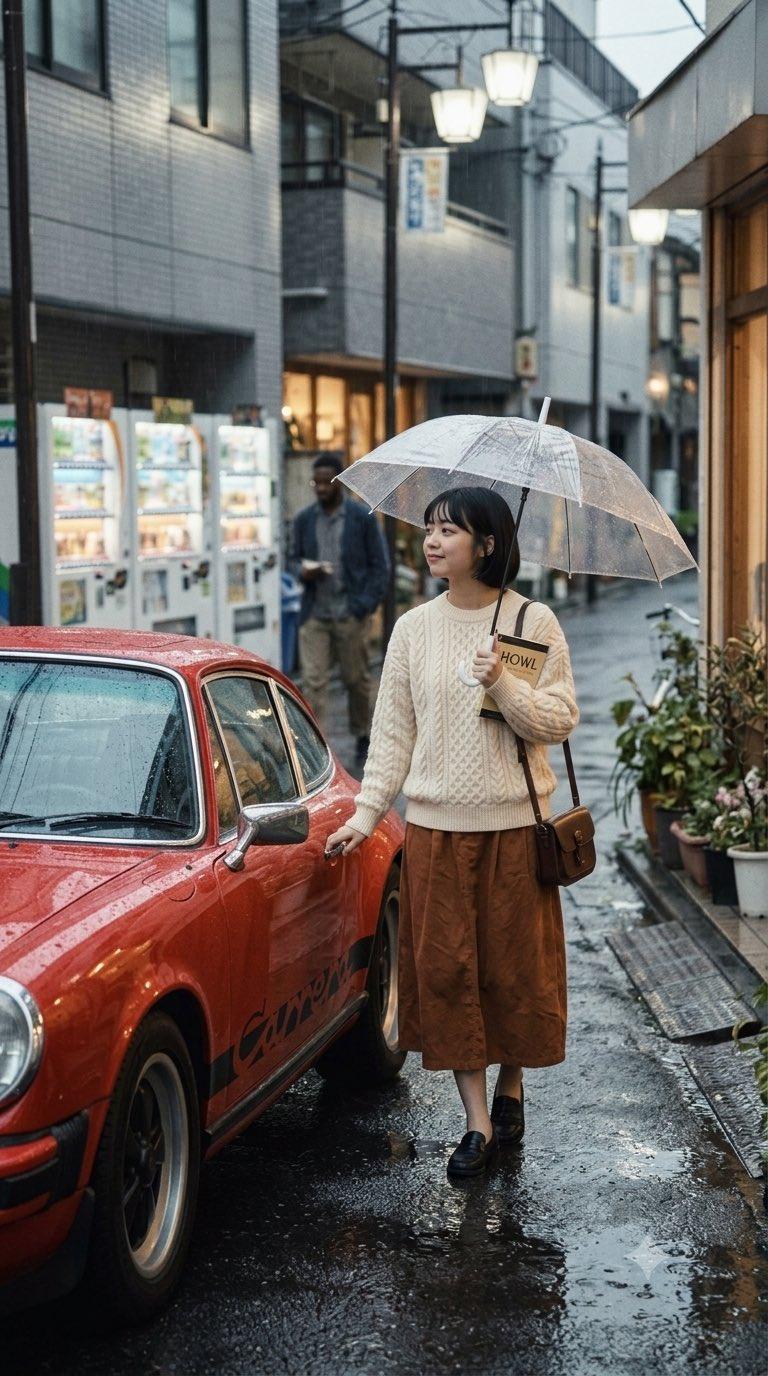
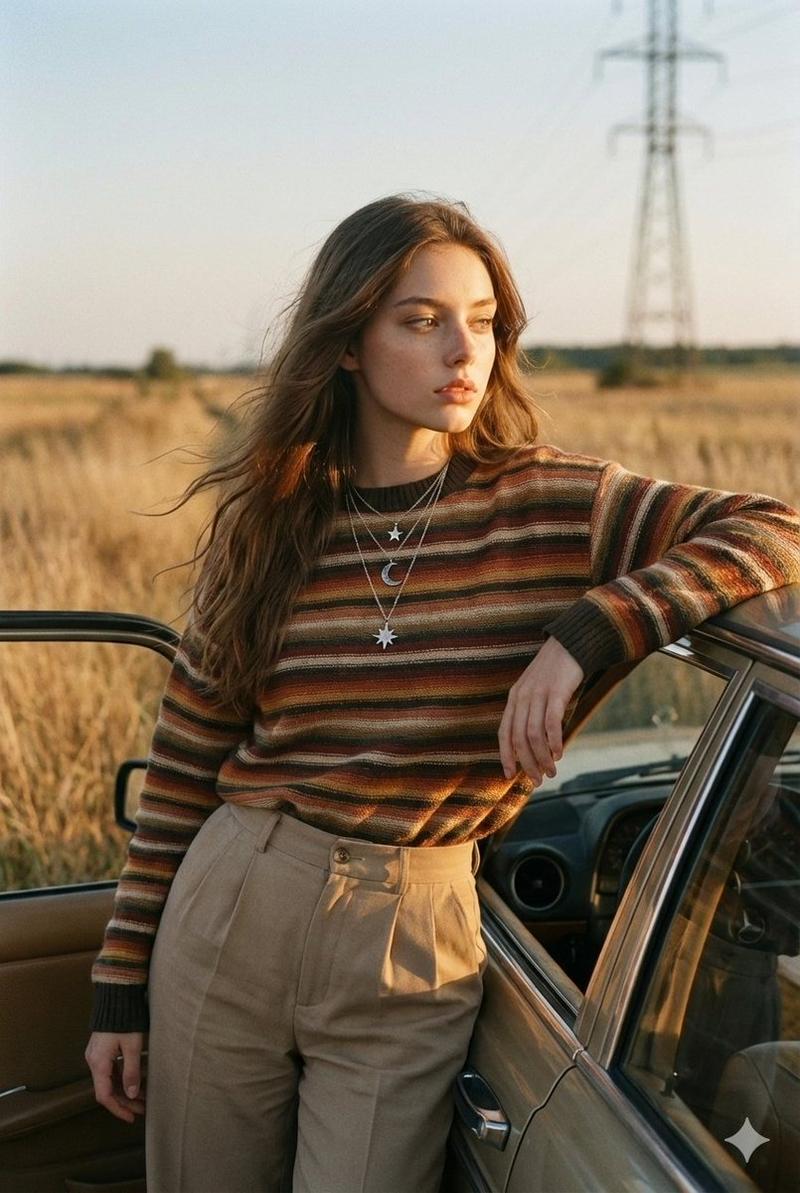
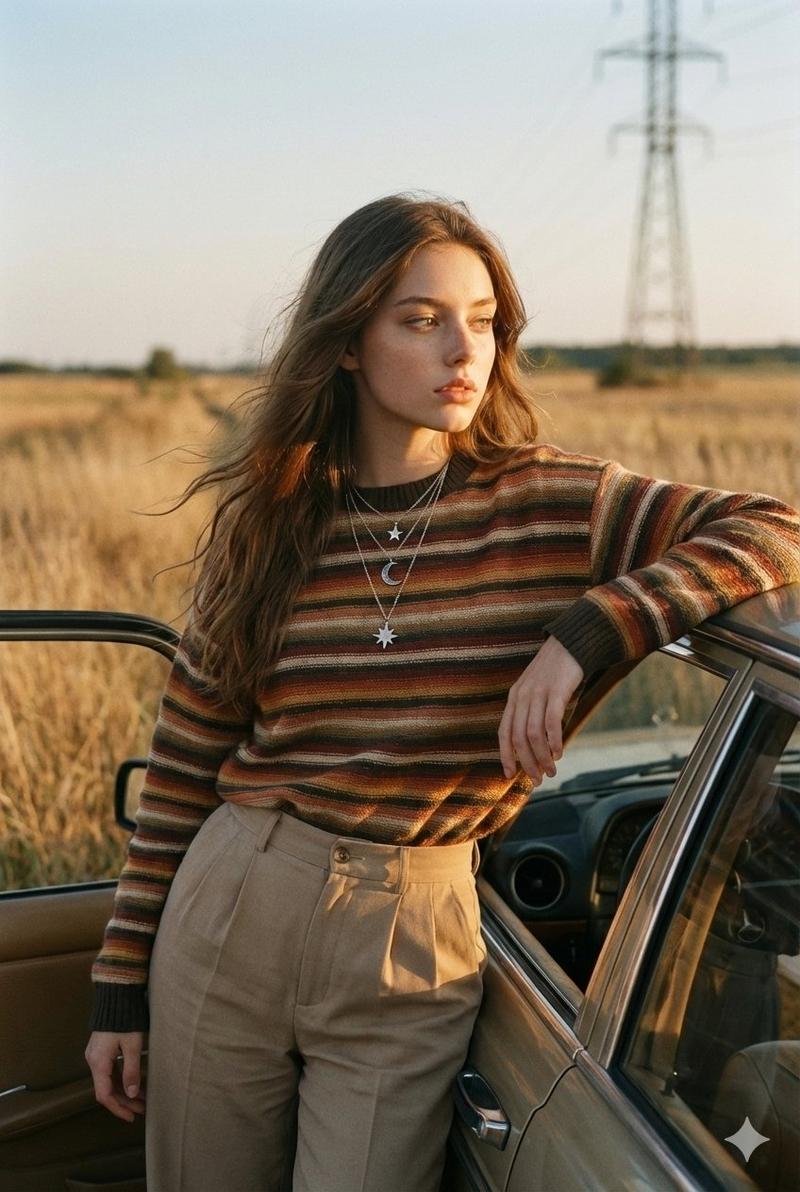
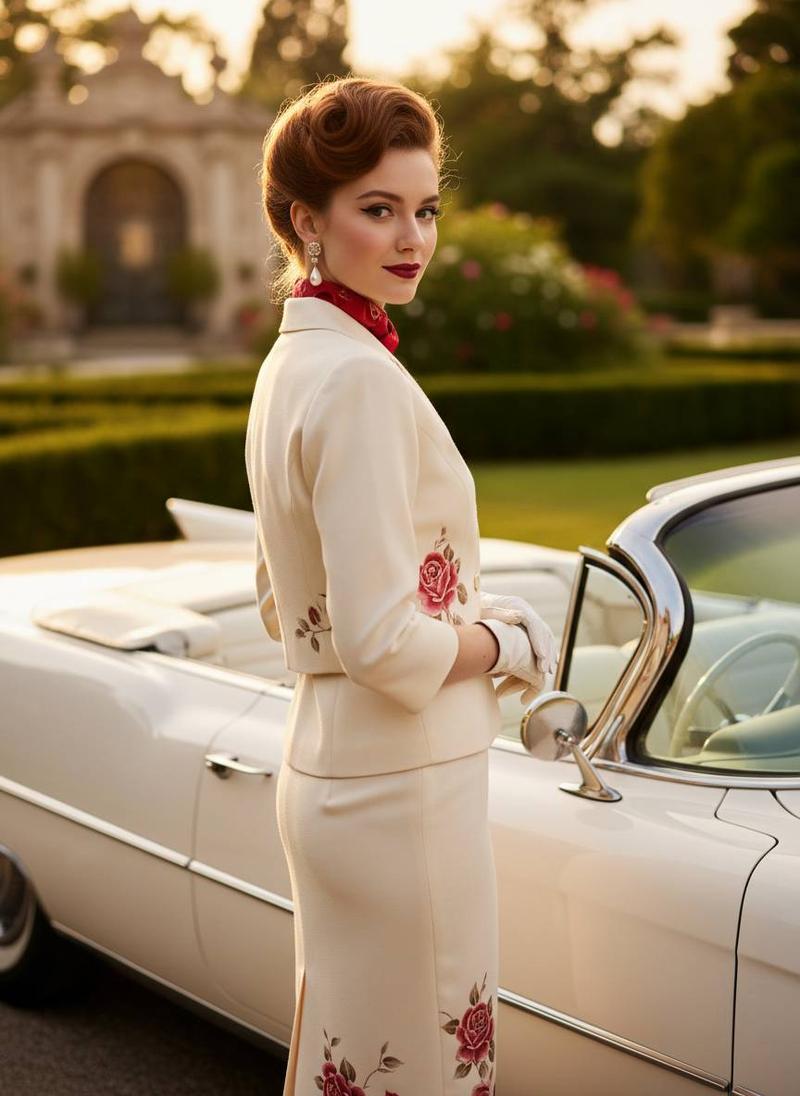
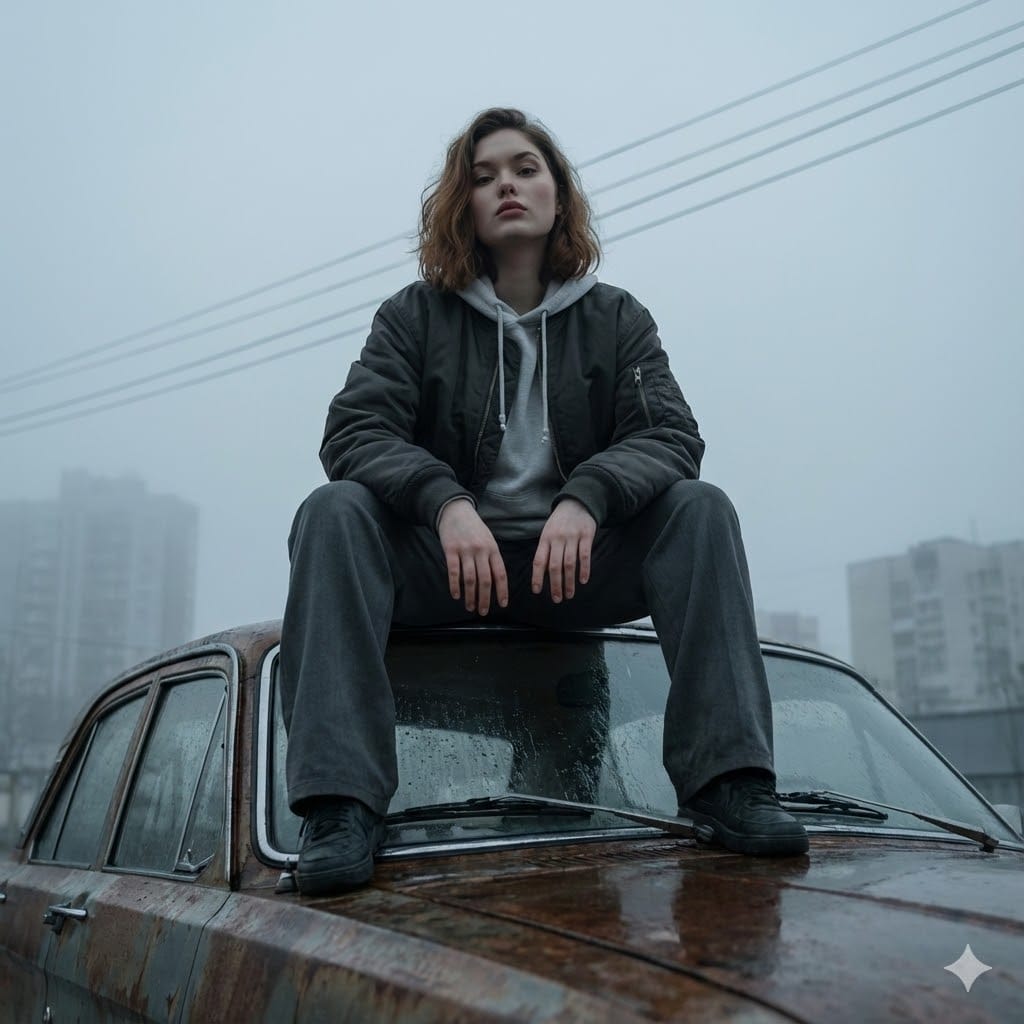
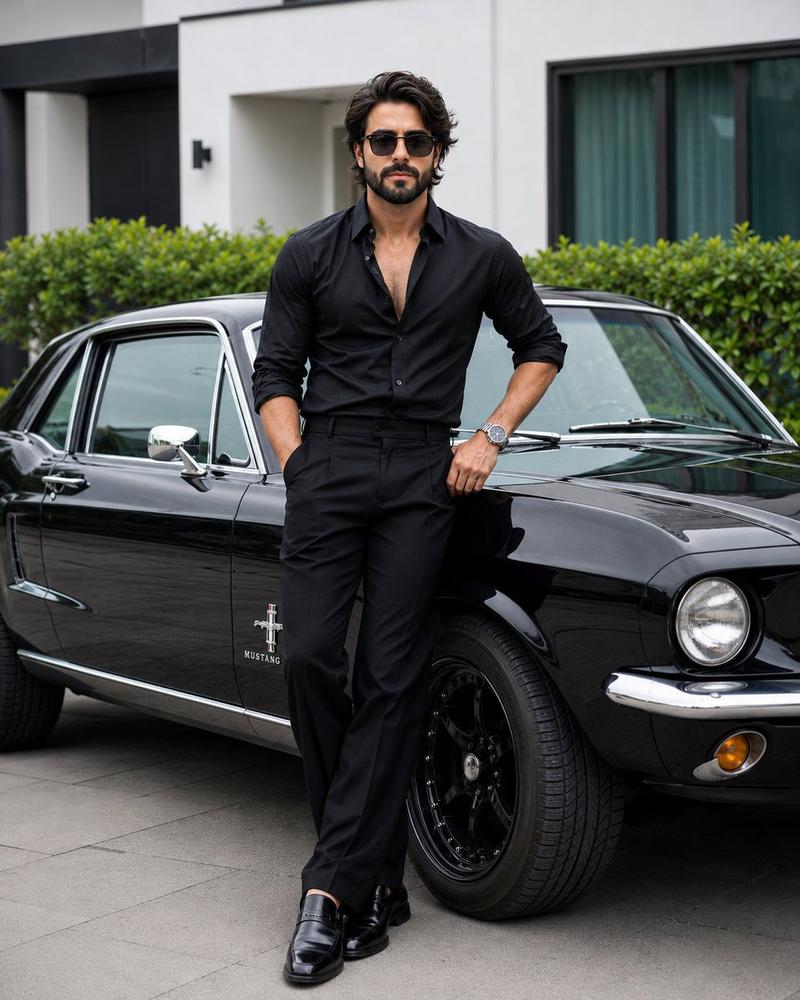
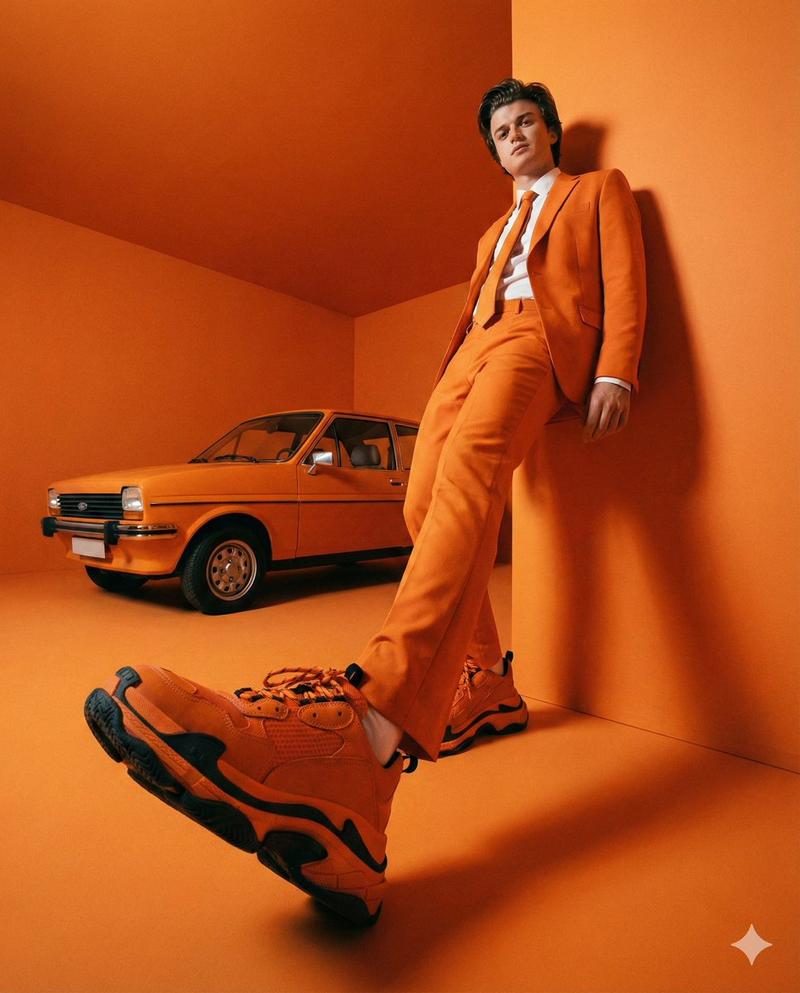
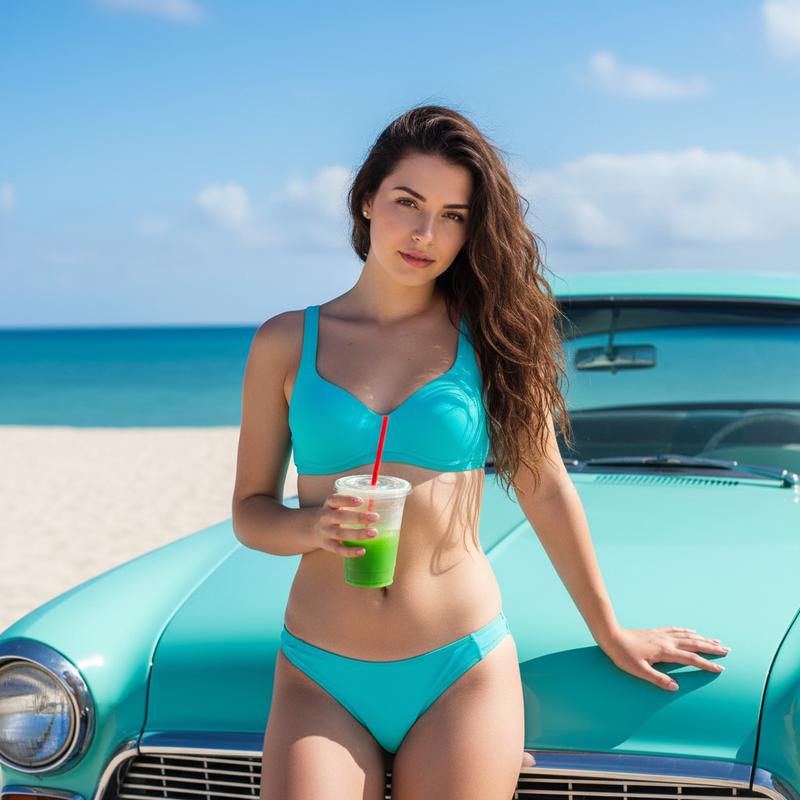
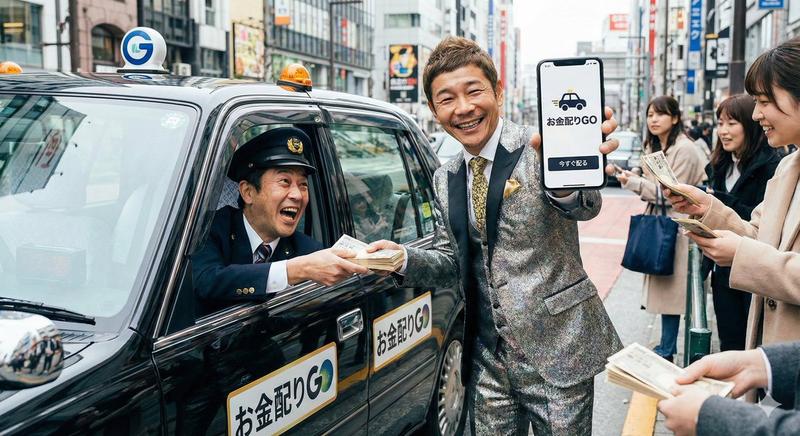
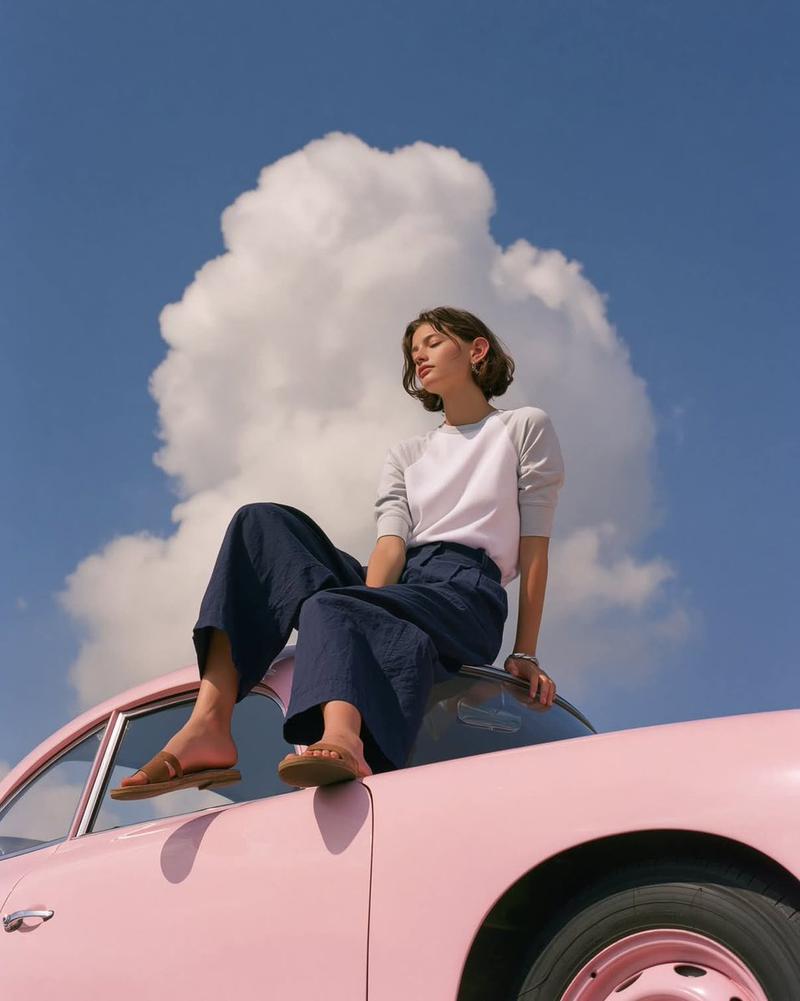
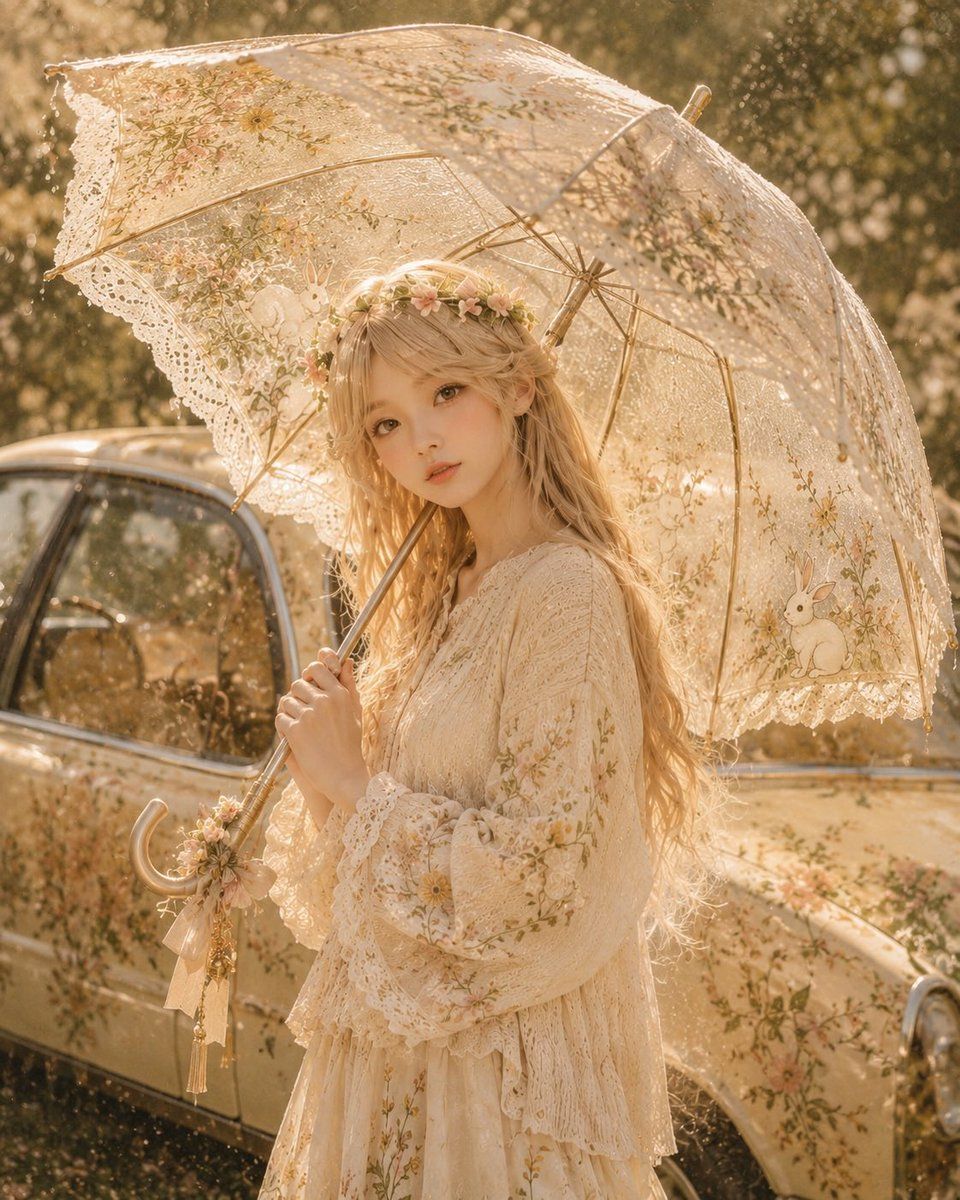
Example images

角色灵感定制雨伞设计

Prompt
Make an illustration
Analyze the uploaded illustration carefully and create an original umbrella design inspired entirely by its character, colors, atmosphere, motifs, emotional tone, and worldbuilding. The umbrella may be transparent vinyl, glossy plastic, silk, fabric, lace, or a hybrid material, but every part of its shape and decoration must feel naturally born from the illustration.

Design the canopy shape, ribs, handle, edge trim, patterns, ornaments, transparency, texture, colors, and overall silhouette based on the uploaded artwork. Do not create a generic umbrella. Reflect character traits, clothing details, symbols, fantasy or sci-fi elements, seasonal mood, lighting, and background motifs into the umbrella design.

If the illustration contains a character, show the same character naturally using the umbrella while preserving their face, eyes, hairstyle, hair color, expression, proportions, clothing style, and personality. The umbrella should feel like a custom item made only for that character’s world.

Ultra detailed, beautiful lighting, elegant composition, high-quality anime illustration, cinematic atmosphere, refined design, no text, no watermark, no distorted hands.
Category
Architecture & Spaces
Model
GPT Image 2
Views4
Source ID
24127
Published
Jun 4, 2026

Guide

About "角色灵感定制雨伞设计"

What is this prompt for?

"角色灵感定制雨伞设计" AI image prompt for GPT Image 2 (Architecture & Spaces). 根据上传的角色插画创作独特的雨伞设计,完美契合其世界观、主题元素及审美细节。 Copy it on Picva and recreate the look in one clic…

The full copyable prompt and example visuals above are ready for AI image generation or one-click recreate in Picva.

How to use this prompt

  1. Step 1

    Open the prompt detail

    Review the example visuals, category, and full prompt text for "角色灵感定制雨伞设计".

  2. Step 2

    Copy the prompt

    Copy the prompt body from this page, or load it directly in Studio.

  3. Step 3

    Pick a model (GPT Image 2)

    Prefer GPT Image 2. If you switch models, keep subject and composition and tweak style terms.

  4. Step 4

    Generate and export

    Recreate the look in Picva, or export into your workflow for editing and publishing.

FAQ

What is the "角色灵感定制雨伞设计" prompt?
It is an AI image-generation prompt for GPT Image 2 in the Architecture & Spaces category. This page includes the full prompt text, example visuals, and a one-click recreate path in Picva.
How do I use this prompt to generate an image?
Copy the prompt from this page, or use Generate / Studio. Paste it into a compatible image model, or recreate the look in Picva with optional reference images.
Which model is this prompt for?
This page lists GPT Image 2. Most descriptive prompts also transfer to nearby image models such as GPT Image, Flux, or Midjourney with light style tweaks.
Can I use the result commercially?
You can usually copy the prompt for creation, but commercial use of the final image depends on the model terms, reference-image rights, and the generated content. Follow the source author and platform rules.