16

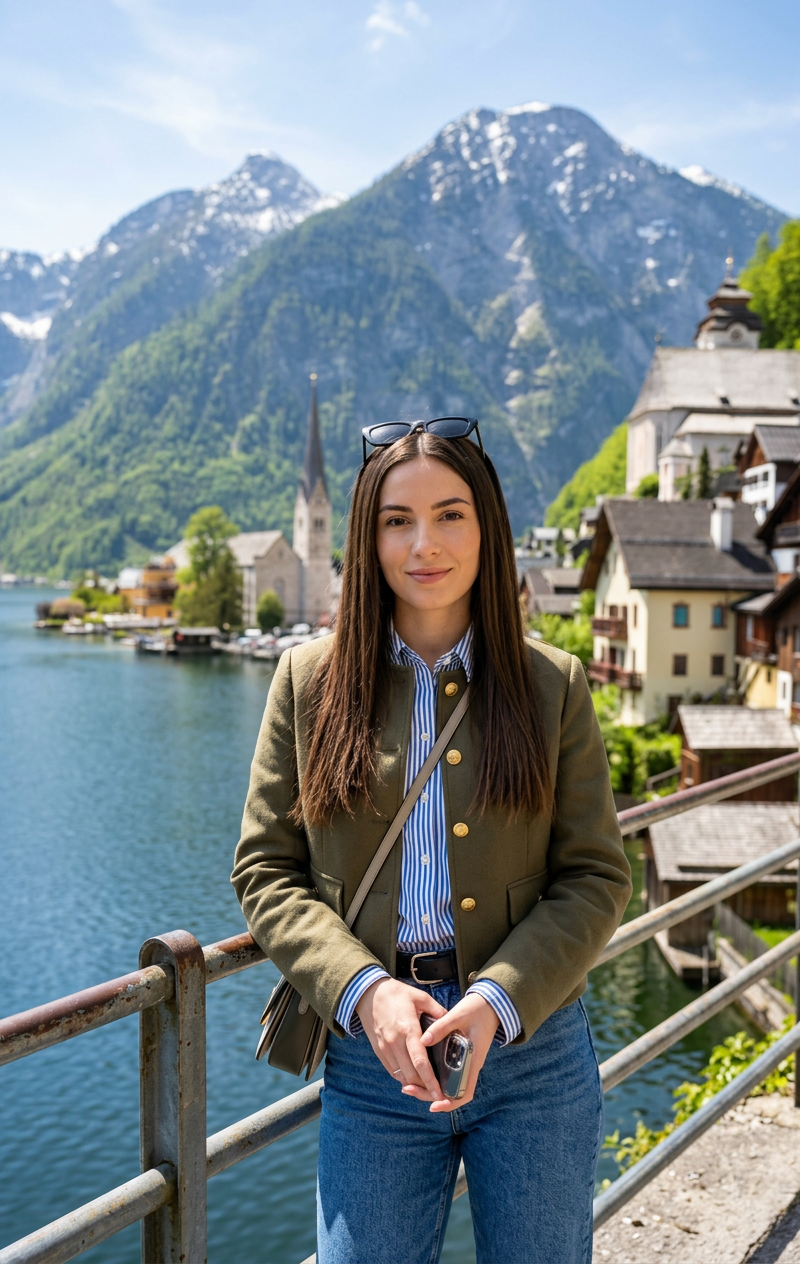
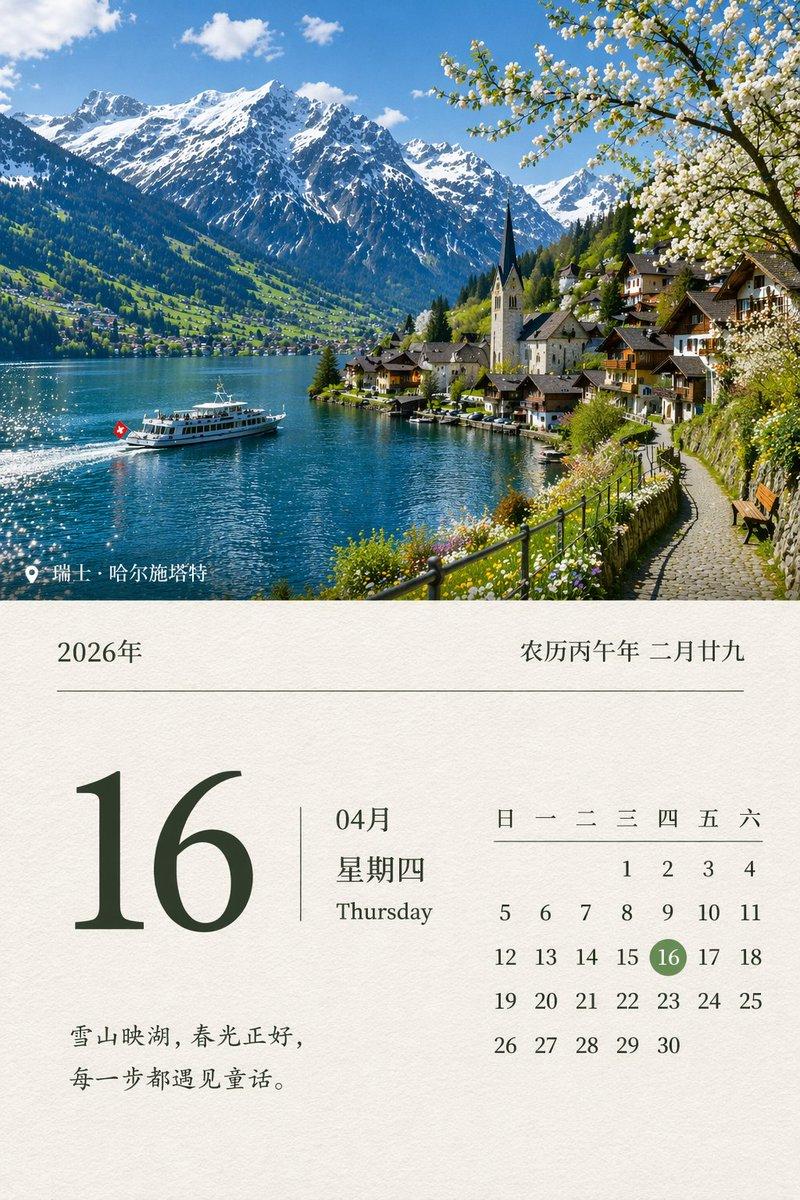
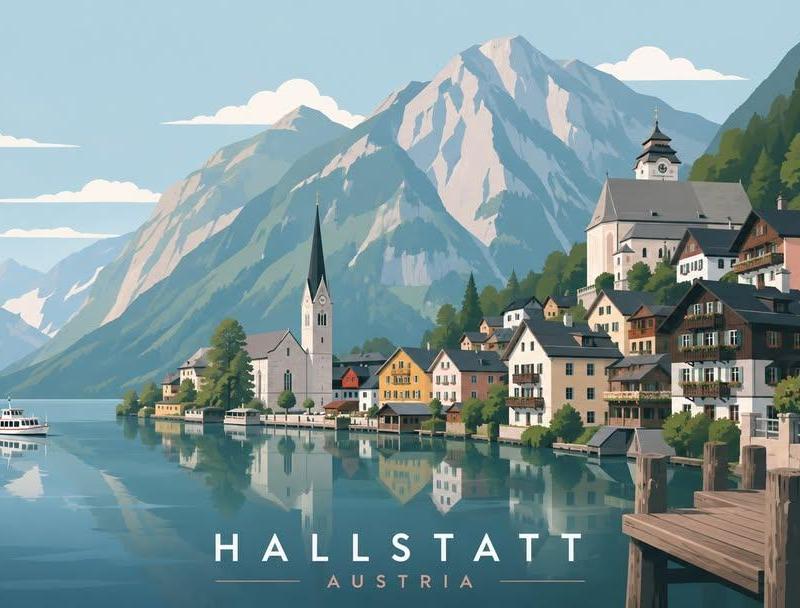
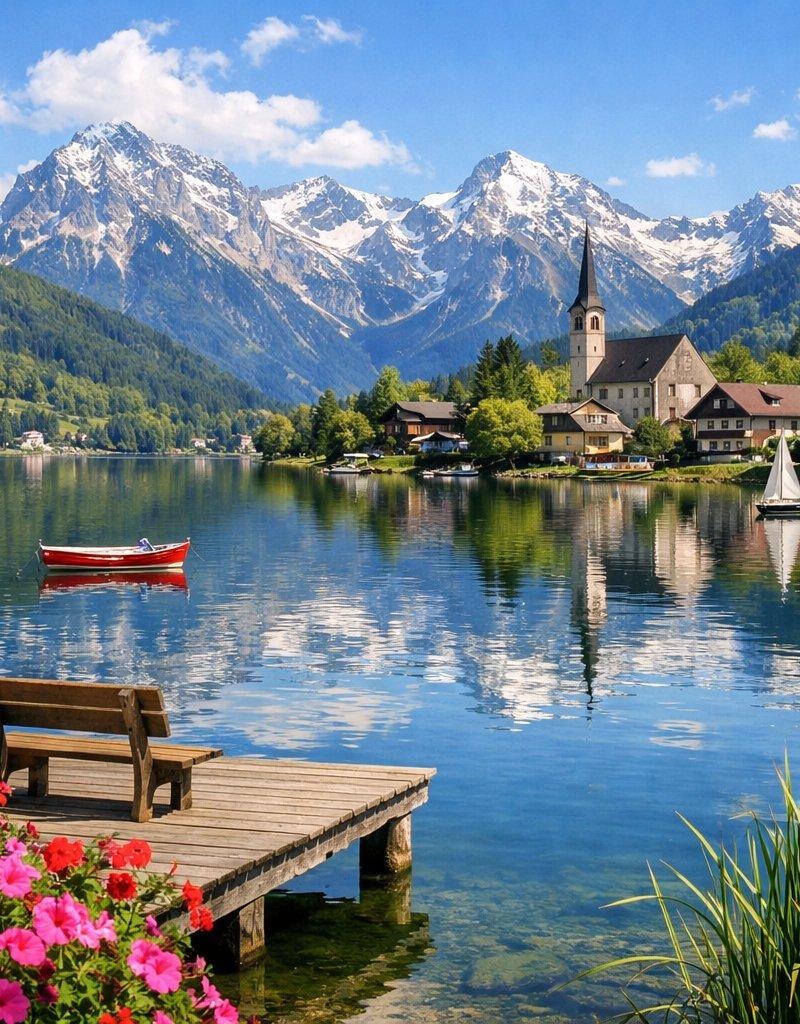
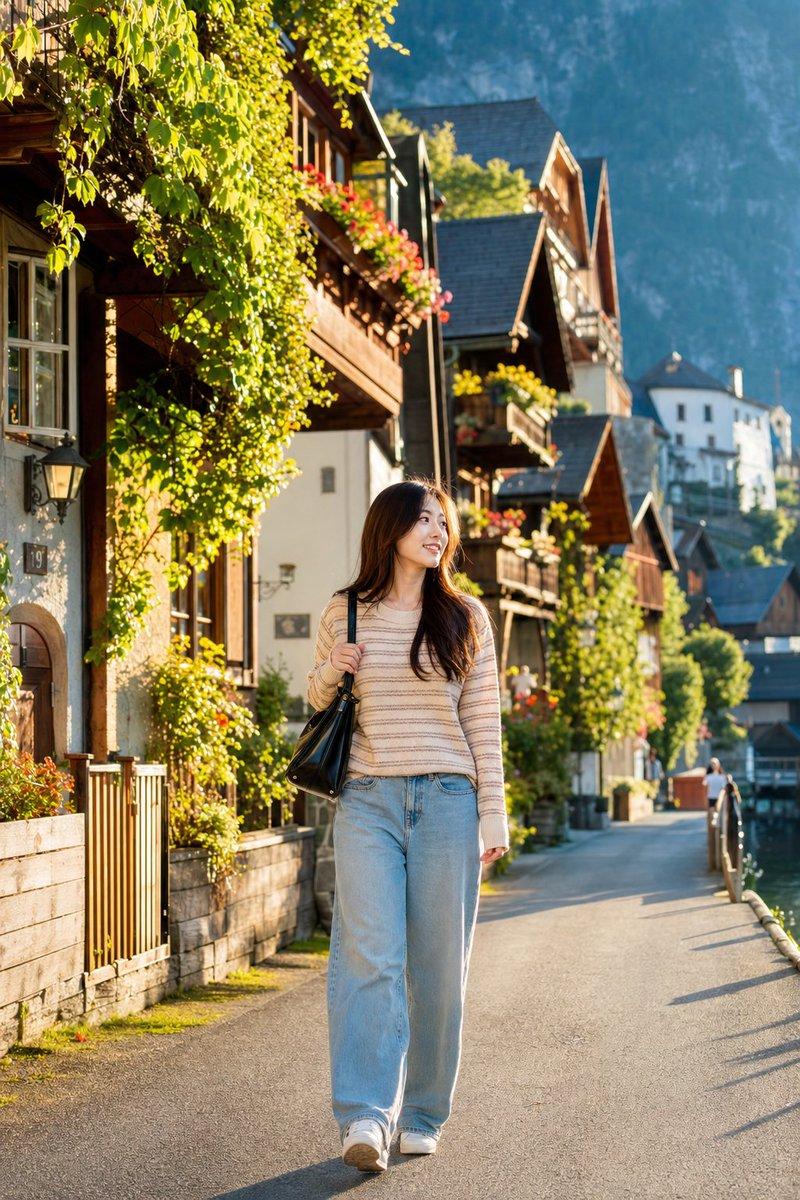
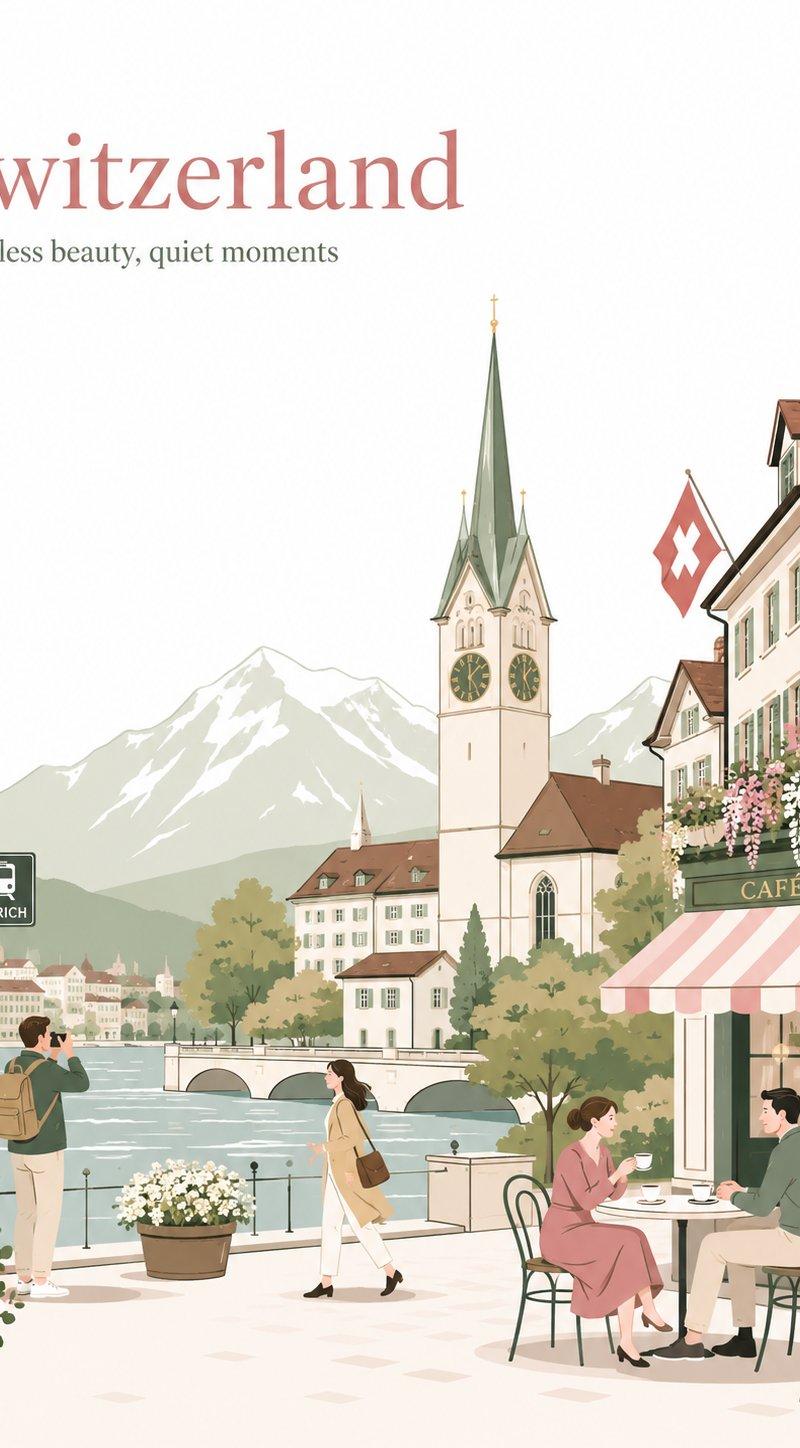
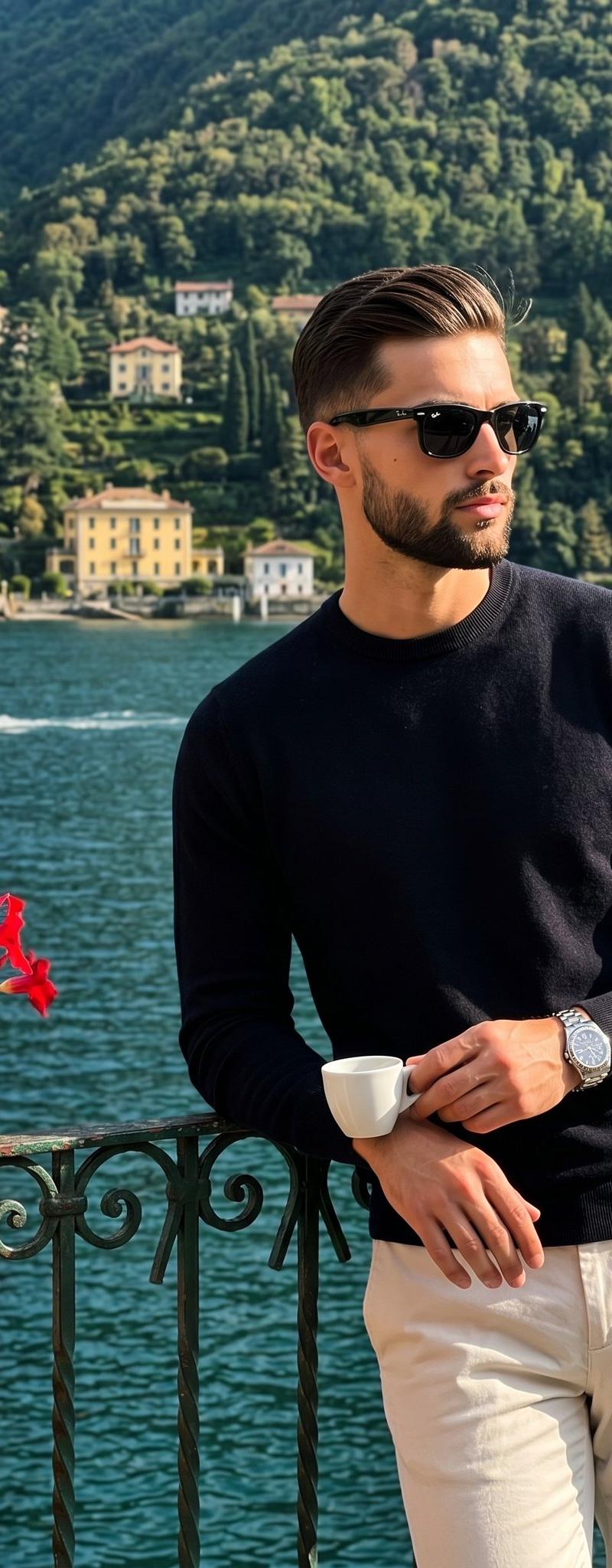
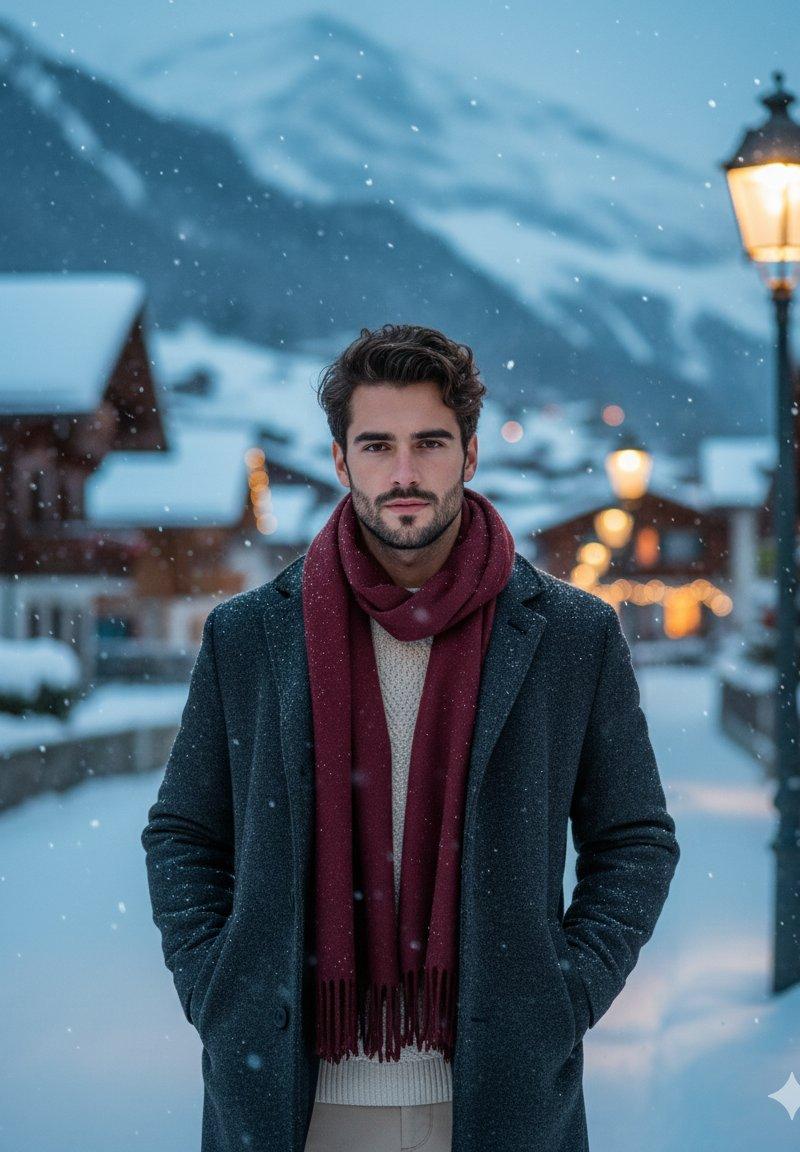
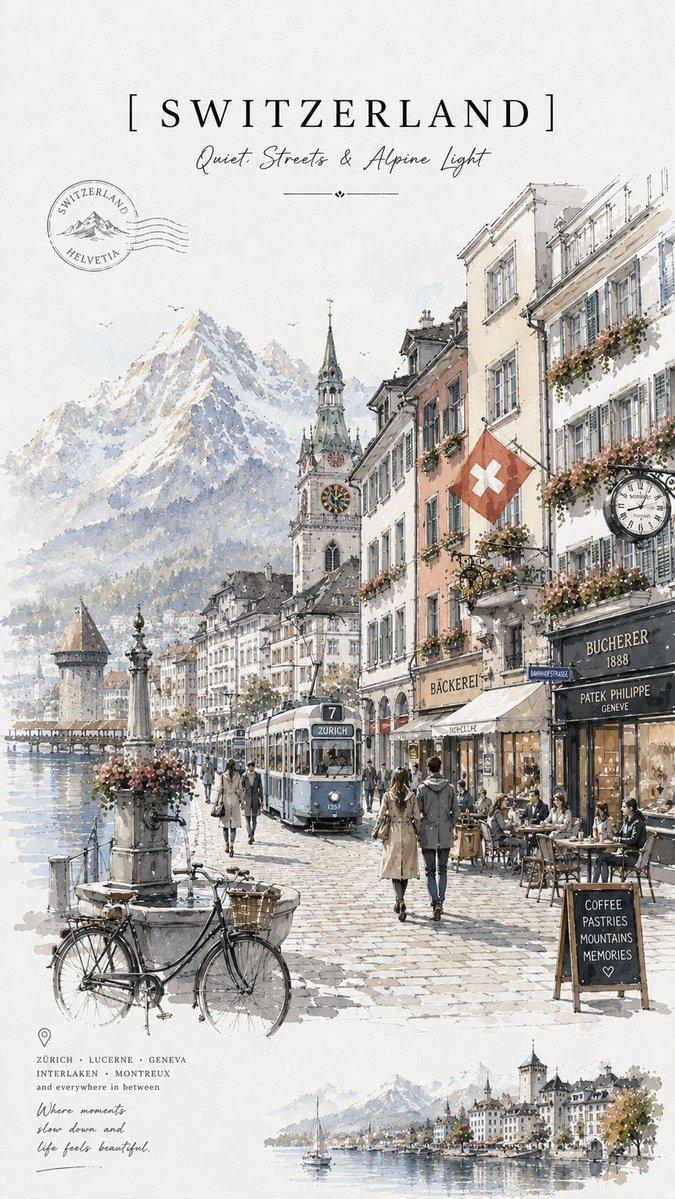
奥地利哈尔施塔特湖畔旅行人像
Enlarge

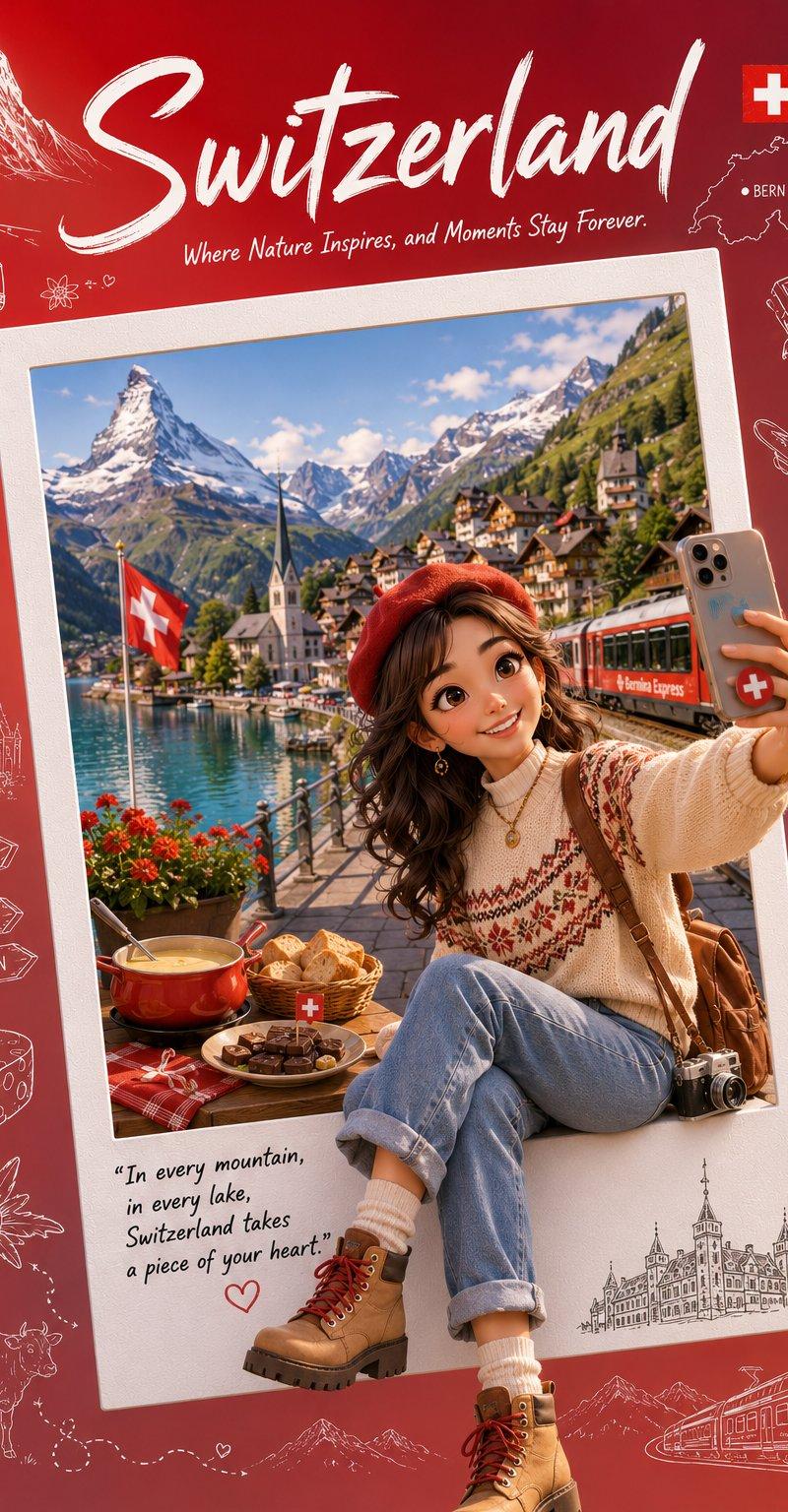
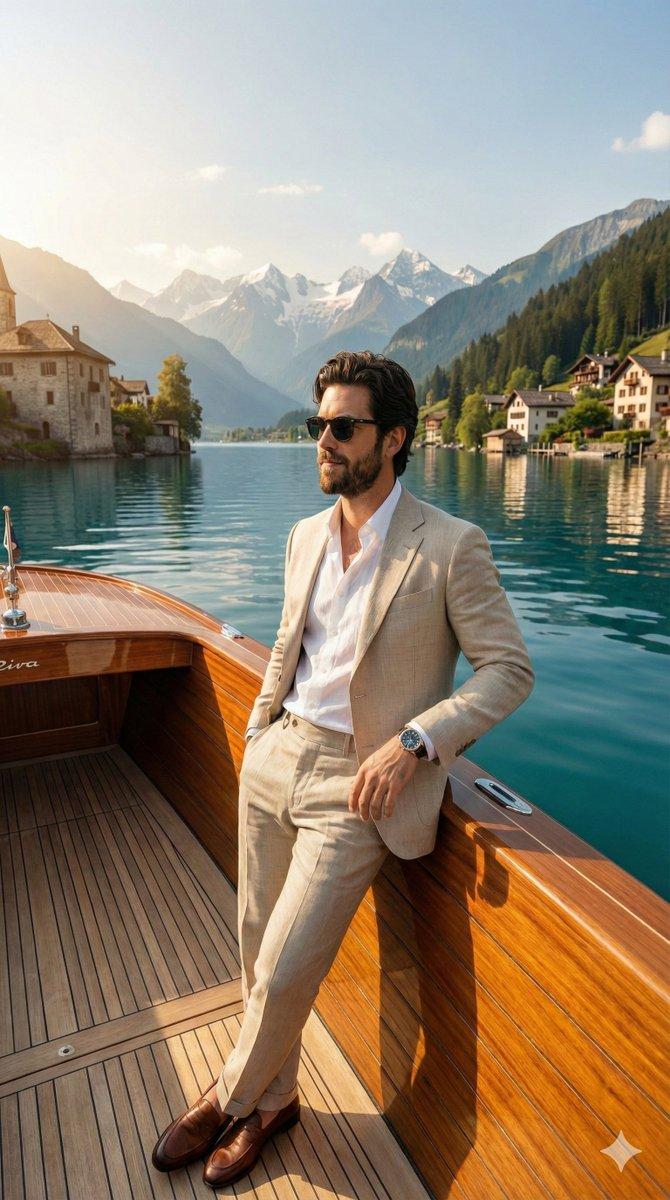
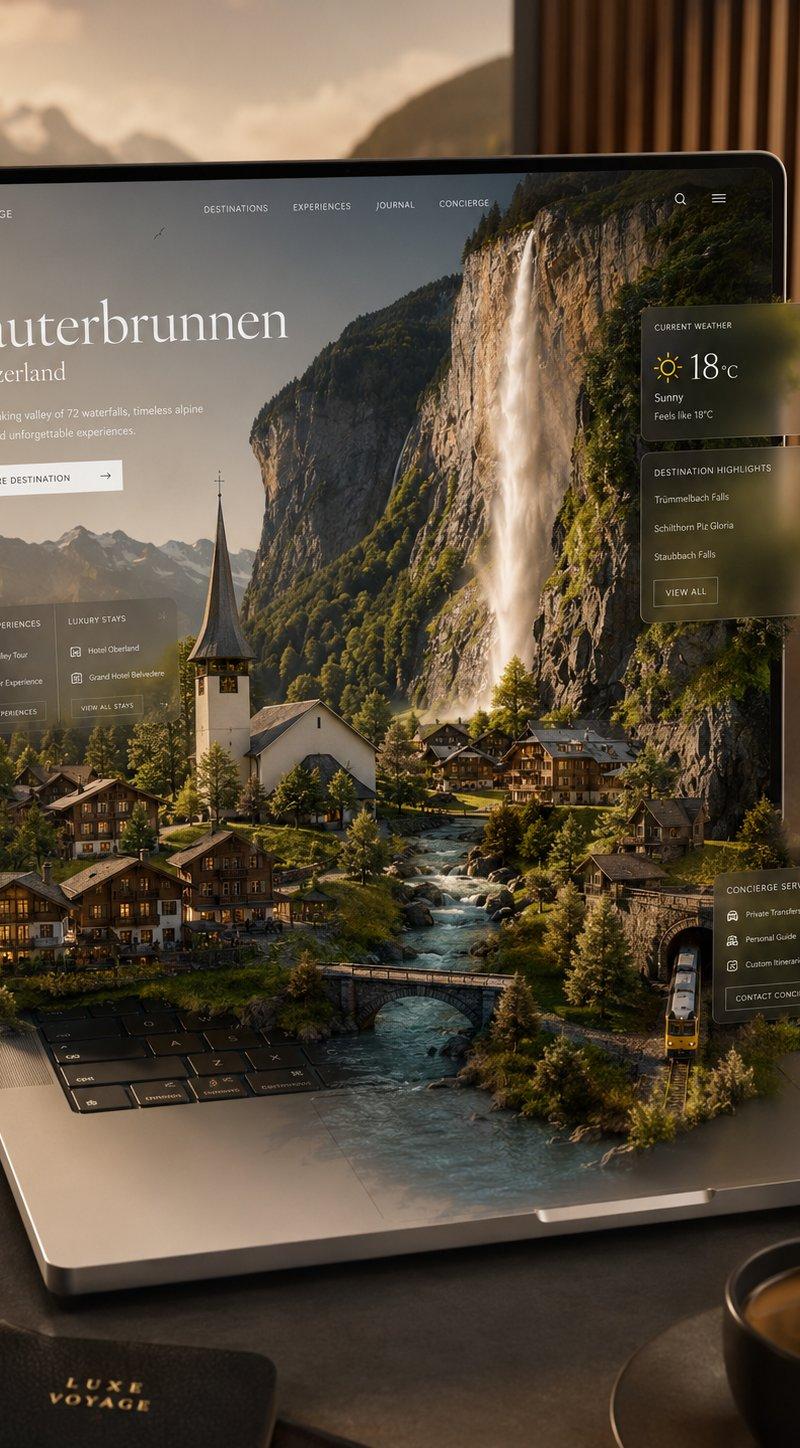
Example images

奥地利哈尔施塔特湖畔旅行人像

Prompt
Ultra-realistic travel portrait of a beautiful young woman standing by a lakeside viewpoint in Hallstatt, Austria, surrounded by crystal-clear water, charming alpine village houses, a historic church steeple, and majestic mountains under a bright blue sky with fluffy white clouds. Long silky blonde hair flowing naturally, radiant skin, soft natural makeup, gentle smile, wearing an elegant white blouse and flowing white skirt, carrying a stylish black shoulder bag. Golden sunlight illuminating the landscape, reflections on the lake, breathtaking European scenery, luxury travel photography, cinematic composition, vibrant colors, depth of field, highly detailed textures, realistic lighting, professional DSLR photography, 85mm lens, HDR, ultra sharp focus, photorealistic, masterpiece, 8K, magazine-quality travel editorial.
Category
Charts & Infographics
Model
GPT Image 2
Creator
𝗦𝗮𝗻𝗶𝗮
Source language
en
Views4
Source ID
24157
Published
Jun 4, 2026
Studio

Guide

About "奥地利哈尔施塔特湖畔旅行人像"

What is this prompt for?

"奥地利哈尔施塔特湖畔旅行人像" AI image prompt for GPT Image 2 (Charts & Infographics). 一个奢华旅行摄影提示词,旨在生成一张以奥地利哈尔施塔特为背景、被高山美景环绕的超写实女性人像。 Copy it on Picva and recreate the loo…

The full copyable prompt and example visuals above are ready for AI image generation or one-click recreate in Picva.

How to use this prompt

  1. Step 1

    Open the prompt detail

    Review the example visuals, category, and full prompt text for "奥地利哈尔施塔特湖畔旅行人像".

  2. Step 2

    Copy the prompt

    Copy the prompt body from this page, or load it directly in Studio.

  3. Step 3

    Pick a model (GPT Image 2)

    Prefer GPT Image 2. If you switch models, keep subject and composition and tweak style terms.

  4. Step 4

    Generate and export

    Recreate the look in Picva, or export into your workflow for editing and publishing.

FAQ

What is the "奥地利哈尔施塔特湖畔旅行人像" prompt?
It is an AI image-generation prompt for GPT Image 2 in the Charts & Infographics category. This page includes the full prompt text, example visuals, and a one-click recreate path in Picva.
How do I use this prompt to generate an image?
Copy the prompt from this page, or use Generate / Studio. Paste it into a compatible image model, or recreate the look in Picva with optional reference images.
Which model is this prompt for?
This page lists GPT Image 2. Most descriptive prompts also transfer to nearby image models such as GPT Image, Flux, or Midjourney with light style tweaks.
Can I use the result commercially?
You can usually copy the prompt for creation, but commercial use of the final image depends on the model terms, reference-image rights, and the generated content. Follow the source author and platform rules.