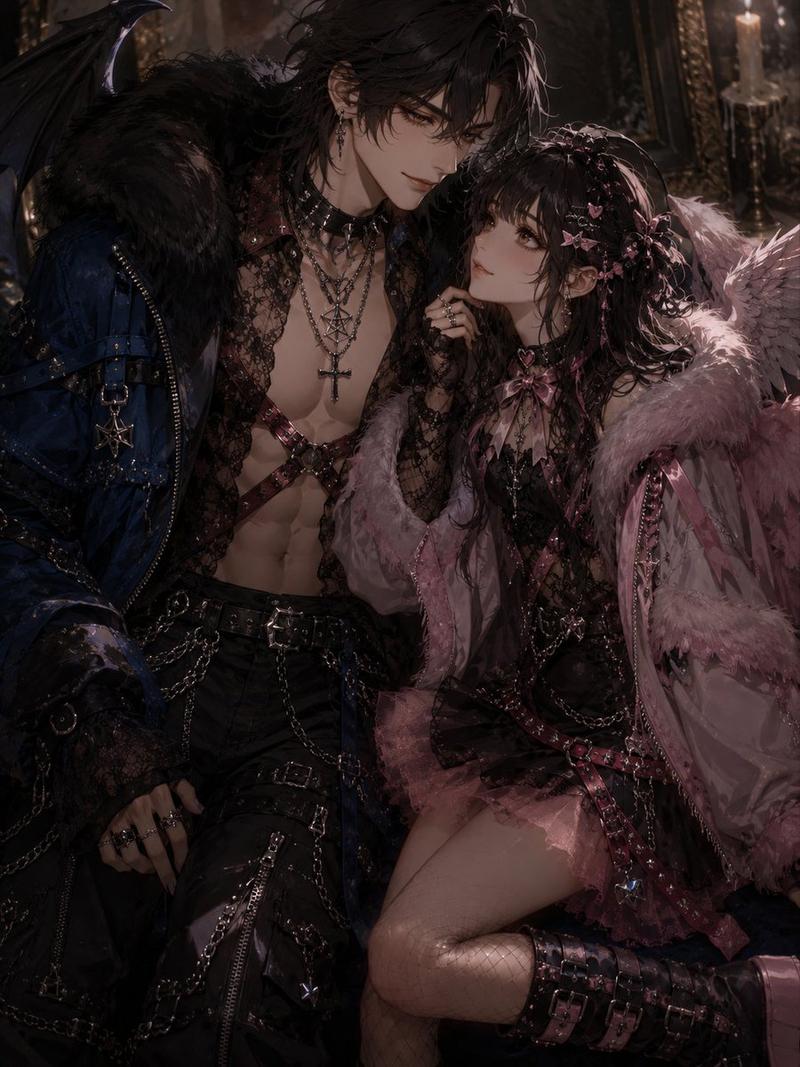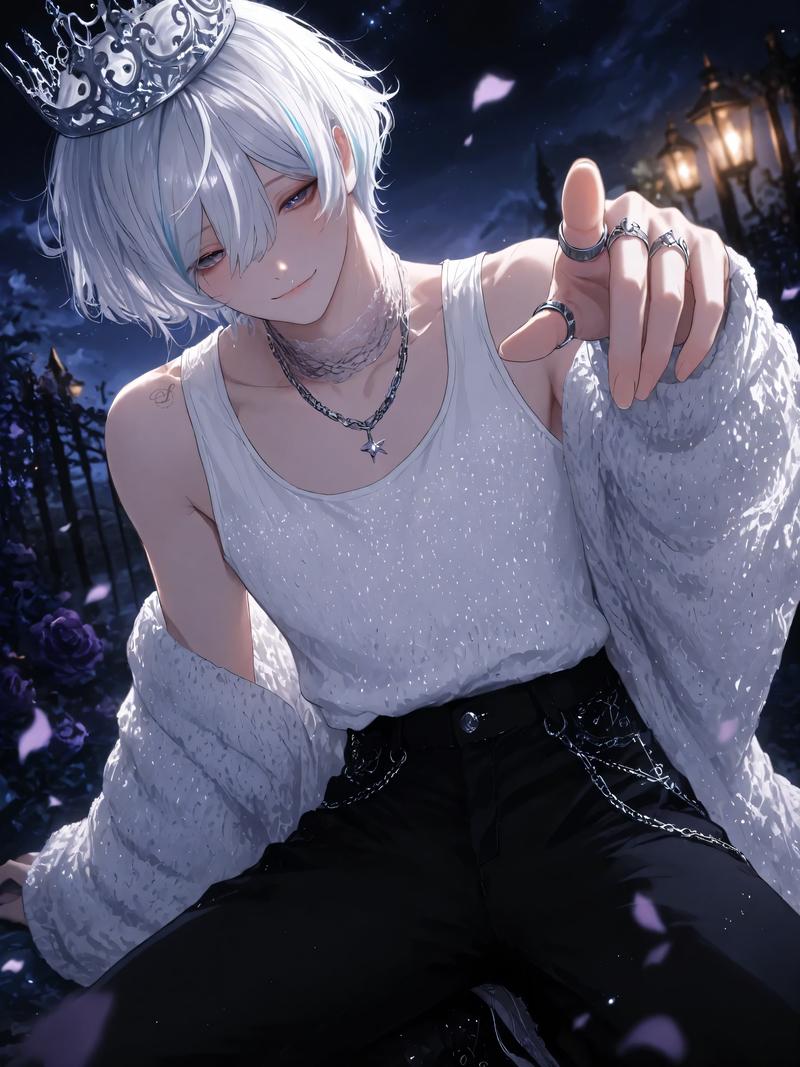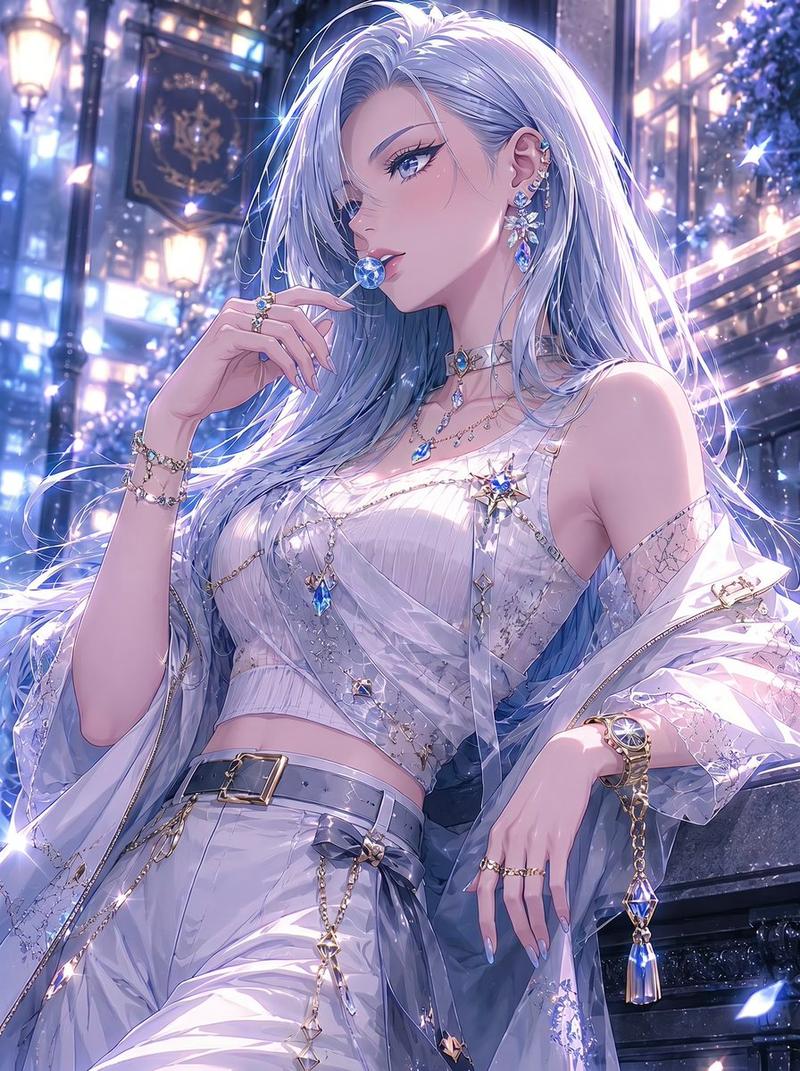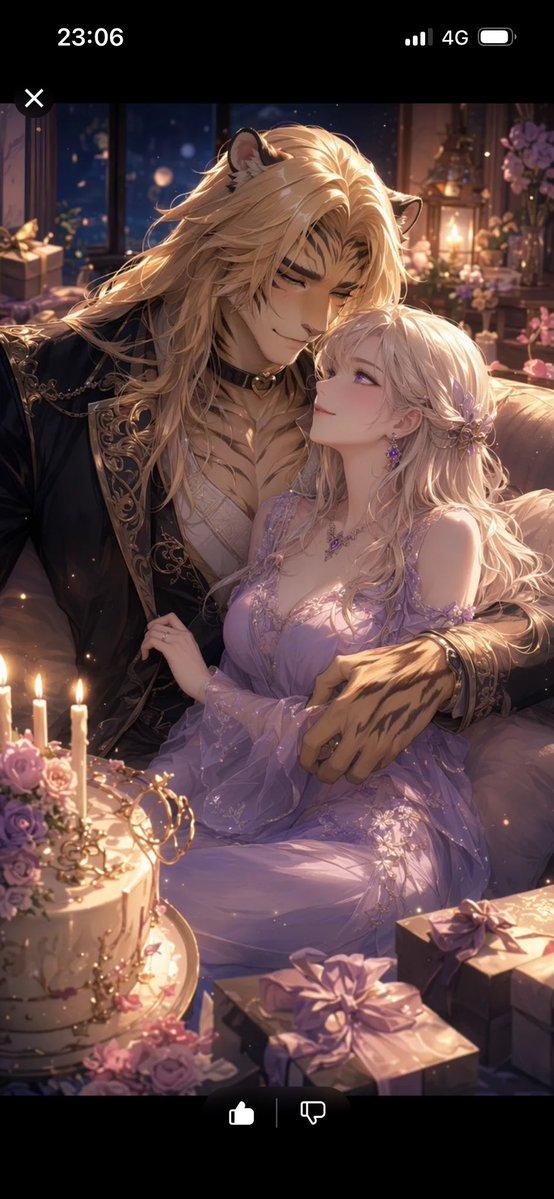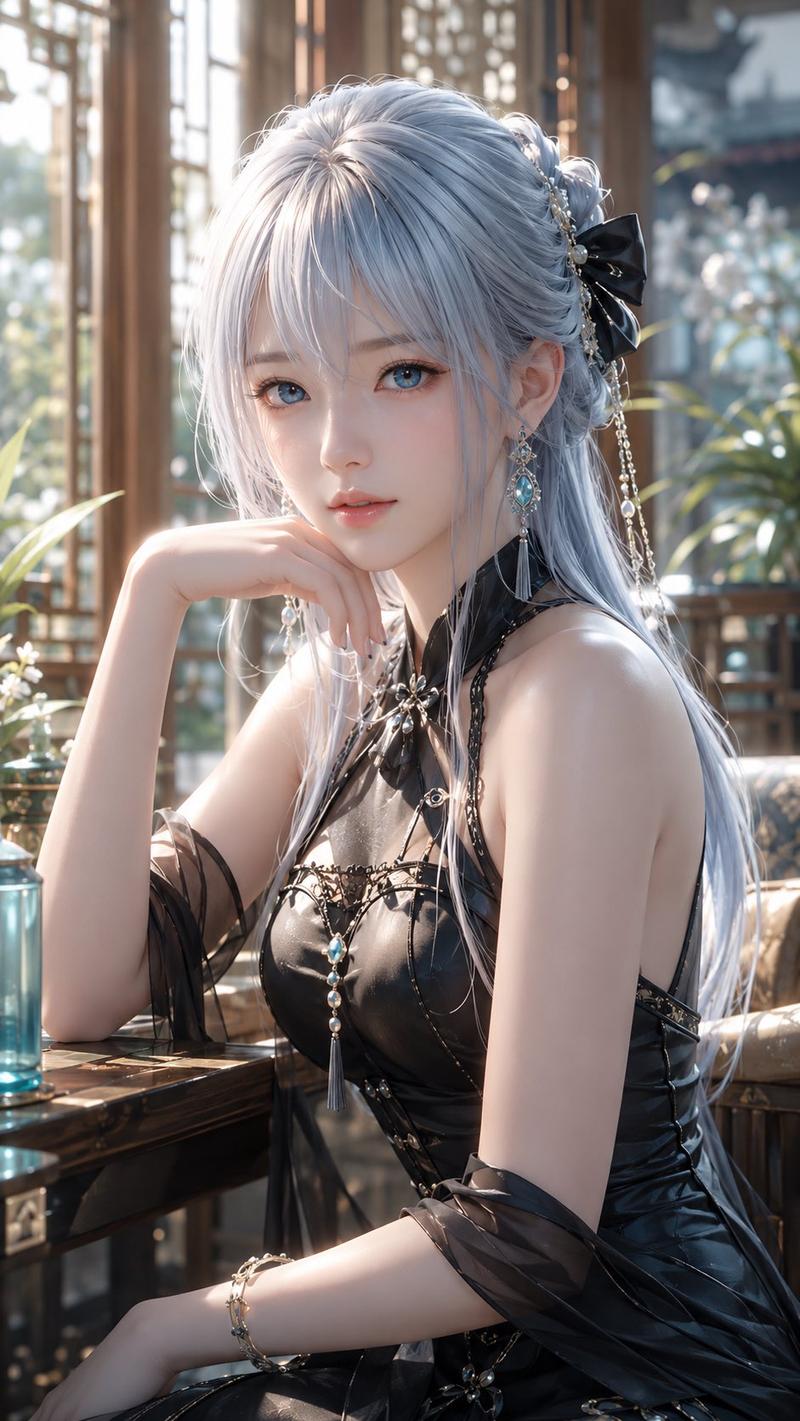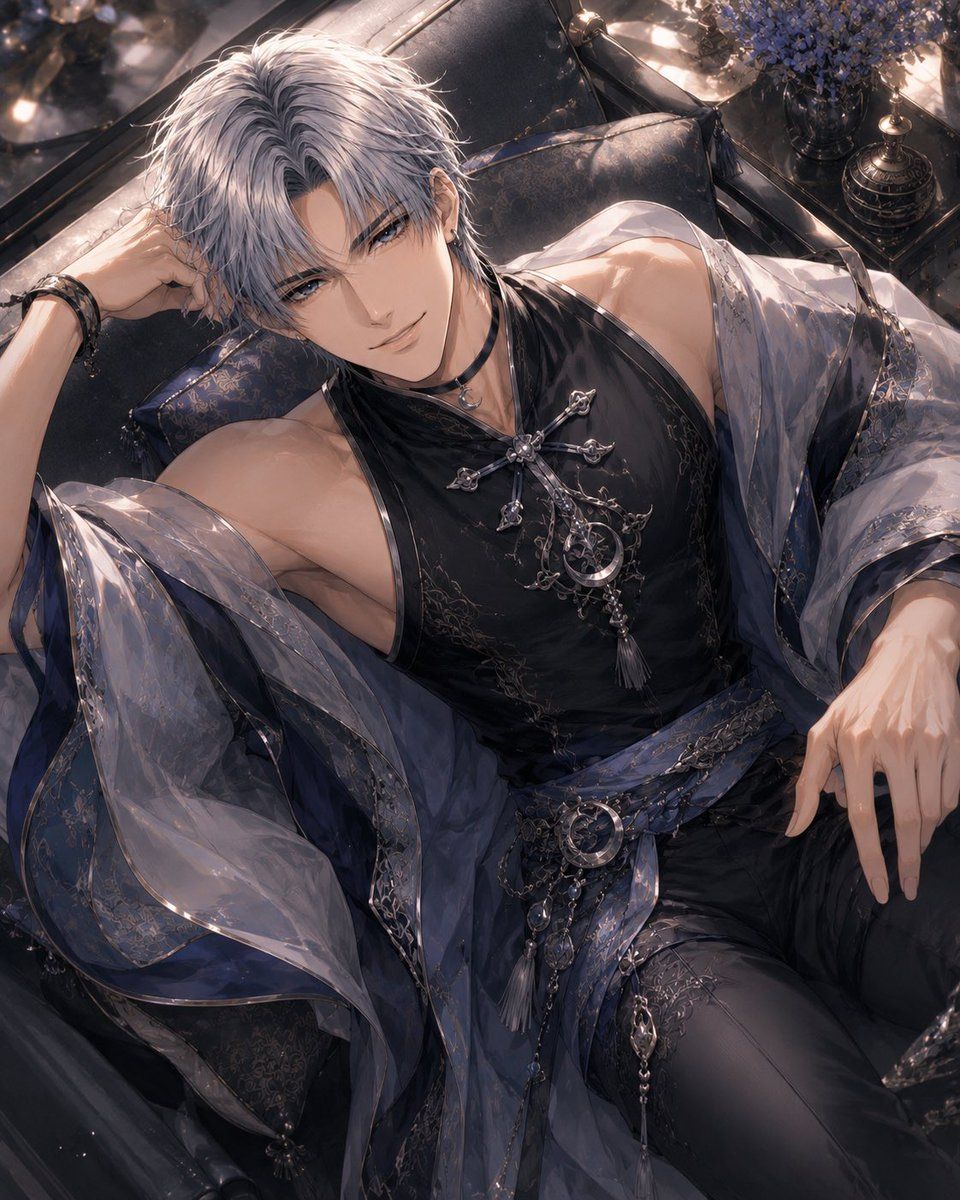
银发哥特奇幻风侧卧男子
Prompt
Create a highly detailed anime-style fantasy portrait of an elegant young man reclining diagonally on a luxurious black leather sofa, viewed from above at a close three-quarter angle. The character has {argument name="hair color" default="silver-white"} tousled layered hair and {argument name="eye color" default="cool blue"} eyes, with a calm, alluring expression. He is slender but athletic, with exposed shoulders and collarbones, wearing a sleeveless glossy black high-neck top with ornate dark embroidery, a translucent smoky-blue sheer robe draped loosely off both shoulders, fitted black trousers, and layered blue-black sash fabric at the waist. Add elaborate silver gothic jewelry: one large cross-and-crescent chest brooch with dangling chains and tassels, one crescent moon waist ornament, multiple fine chain strands, metallic filigree clasps, and dark bracelets on one wrist. His left arm bends up with his hand near his head, and his right hand rests relaxed near his thigh; emphasize graceful long fingers and soft skin highlights. The setting is a moody opulent lounge with dark pillows, reflective black surfaces, warm candlelike highlights, and a vase of small purple-blue flowers in the upper right background. Use a romantic dark palette of black, charcoal, deep navy, smoky lavender, silver, and pearly highlights. Lighting should be cinematic and soft, with glossy reflections, sparkling dust motes, delicate fabric transparency, intricate embroidery, and polished metal details. Composition should crop tightly around the reclining figure from head to upper legs, with the face area unobstructed and no text, watermark, or extra characters.- Category
- Charts & Infographics
- Model
- GPT Image 2
- Creator
- ツキマチ
- Source ID
- 24185
- Published
- Jun 4, 2026
Views13