15

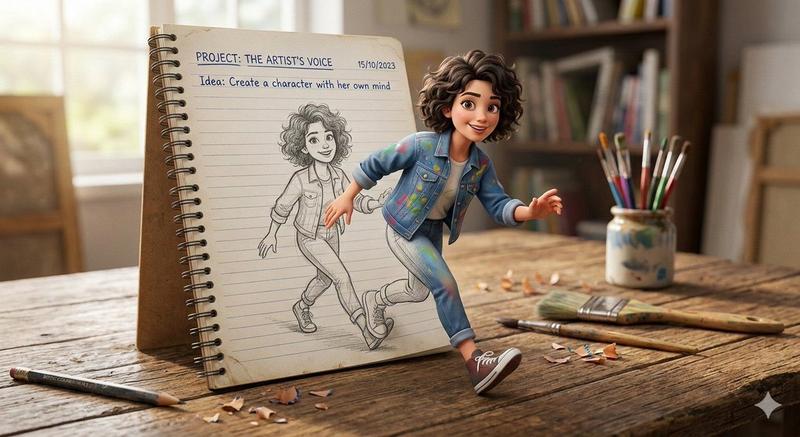
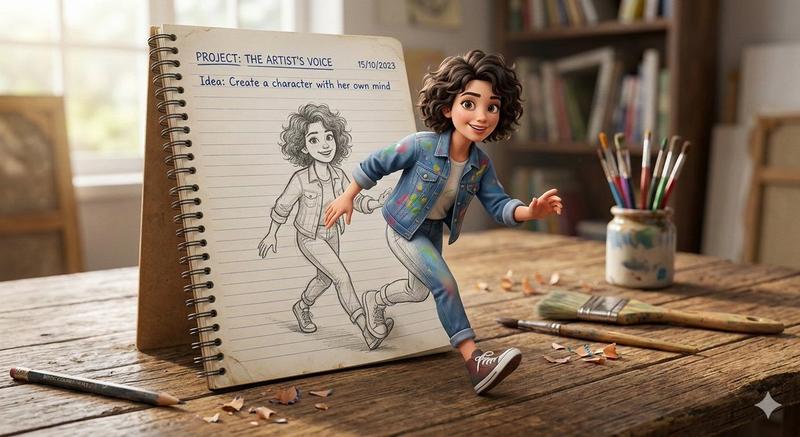
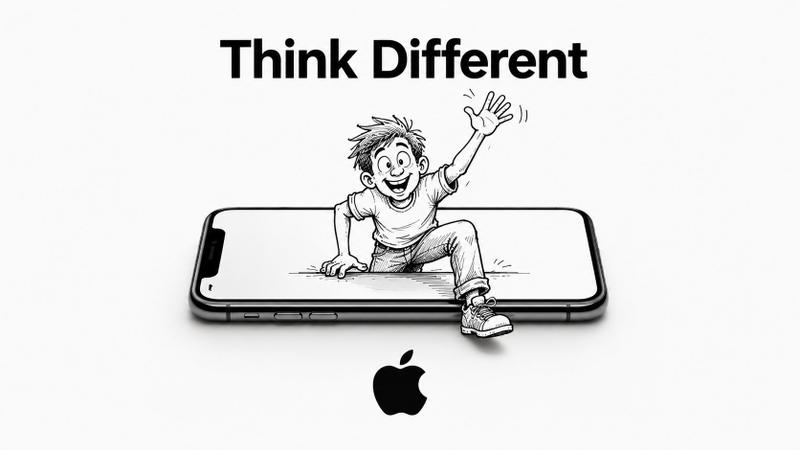
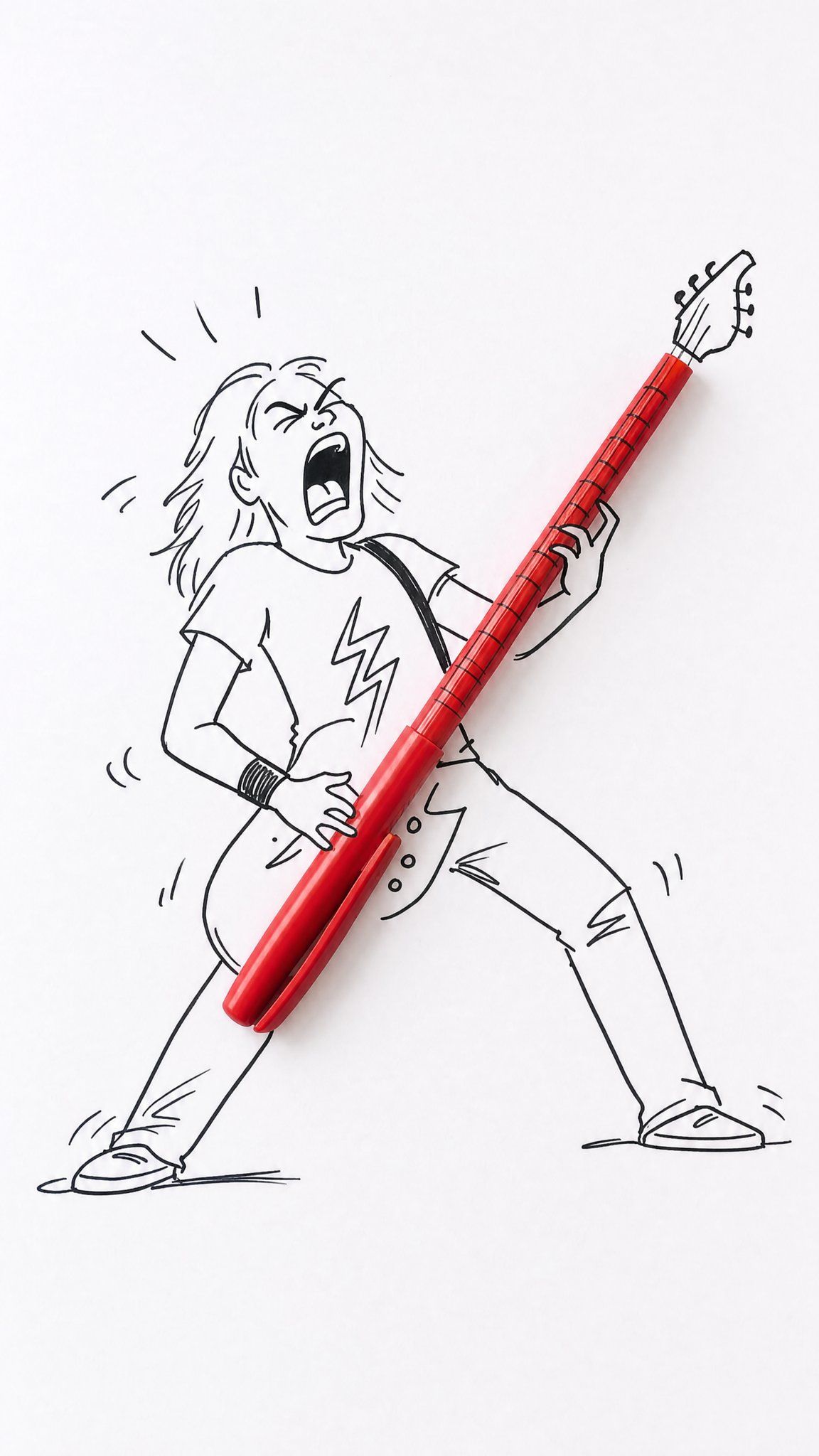
Real Object and Doodle Composite Art
Enlarge

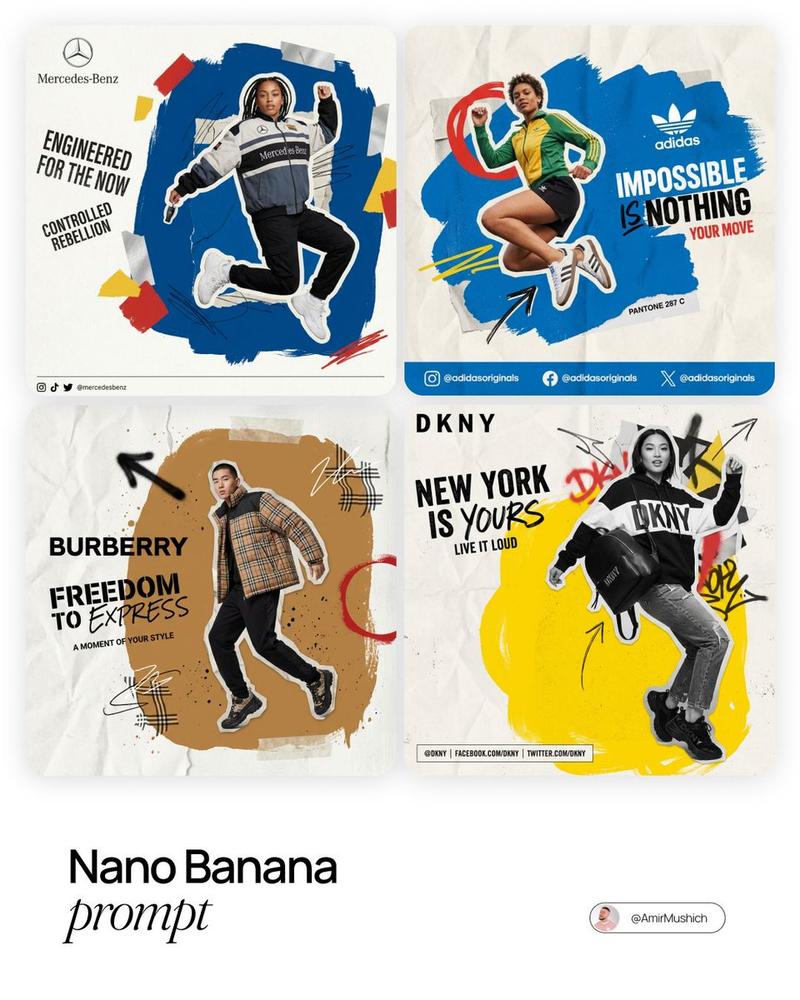
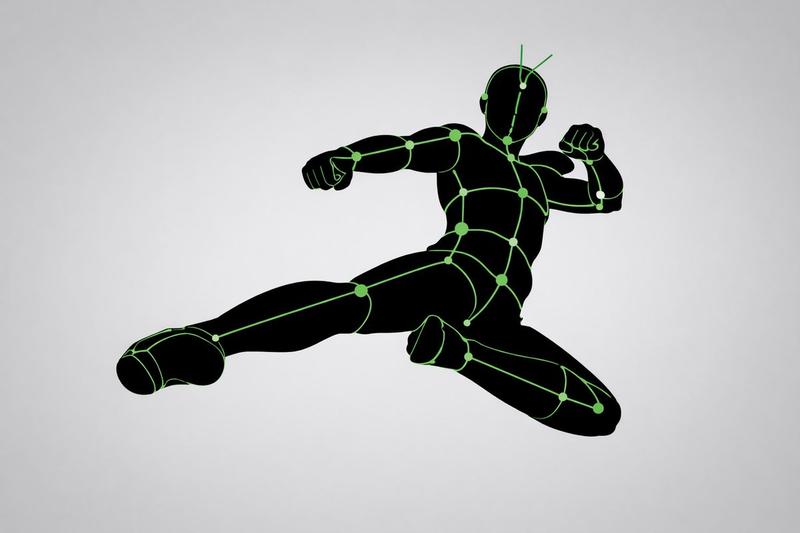
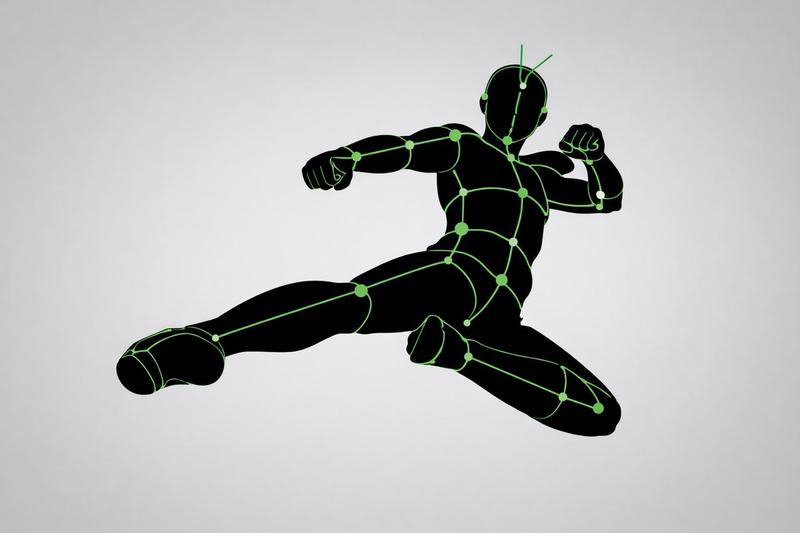
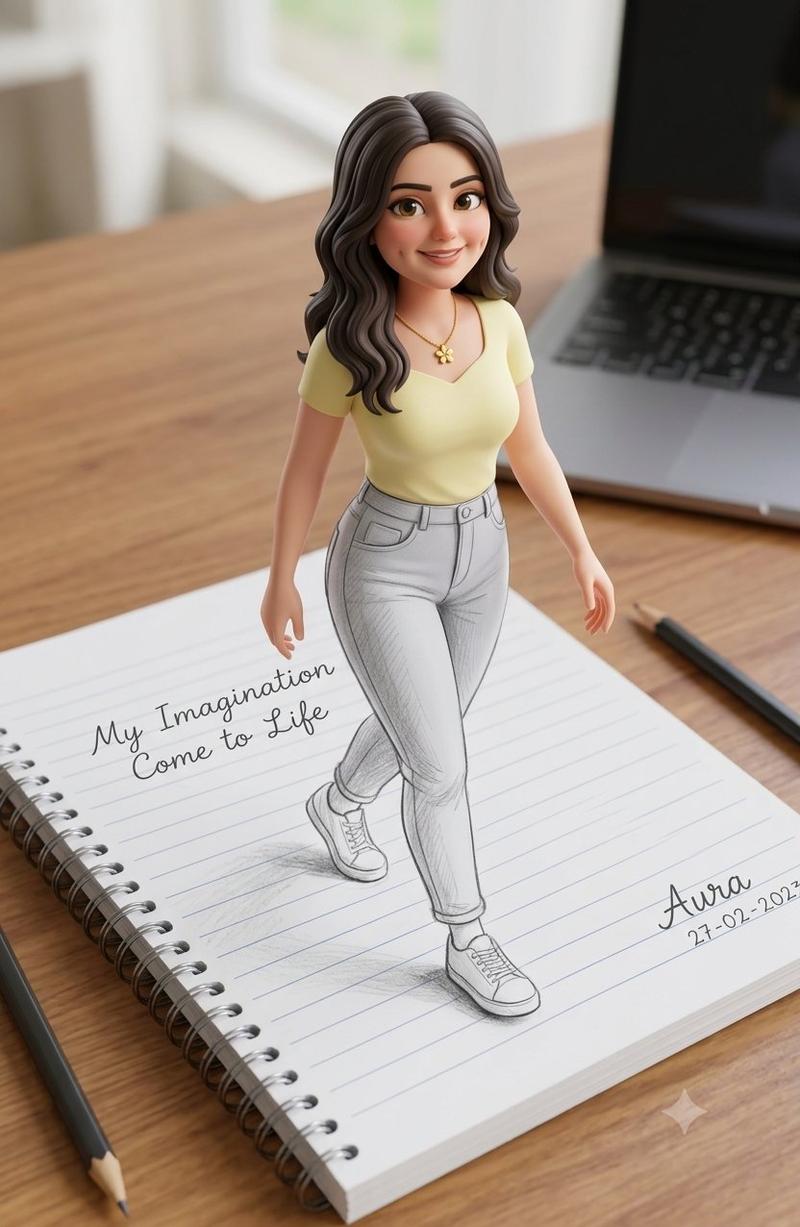
Example images

Real Object and Doodle Composite Art

Prompt
Creative composite photography, 9:16 vertical aspect ratio, clean minimalistic white background, studio lighting, high detail, clear focus.

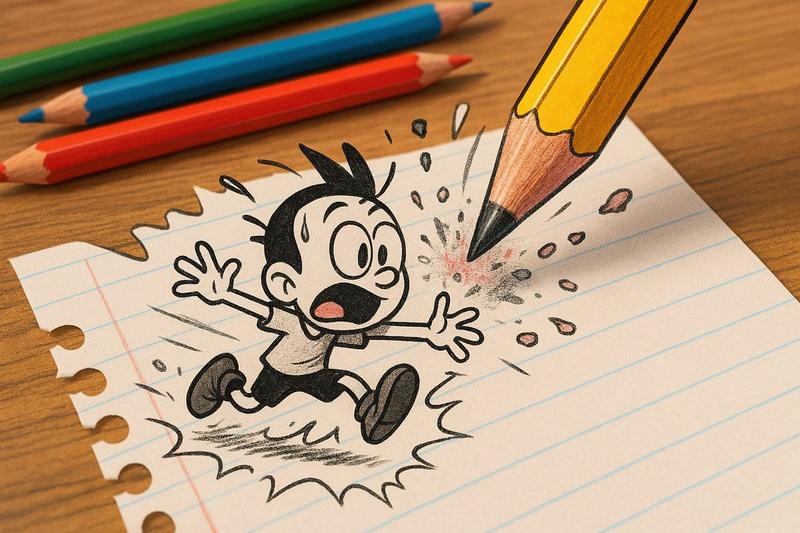
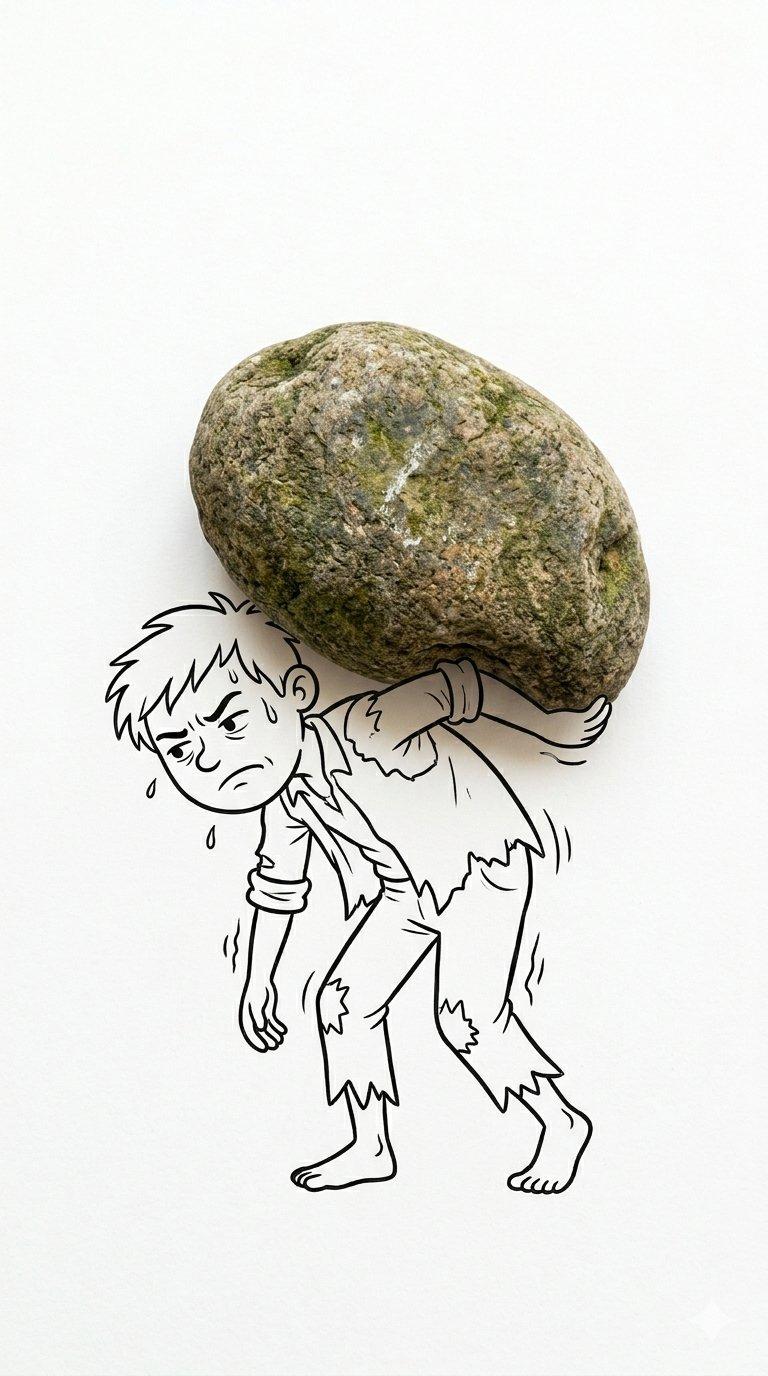
A real {argument name="everyday object" default="EVERYDAY OBJECT"} is physically placed and perfectly inscribed in a hand-drawn cartoon in black ink. The drawing is a simple, expressive linear graphic with minimal strokes, similar to a quick sketch on paper.

{argument name="object name" default="THE OBJECT"} represents {argument name="visual metaphor" default="A WELL-THOUGHT-OUT PART OF THE SCENE"}, skillfully completing a visual pun or concept. A cartoon character dynamically interacts with an object in a humorous, meaningful, or unexpected way.

Photorealistic object + bold black line drawing style, perfect combination of real object and illustration, pure negative space, artistic and witty concept, high-quality product photography combined with doodles.
Category
Charts & Infographics
Model
GPT Image 2
Views2.2K
Source ID
24303
Published
Jun 5, 2026

Guide

About "Real Object and Doodle Composite Art"

What is this prompt for?

"Real Object and Doodle Composite Art" AI image prompt for GPT Image 2 (Charts & Infographics). A creative prompt that blends photographs of everyday objects w…

The full copyable prompt and example visuals above are ready for AI image generation or one-click recreate in Picva.

How to use this prompt

  1. Step 1

    Open the prompt detail

    Review the example visuals, category, and full prompt text for "Real Object and Doodle Composite Art".

  2. Step 2

    Copy the prompt

    Copy the prompt body from this page, or load it directly in Studio.

  3. Step 3

    Pick a model (GPT Image 2)

    Prefer GPT Image 2. If you switch models, keep subject and composition and tweak style terms.

  4. Step 4

    Generate and export

    Recreate the look in Picva, or export into your workflow for editing and publishing.

FAQ

What is the "Real Object and Doodle Composite Art" prompt?
It is an AI image-generation prompt for GPT Image 2 in the Charts & Infographics category. This page includes the full prompt text, example visuals, and a one-click recreate path in Picva.
How do I use this prompt to generate an image?
Copy the prompt from this page, or use Generate / Studio. Paste it into a compatible image model, or recreate the look in Picva with optional reference images.
Which model is this prompt for?
This page lists GPT Image 2. Most descriptive prompts also transfer to nearby image models such as GPT Image, Flux, or Midjourney with light style tweaks.
Can I use the result commercially?
You can usually copy the prompt for creation, but commercial use of the final image depends on the model terms, reference-image rights, and the generated content. Follow the source author and platform rules.