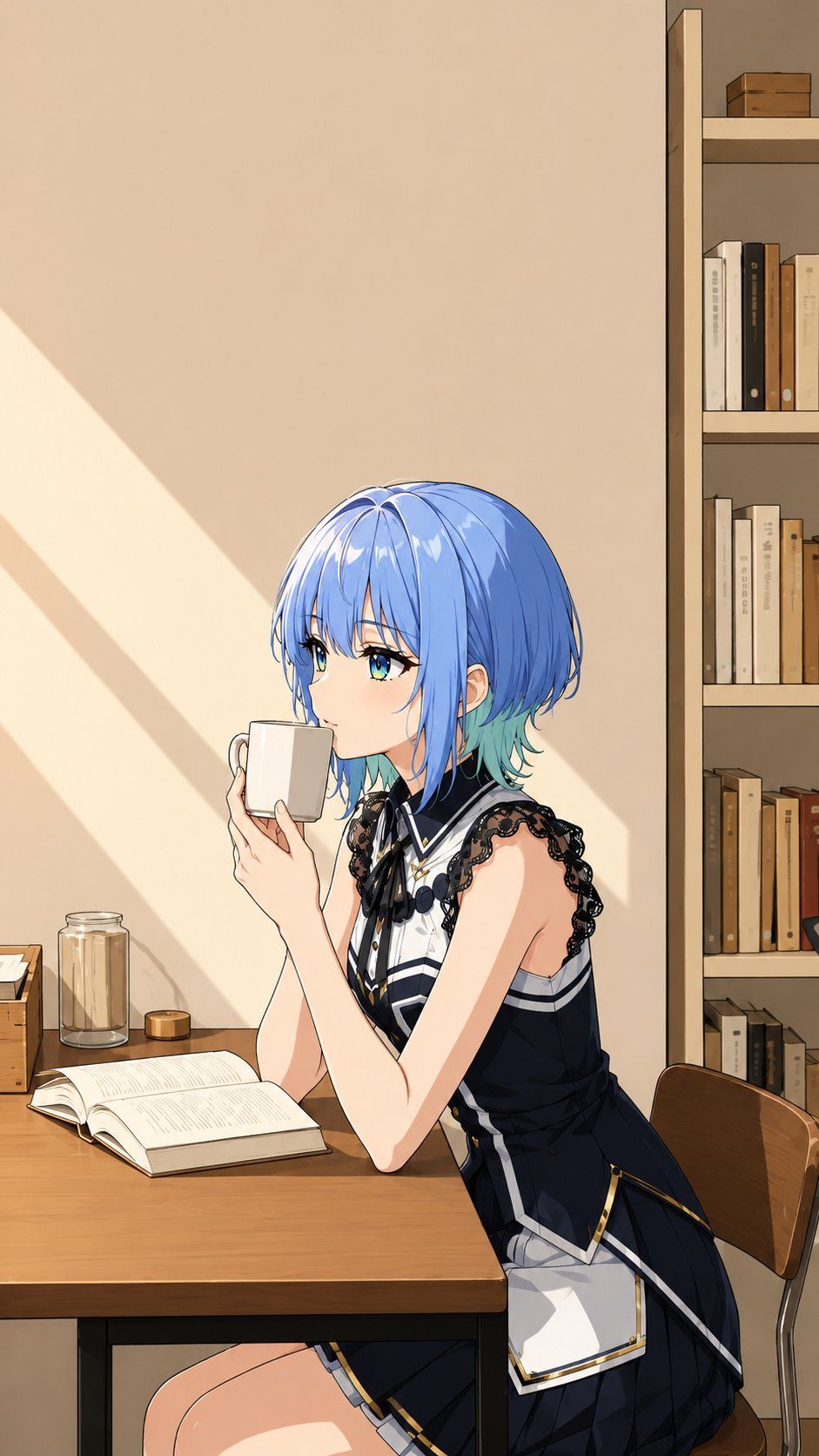
Photo to Anime Reading Scene
Prompt
Using REFERENCE_0 as the base image, transform the scene into a polished Japanese anime illustration while preserving the same vertical composition, seated side pose, table placement, mug-holding gesture, open book, chair, jars, and bookshelf arrangement. Keep the face anonymized with the same centered square blur/censor block.

Main transformation: Replace the real person with an elegant anime girl, keeping the pose and hand positions, but change her into a stylized character with {argument name="hair color" default="short glossy blue hair with turquoise tips"} and a refined dark idol-style outfit. The outfit should include exactly 5 prominent visible costume elements: a sleeveless navy dress, black lace shoulder trim, a white high-collar front panel, a black ribbon bow at the neck, and a white apron-like side panel with gold edging.

Style and lighting: Convert the photo into clean high-quality anime line art with smooth cel shading, warm beige tones, crisp highlights, and a calm cozy reading atmosphere. Add strong afternoon sunlight entering from the left, forming diagonal light-and-shadow bands on the wall.

Background: Keep the simple room, wooden desk, open book, white mug, glass jar, small wooden box, chair, and right-side bookshelf, but render them as anime background art with warm wood tones and neatly simplified details. The bookshelf should remain on the right edge and contain multiple neutral-colored books without readable text.

Constraints: Do not change the camera angle or crop. Do not add extra characters. Avoid photorealism. Keep the anonymous square face block visible and centered over the face.- Category
- Charts & Infographics
- Model
- GPT Image 2
- Creator
- 🐻❄️Gomdan🐻❄️
- Source ID
- 24325
- Published
- Jun 5, 2026
Views151






