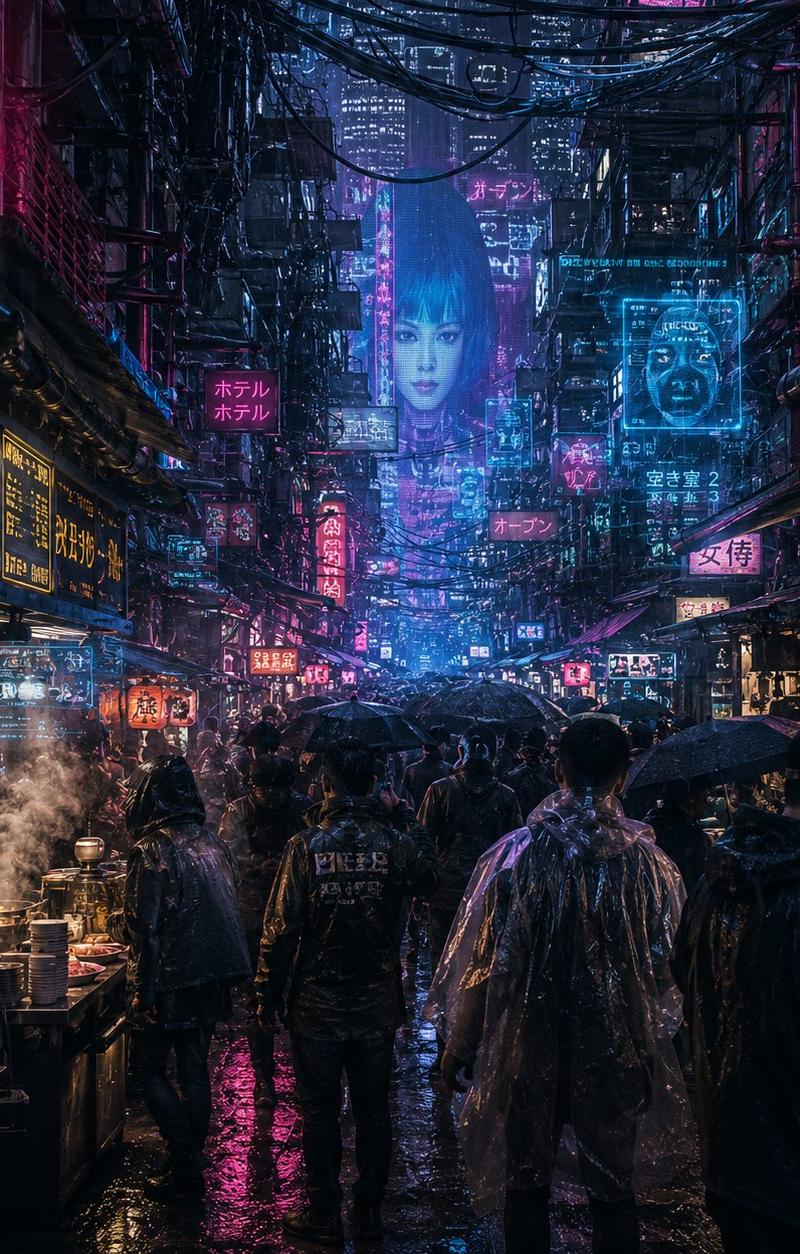
Noisy Cyberpunk Rain Alley
Prompt
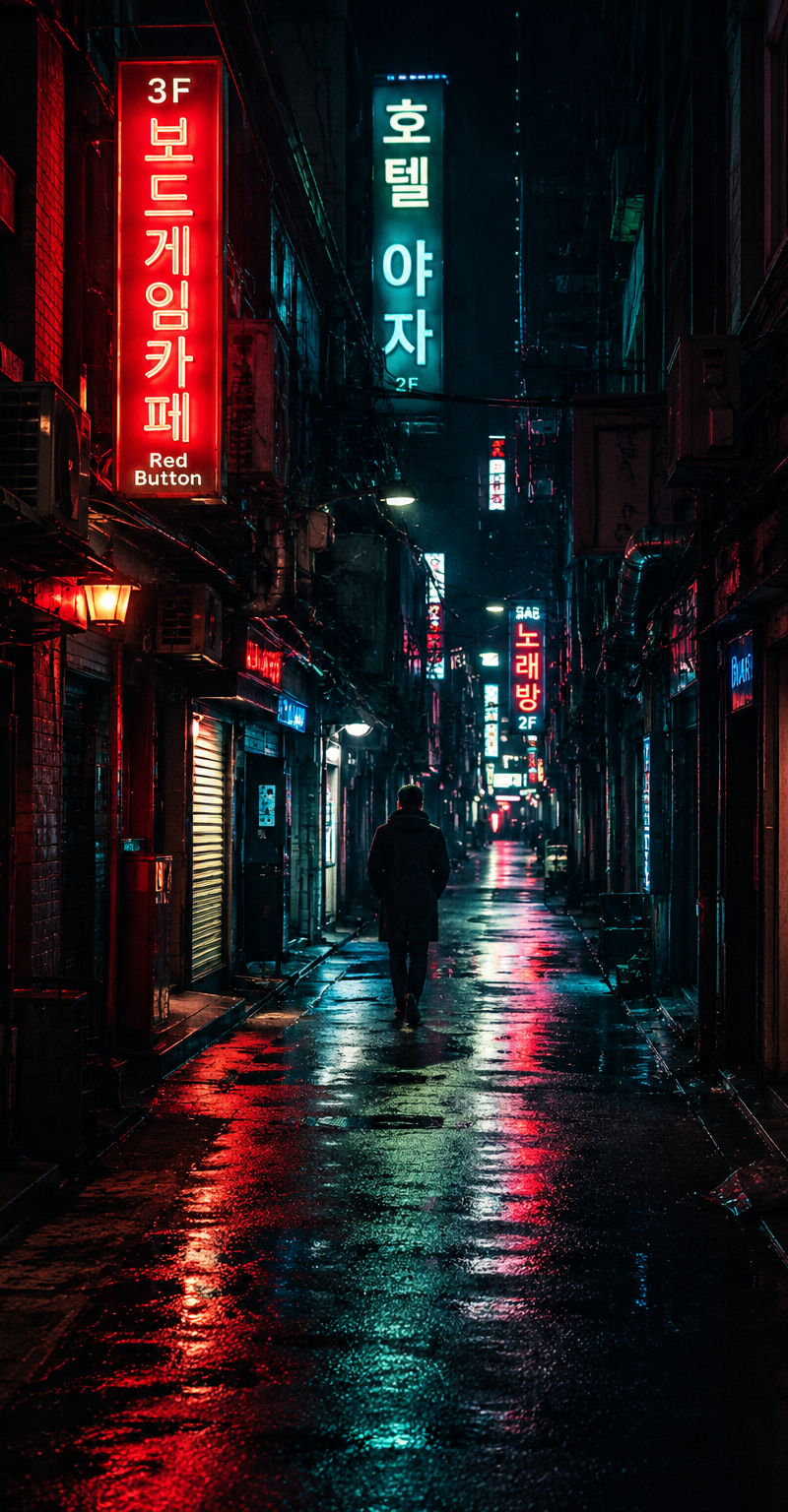
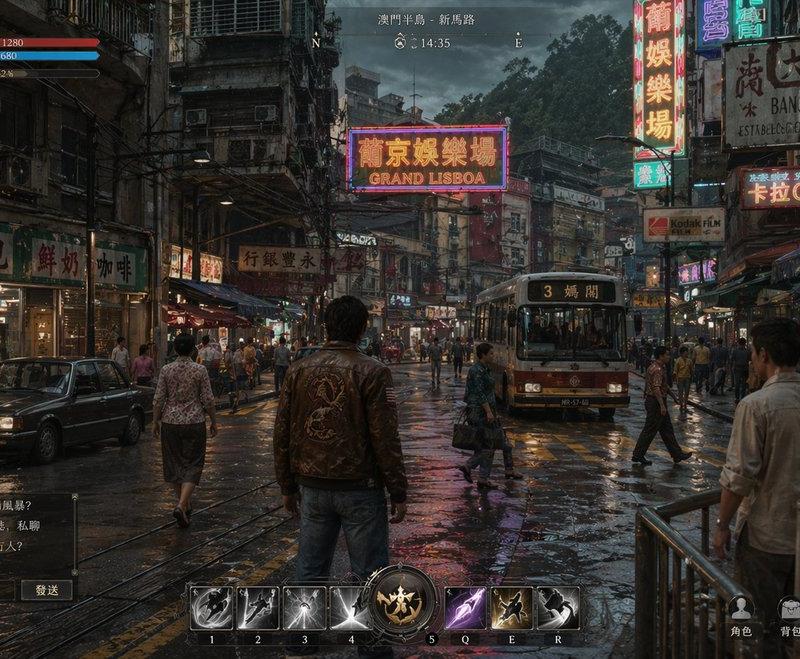
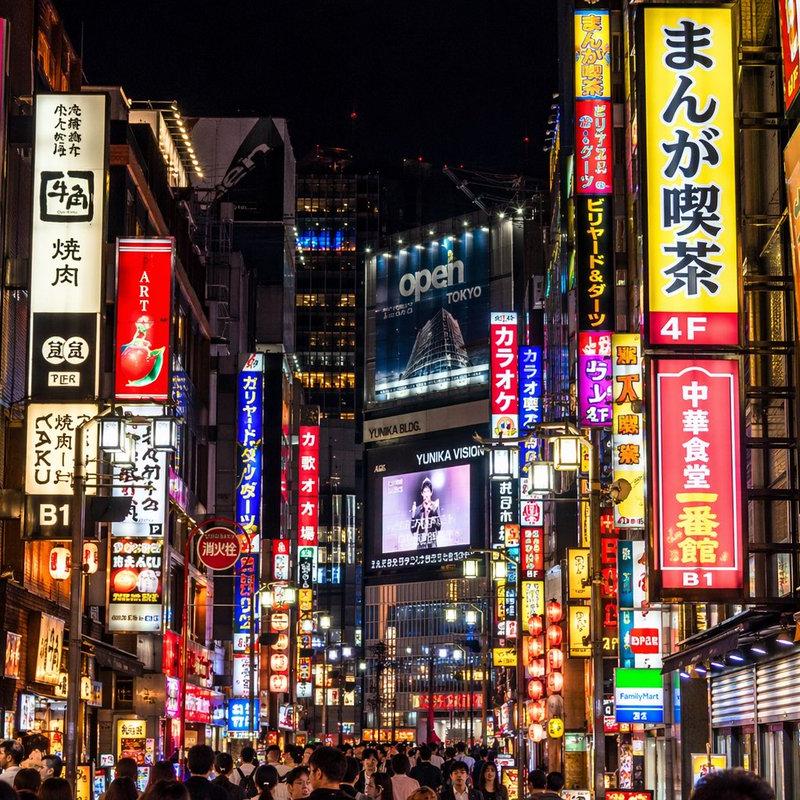
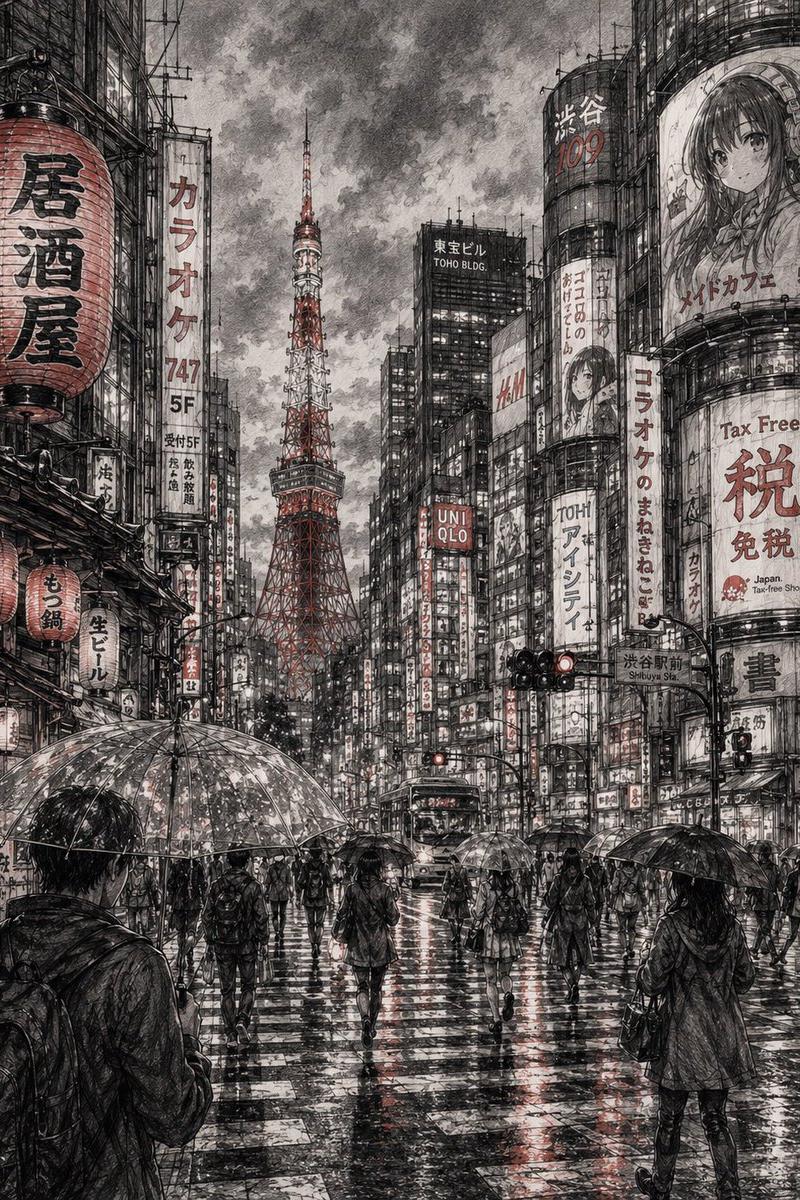
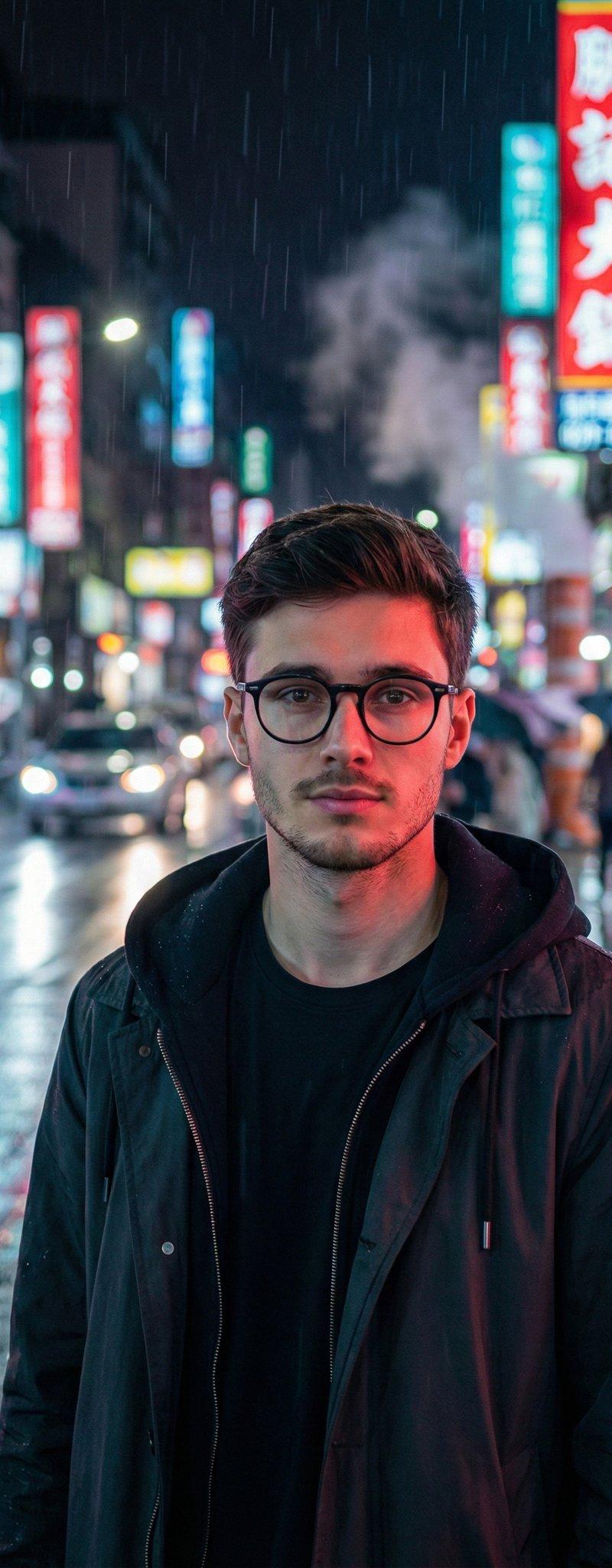
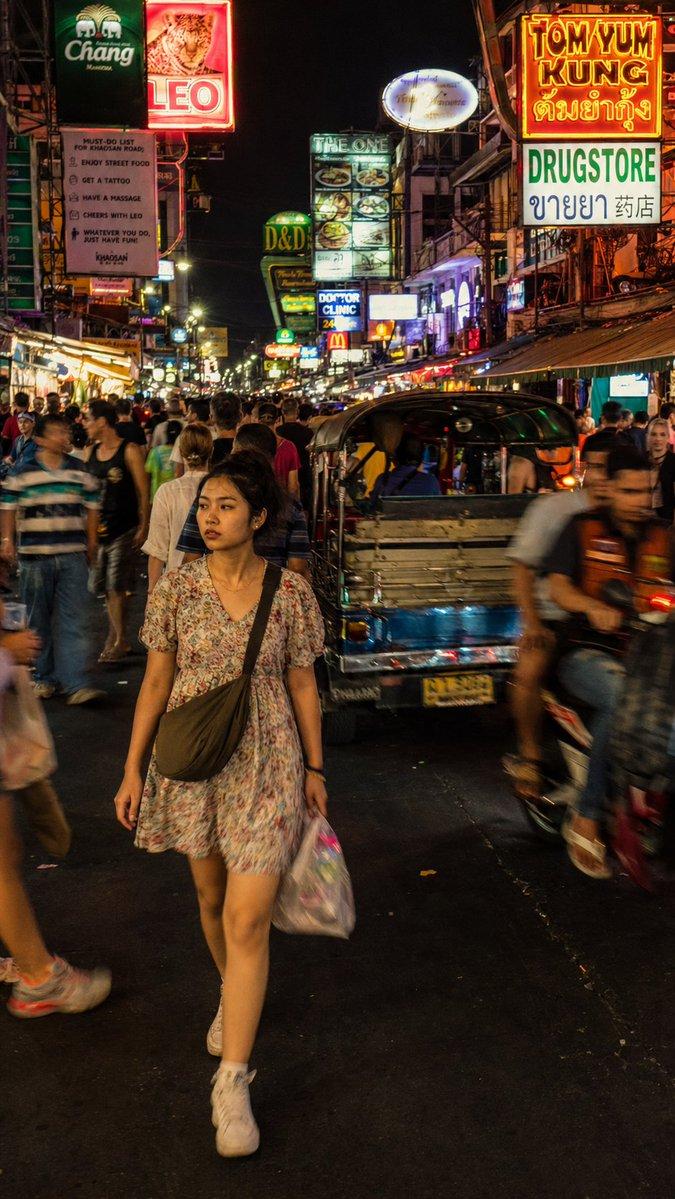
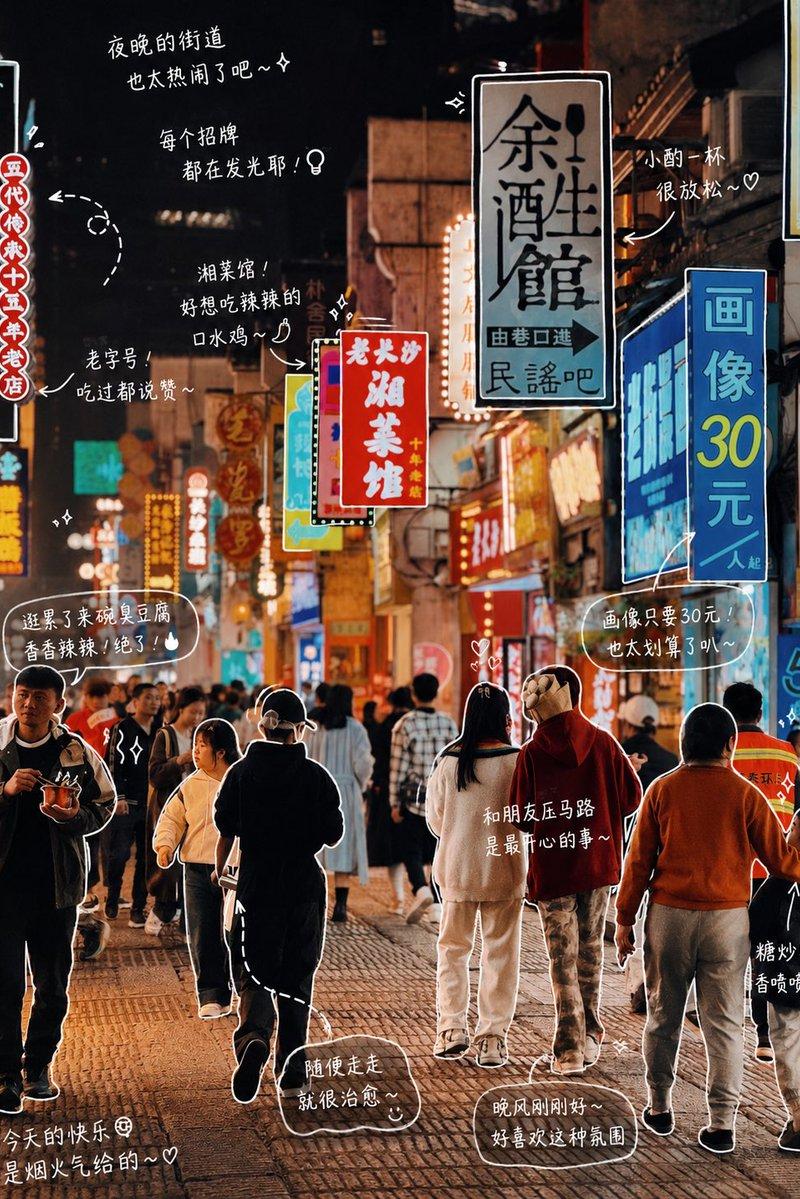
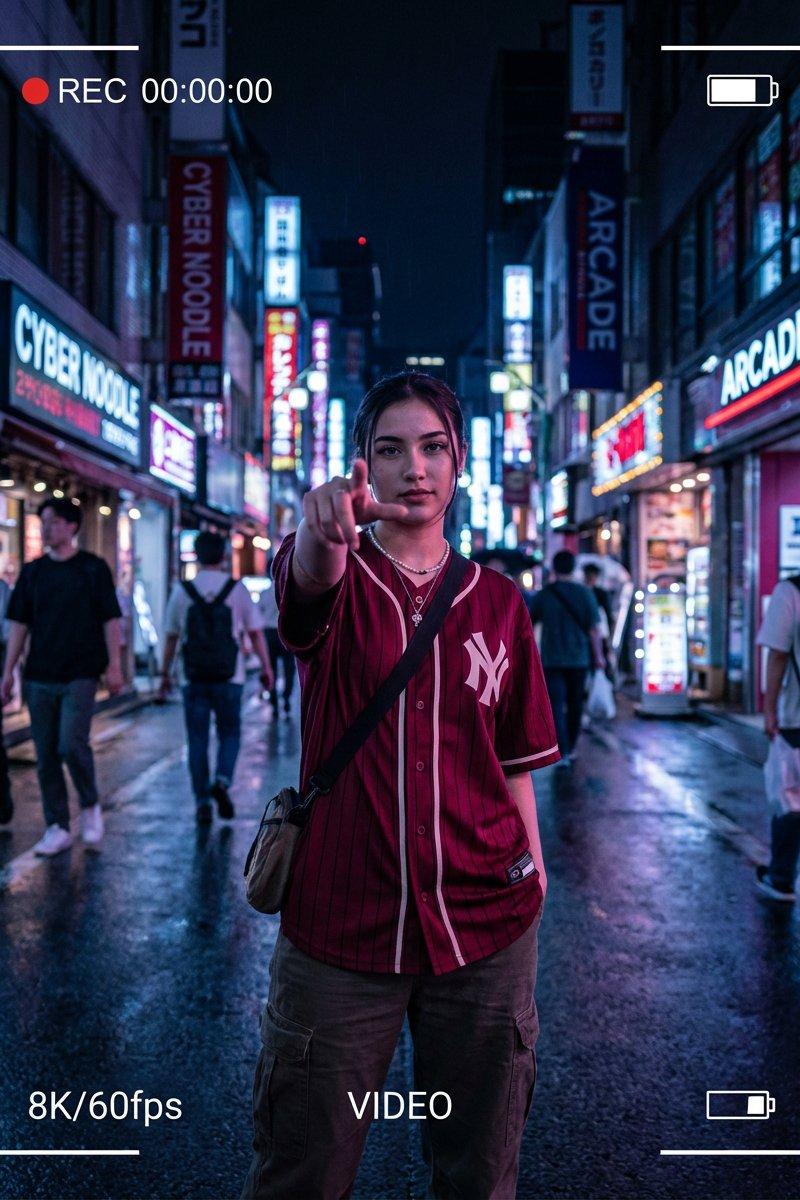
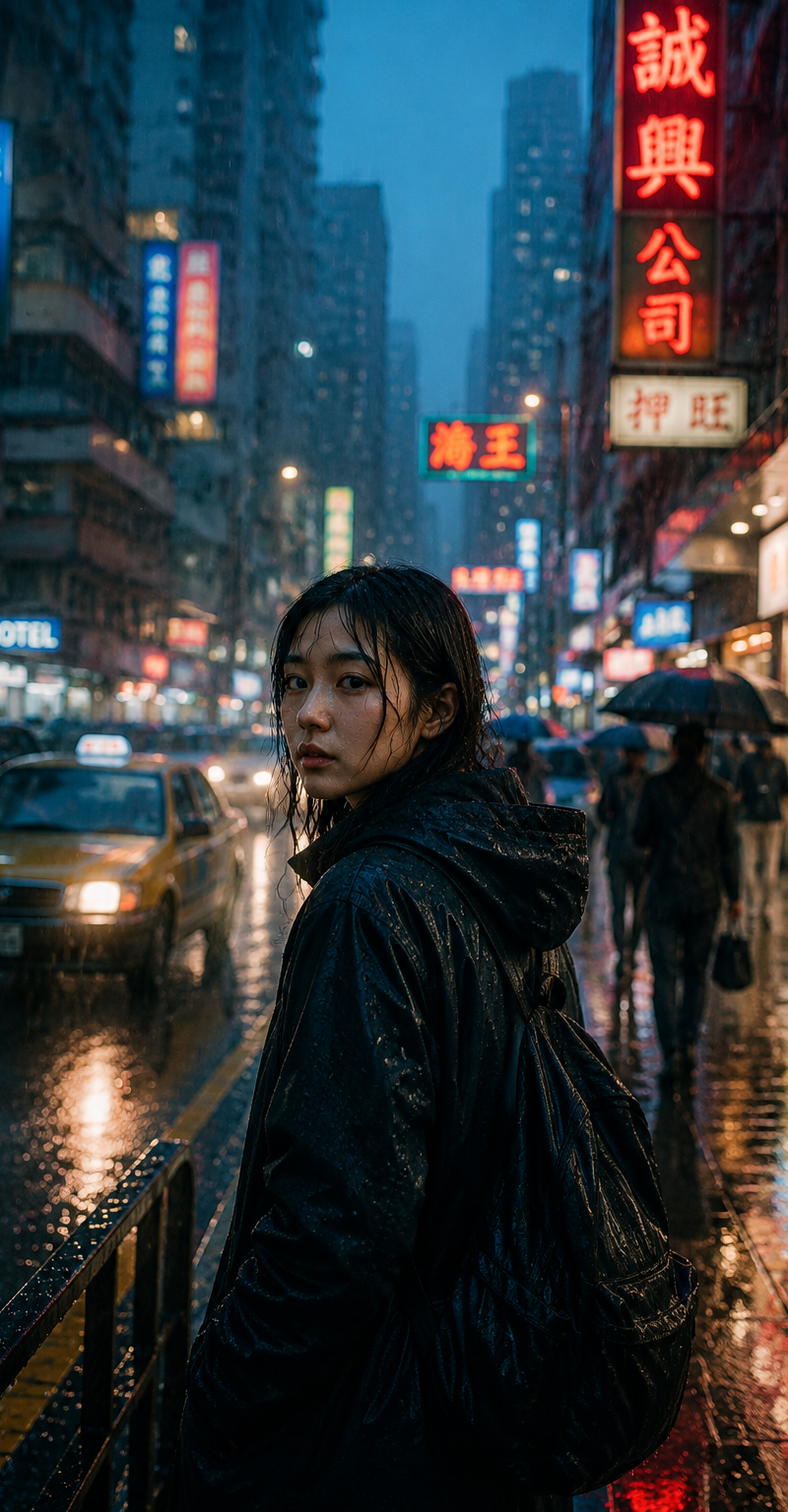
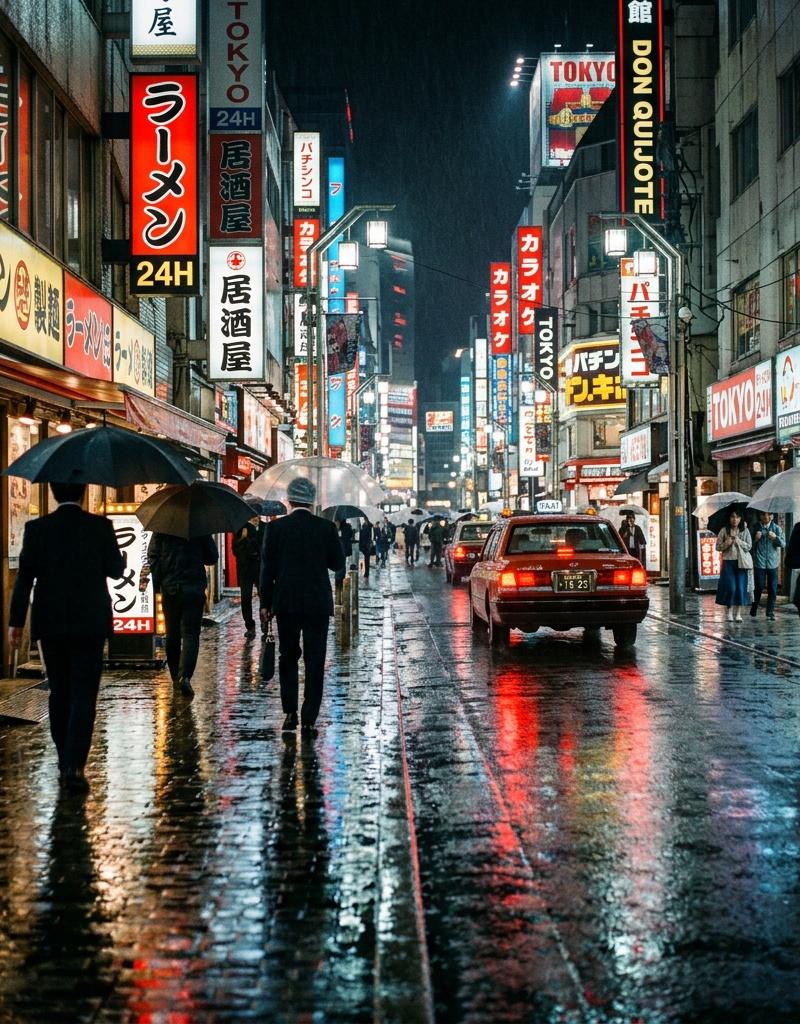
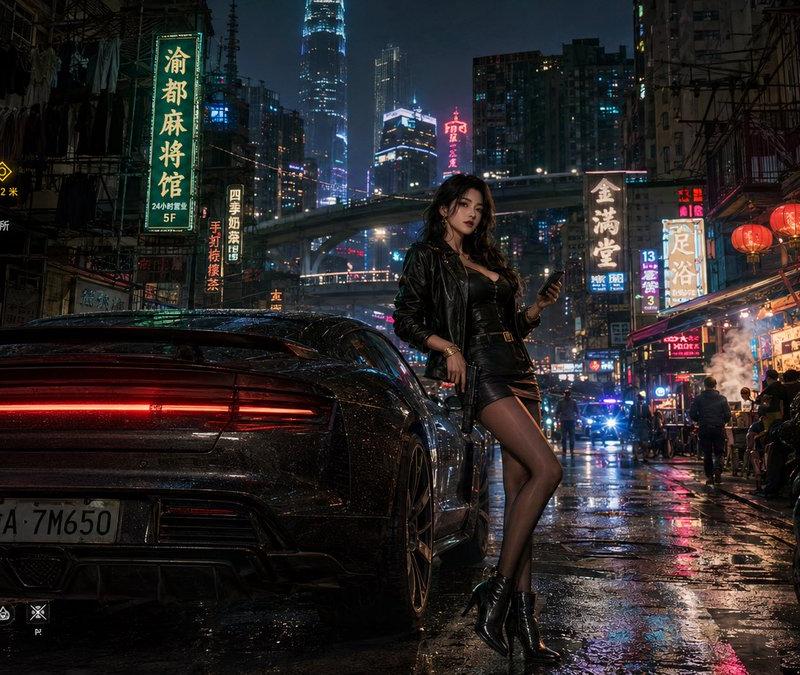
Create an ultra-dense cyberpunk rainy night street market in a futuristic Japanese megacity, viewed from eye level down a narrow alley packed with pedestrians in dark raincoats and transparent ponchos, black umbrellas, wet reflective pavement, steam from noodle stalls, dripping pipes, tangled overhead cables, stacked balconies, and skyscrapers fading into mist. Make the image extremely visually noisy and information-dense, with no empty areas: hundreds of tiny lights, signs, cables, screens, droplets, reflections, crowd silhouettes, market objects, and layered architecture. The color palette is neon magenta, cyan, deep blue, black, and warm yellow food-stall light. Include exactly 15 prominent readable or semi-readable neon/sign elements: 1 large vertical pink hotel sign on the right reading 「ホテル H」, 1 large pink kanji sign high on the left, 1 yellow noodle sign on the left reading 「栄養 ヌードル 24時間営業」, 1 smaller yellow menu board beside it, 1 pink square hotel sign mid-left reading 「ホテル ホテル」, 1 cyan holographic interface panel above the left food stall, 1 tall blue hologram billboard in the far center, 1 cyan rectangular hologram panel upper right, 1 small cyan text panel near it, 1 pink sign in the distant center reading 「オープン」, 1 vertical red sign mid-alley, 1 pink sign on the right reading 「女侍」, 1 small cyan sign on the right reading 「空き室」, 1 bright food-stall sign near the lower left, and 1 small blue data screen at the bottom left. Put exactly 9 distinct foreground and midground pedestrians visible from behind or side view, including one central figure in a black jacket, one person in a translucent poncho on the right-center, one dark hooded figure at far right, and several umbrella carriers. Add exactly 2 active food stalls, one on the left with steaming pots and stacked bowls and one on the right with trays of food. Use cinematic photorealistic digital art, high contrast, volumetric rain, glossy reflections, gritty worn materials, Blade Runner atmosphere, sharp foreground detail, deep perspective, and extreme clutter. Add heavy sensor noise, film grain, chromatic aberration, compression artifacts, halation, bloom, scattered speckles, and glitchy holographic overlays while keeping the scene recognizable. No clean minimal areas, no daylight, no cartoon style, no watermark. The city should feel like {argument name="city mood" default="overwhelming rainy neon chaos"}; main language on signs should be {argument name="sign language" default="Japanese"}; dominant neon colors should be {argument name="neon palette" default="magenta and cyan"}; weather should be {argument name="weather" default="heavy rain with steam"}; noise intensity should be {argument name="noise intensity" default="maximum"}.- Category
- Charts & Infographics
- Model
- GPT Image 2
- Creator
- lost in latency
- Source language
- en
- Source ID
- 24349
- Published
- Jun 5, 2026
Views42