18

Life-Size Figure Transformation
Enlarge

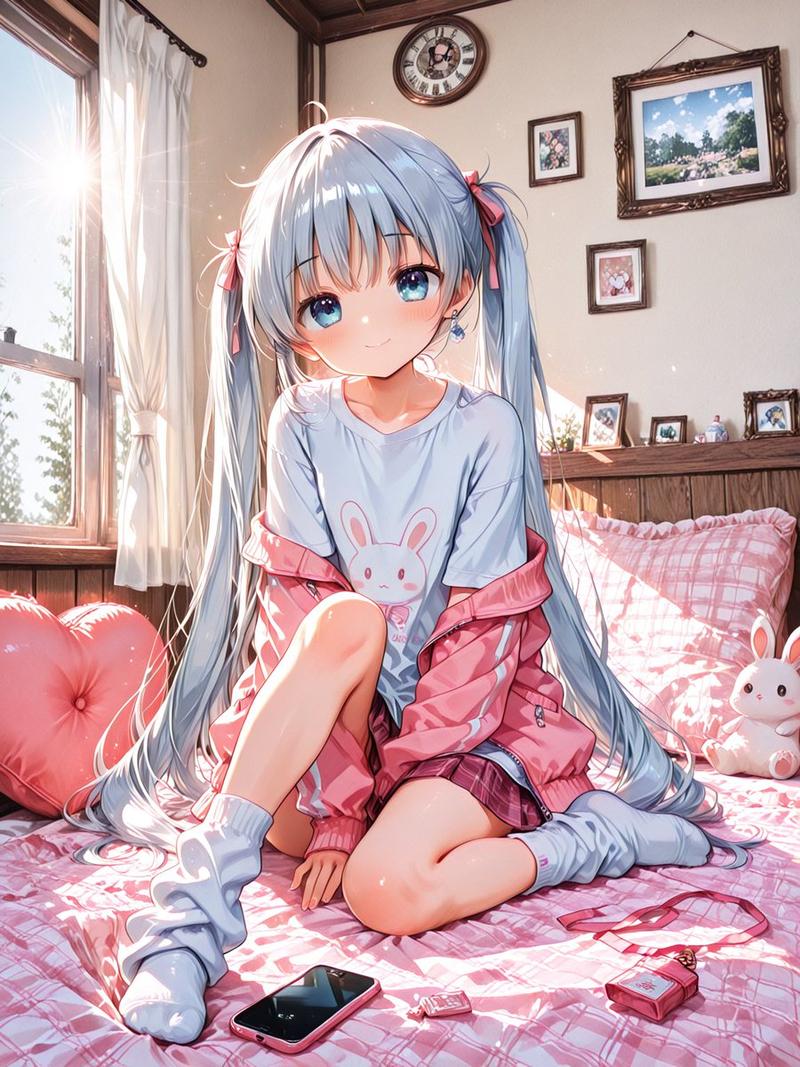
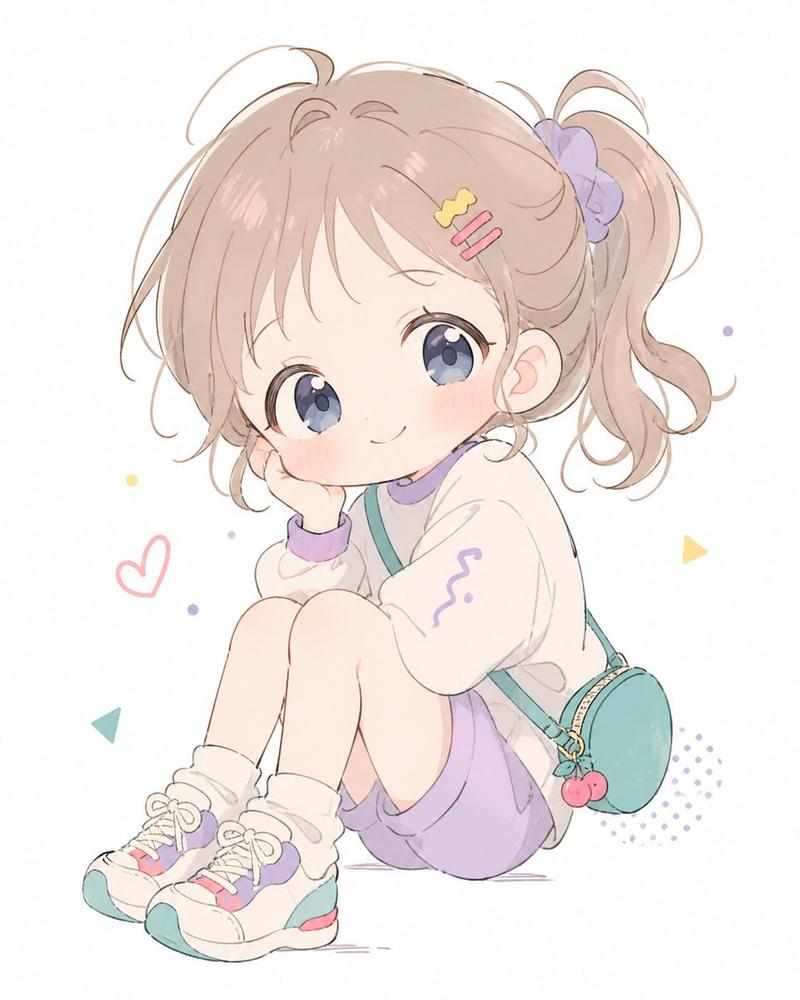
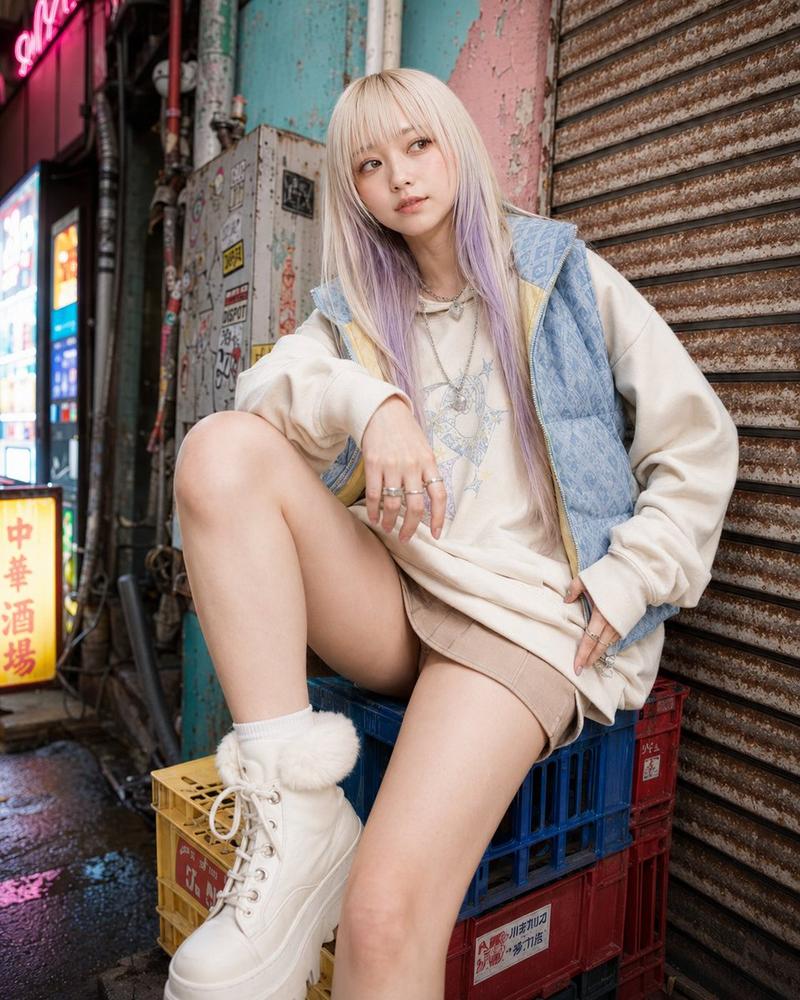
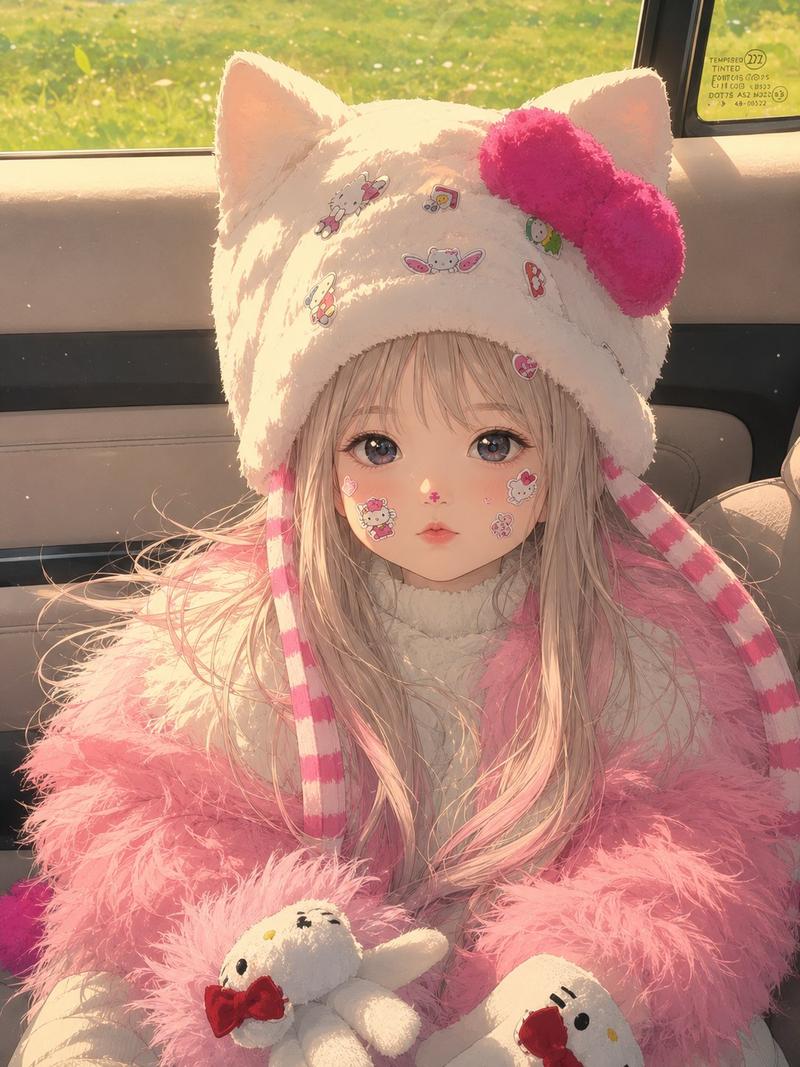
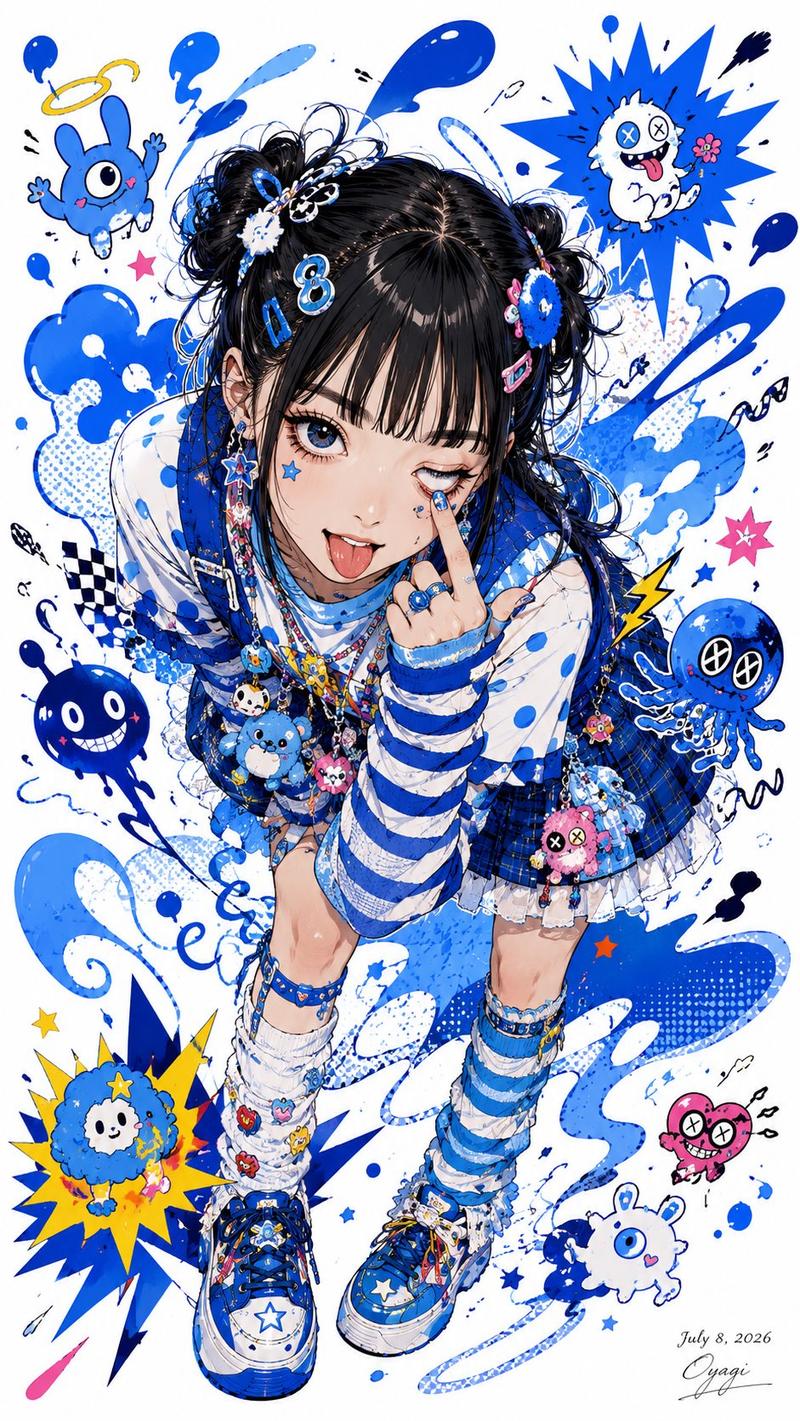
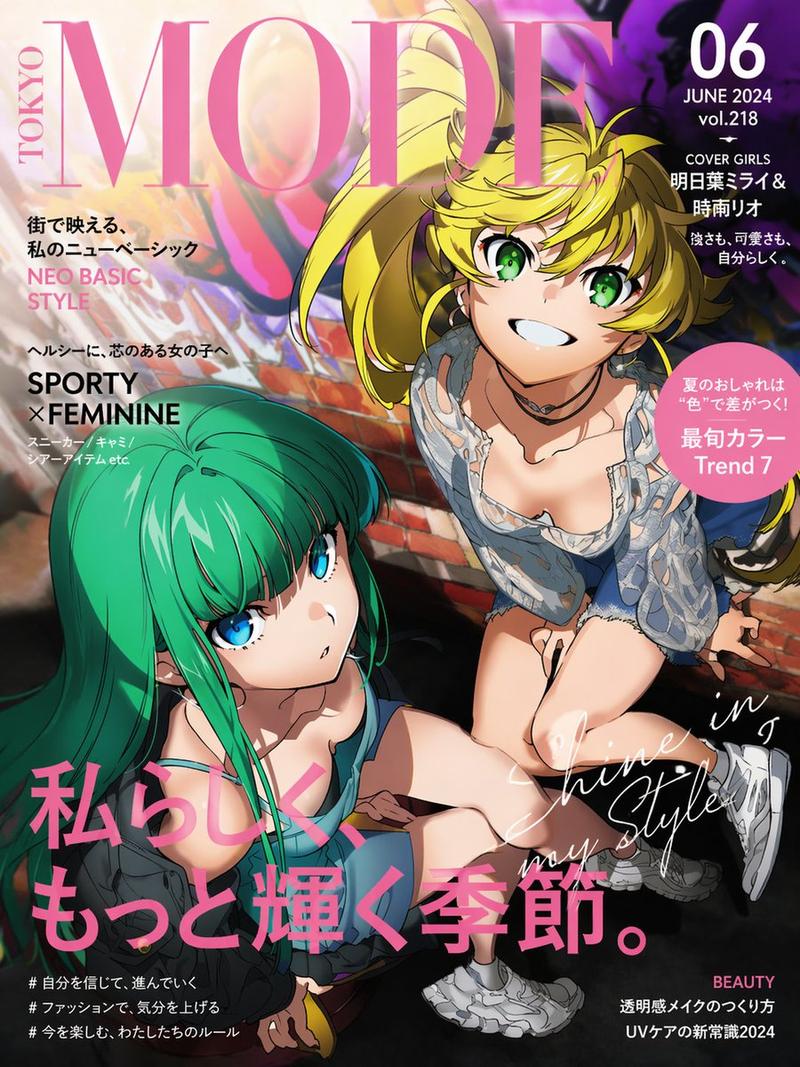
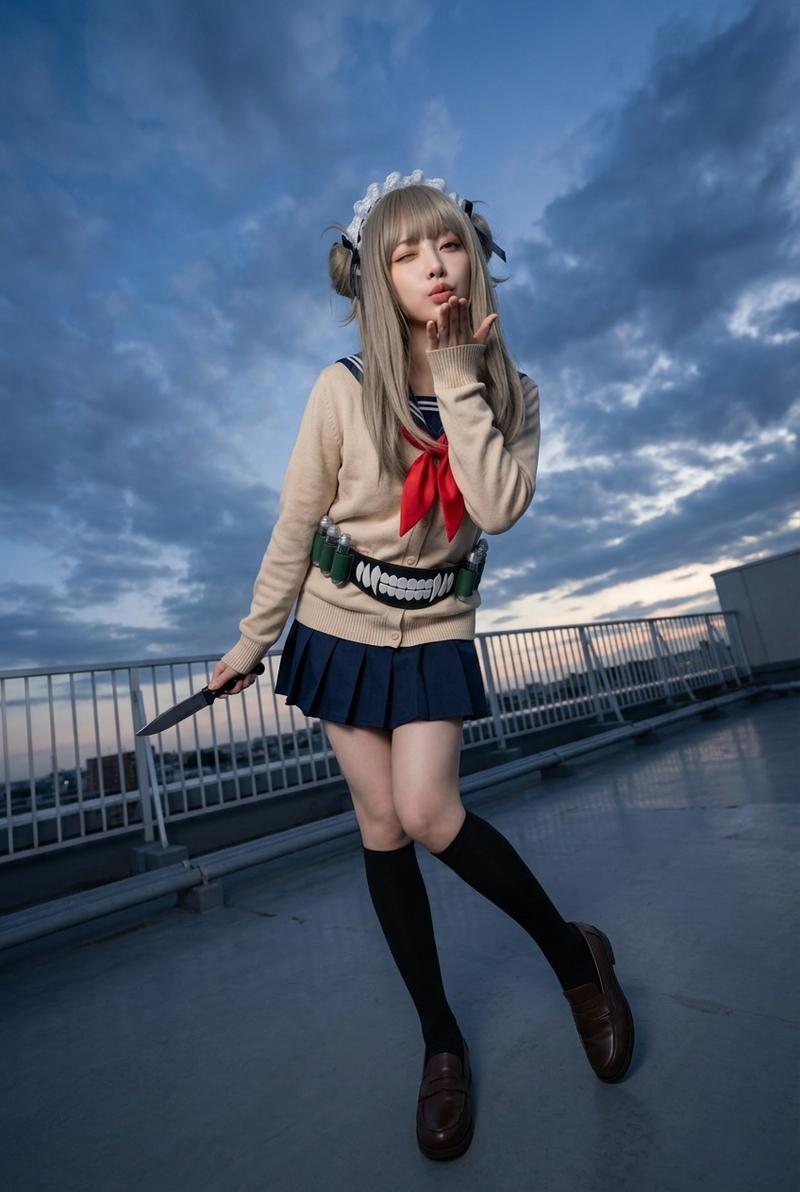
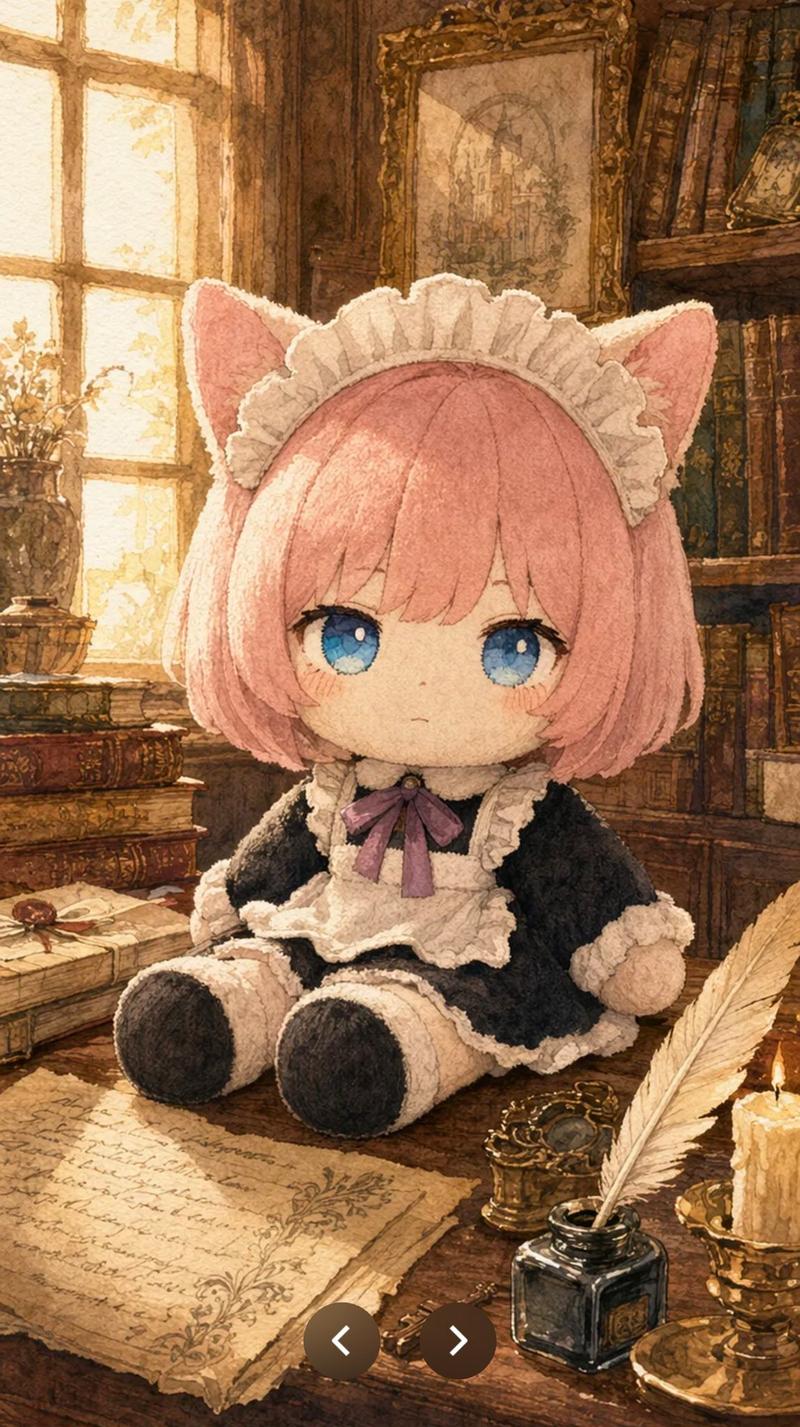
Example images

Life-Size Figure Transformation

Prompt
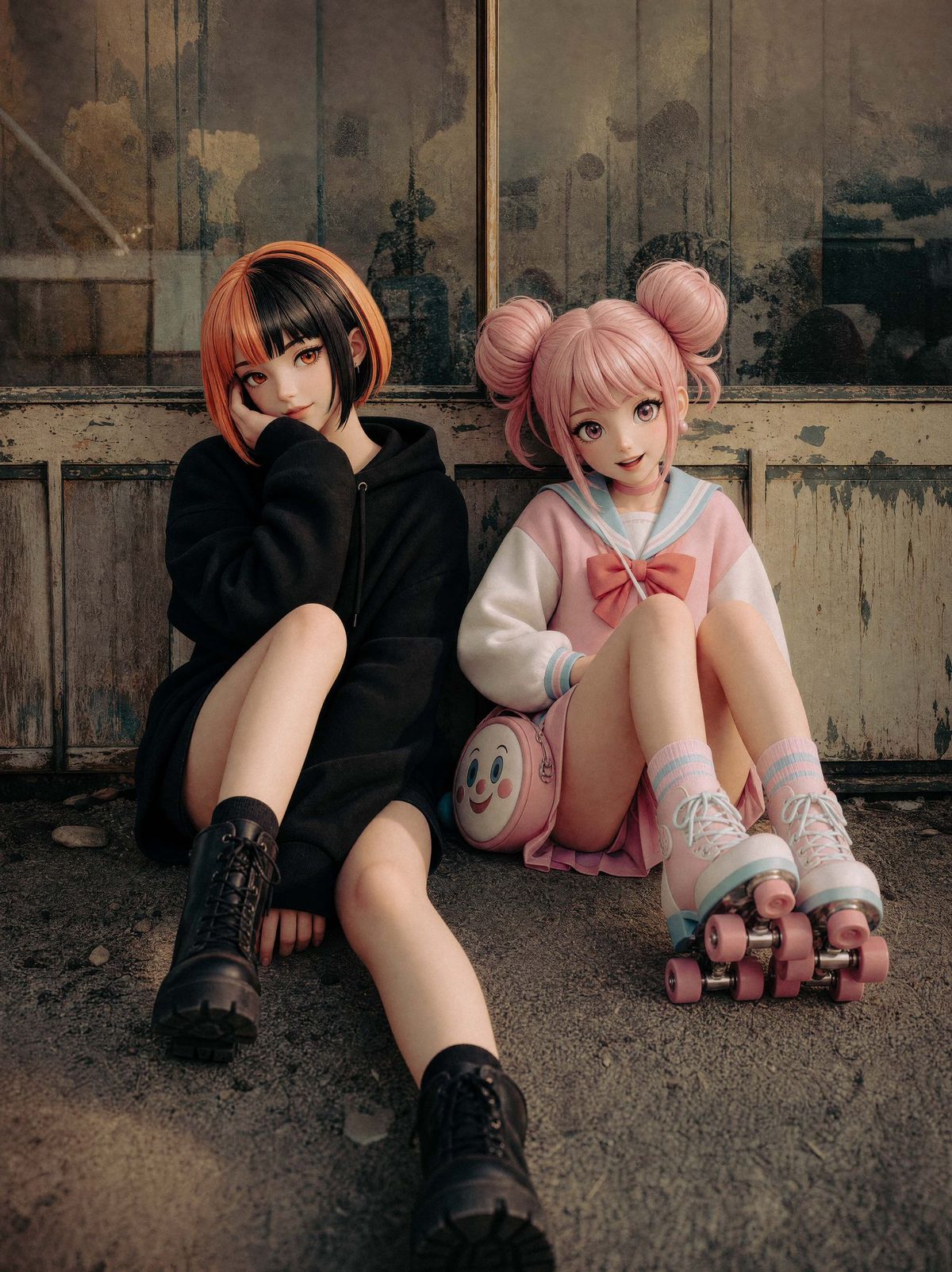
Using the provided reference image, extend the canvas slightly and transform the two seated characters into polished life-size collectible figures or realistic dolls while preserving their original sitting poses, outfits, hairstyles, accessories, and the worn industrial doorway setting. Clean up and sharpen the composition, make the figures look smoother and more sculptural with flawless doll-like skin, neater clothing, more refined hair, and subtly artificial figure proportions, but keep the same two-character arrangement: left character in black hoodie and boots, right character in pink sailor outfit with roller skates and round pink face bag. Apply warm cinematic color grading with richer contrast, softer highlights, deeper shadows, and a high-quality editorial toy-photography finish. Keep the faces anonymized with simple blurred square masks as in the reference. Do not add extra characters, text, logos, or props.
Category
Charts & Infographics
Model
GPT Image 2
Views338
Source ID
24520
Published
Jun 6, 2026

Guide

About "Life-Size Figure Transformation"

What is this prompt for?

"Life-Size Figure Transformation" AI image prompt for GPT Image 2 (Charts & Infographics). Transforms a reference cosplay photo into a color-graded scene where…

The full copyable prompt and example visuals above are ready for AI image generation or one-click recreate in Picva.

How to use this prompt

  1. Step 1

    Open the prompt detail

    Review the example visuals, category, and full prompt text for "Life-Size Figure Transformation".

  2. Step 2

    Copy the prompt

    Copy the prompt body from this page, or load it directly in Studio.

  3. Step 3

    Pick a model (GPT Image 2)

    Prefer GPT Image 2. If you switch models, keep subject and composition and tweak style terms.

  4. Step 4

    Generate and export

    Recreate the look in Picva, or export into your workflow for editing and publishing.

FAQ

What is the "Life-Size Figure Transformation" prompt?
It is an AI image-generation prompt for GPT Image 2 in the Charts & Infographics category. This page includes the full prompt text, example visuals, and a one-click recreate path in Picva.
How do I use this prompt to generate an image?
Copy the prompt from this page, or use Generate / Studio. Paste it into a compatible image model, or recreate the look in Picva with optional reference images.
Which model is this prompt for?
This page lists GPT Image 2. Most descriptive prompts also transfer to nearby image models such as GPT Image, Flux, or Midjourney with light style tweaks.
Can I use the result commercially?
You can usually copy the prompt for creation, but commercial use of the final image depends on the model terms, reference-image rights, and the generated content. Follow the source author and platform rules.